

By Team Cocoriko on Feb 4, 2026 3:56:50 PM
Images are static and always display at the same size on the Cocoriko platform. When you add an image, the selection area will be visible and you can choose which portion will be displayed. Click here to see how to do it.
If you want to resize your images before adding them to Cocoriko, this article provides the formats for different images.
Images can be in any format: png, jpg, jpeg, tiff. They cannot be in pdf format.
General
These images are usually available in the Settings section, the General Information section, or the project section.
Banners
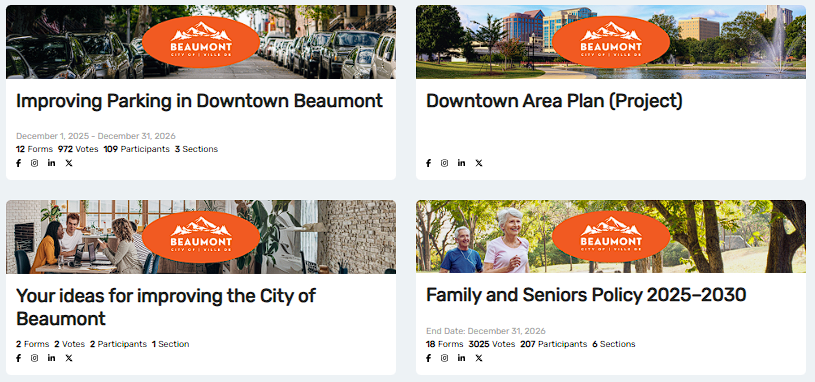
The banners on the home page, project page, consultation page, and sections are all the same size: 1920×360
Images on social media
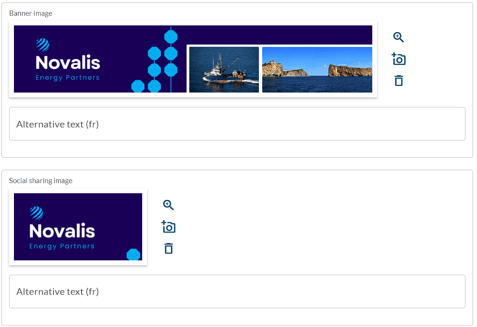
By default, the banner image will be used on social media. If it contains text, it may be cut off as the image is resized for display on social media. You have the option to add a specific image, in which case the format is 1200x630.
Horizontal Logo

The horizontal logo is displayed in the footer and the size is 1000x200.
Consultations
Images on the forms (questions)
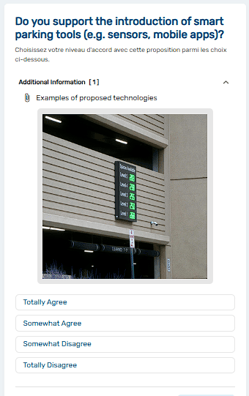
All file formats can accommodate an image that provides additional information to the participant. These images make 360×360.
Images on multiple choices
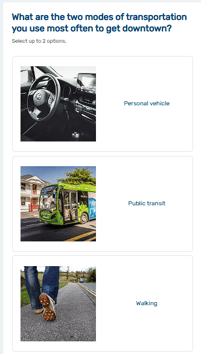
Multiple choices answer choices may contain images. Images on multiples choices may contain: 64x64.
Project pages
Hero Banner
The Hero banner is displayed on the Modern theme only.
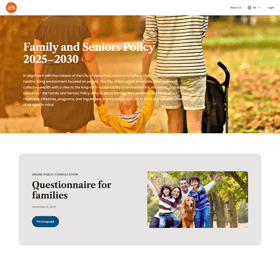
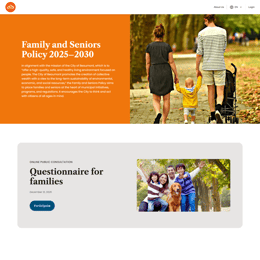
You can choose to display the image full-screen or side-by-side with a coloured block. The image dimensions are: 1960x1080
Image on the left or right (with text)
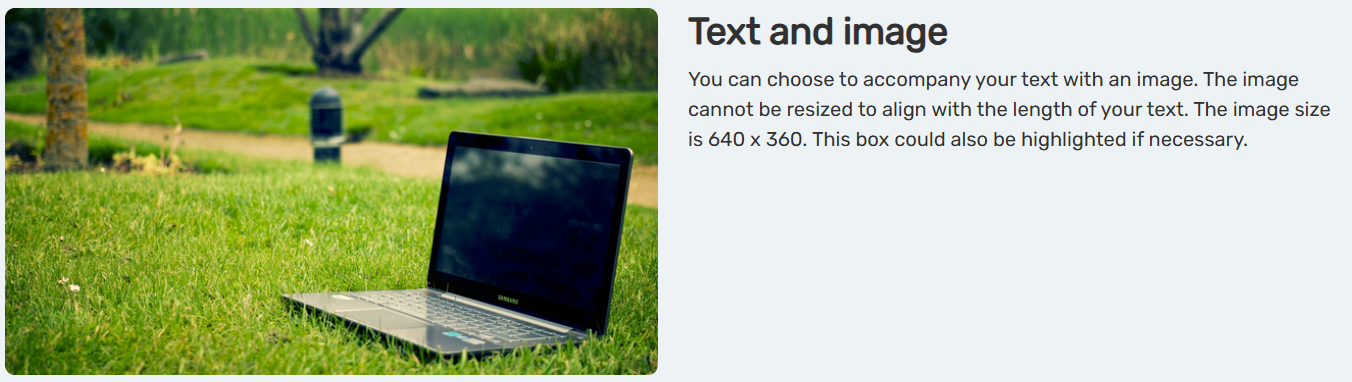
The image dimensions are: 600x600
Image in the centre (with optional text below)
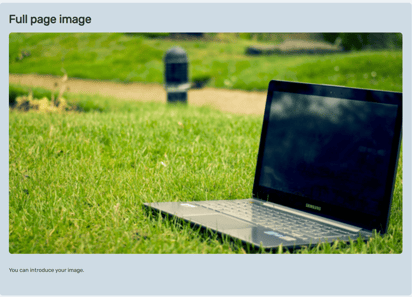
The image dimensions are: 1280x720
Events module
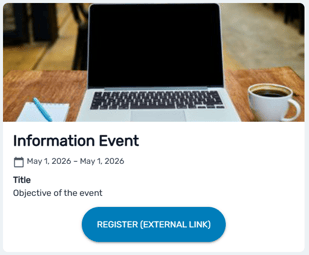
The image dimensions are: 395x263
Who's listening module
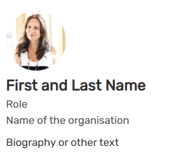
The image dimensions are: 200x200
Alternative Text
In most places where you add images, there is a space for alternative text. This text should describe the image for people with visual impairments who use screen readers. It is important to document your images to maintain the highest level of accessibility.
.png)
Manage the Hero banner
In the modern theme, the project banner appears differently …
Copy (duplicate) a project
Follow these steps to copy a project and save yourself a lot …
Set up the project by invitation or private
An invitation-only project is accessible only to a group of …