

By Team Cocoriko on Feb 4, 2026 3:51:11 PM
This guide walks you through adding a new administrator and removing an existing one in the Cocoriko settings, ensuring effective account management.
Navigate to admin.v3.cocoriko.org and connect to your account as an administrator
Click on "Settings"
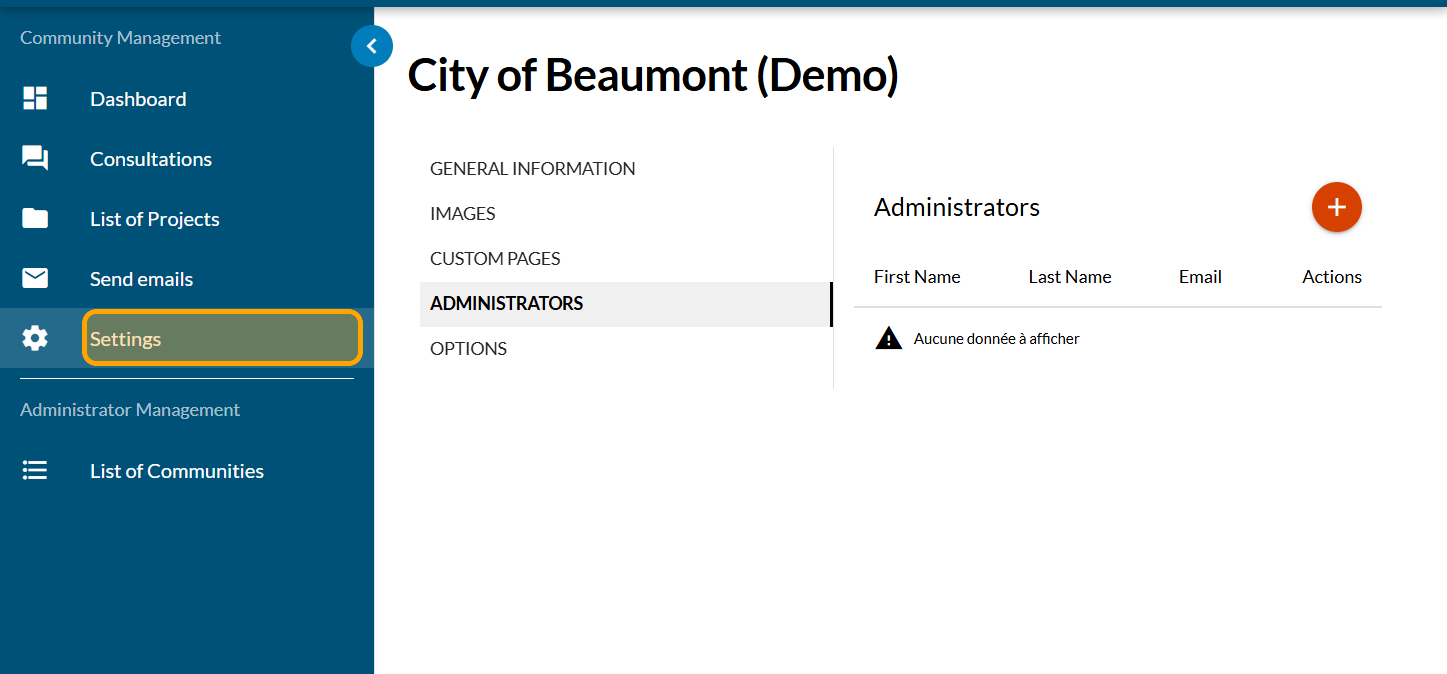
Click on "ADMINISTRATORS"
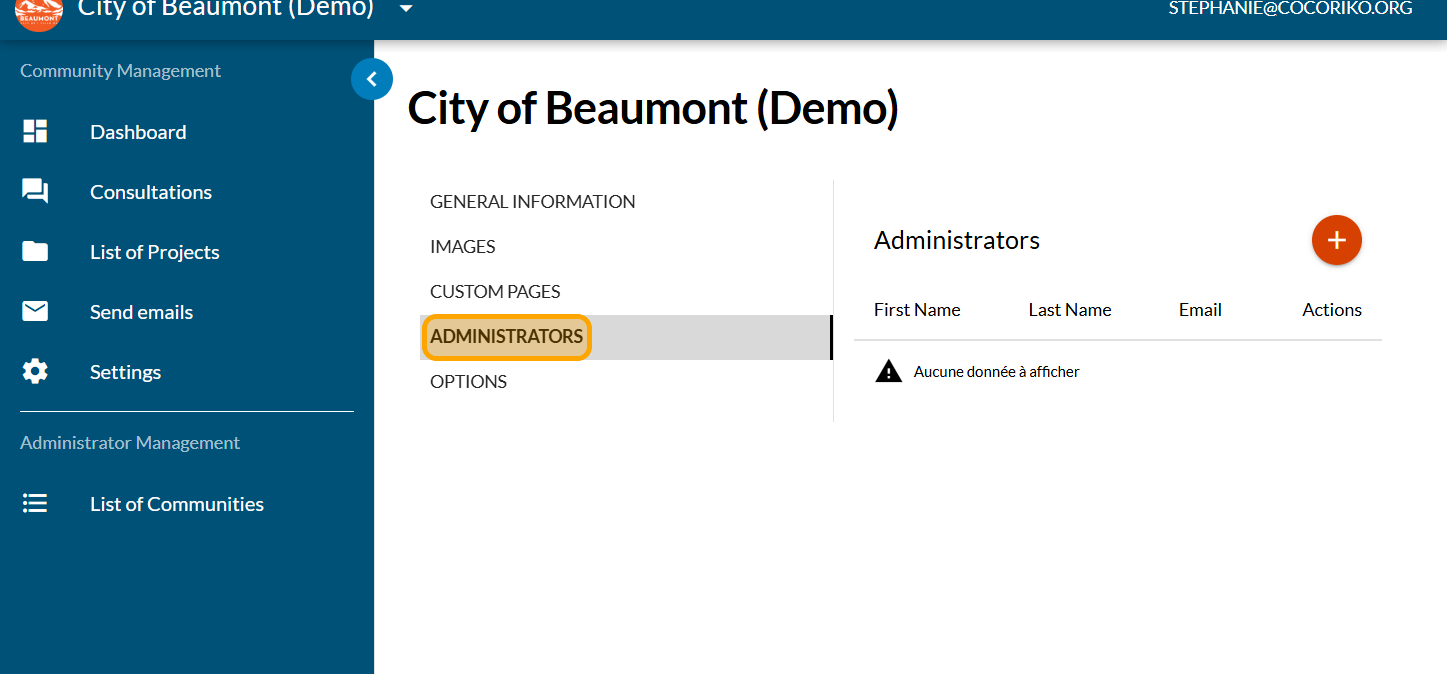
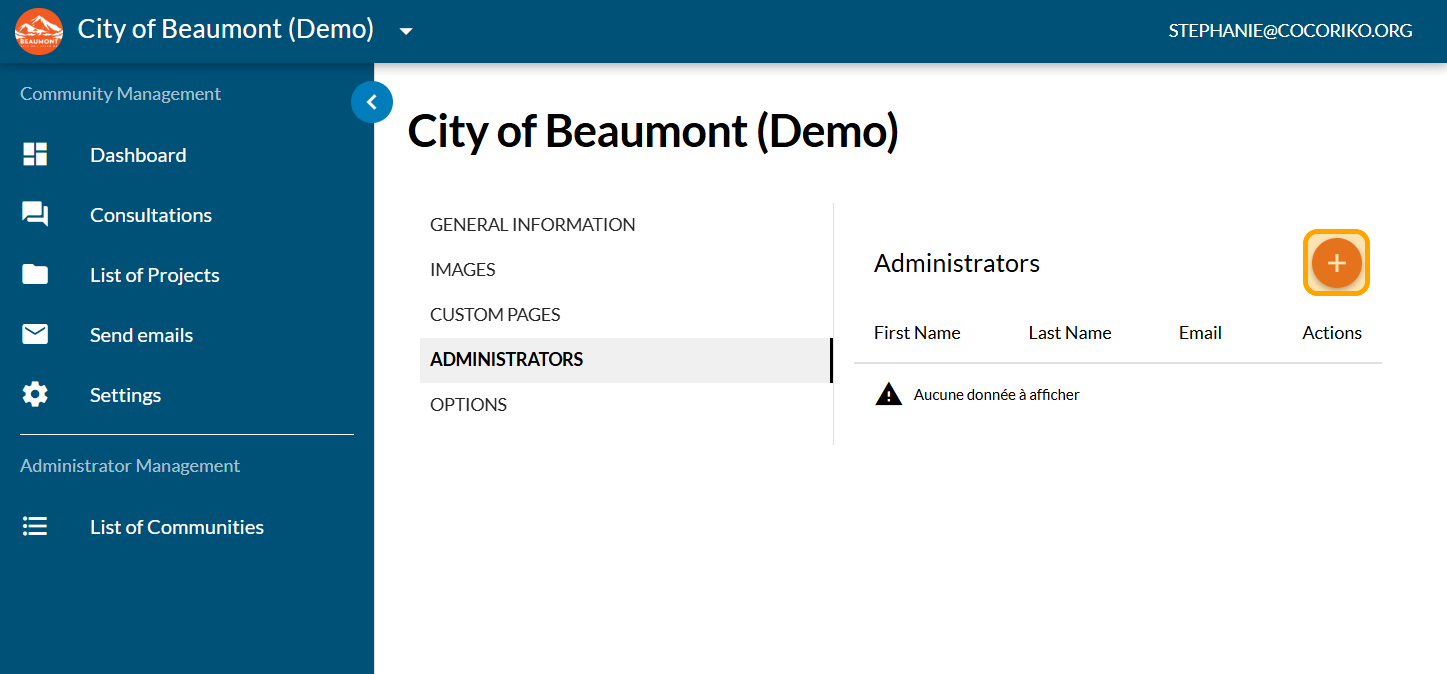
Click on PLUS to add a new administrator
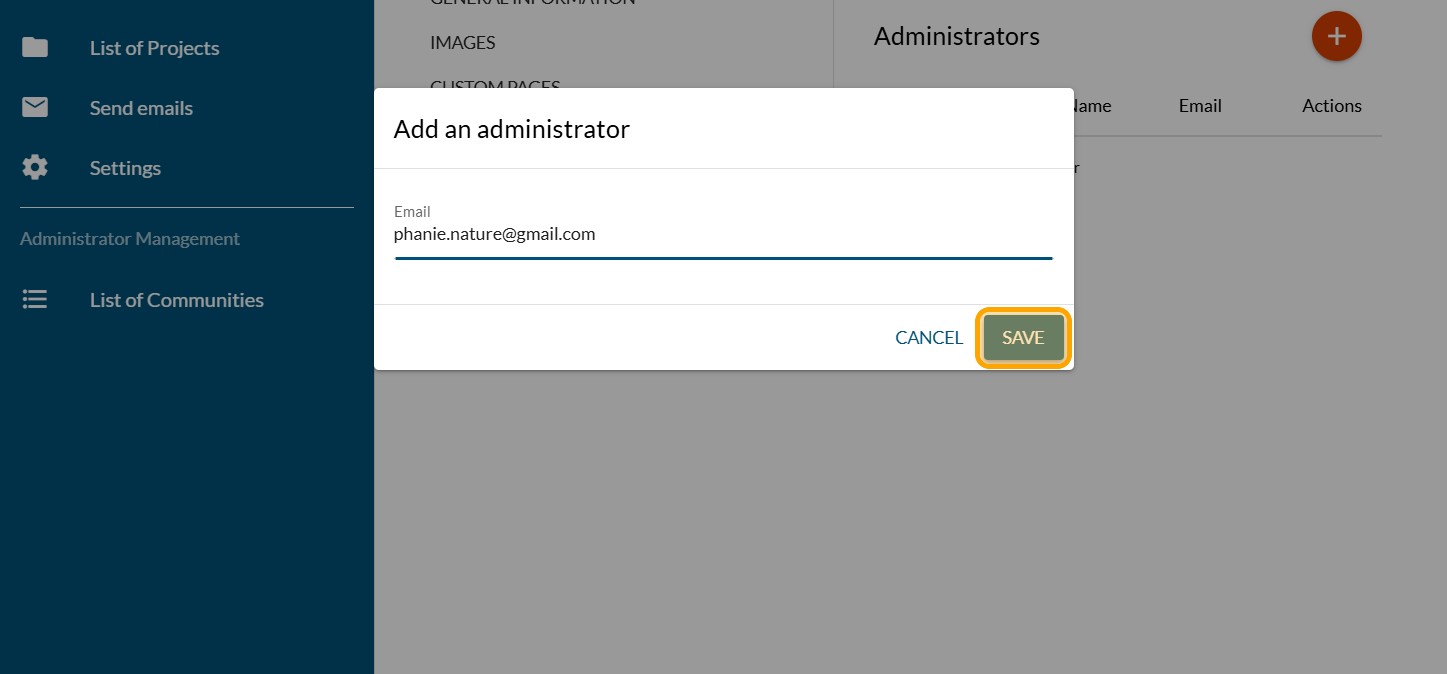
Enter a valid email and click on "SAVE"
To remove an administrator, click on the three dots, under Actions
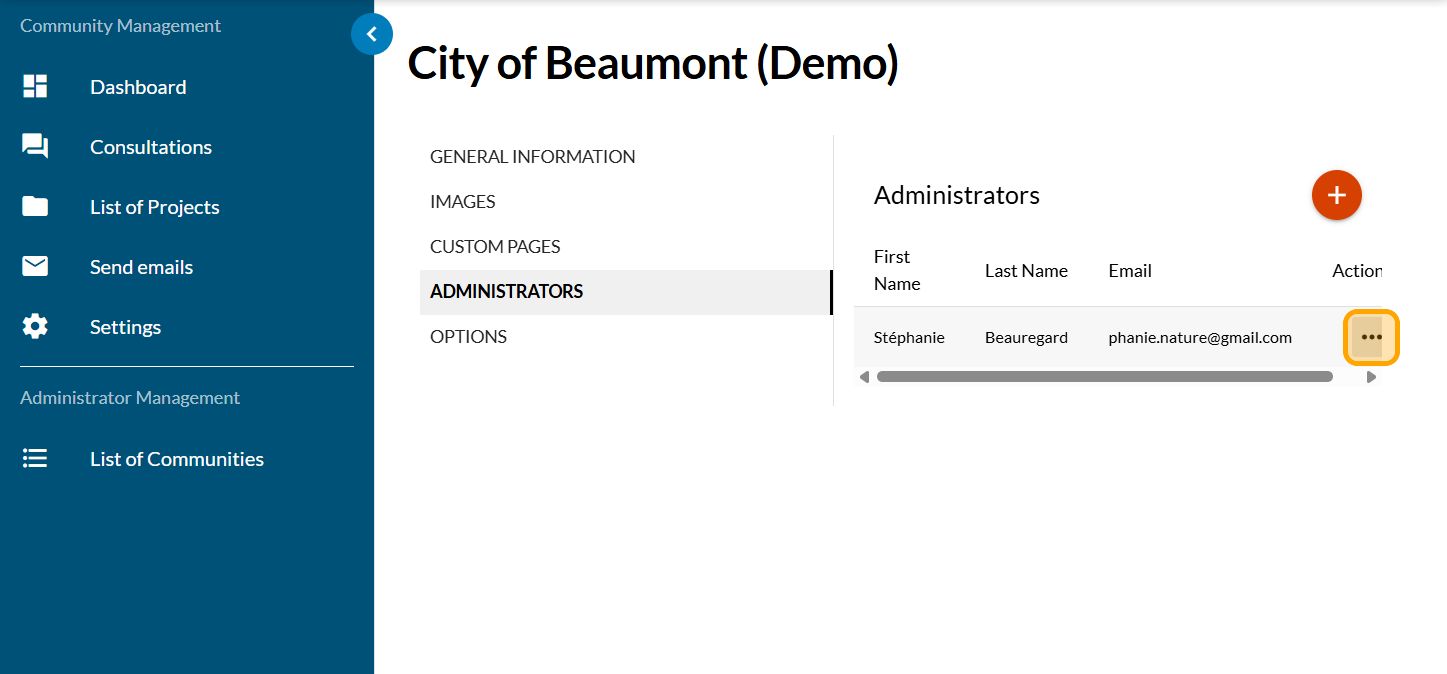
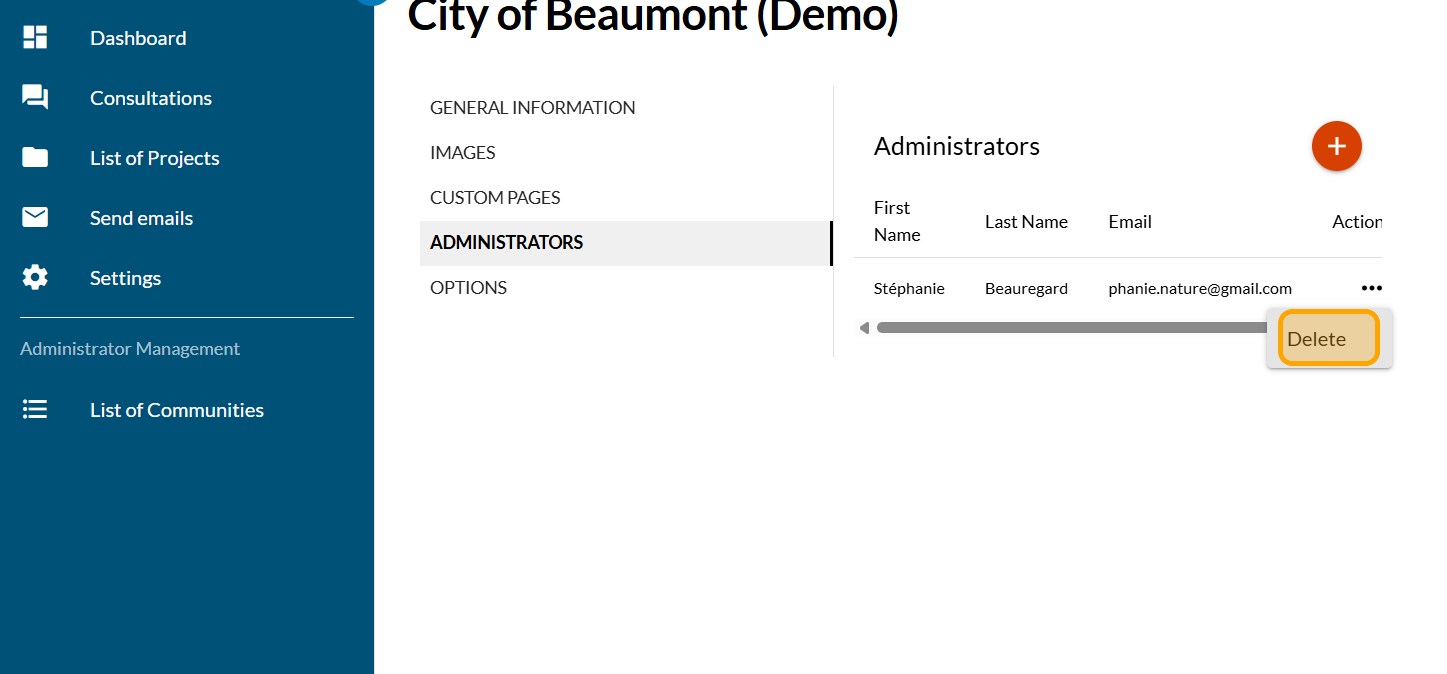
Click on "Delete"
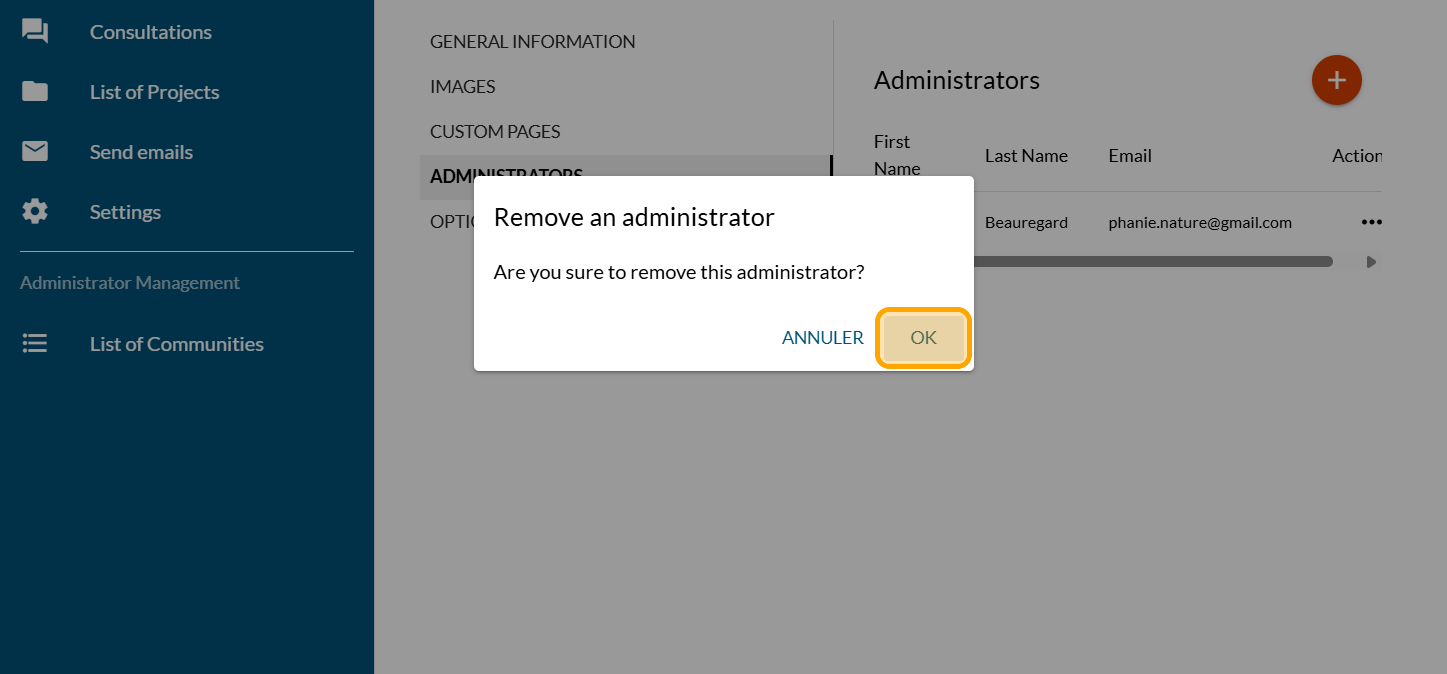
Click on "OK"
Share this
Manage your platform administrators
Manage your platform administrators
An administrator on a Cocoriko platform can add or remove ot …
Apr 15, 2026 11:19:25 AM
2
min read
Administrator and editor roles
Administrator and editor roles
The administrator has access to the entire Cocoriko platform …
Feb 4, 2026 3:50:58 PM
1
min read
Add and remove editors

Add and remove editors
Follow these steps to add and remove editors. To do this, yo …
Feb 4, 2026 3:50:32 PM
2
min read