

By Team Cocoriko on Feb 4, 2026 5:25:33 PM
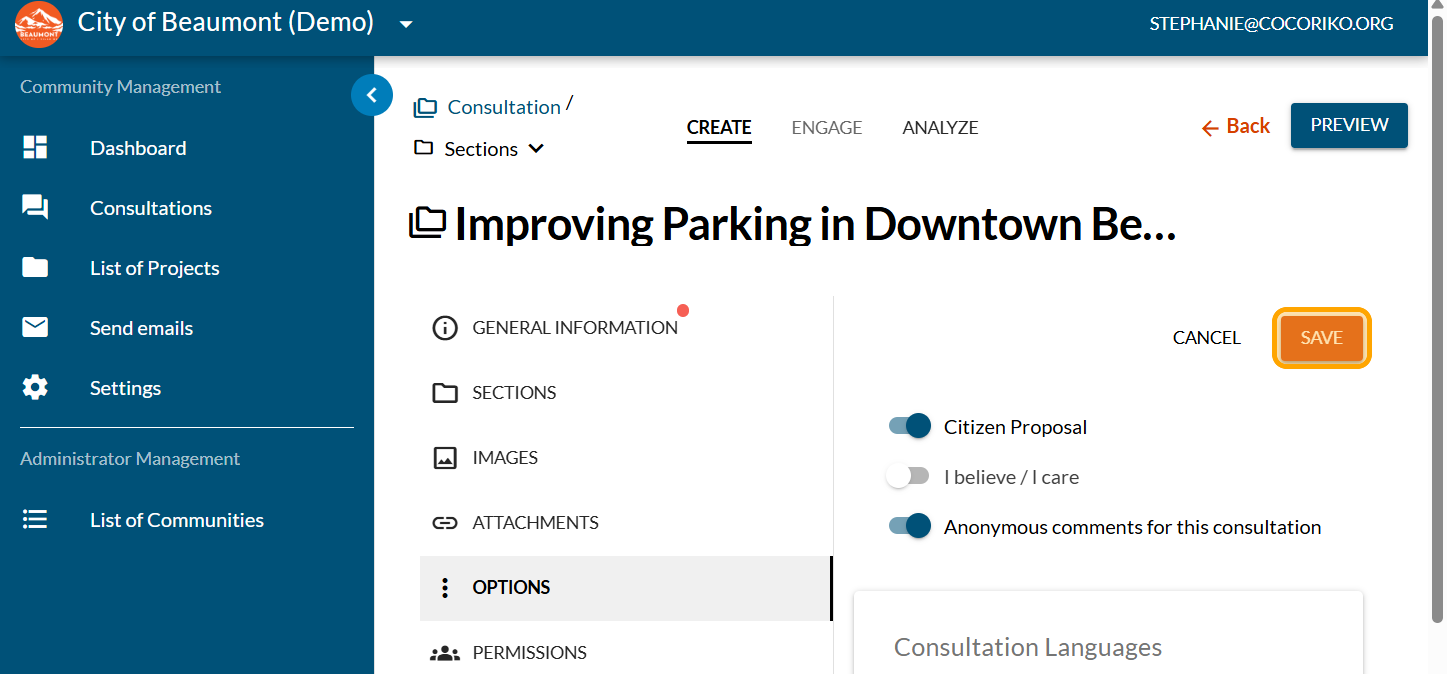
By default, the first and last names of individuals who submit comments are displayed alongside their comments. The first and last names are displayed as entered when the individual submitted their demographic information. The administrator may choose to make comments anonymous for one or more consultations to protect the anonymity of the participants.
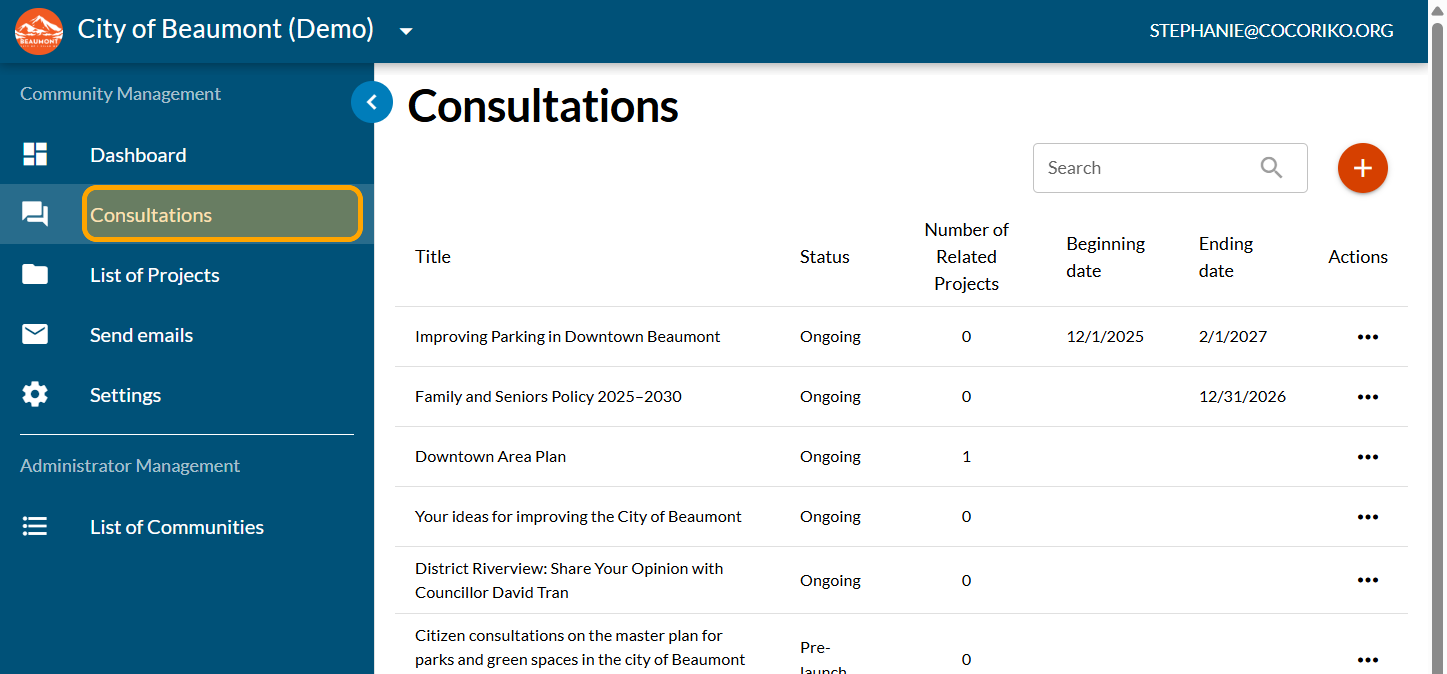
Click on "Consultations"
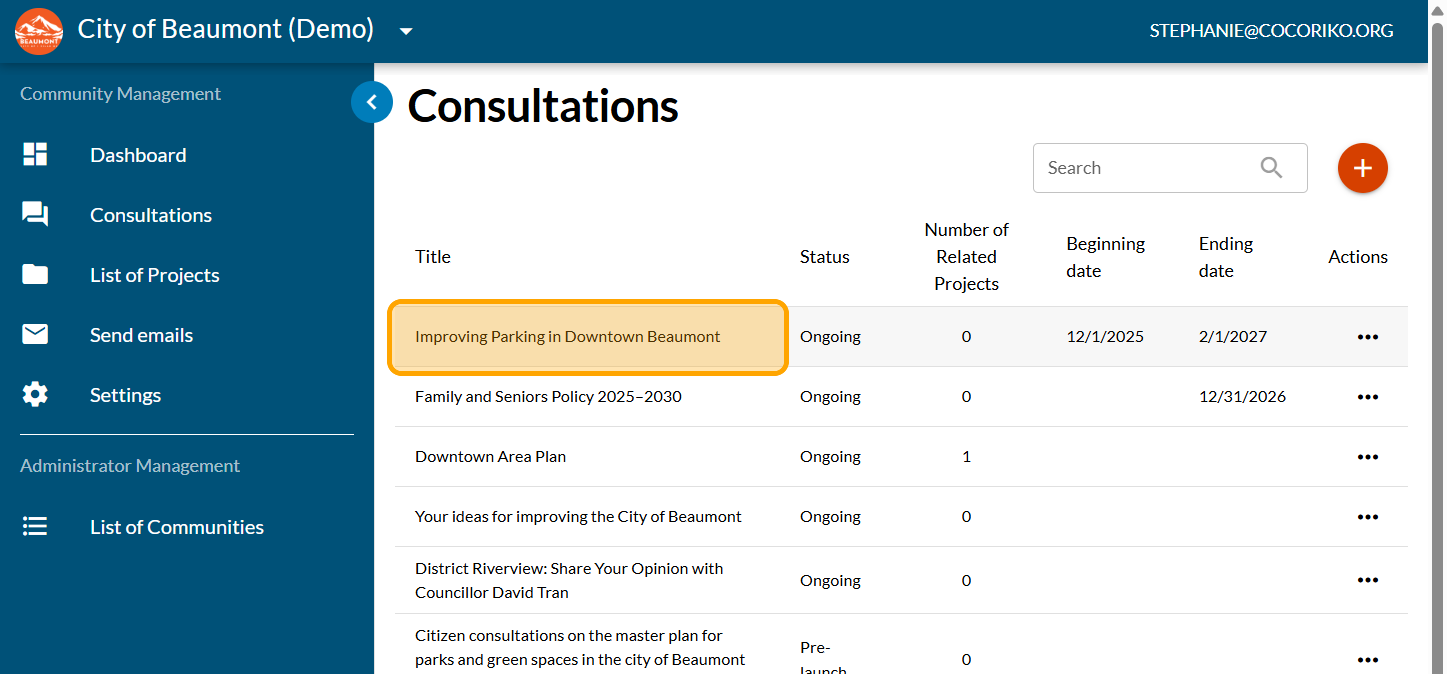
Click on your consultation
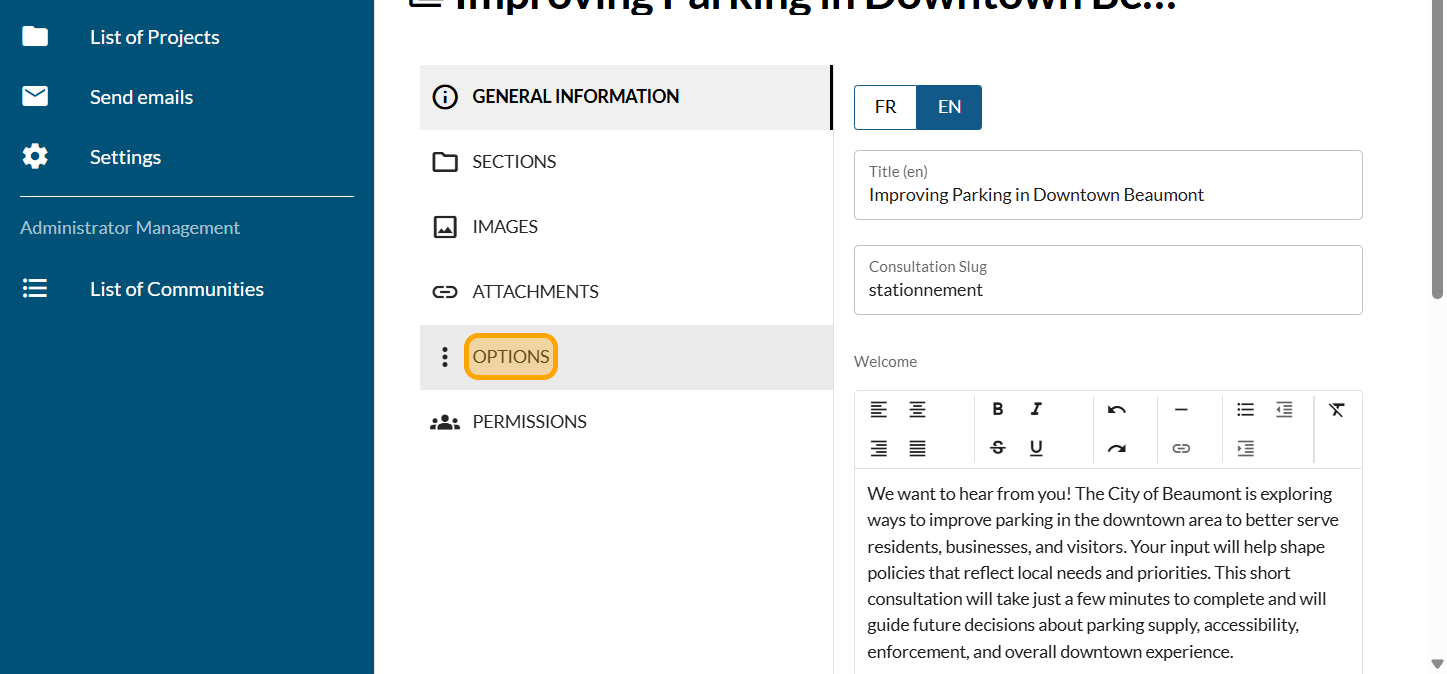
Click on "OPTIONS"
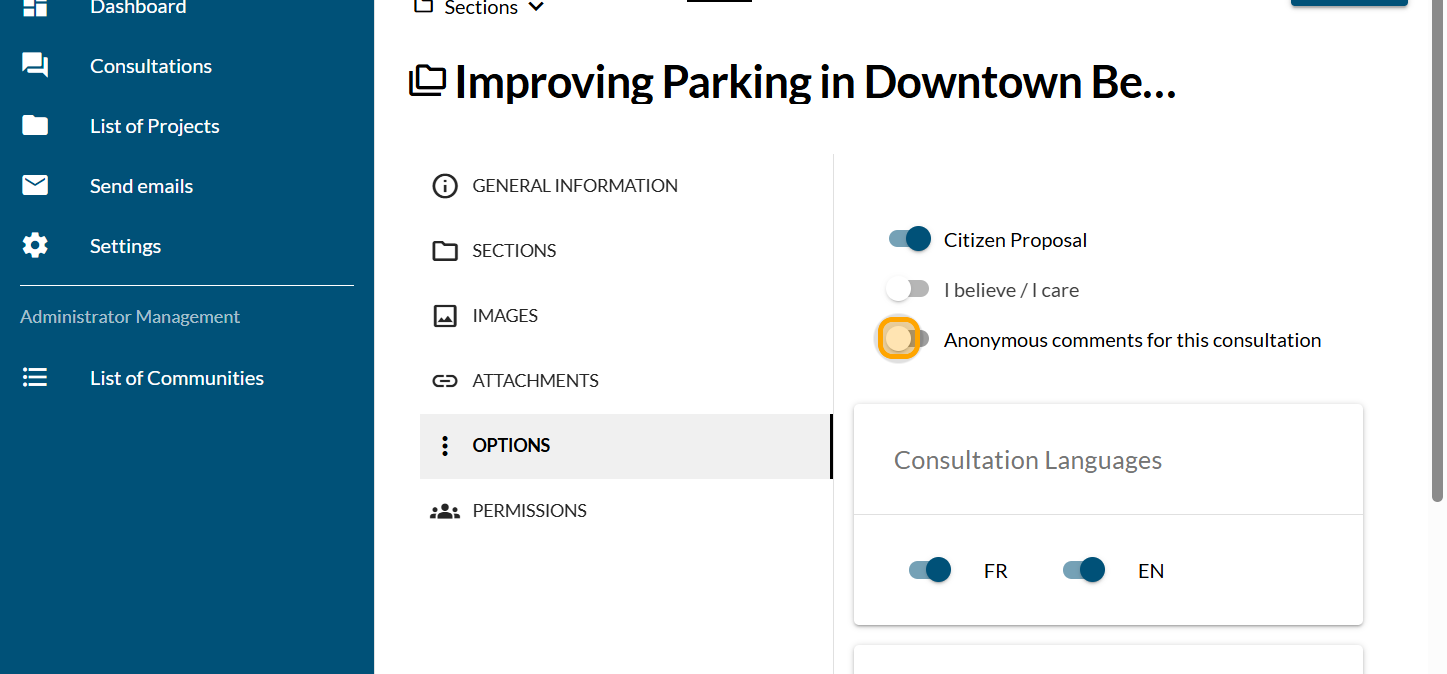
Enable the "Anonymous comments for this consultation" button.
Click on "SAVE"
Share this
Analysis of results using the Excel report

Analysis of results using the Excel report
The Excel report displays all the results of your survey. It …
Apr 15, 2026 2:11:37 PM
2
min read
Remove real-time voting results and make comments invisible

Remove real-time voting results and make comments invisible
Cocoriko prioritises transparency in the results. When a per …
Feb 6, 2026 9:54:17 AM
2
min read
Display and moderation options for the Feedback module

Display and moderation options for the Feedback module
Jun 3, 2026 3:24:58 PM
3
min read