

By Team Cocoriko on Feb 4, 2026 5:08:50 PM
Your consultation can be automatically posted online on a scheduled date and automatically end on a later date.
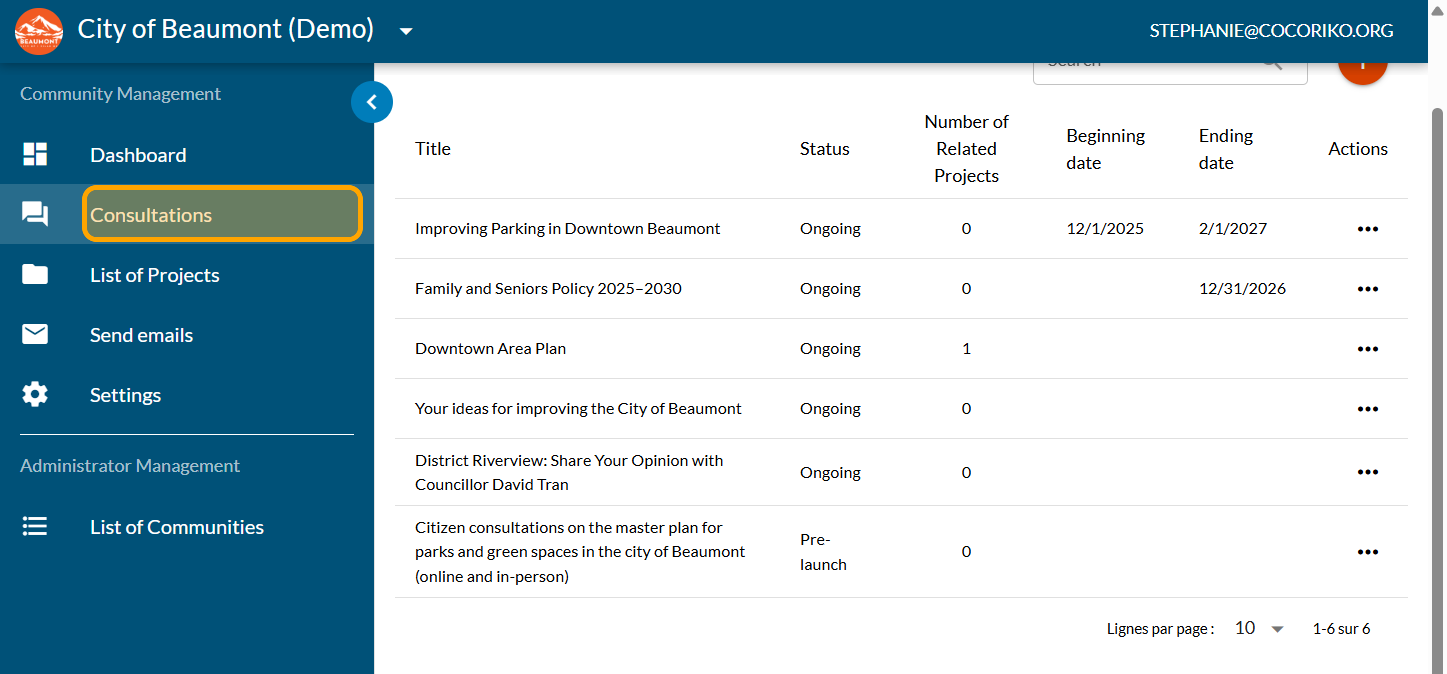
Click on "Consultations"
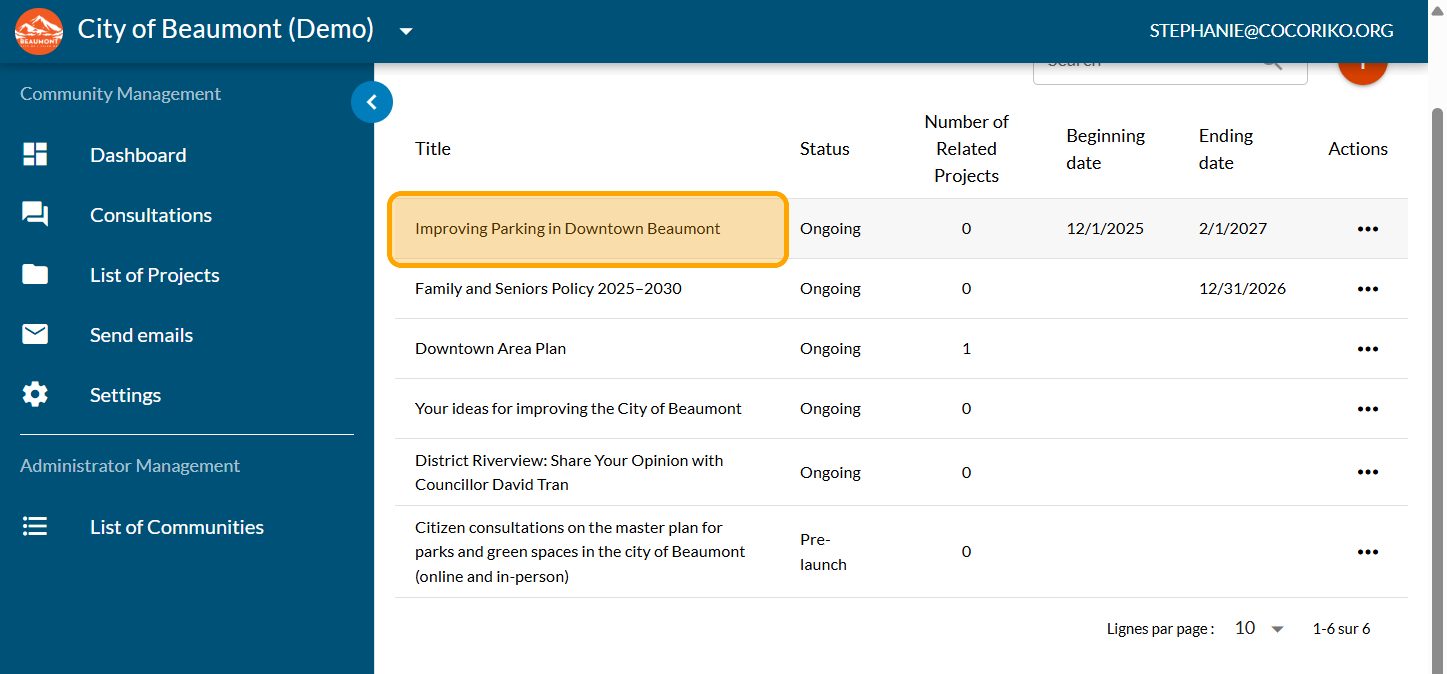
Click on your consultation
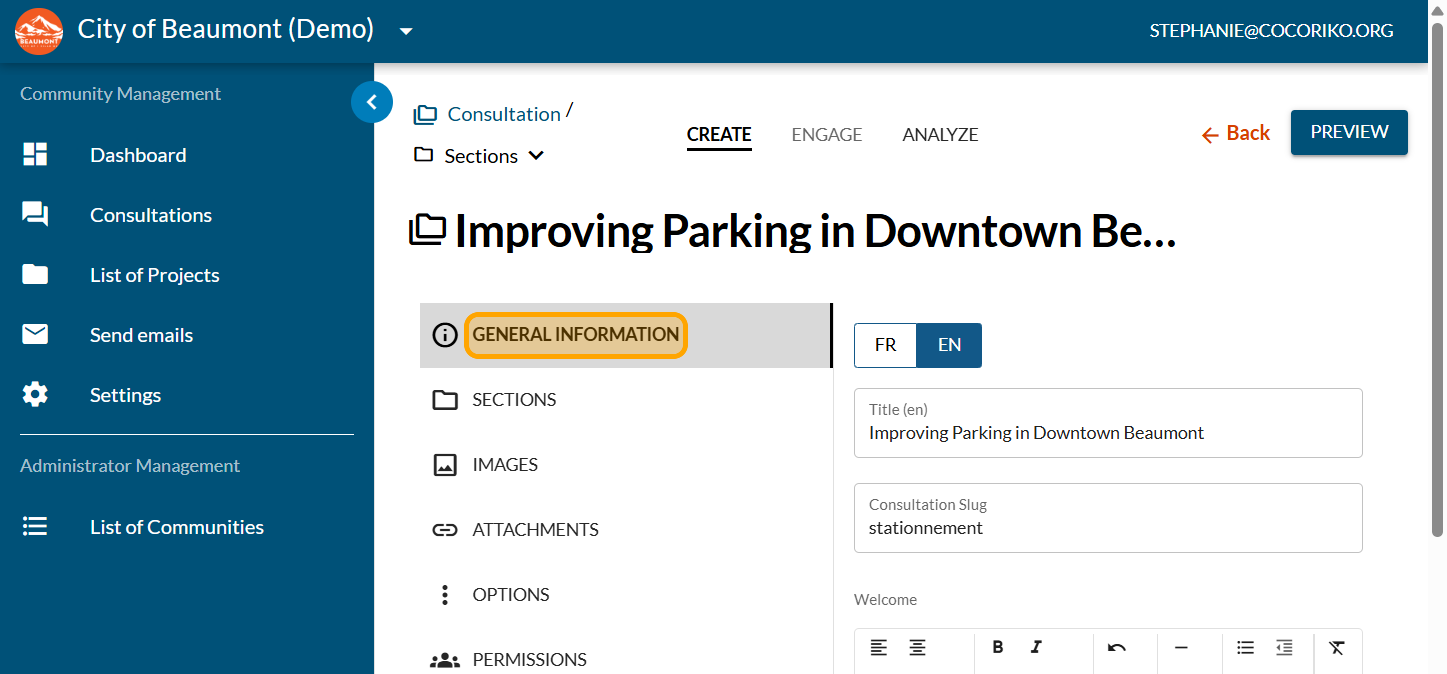
Click on "GENERAL INFORMATION"
Click on the calendar to schedule the start date of the consultation. This date will be displayed on the consultation and is optional.
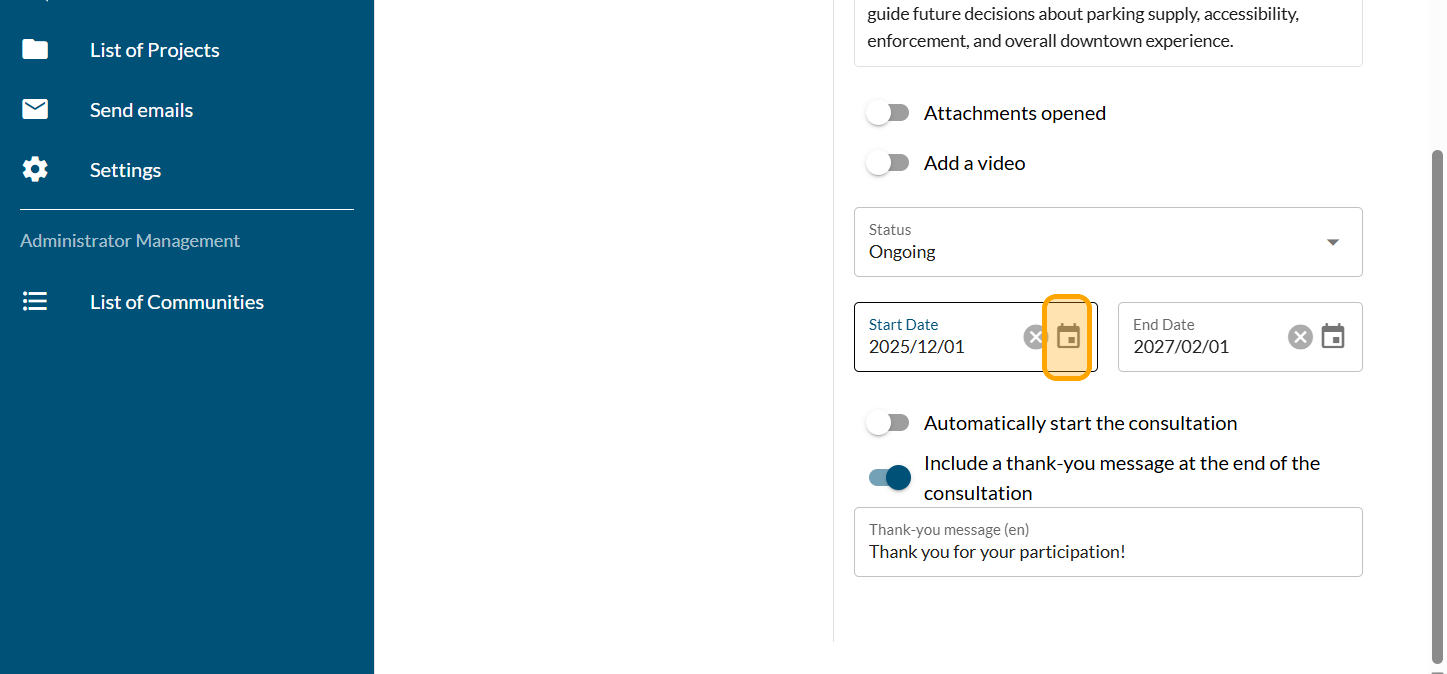
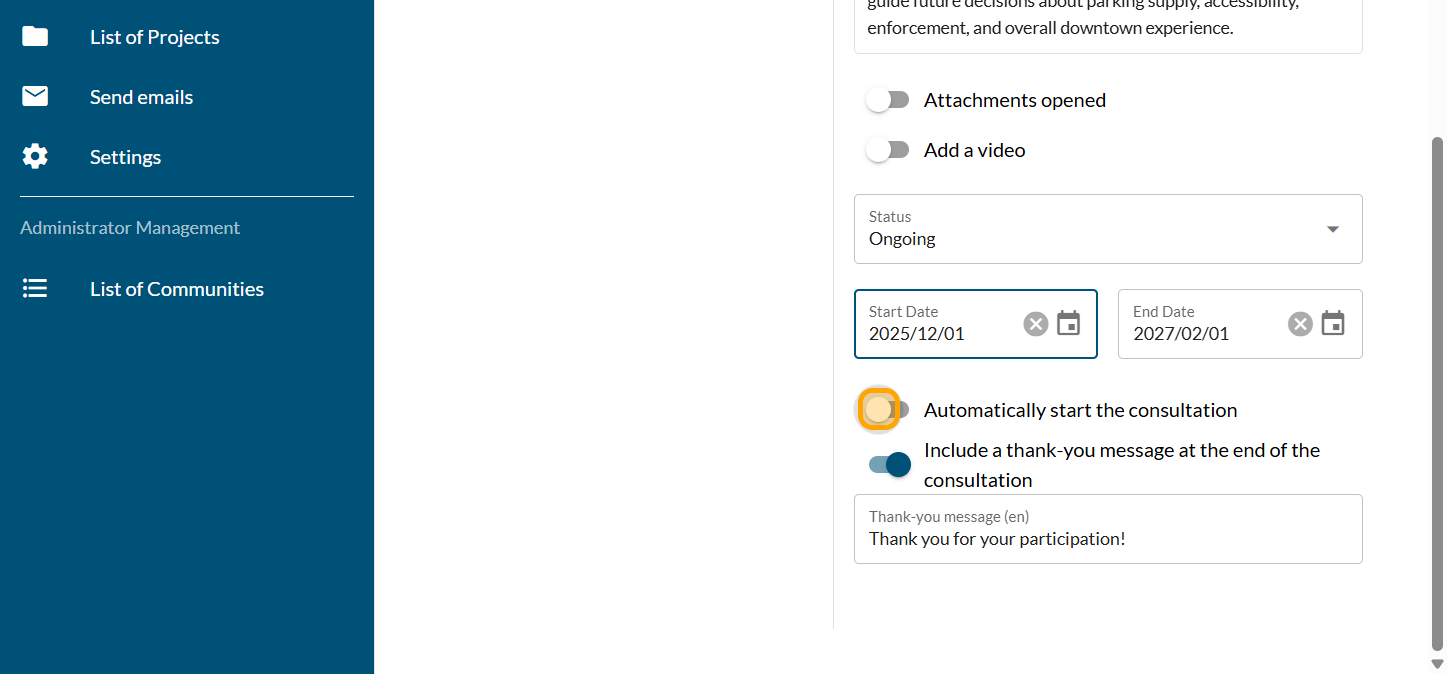
Enable "Automatically start the consultation" if you really want the consultation to go live at 7 a.m. on the scheduled day. If there is a chance that your launch date may change, it is better to put the consultation online manually. The time it goes live is fixed at 7 a.m. and cannot be changed.
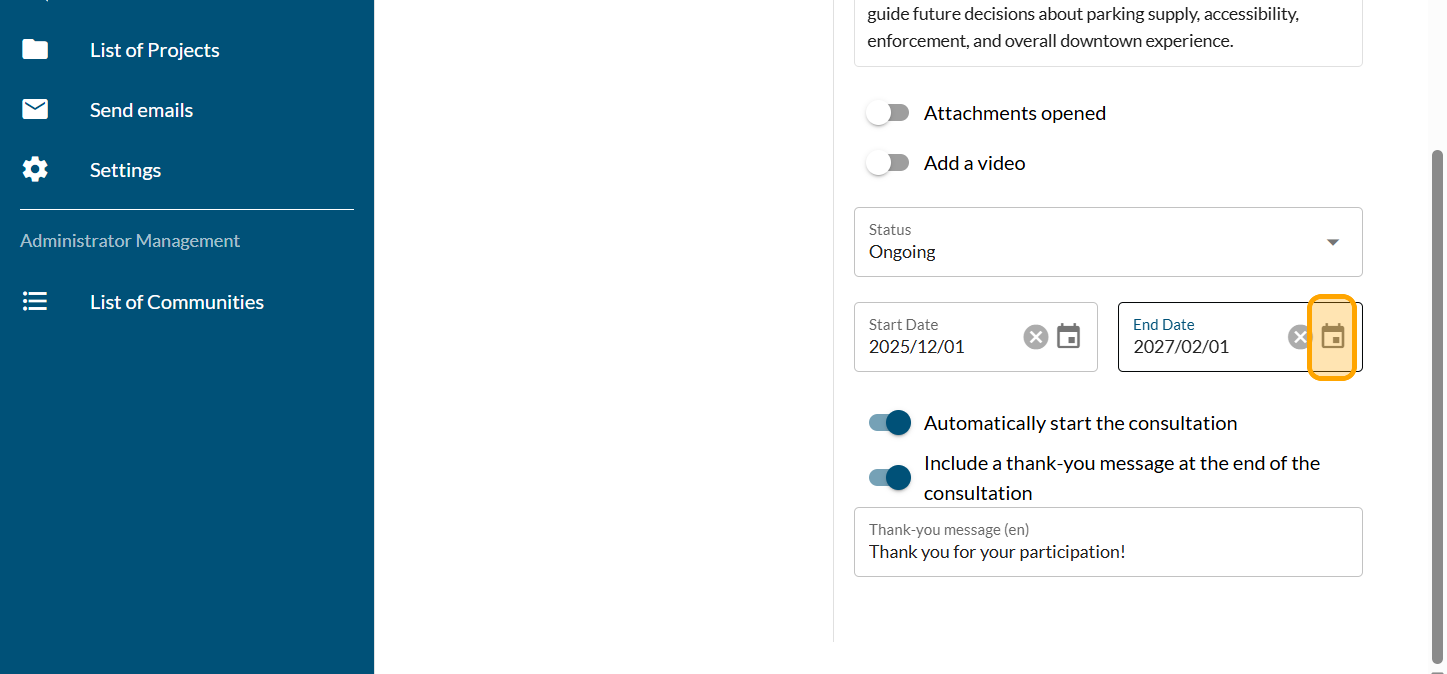
Click on the calendar to schedule the end date for the consultation. This date will be displayed on the consultation and is strongly recommended. It tells your community until what date they have access to your survey. The survey will close at midnight on the date chosen and the time cannot be changed.
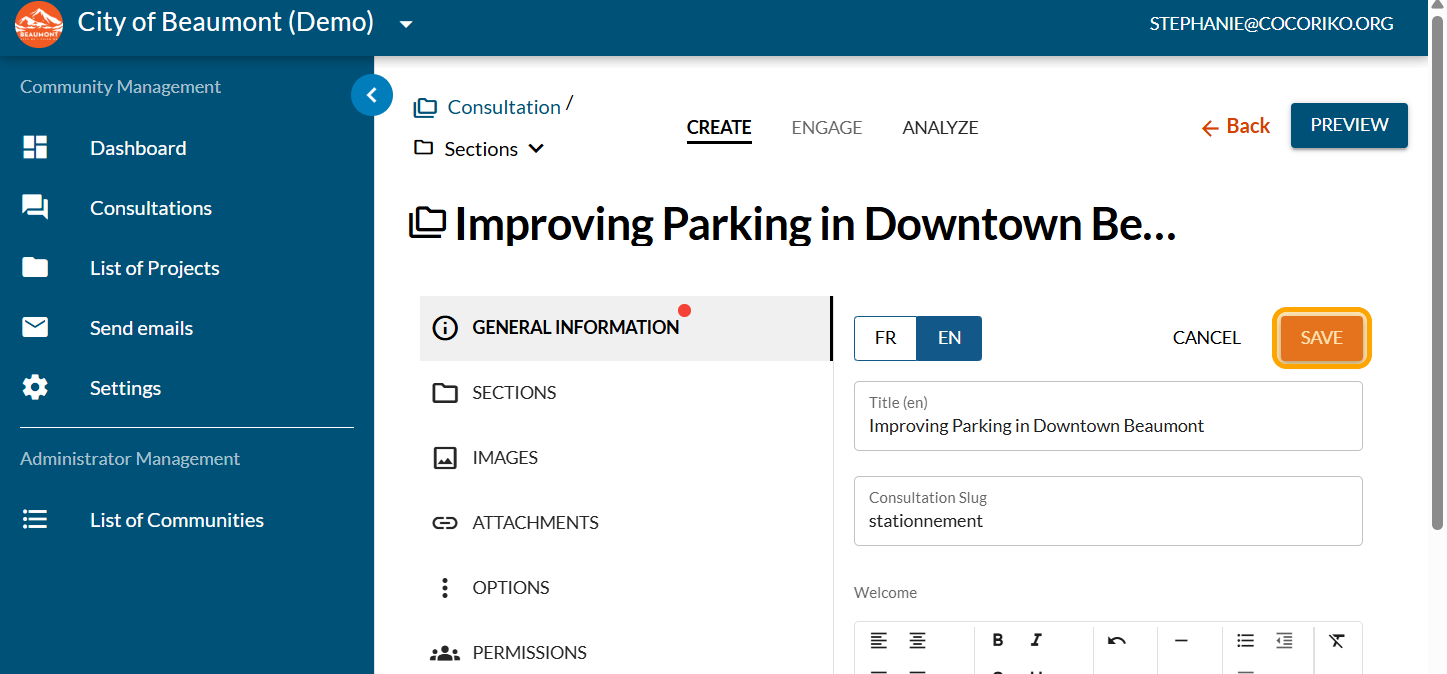
Click on "SAVE"

Manage the context of the section
The section includes mandatory context. The context may be c …

Set up the project by invitation or private
An invitation-only project is accessible only to a group of …

Why send an email to my community?
Sending emails can be useful in many situations. Below are s …