

By Team Cocoriko on Feb 11, 2026 1:32:24 PM
The section includes mandatory context. The context may be closed by default, and participants must click to read the text. As a result, many participants will not read the information. If you want more participants to read the contextual information for a section, you can set the context to be open by default.
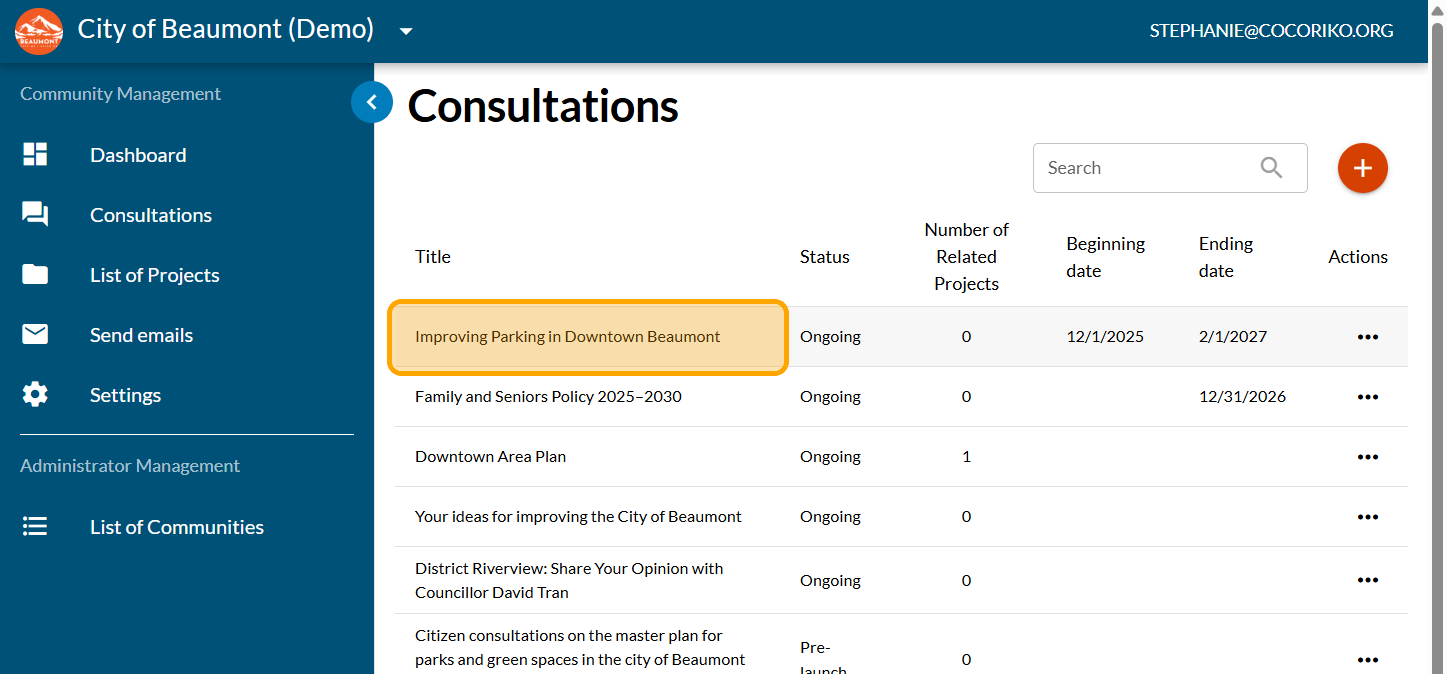
Click on your consultation
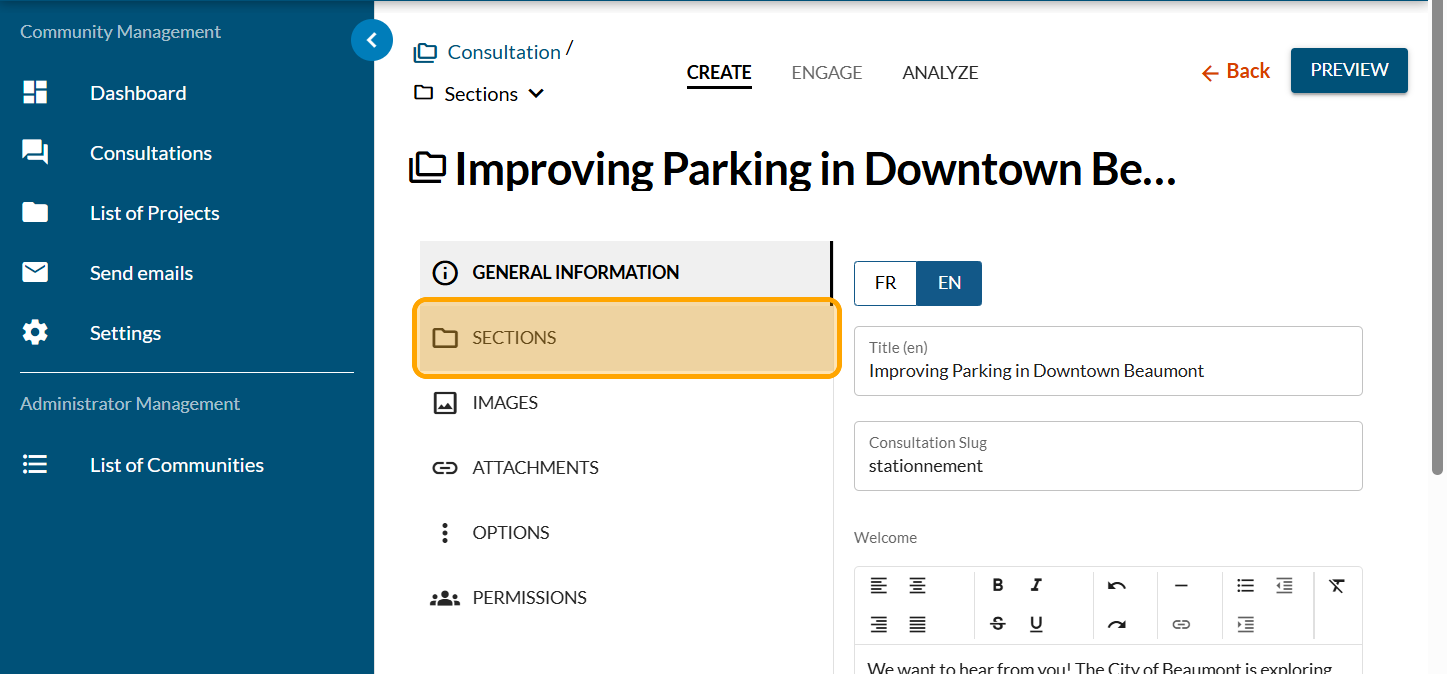
Click on "SECTIONS"
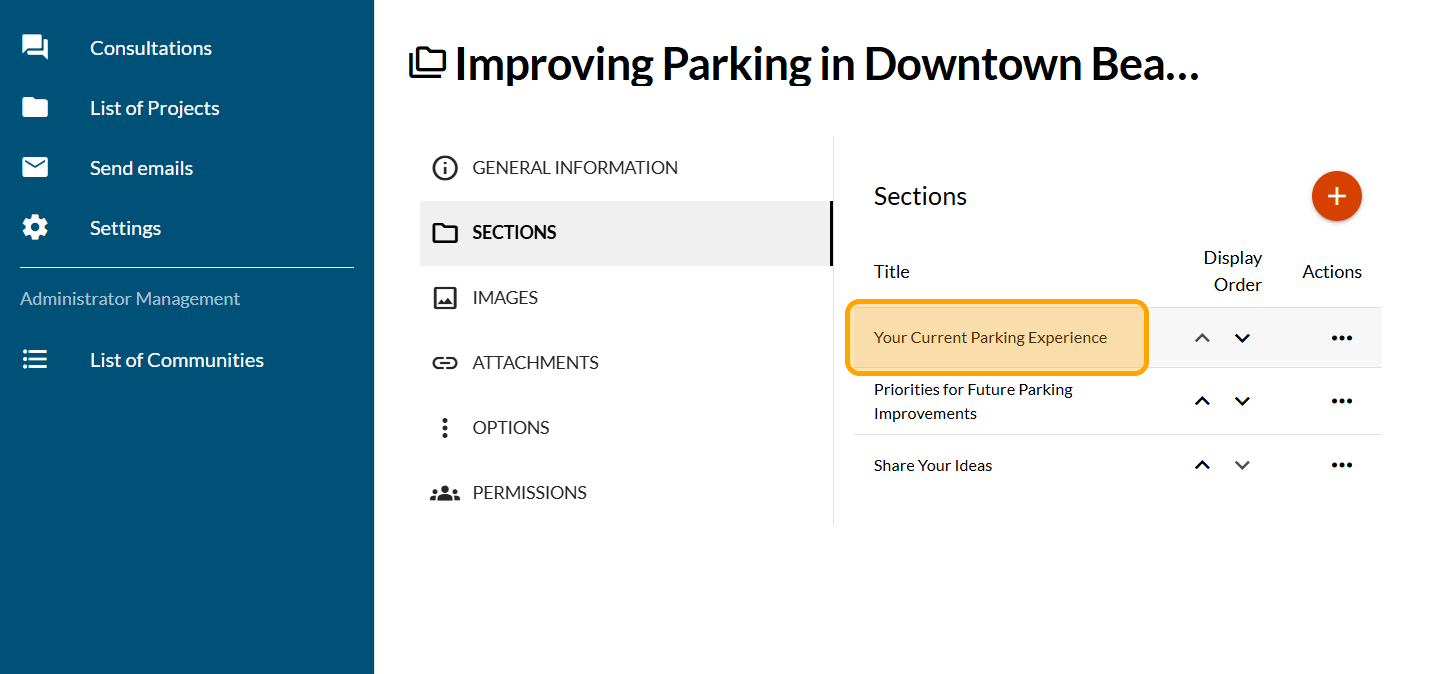
Click on the section you want to update
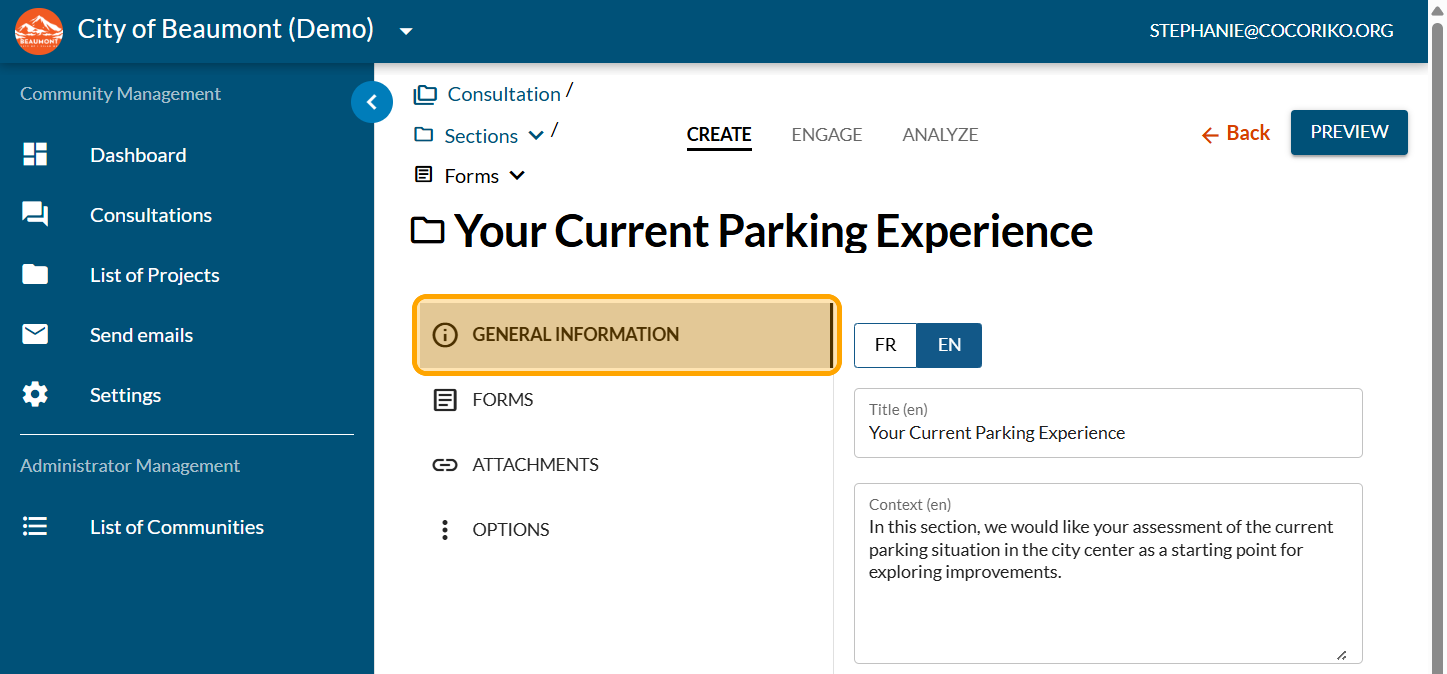
Click on "GENERAL INFORMATION"
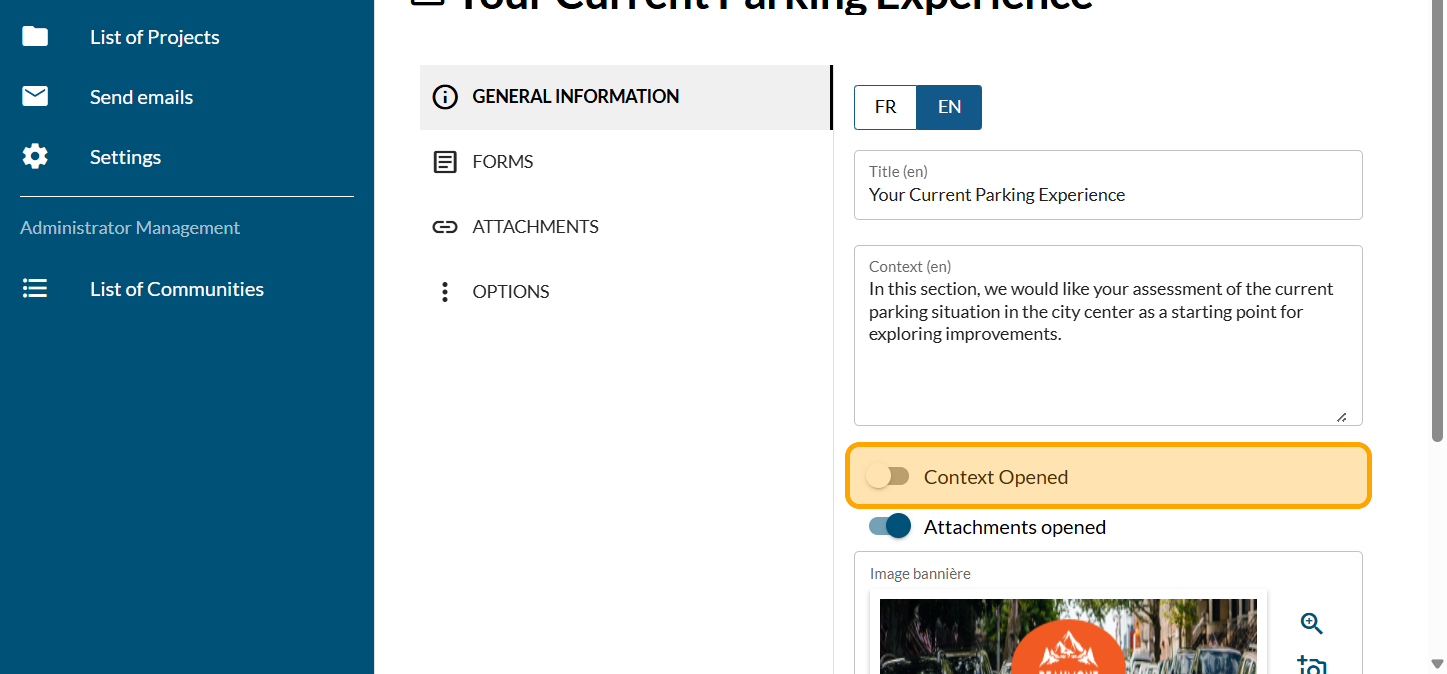
The "Context Opened" button is disabled by default.
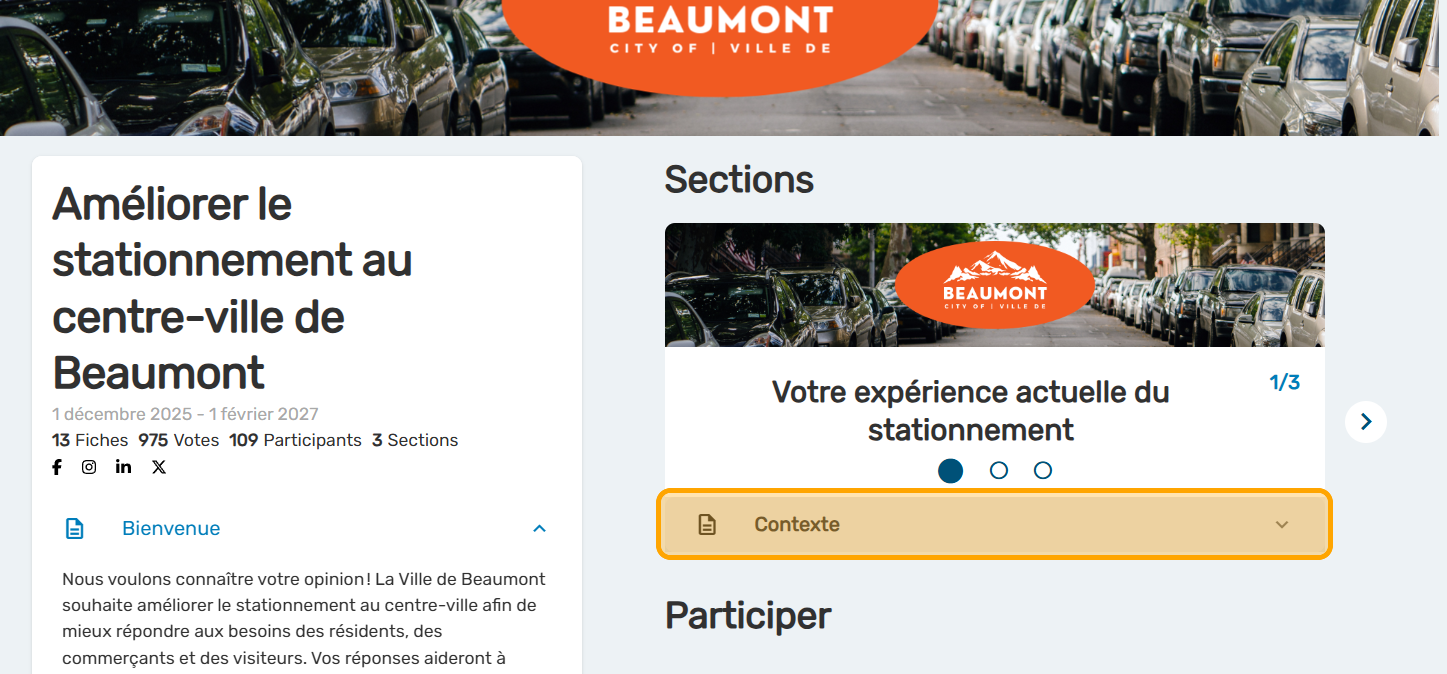
On your consultation, the context is closed and participants must click to view the information.
To make changes, return to the administration platform.
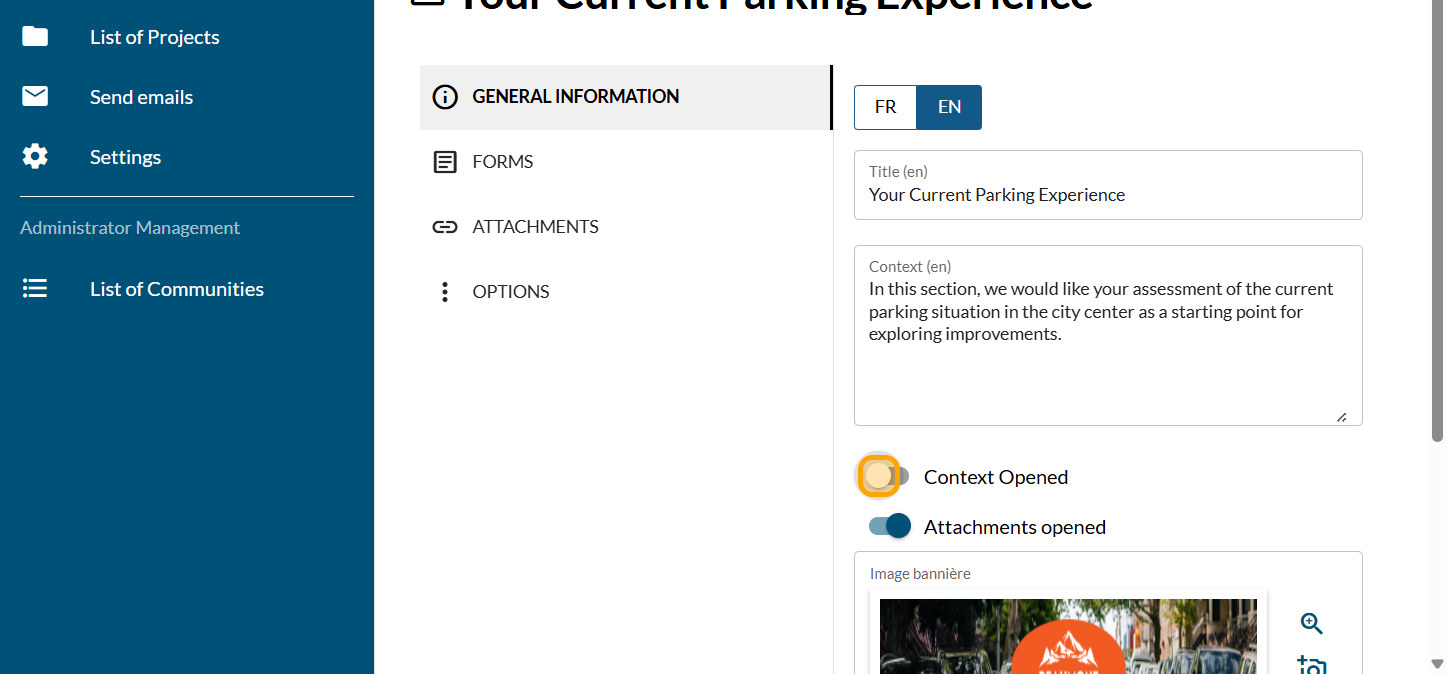
Enable the "Context Opened" button
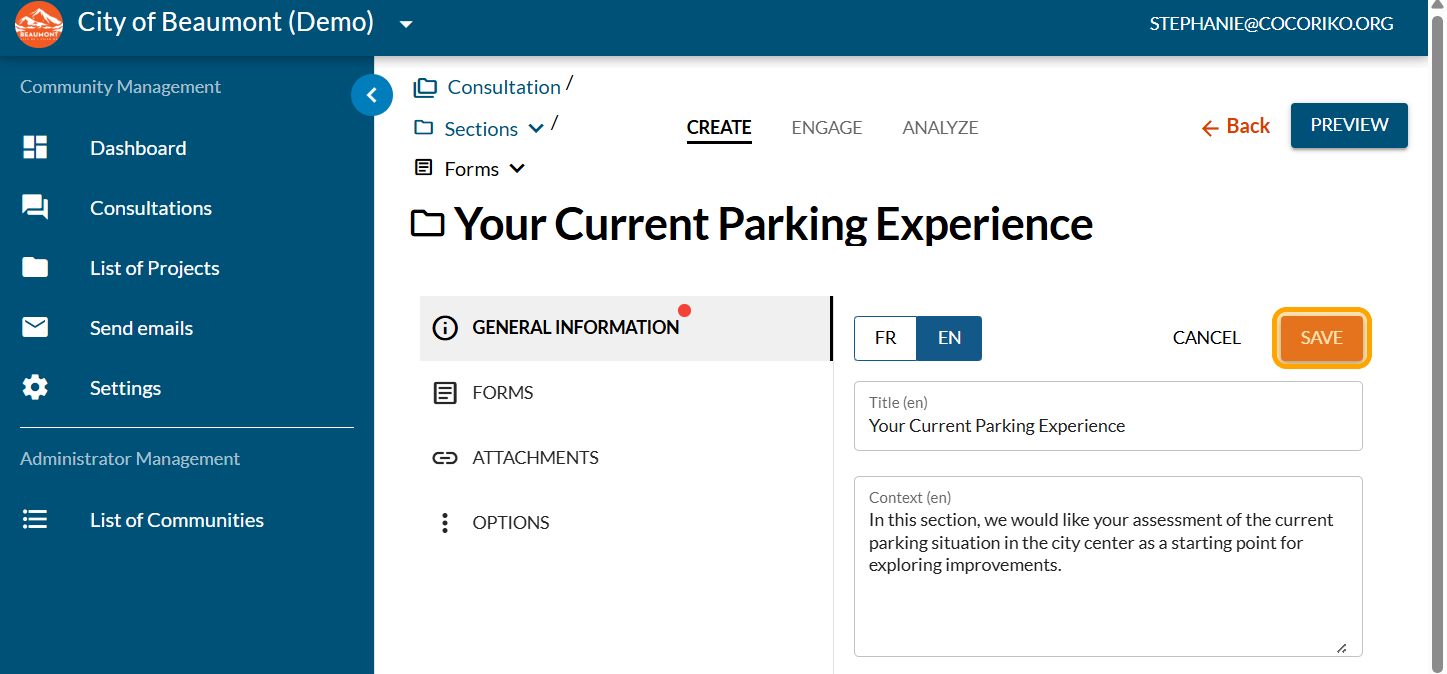
Click on "SAVE"
Click on "PREVIEW"
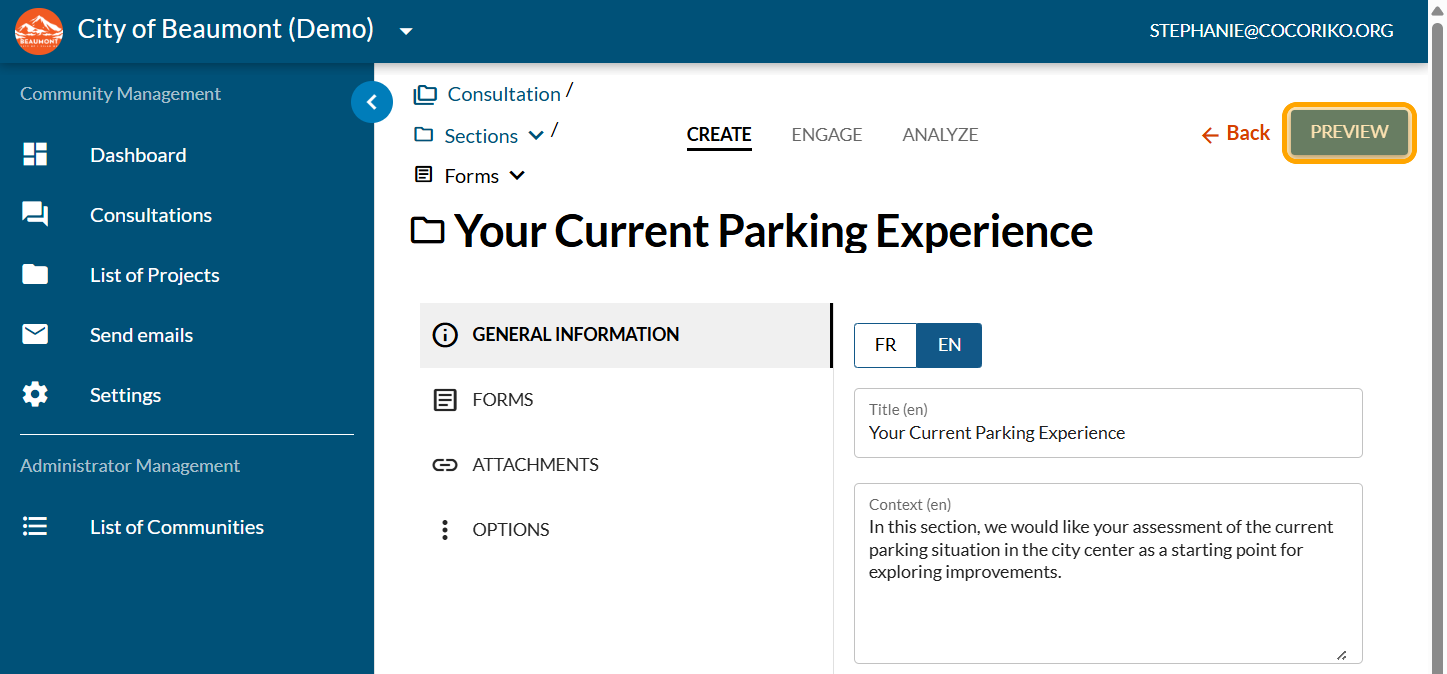
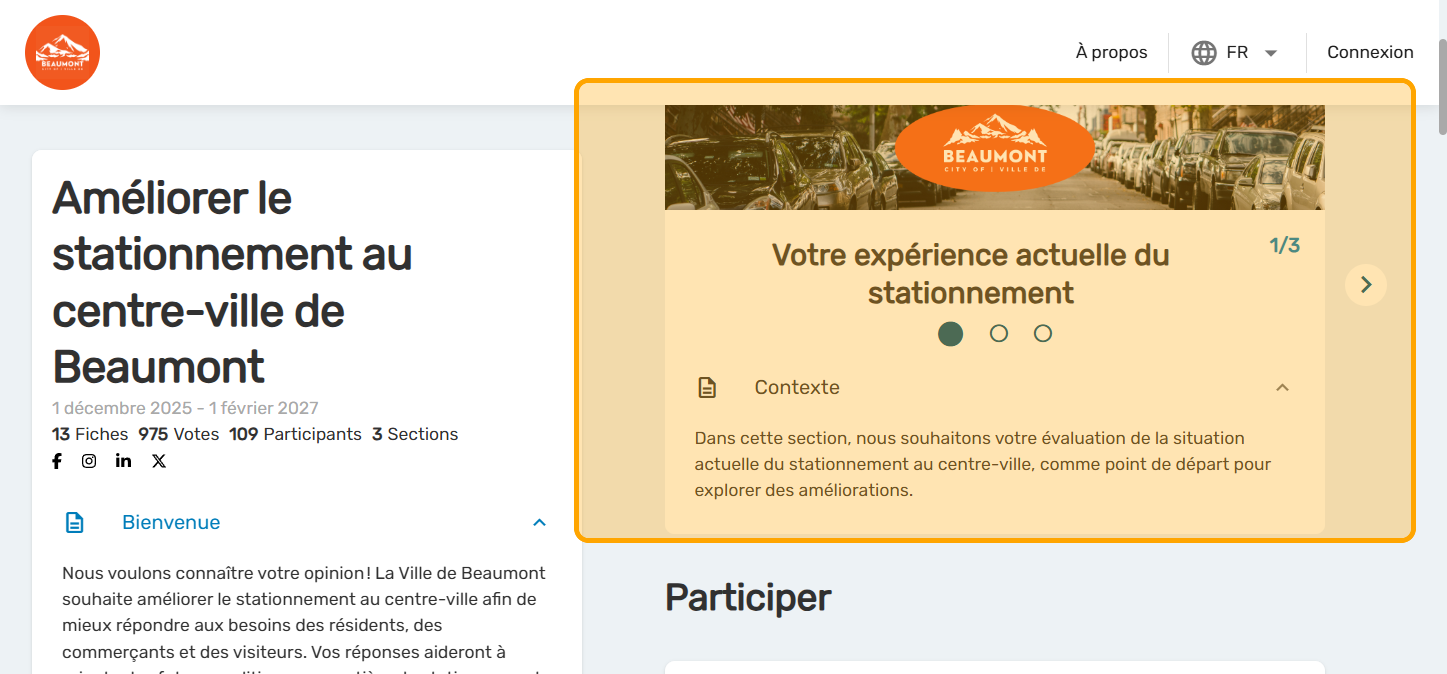
The context is now open as soon as you arrive in the section. The text of the section consists of a single paragraph, with no special formatting possible.

Add the News module on the project

Select the language of the consultation on a bilingual platform
Even if your platform is bilingual, there may be cases where …

Set up the consultation by invitation or private
Invitation-only consultations are accessible only to the gro …