

By Team Cocoriko on Feb 4, 2026 3:41:11 PM
An administrator on a Cocoriko platform can add or remove consultation editors. Manage access to your platform yourself.
The administrator has access to the entire Cocoriko platform, while the editor only has access to one consultation. The administrator first creates a consultation to which they add an editor who can modify the consultation settings and develop the questionnaire.
Navigate to admin.v3.cocoriko.org/consultations and login as an administrator
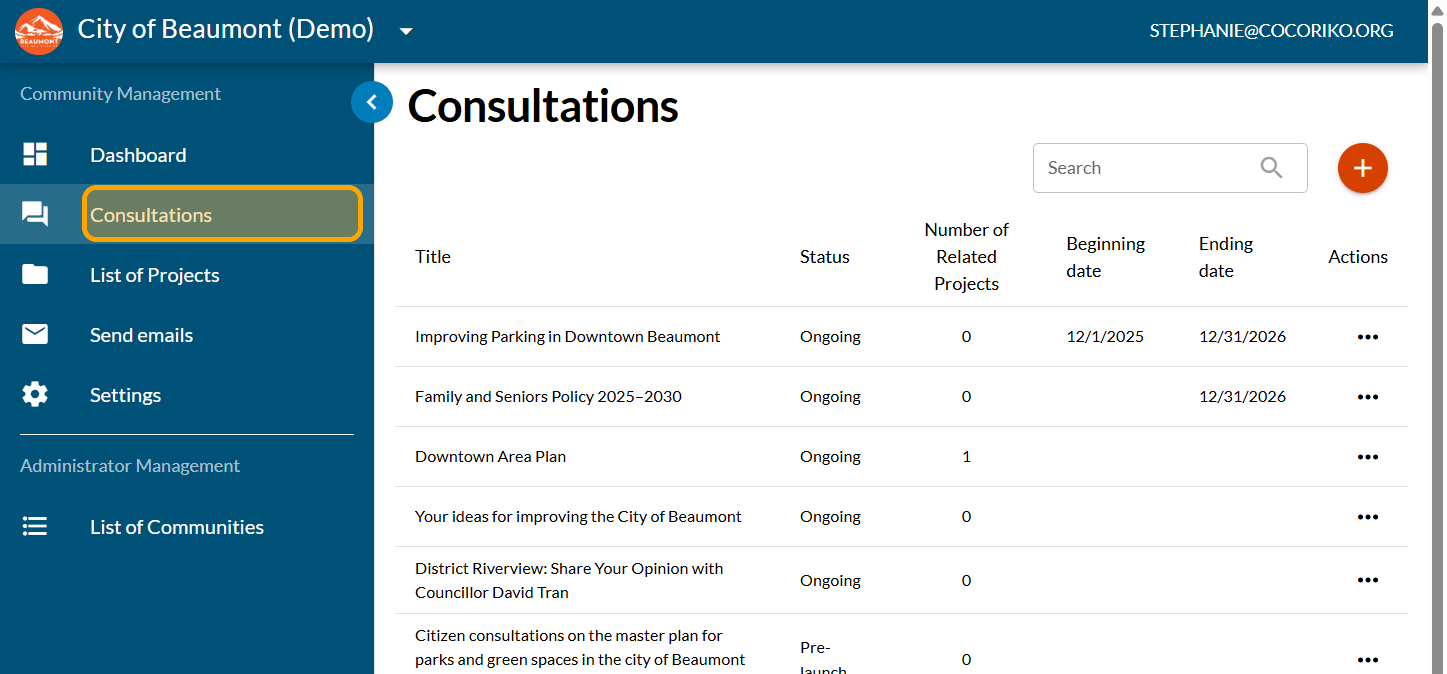
Click on "Consultations"
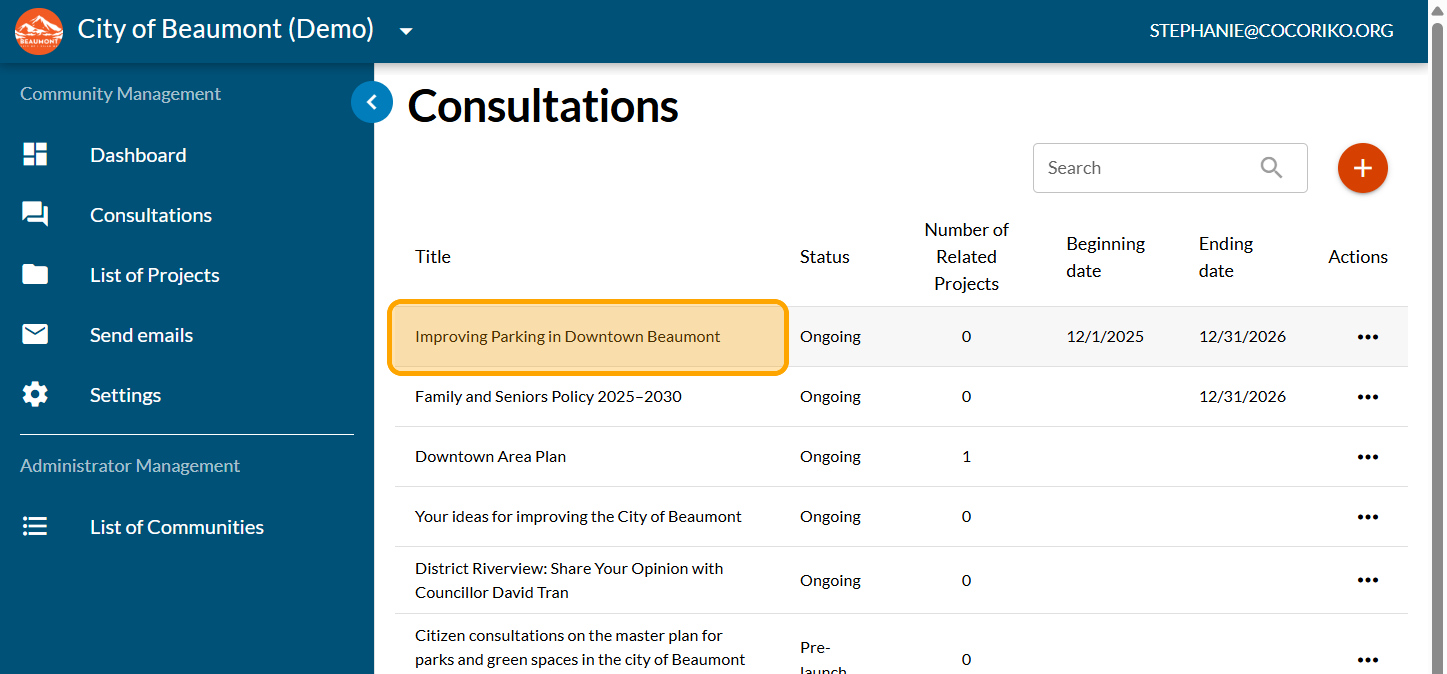
Click on your consultation
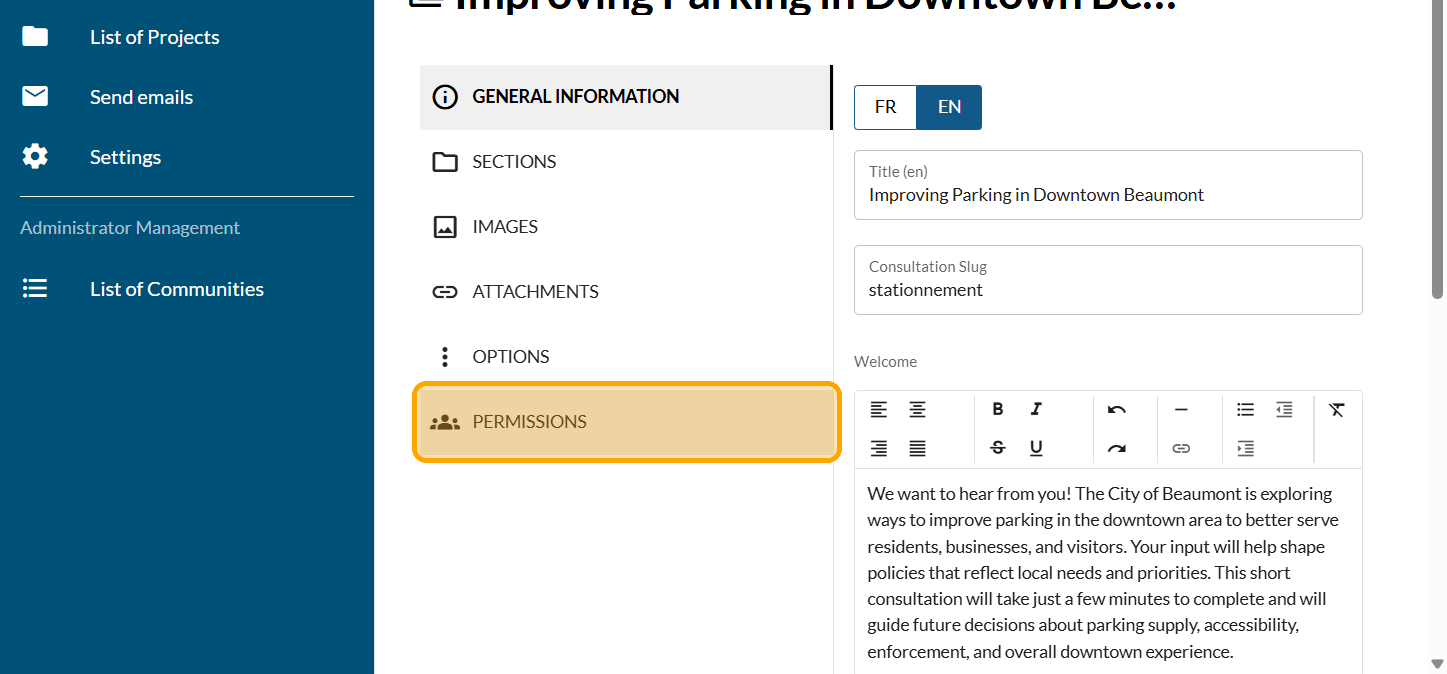
Click on "PERMISSIONS"
Go to the Editors section
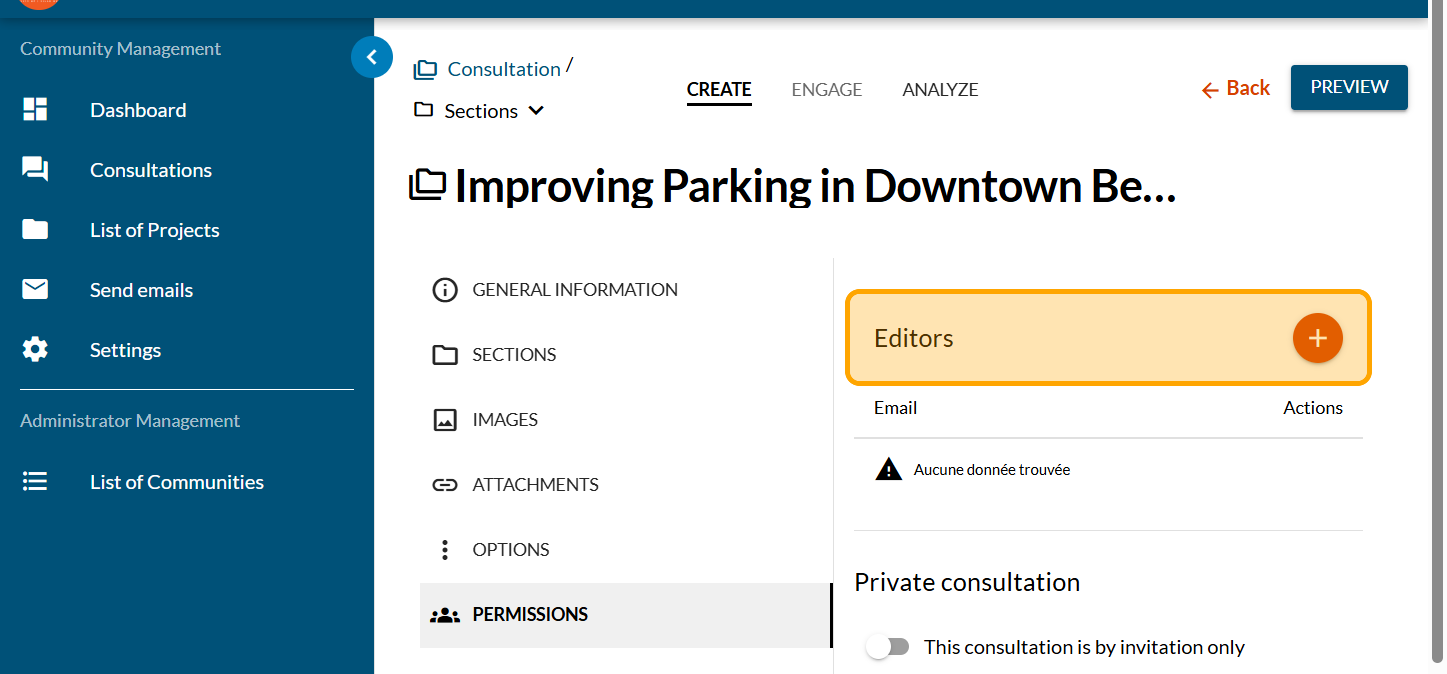
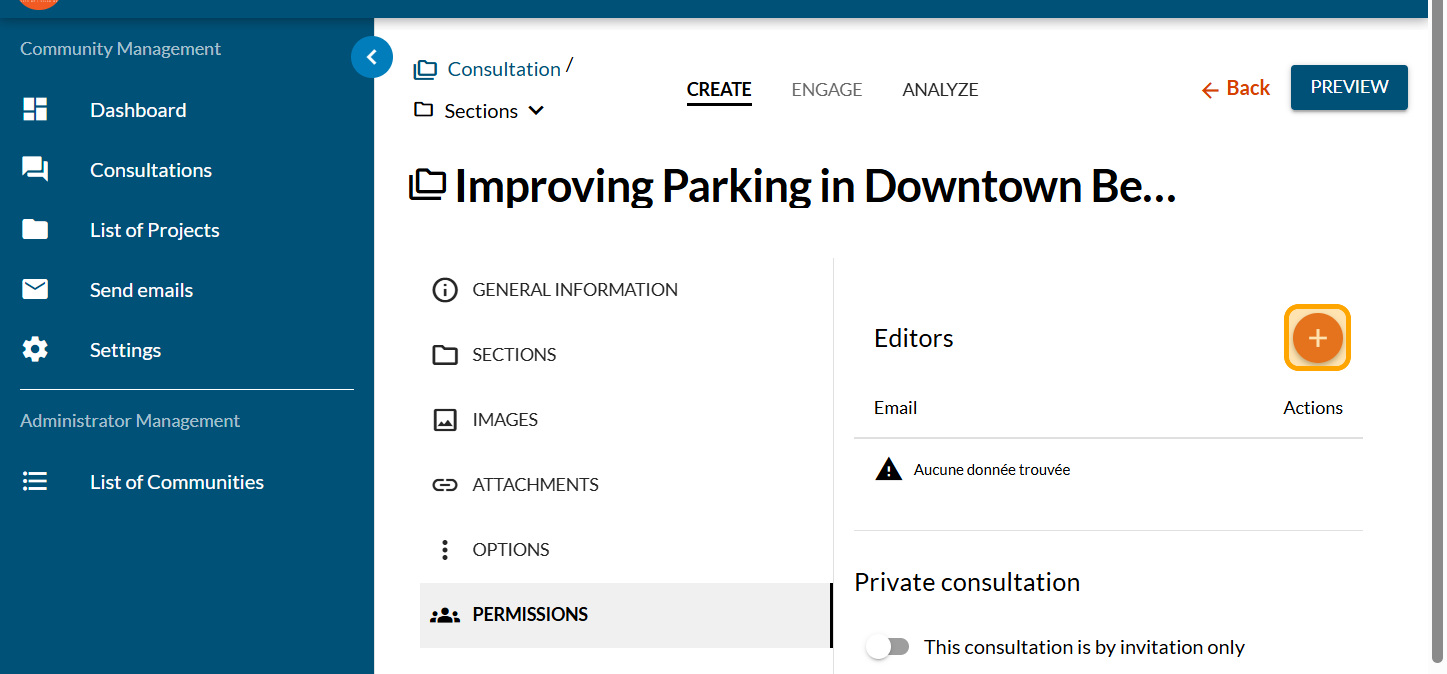
Click on the PLUS sign to add an editor
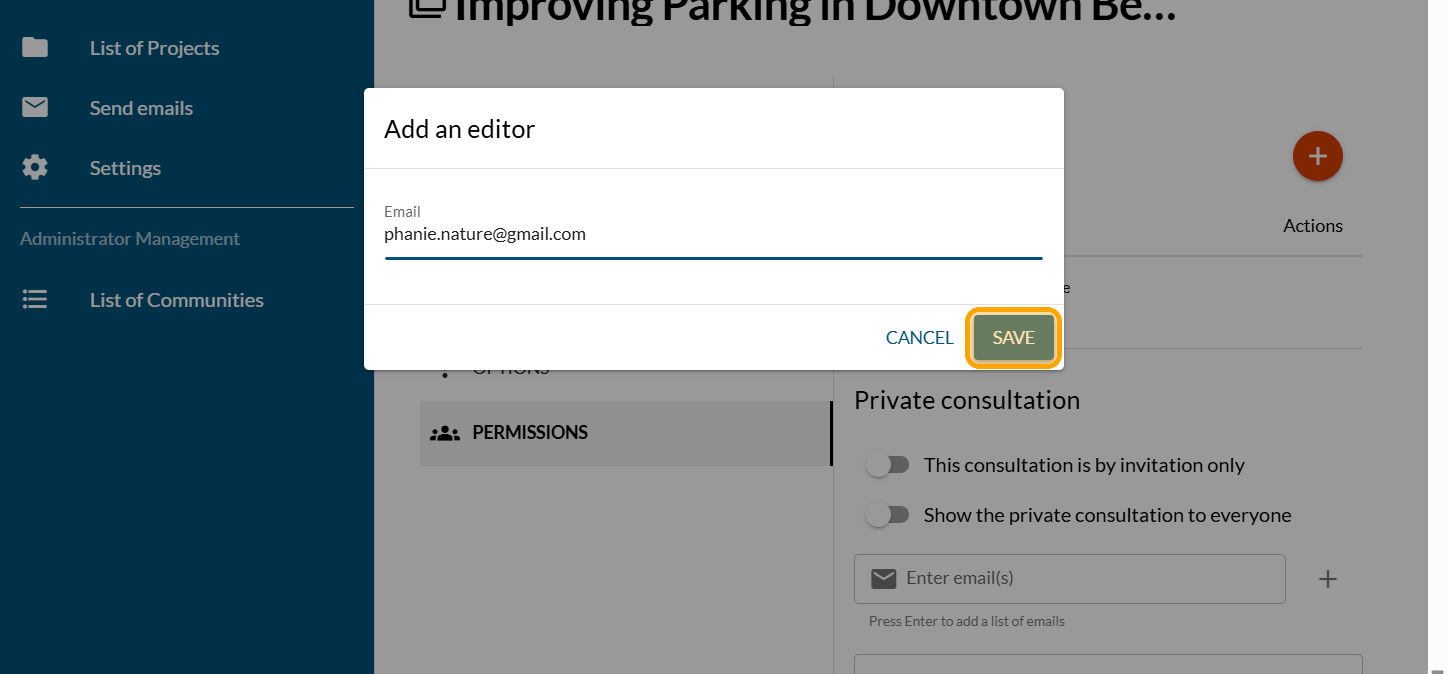
Enter the email of the editor and click on "SAVE"
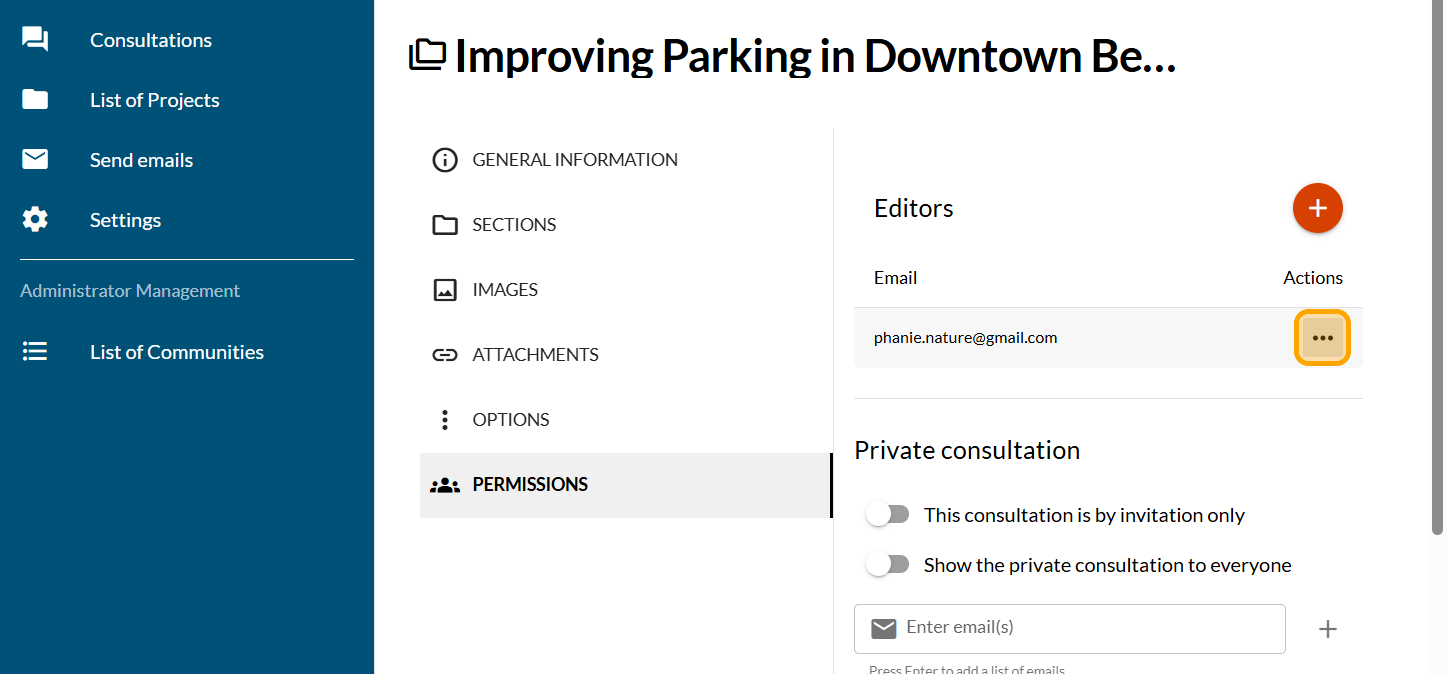
To remove an editor, click on the ... under Actions
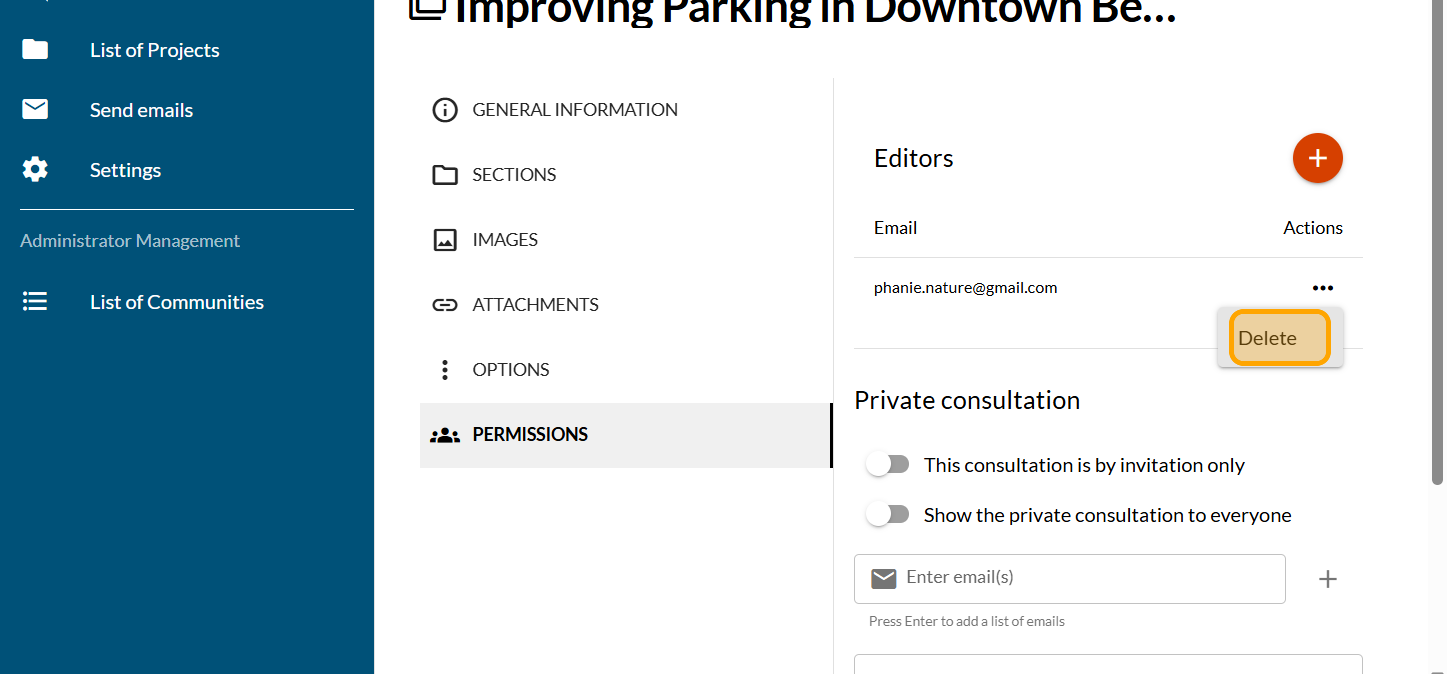
Click on "Delete"
Click on "OK"
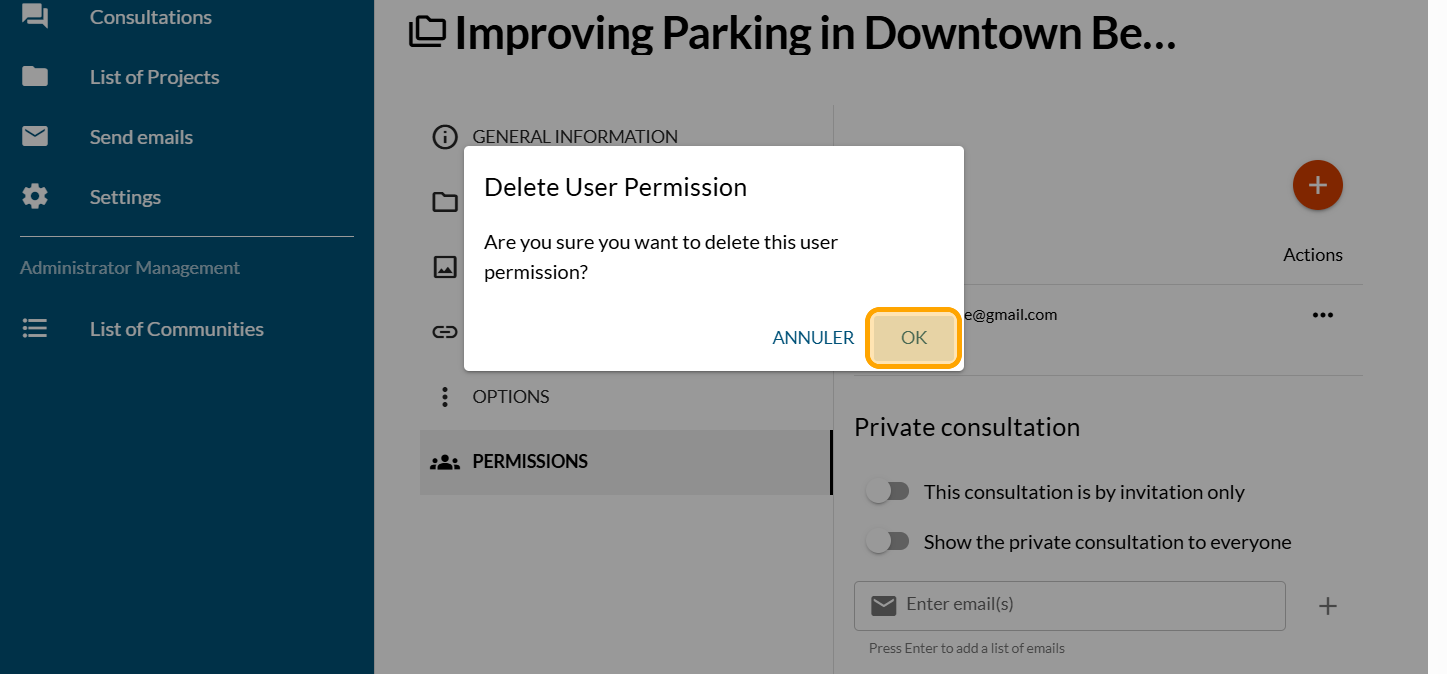

Add and remove editors
Follow these steps to add and remove editors. To do this, yo …
Administrator and editor roles
The administrator has access to the entire Cocoriko platform …
Add the video module
First, you need to create your project (link to follow)