

By Team Cocoriko on Apr 2, 2026, 9:20:53 AM
Submissions on the ideas board do not appear immediately. You will receive an email notifying you that a new idea has been submitted, and you must visit the administration interface to accept or reject the submitted idea.
Please note that no automatic emails are sent to participants. It is your responsibility to send them a confirmation email if you wish to do so.
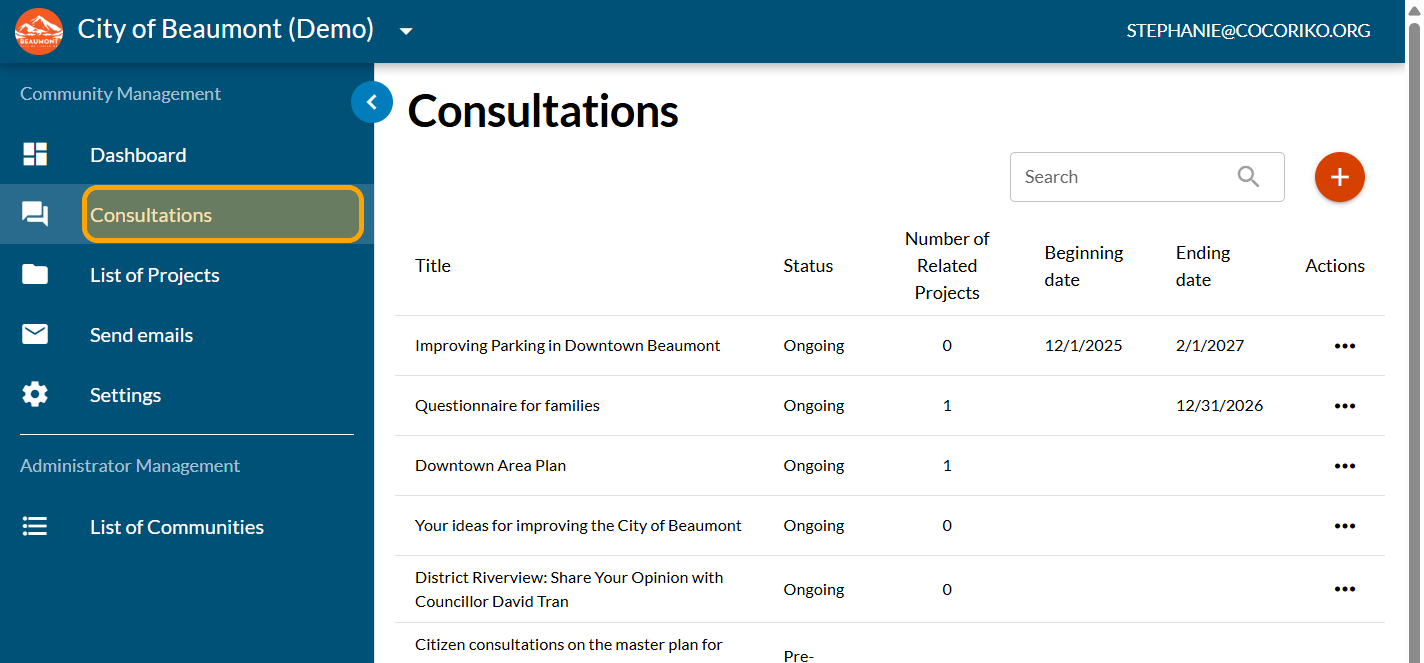
Click on "Consultations"
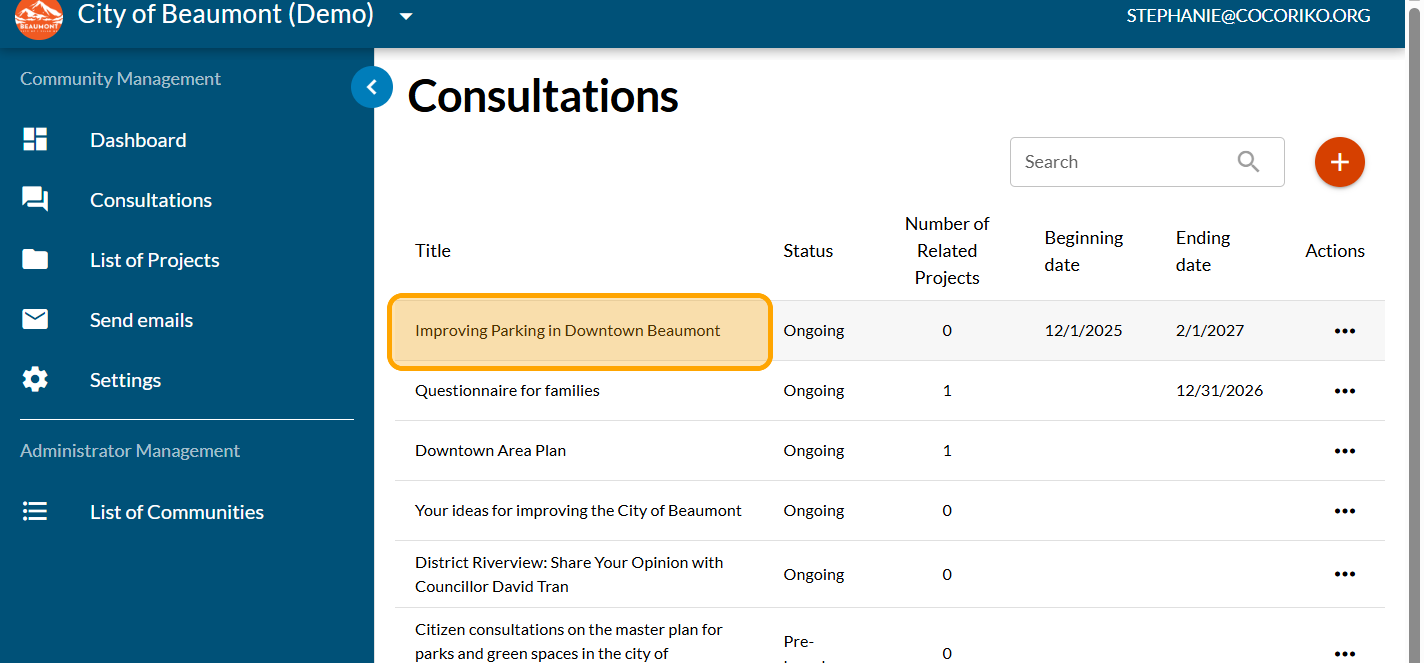
Click on the consultation page where the wall of ideas is located
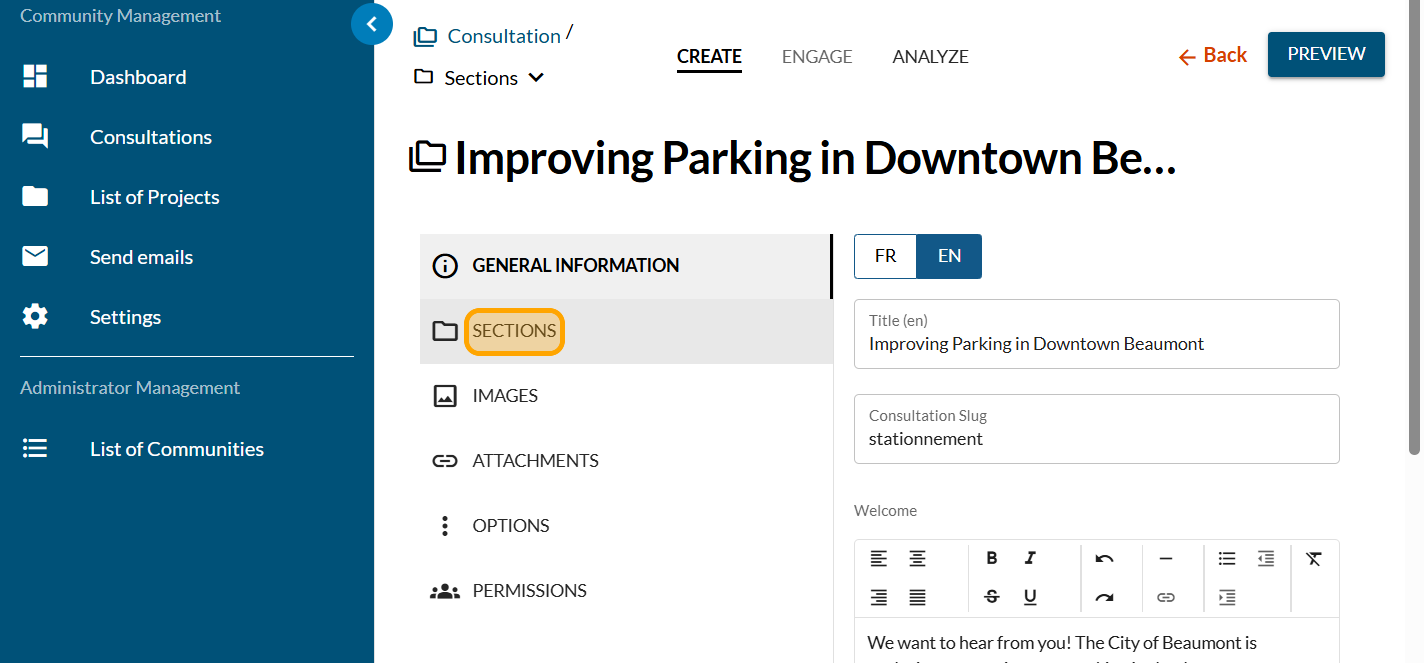
Click on "SECTIONS"
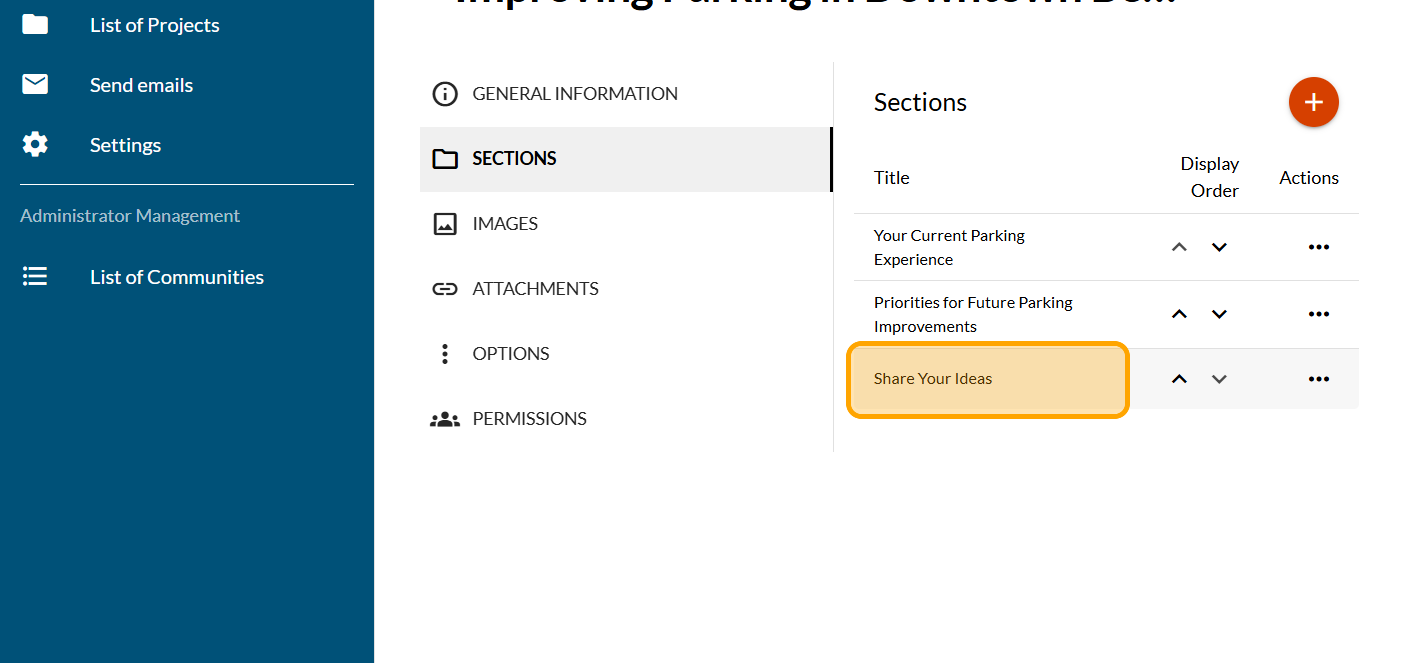
Click on the section that host the wall of ideas
Click on "FORMS"
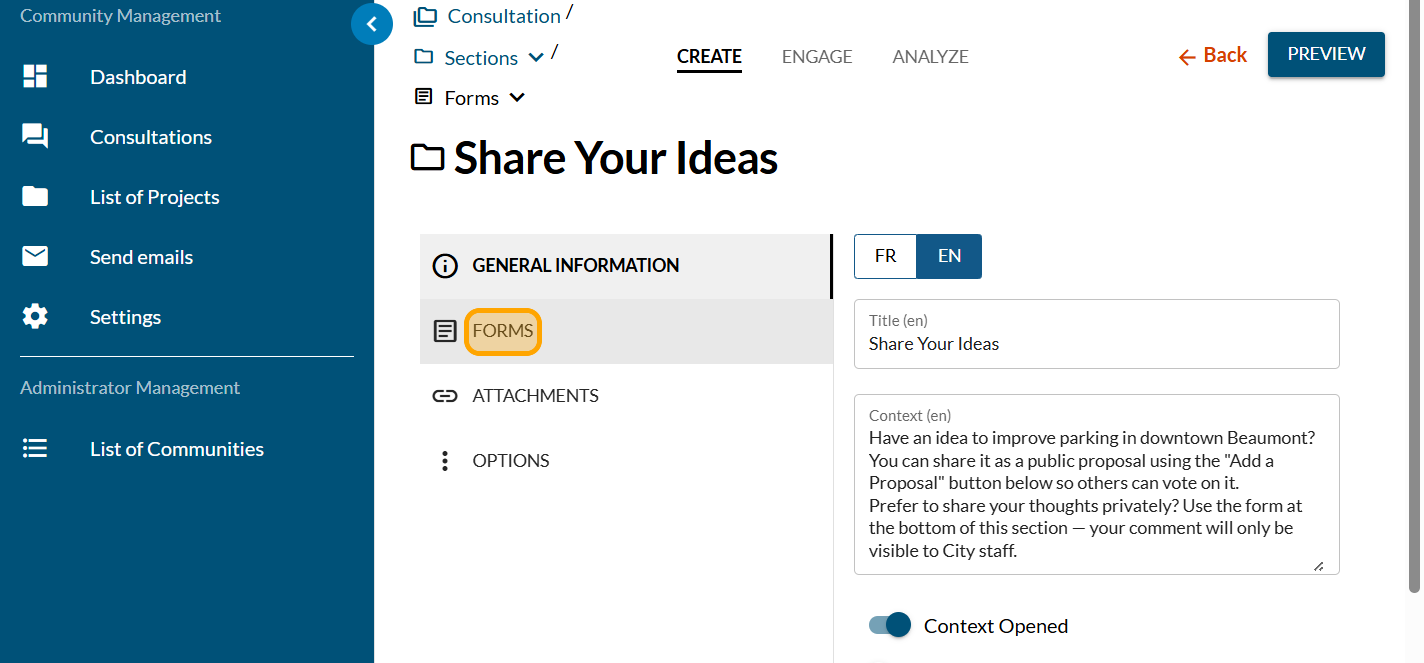
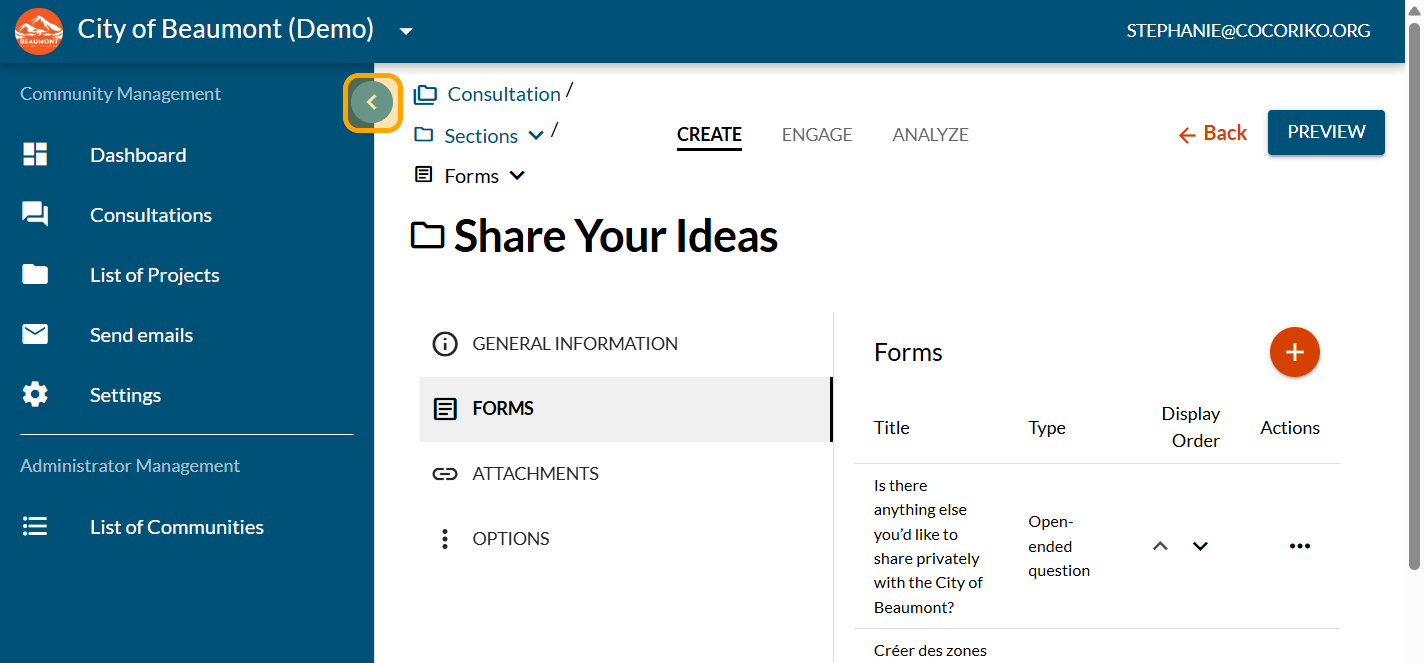
Click to close the left-hand menu and free up some space
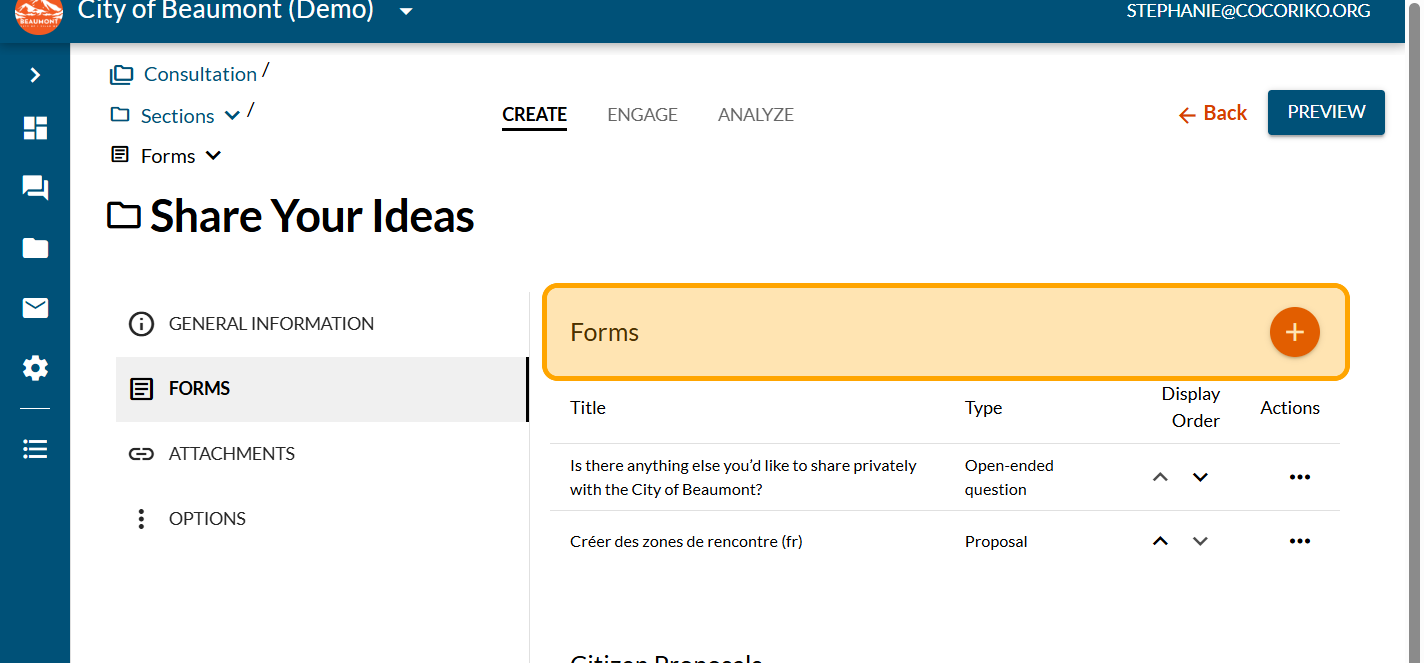
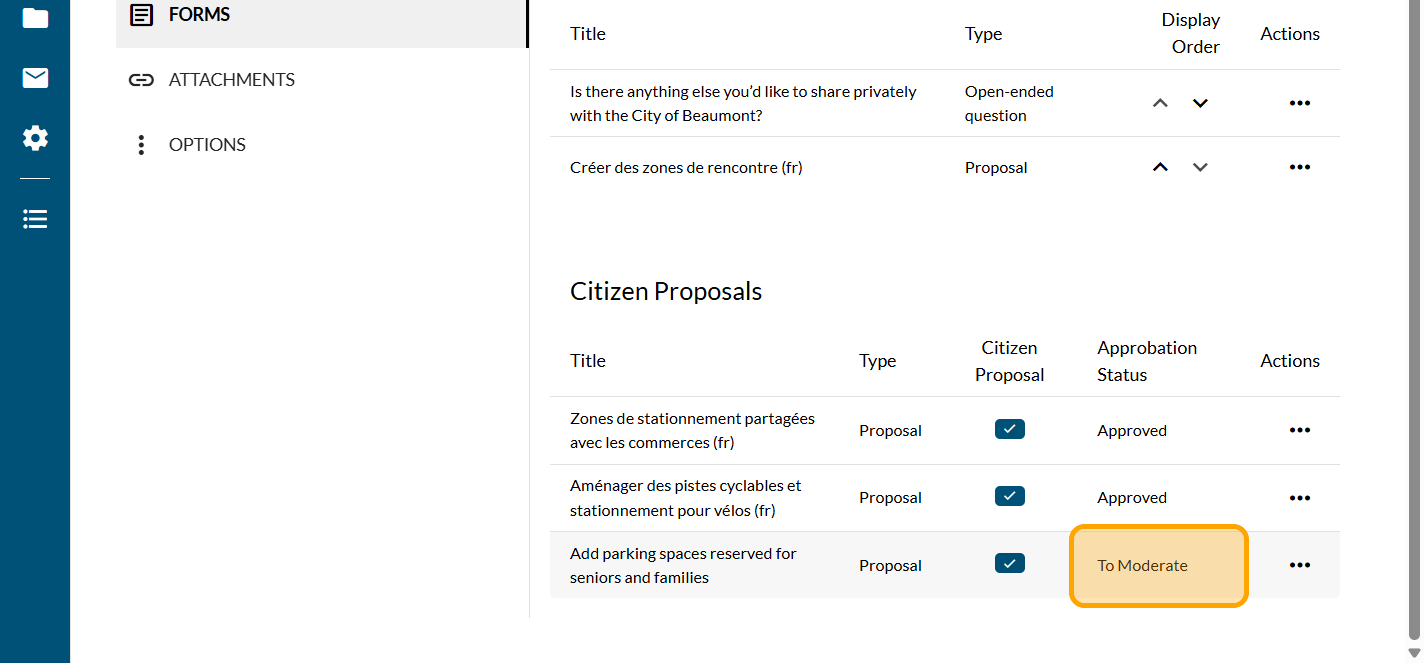
In the "Forms" section, you will see the proposals written by the administrators
In the "Citizen Proposals" section, you will see the citizen proposals. You will also have received an email if you have new citizen proposals to review.
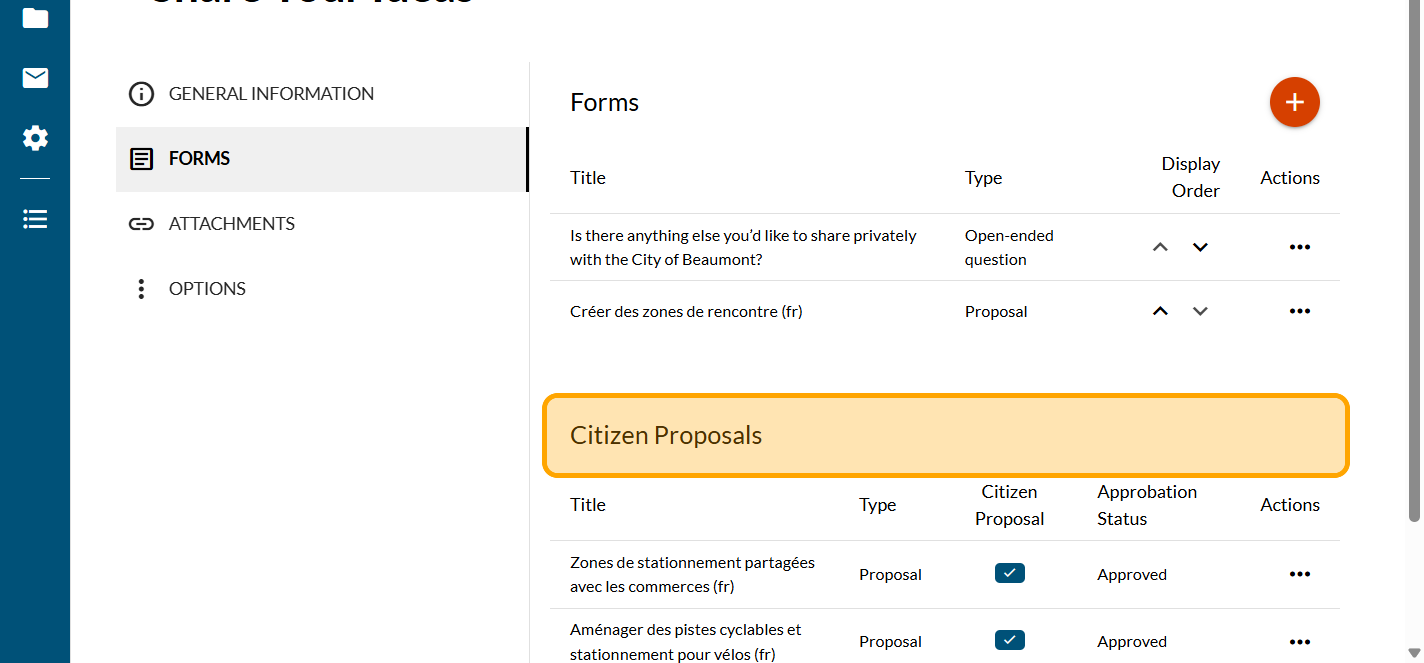
Click on "To Moderate"
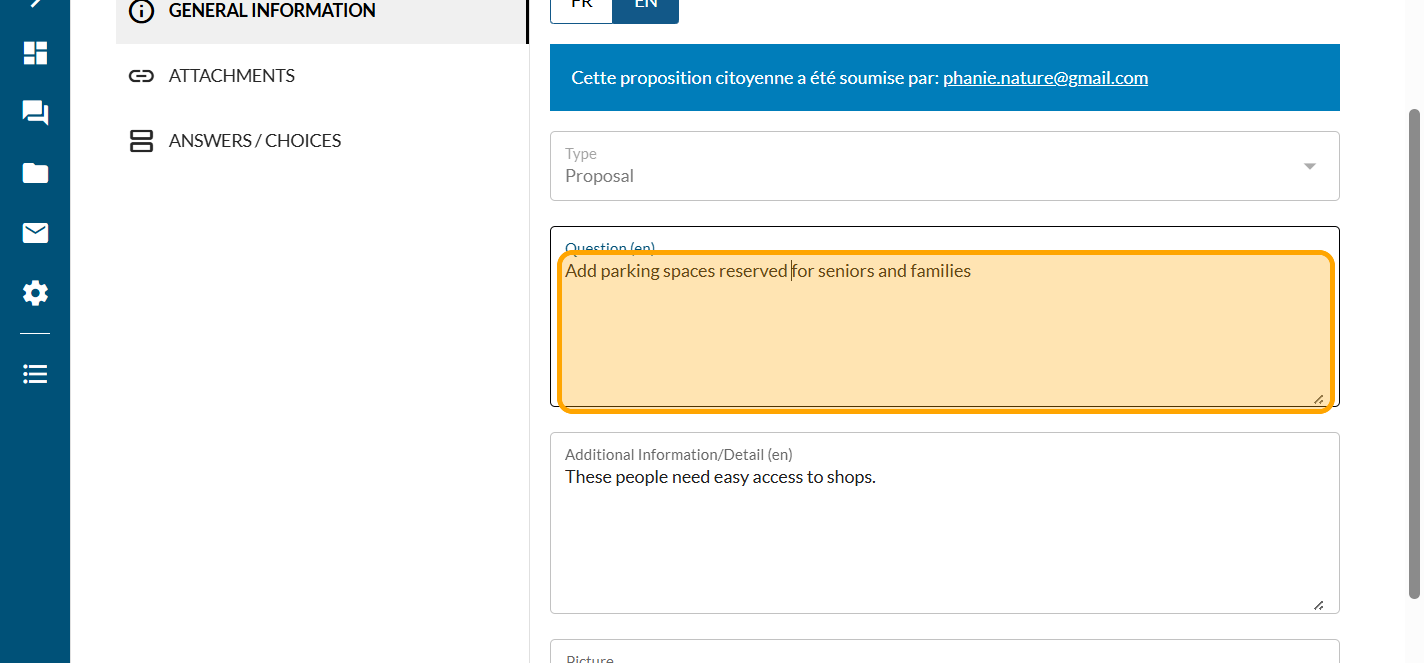
You have the person's email address so you can contact them. Send them a message to let them know whether their proposal has been approved or rejected. You can also suggest a new way of phrasing it. As an administrator, you can edit the text as needed
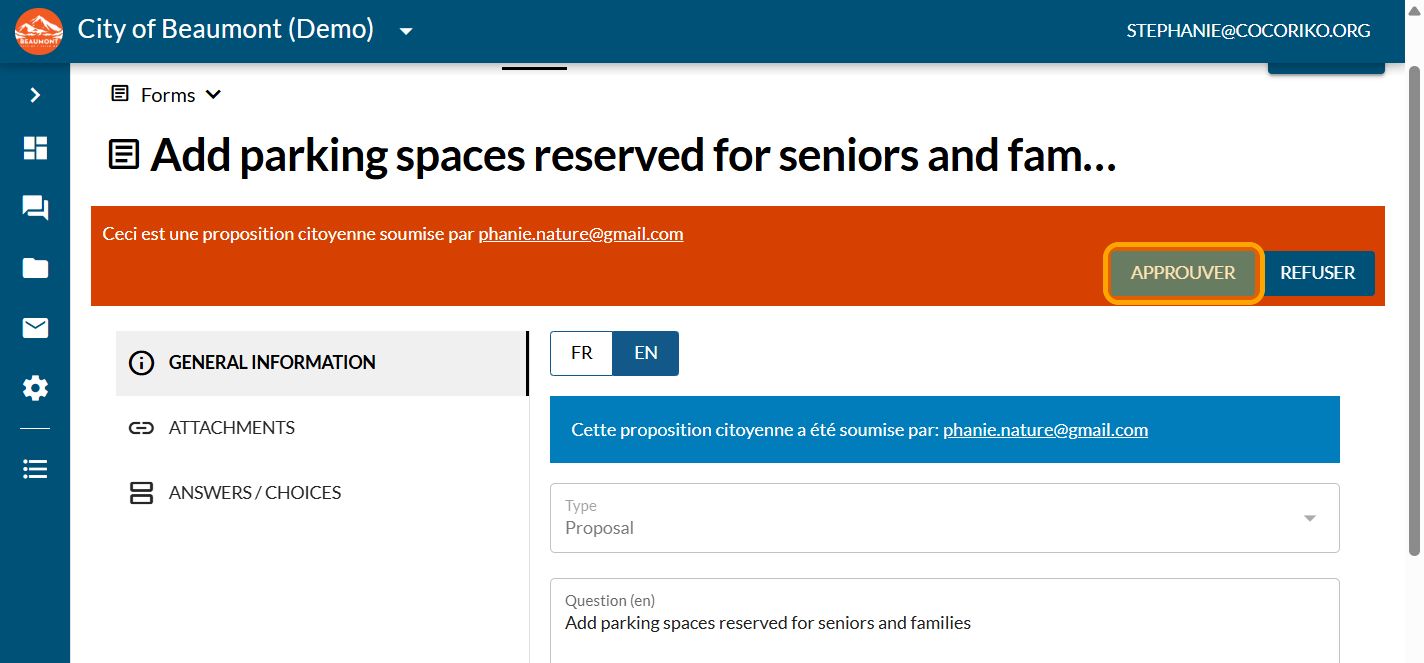
Click on "APPROVE"
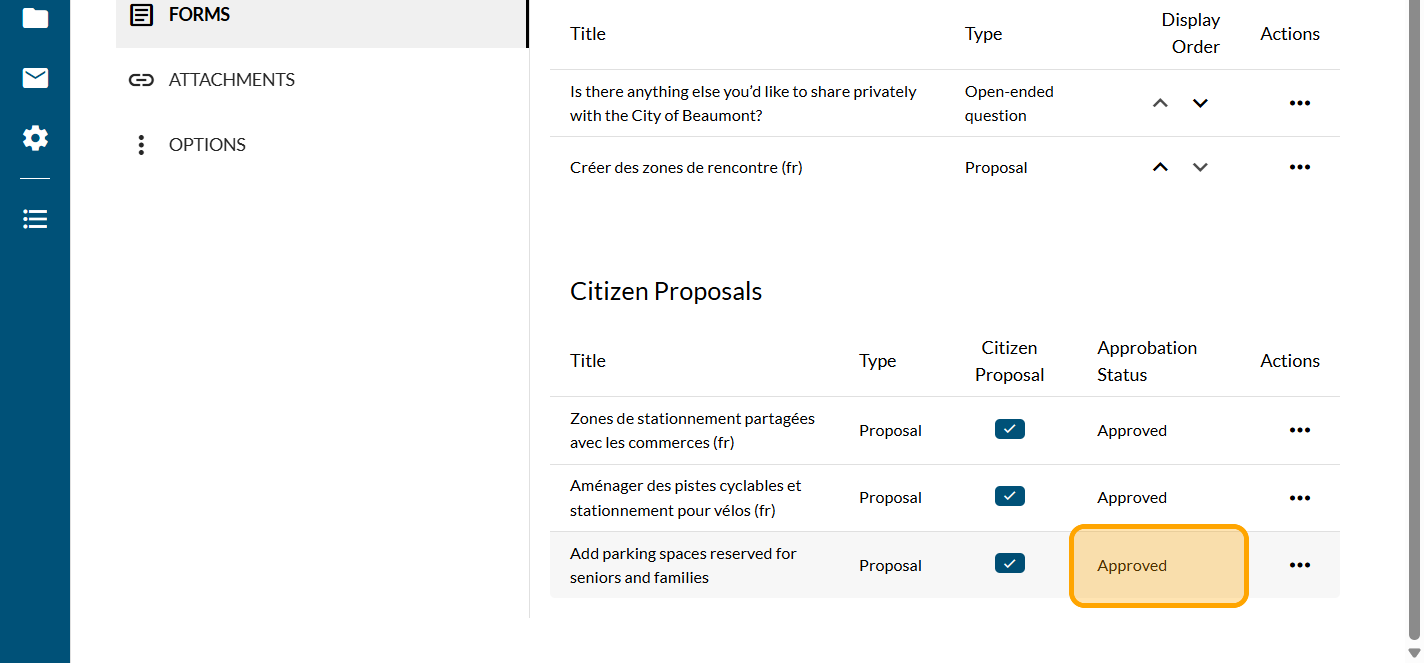
In the "Citizen Proposals" list, the proposal has now been approved. It will then automatically appear on the suggestion board.

Add the News module on the project

Manage the context of the section
The section includes mandatory context. The context may be c …

Manage editors on your platform
An administrator on a Cocoriko platform can add or remove co …