

By Team Cocoriko on Feb 4, 2026 3:42:59 PM
The open ended question is a space available for your participants to express themselves freely. Responses are confidential: they are not visible to other participants and are not linked to the person's name or email address.
Navigate to admin.v3.cocoriko.org and login as an admin
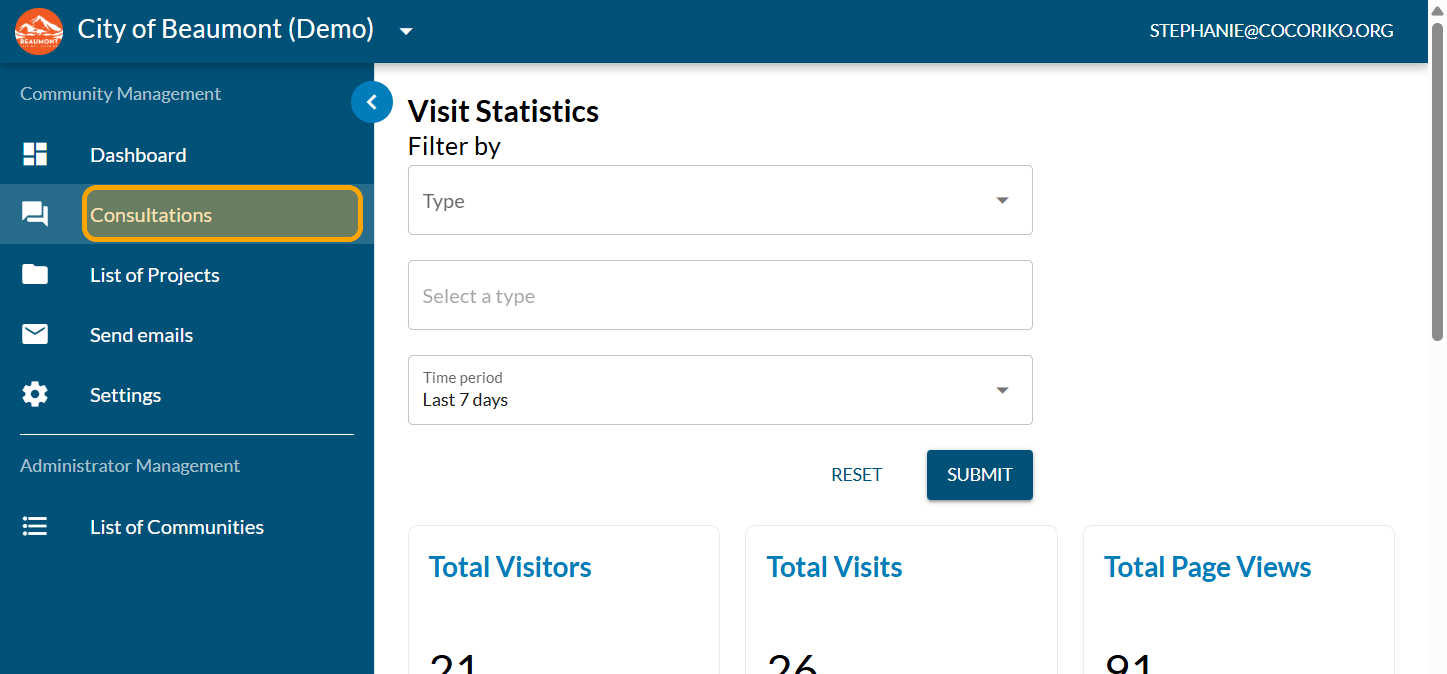
Click on "Consultations"
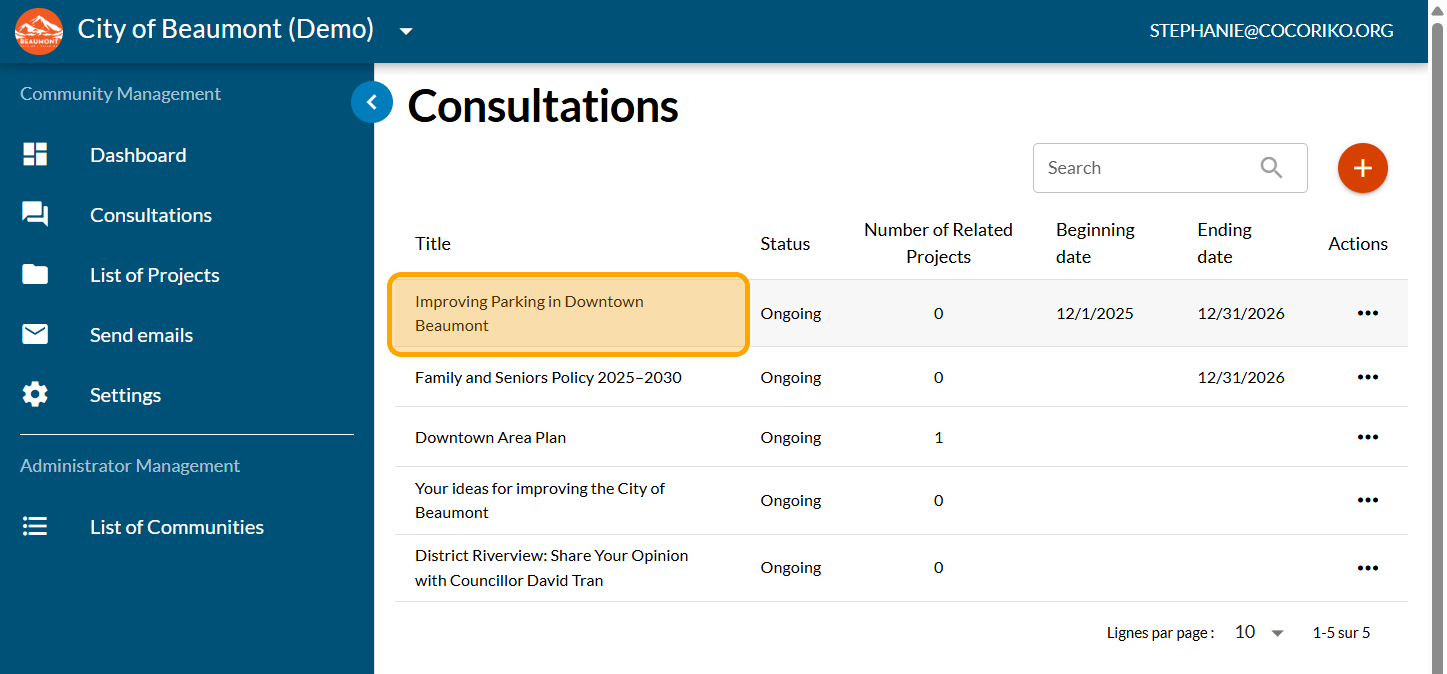
Click on your consultation
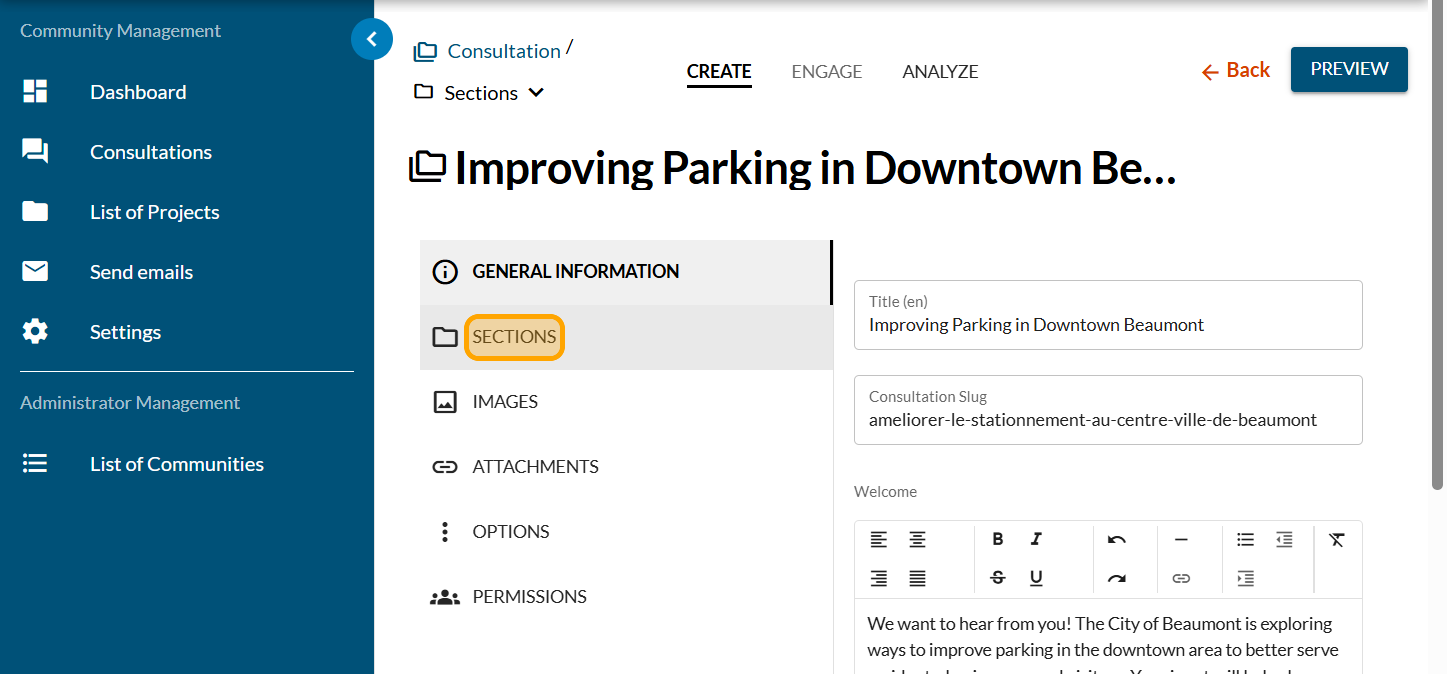
Click on "SECTIONS"
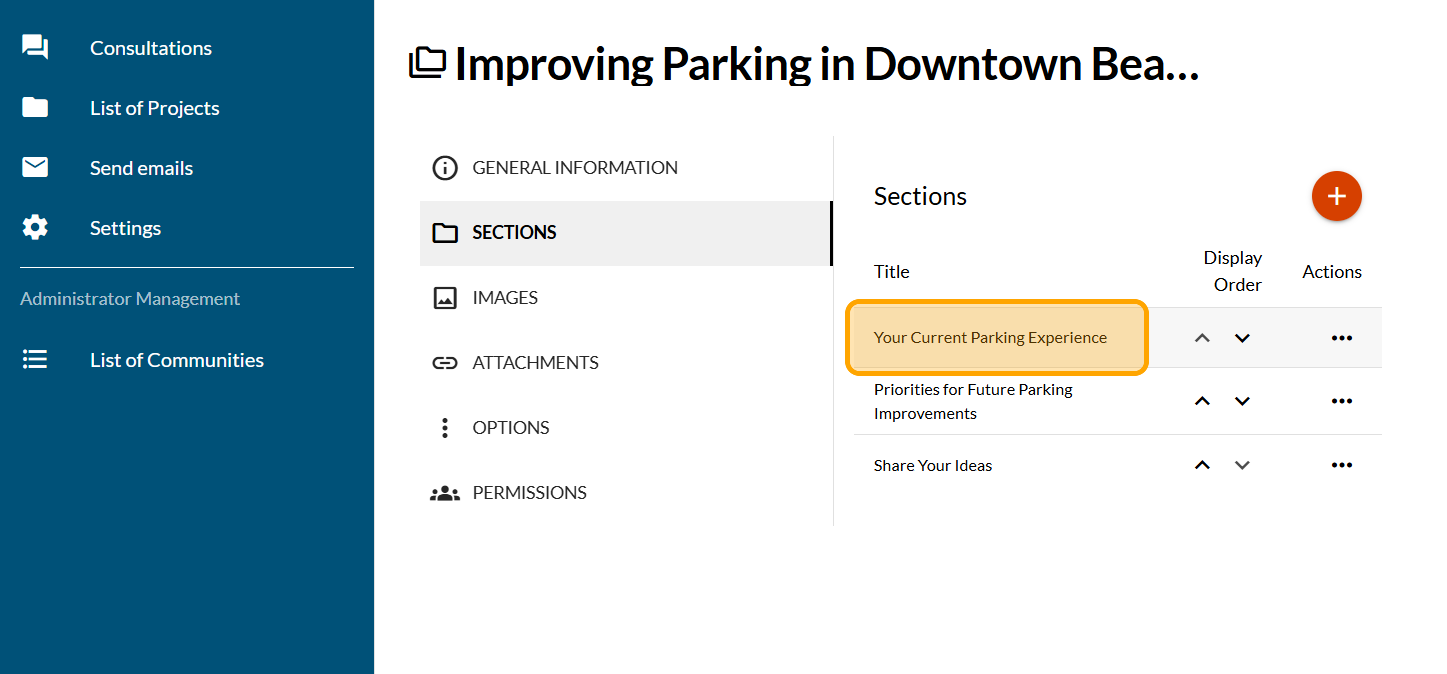
Click on a section
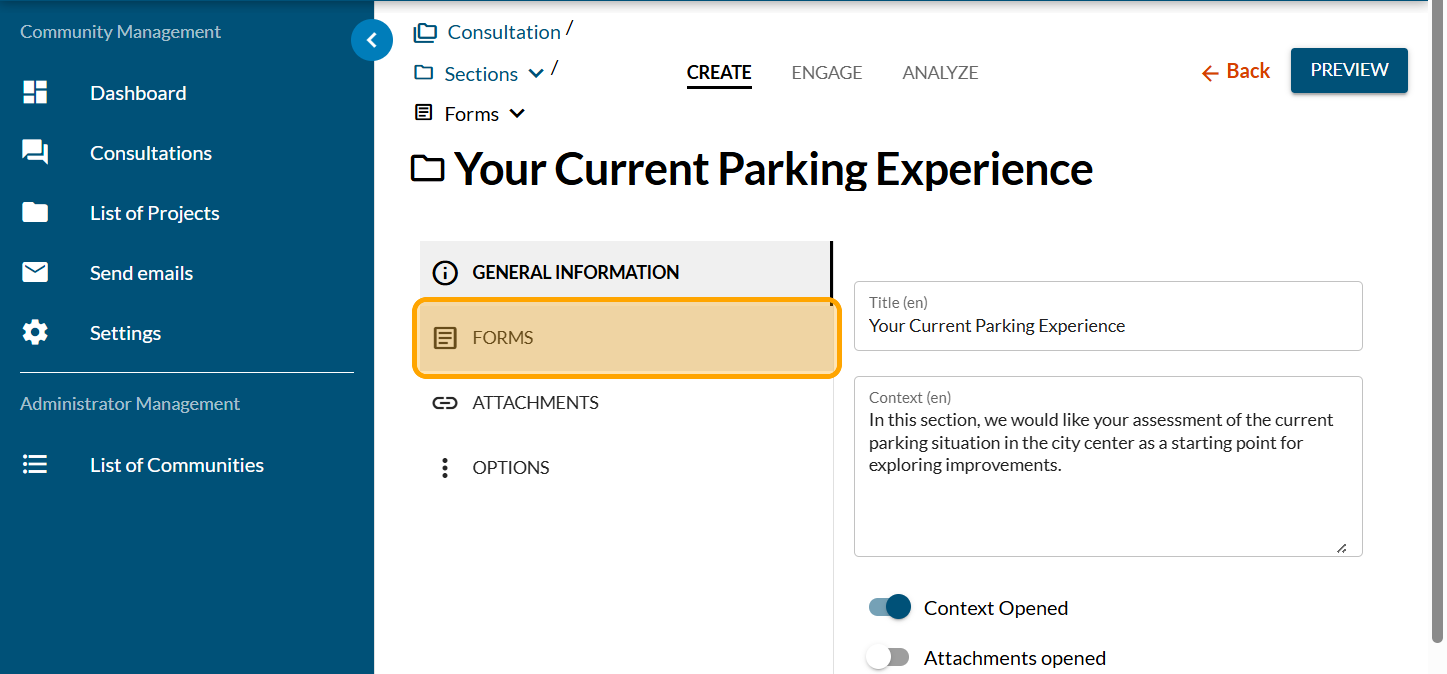
Click on "FORMS"
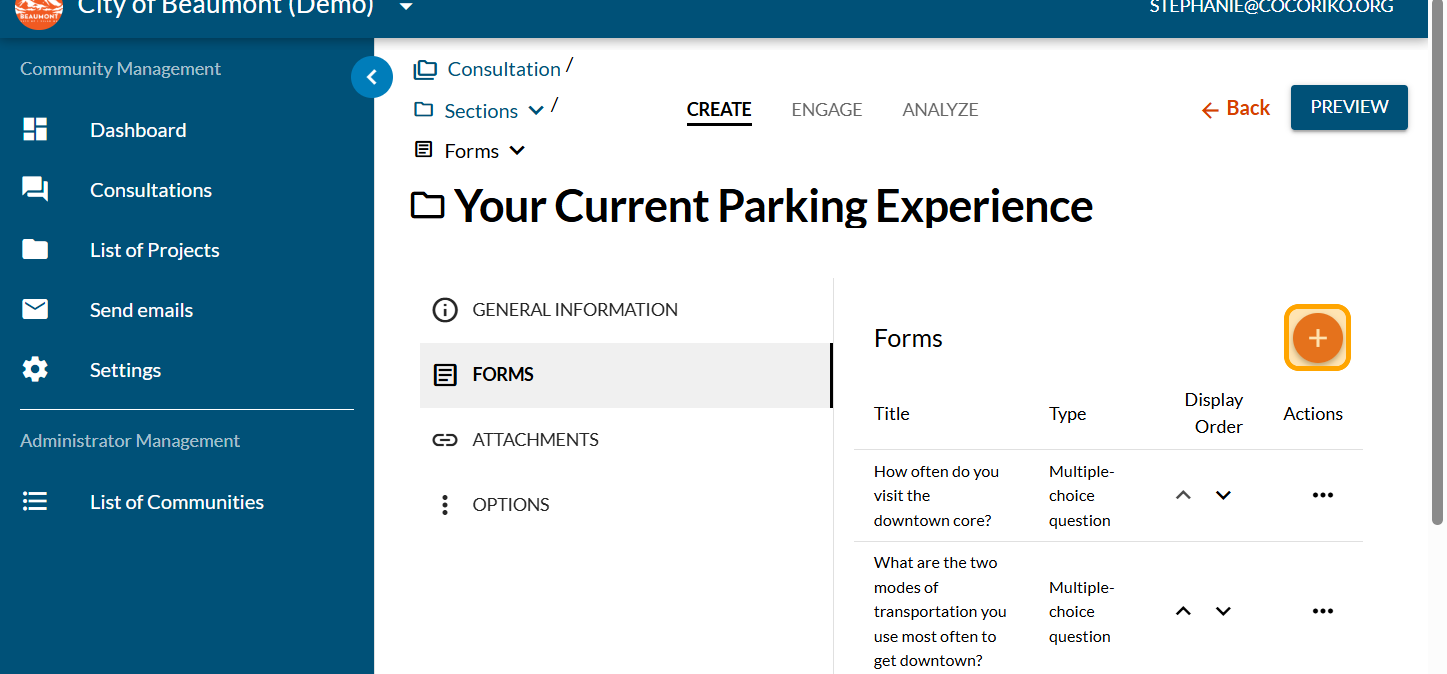
Click on the PLUS sign to add a form
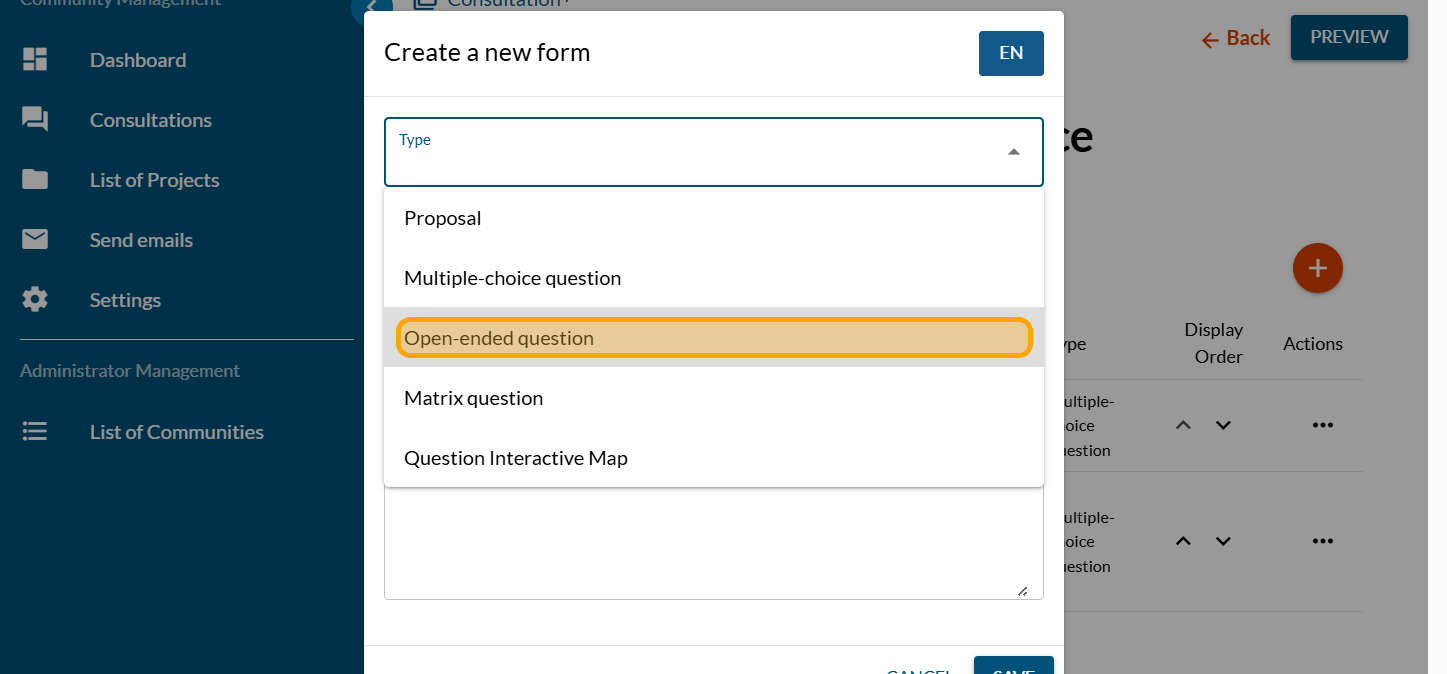
Click on "Open-ended question"
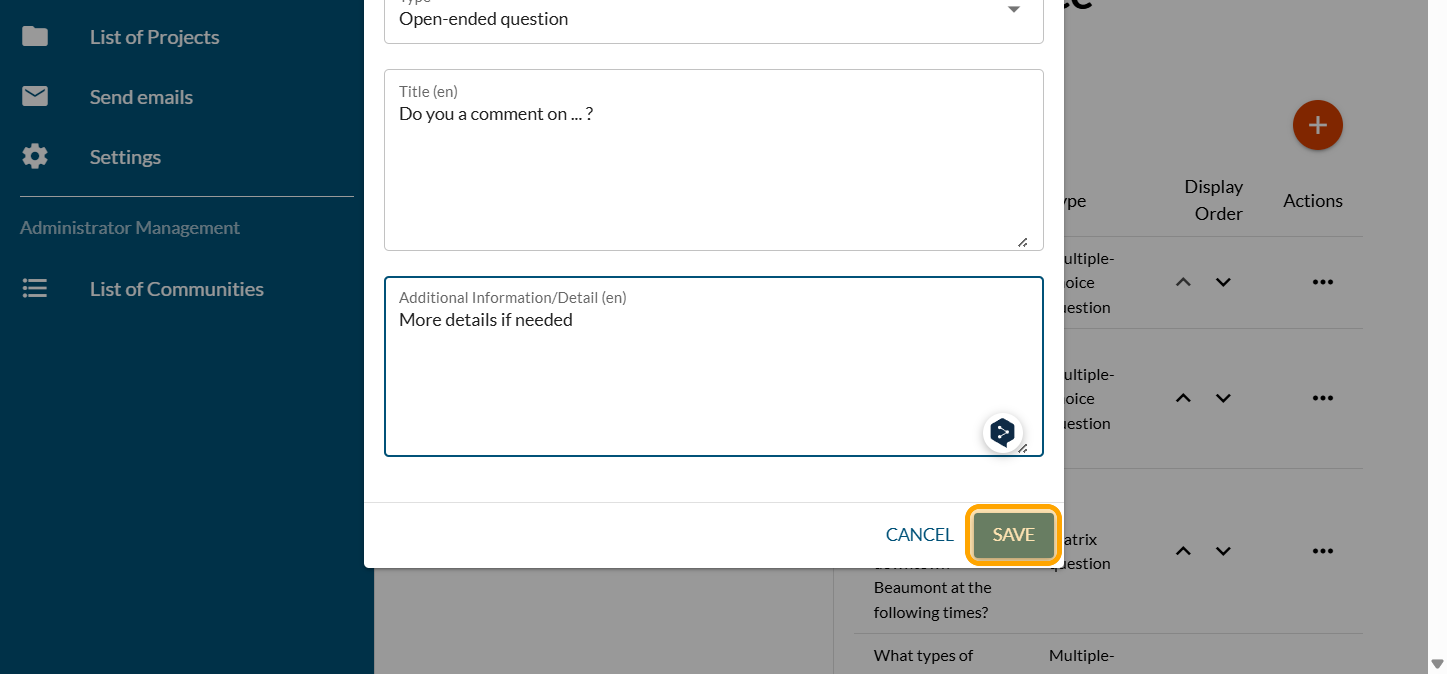
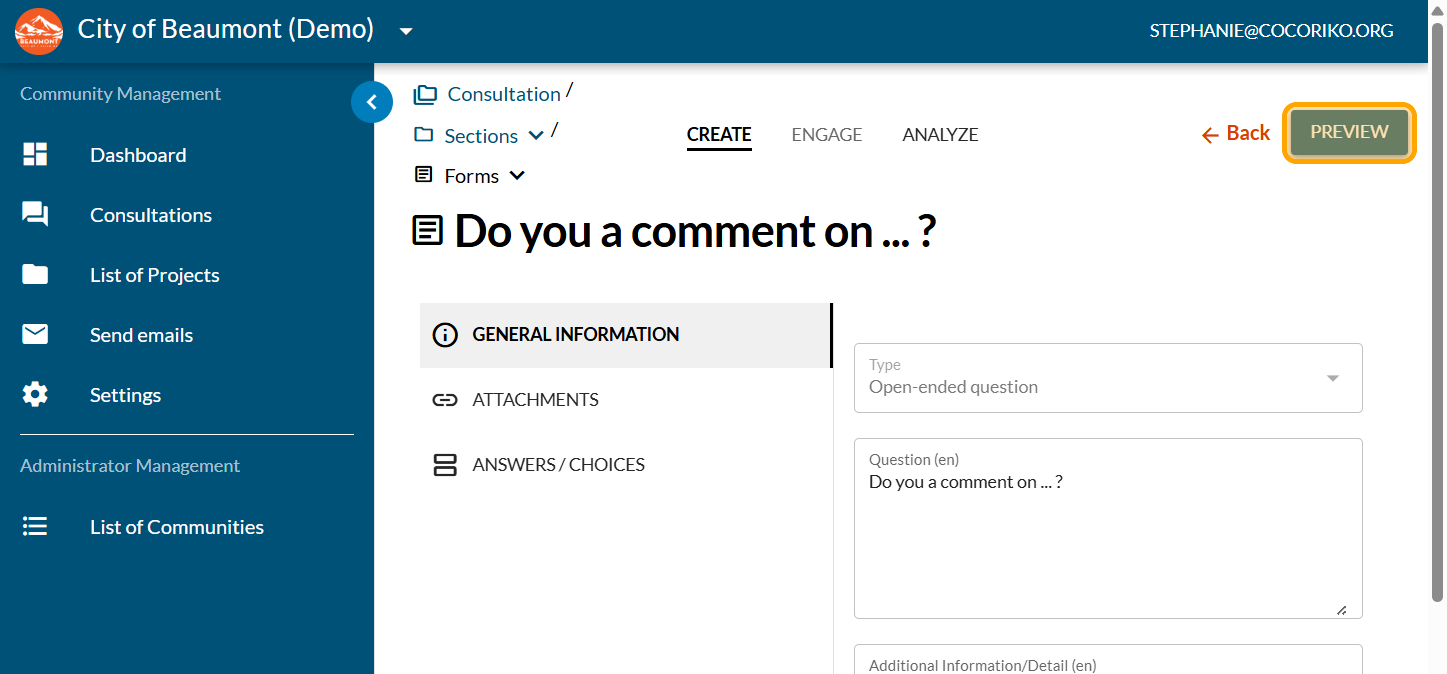
Enter your question and more detailed information if needed. Click on "SAVE".
Click on "PREVIEW"
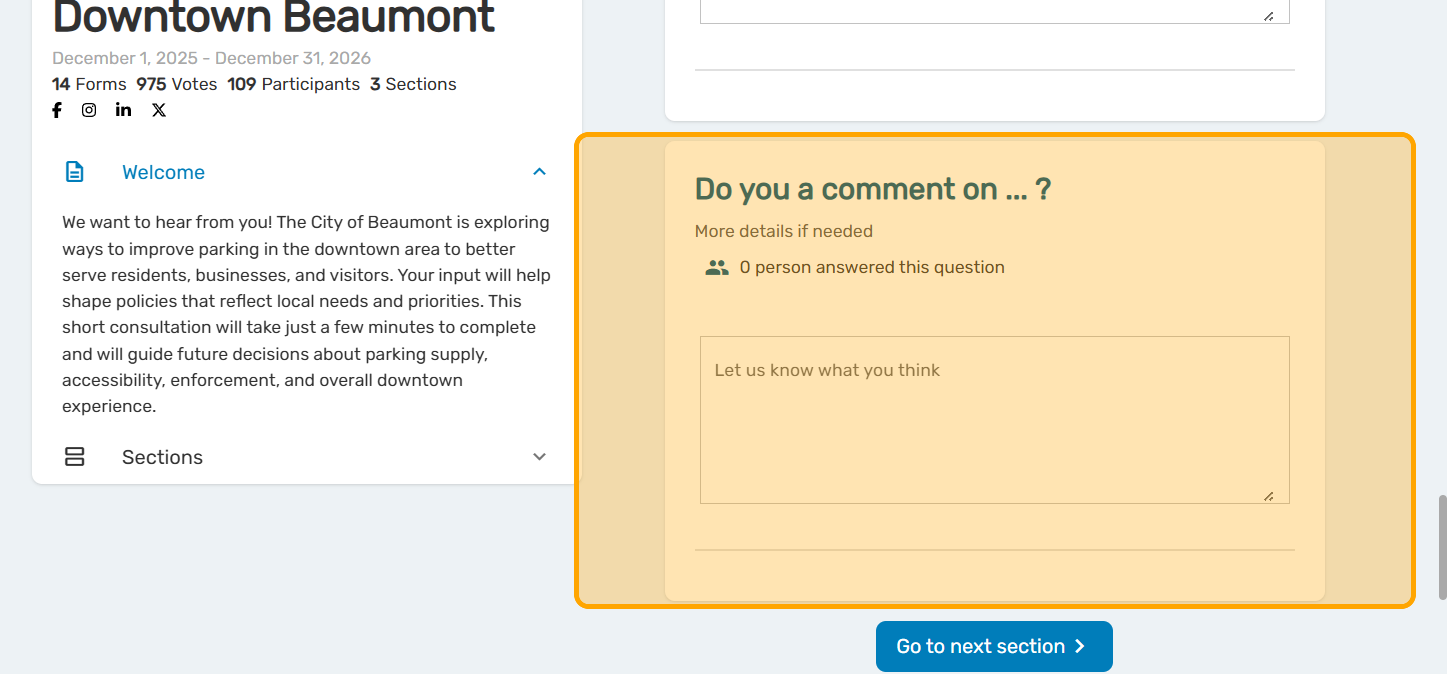
View your question and make adjustments if needed

Manage the context of the section
The section includes mandatory context. The context may be c …

Combine an in-person consultation with an online consultation
We provide you with access to a practical guide to help you …

Collect contact details for a specific purpose
In some cases, you may need to collect the contact details o …