

By Team Cocoriko on Feb 26, 2026 10:52:10 AM
You can ask your participants for ideas via an open-ended question, but the ideas board offers even more! Share the ideas submitted by participants with your community. Participants can vote on other people’s ideas and/or submit their own.
To help you make an informed choice, please also read these two articles:
Click on "Consultations"
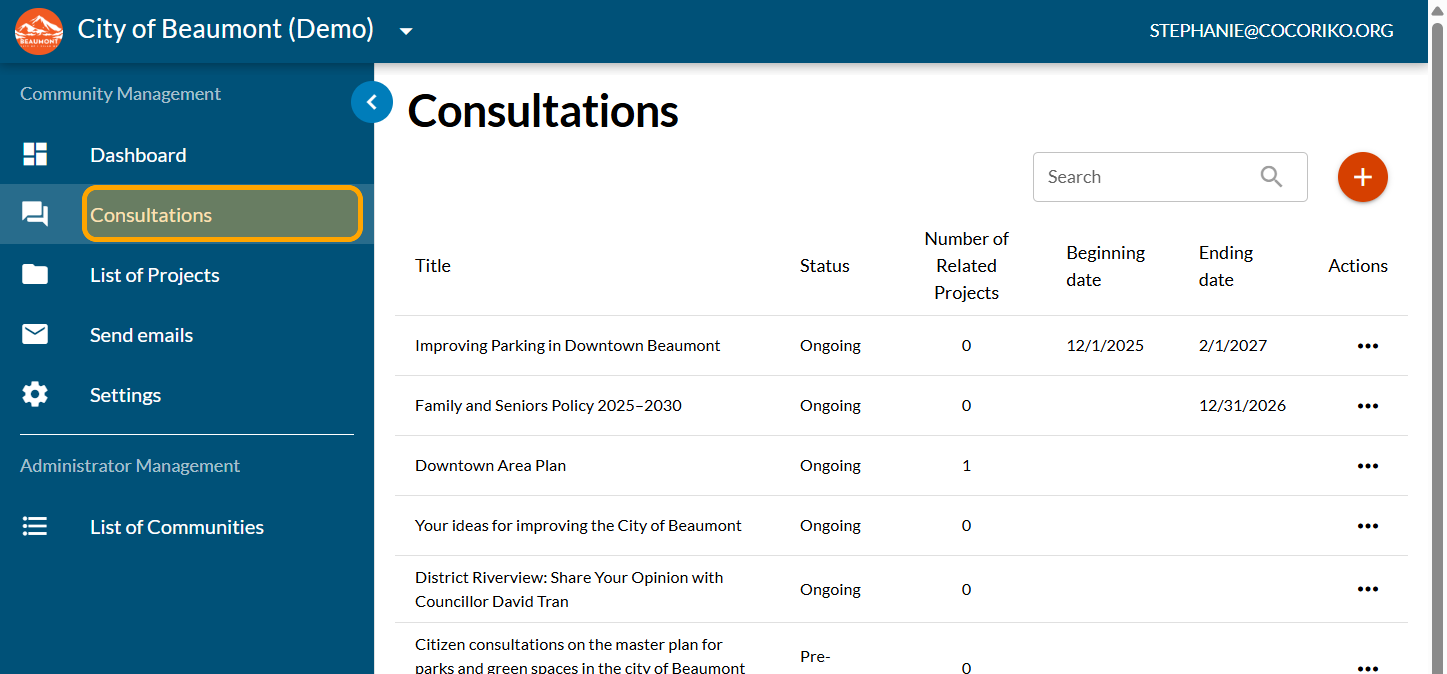
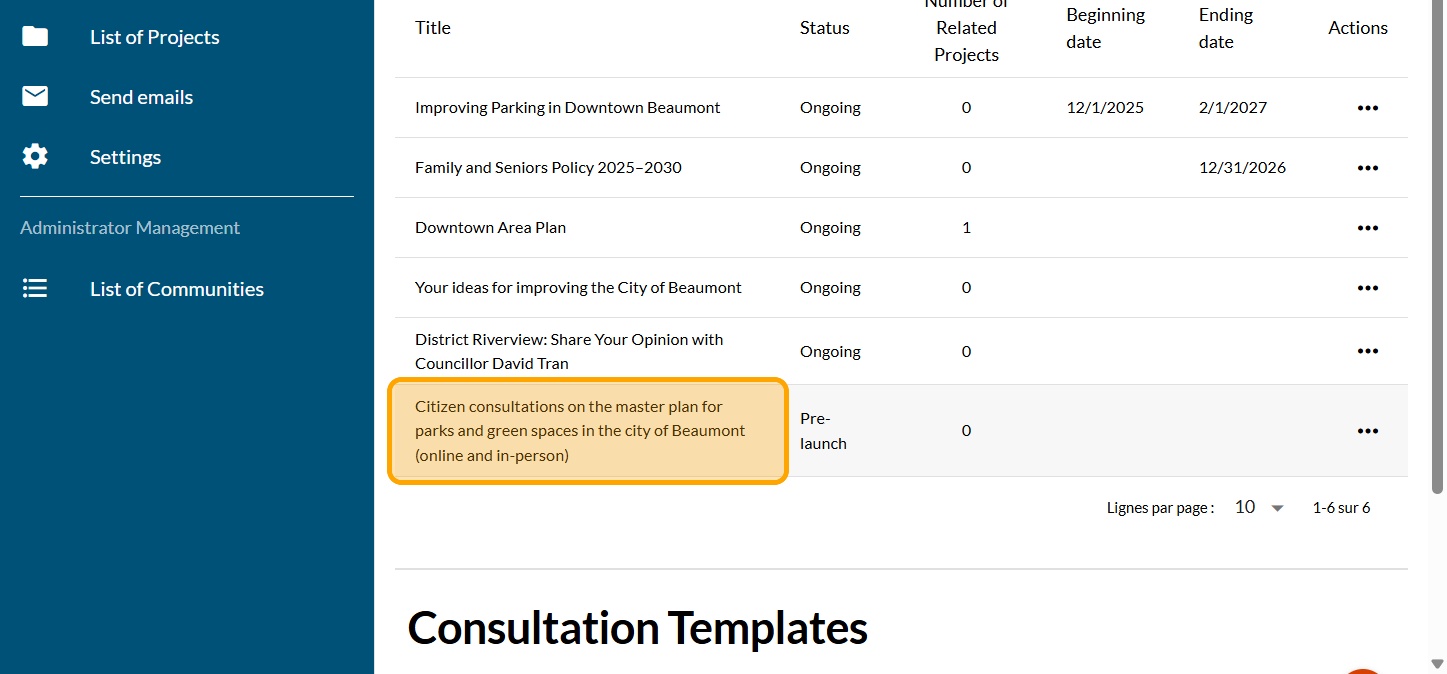
Click on the consultation for which you want to add a wall of ideas.
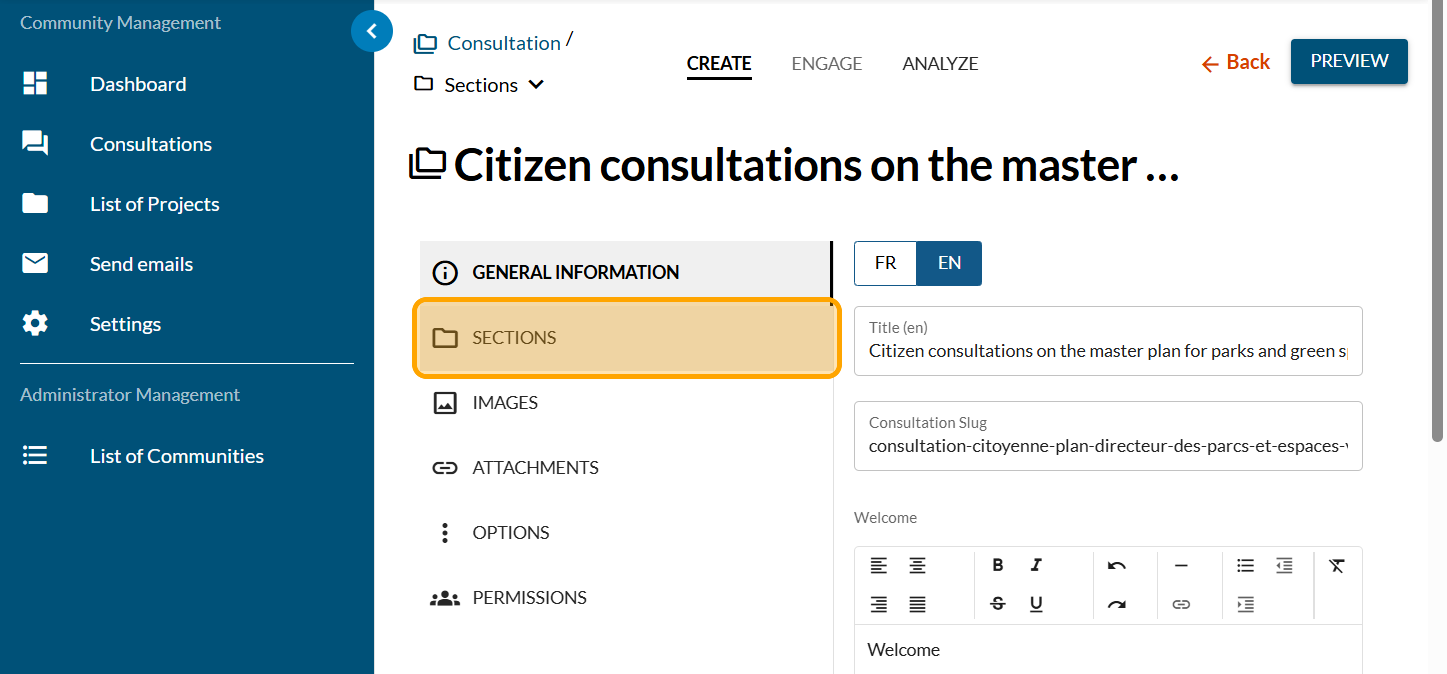
Click on "SECTIONS"
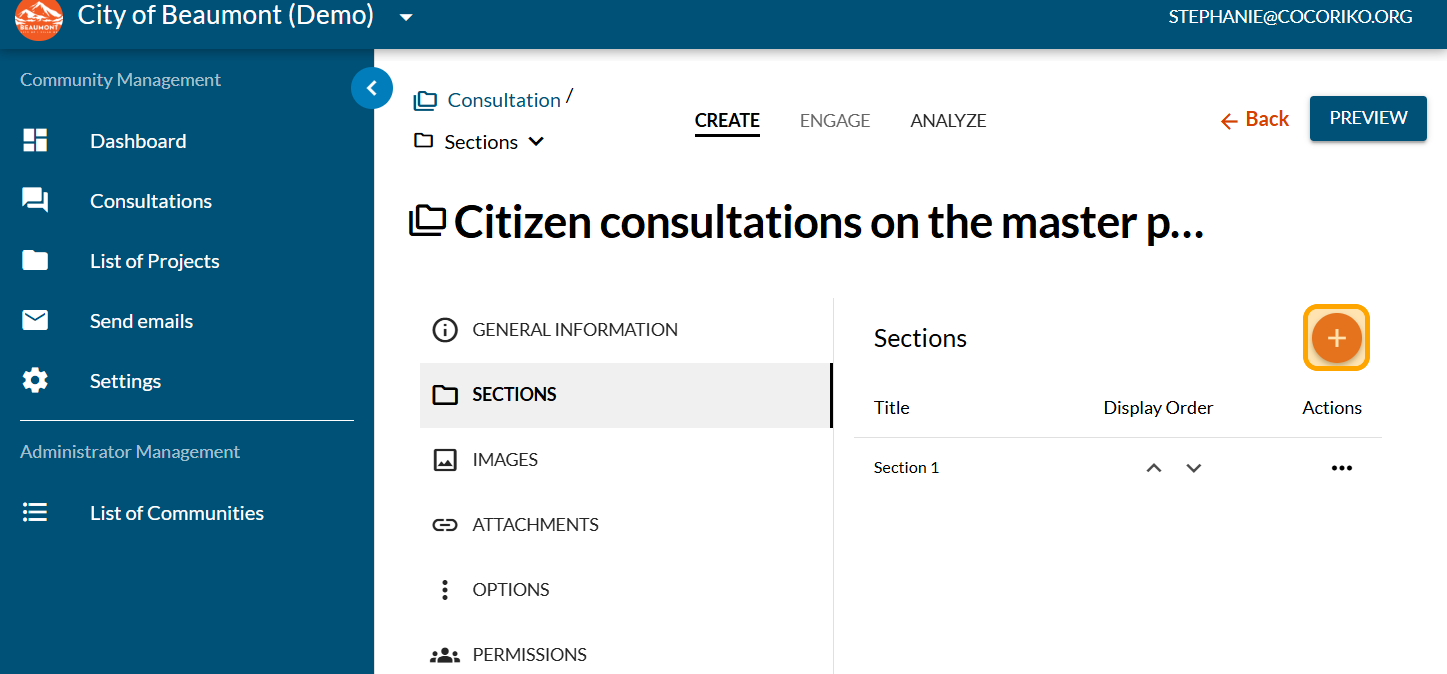
Click on the PLUS sign to add a new section
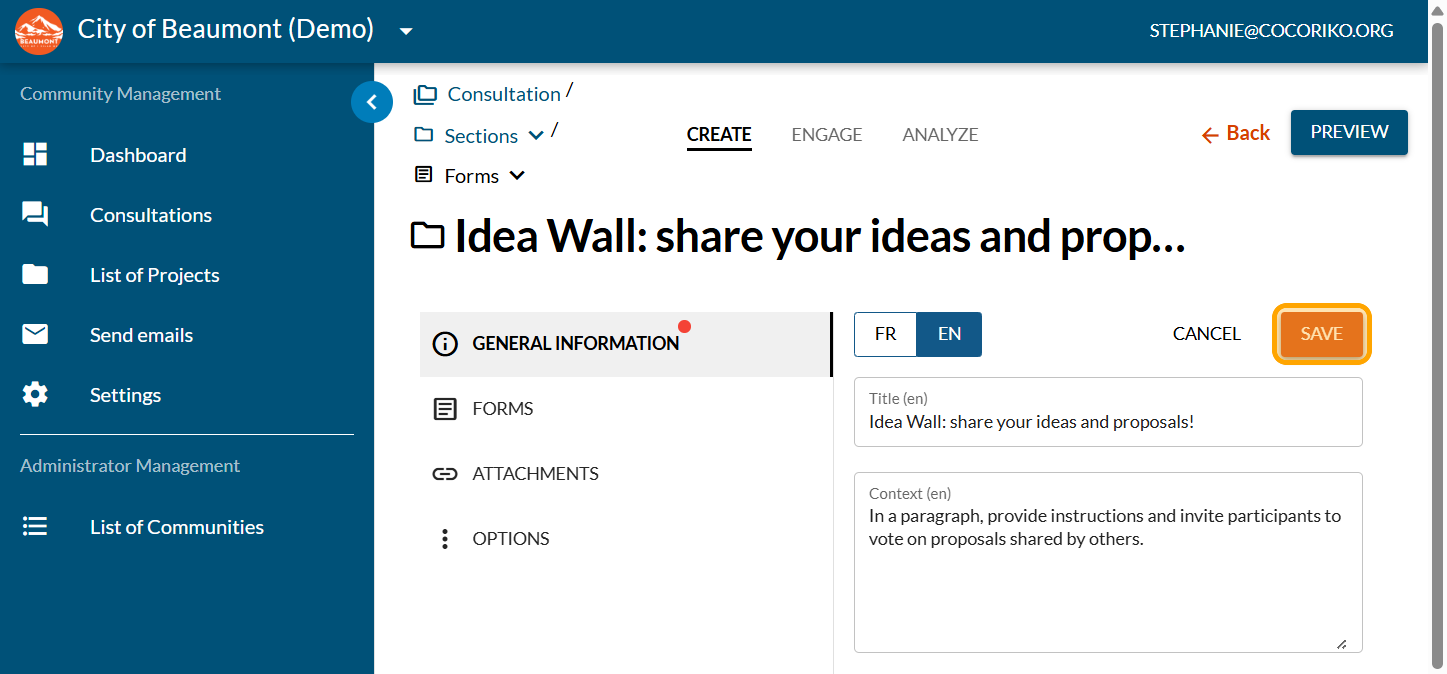
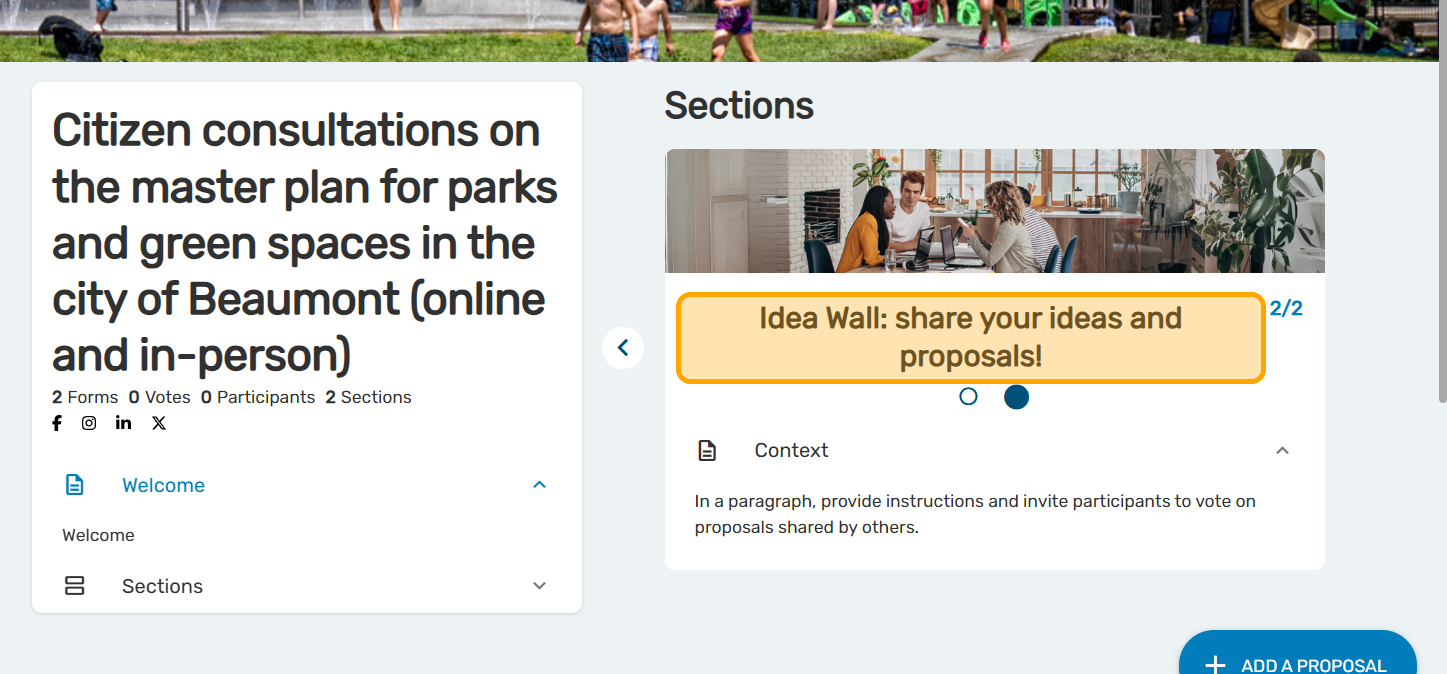
Add a clear title inviting your community to write an idea or proposal
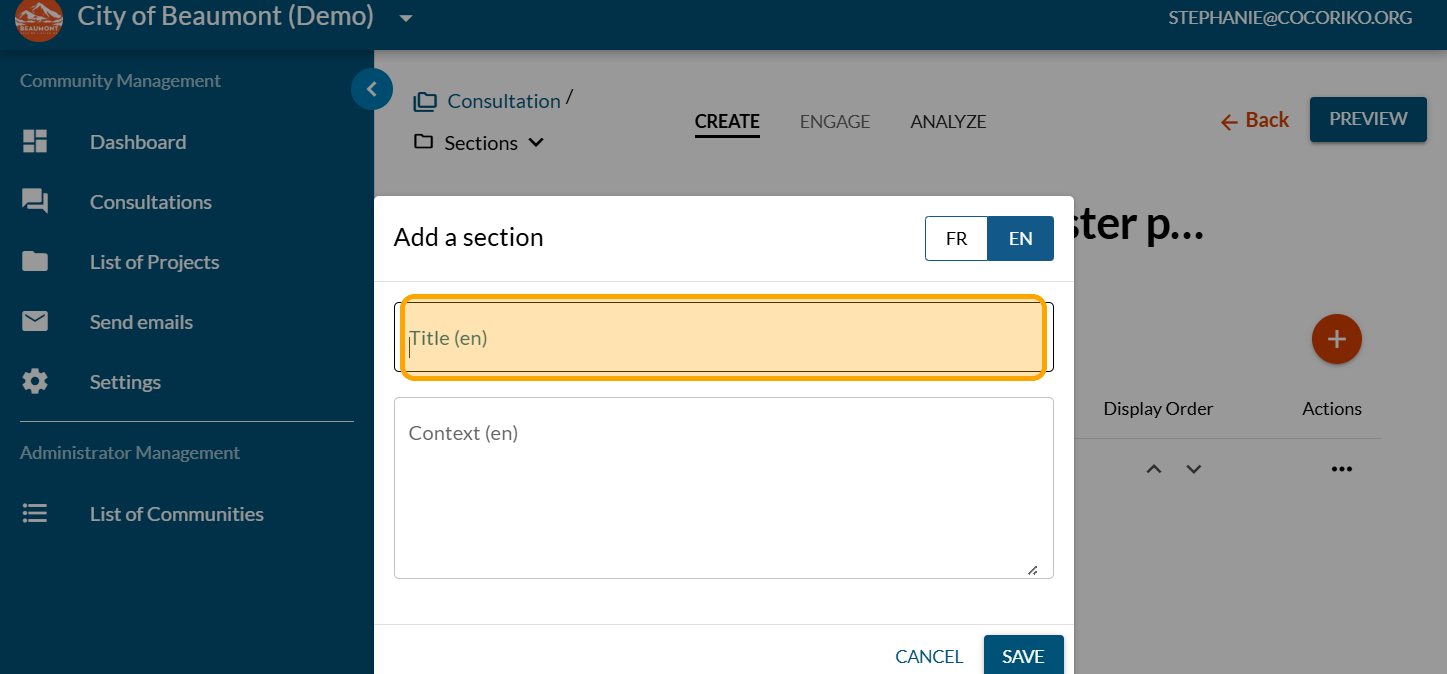
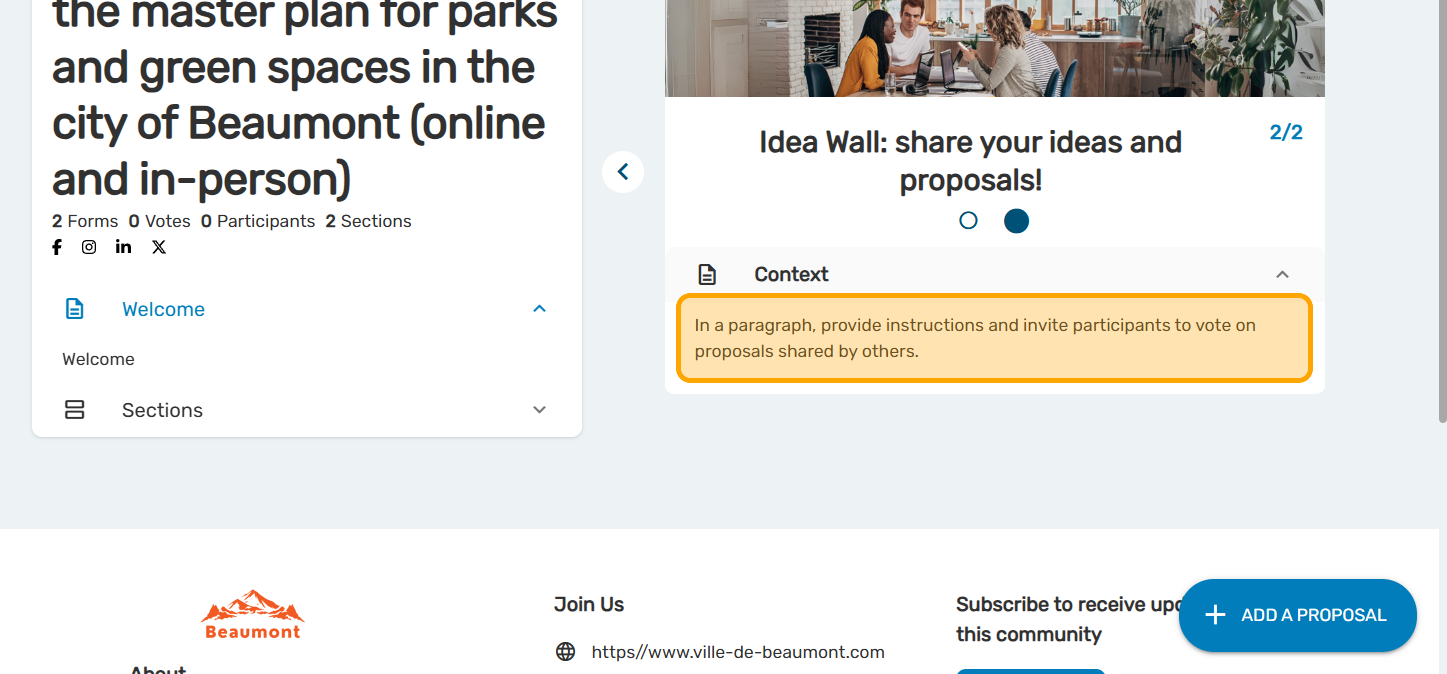
Add a paragraph of context providing some instructions and telling participants that they can also vote on the proposals.
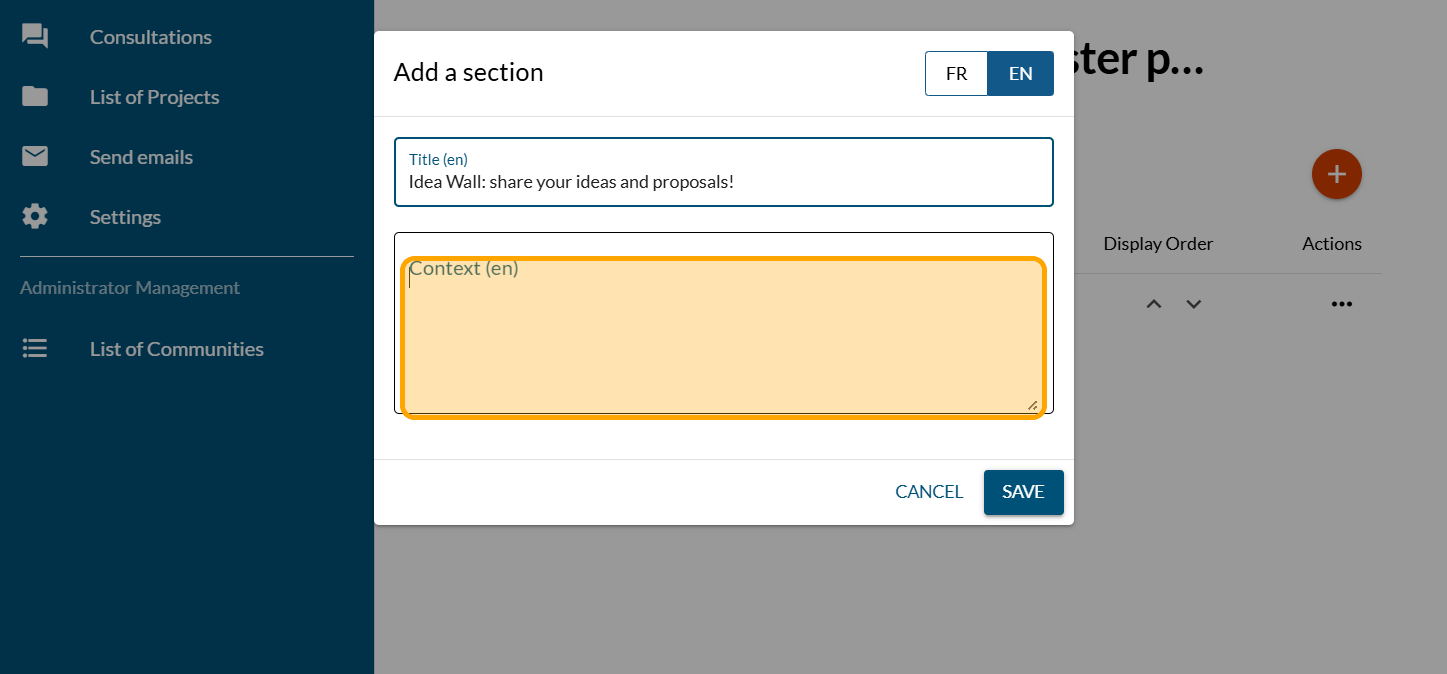
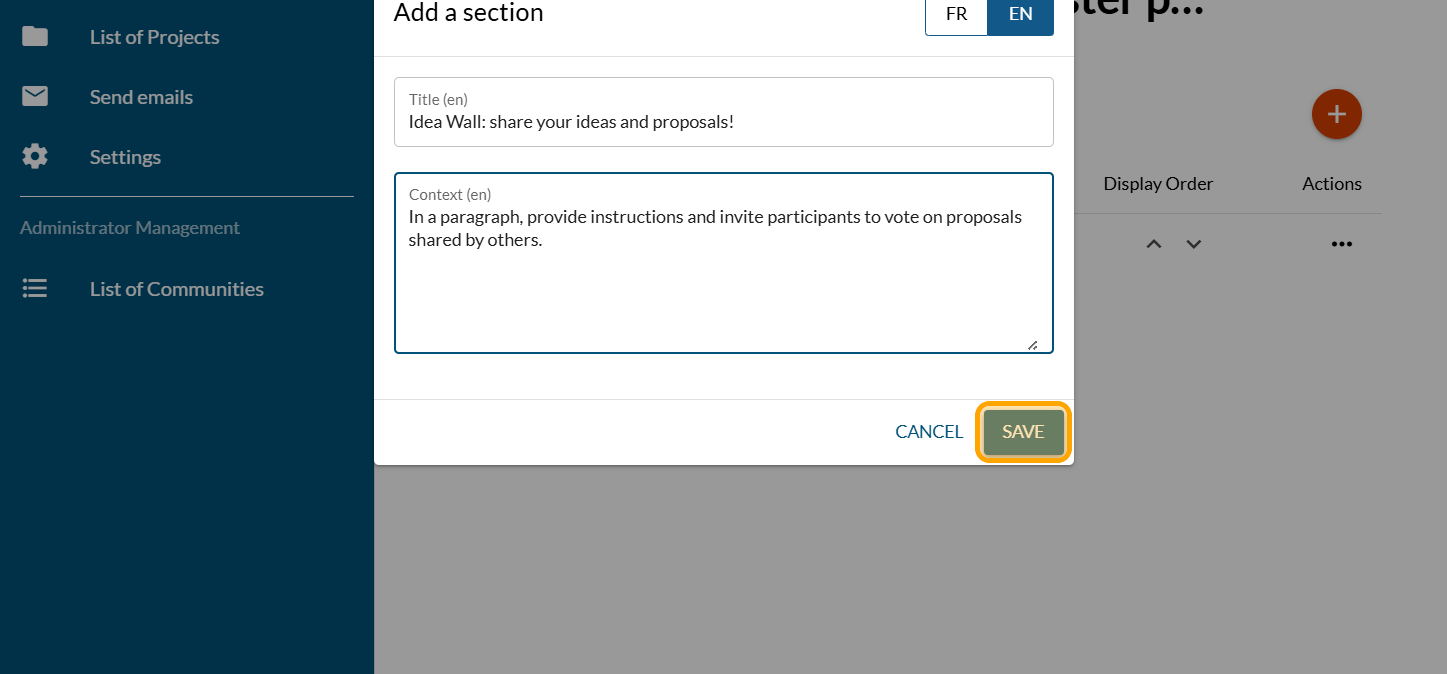
Click on "SAVE"
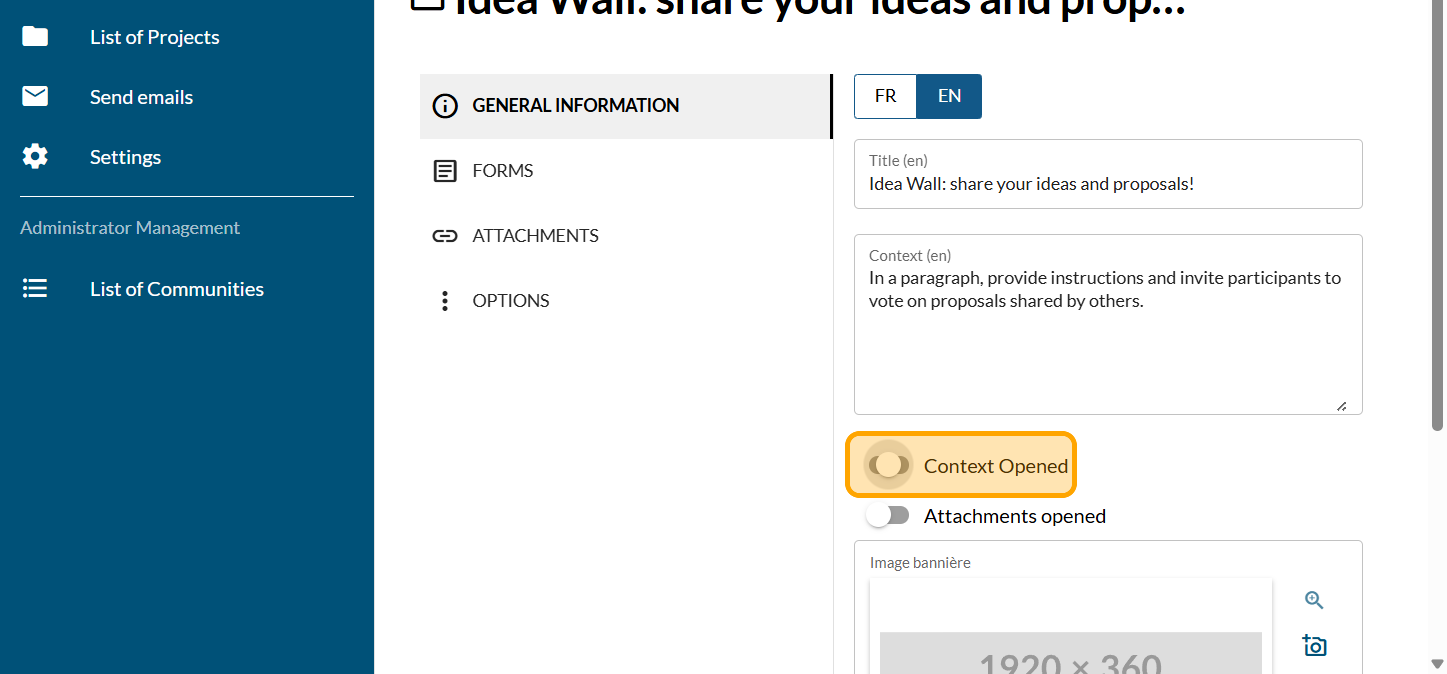
Enable the "Context Opened" button: since you are providing important information, the context should be open by default.
Click on "SAVE"
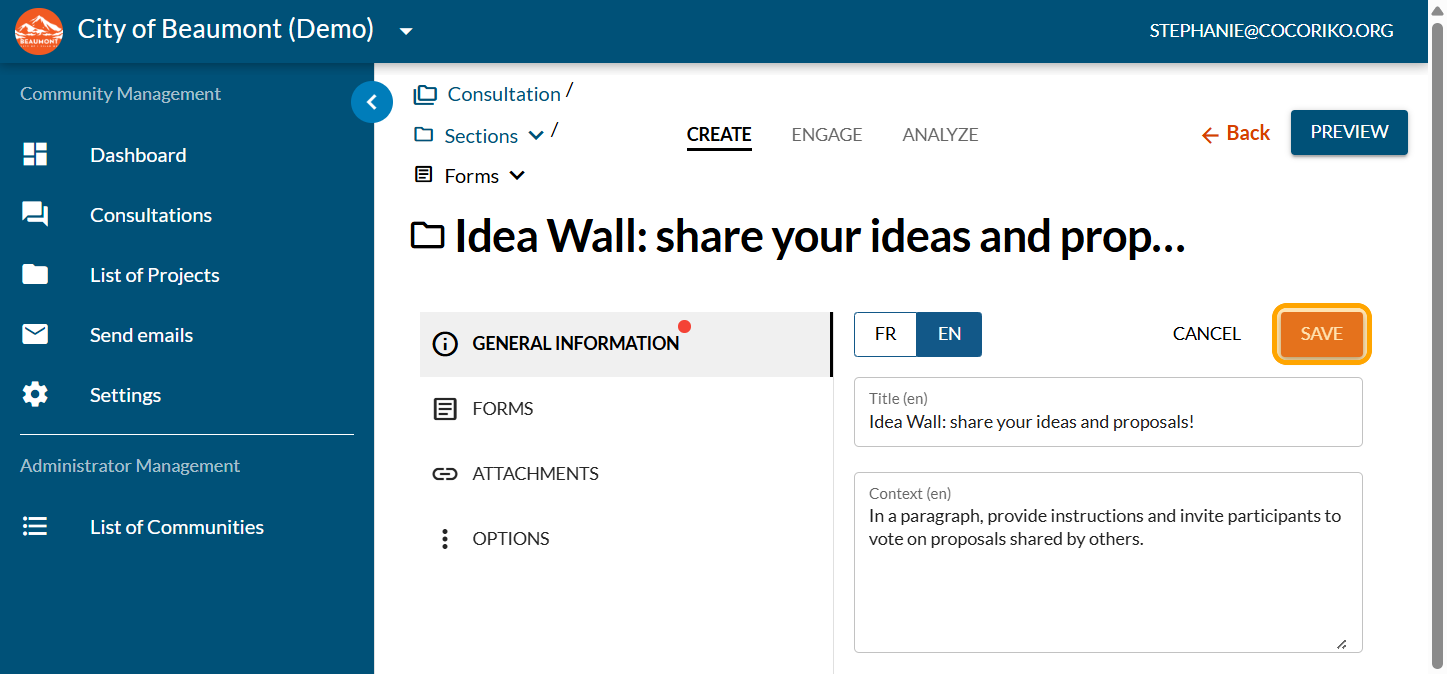
Click on the camera icon to add a section banner. Since you are asking for a different action and more engagement, an evocative banner image may be interesting.
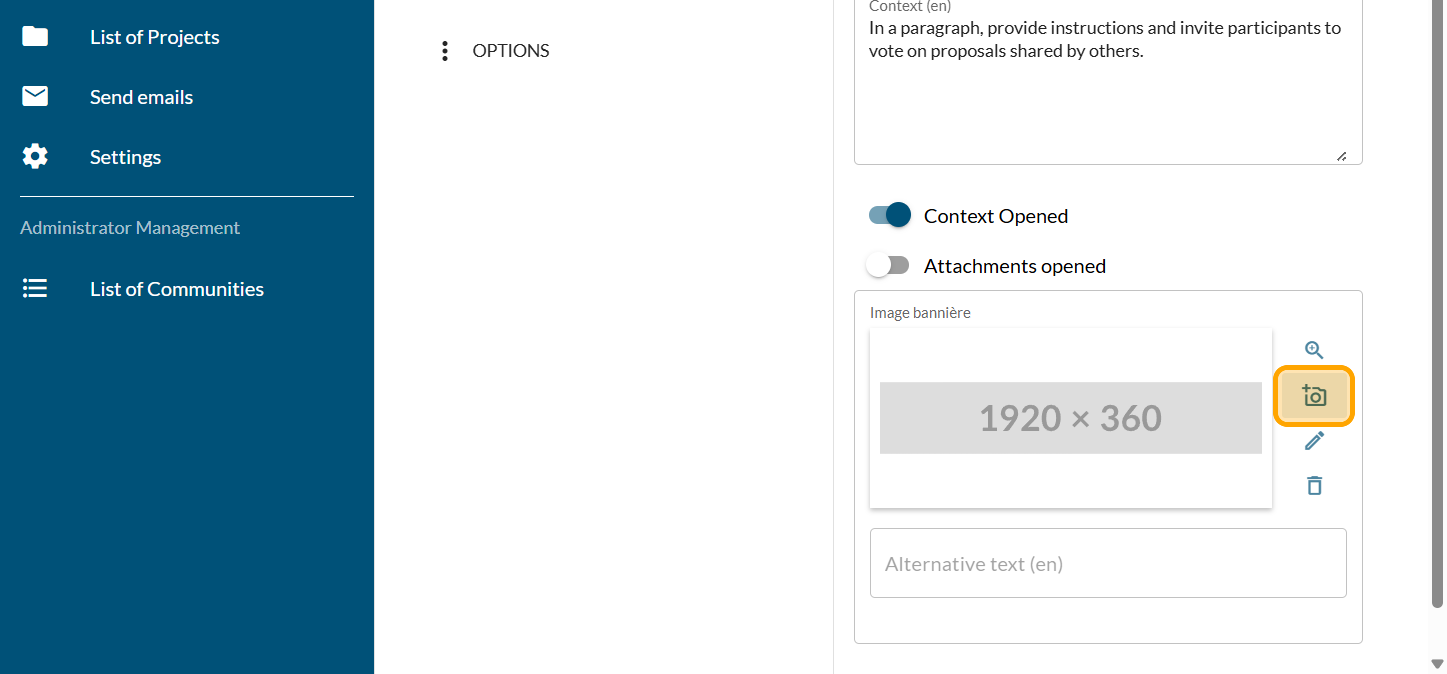
Click on "Drag and drop or Click to choose a photo from disk"
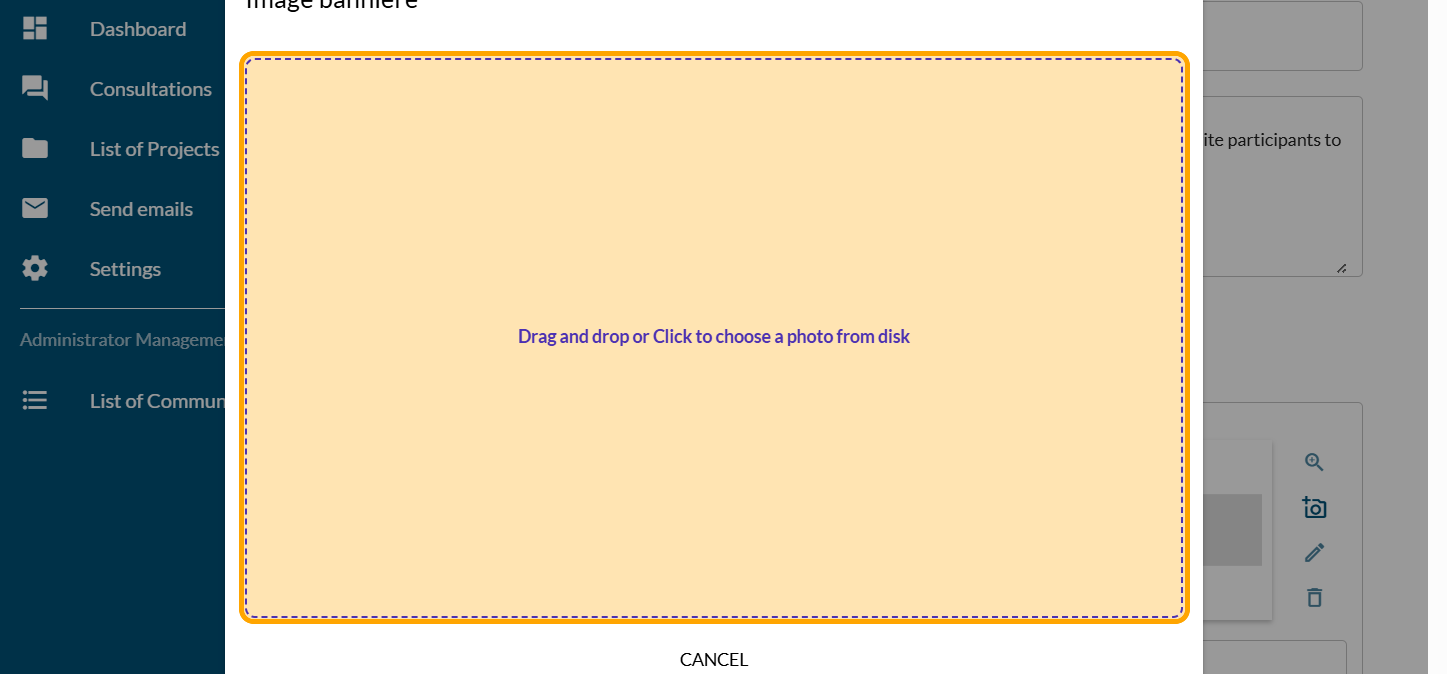
Reframe if needed
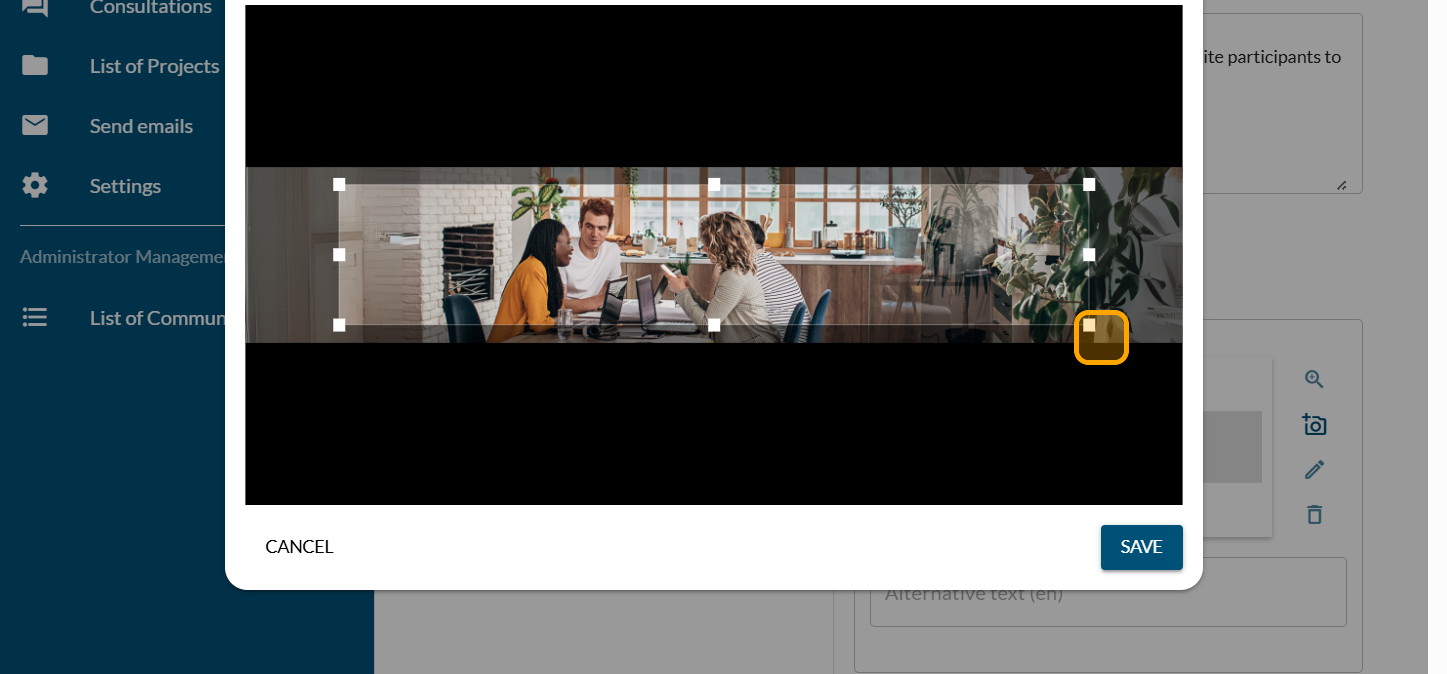
Click on "SAVE"
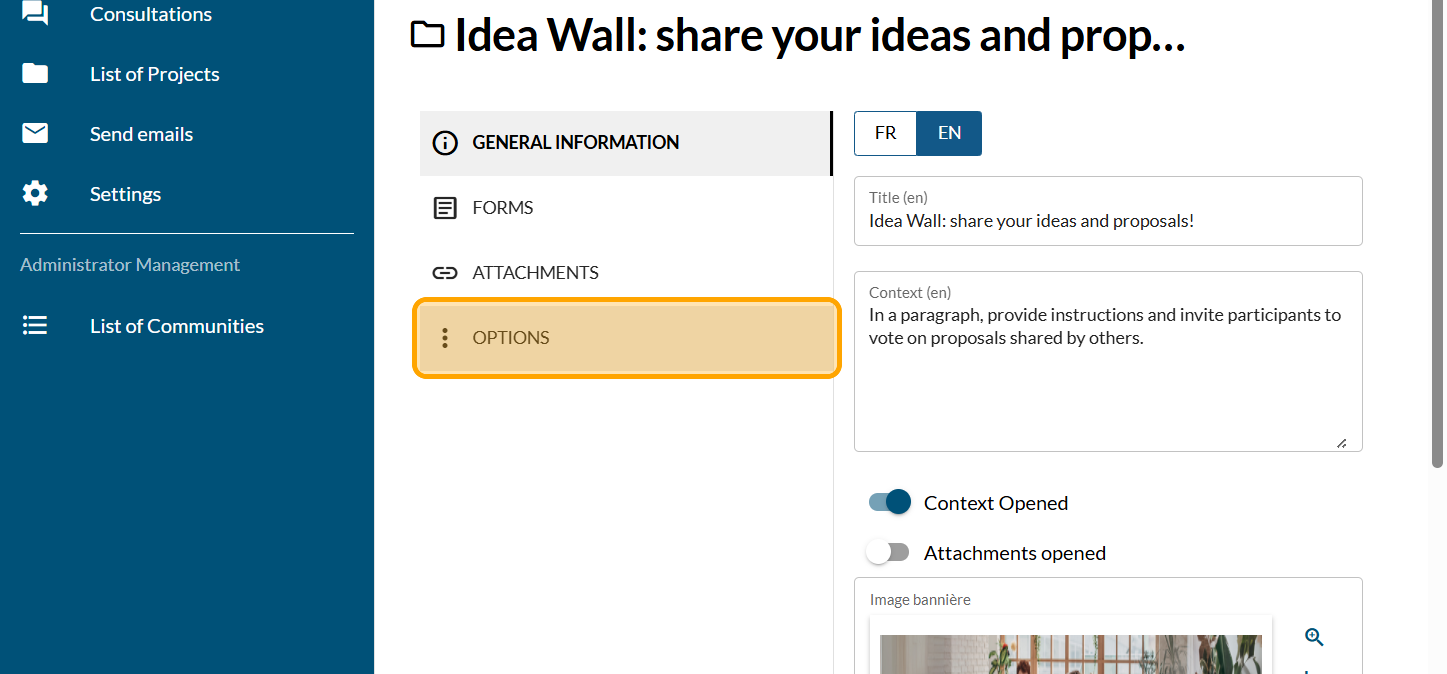
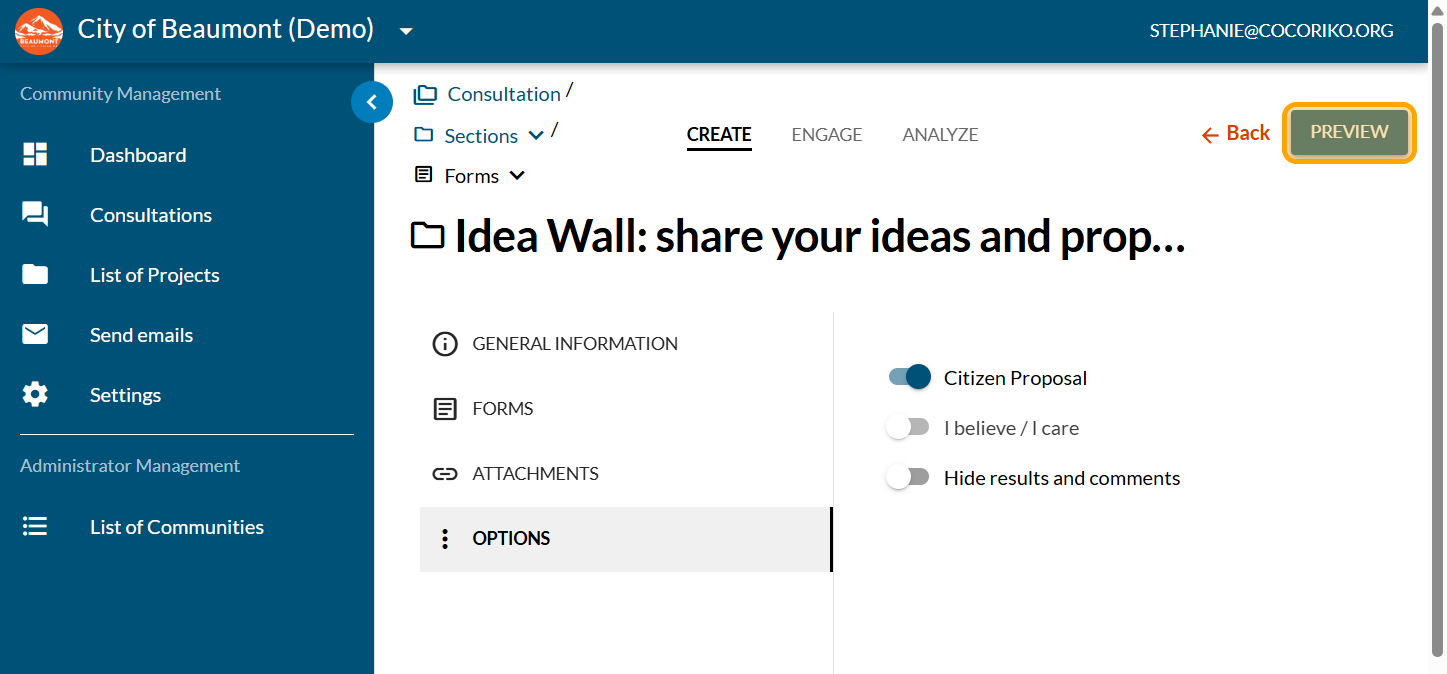
Click on "OPTIONS"
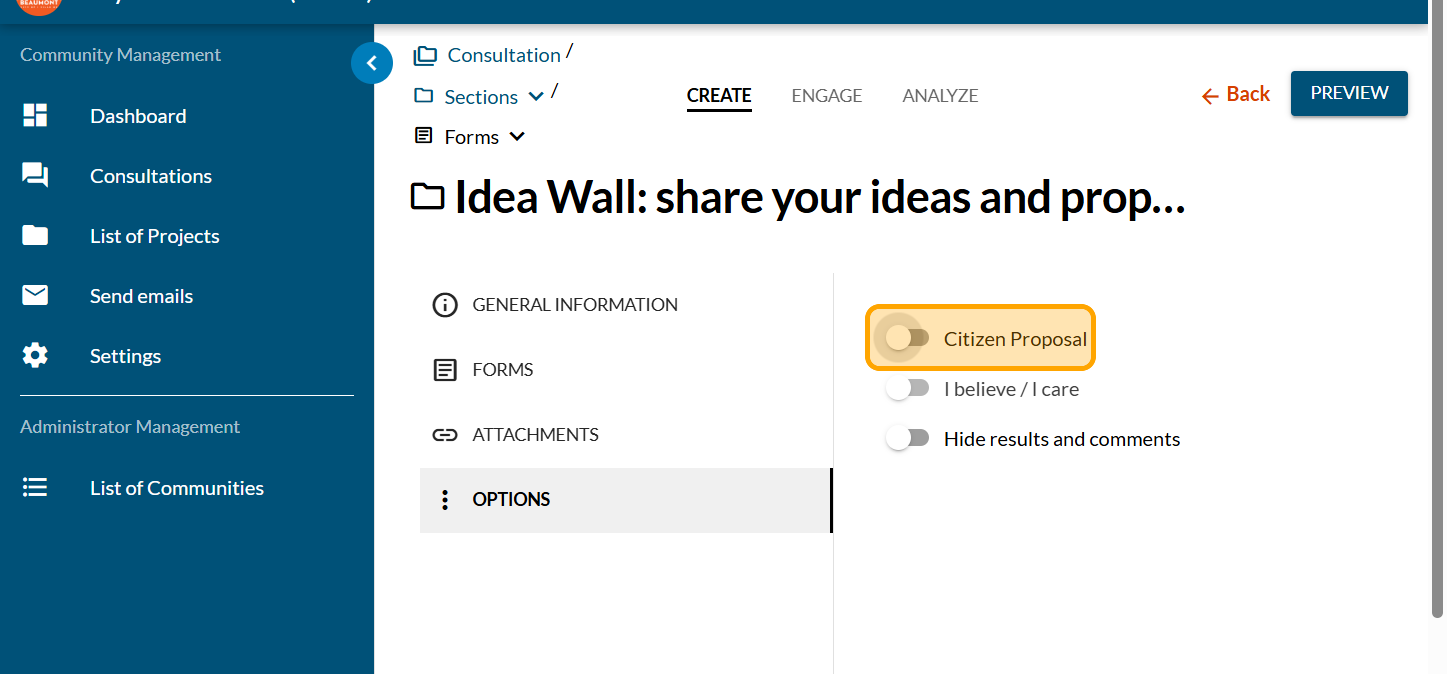
Enable the "Citizen Proposal" button
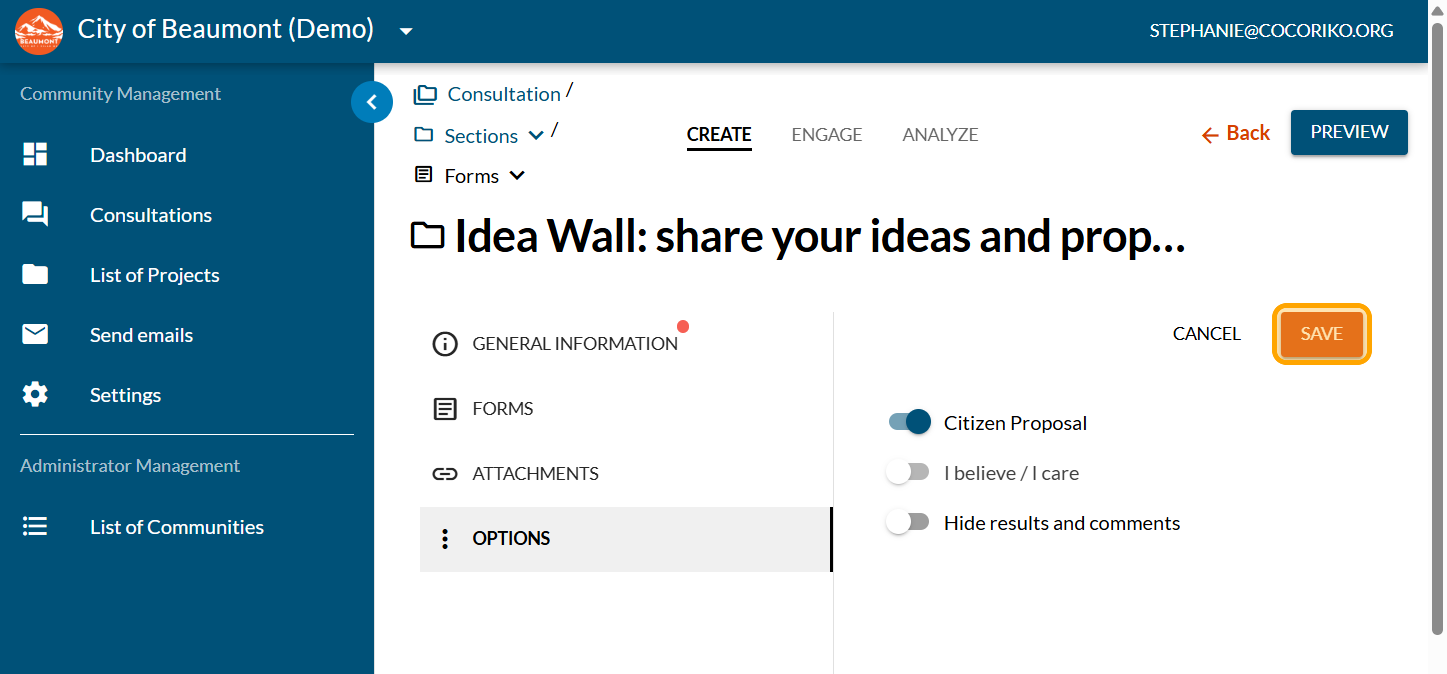
Click on "SAVE"
Click on "PREVIEW"
Review your title
Review your context
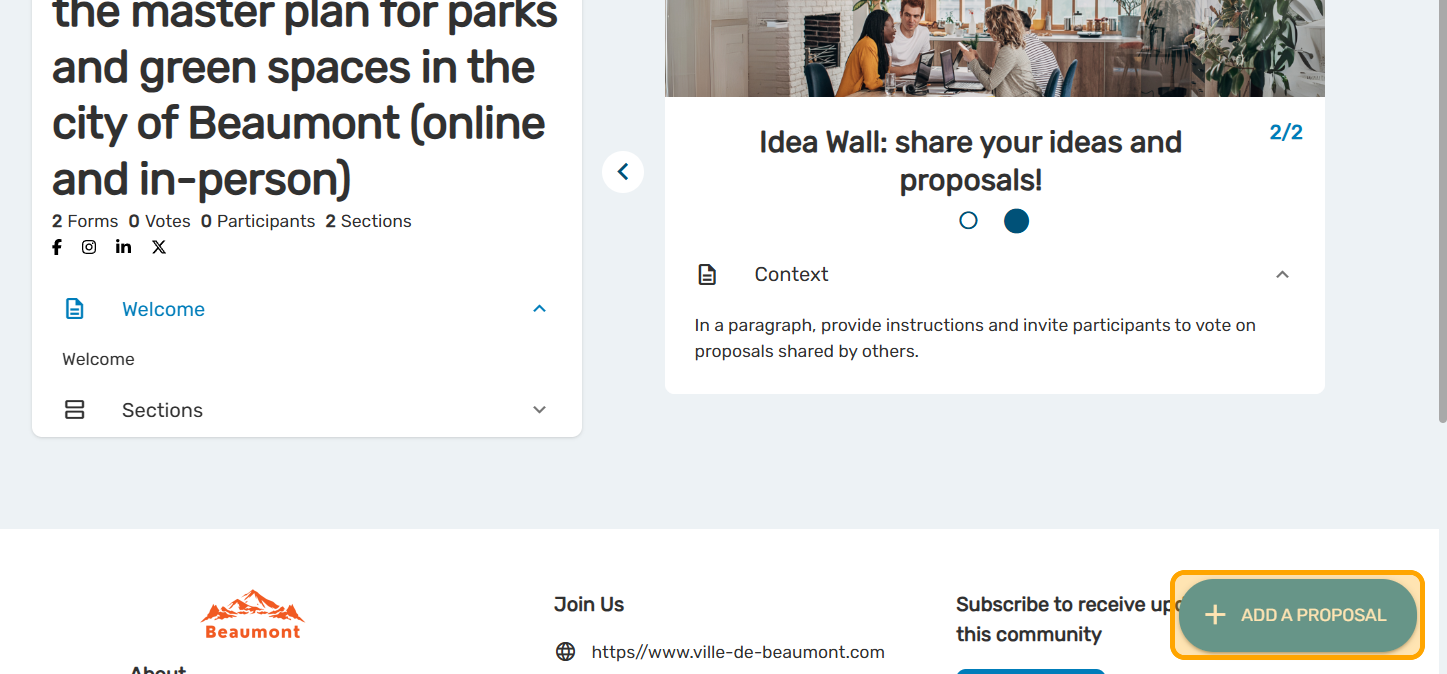
Click on "ADD A PROPOSAL" and test the functionality if you wish.

Create and configure a project
The project allows you to present information just as you wo …

Lists available for email mailings
It is important to keep people in your community informed ab …
Add events on your project page
Invite your community to events related to your project, and …