

By Team Cocoriko on May 6, 2026 12:18:49 PM
The News module is used to publish updates on your project. Present comprehensive information with an eye-catching visual.
Click on "List of Projects"
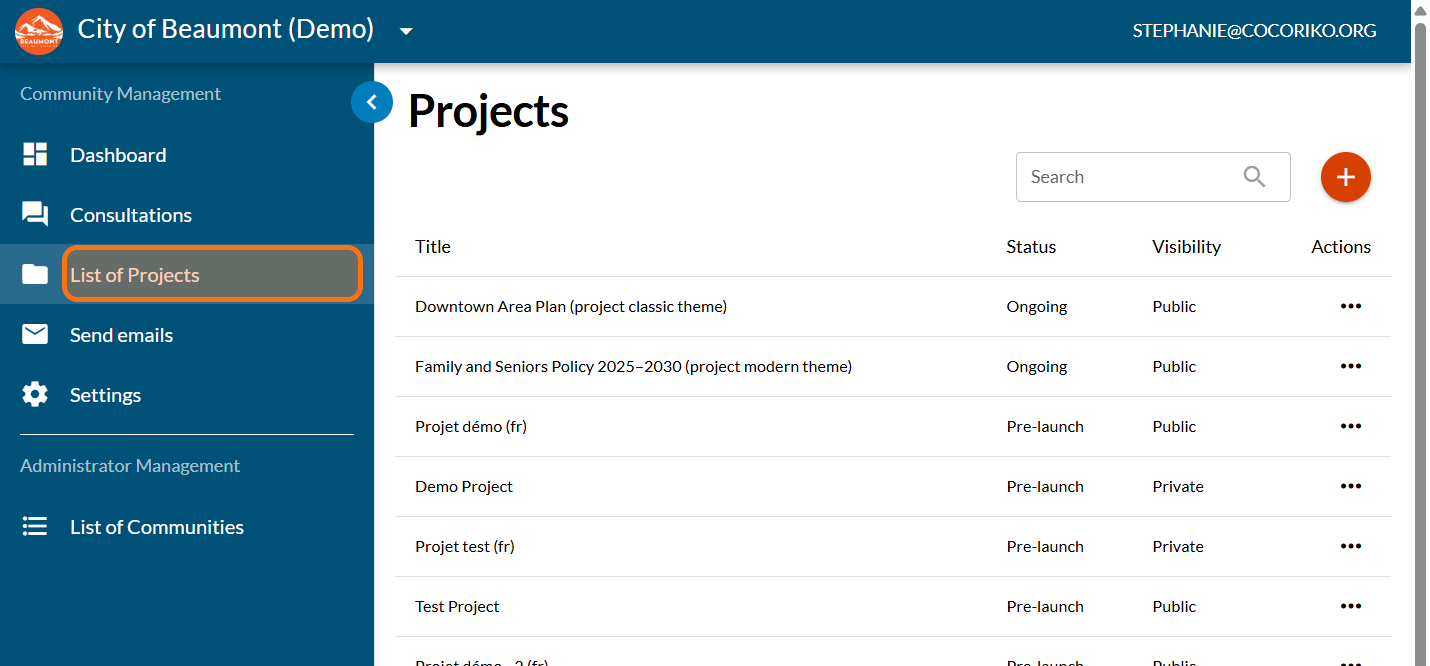
Click on your project
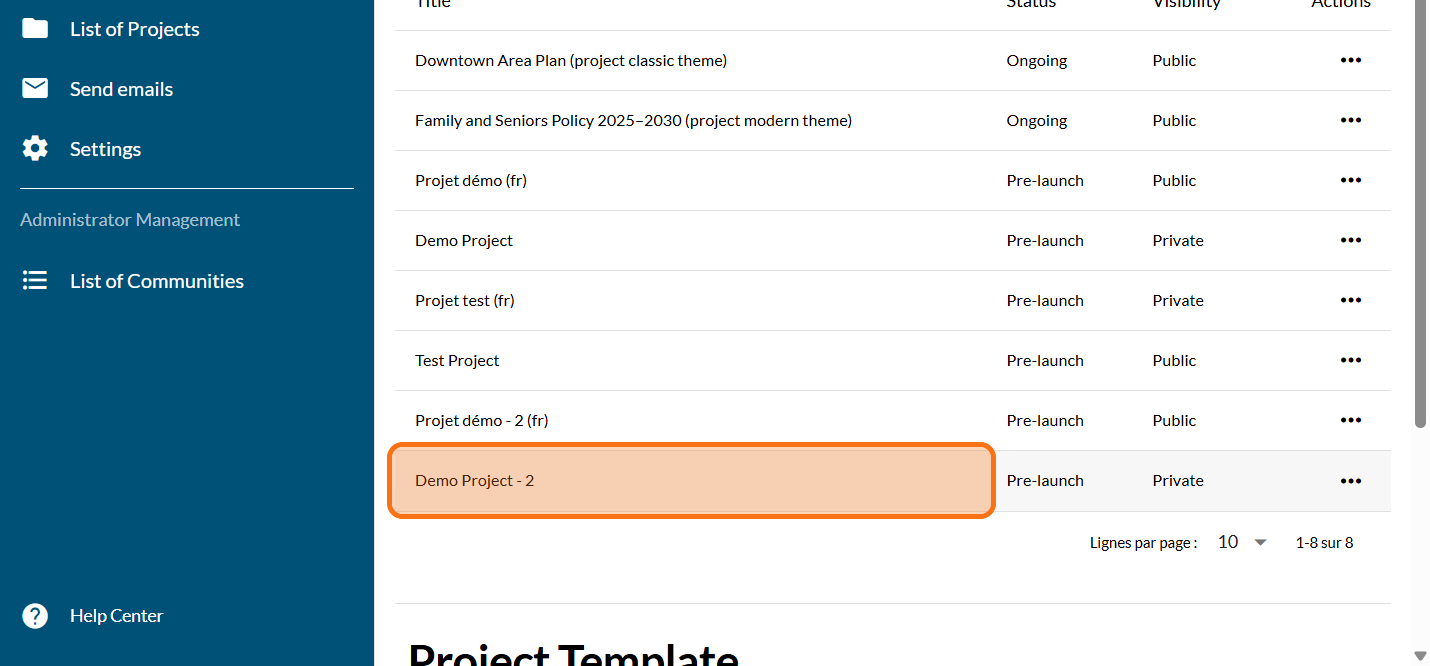
Click on "MODULES"
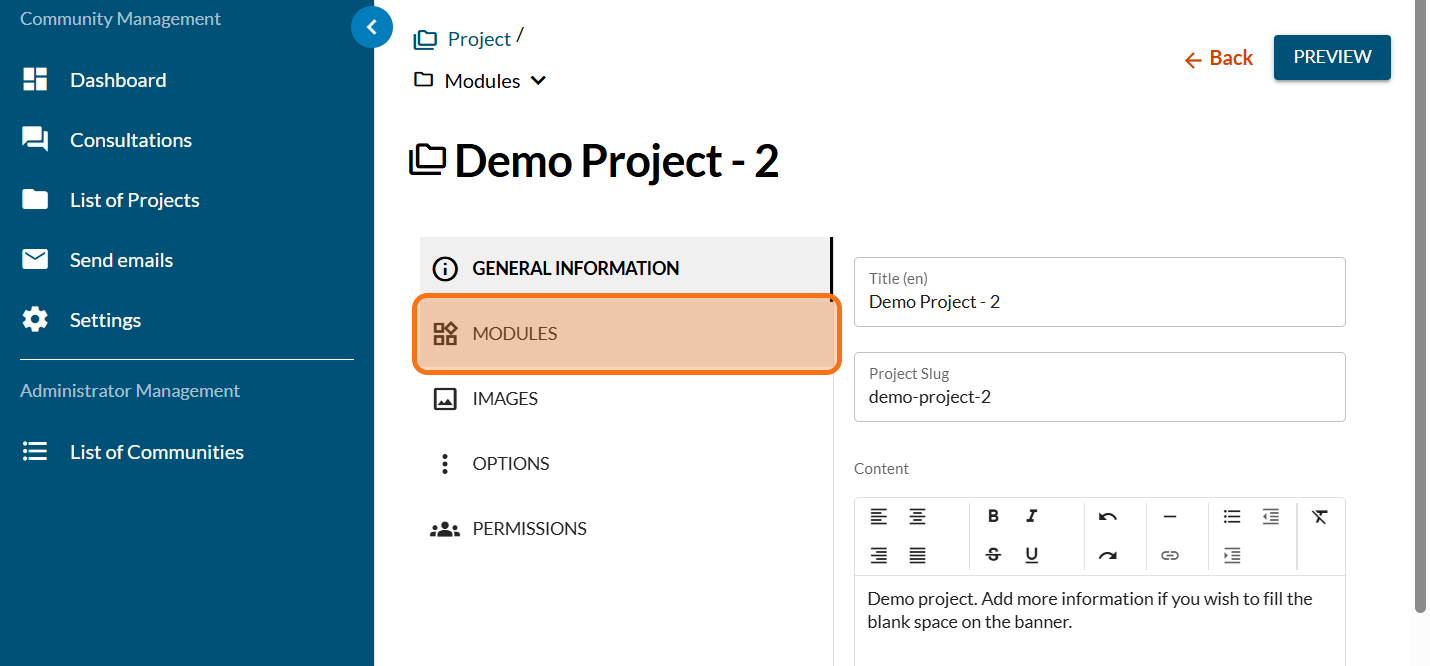
Click on the PLUS sign to add a new module
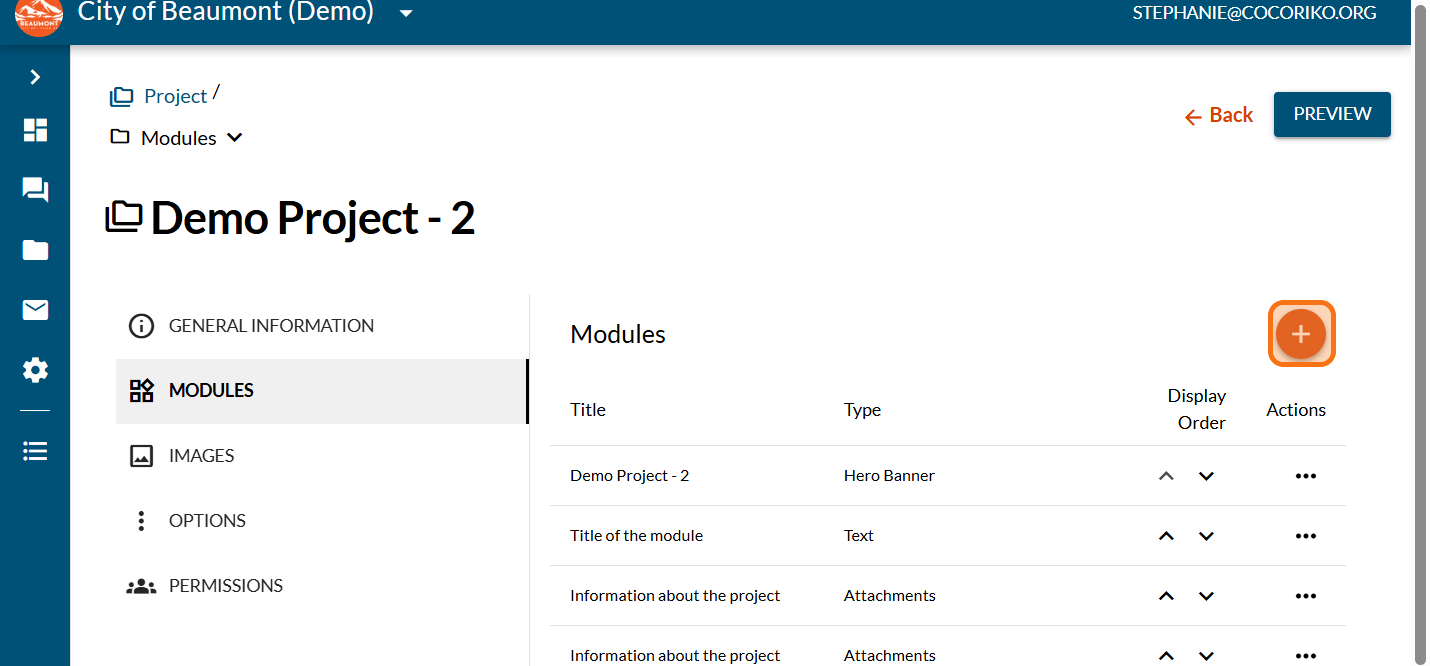
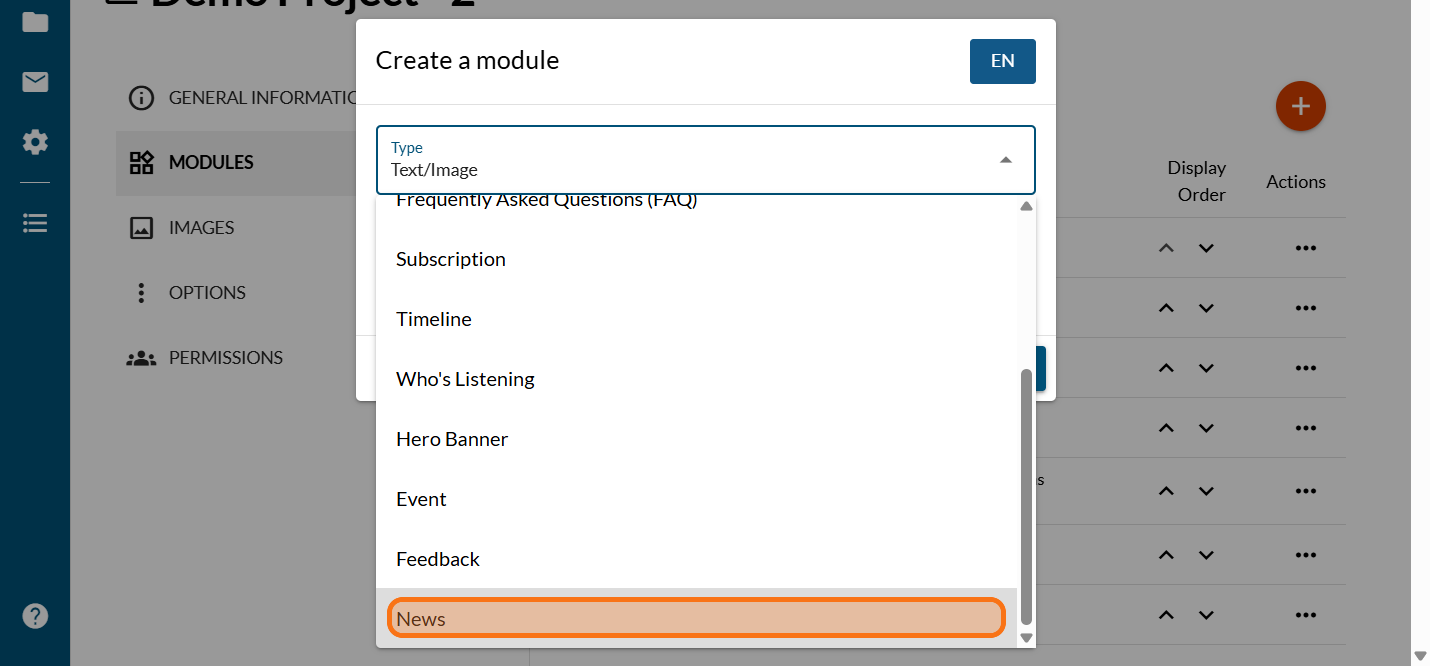
Click on "News"
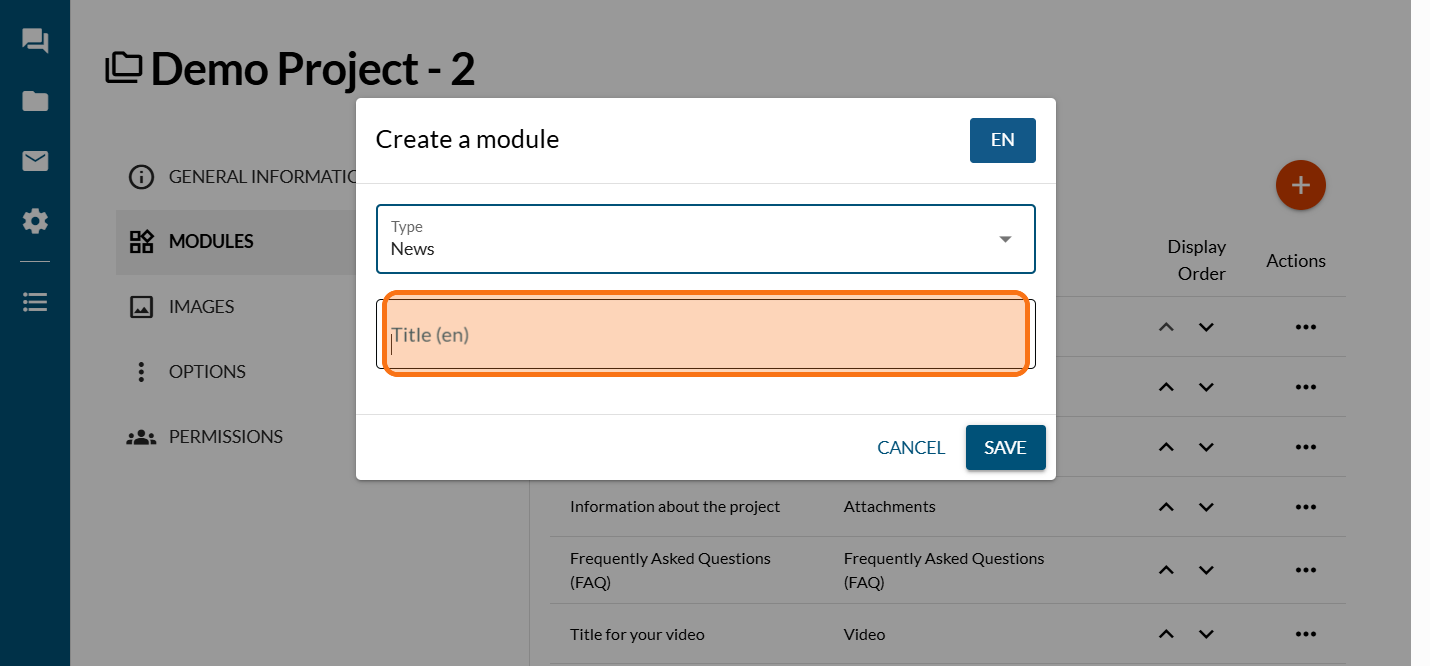
Enter the title for your News module
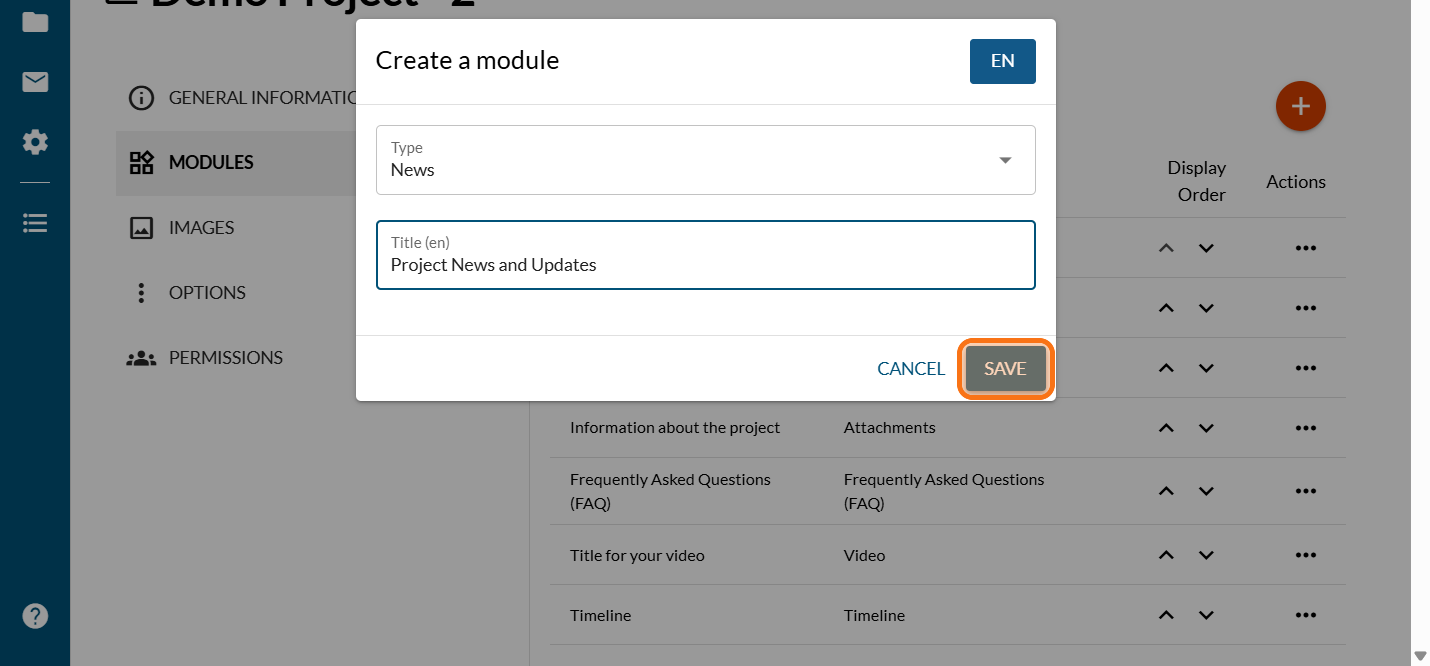
Click on "SAVE"
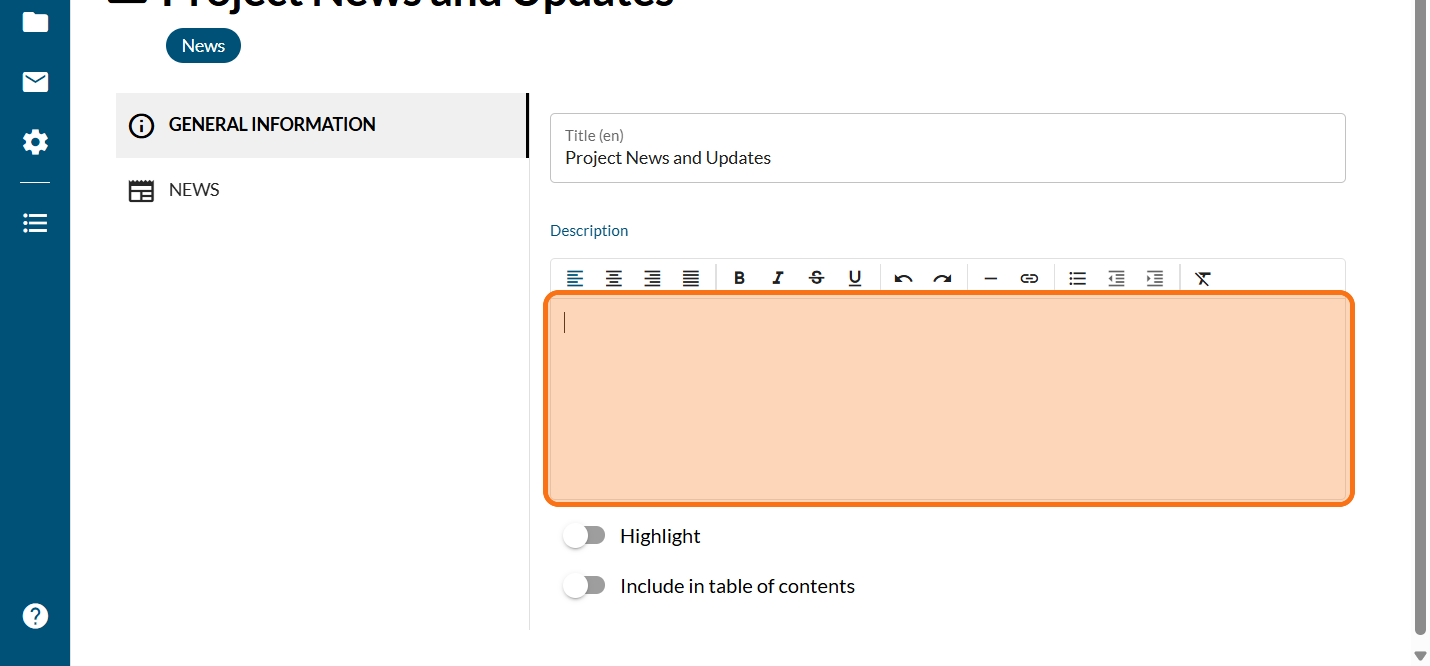
Enter an introduction to your News module
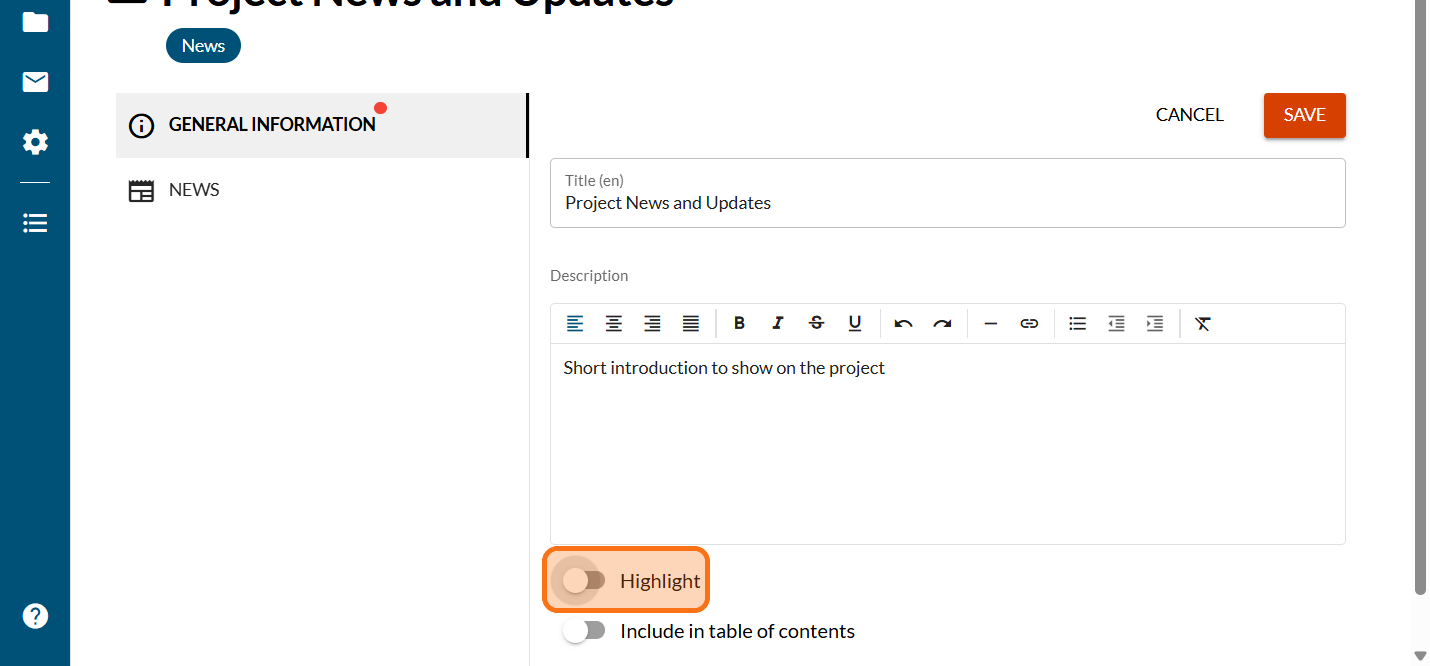
Click on "Highlight" if you want this module to highlighted
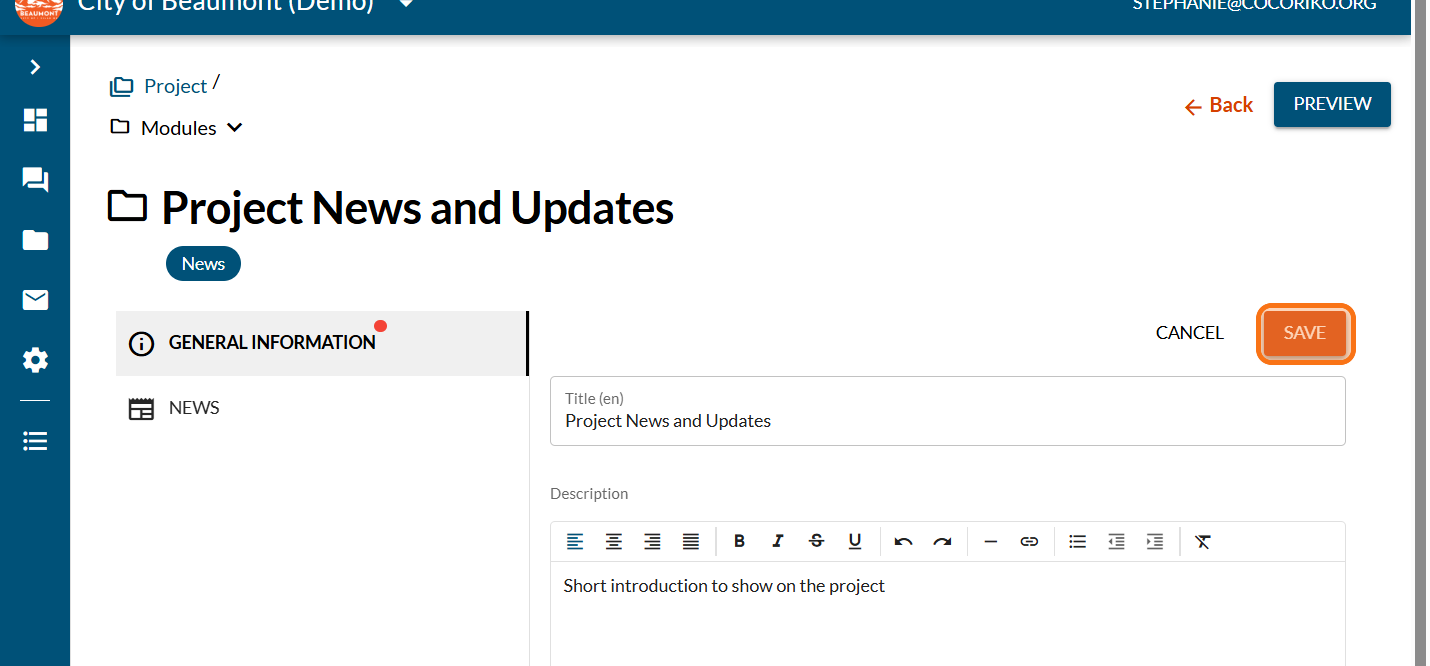
Click on "SAVE"
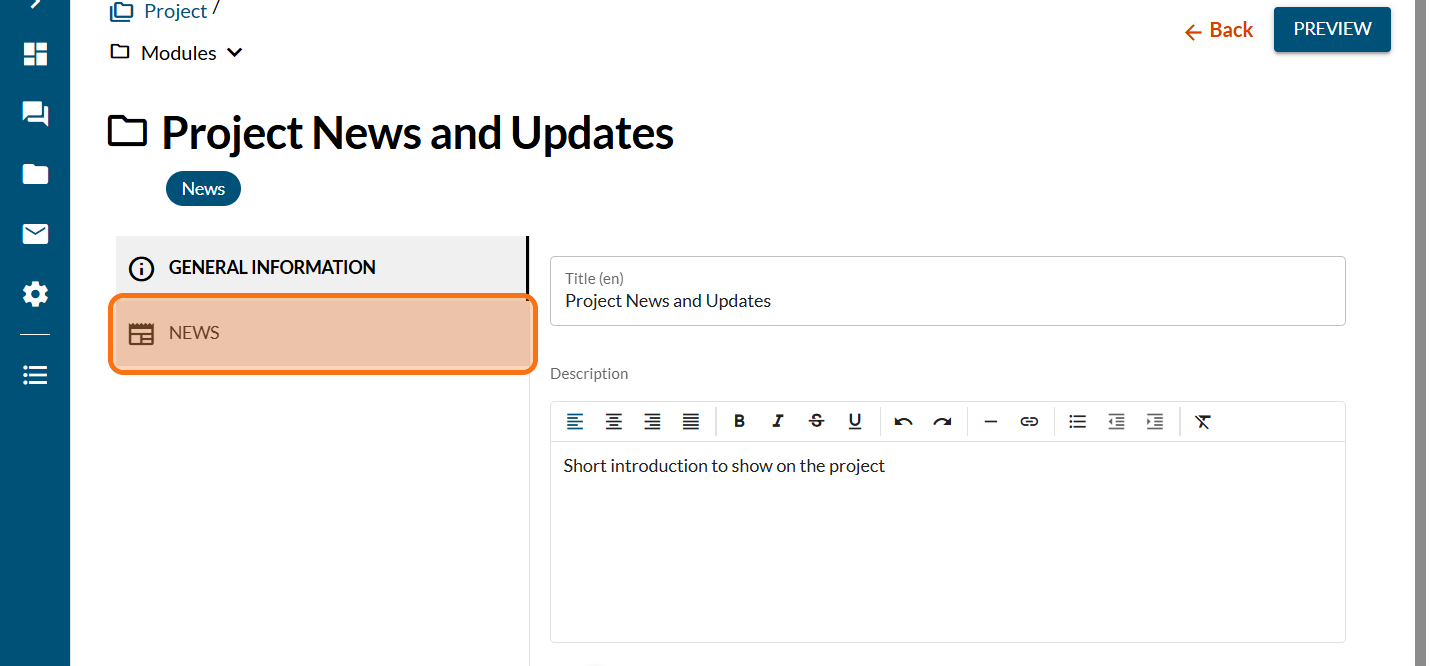
Click on "NEWS"
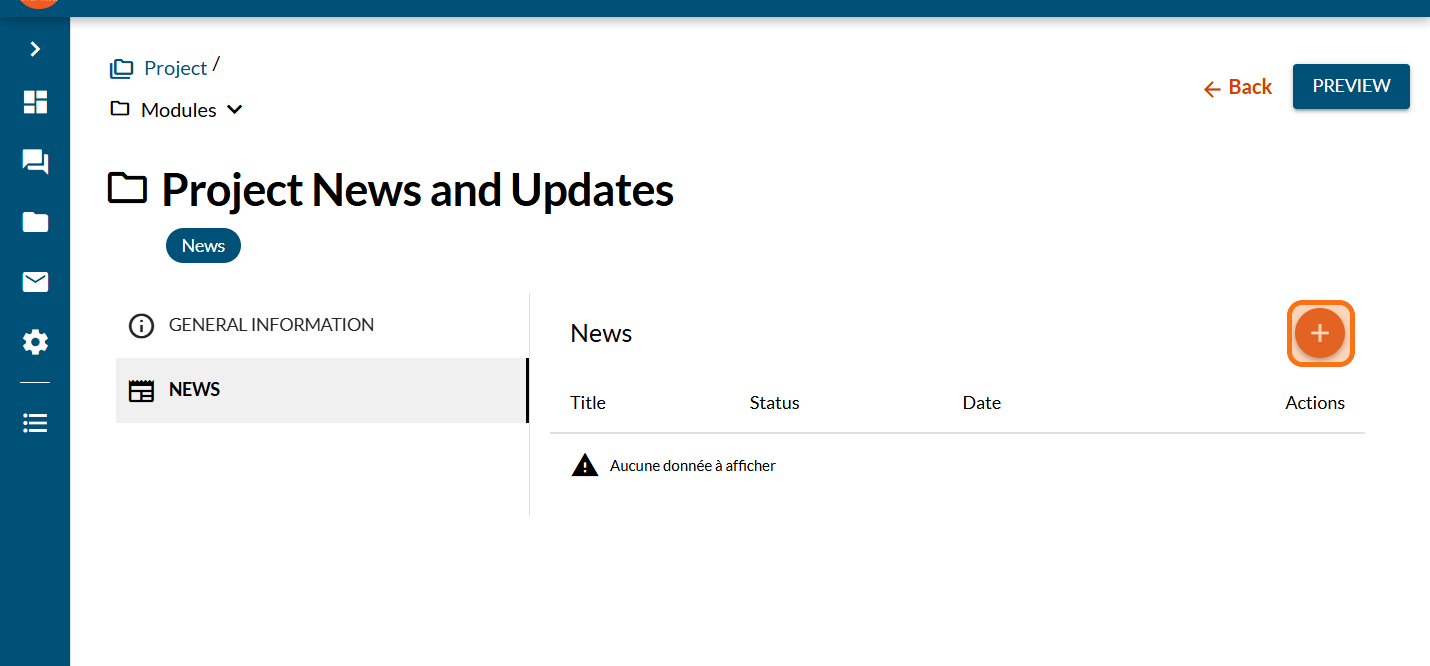
Click on the PLUS sign to add a News
Enter the title of your news
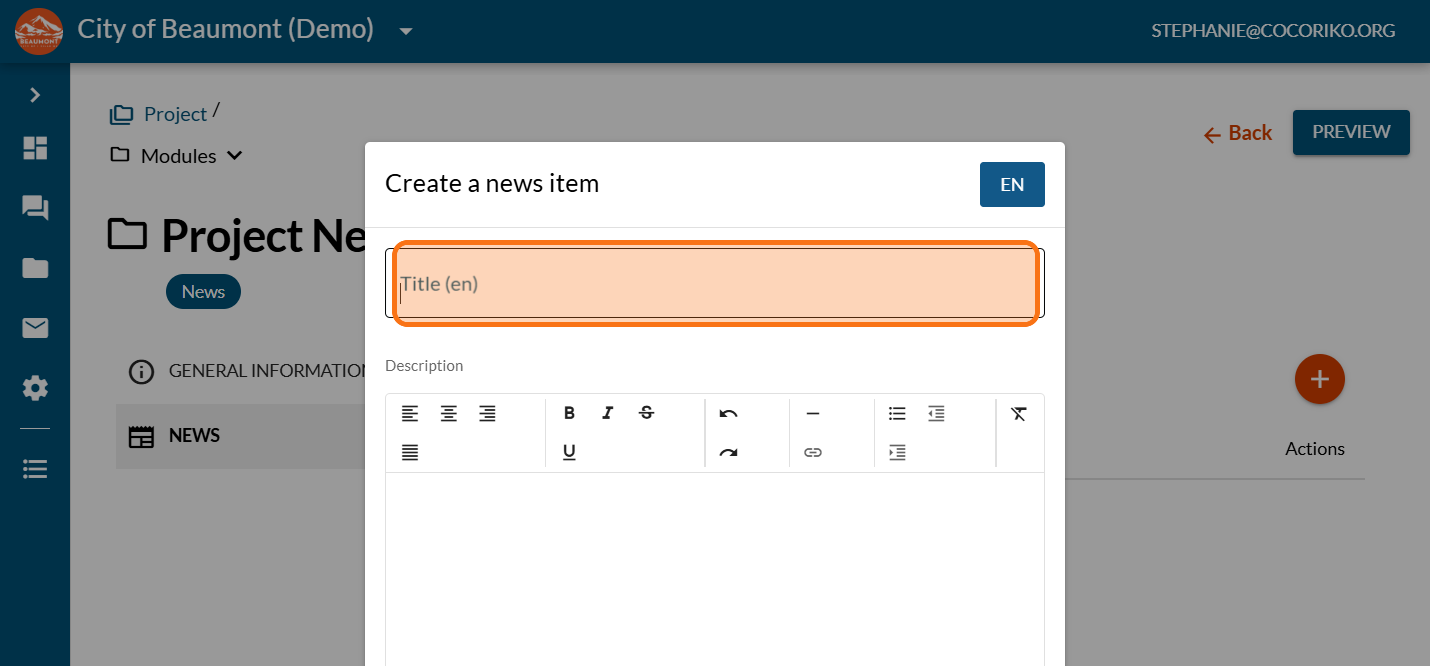
Enter an introduction for your news. This text will show on the project.
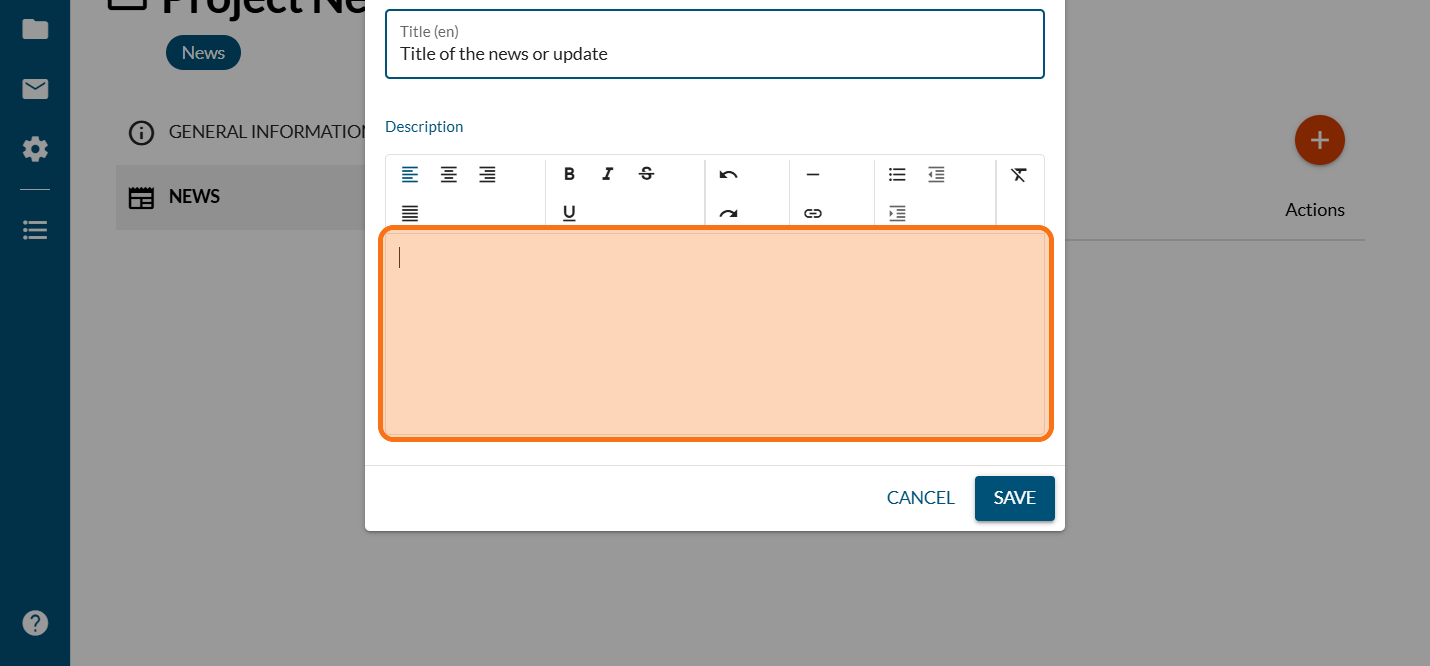
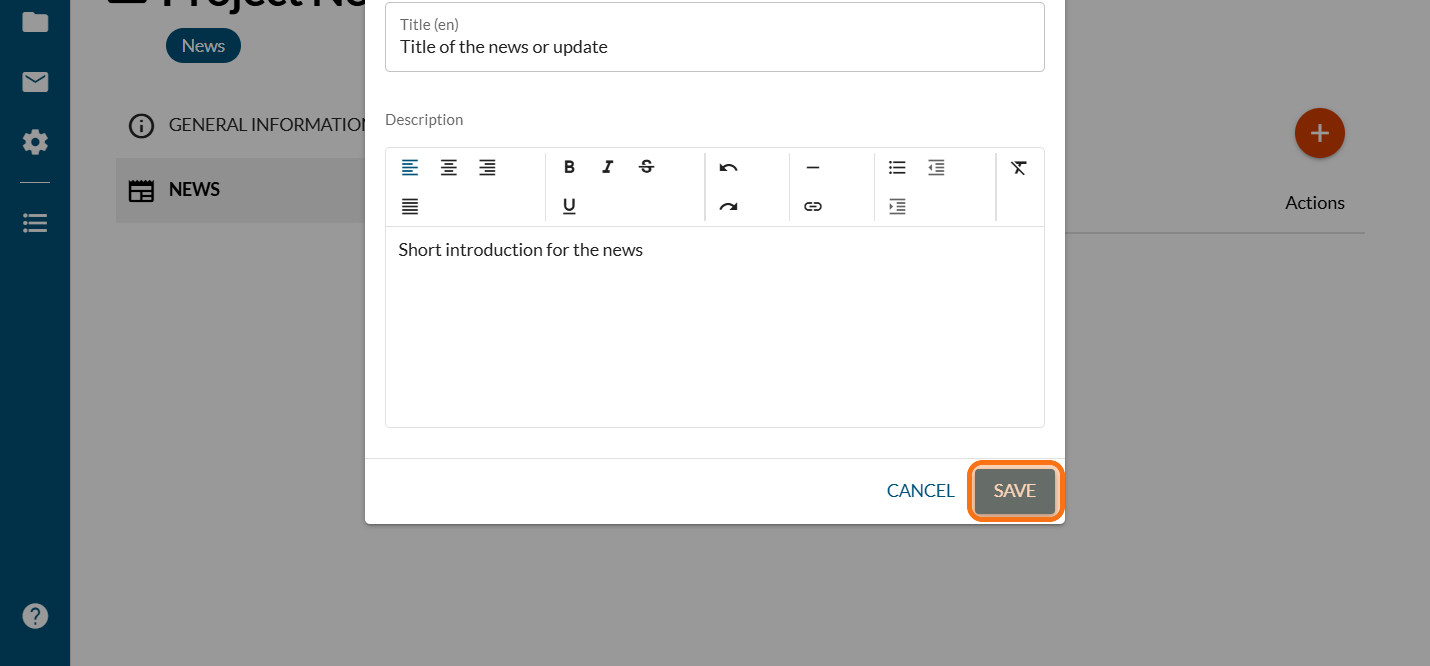
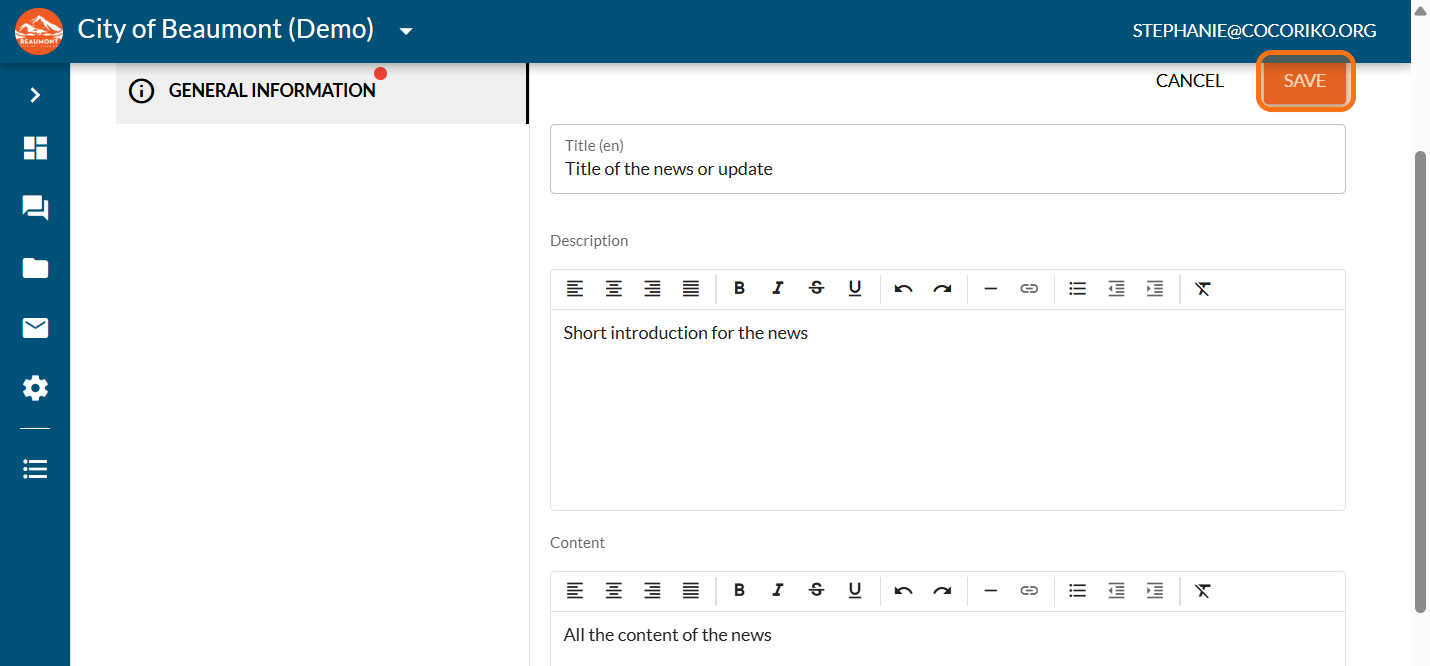
Click on "SAVE"
Update the title, if needed
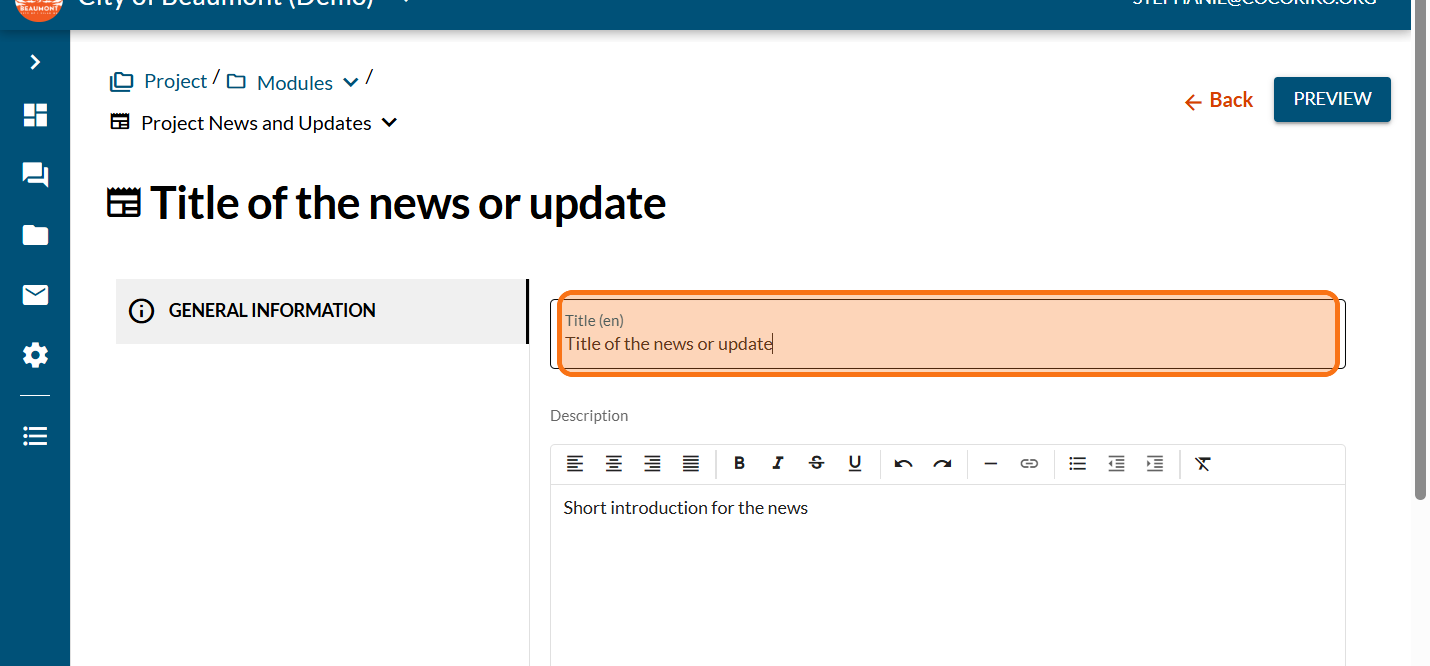
Update the introduction, if needed
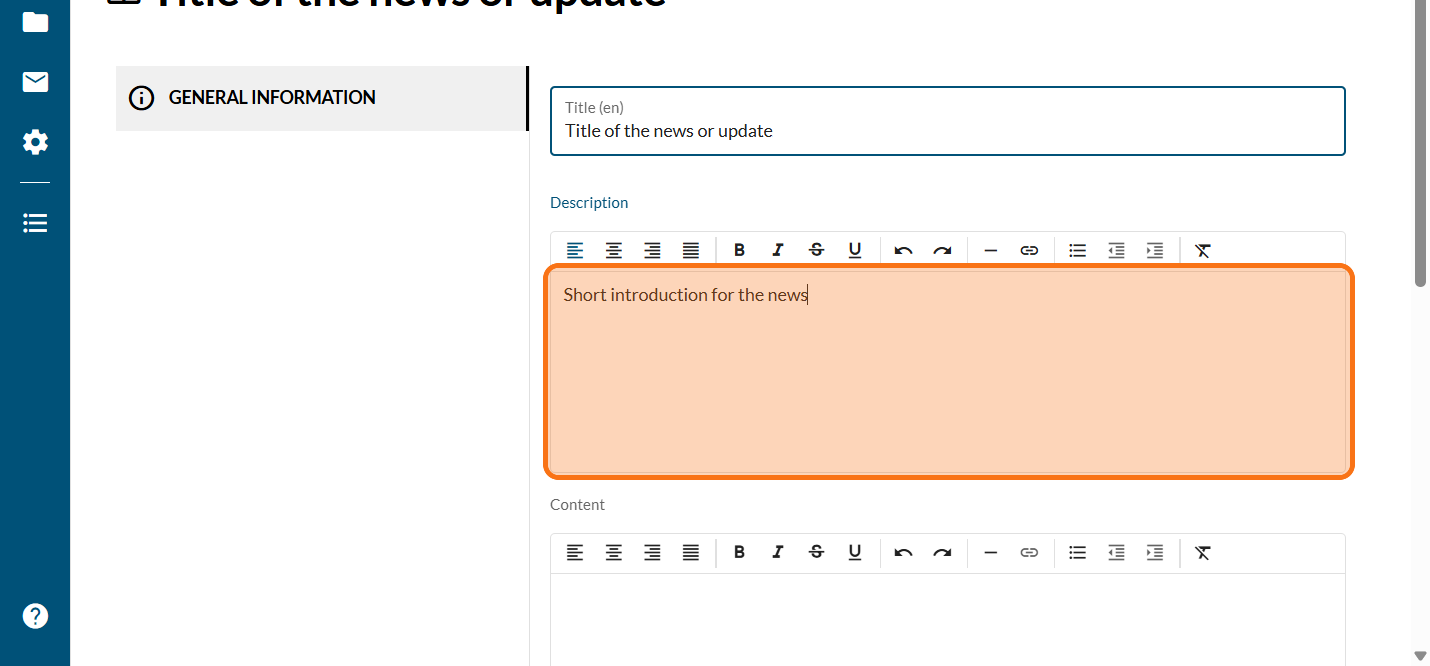
In the content section enter or paste the full content of your news
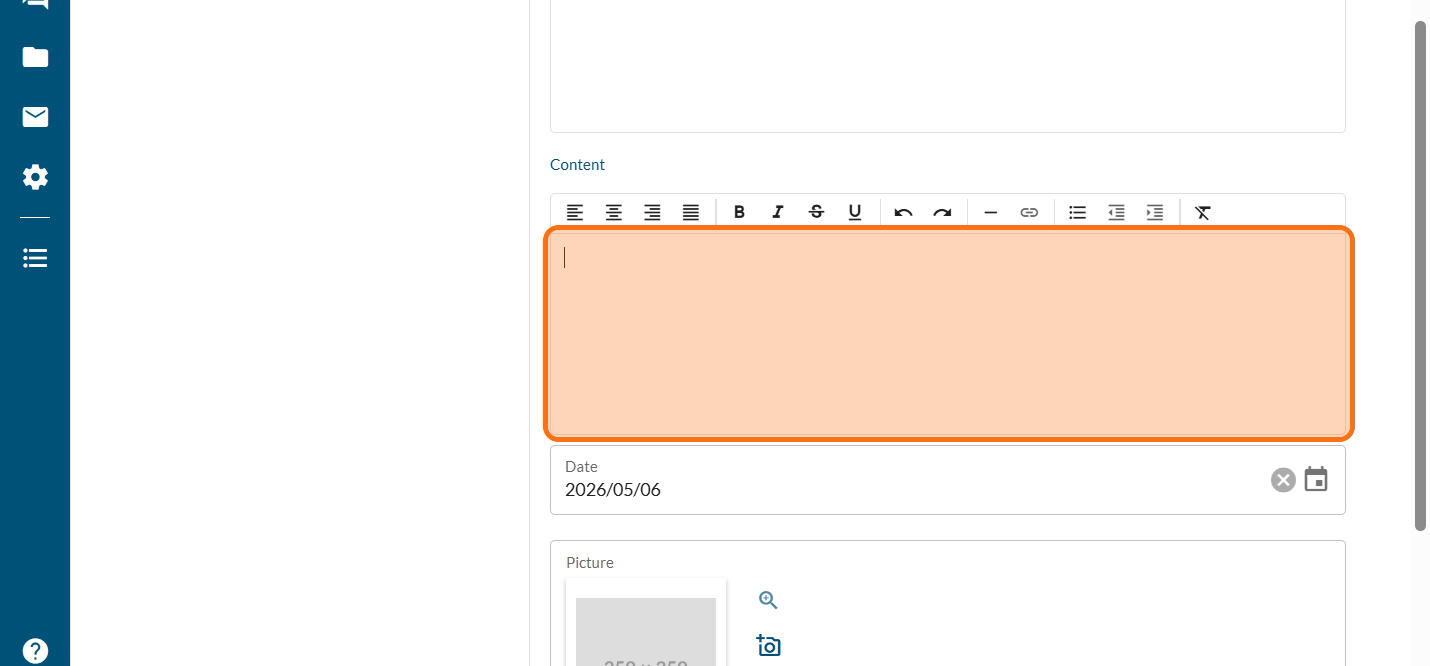
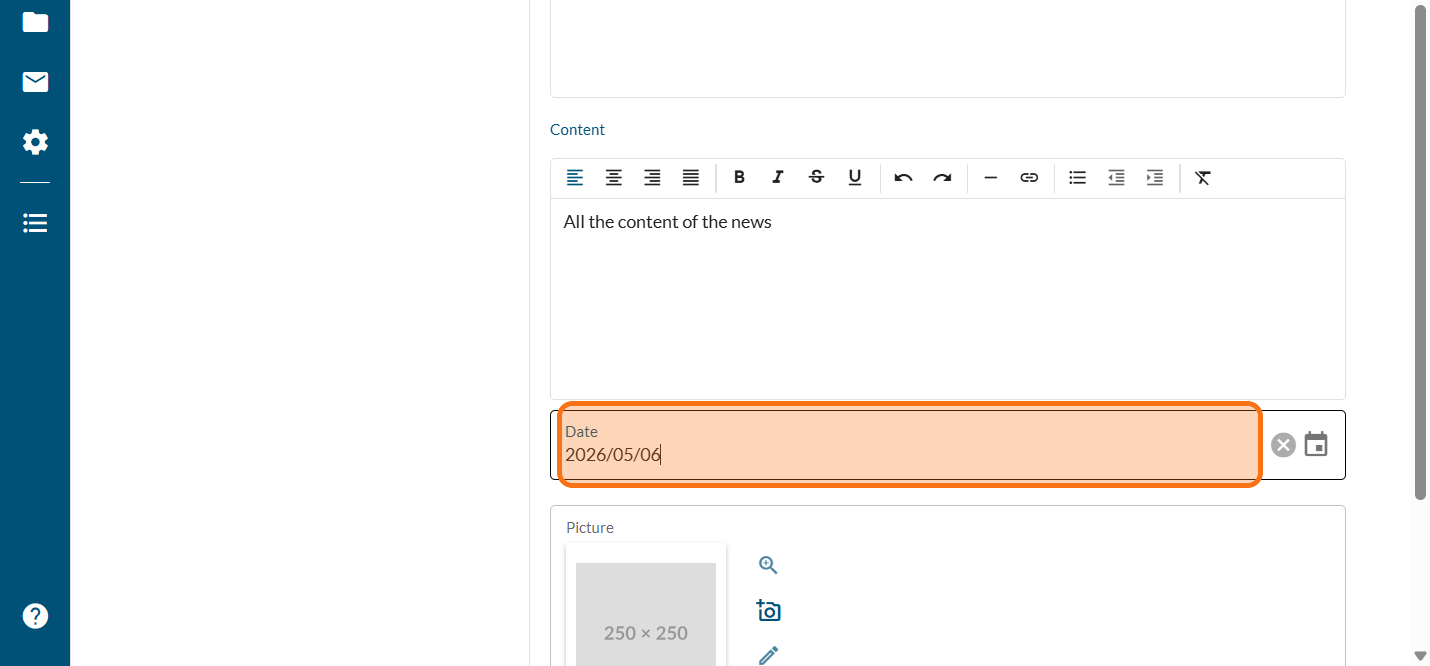
Click here to choose the published date
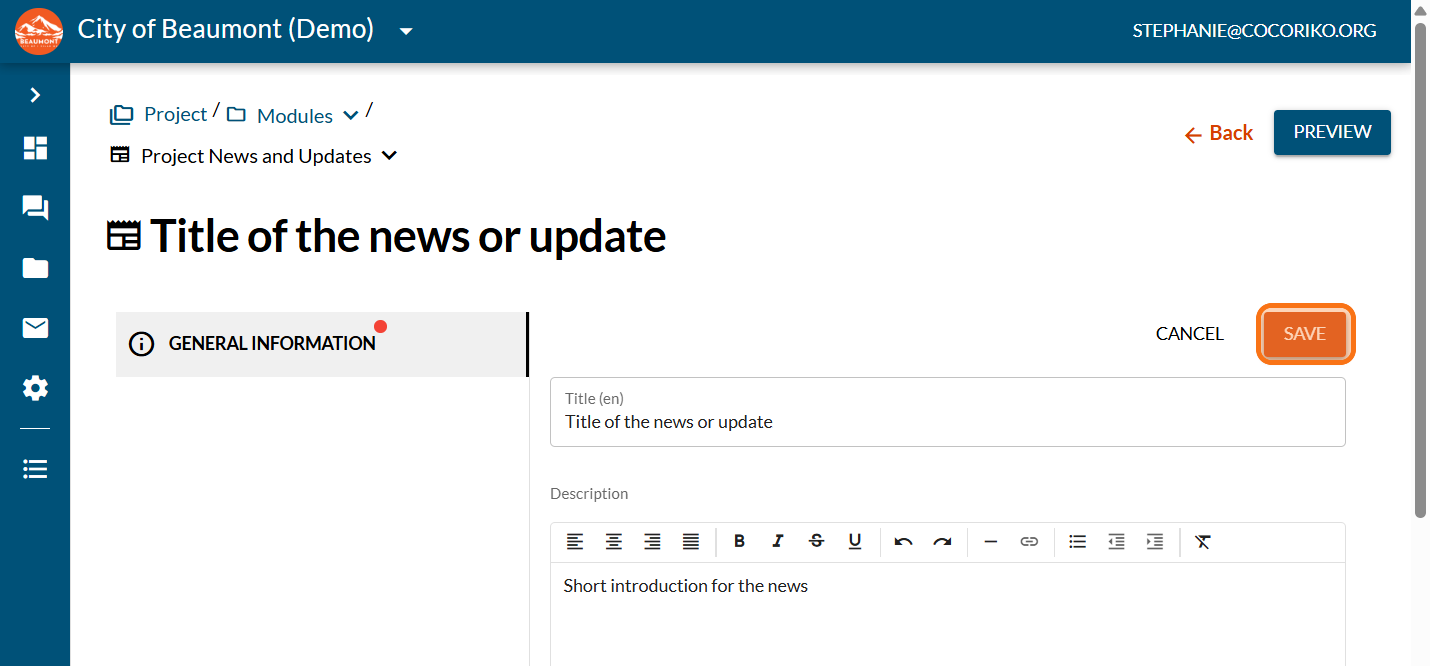
Click on "SAVE"
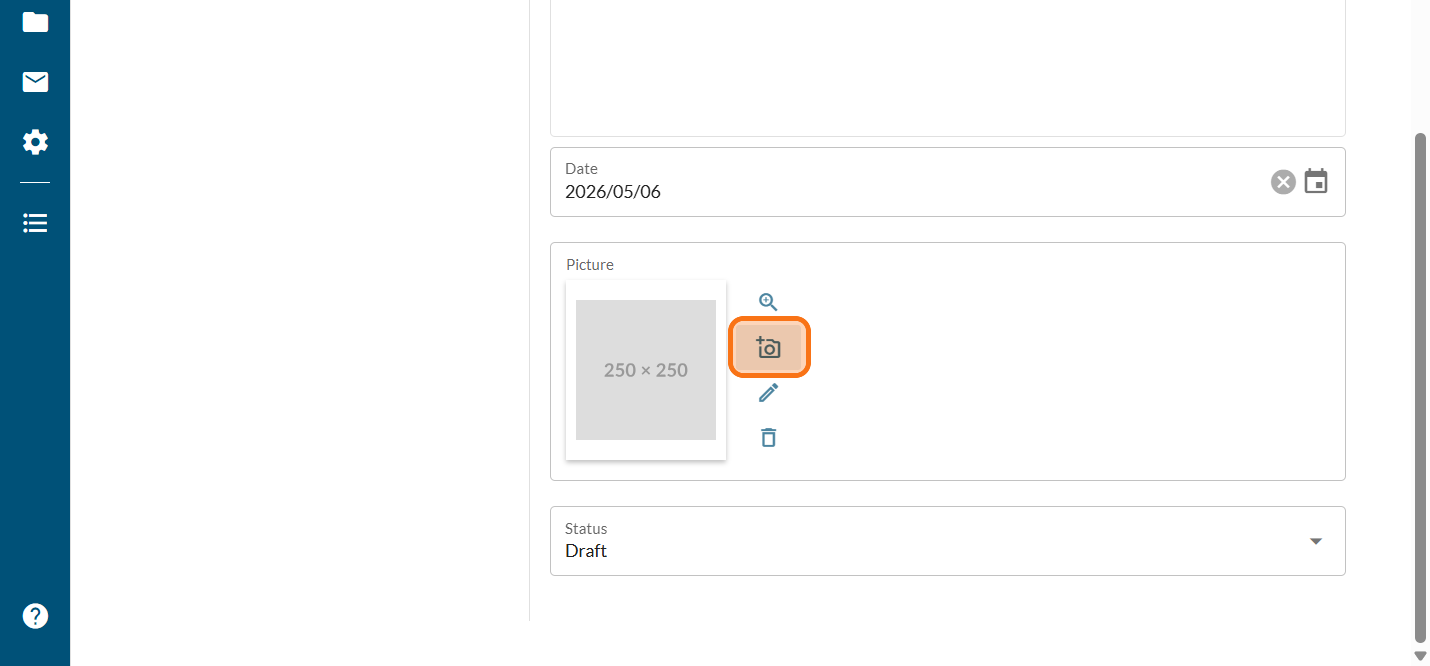
Click on the photo icon
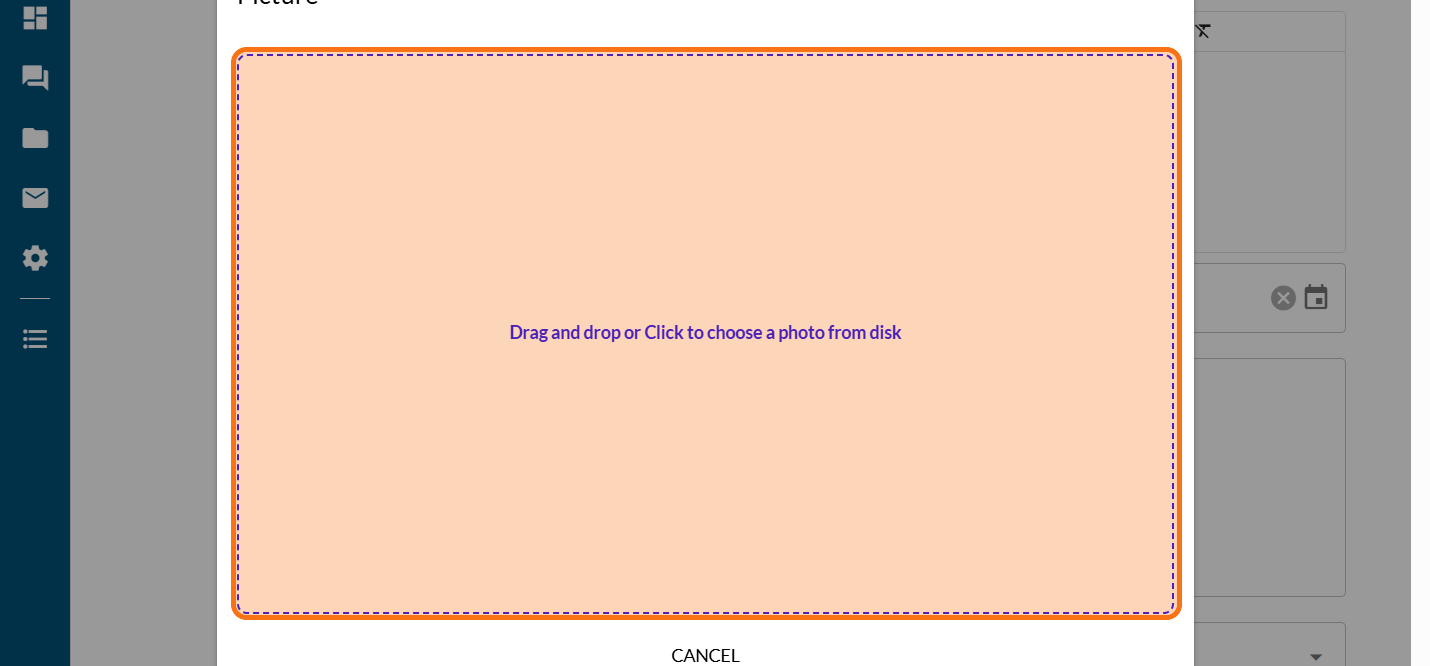
Click on "Drag and drop or Click to choose a photo from disk"
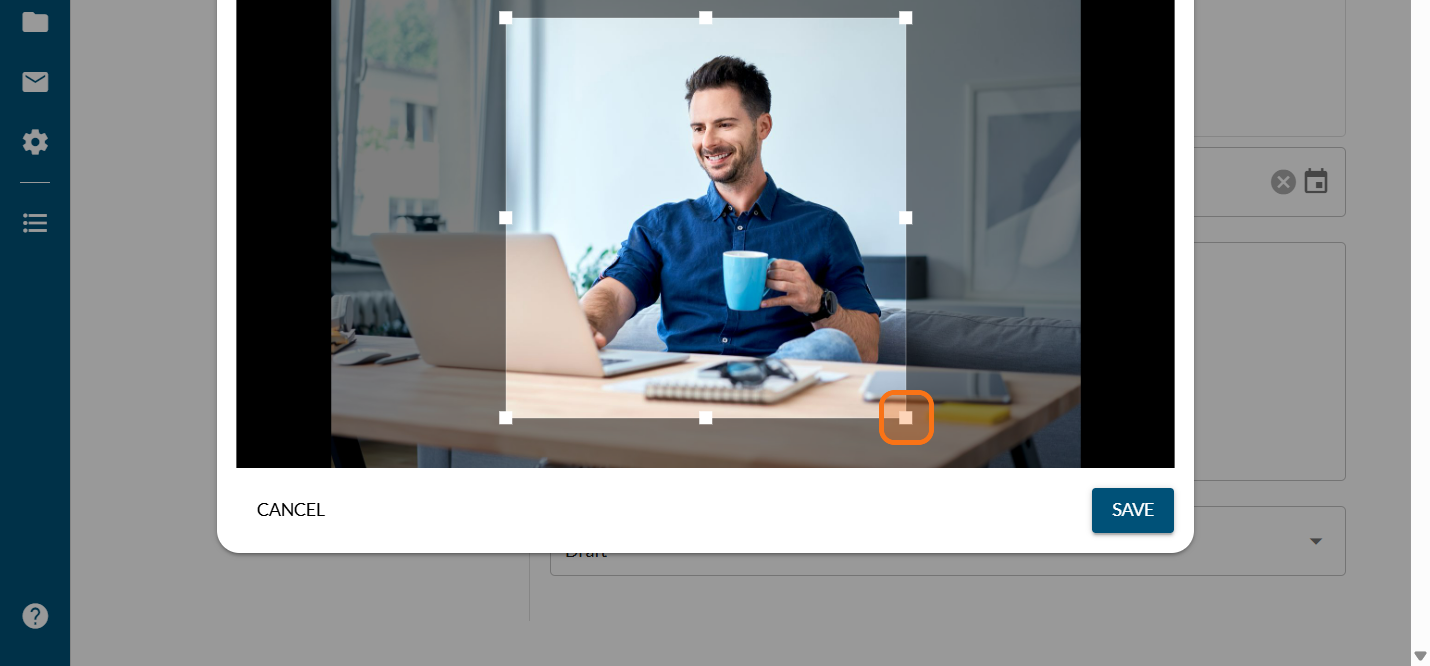
Reframe the picture with the area available
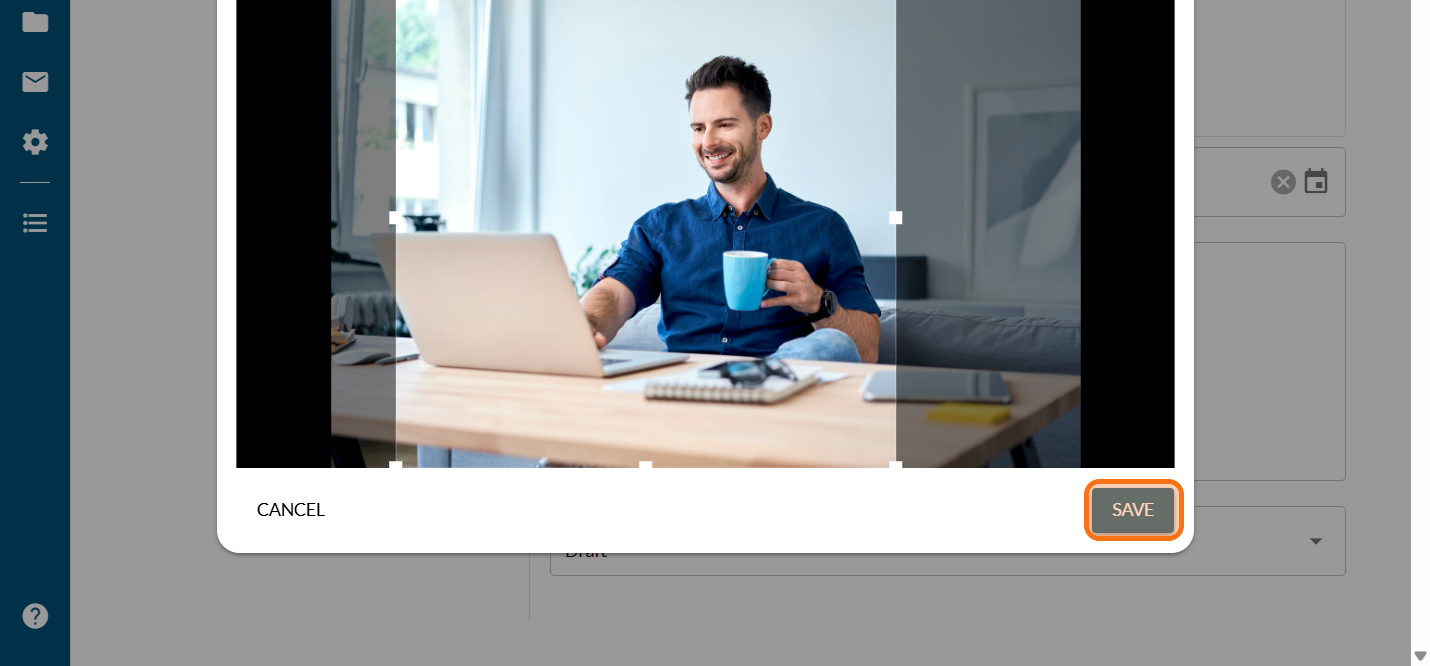
Click on "SAVE"
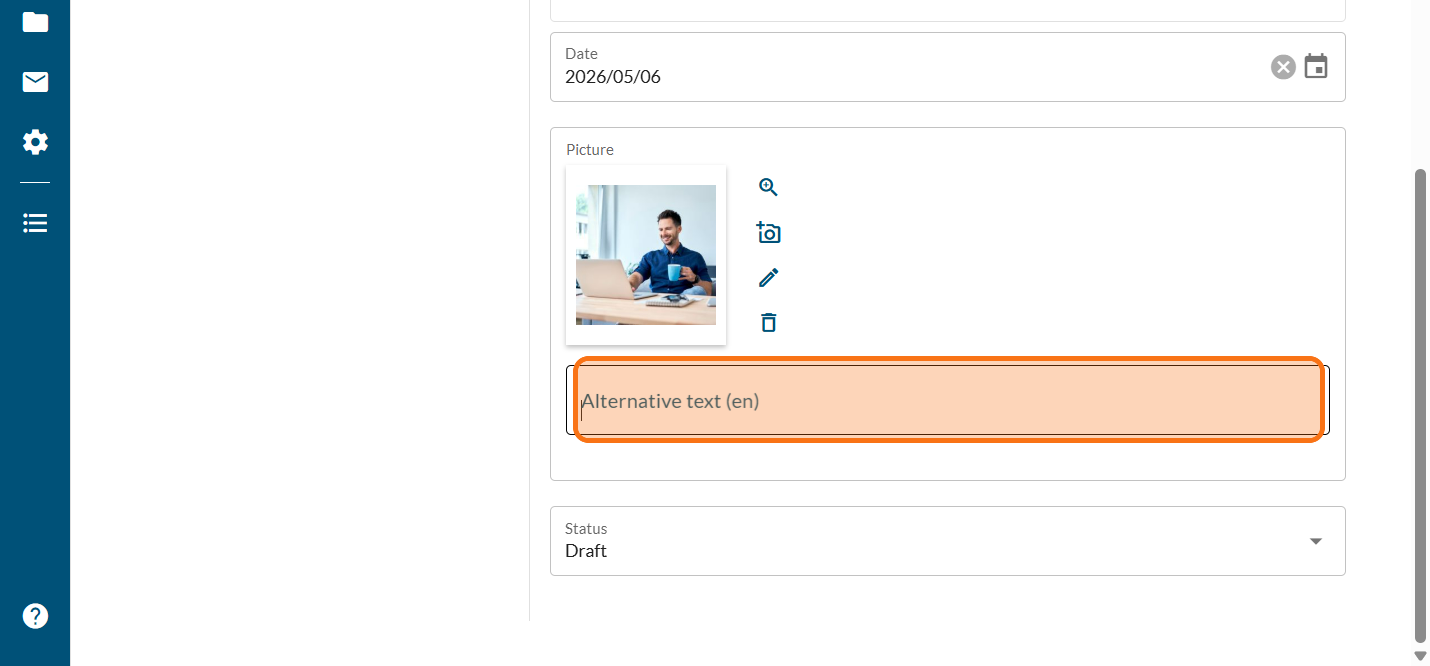
Enter an alternative text for the accessibility standard
Click on "SAVE"
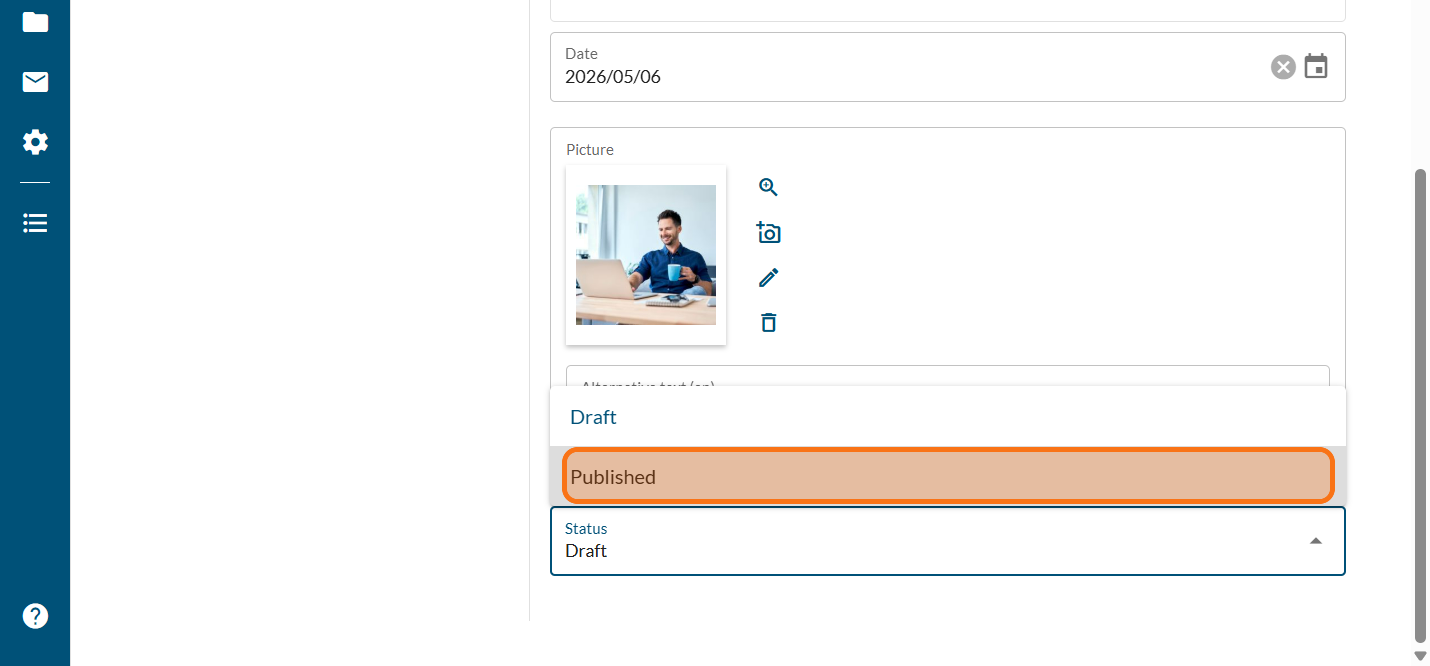
Click on "Draft" to keep the news item visible only to the admin, or on "Published" to make it available to everyone, on the project.
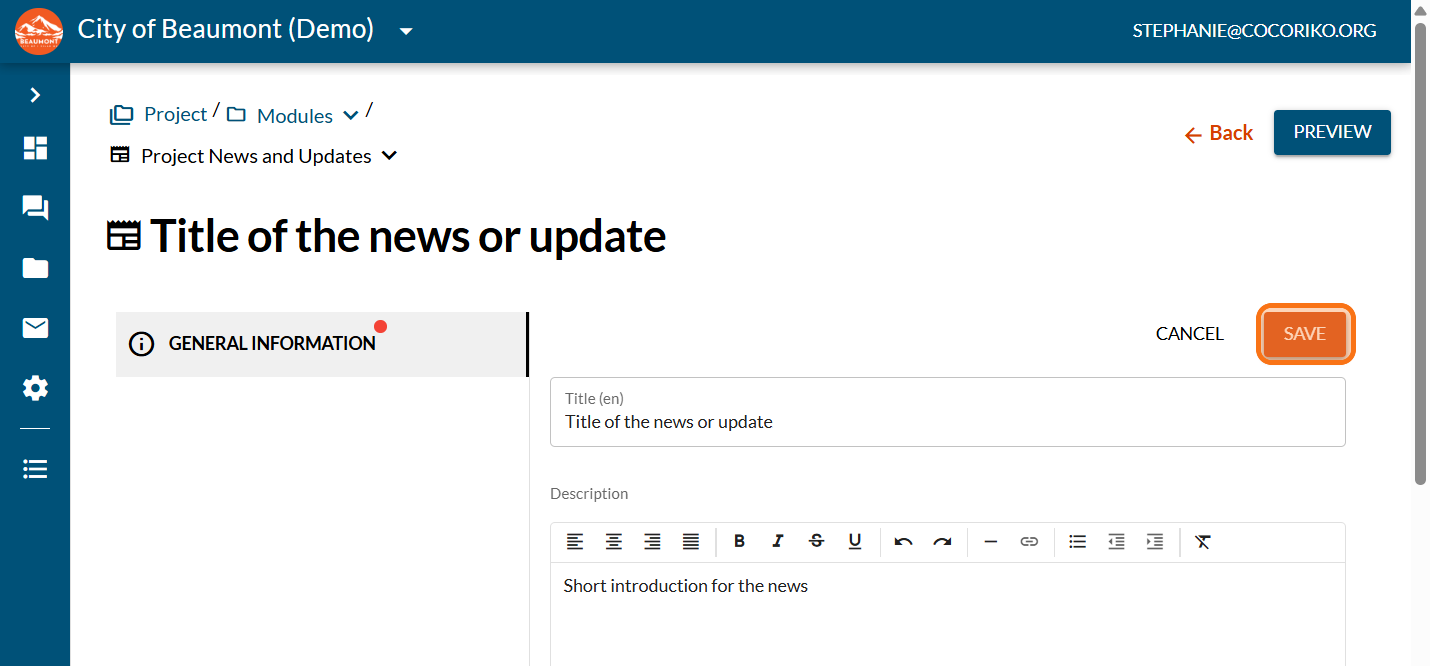
Click on "SAVE"
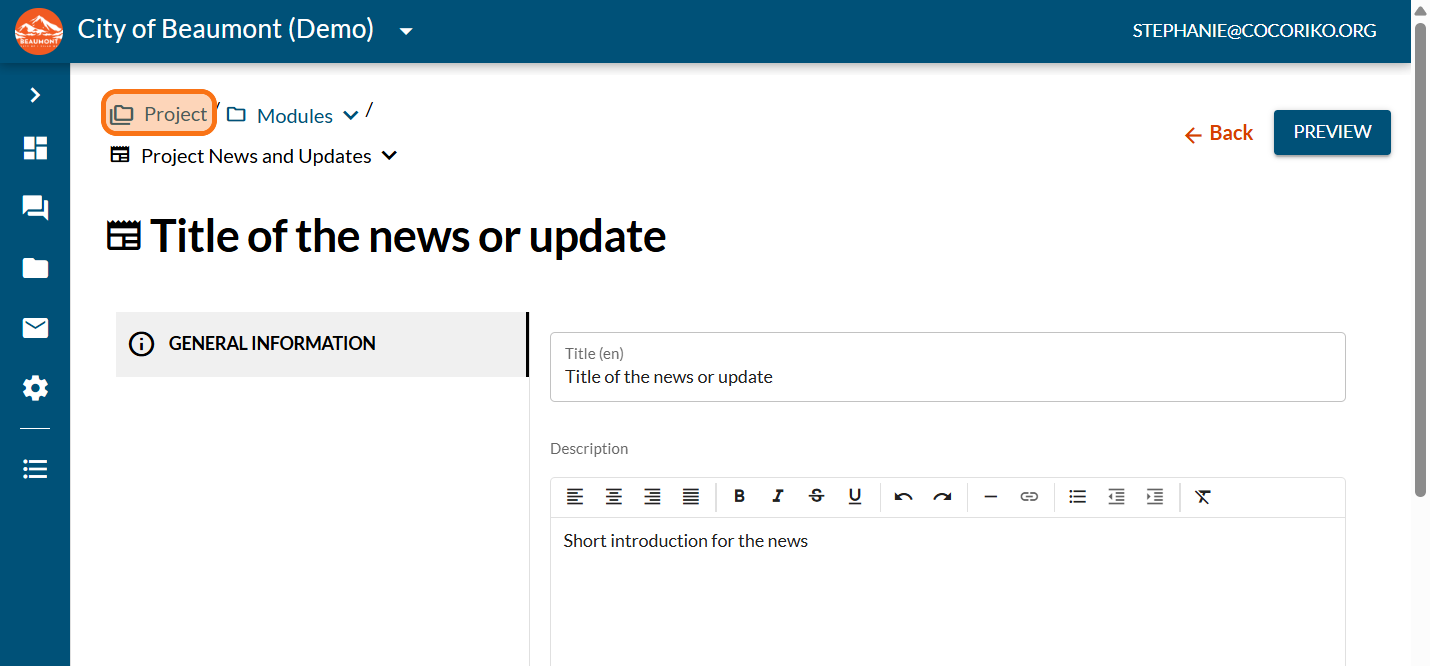
Click on "Project"
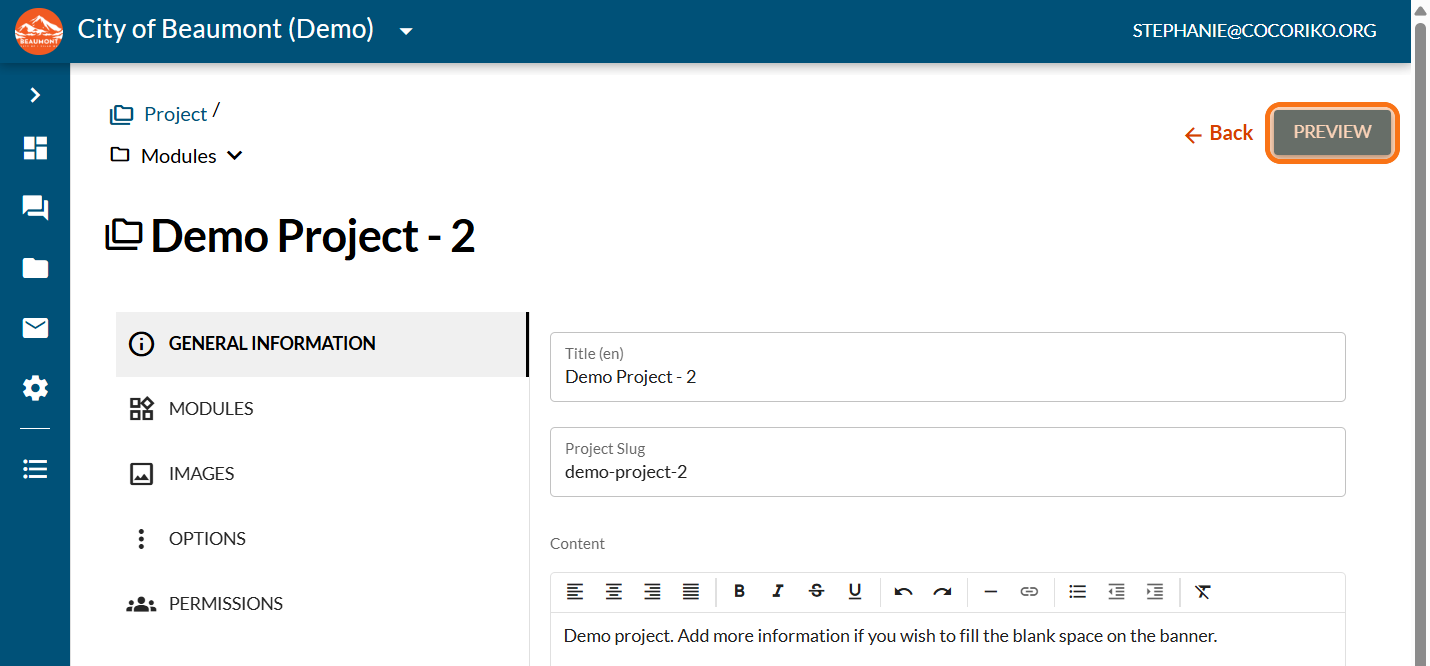
Click on "PREVIEW"
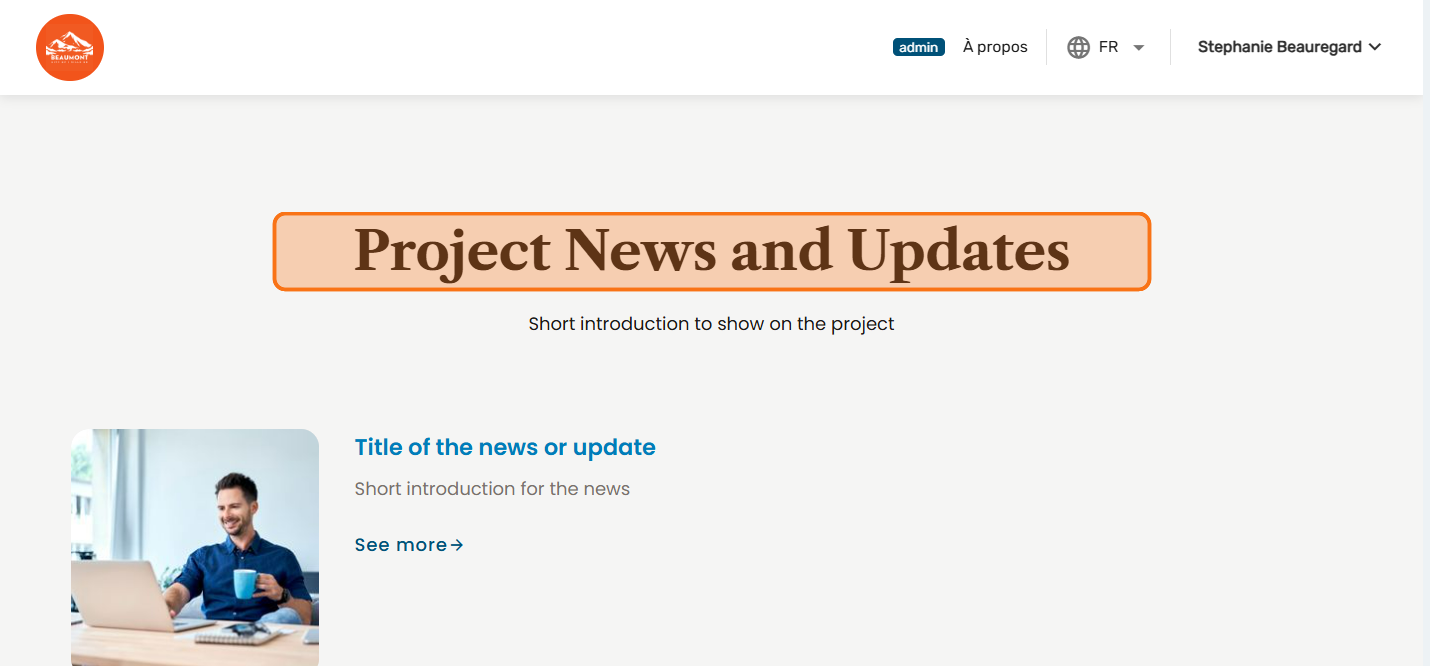
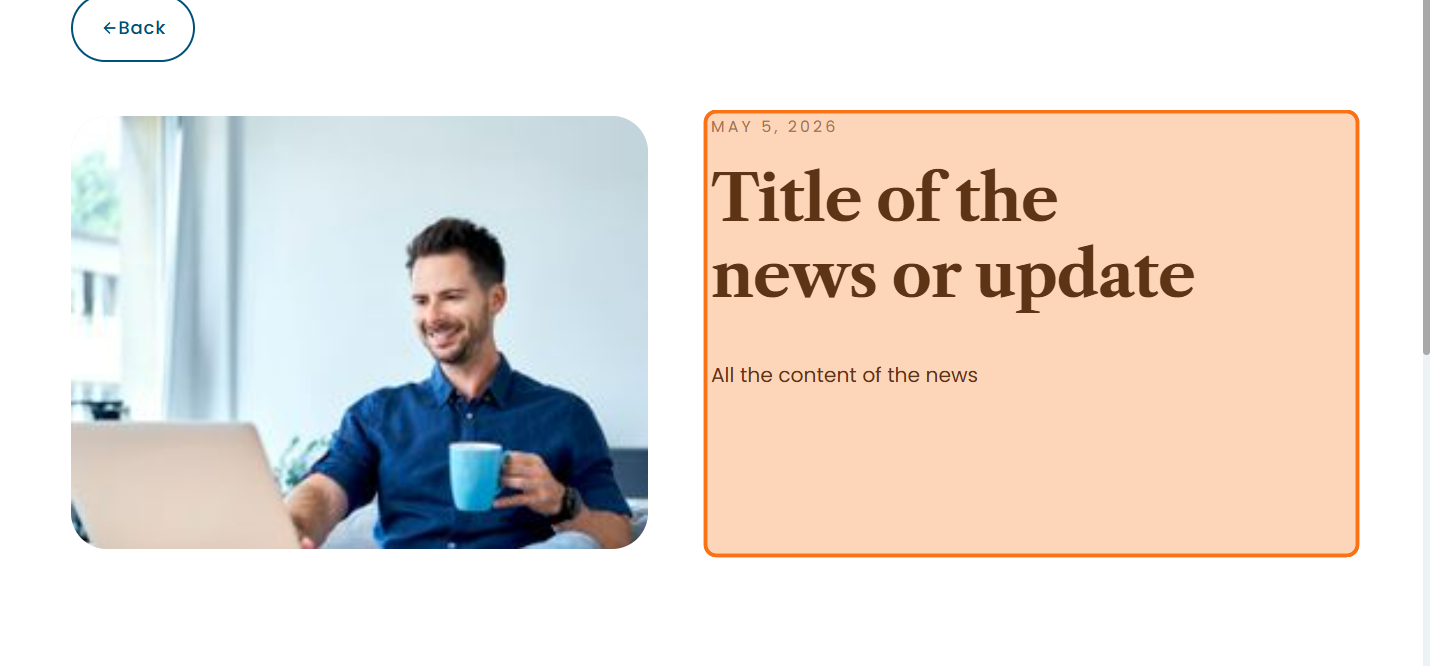
Preview your news on the project
Click on "See more"
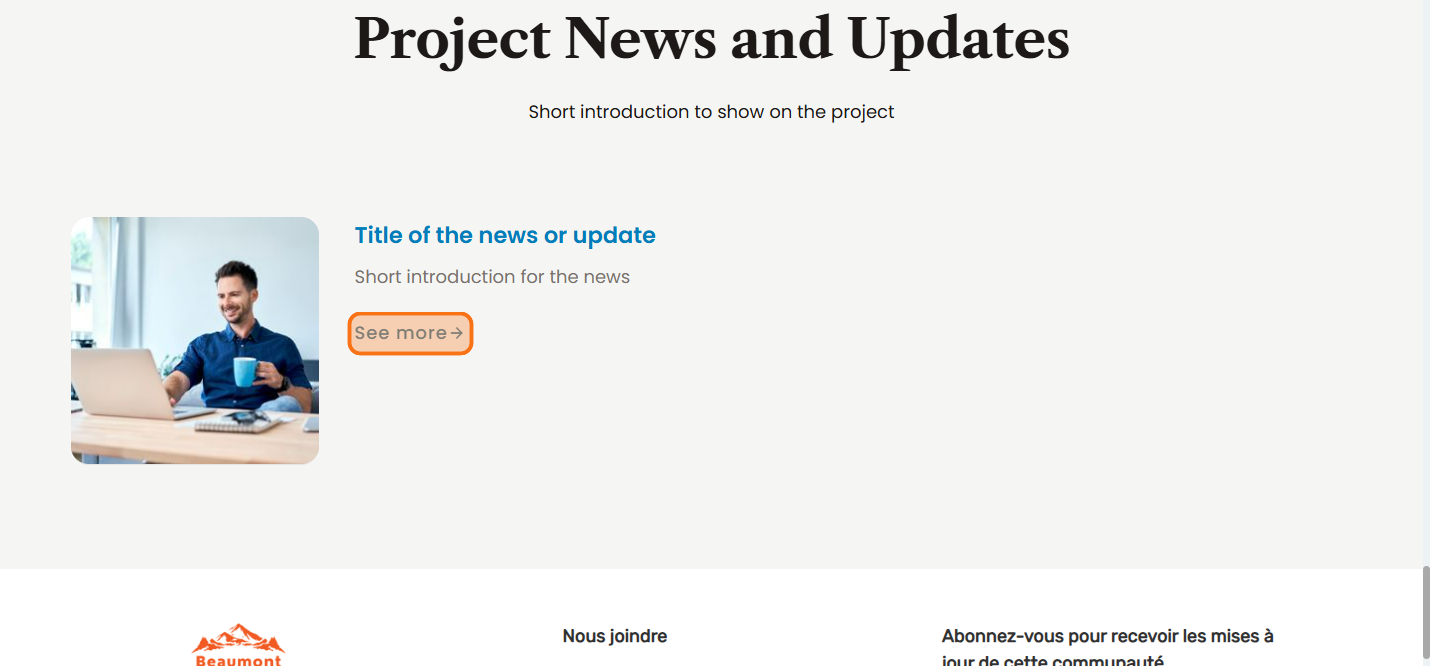
Preview your full news and go back to the admin interface to make any necessary changes

Set up the consultation by invitation or private
Invitation-only consultations are accessible only to the gro …

Add a YouTube video (ID of the video)
You must use your YouTube video ID for it to display correct …
Schedule the consultation to start or end automatically
Your consultation can be automatically posted online on a sc …