

By Team Cocoriko on Feb 4, 2026 4:01:53 PM
This guide will walk you through the process of logging into the Cocoriko platform and accessing the administrative settings, allowing you to manage consultations.
Navigate to your Cocoriko home page
Click on Login
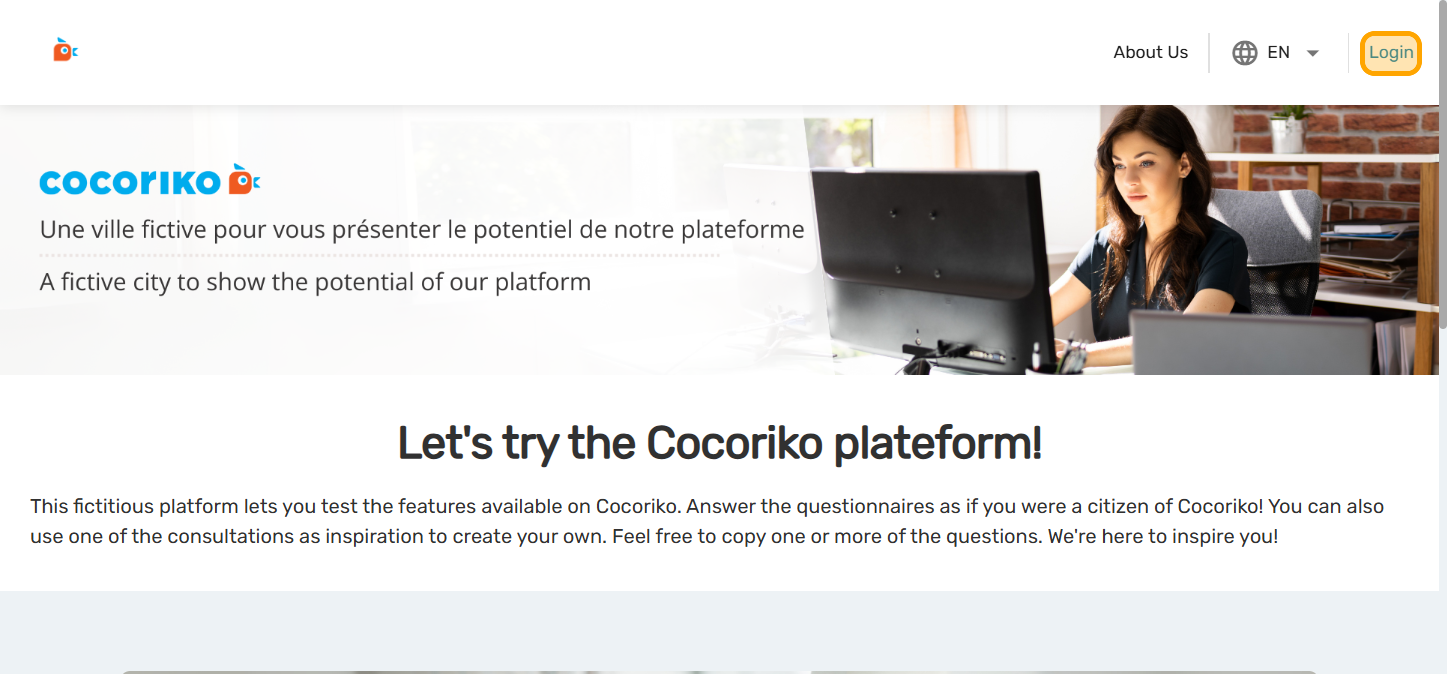
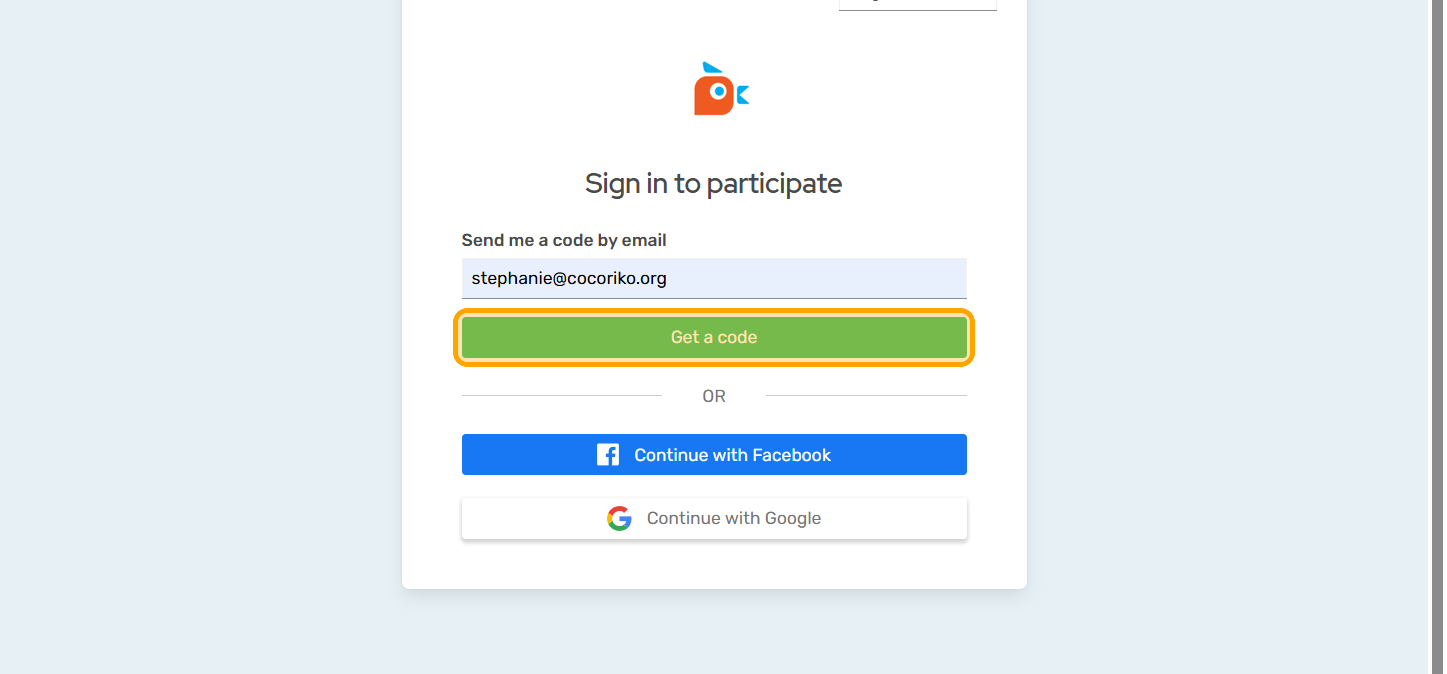
Enter your email and click on Get a code or connect via a Gmail account or Facebook.
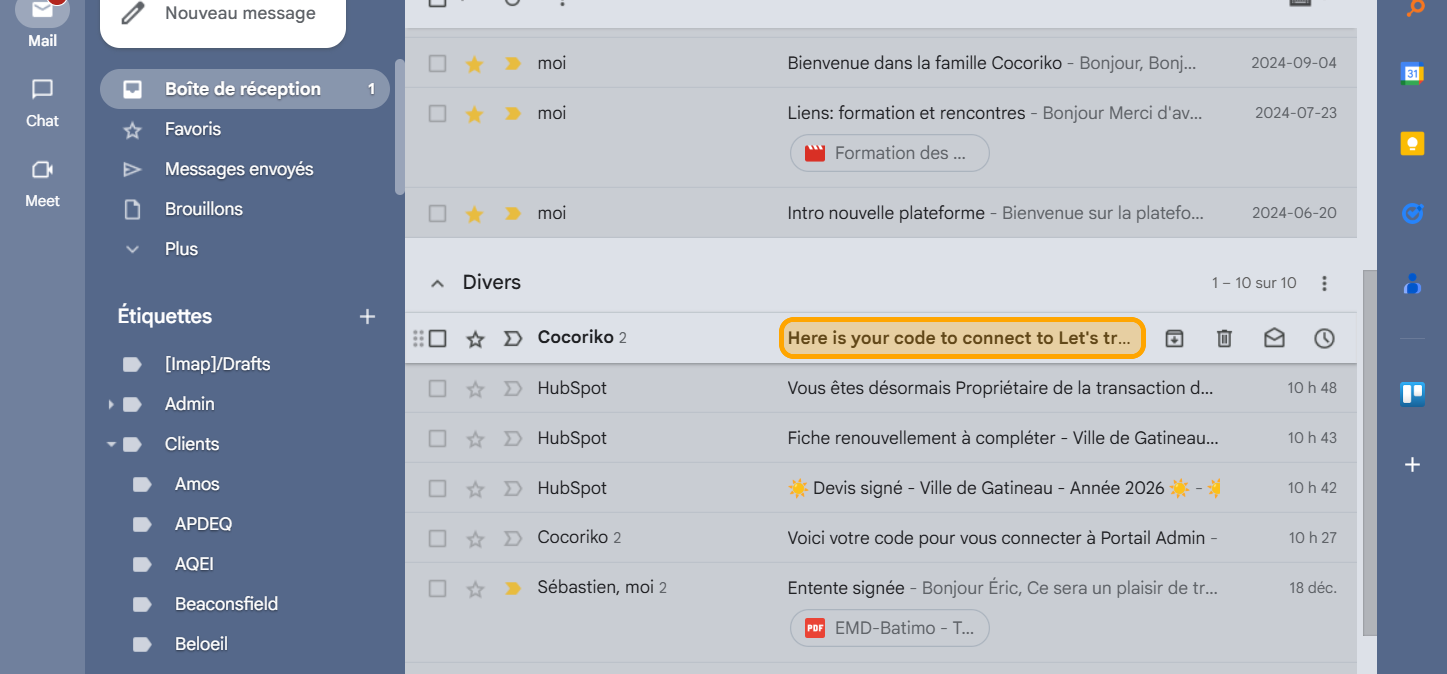
Find the email from Cocoriko in your inbox
Memorize or copy/paste the 5-digit code
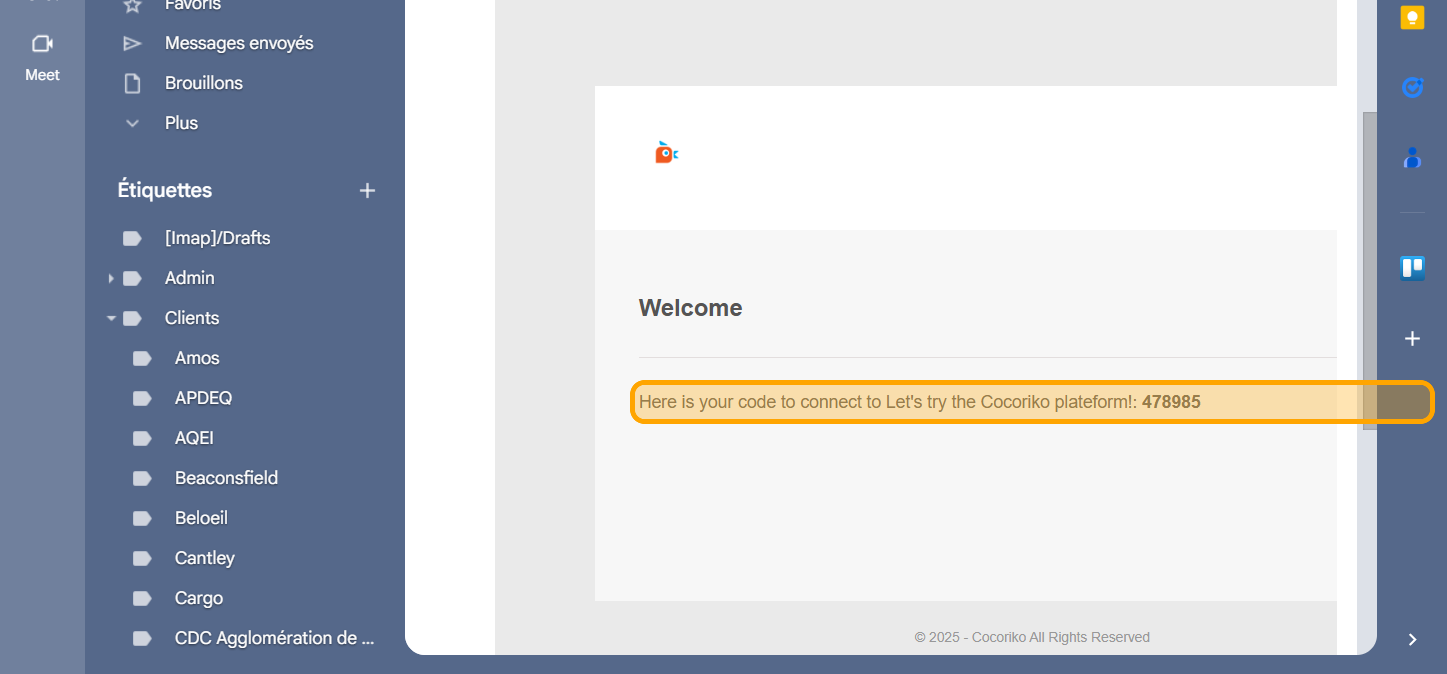
Enter the 5-digit code
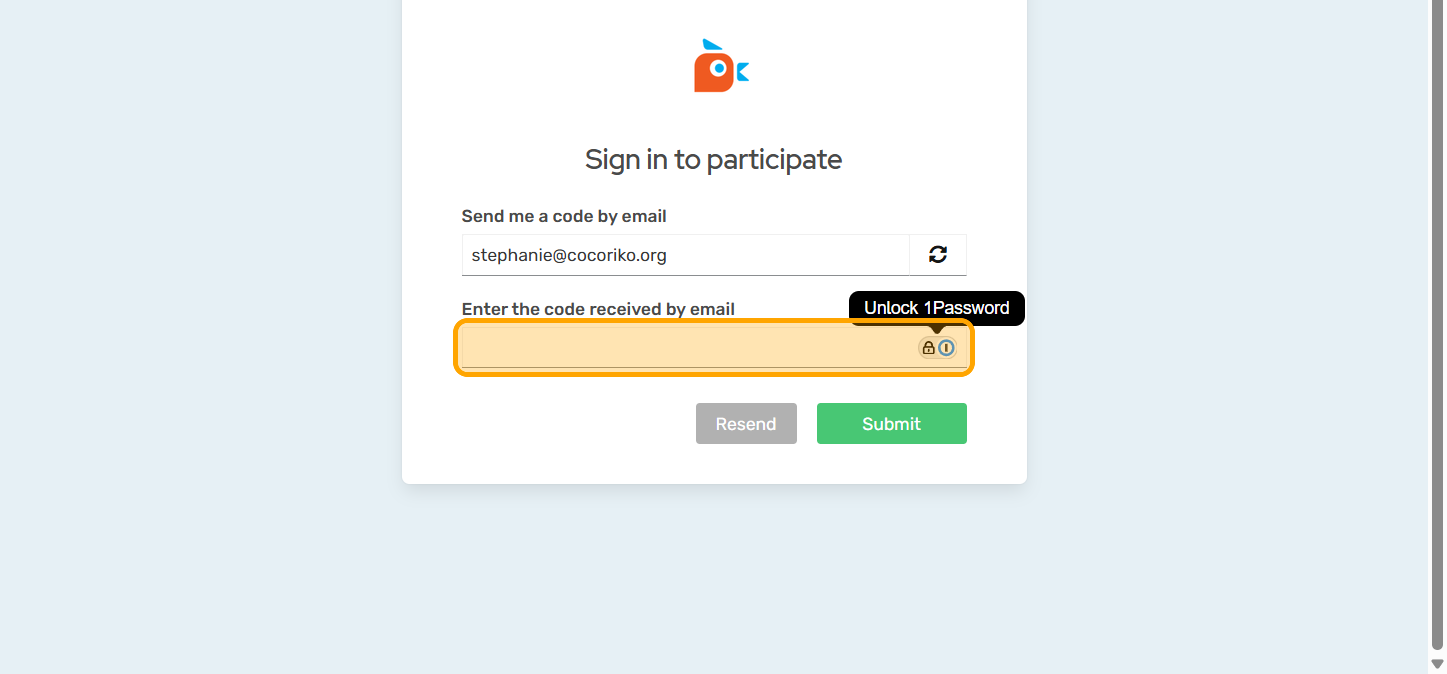
Click on Submit
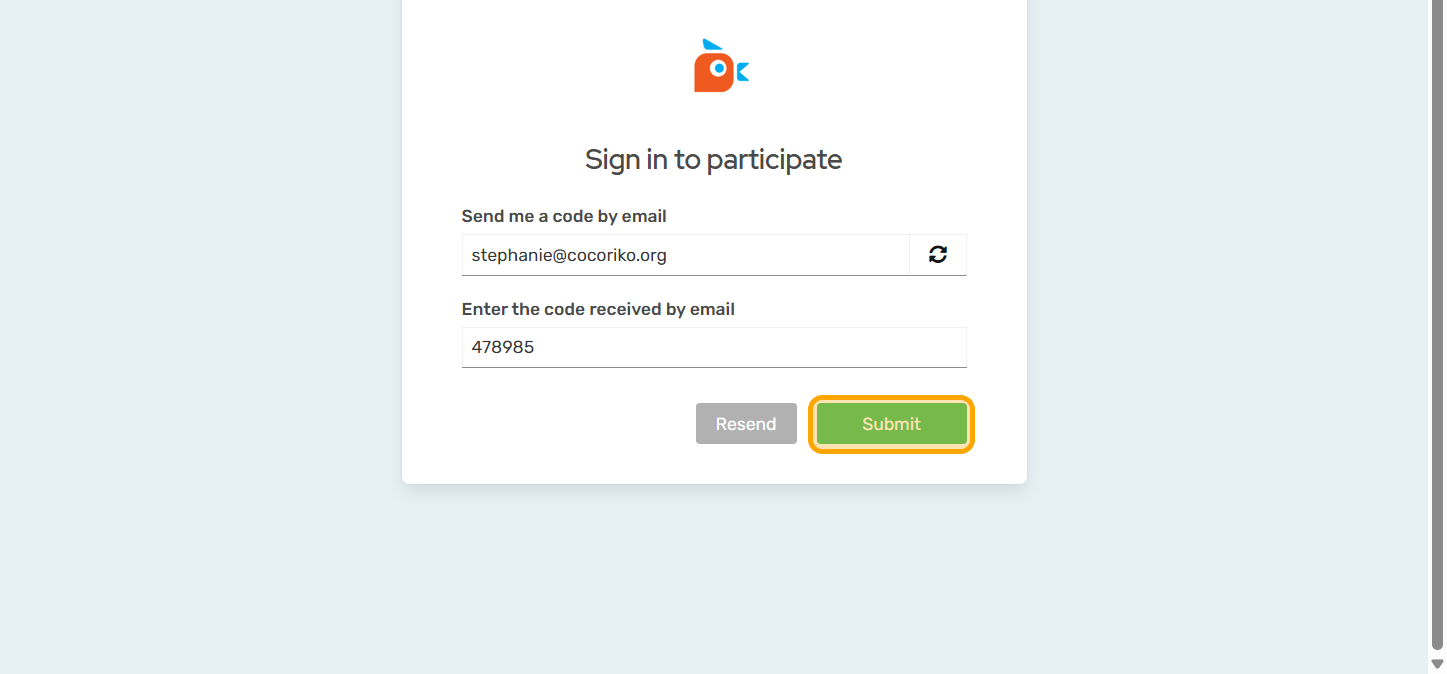
Click on Admin
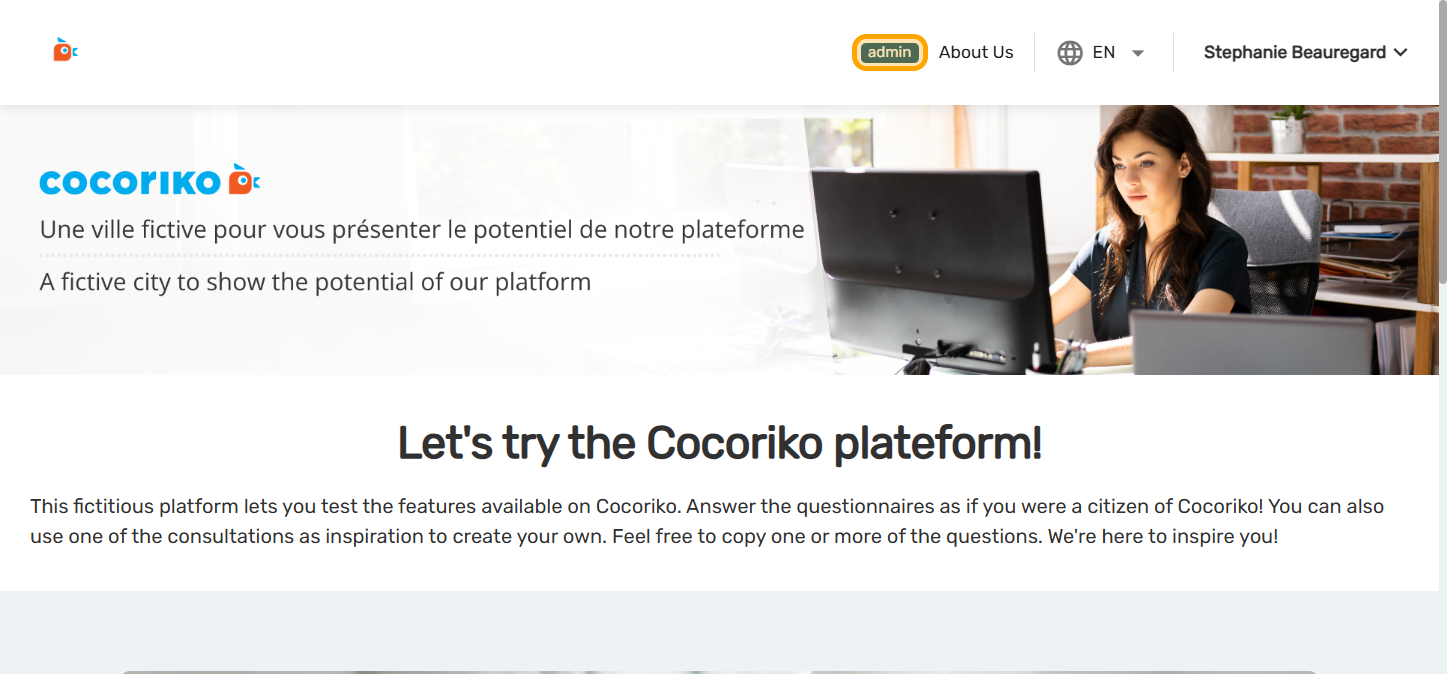
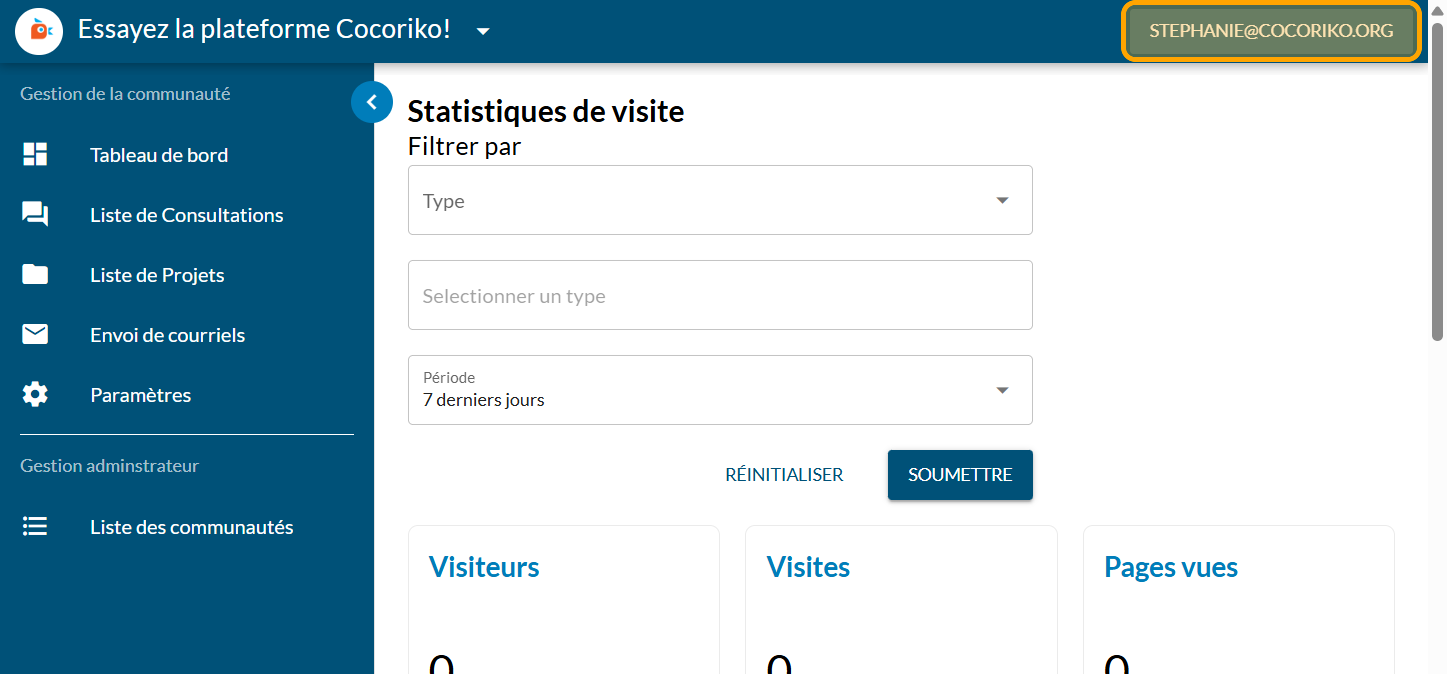
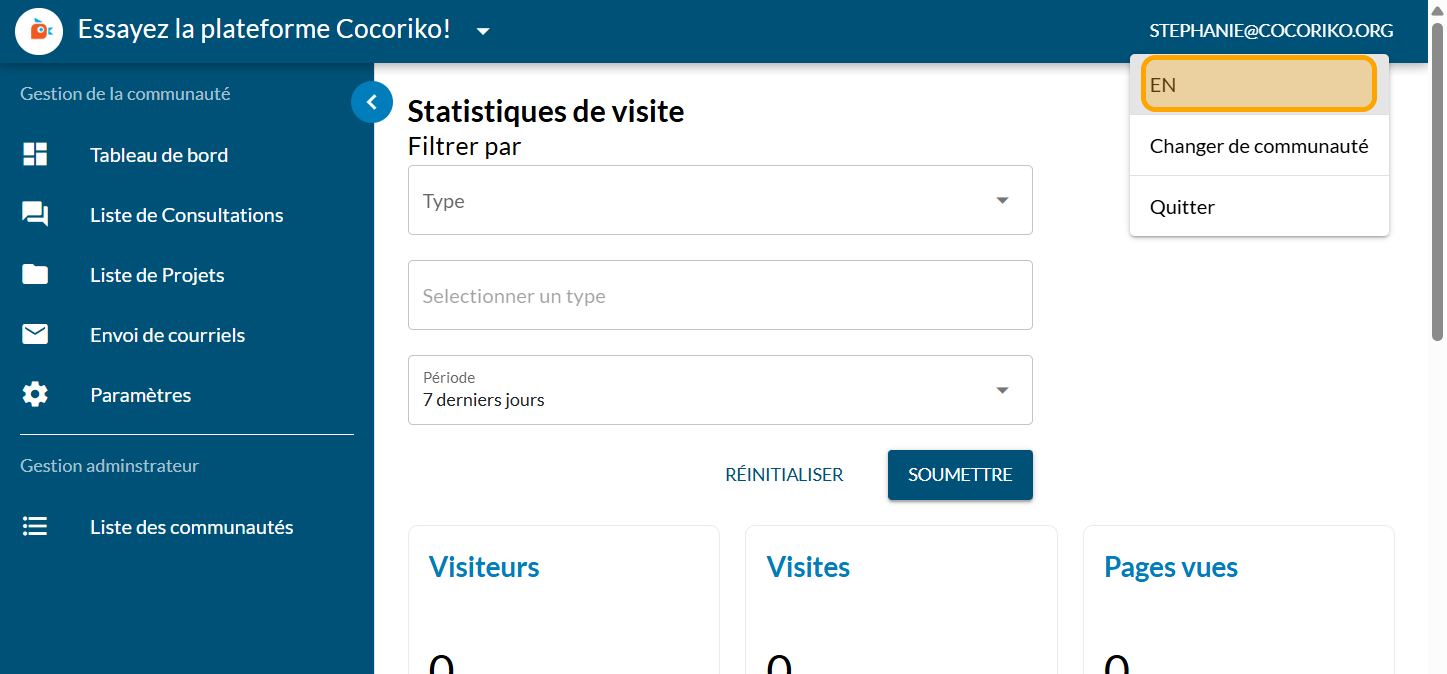
Switch to English if you need to
NOTE: You can also go directly to admin.v3.cocoriko.org and log in from that screen.
Share this
Add a Dot Voting question - Fixed

Add a Dot Voting question - Fixed
The Dot Voting question can be programmed with fixed or vari …
Feb 4, 2026 3:44:04 PM
8
min read
Add a Dot Voting question - Variable

Add a Dot Voting question - Variable
The Dot Voting question can be programmed with fixed or vari …
Feb 4, 2026 3:43:50 PM
8
min read
Test Cocoriko as a participant

Test Cocoriko as a participant
We have created three demonstration platforms on which you c …
Feb 4, 2026 3:57:07 PM
1
min read