

By Team Cocoriko on Feb 6, 2026 9:54:17 AM
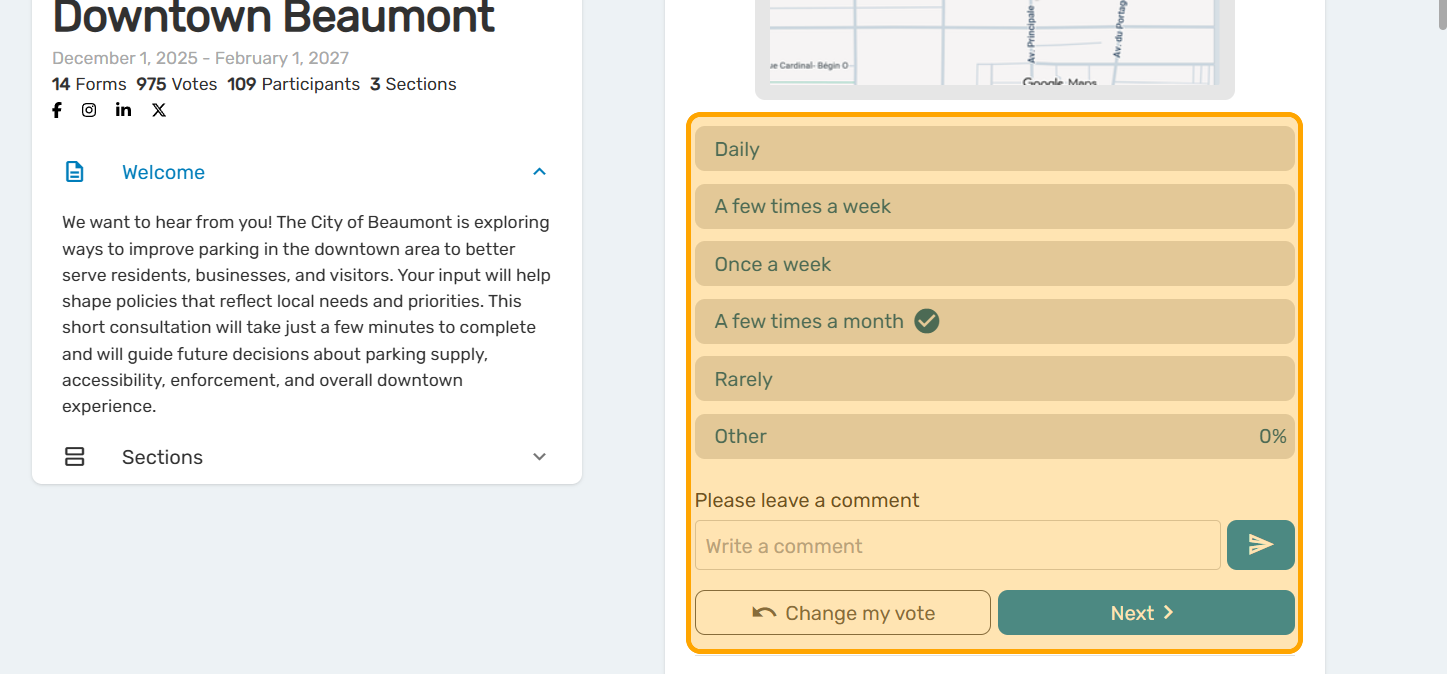
Cocoriko prioritises transparency in the results. When a person votes, they can view the votes cast by all participants who voted before them. If that person returns to the poll later, they will be able to see the votes cast by all new participants.
If necessary, this view can be disabled, in which case, when the person votes, they will only see their own vote being recorded. This feature is useful for market research, sensitive consultations or for the section containing demographic data.
By enabling the option to hide real-time voting results, comments also become invisible to participants. Only platform administrators will be able to view them in the Analyse section. If real-time voting is relevant to you, it is also possible to make only the comments anonymous.
Here’s how to do it:
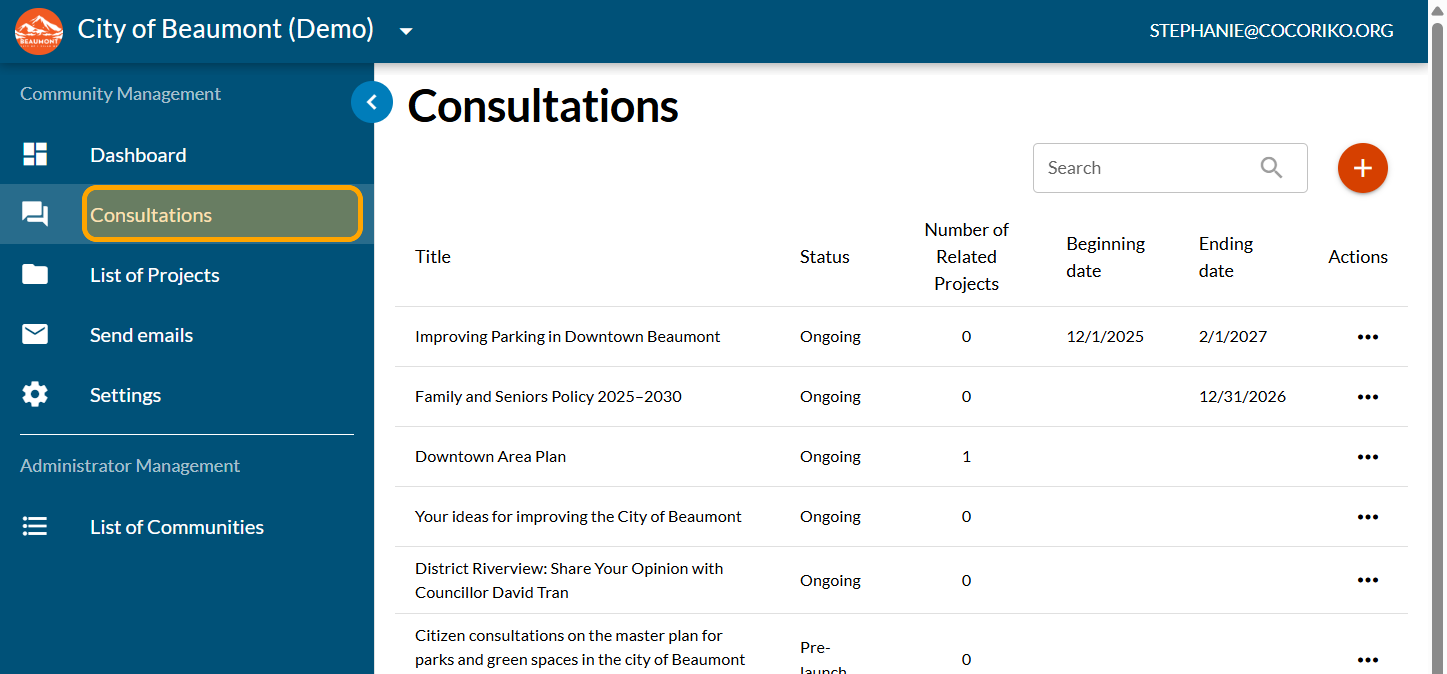
Click on "Consultations"
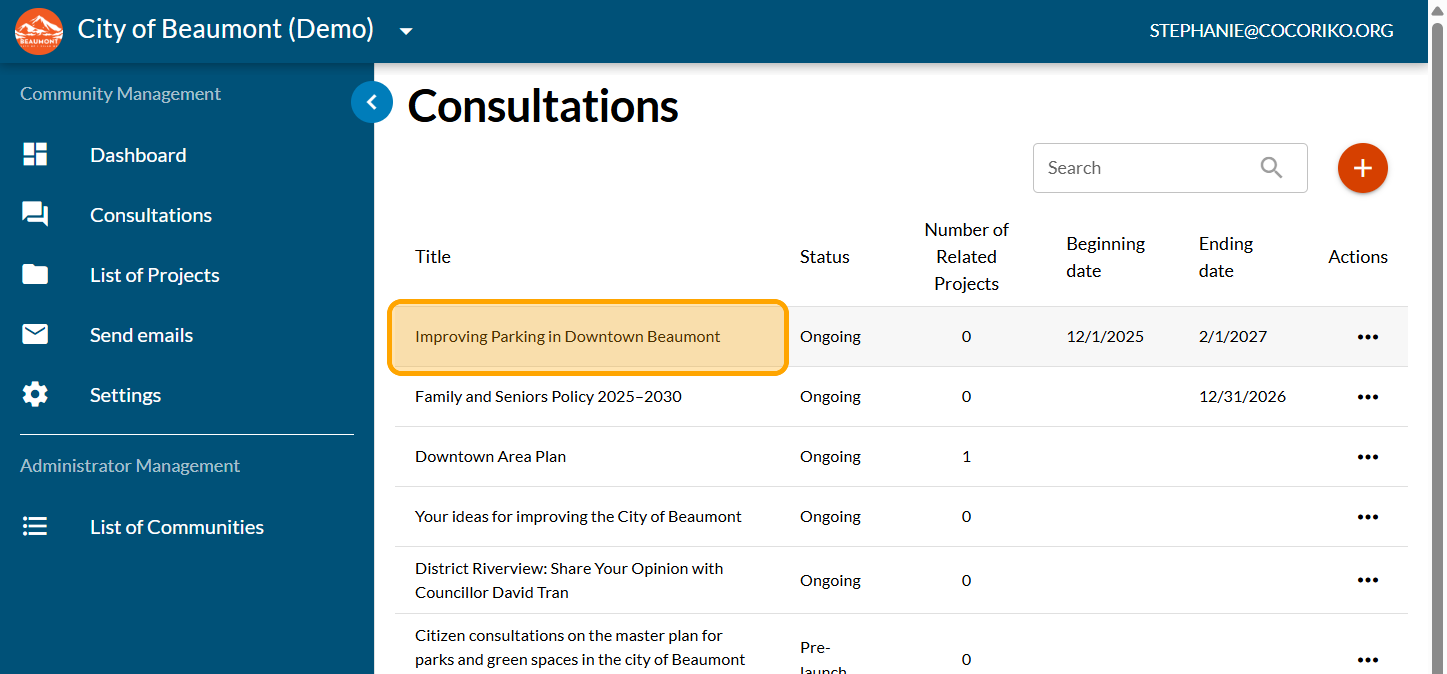
Click on your consultation
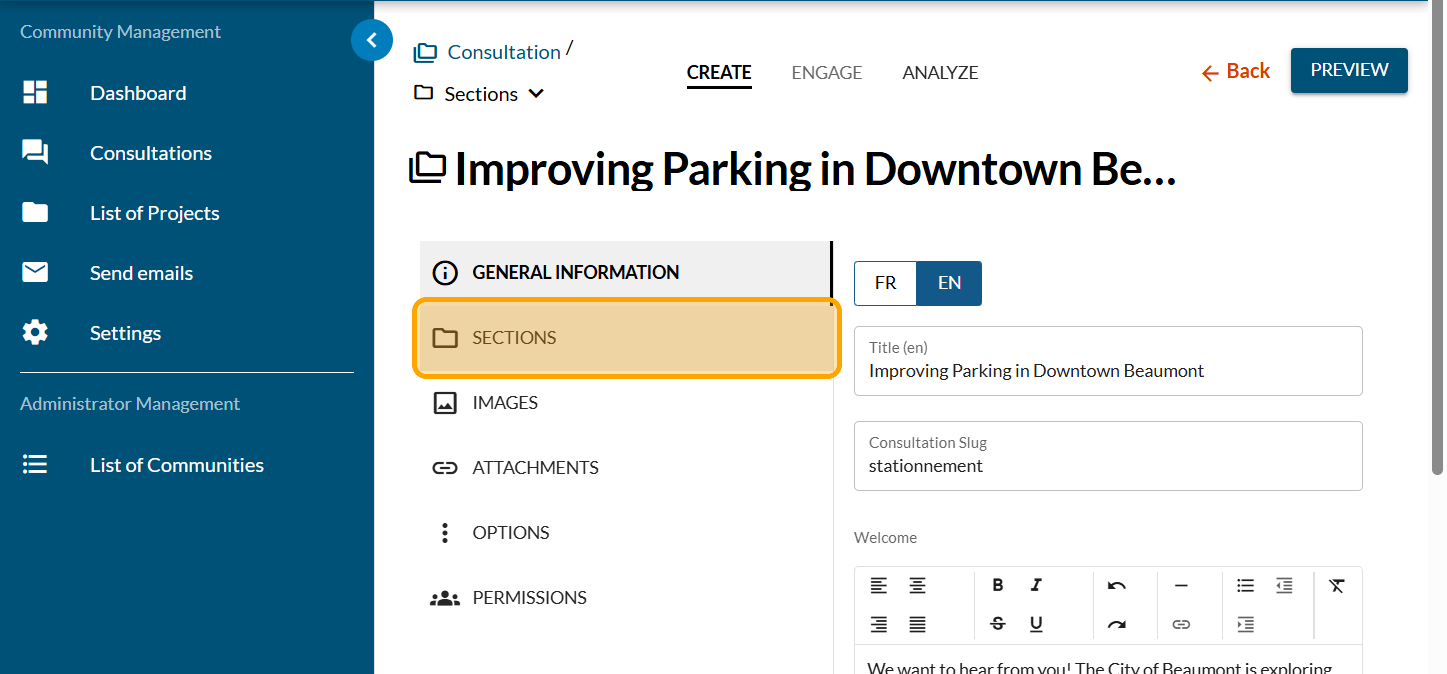
Click on "SECTIONS": : The option to not display results is available section by section.
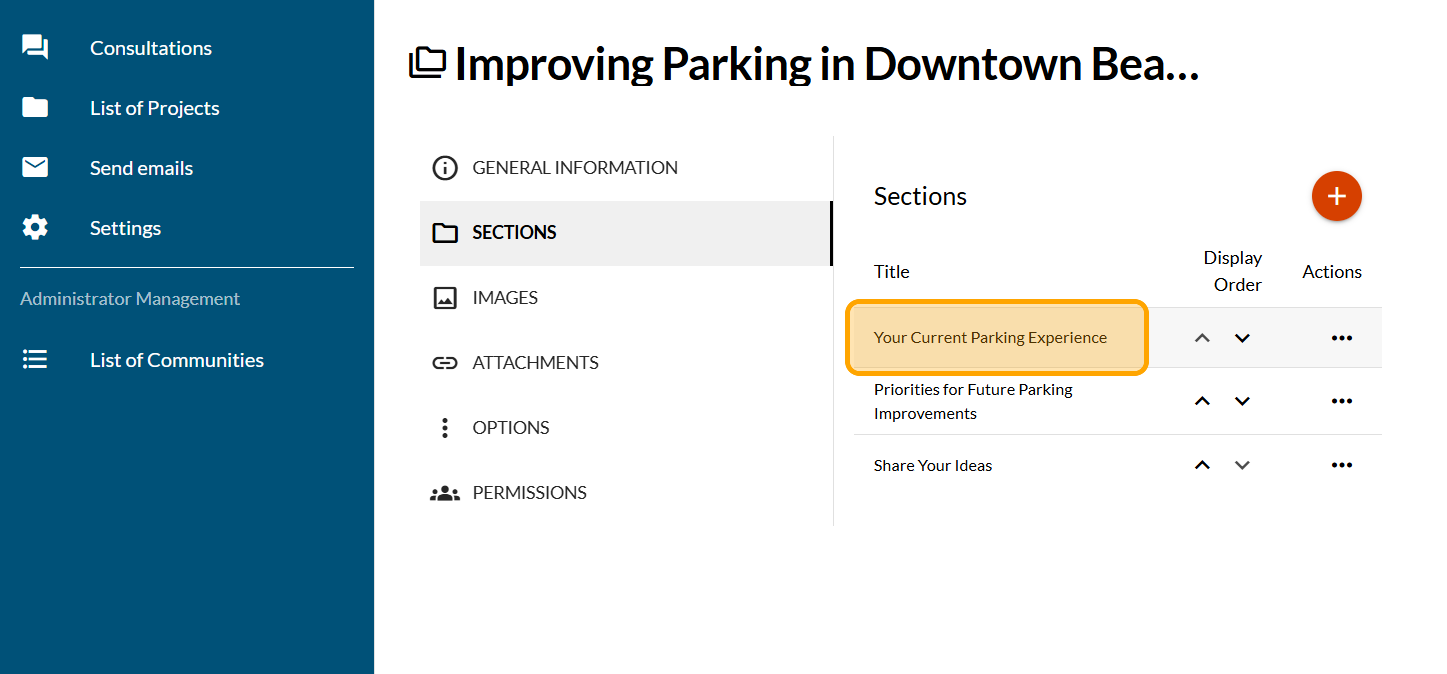
Click on the section for which you want to remove the results display.
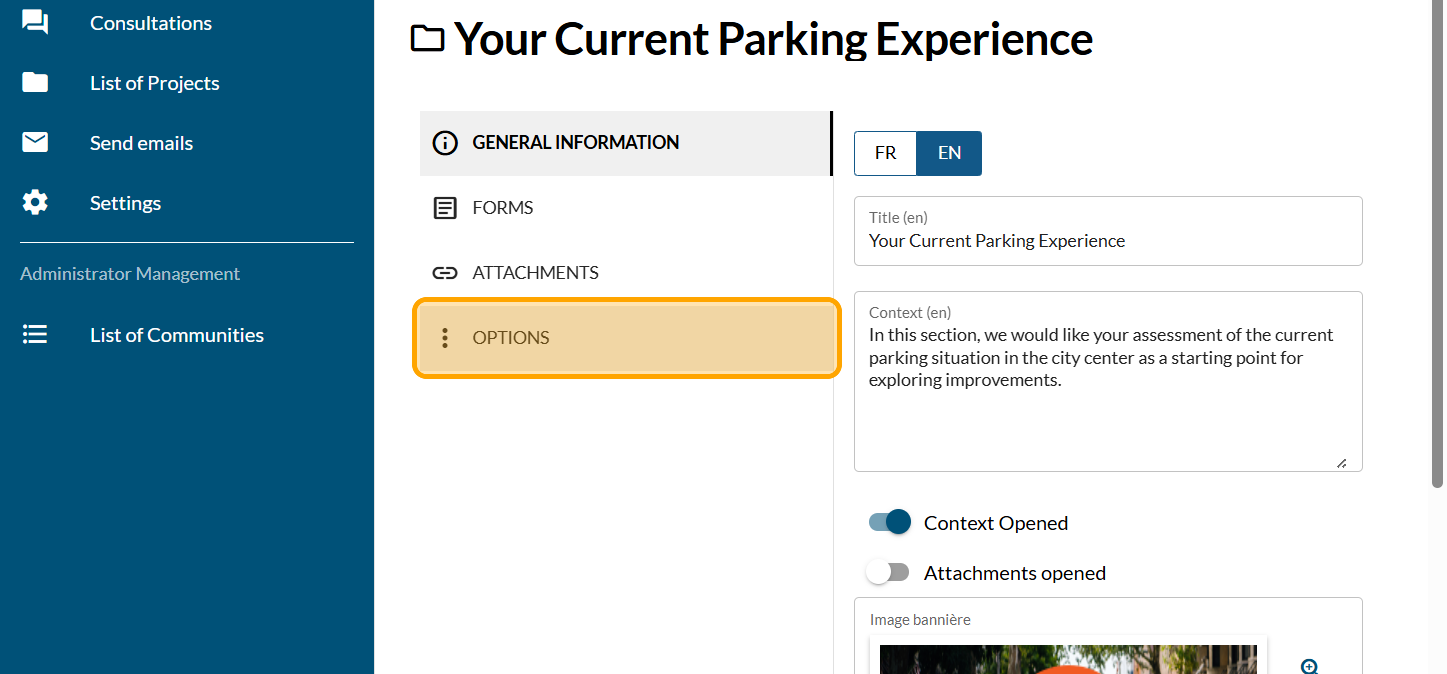
Click on "OPTIONS"
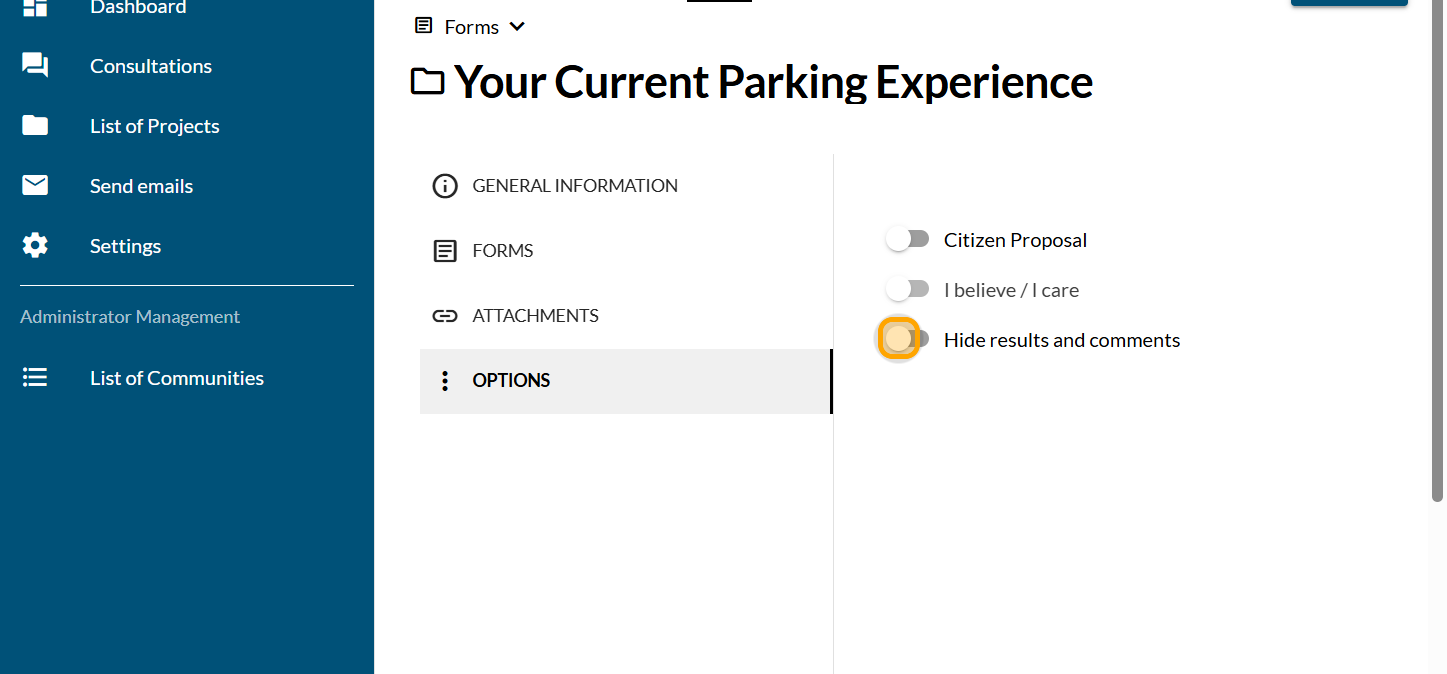
Enable the "Hide results and comments" button
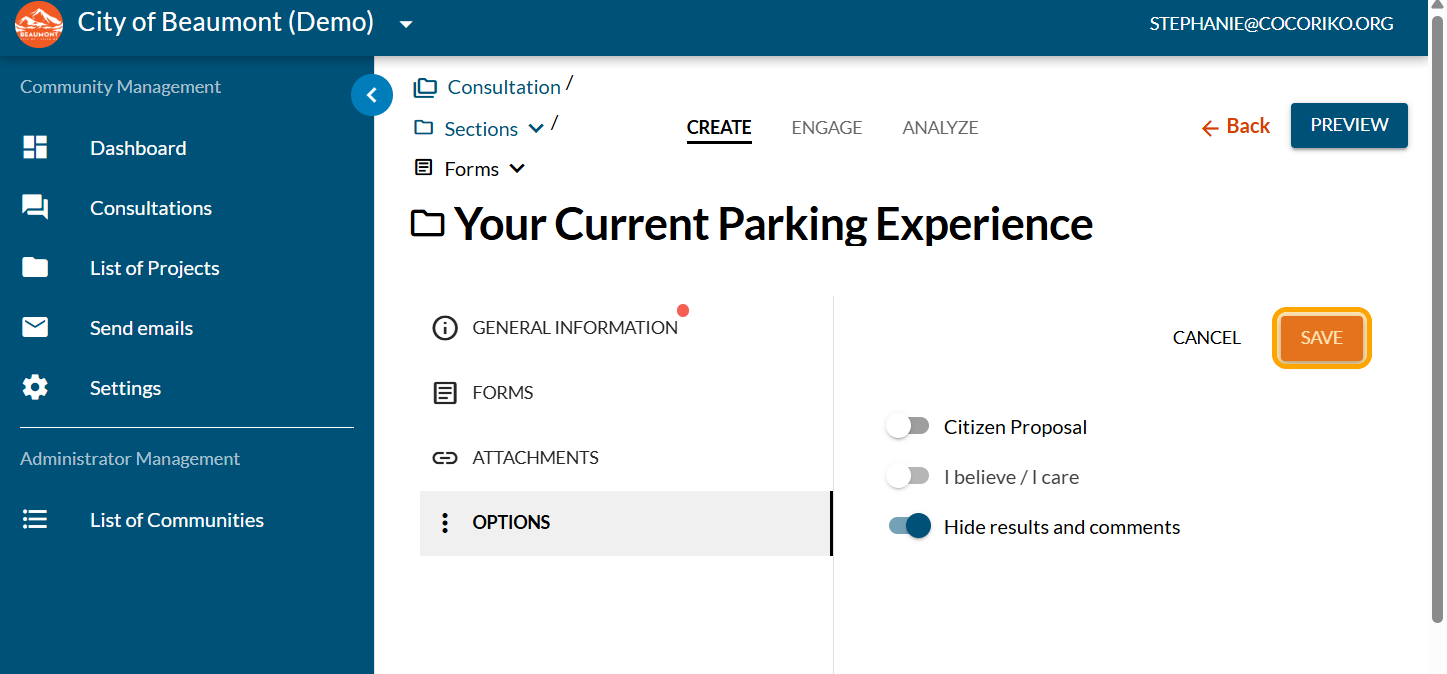
Click on "SAVE"
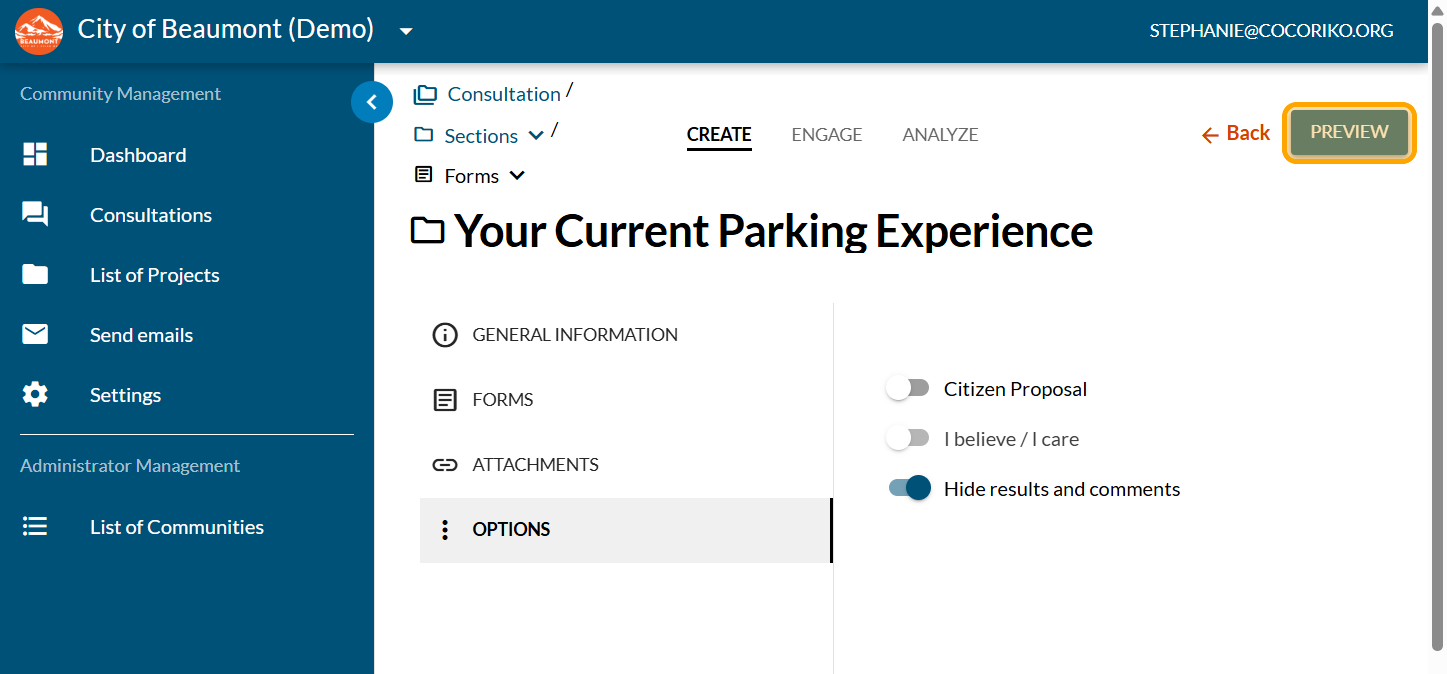
Click on "PREVIEW"
Only the participant's vote is displayed. Repeat for other sections as needed.

Retirez la visualisation des résultats au niveau d'une section
Remove the display of results at the section level By defaul …

Analysis of results using the Excel report
The Excel report displays all the results of your survey. It …

Understanding the participation rate
The participation rate for your consultation is the number o …