

By Team Cocoriko on Feb 4, 2026 4:02:11 PM
This guide shows you how to update the footer information on your Cocoriko platform.
Navigate to admin.v3.cocoriko.org/settings
Click on Settings
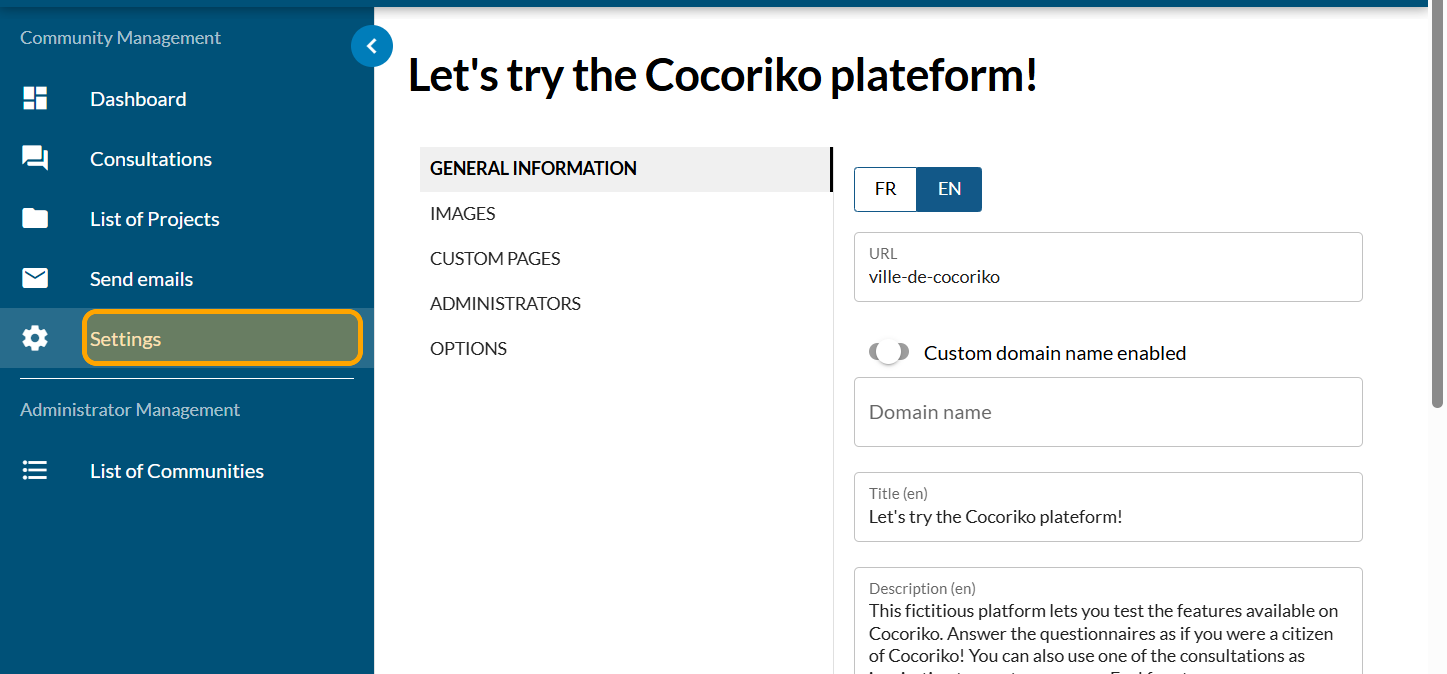
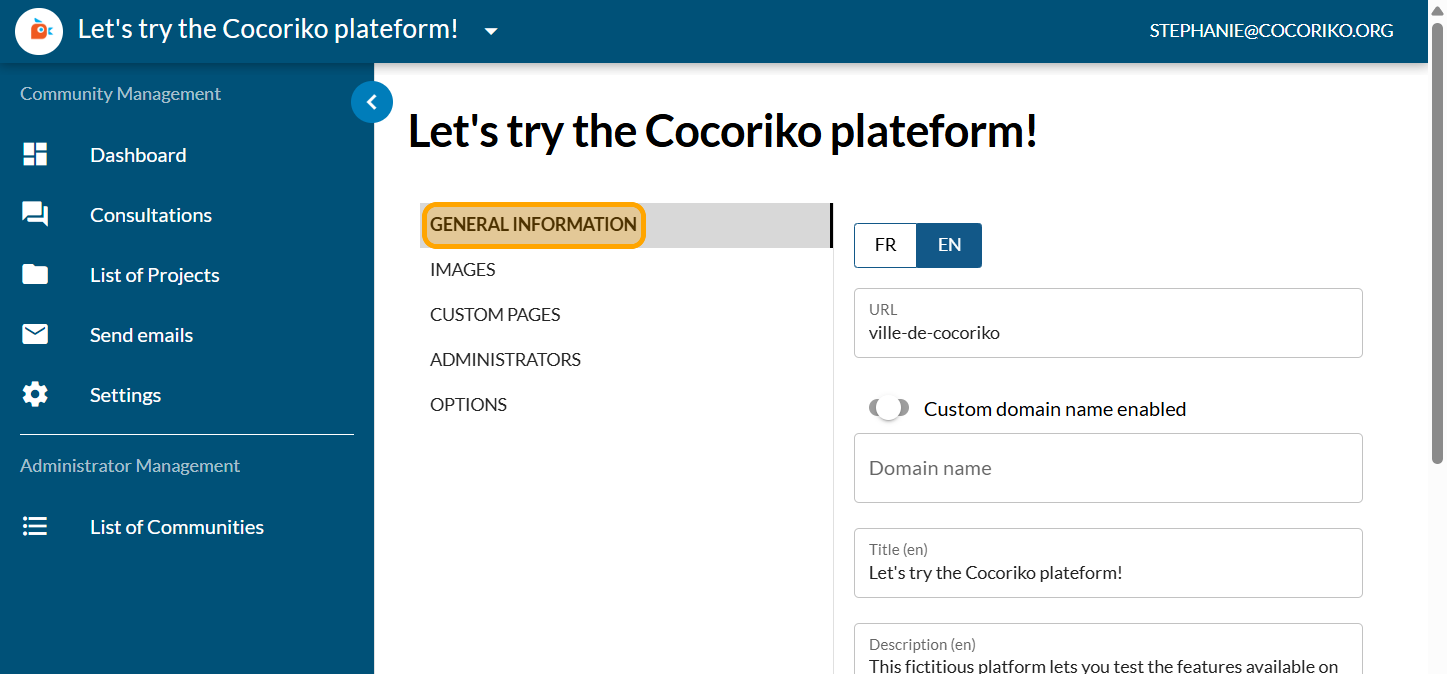
Click on General information
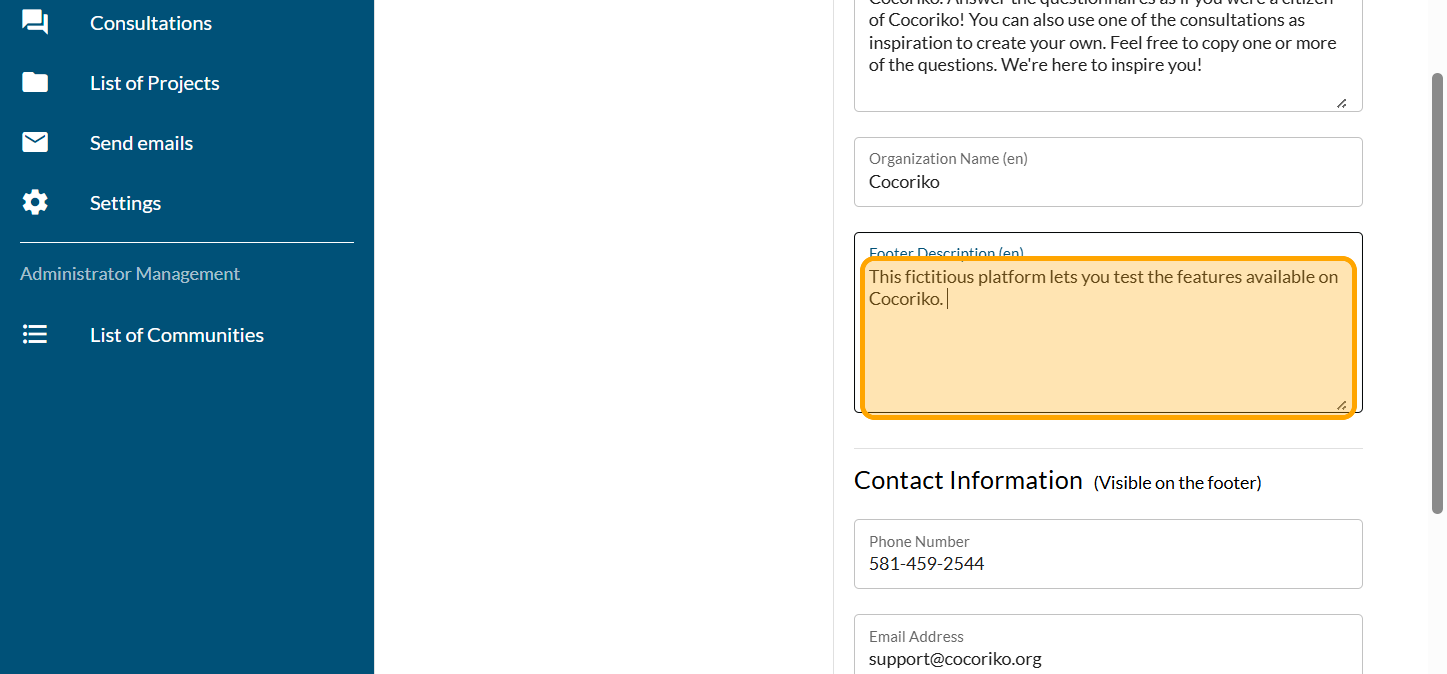
Scroll down the page to Footer Description space. You can enter a short descriptive text here.
Scroll to Contact Information to add your contact details such as your phone number.
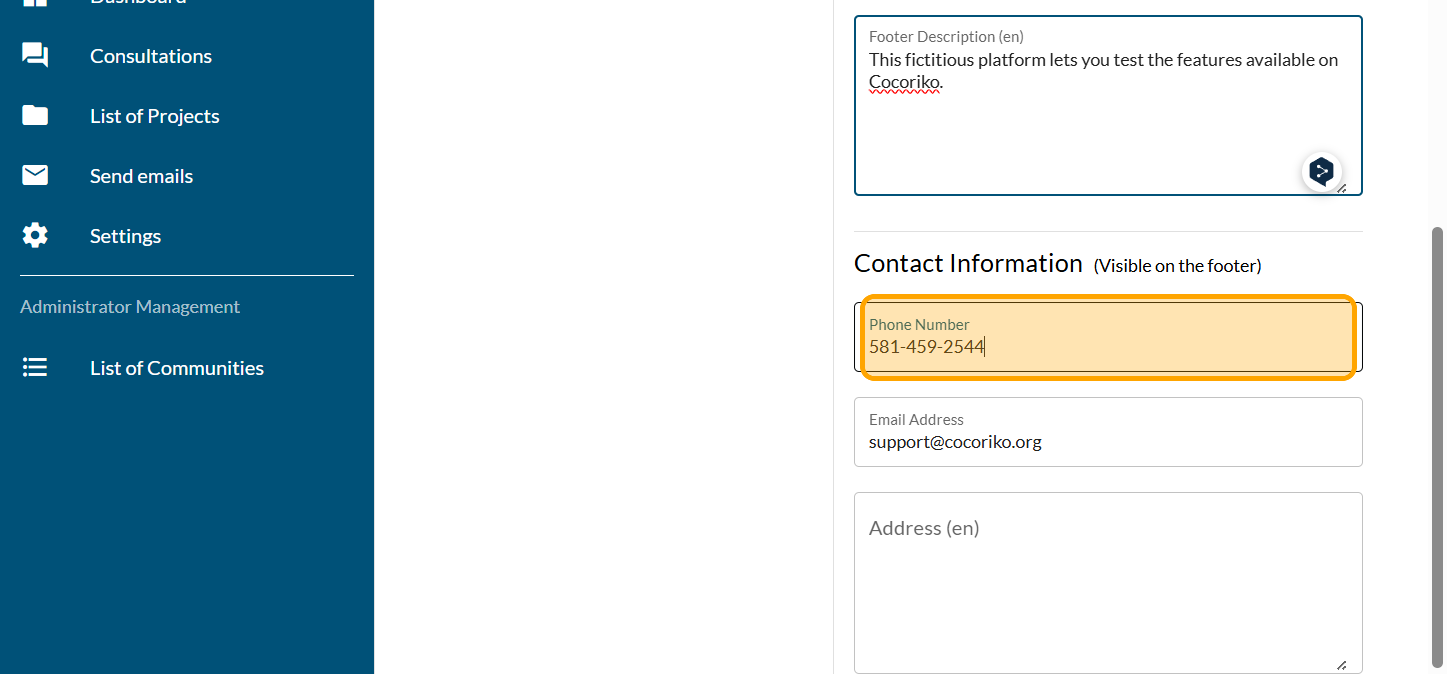
Add a generic email to contact your team
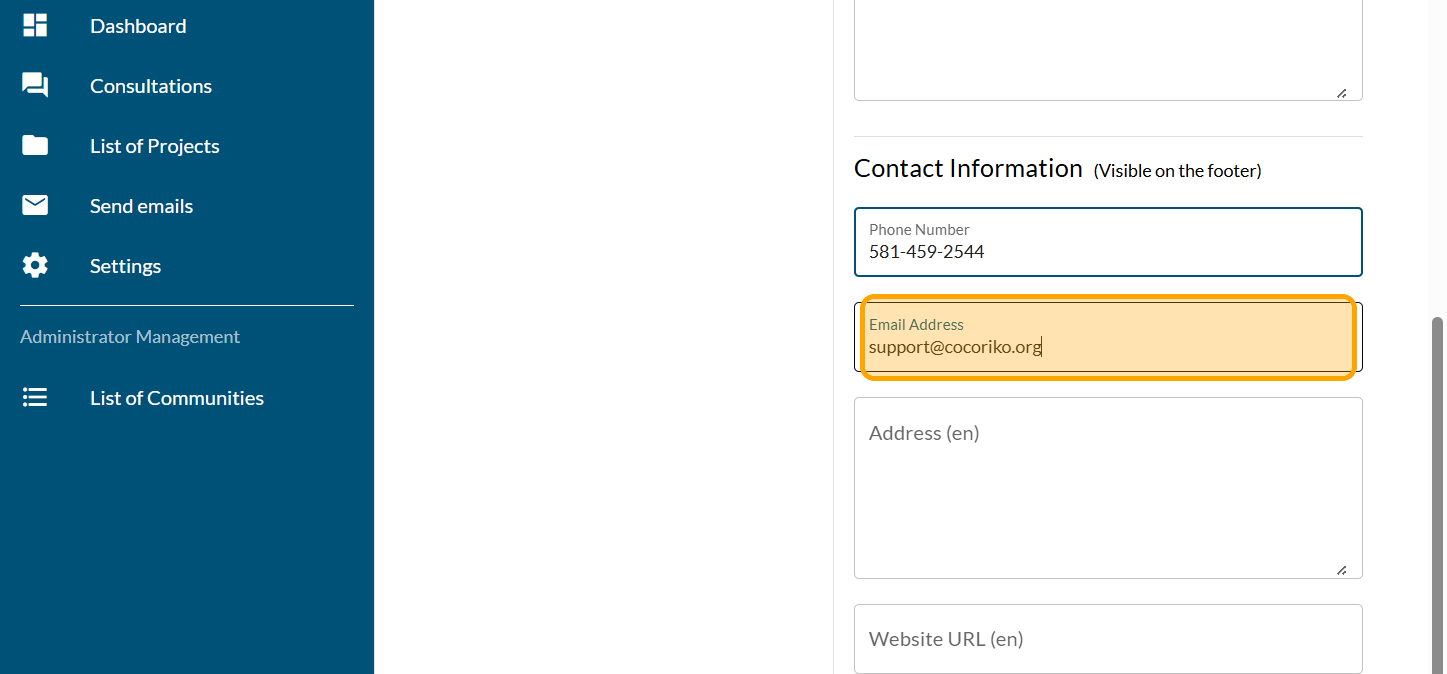
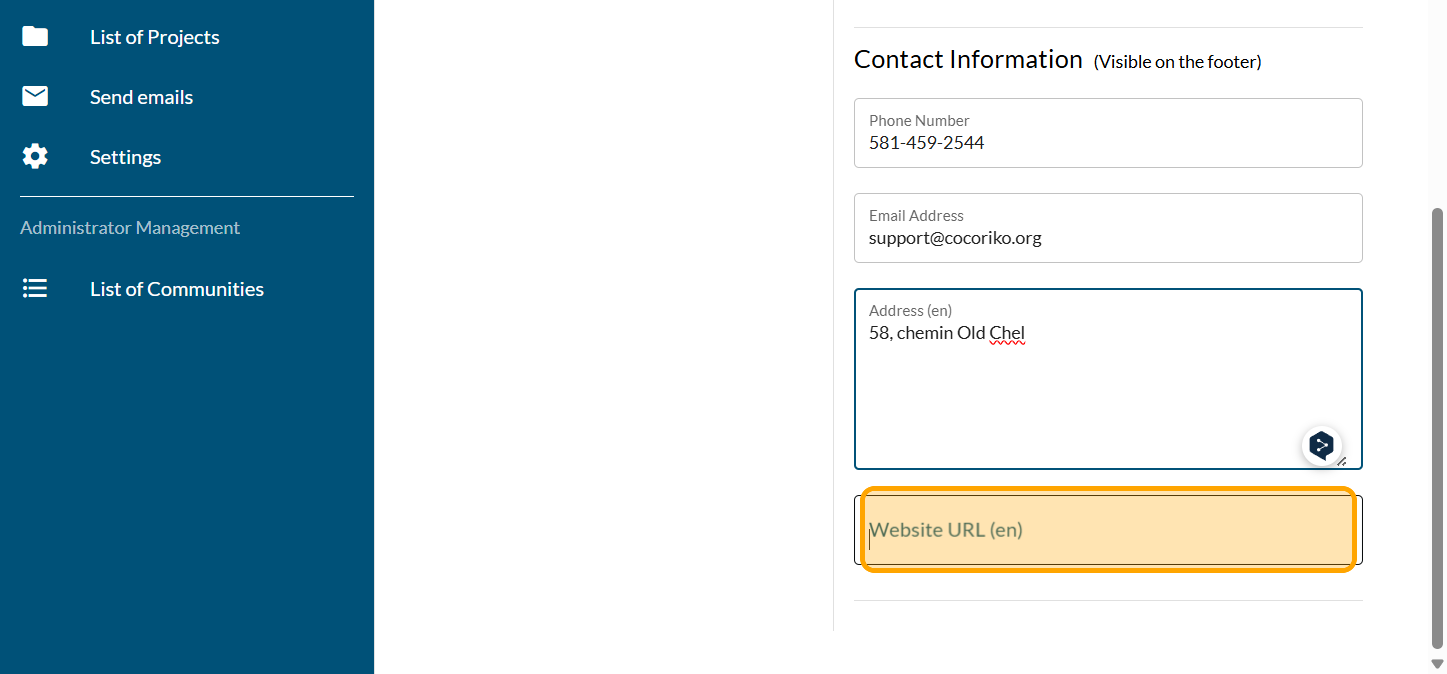
Add your address, if you want to
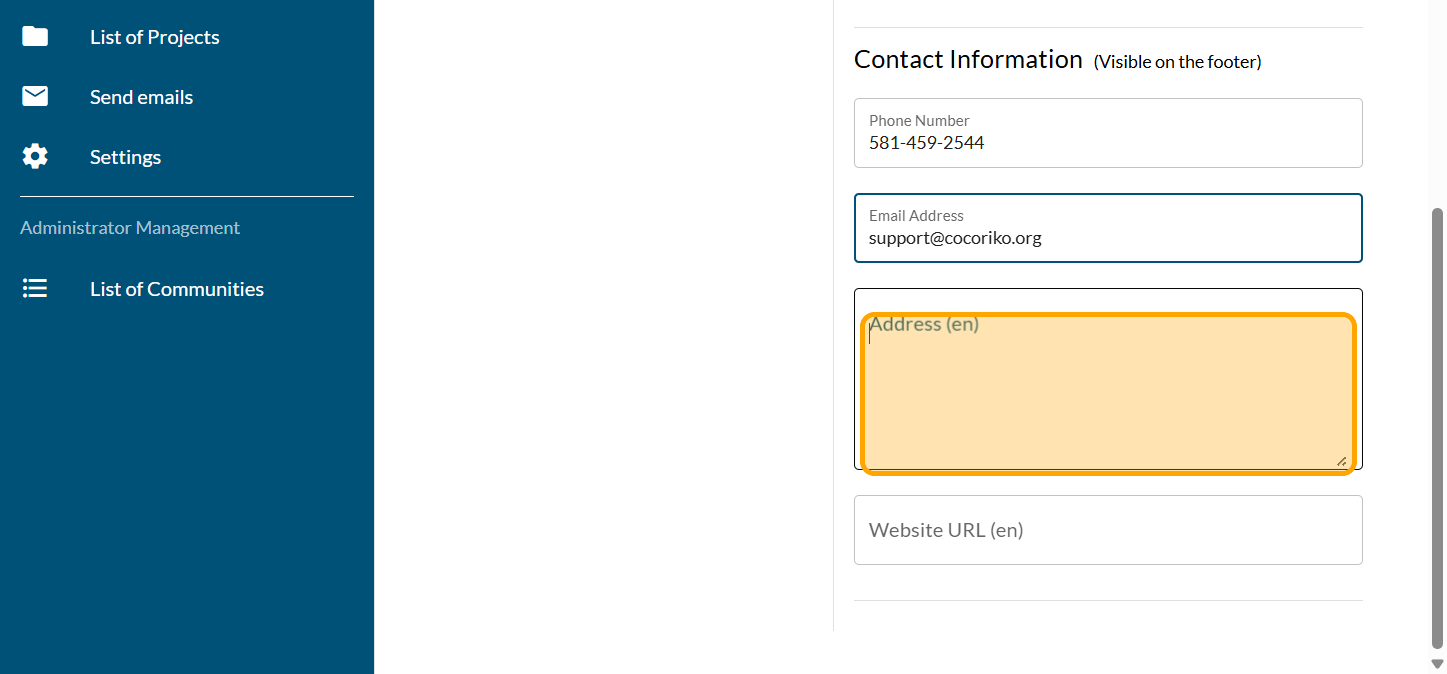
and your website. These information will appear in the footer.
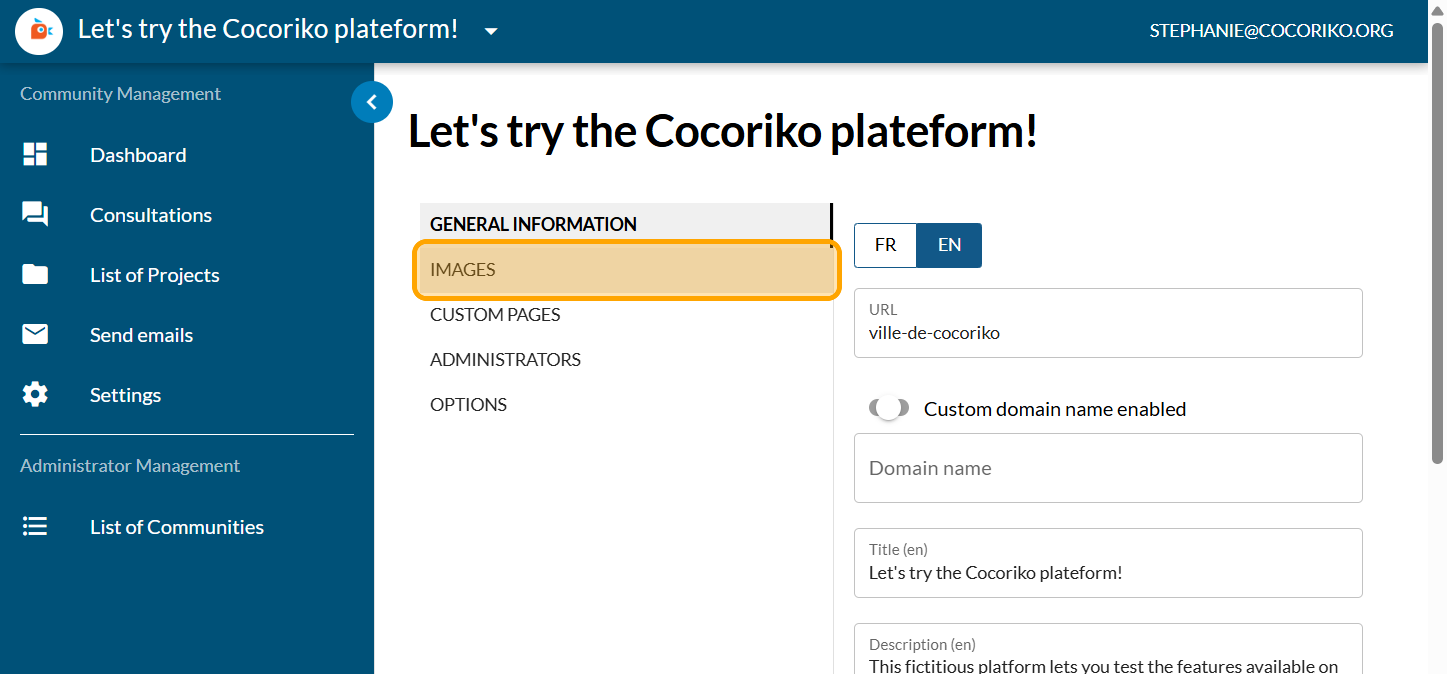
Scroll up and click on Images to add a horizontal logo.
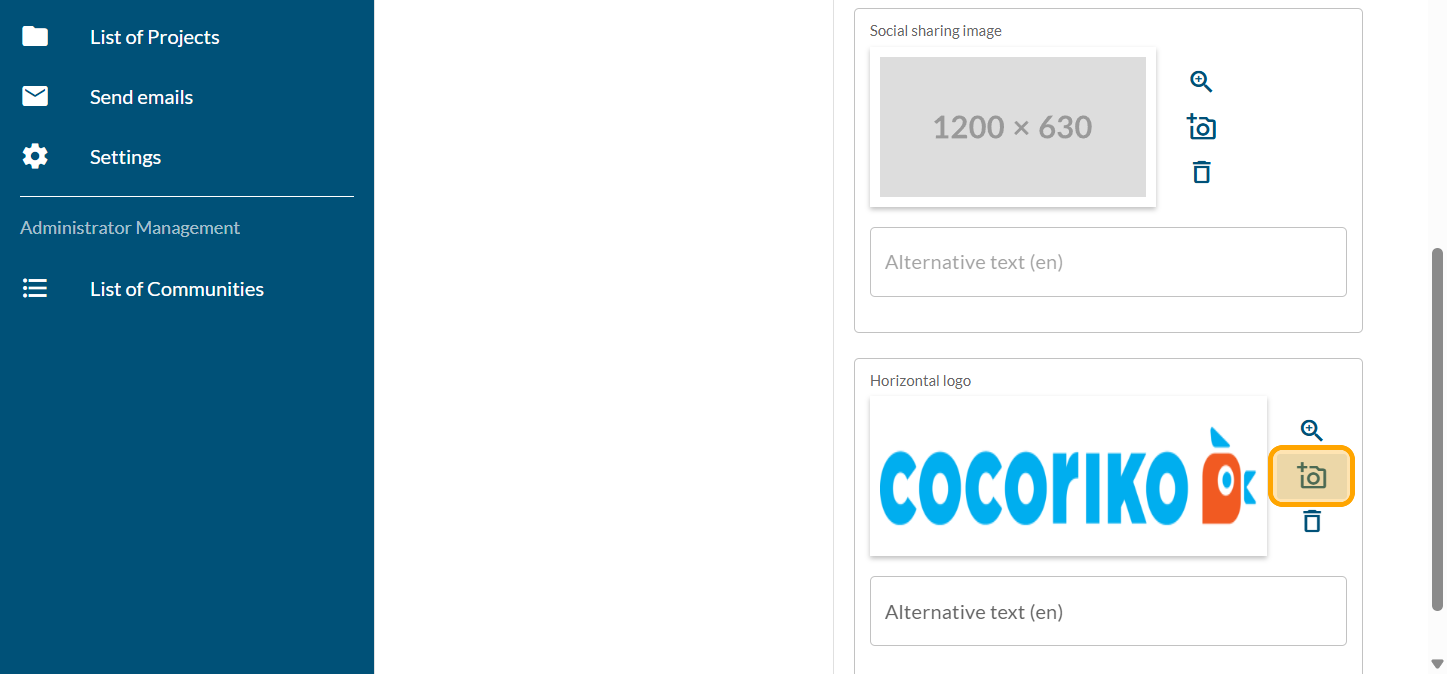
Scroll down to the Horizontal Logo section and click on the camera icon.
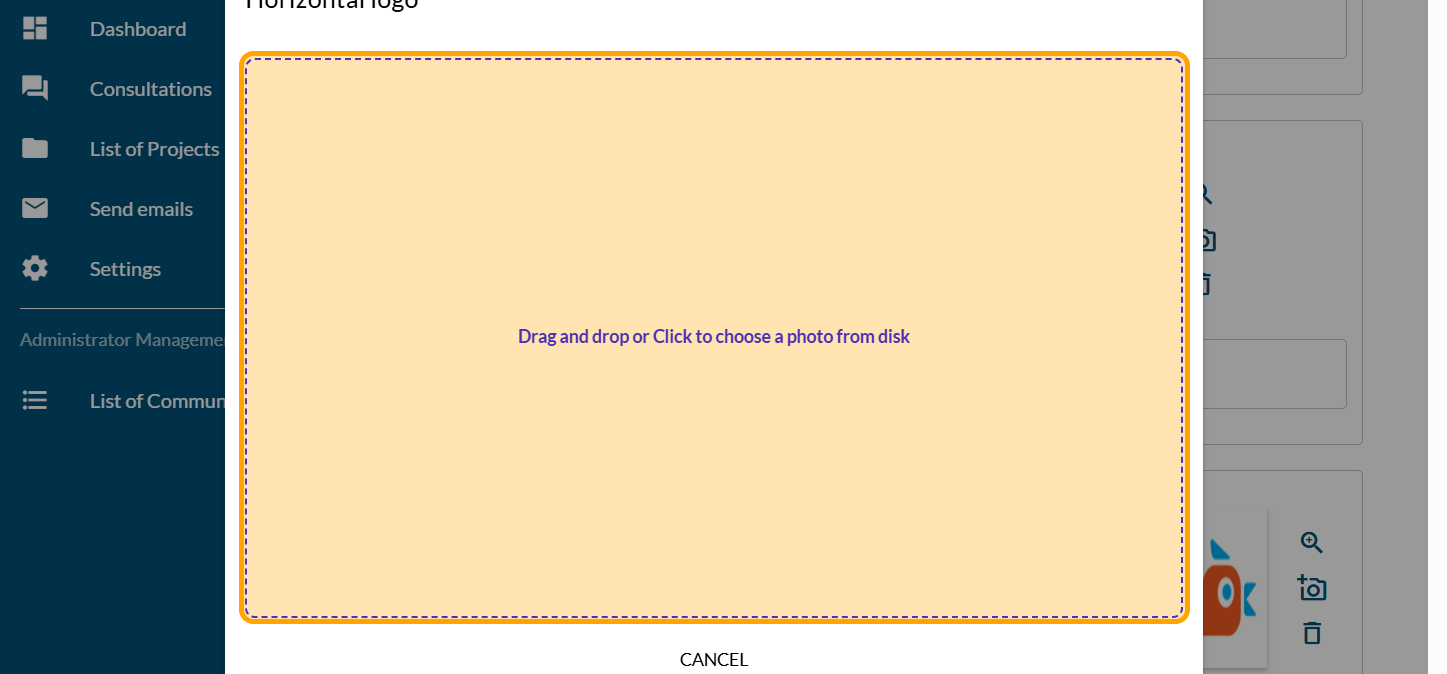
An area will appear for you to upload your logo.
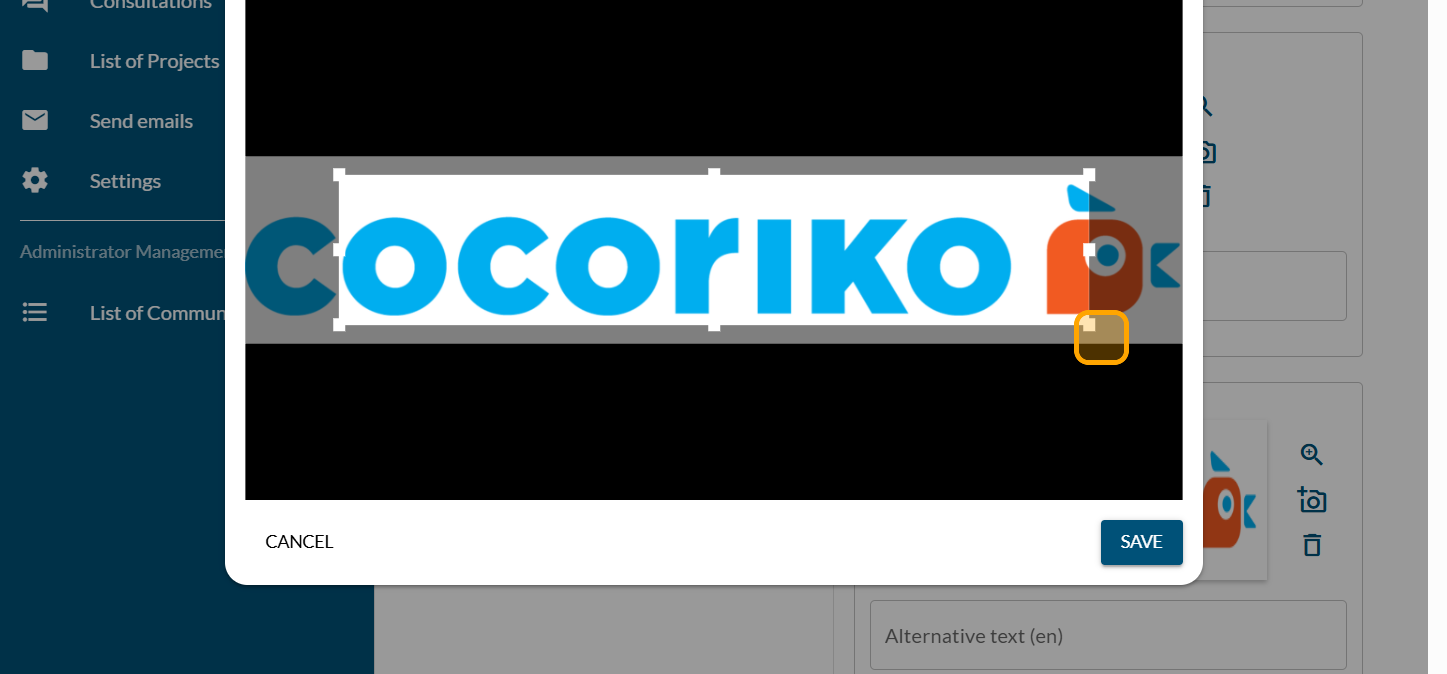
Crop your logo within the area
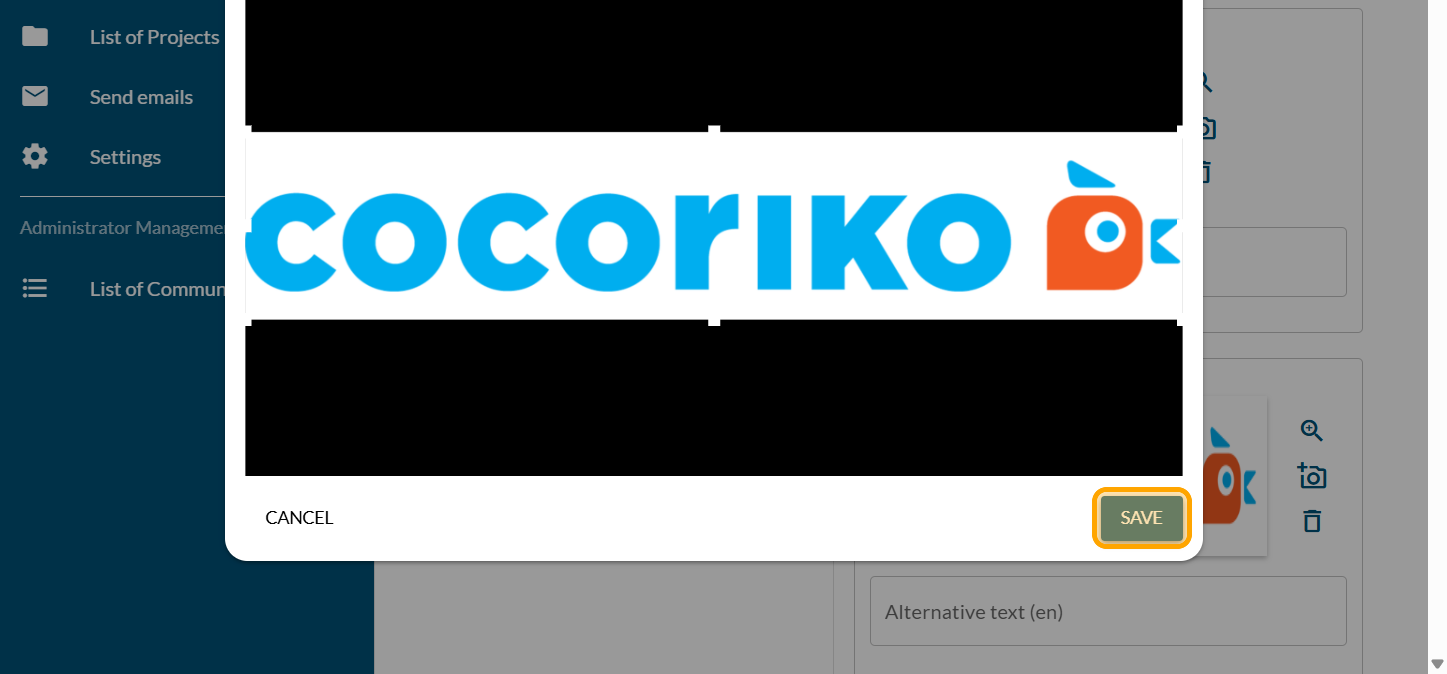
Click on save
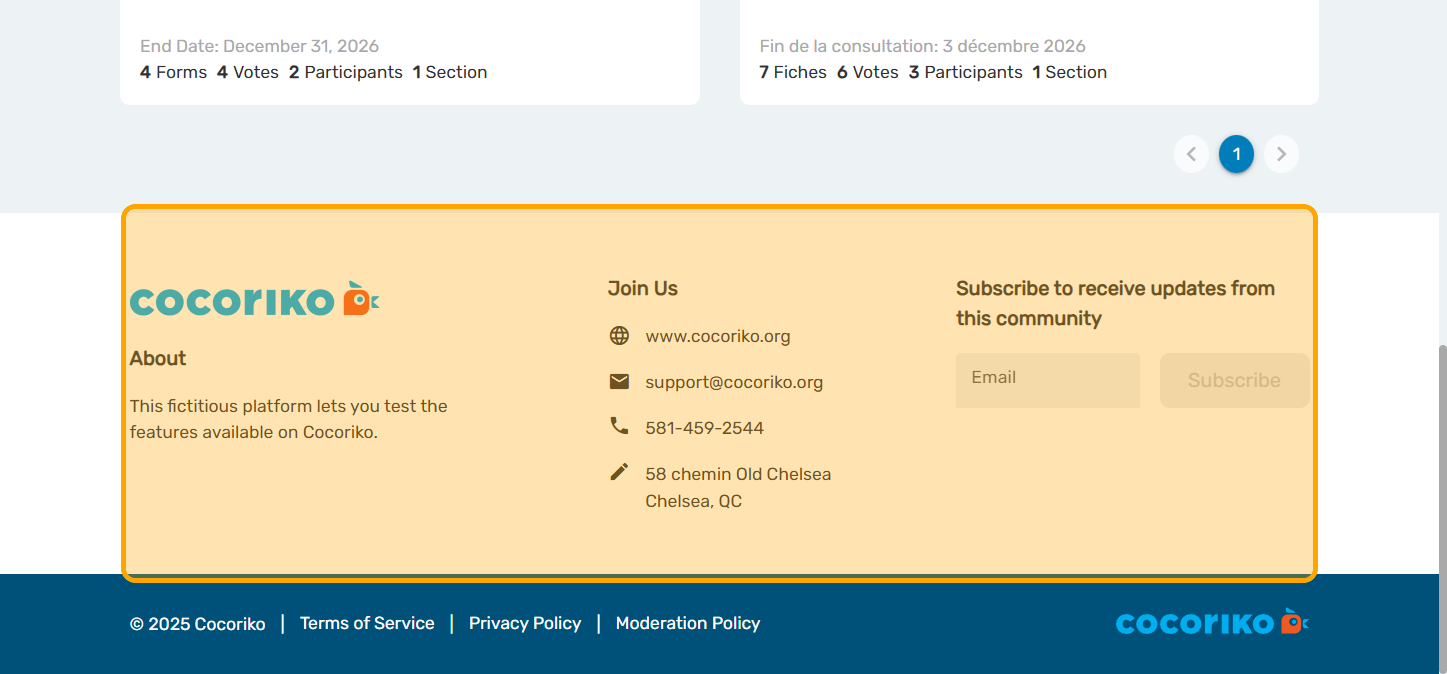
The added information will appear in your footer.
Share this
Adding a thank you message

Adding a thank you message
Add a thank-you message in just a few clicks to end your con …
Feb 4, 2026 3:41:57 PM
1
min read
Add and manage the Q&A module

Add and manage the Q&A module
The Frequently Asked Questions (FAQ) module allows you to ad …
Jun 4, 2026 10:43:18 AM
1
min read
Lists available for email mailings

Lists available for email mailings
It is important to keep people in your community informed ab …
Feb 4, 2026 3:46:47 PM
1
min read