

By Team Cocoriko on Feb 9, 2026 9:51:17 AM
The Proposal question presents pre-established answer choices that provide you with more information during analysis. The answer choices are levels of agreement: Strongly agree, Somewhat agree, Strongly disagree, Somewhat disagree.
Because of the programming possible on pre-established choices, comments are displayed based on who voted in agreement and who voted in disagreement.
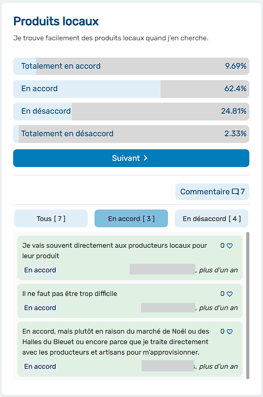
Why use a proposal? To:
-
Propose the various elements of an action plan that has been drafted with experts and needs to be presented to your community
-
Identify your community's level of agreement with different development options (for a park, for example)
-
Assess the social acceptability of a project, such as the level of agreement on the location, aesthetics, or active mobility of a new construction project
Proposals can be added to a survey very quickly and provide you with a good level of information.
Add a proposal
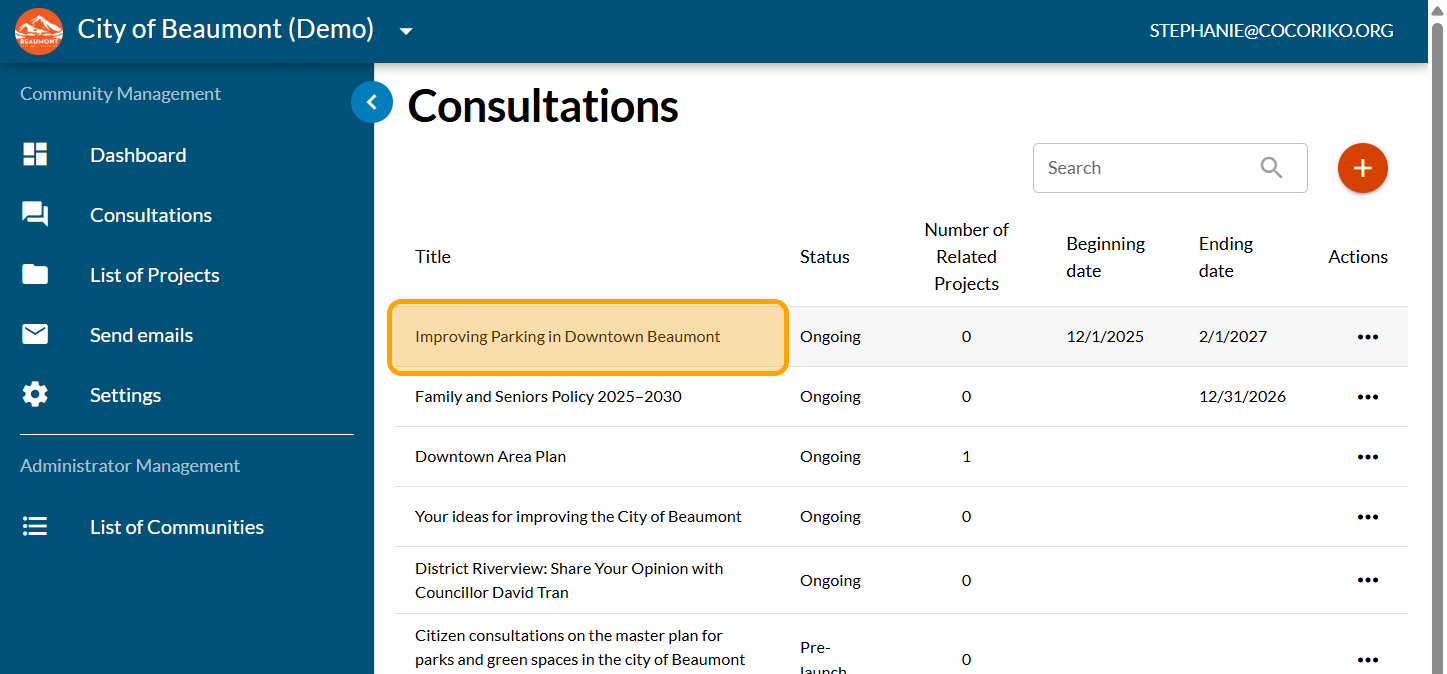
Click on your consultation
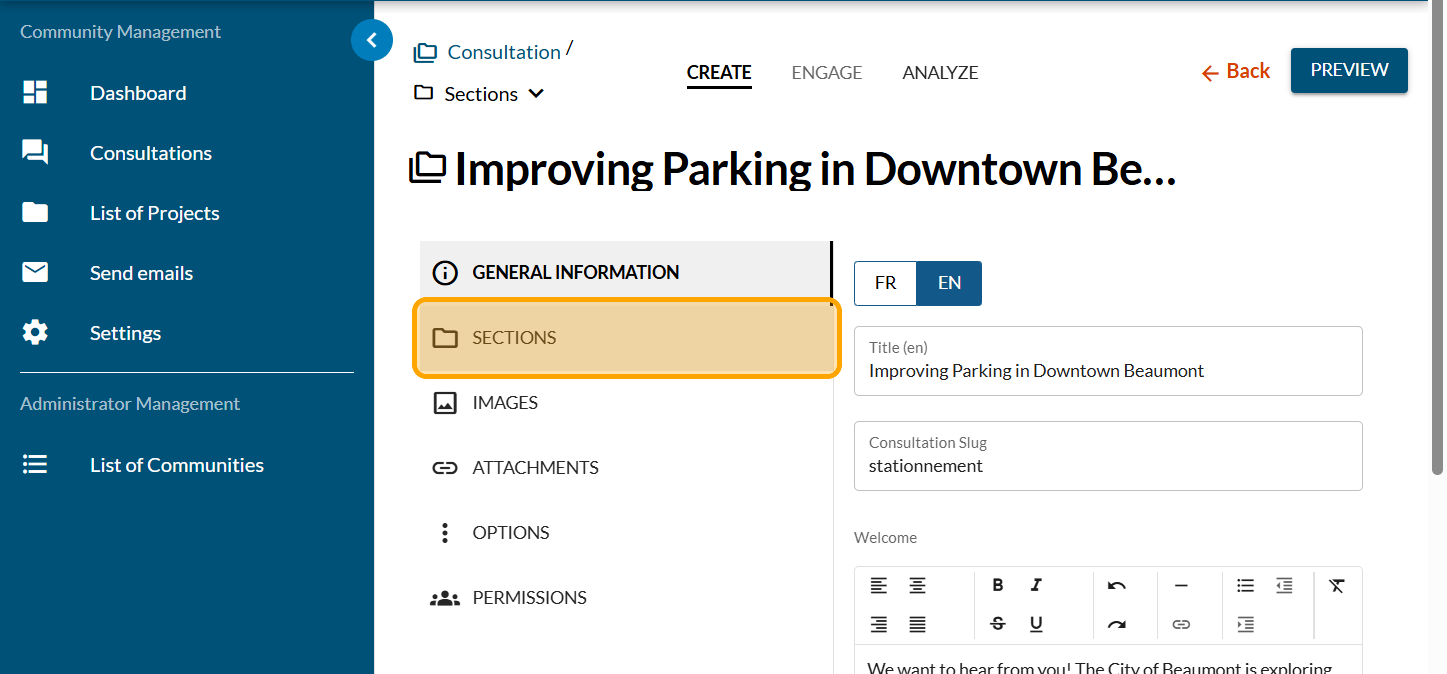
Click on "SECTIONS"
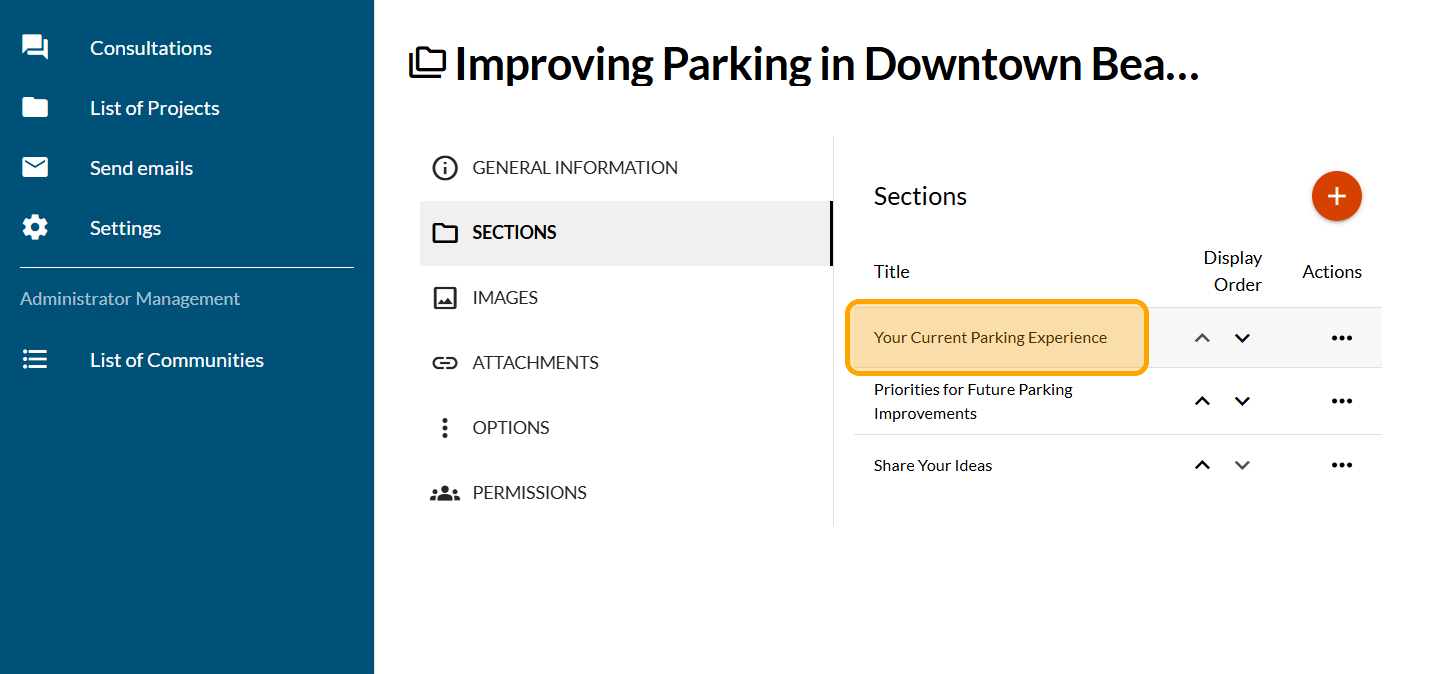
Click on the section where you want to add a form
Click on "FORMS"
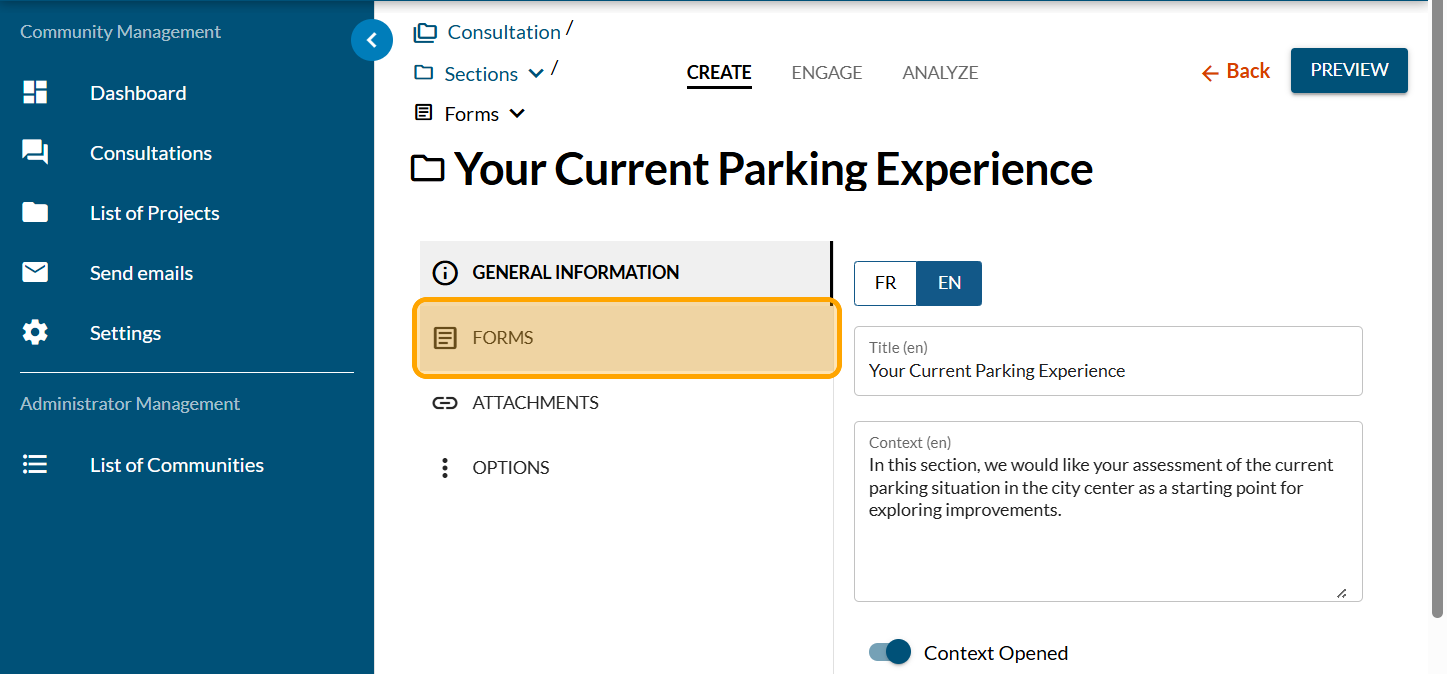
Click on the PLUS sign to add a form
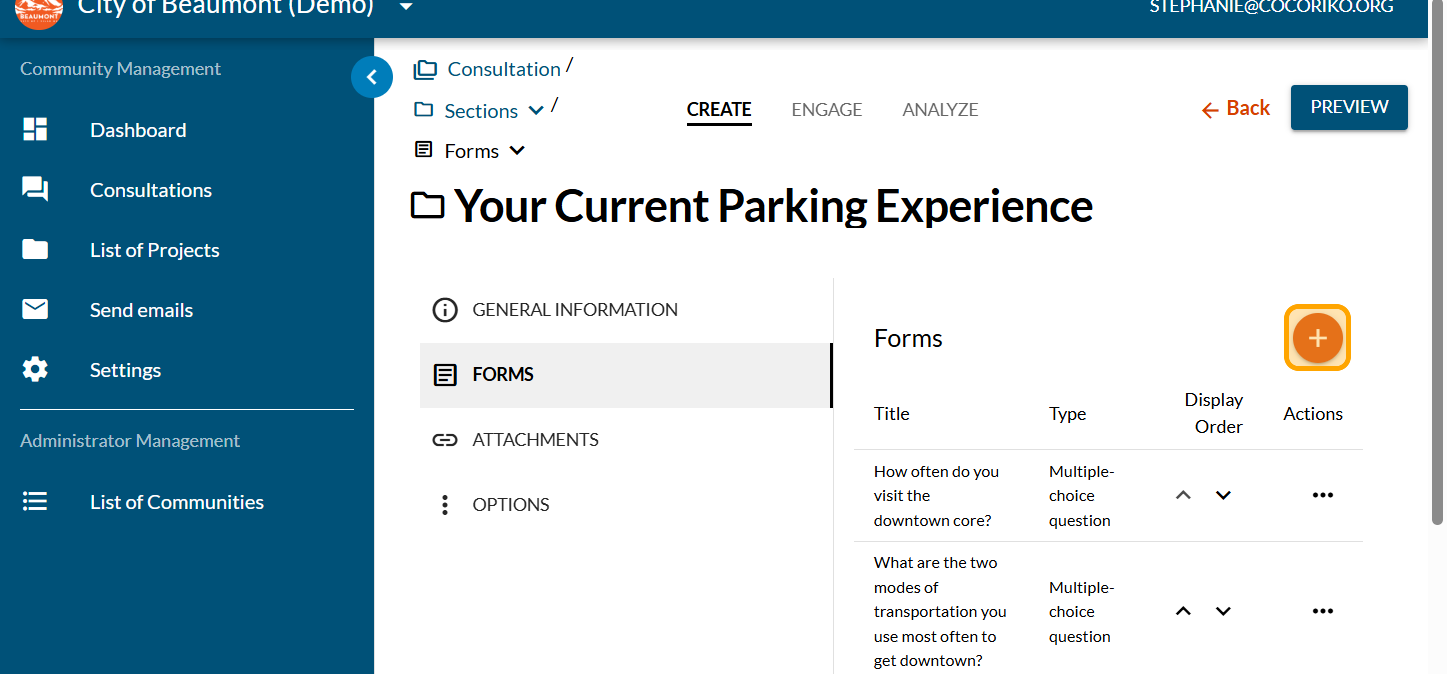
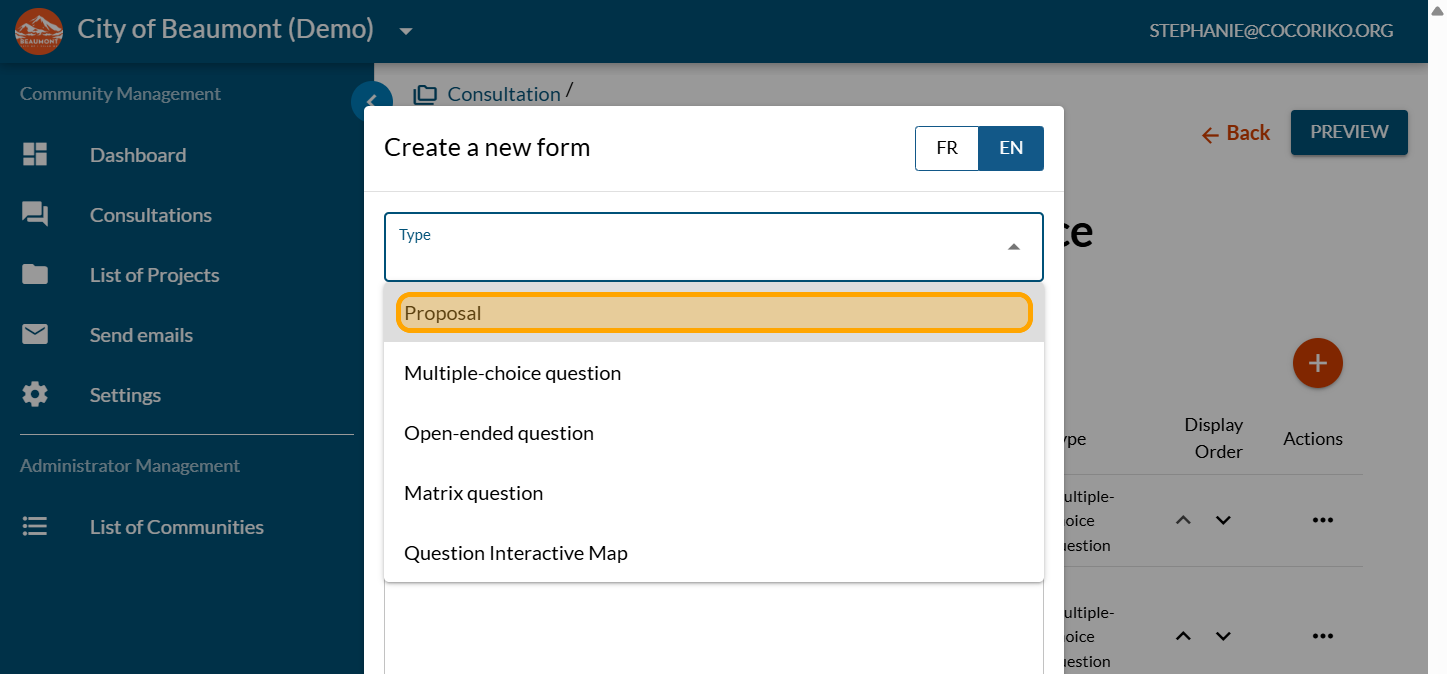
Click on "Proposal"
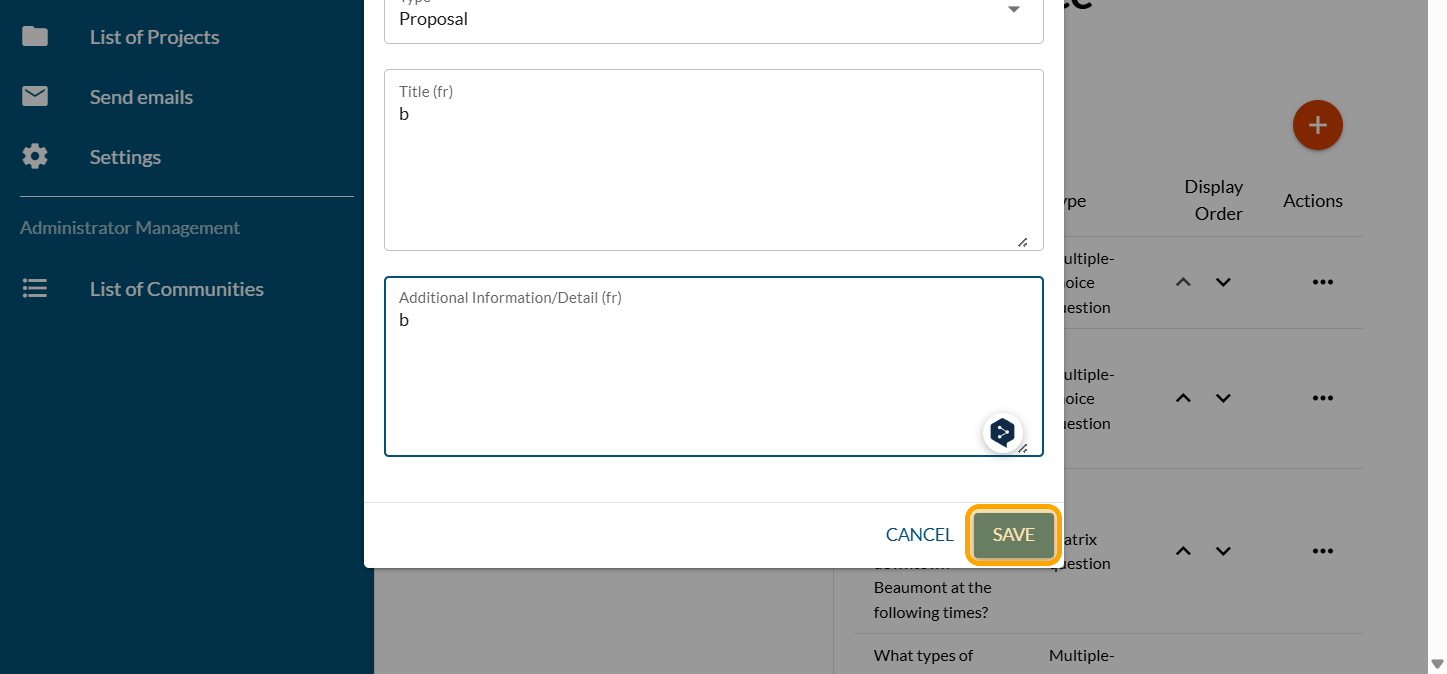
Add the title of your proposal and the description
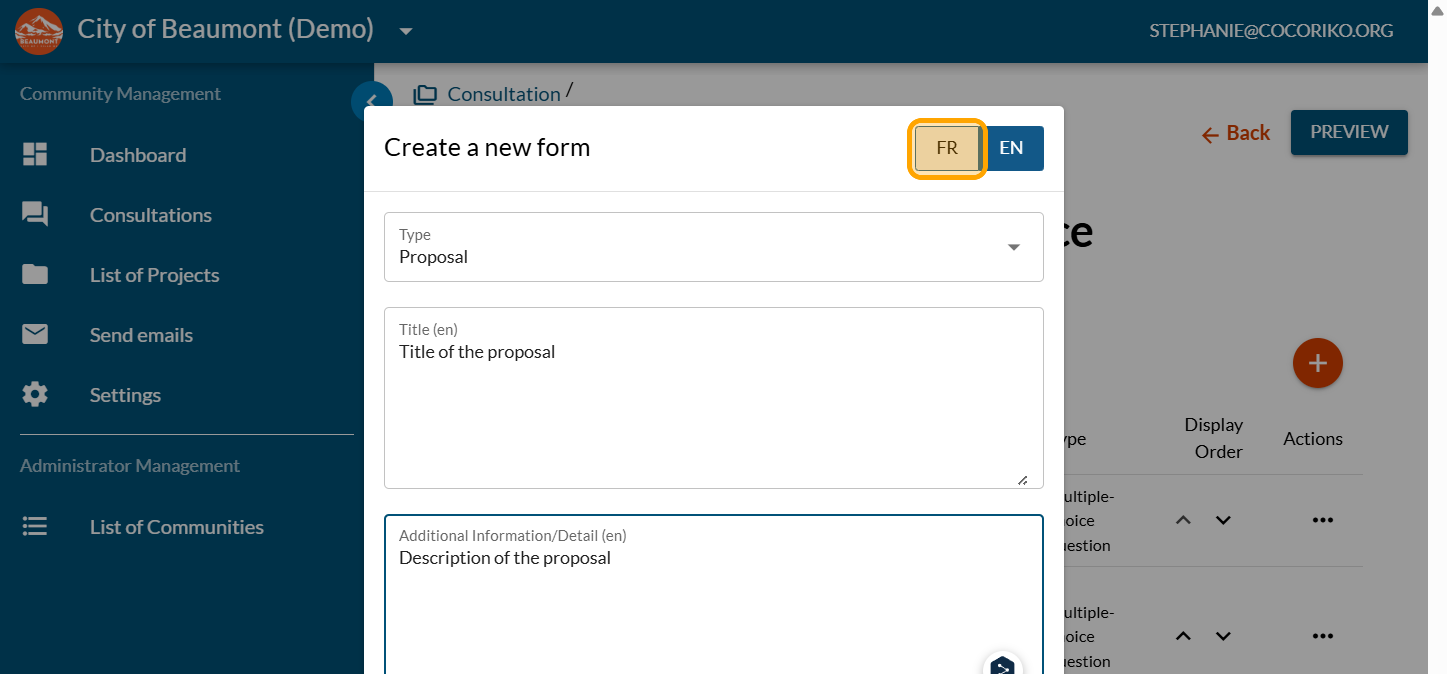
Click on "SAVE"
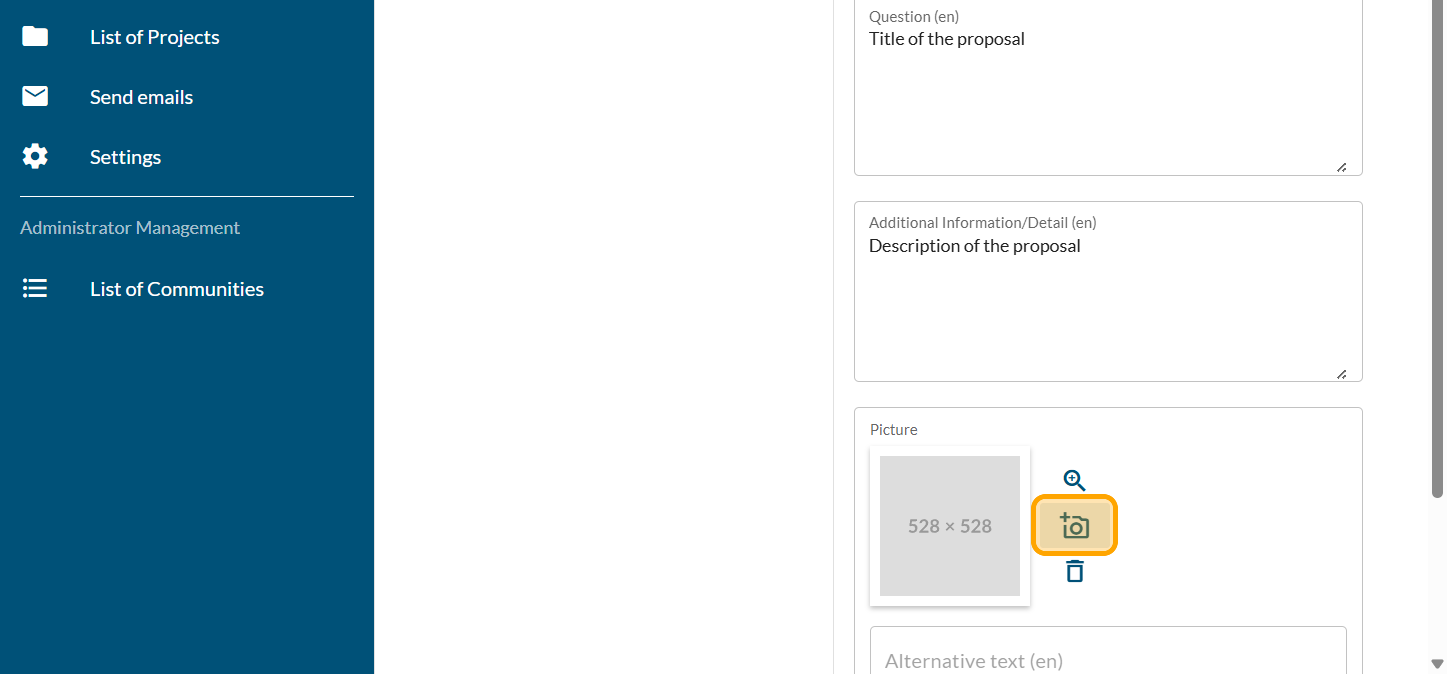
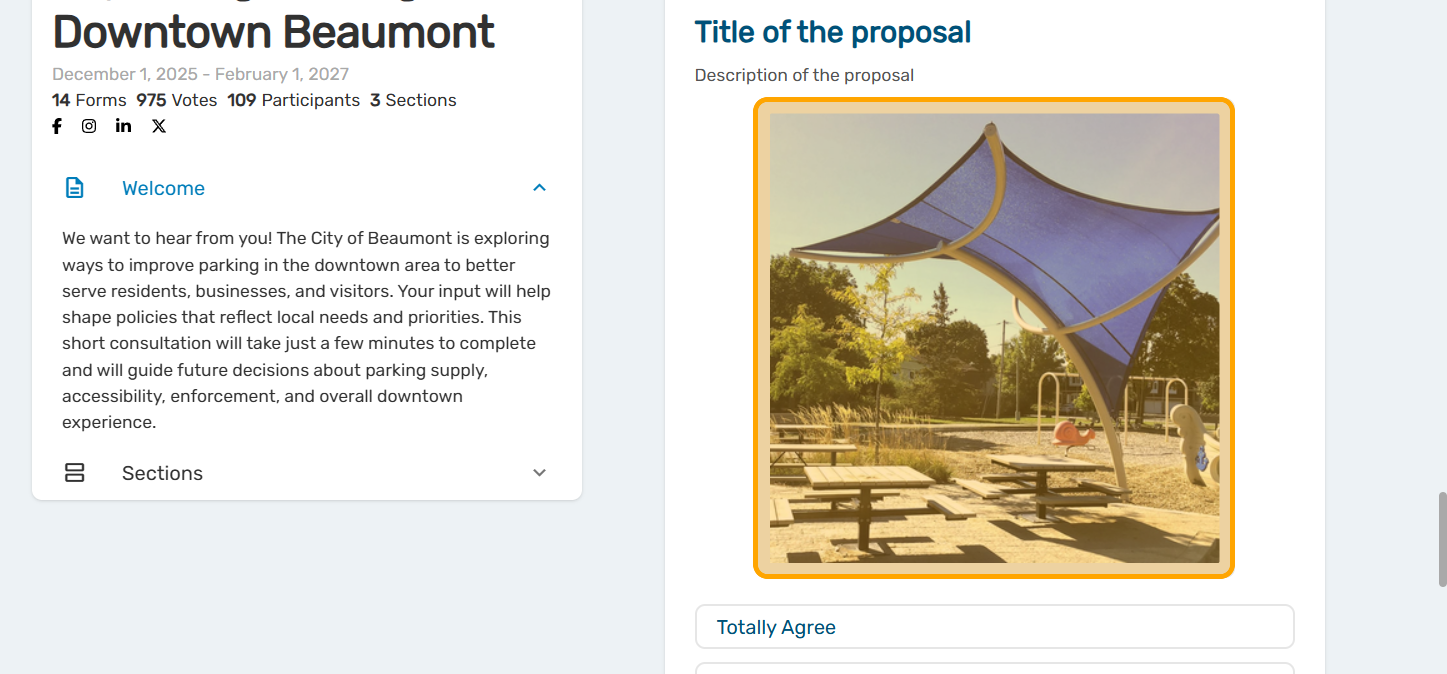
As an option, add a photo to your proposal. Click on the camera icon.
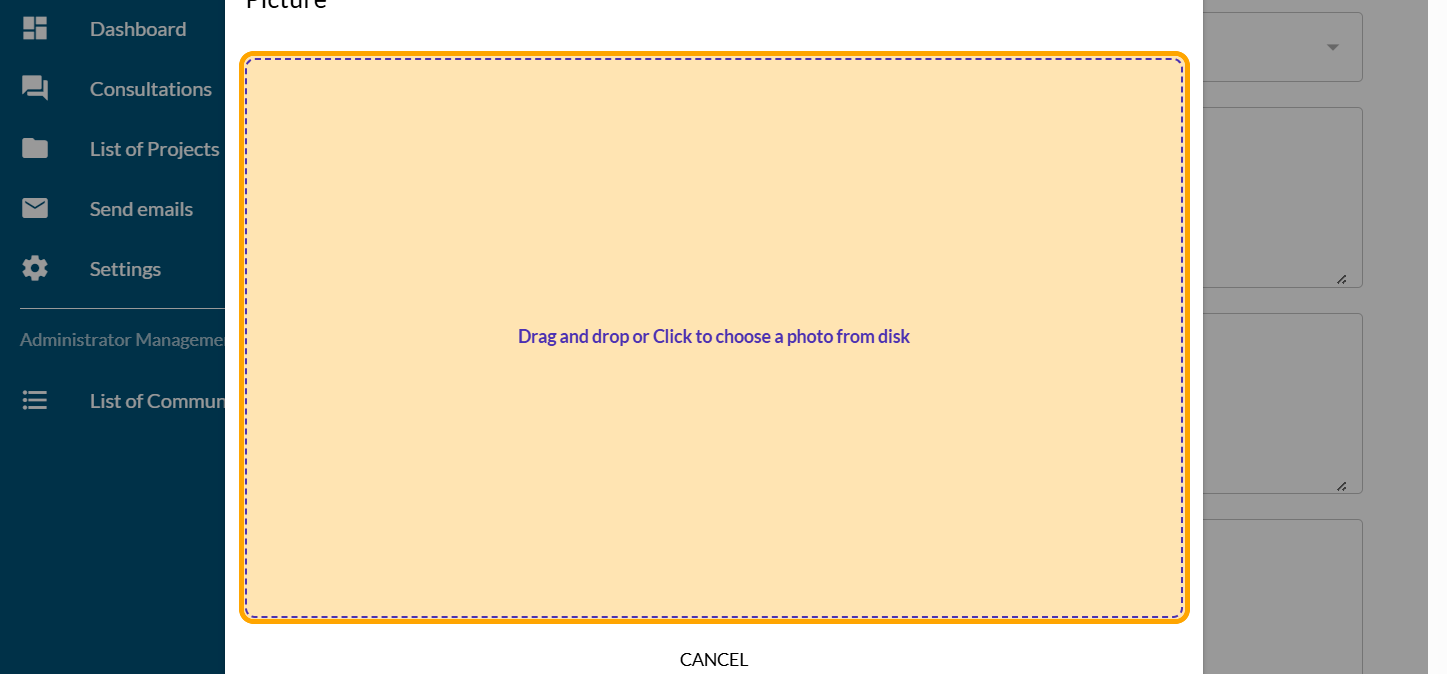
Click on "Drag and drop or Click to choose a photo from disk"
Your photo will appear. Crop the area you want to display.
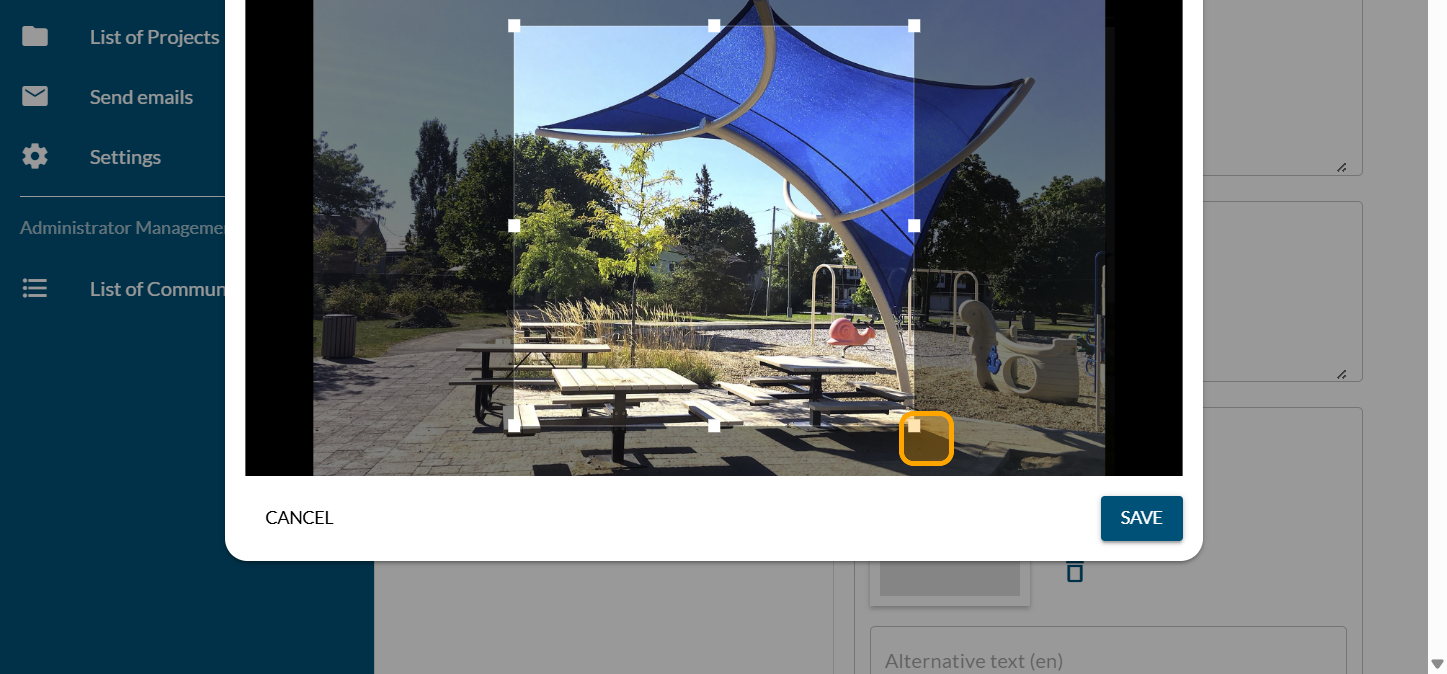
Click on "SAVE"
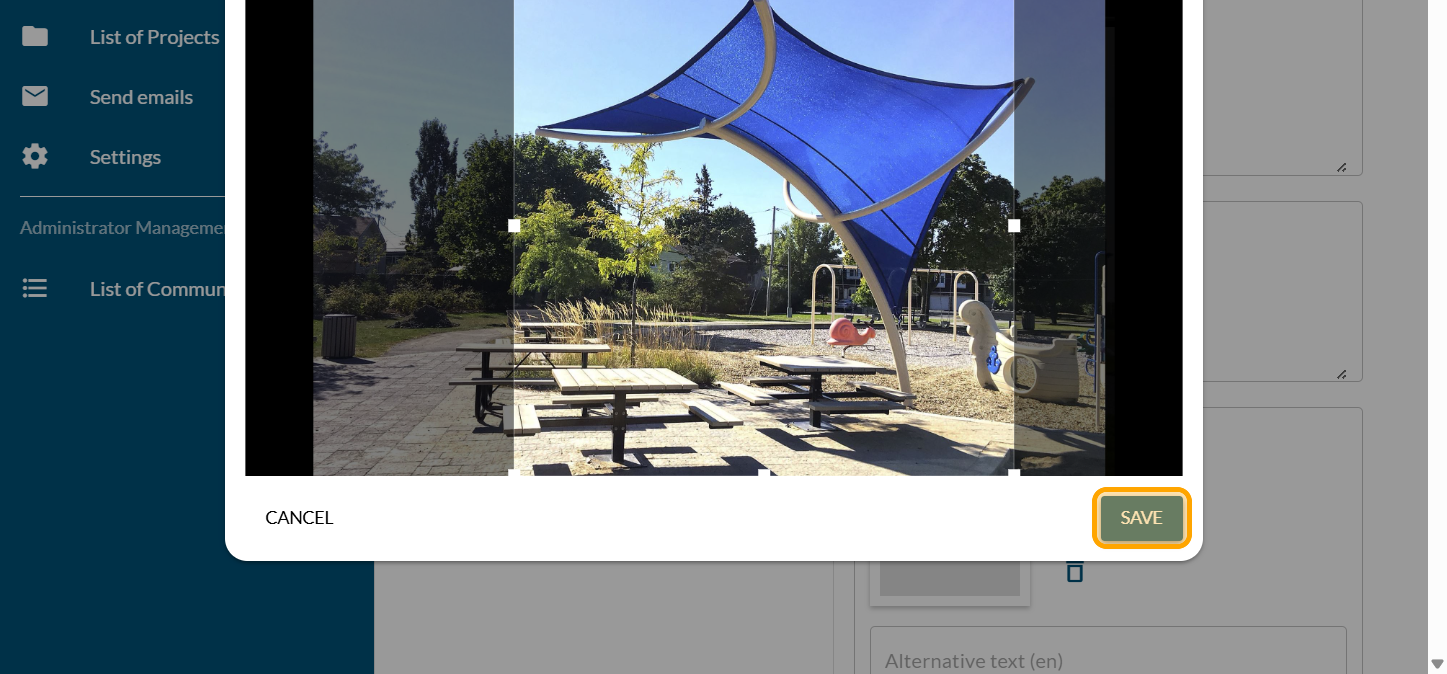
Click on "SAVE"
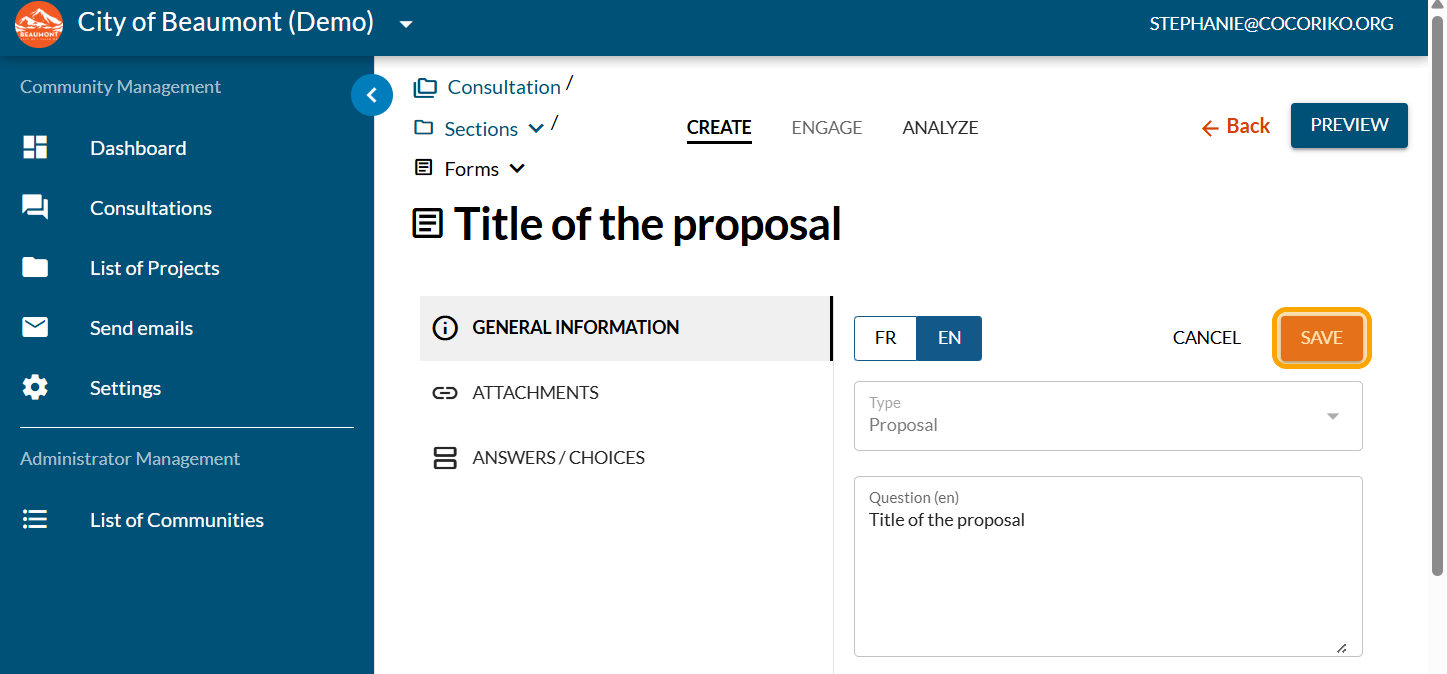
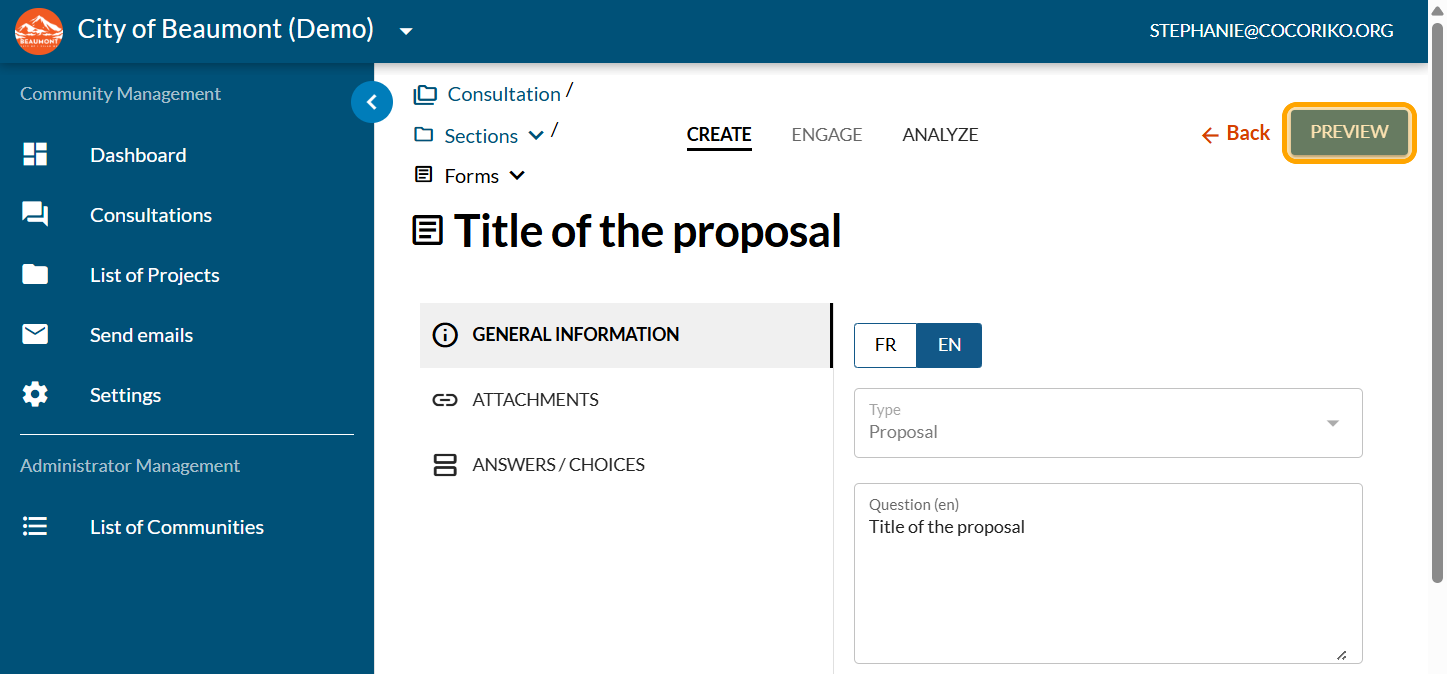
Click on "PREVIEW"
View your proposal and make changes as needed

Multiple-choice questions and how to add them to your survey
La question à choix multiples est le format de question plus …

Add the video module
First, you need to create your project (link to follow)
.png)
Manage the Hero banner
In the modern theme, the project banner appears differently …