

By Team Cocoriko on Feb 9, 2026 12:15:00 PM
La question à choix multiples est le format de question plus utilisé. Vous avez plus options pour personnaliser la manière dont les personnes pourront répondre.
-
Number of answer choices: there is no limit to the number of choices, but make sure that your answer choices are clearly distinct and that the list is reasonable.
-
Number of votes: by default, participants have one answer choice. You can customize this number to, for example, "Choose your top options" or "Check all that apply."
-
"Other" option: you can enable an option that opens a window allowing participants to write a short answer.
-
Adding images:
-
Each of the answer choices, except for the "Other" choice, can be illustrated with an image
- An image can be added to the question
-
Add a multiple choices question
Click on your consultation
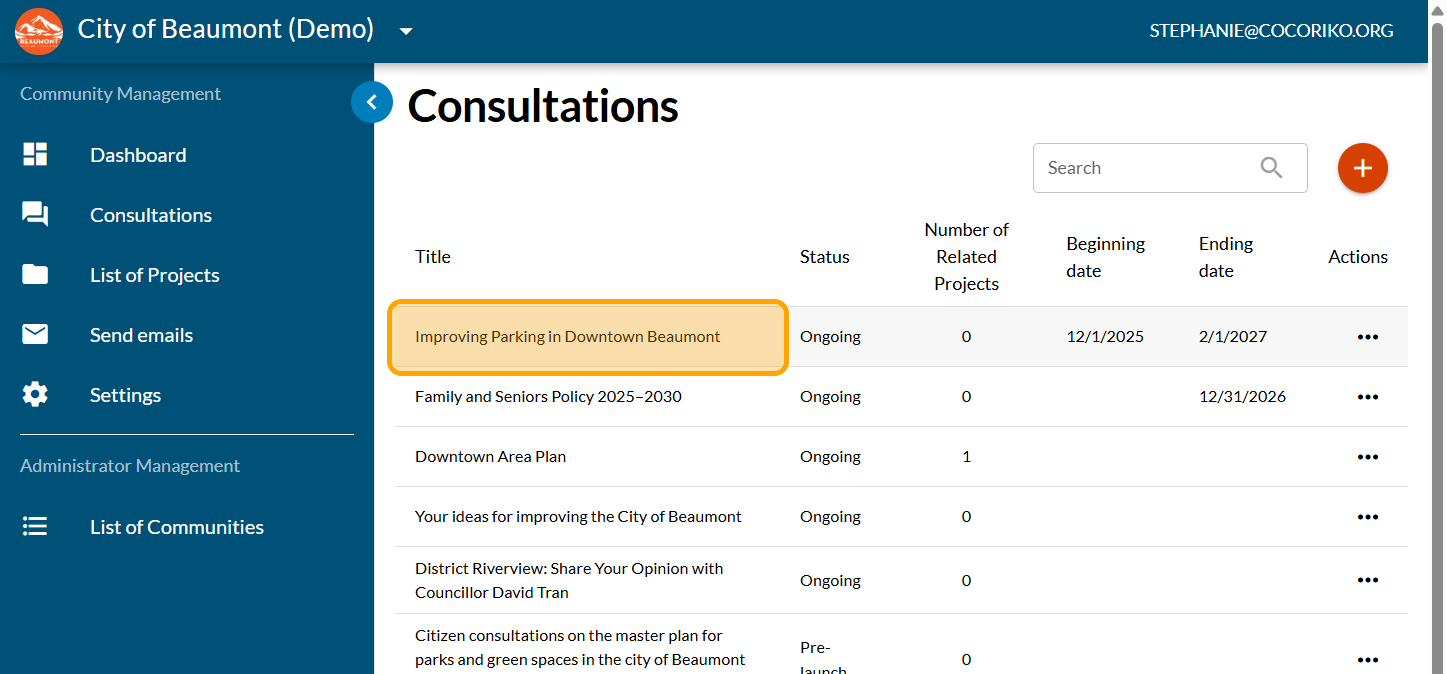
Click on "SECTIONS"
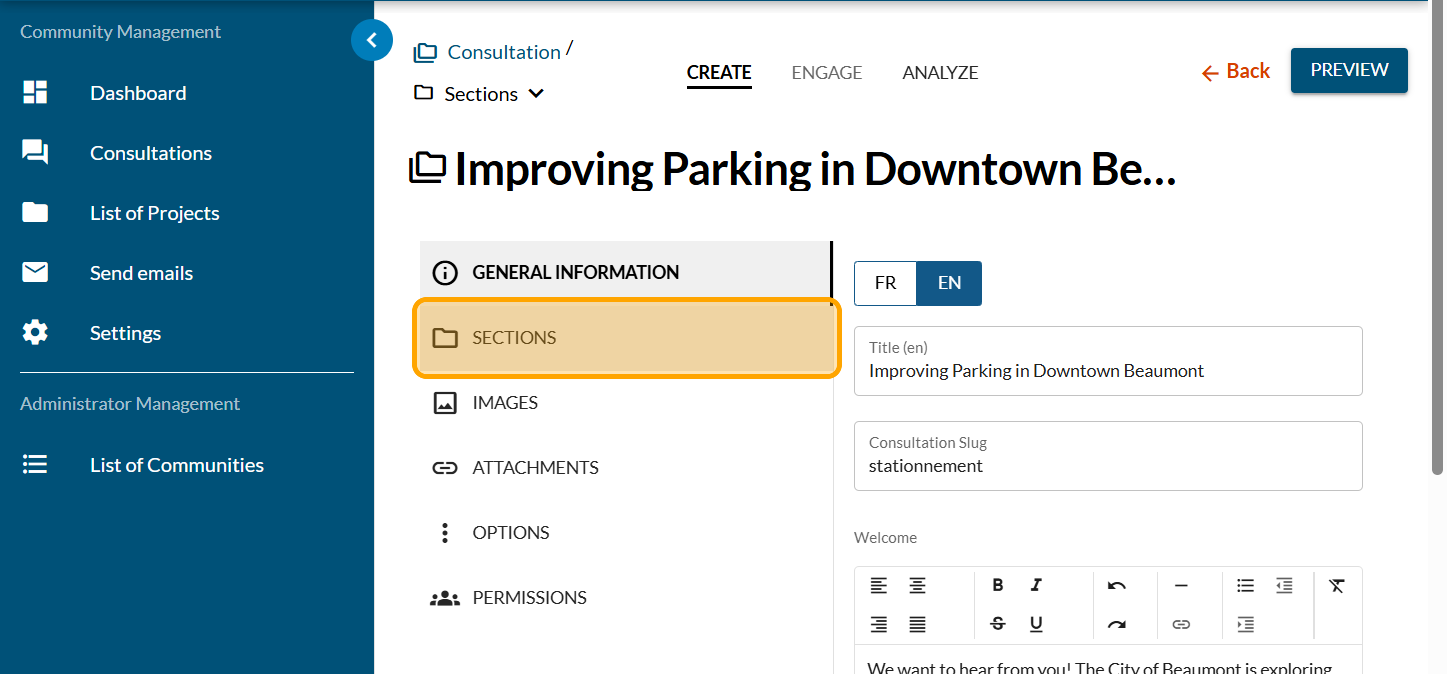
Click on the section where you want to add the question.
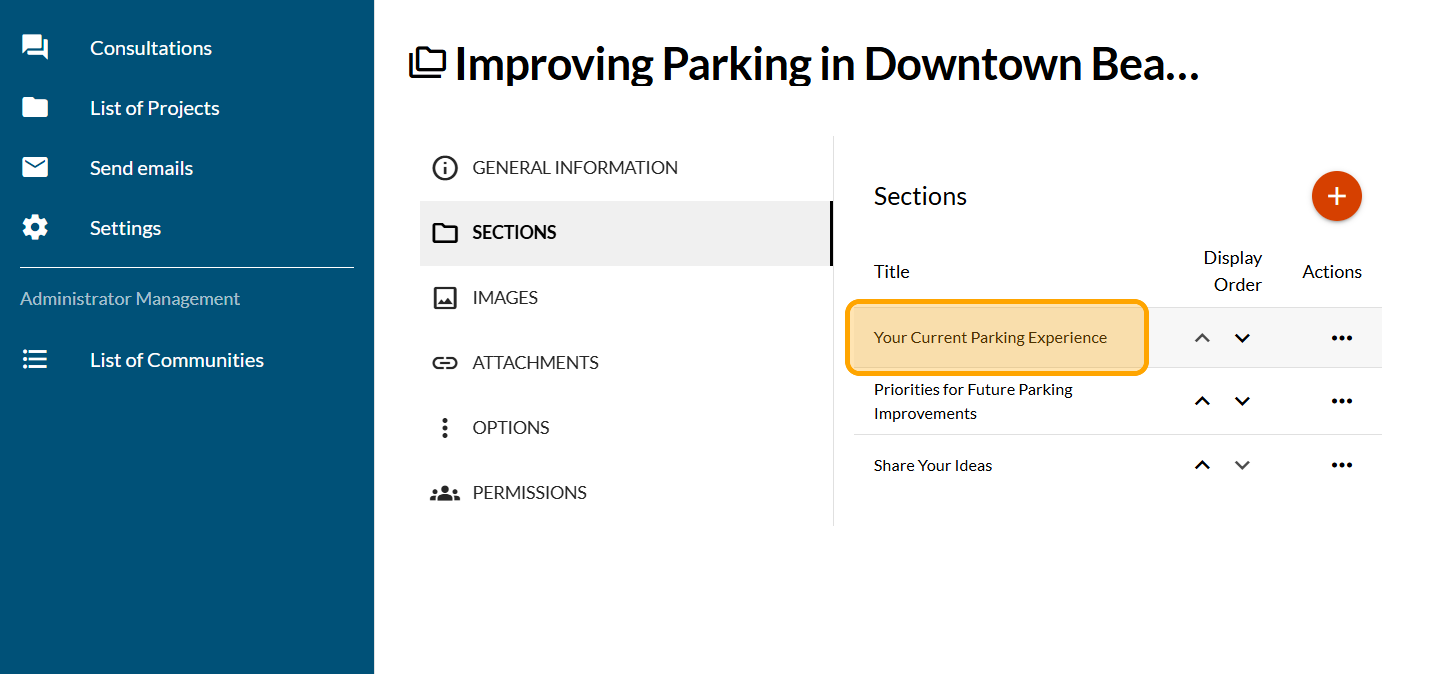
Click on "FORMS"
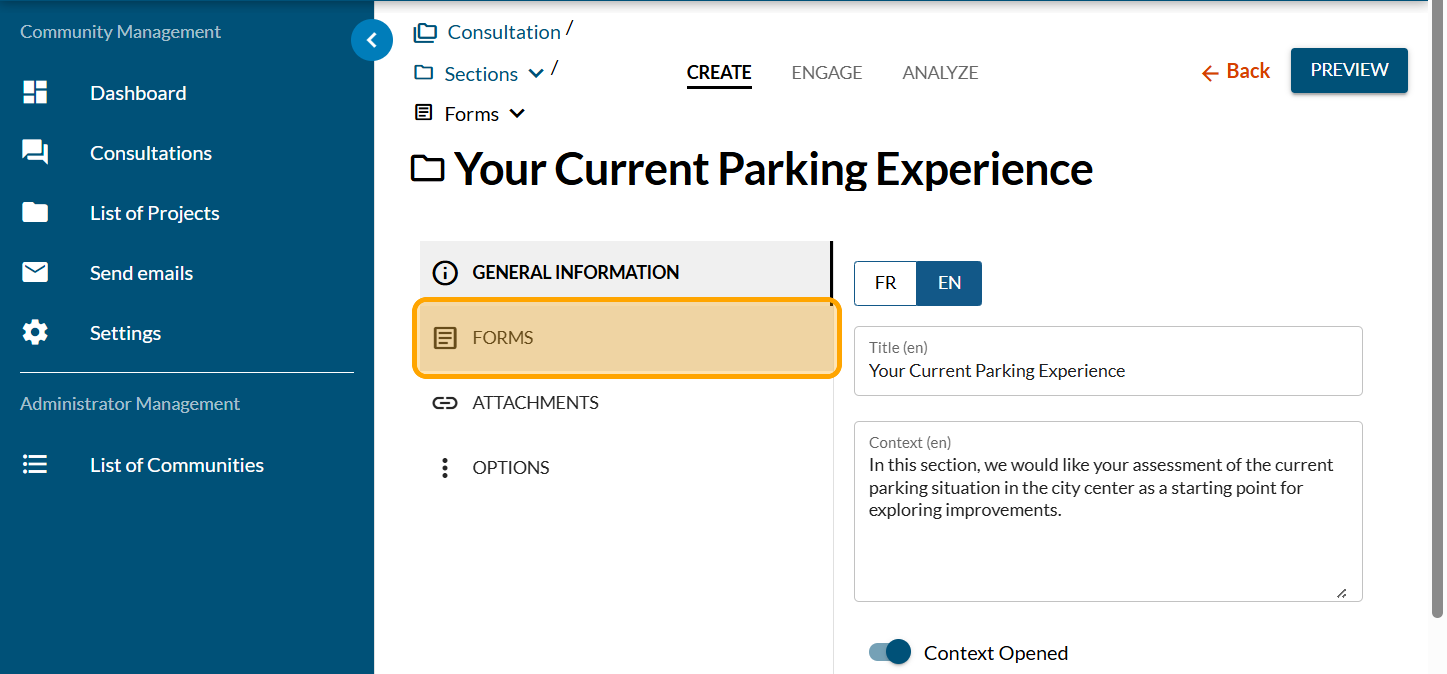
Click on the PLUS sign to add a question
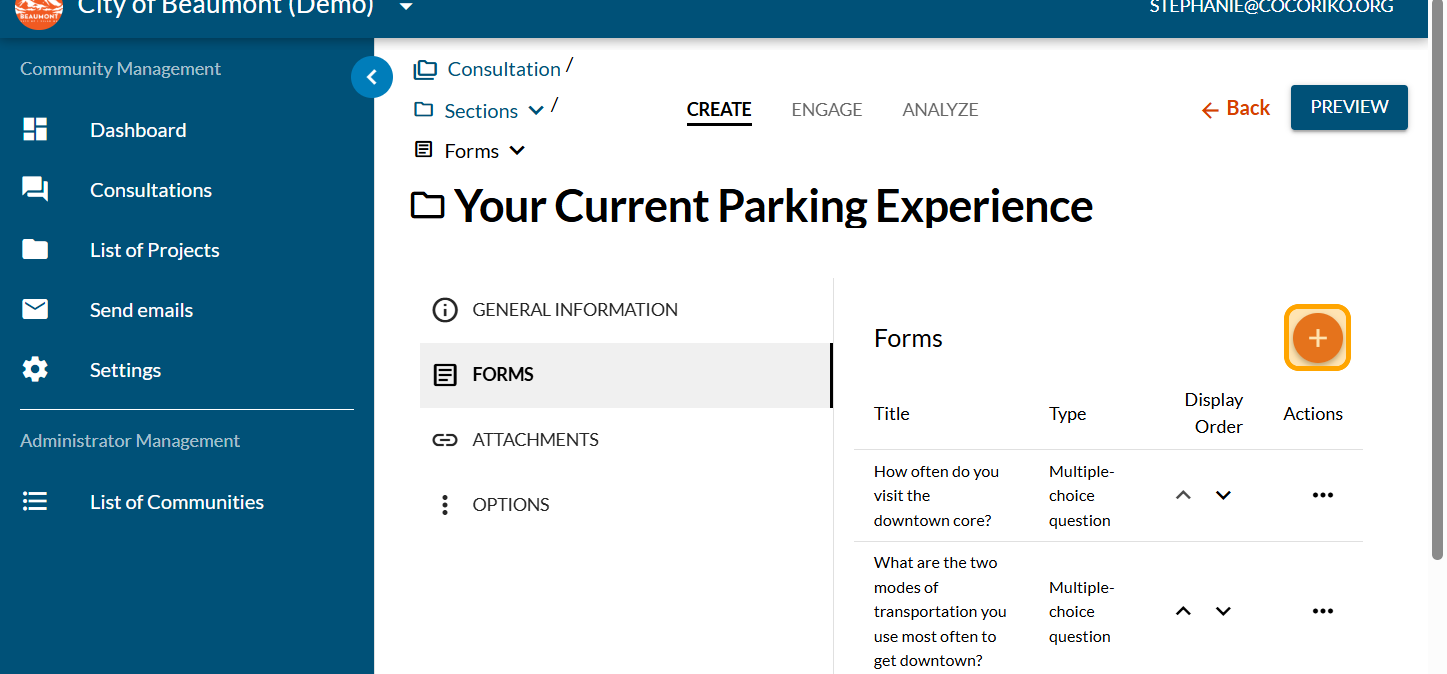
Click on "Multiple-choice question"
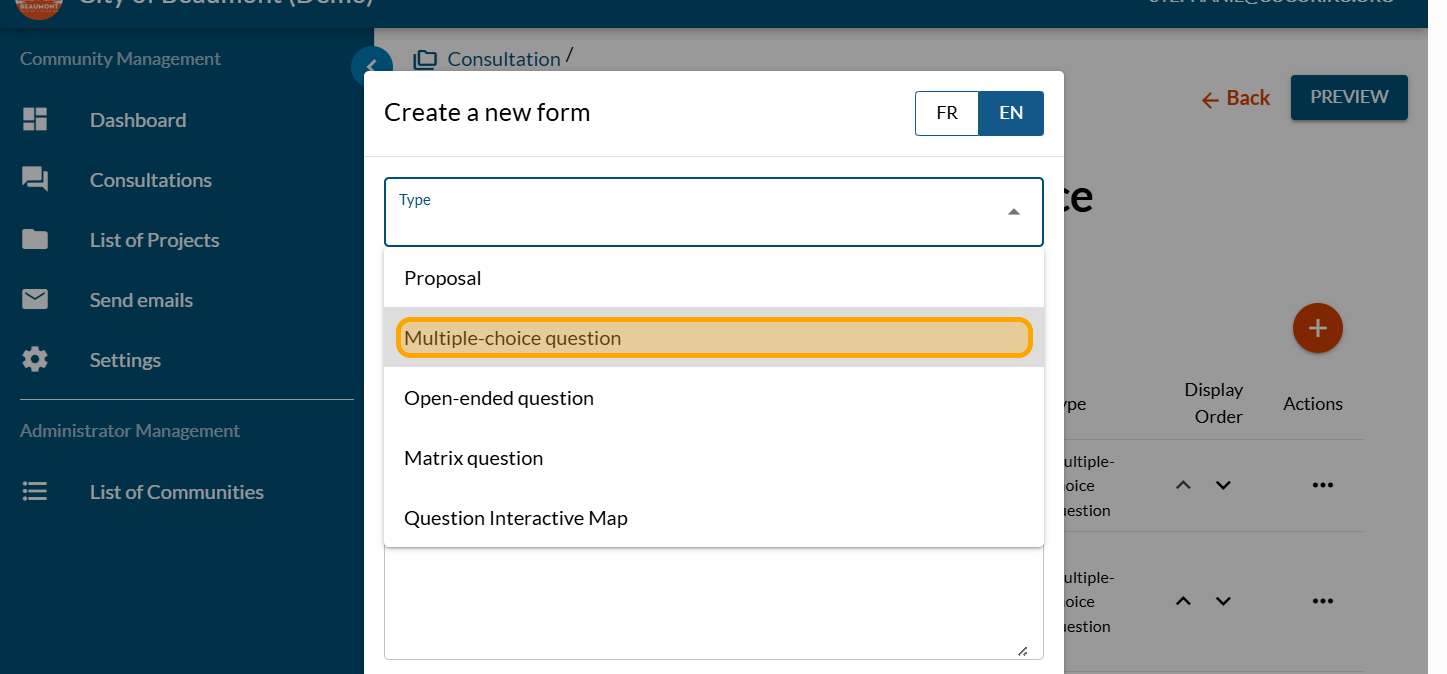
Enter your question. Click on "SAVE"
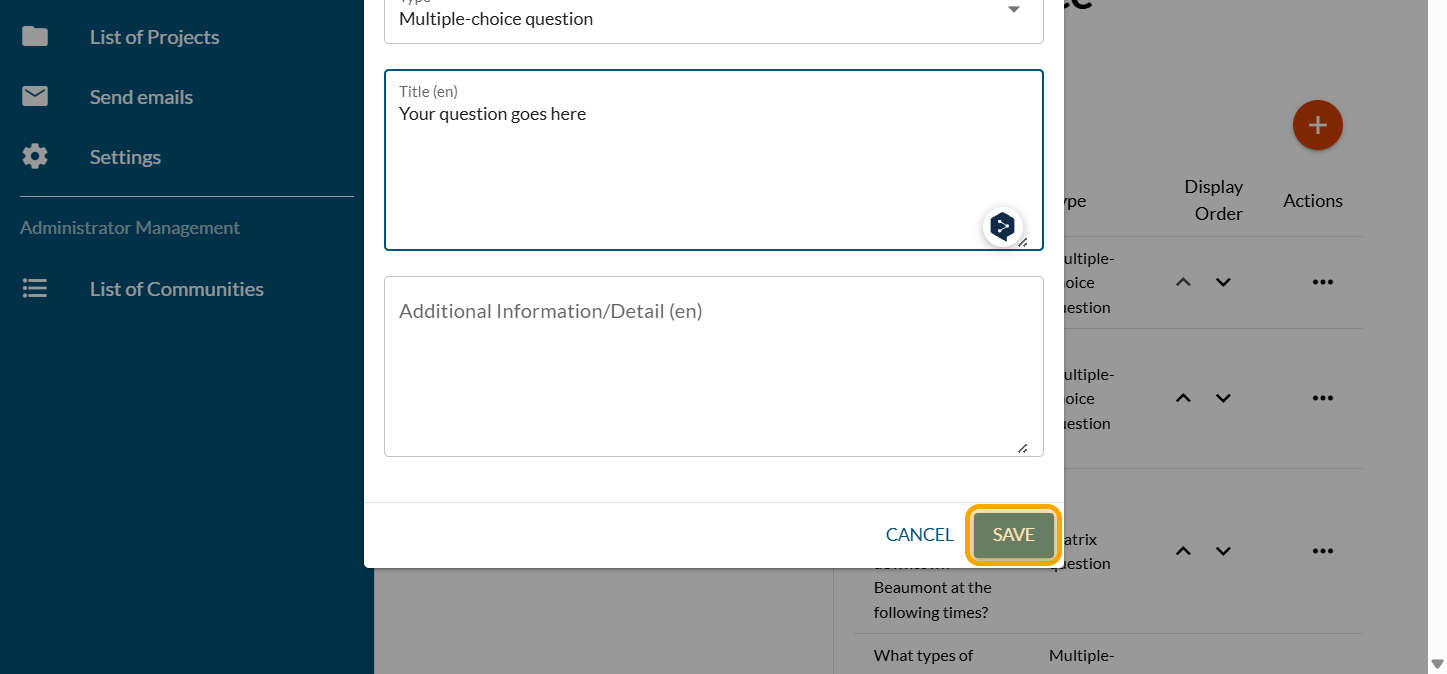
Click on "ANSWERS / CHOICES"
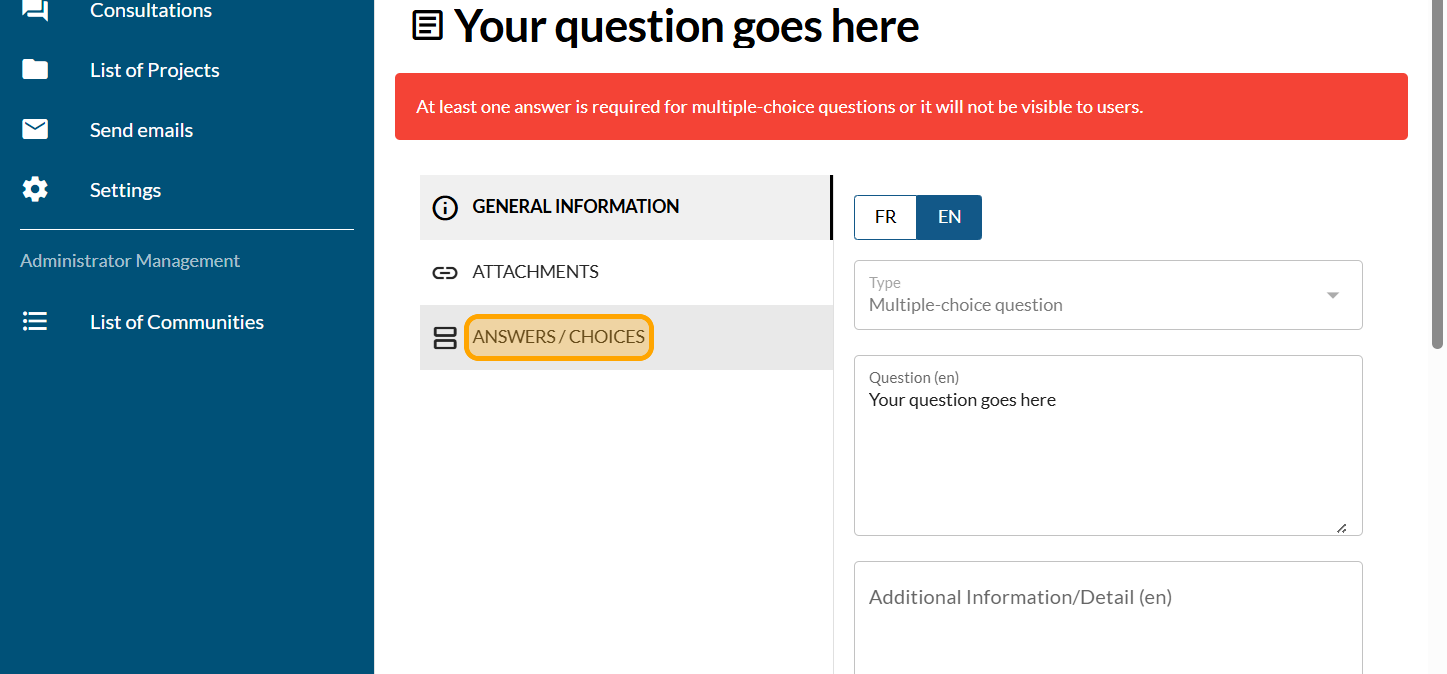
Click on the PLUS sign to add a new answer
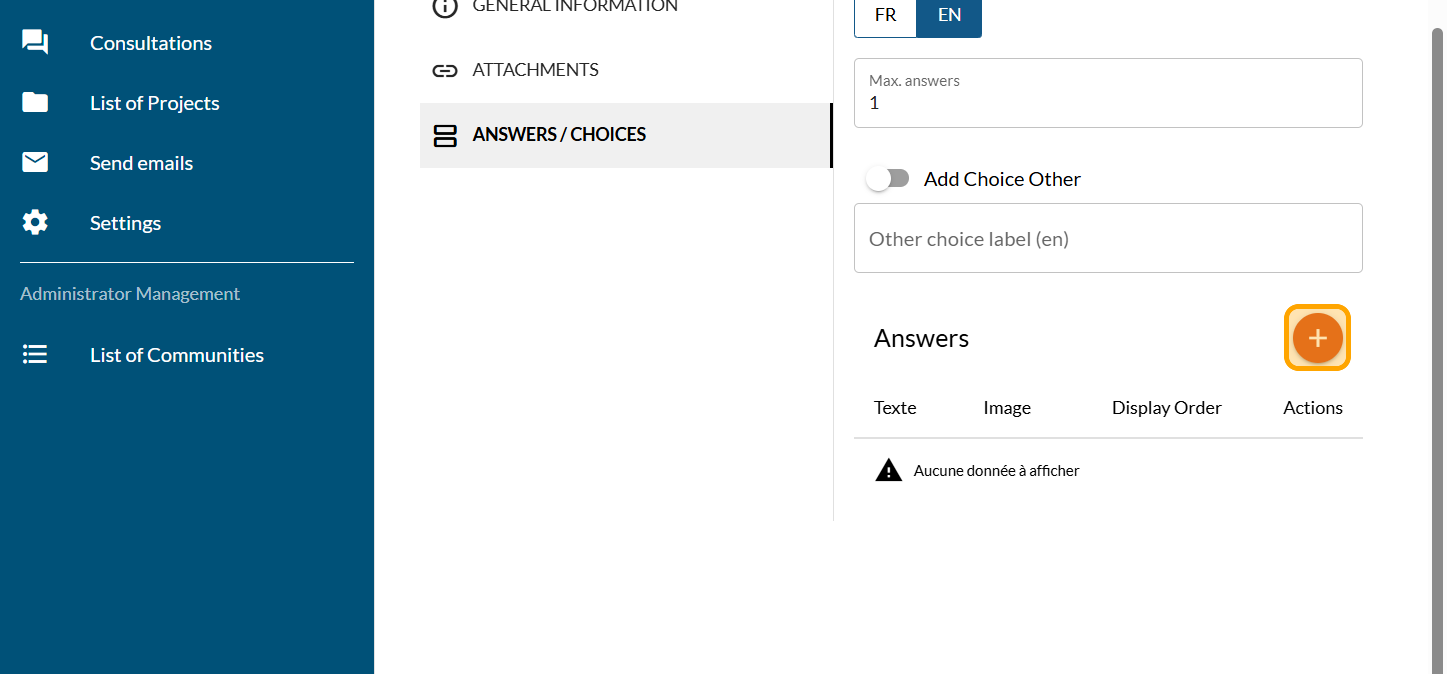
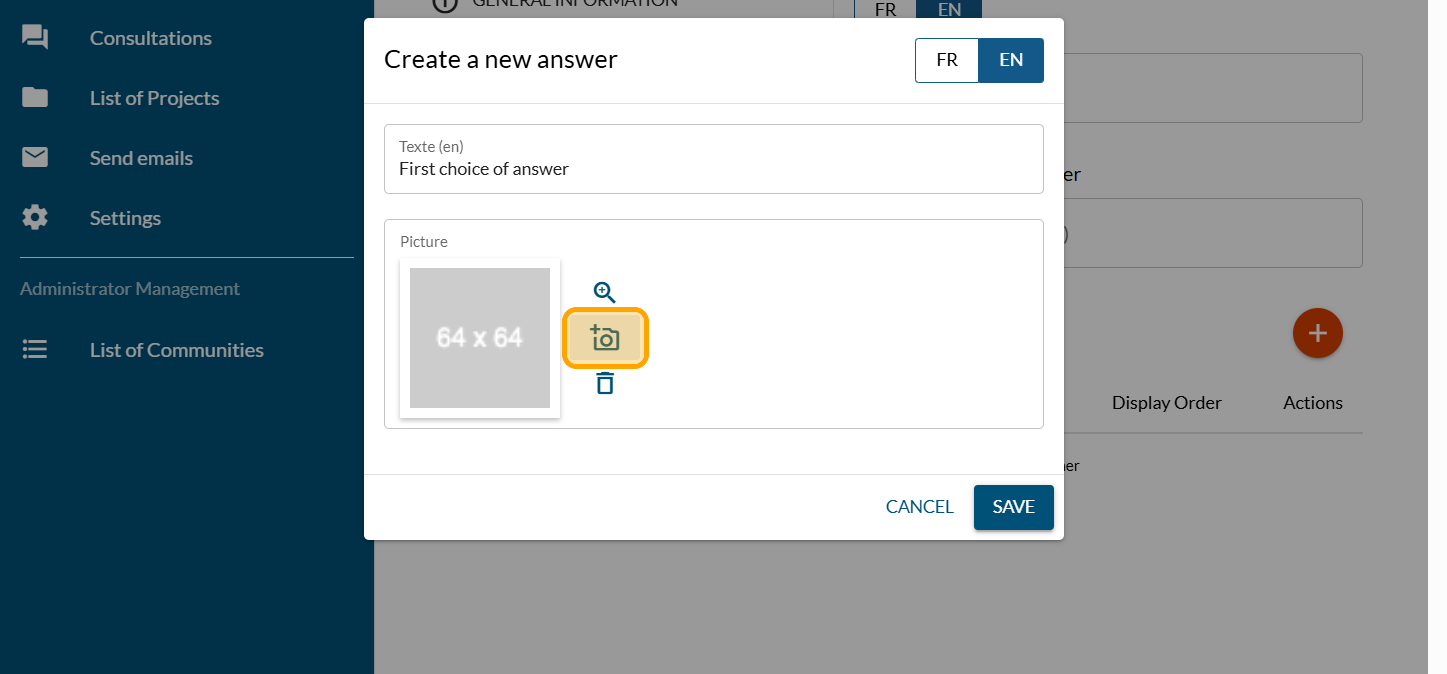
Type in the text of your chosen answer. You can add a photo if you wish, and click on the camera icon if you do.
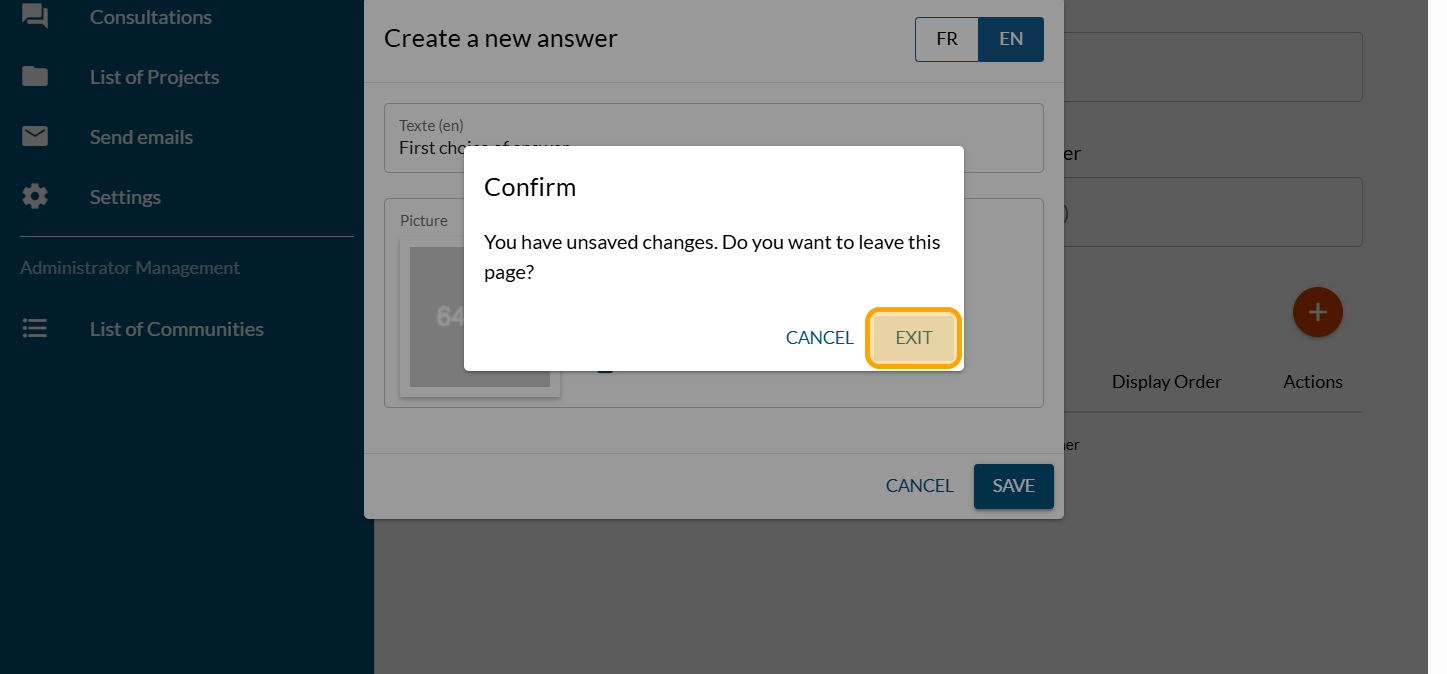
Click on "EXIT"
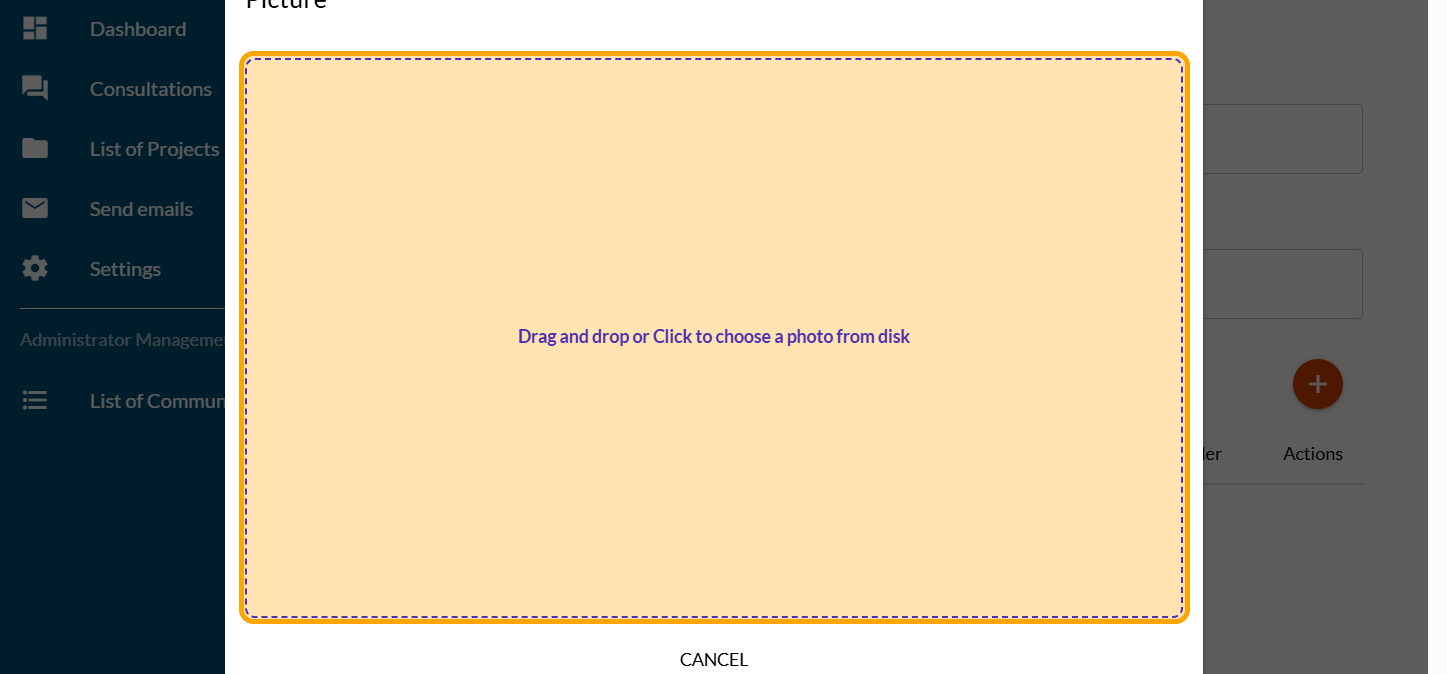
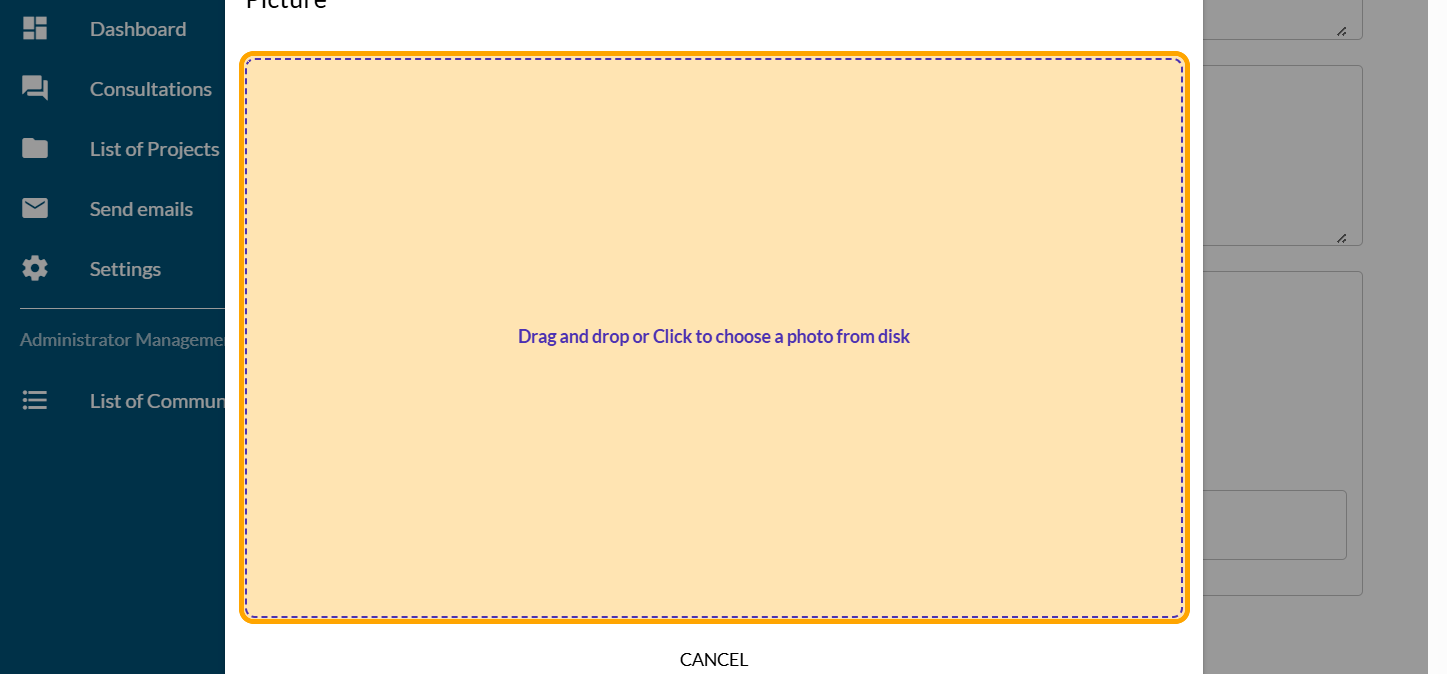
Click on "Drag and drop or Click to choose a photo from disk"
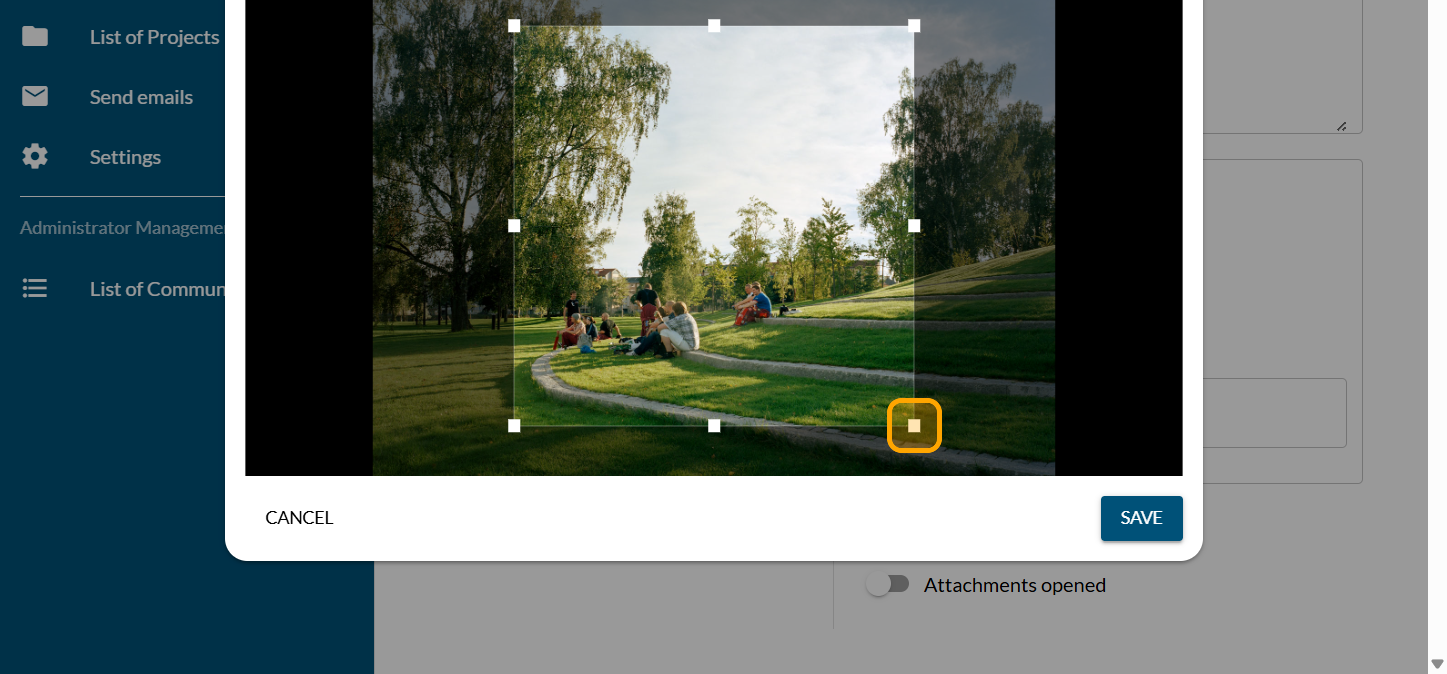
Reframe and select the area you want for the image on your question
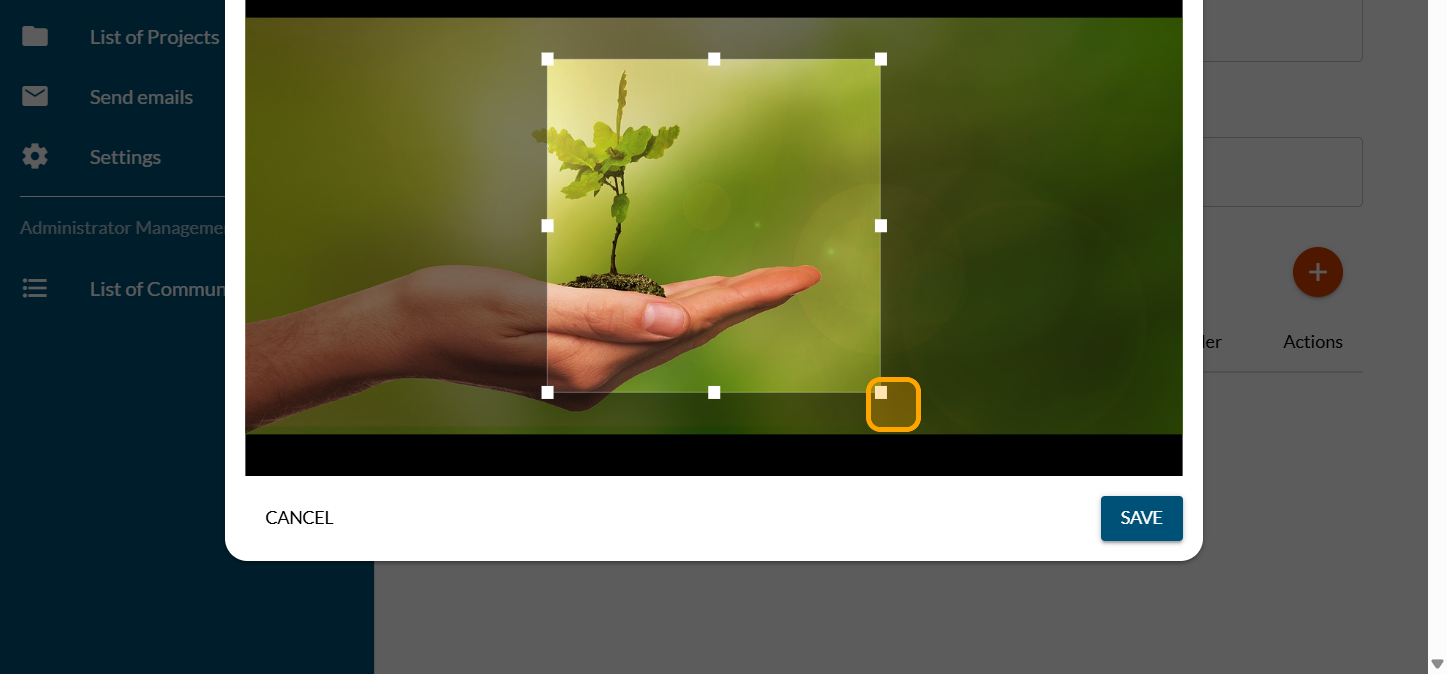
Click on "SAVE"
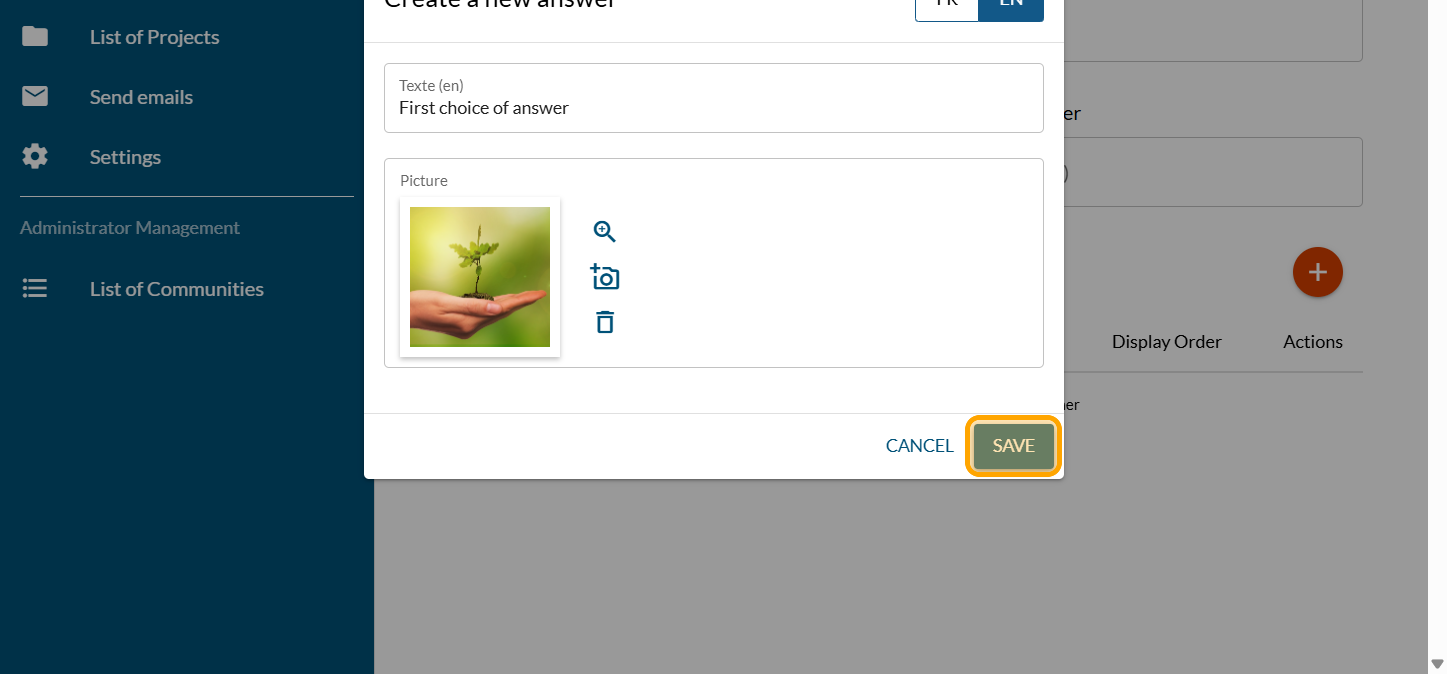
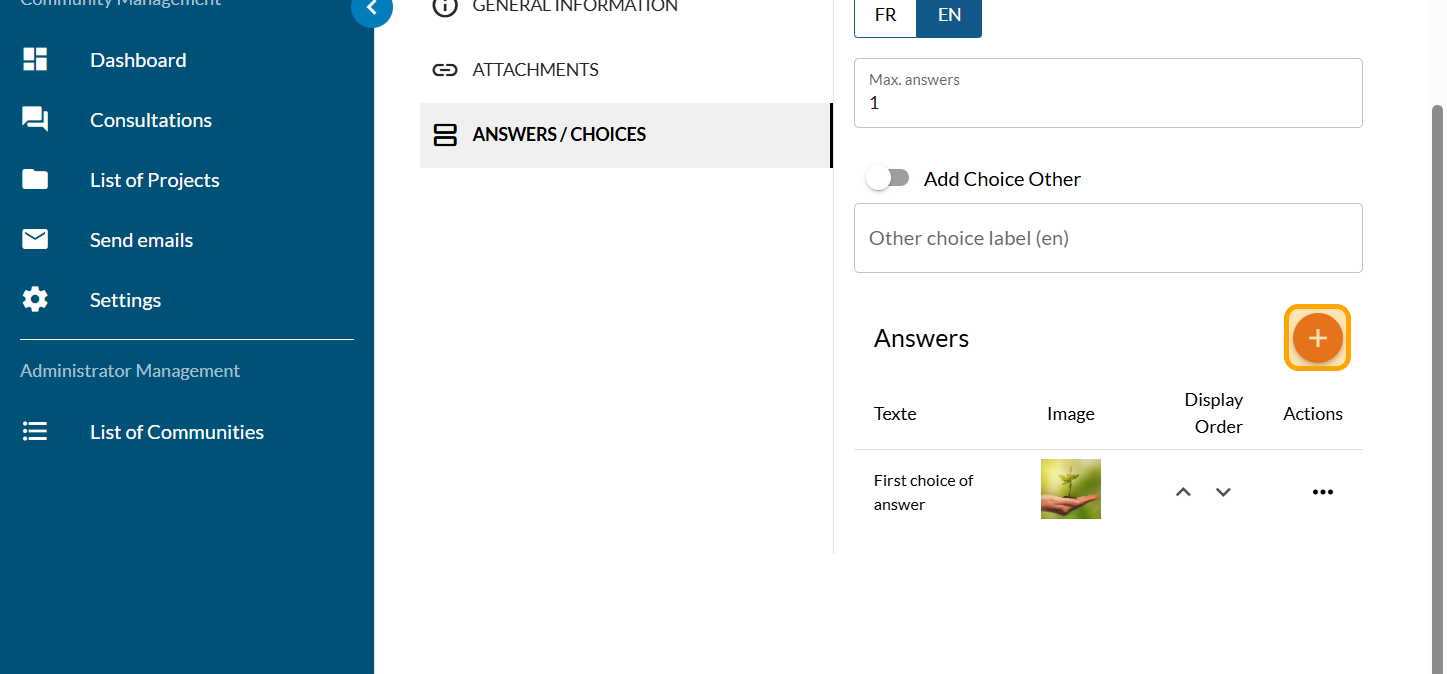
Repeat the steps to add your other answer choices.
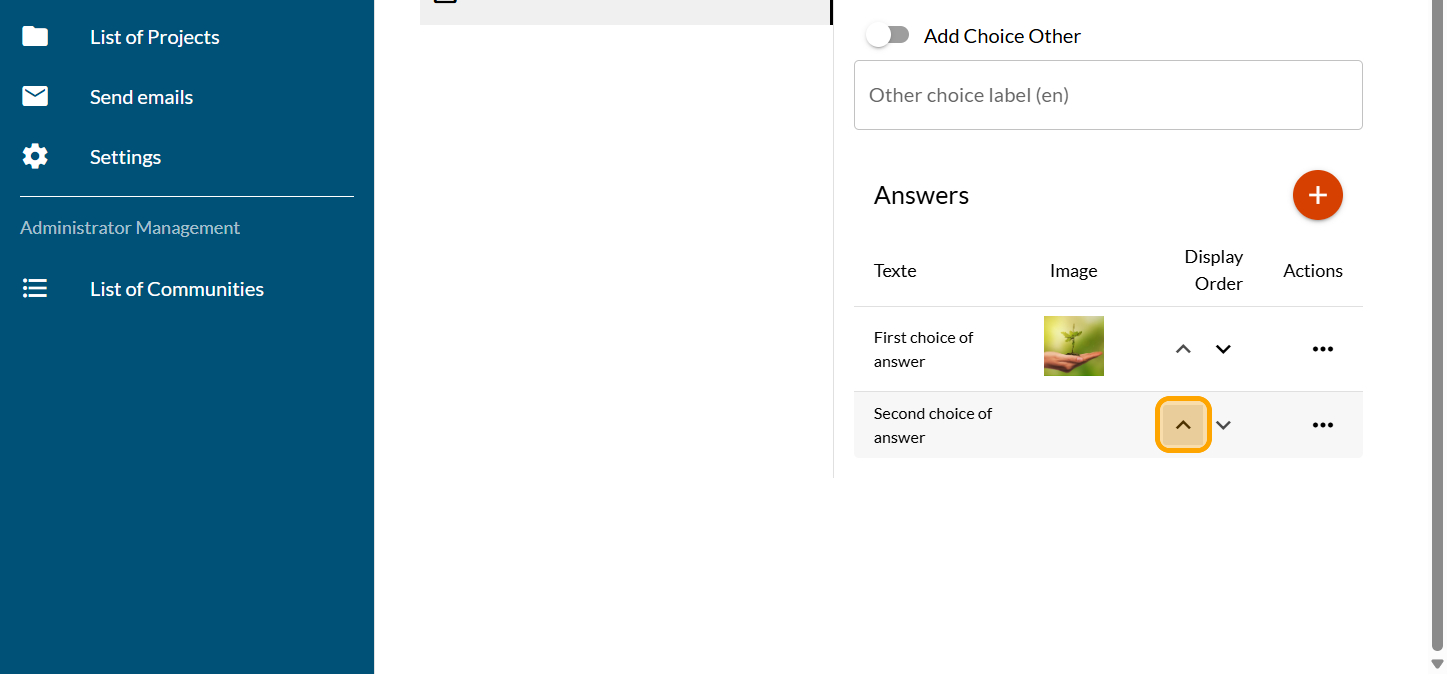
Click on the arrows to change the order of the answer choices as needed.
Activate the "Add Choice Other" button if you need it.
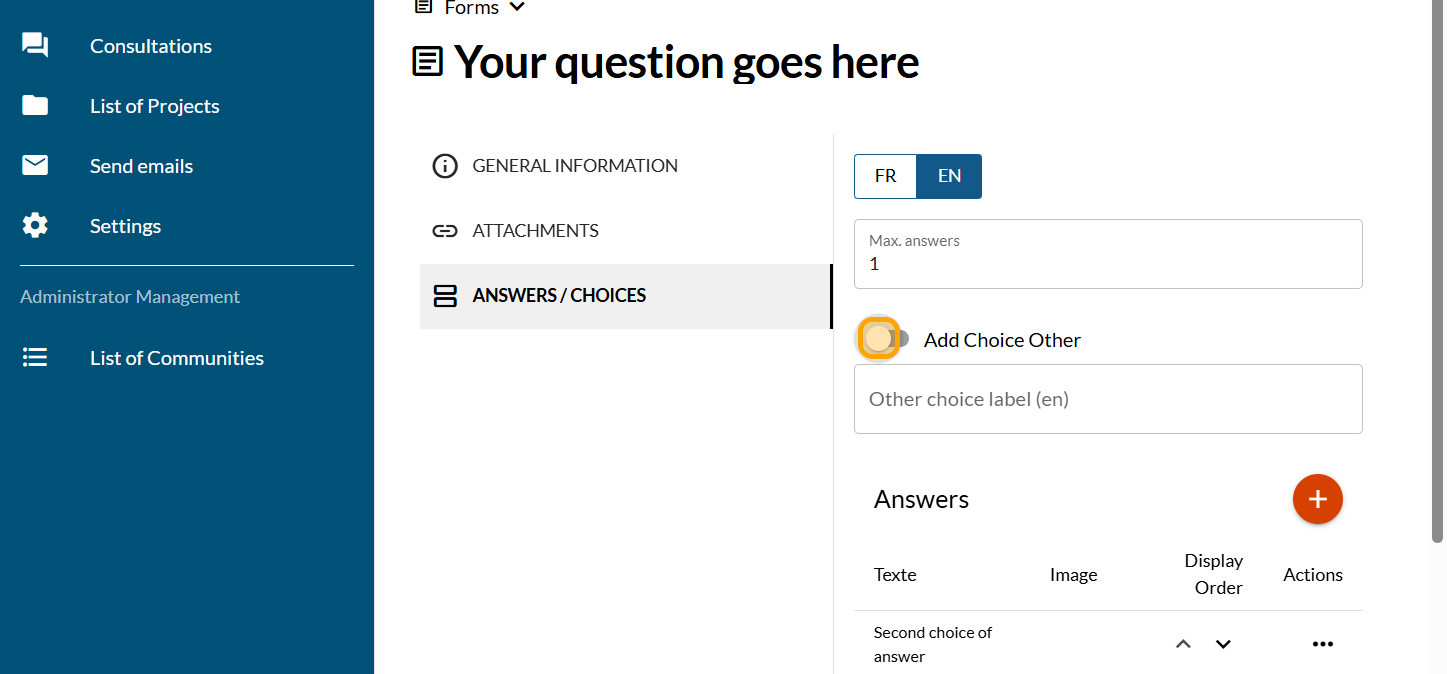
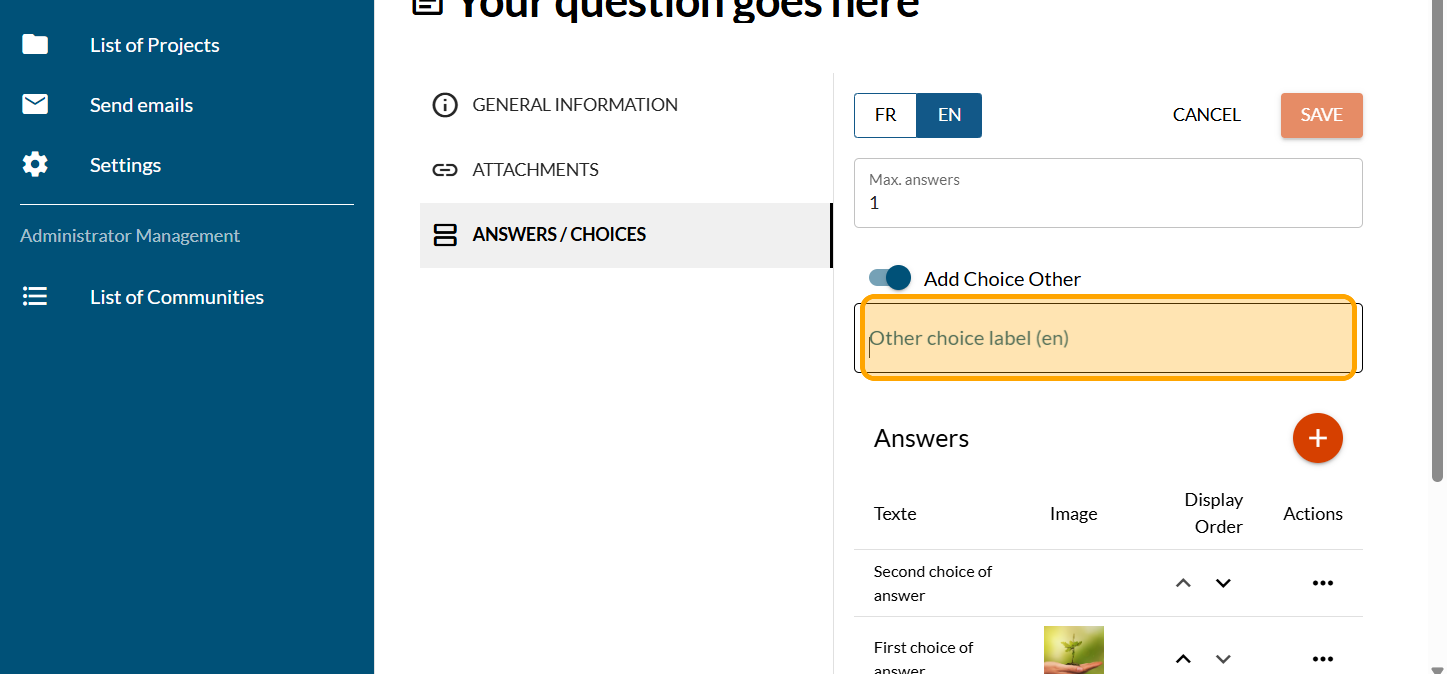
Type the text of your choice Other. This text is required.
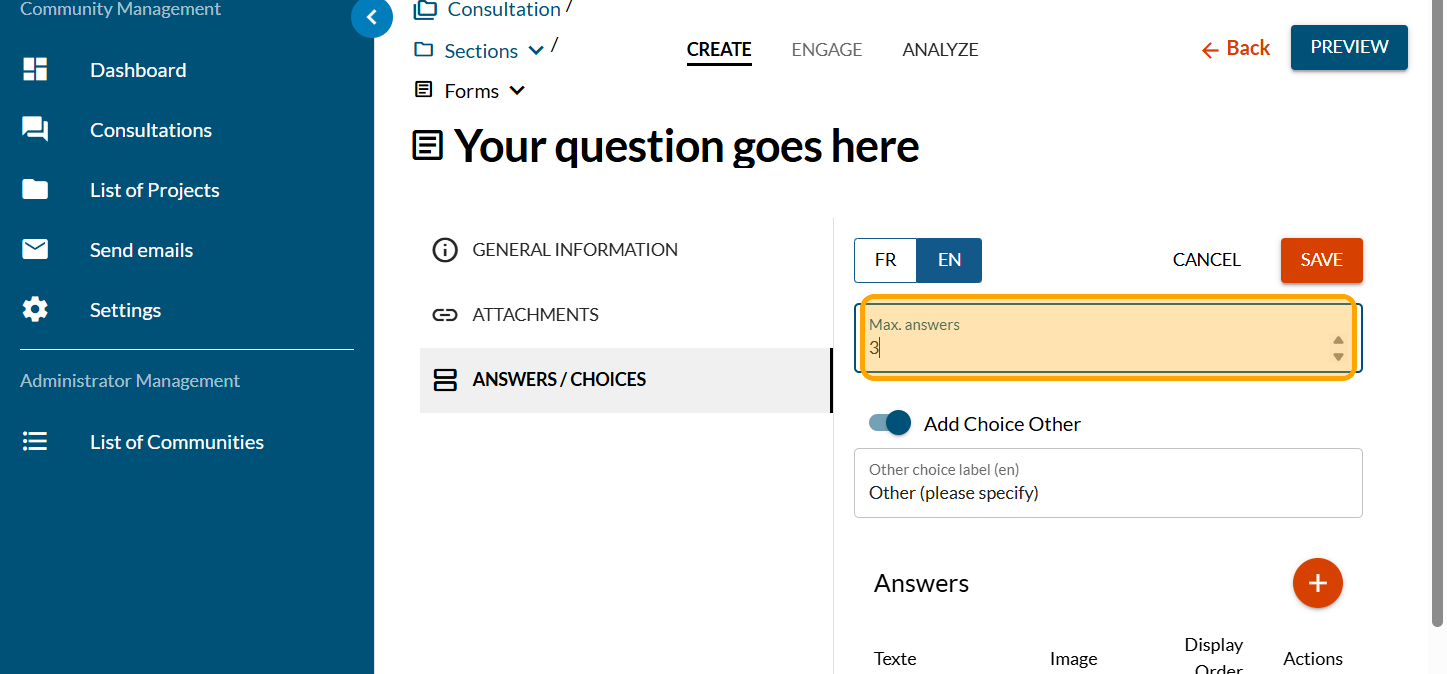
Enter the maximum number of choices if you want the participant to be able to select more than one choice. The default value is 1.
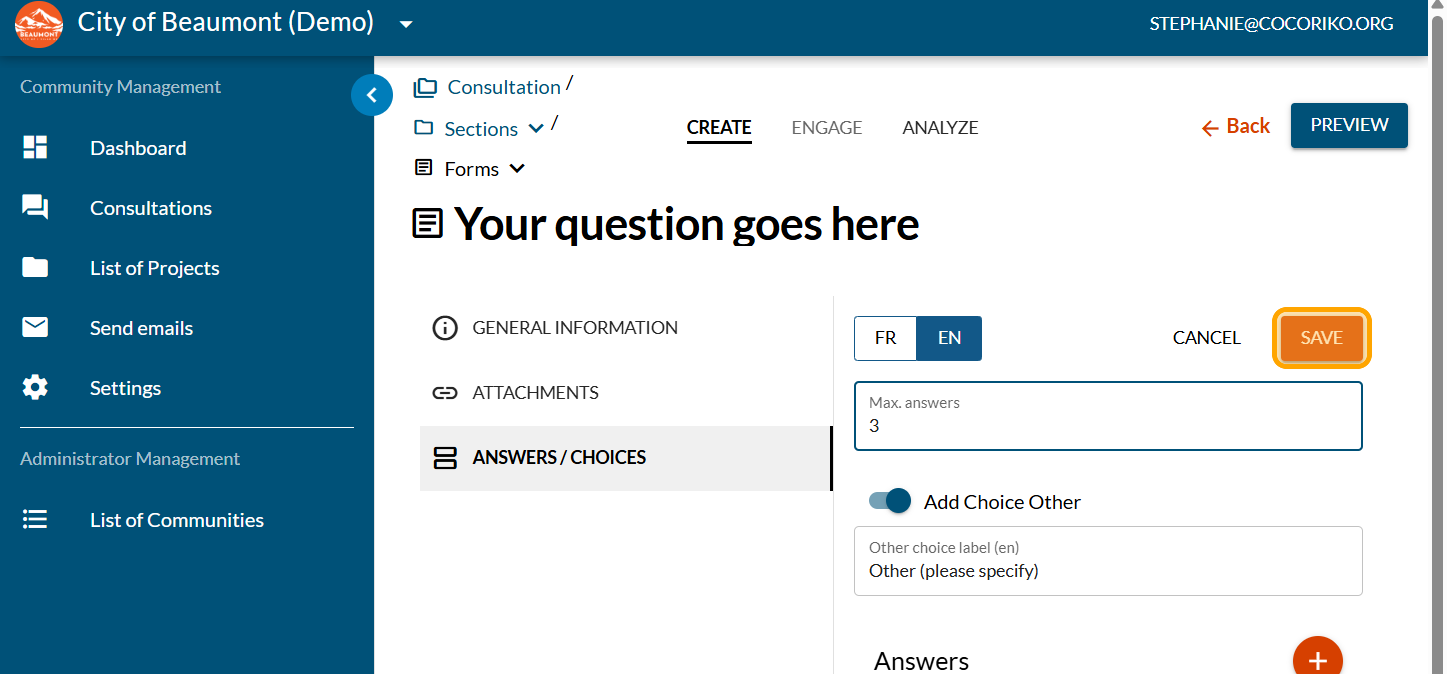
Click on "SAVE"
Click on "GENERAL INFORMATION"
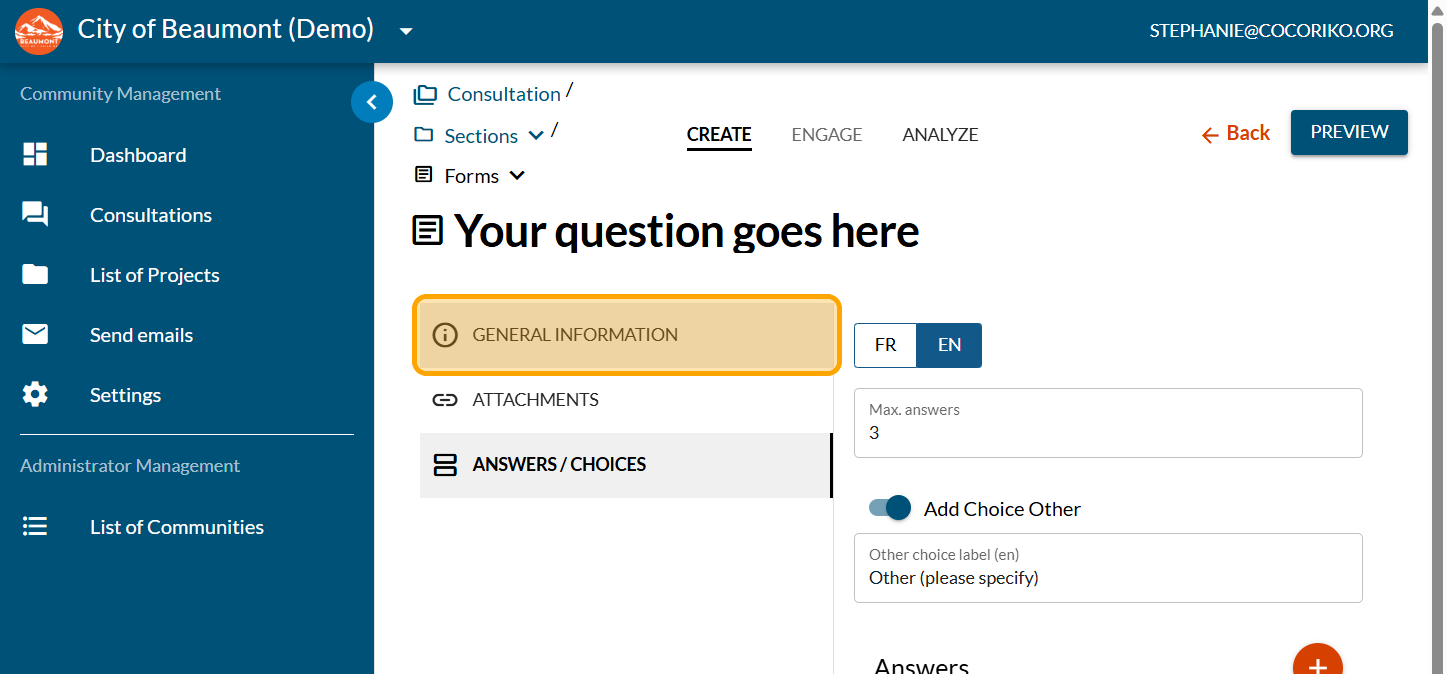
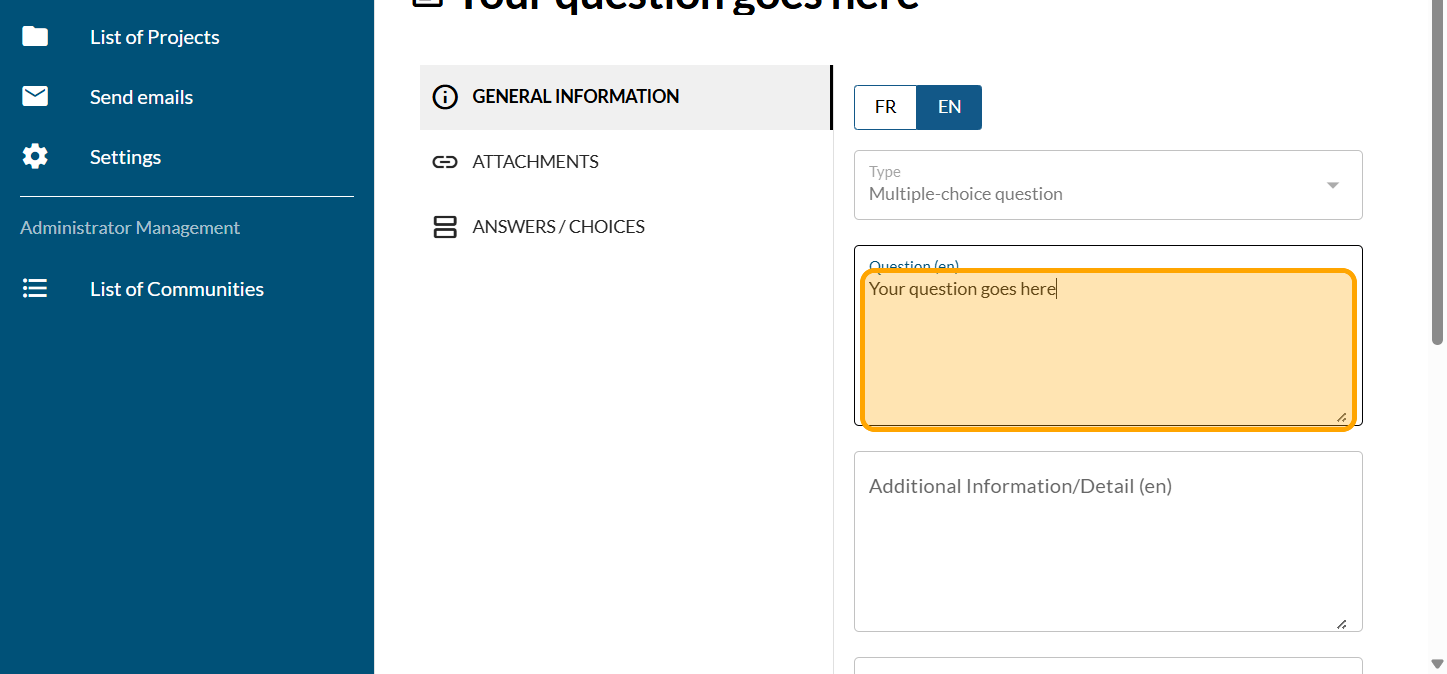
Update your question if needed
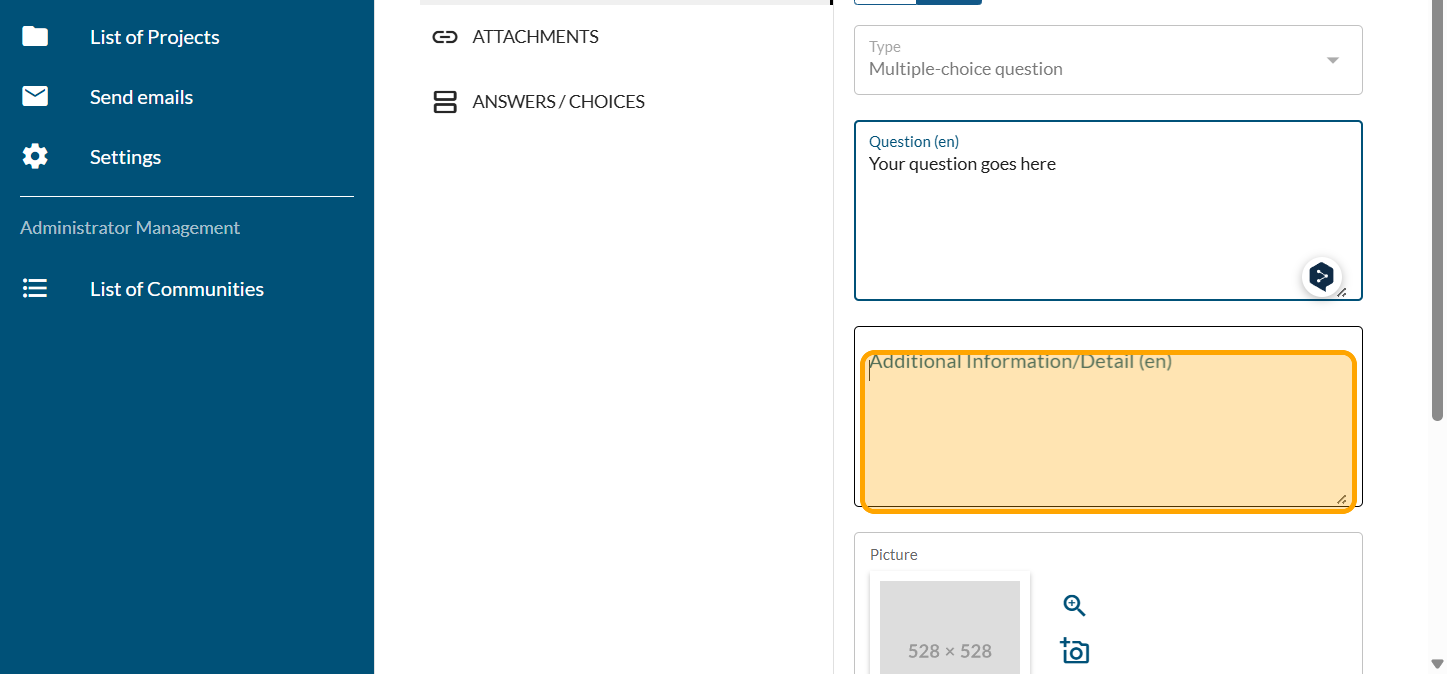
Add a paragraph with additional information if necessary.
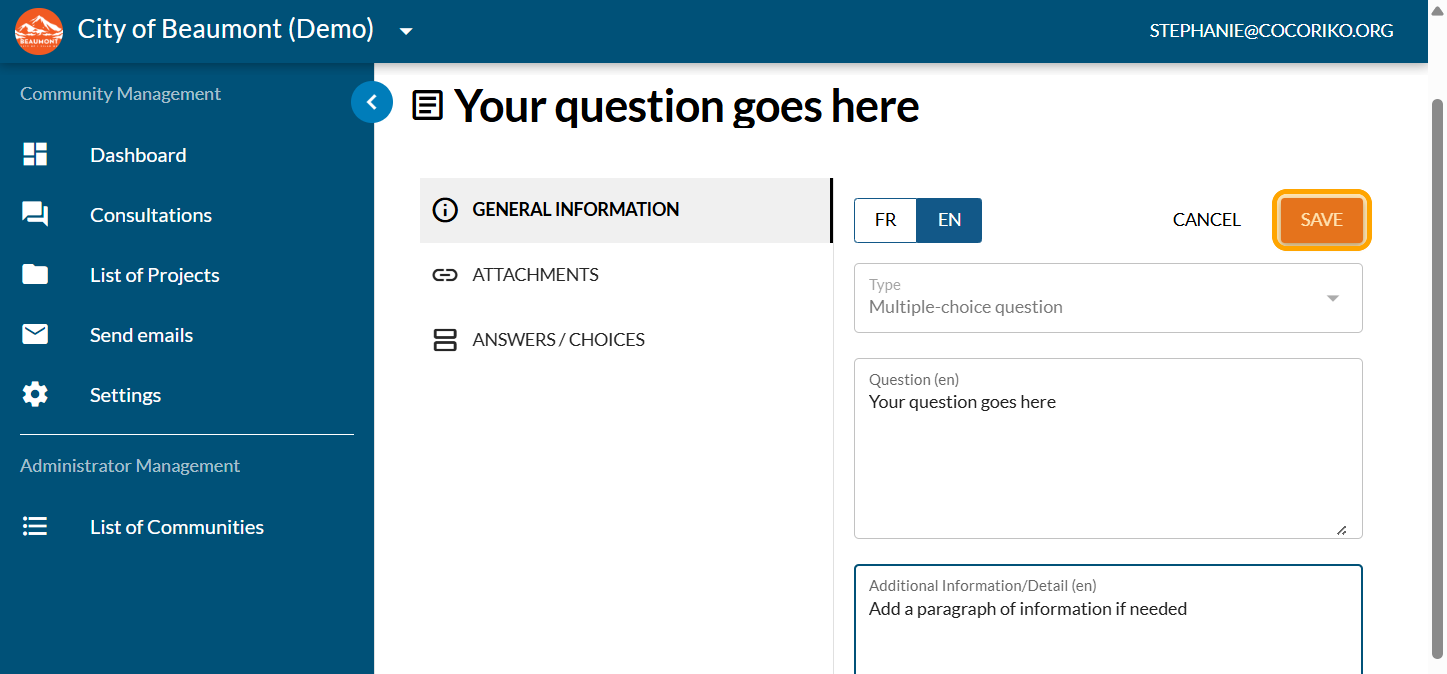
Click on "SAVE"
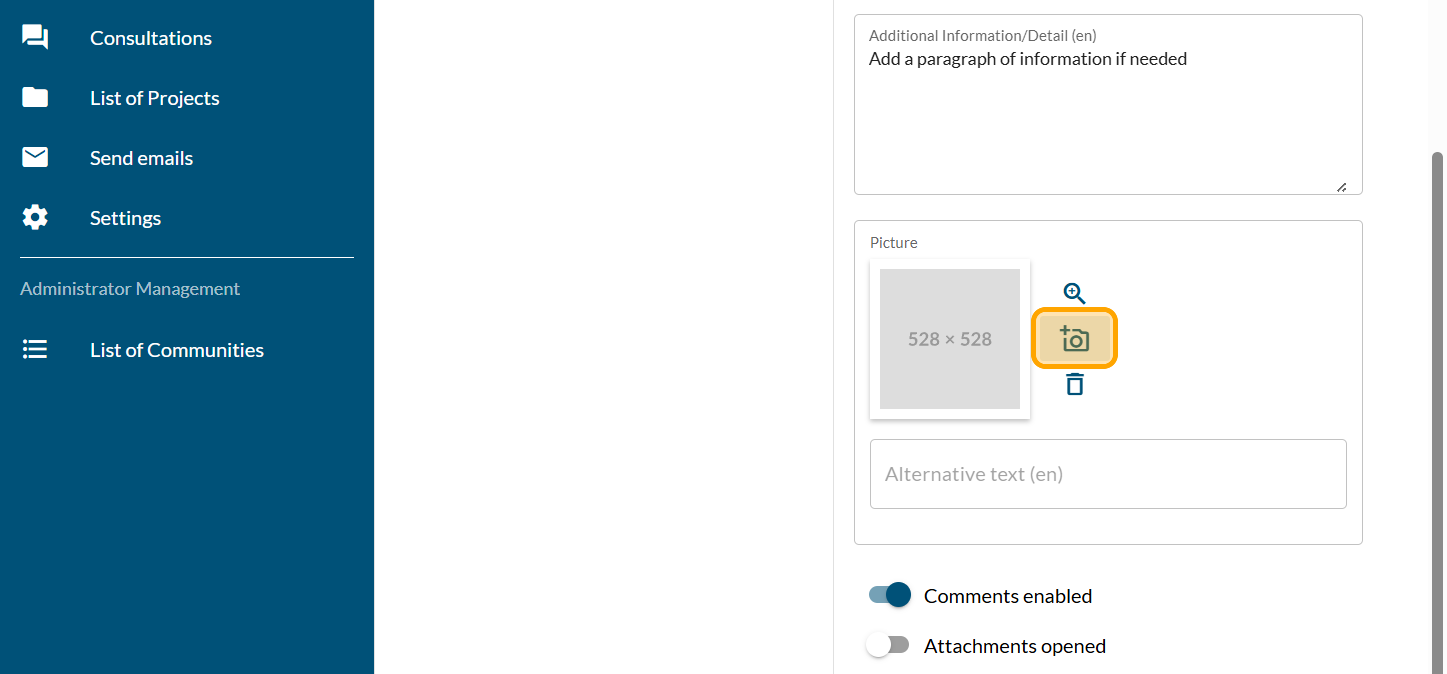
Click on the camera icon to add a photo to the question if you want one
Click on "Drag and drop or Click to choose a photo from disk"
Reframe and position your picture
Click on "SAVE"
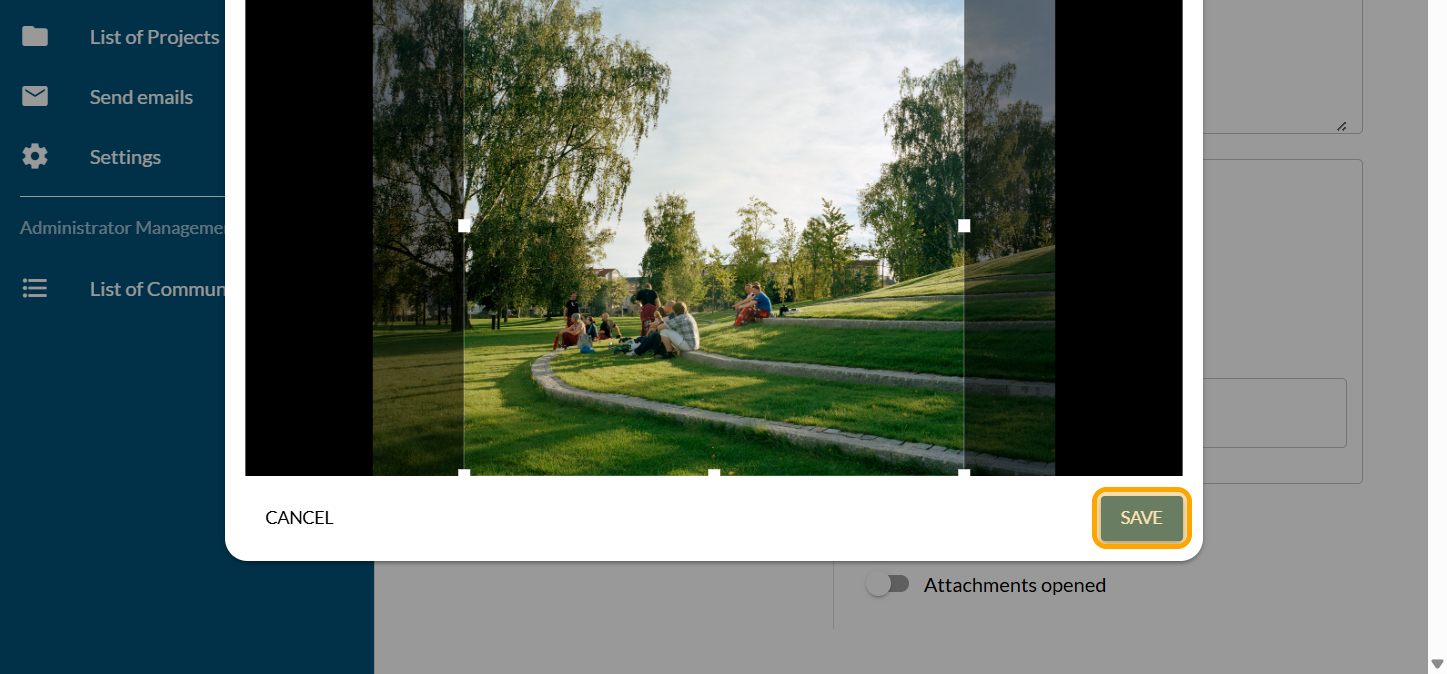
Click on "SAVE"
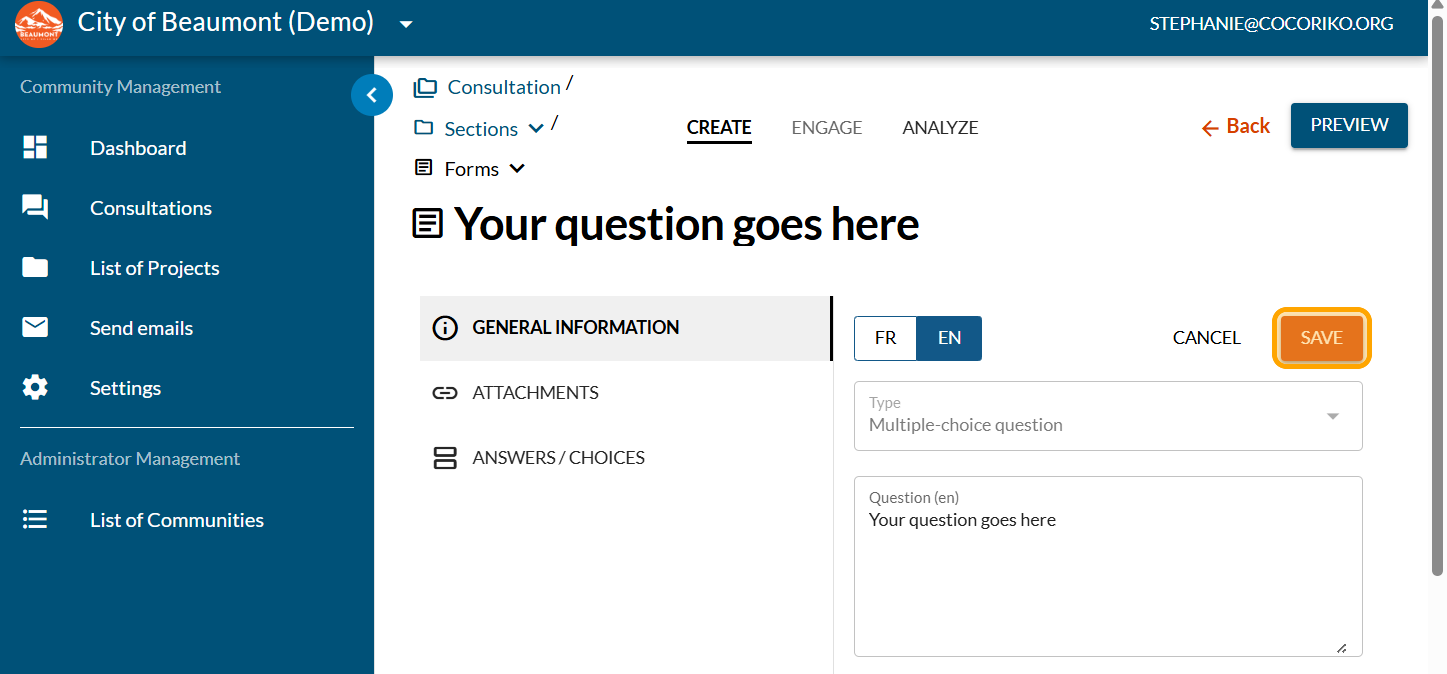
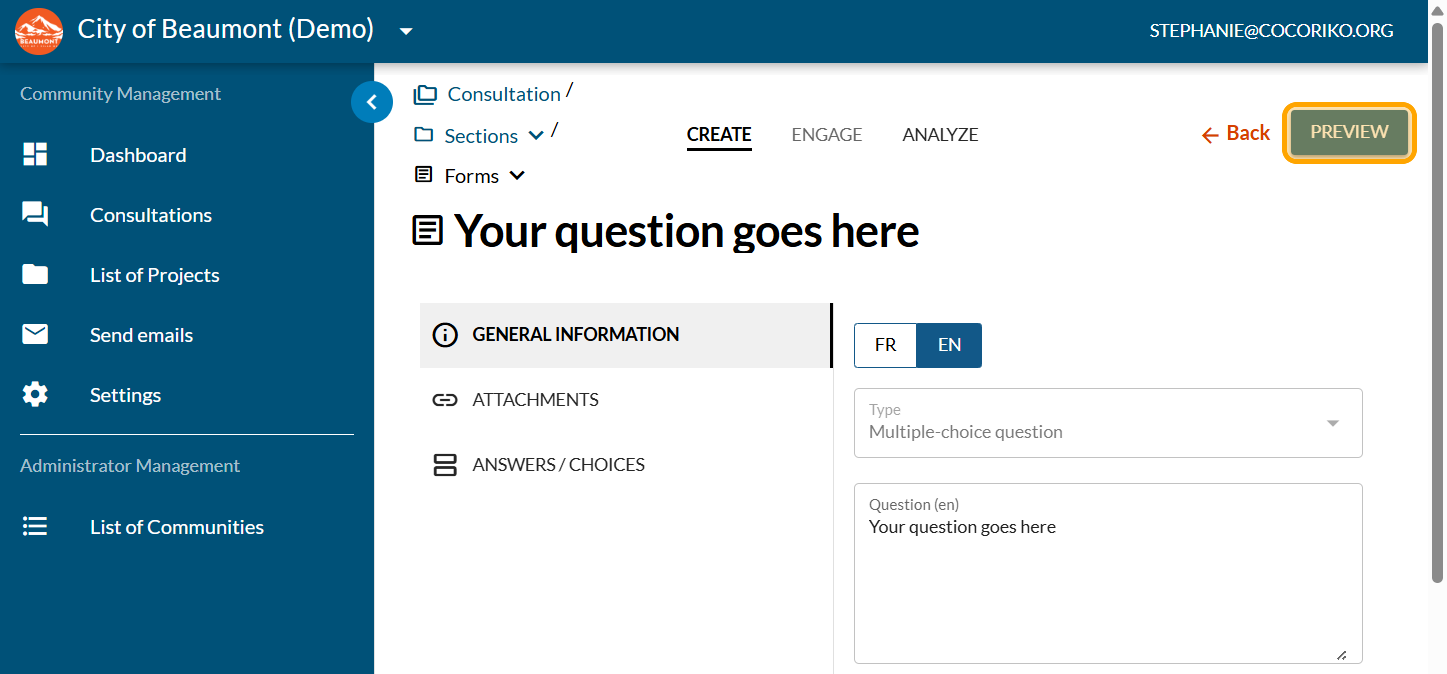
Click on "PREVIEW"
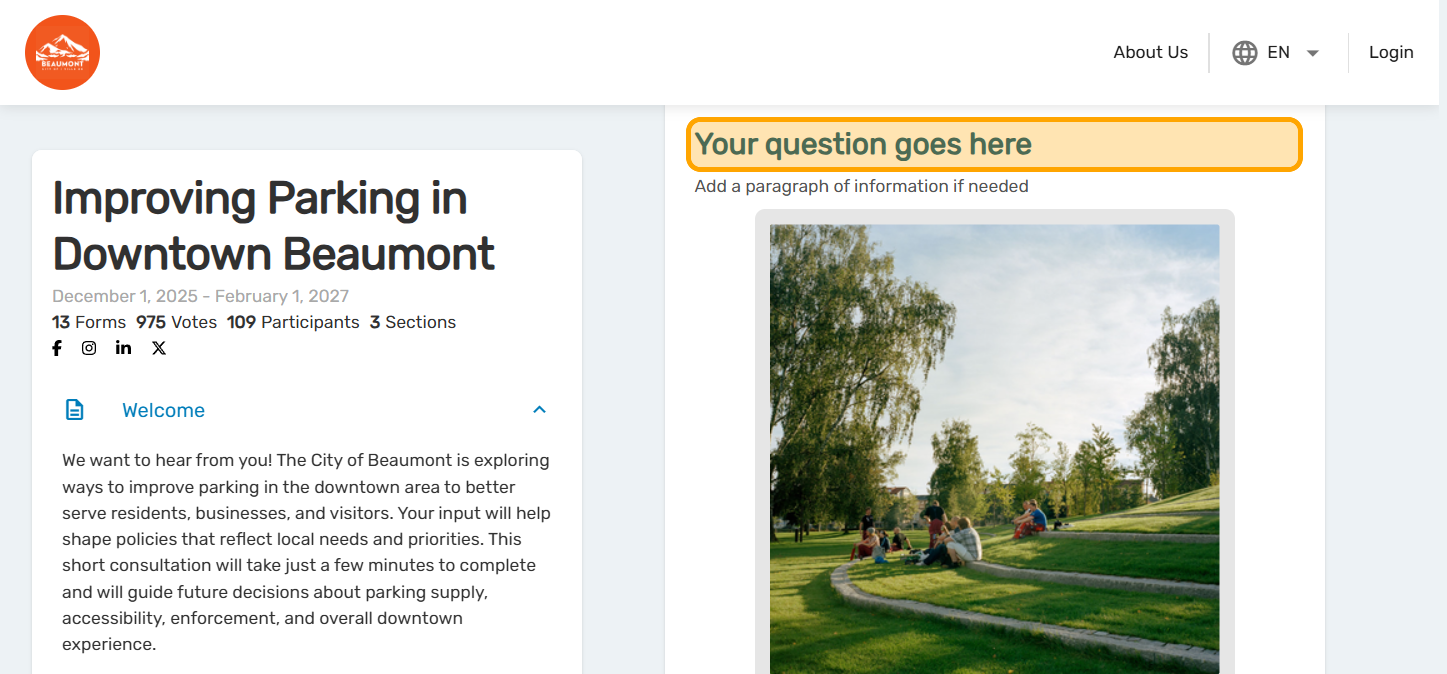
Review your question and go back to edit the information if necessary

Add an idea wall as a consultation
Click on "Consultations"

Sending an Email via Cocoriko
This guide helps you create and send a mailing campaign.

Add a Dot Voting question - Fixed
The Dot Voting question can be programmed with fixed or vari …