

By Team Cocoriko on Feb 4, 2026 3:46:19 PM
This guide helps you create and send a mailing campaign. There are three lists to choose from when sending: click here to find out more.
Navigate to admin.v3.cocoriko.org and connect as an administrator
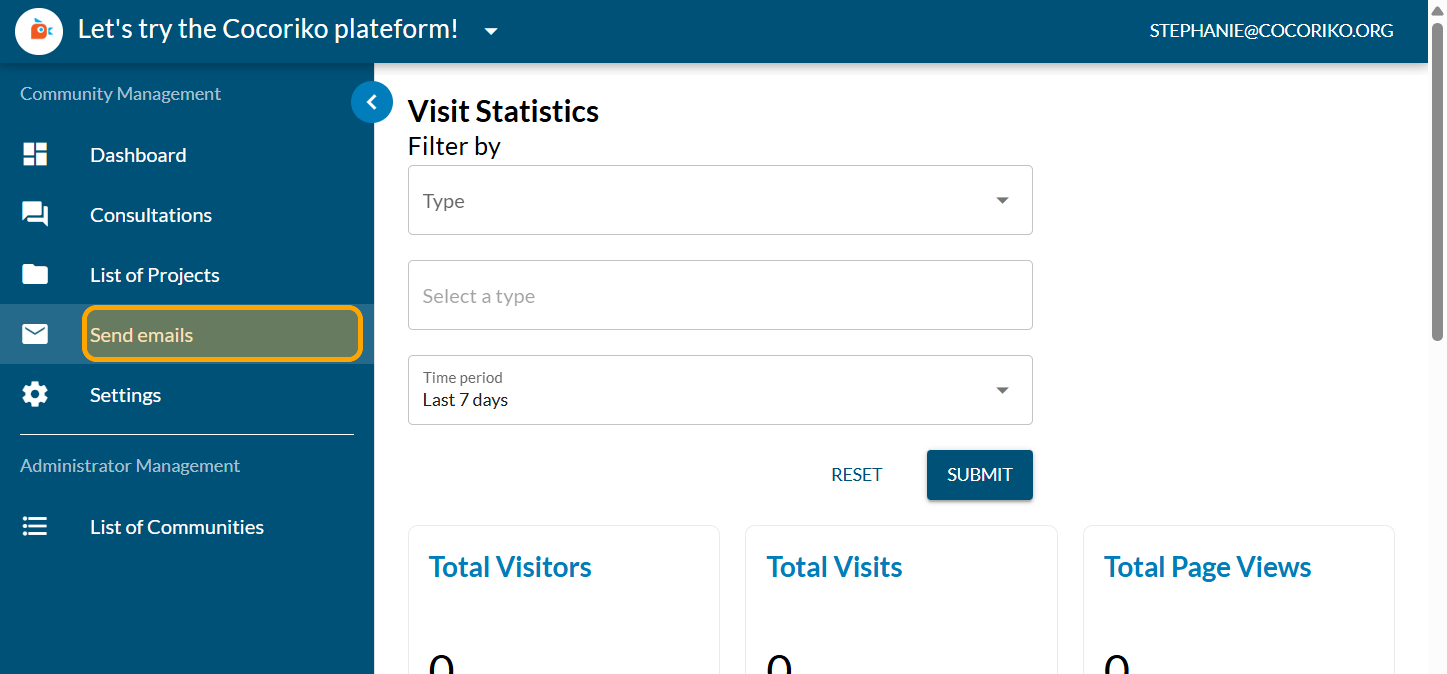
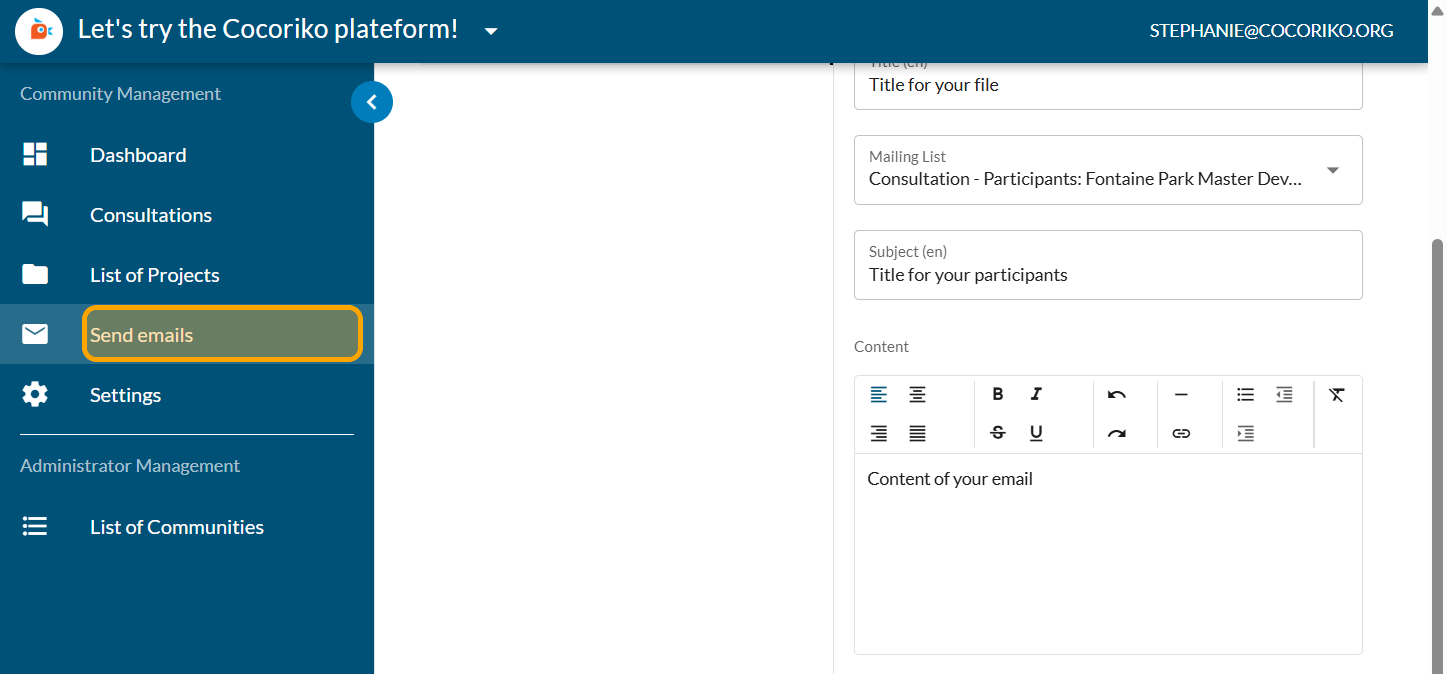
Click on "Send emails"
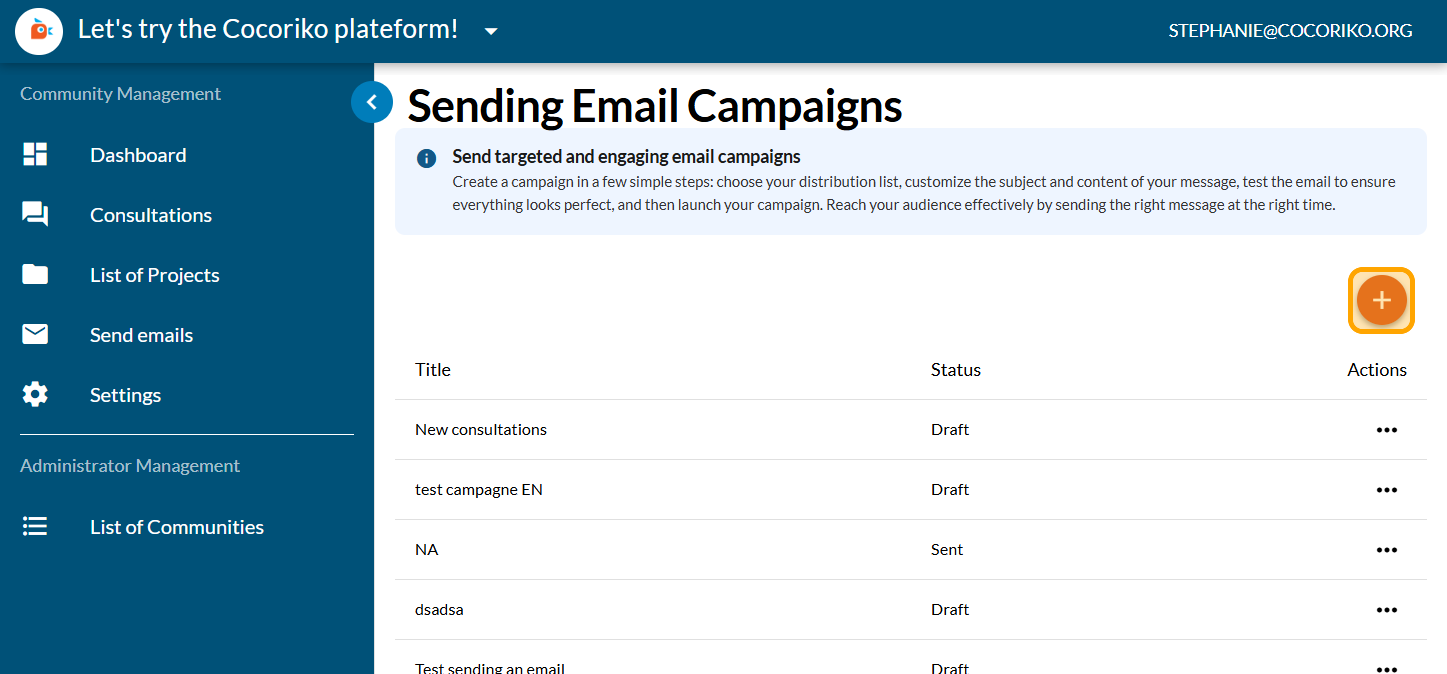
Click on PLUS to start a new email
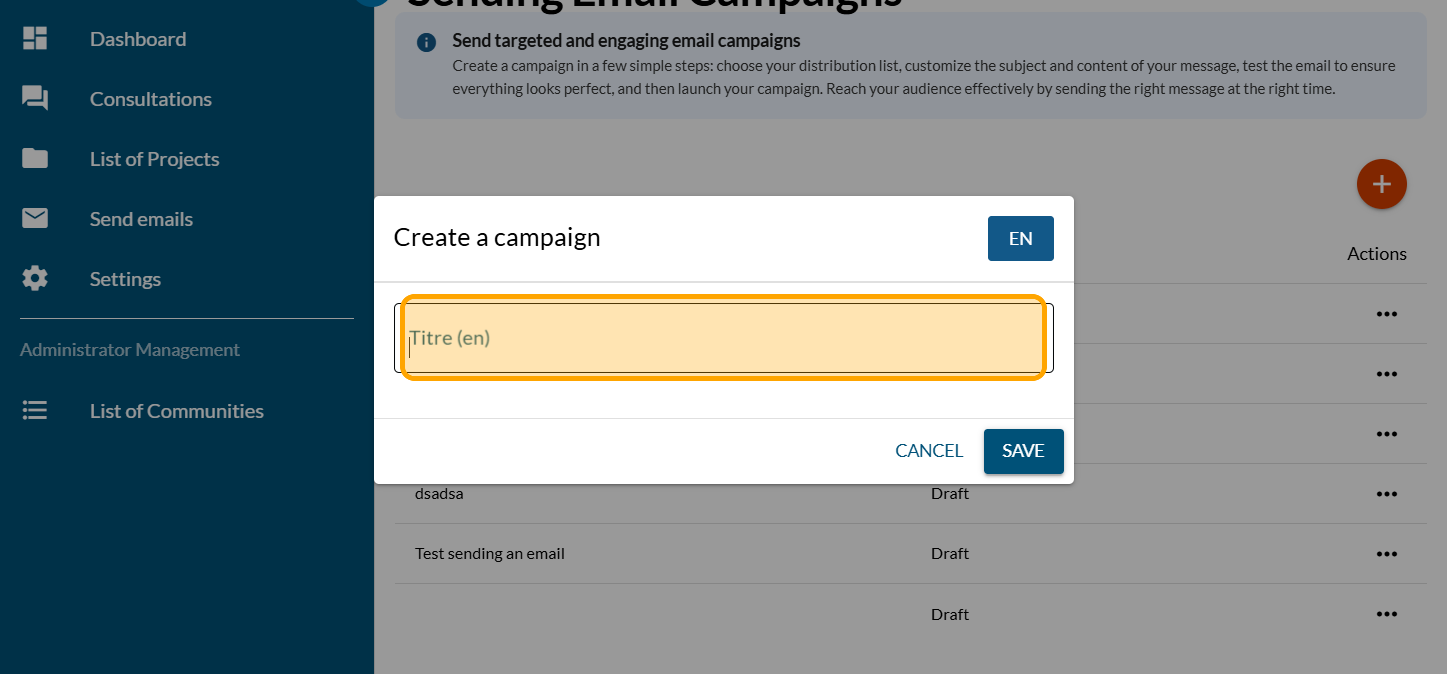
Enter the title of the email for your own files
Click on Mailing List
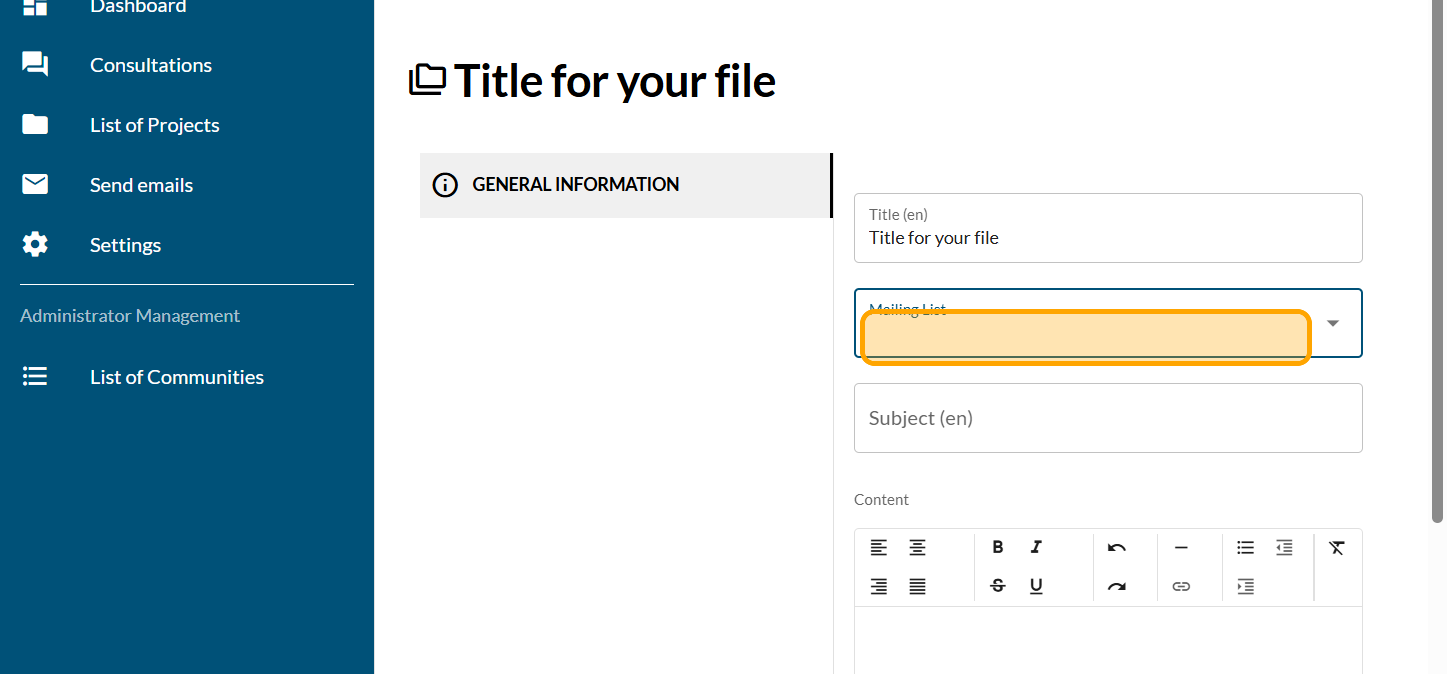
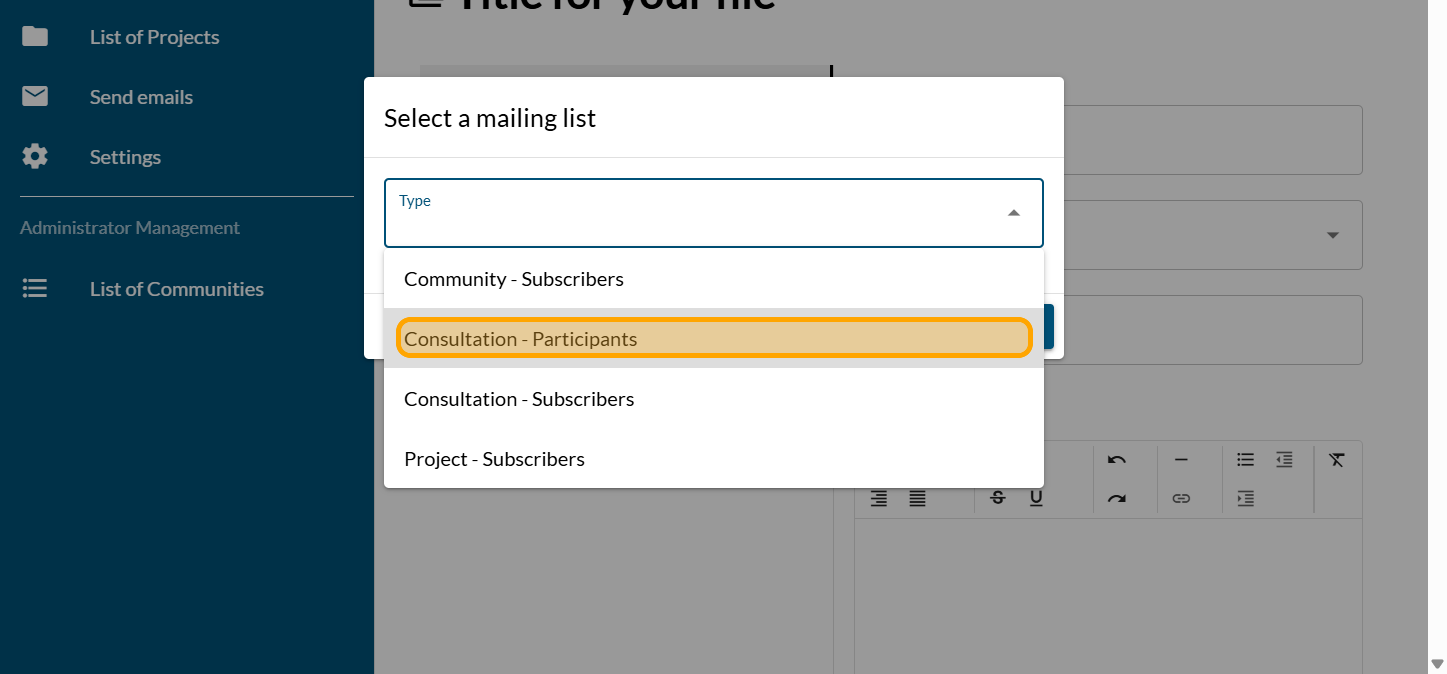
Click on the drop-down menu to select the mailing list you want. Here, they the participants in a consultation.
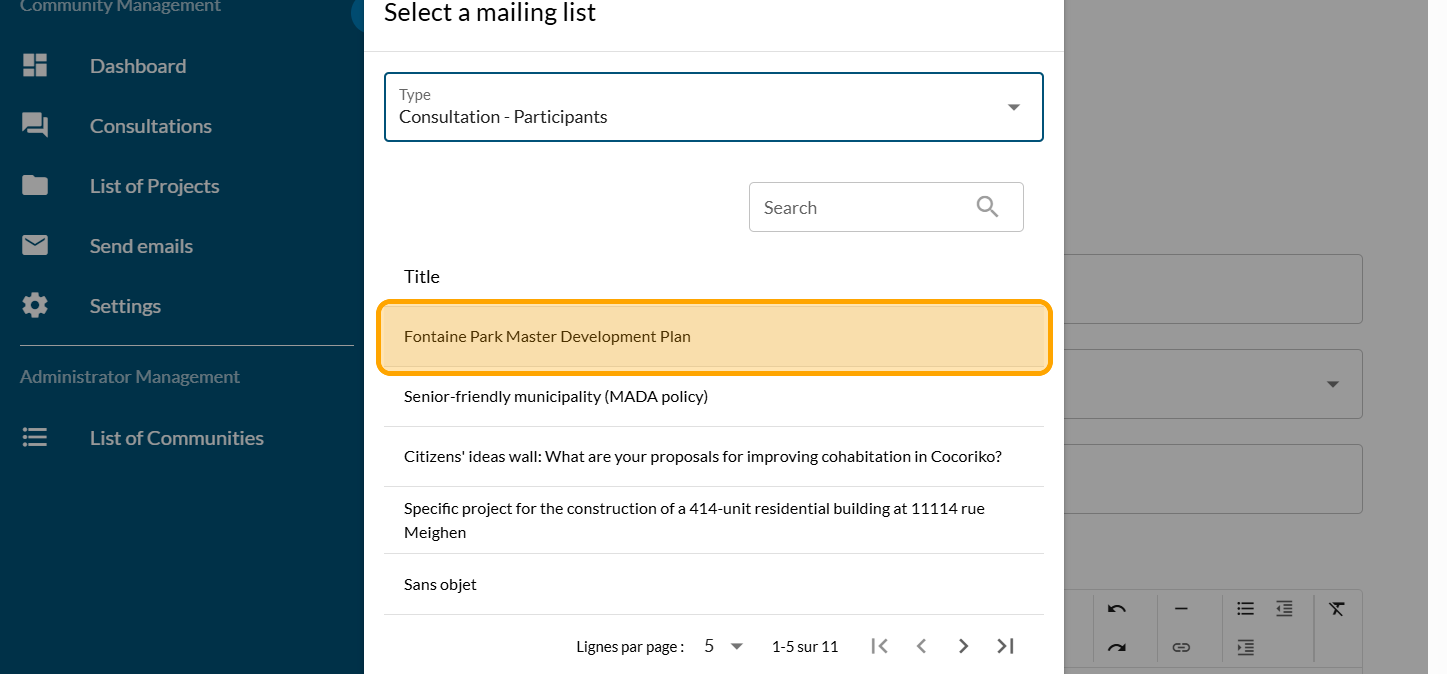
Click on the consultation for which you want to send the email.
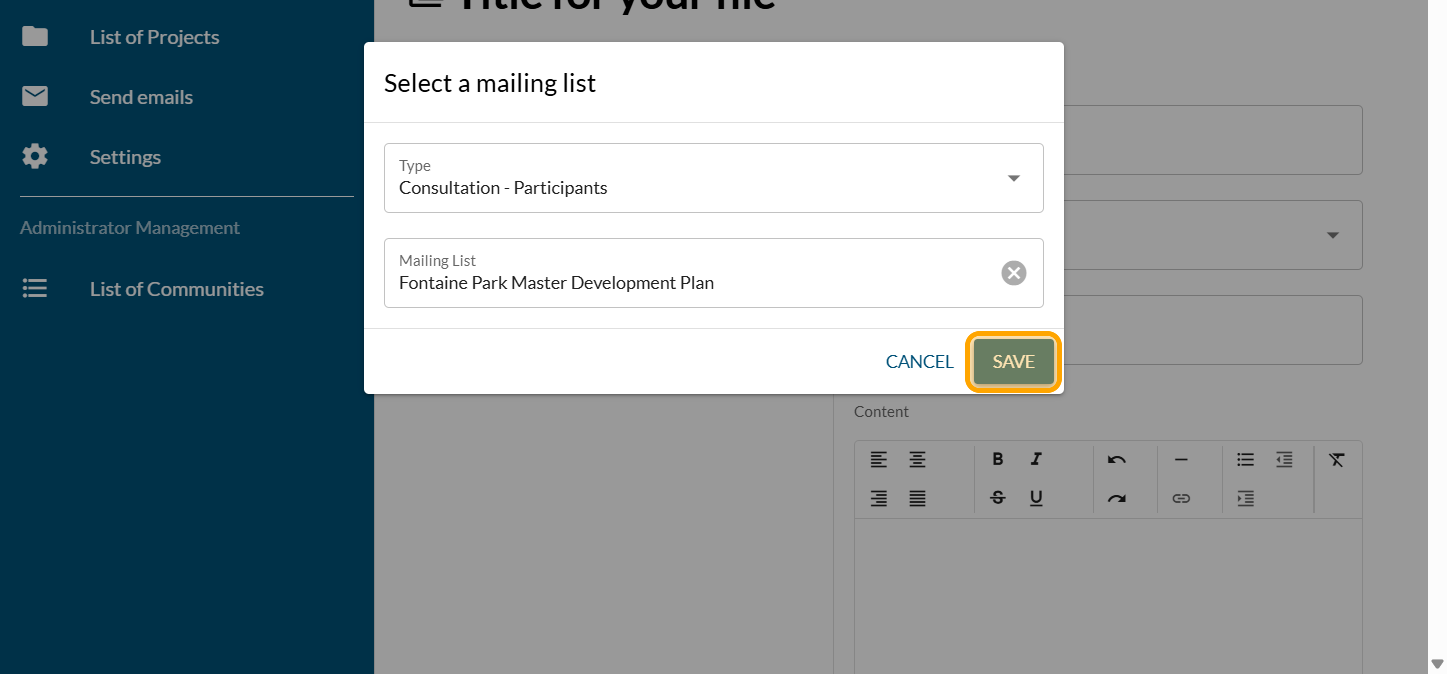
Click on "SAVE"
Enter the email subject line for YOUR PARTICIPANTS
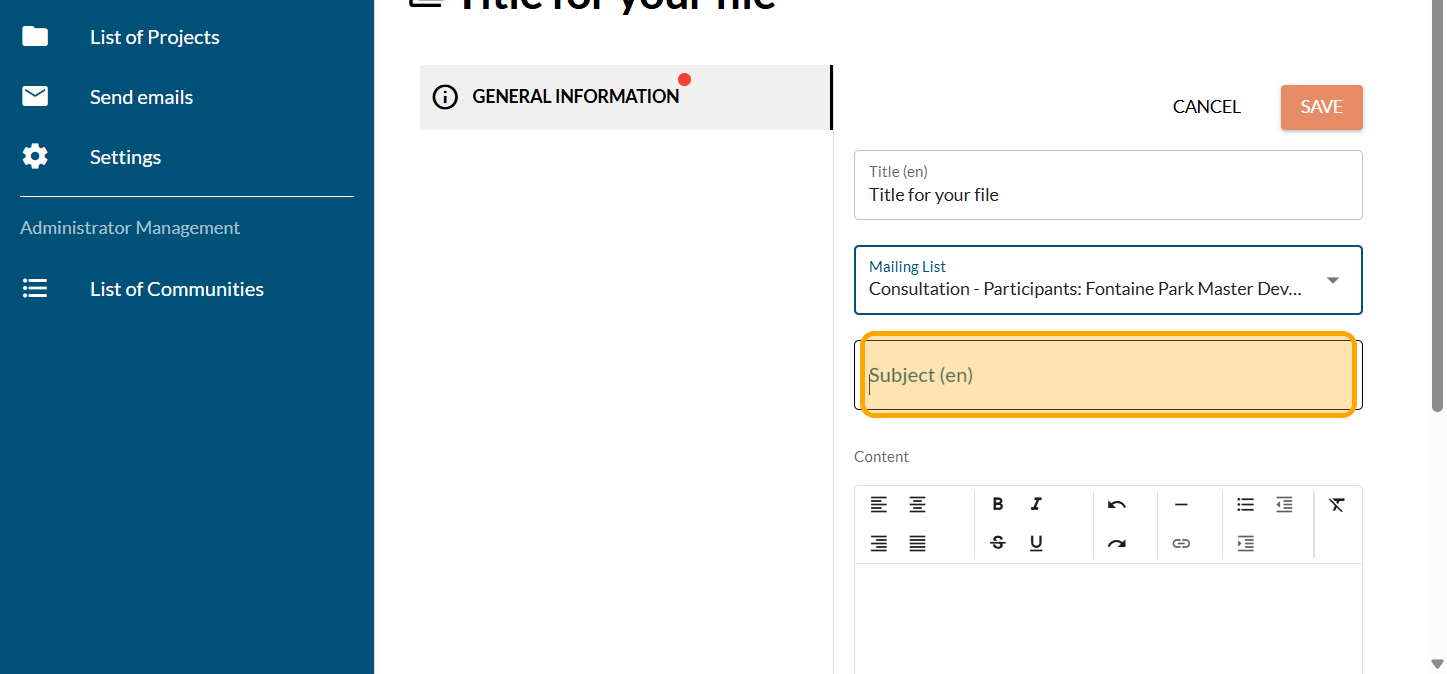
Write your email message
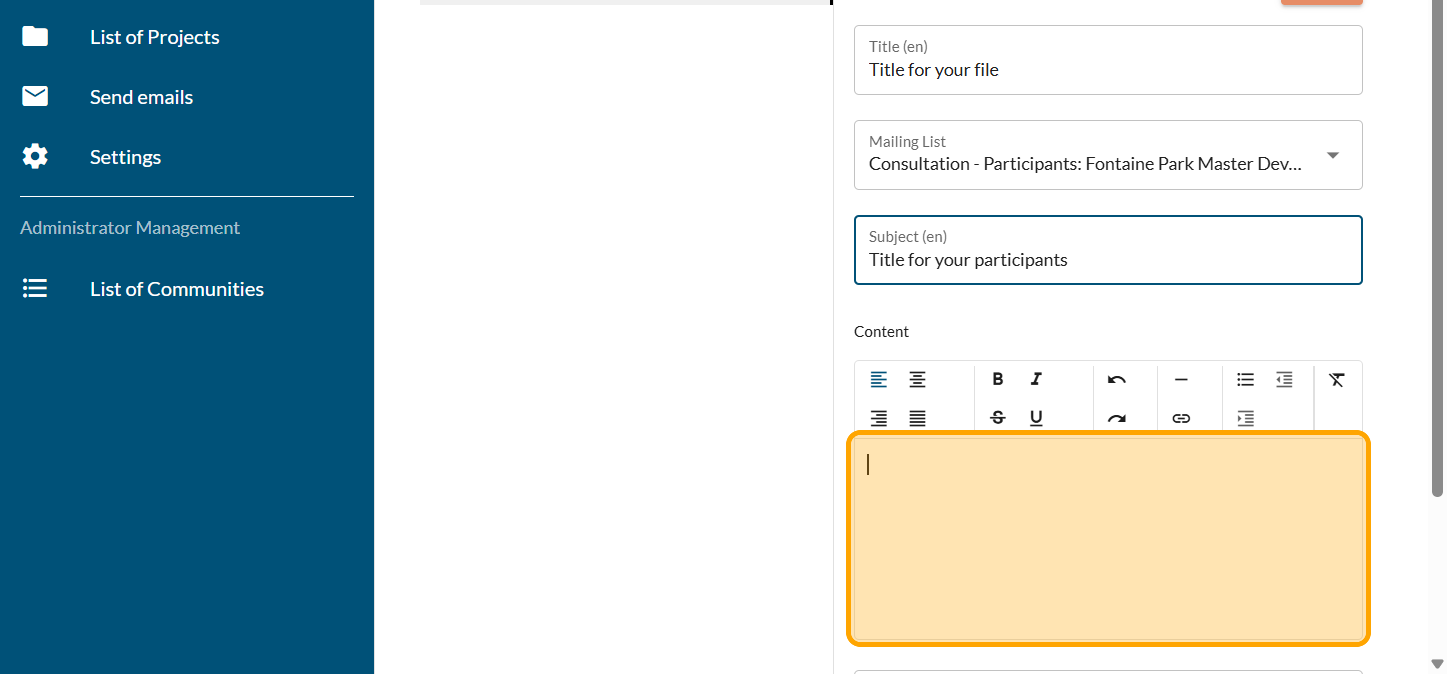
Click on "SAVE"
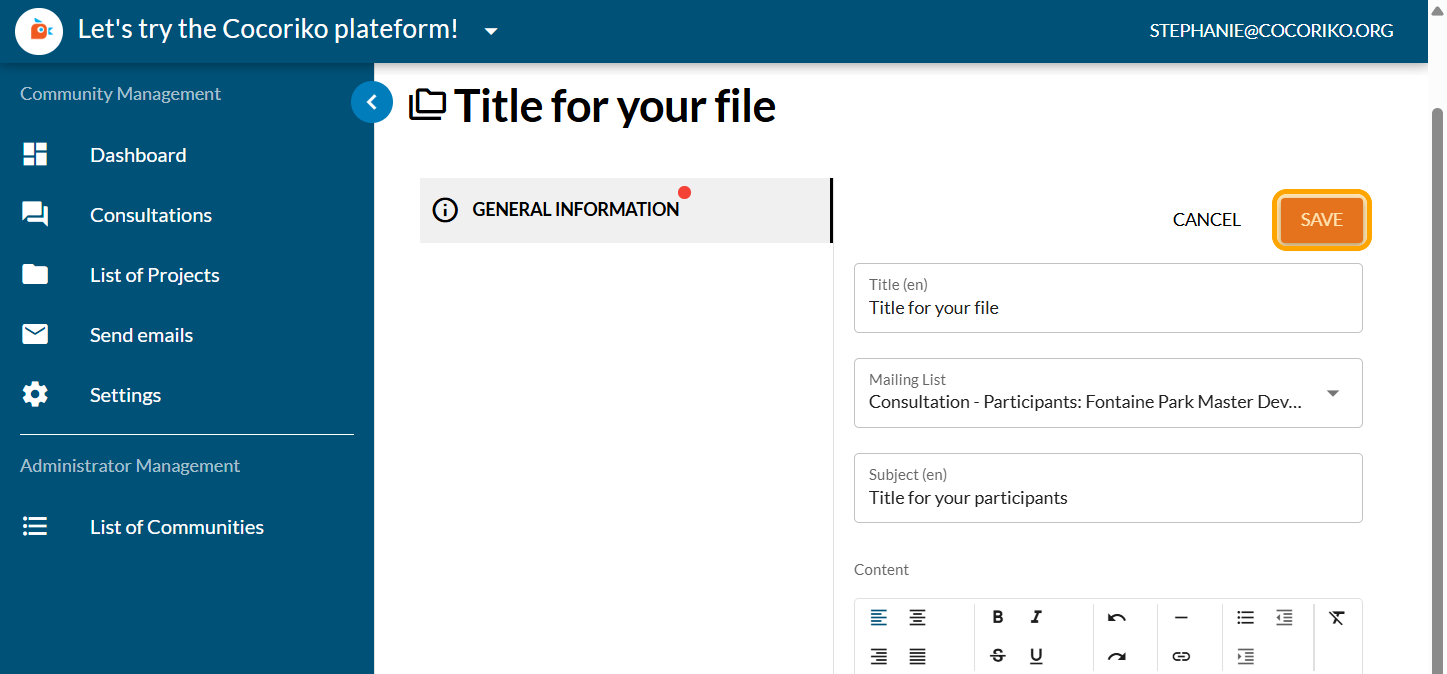
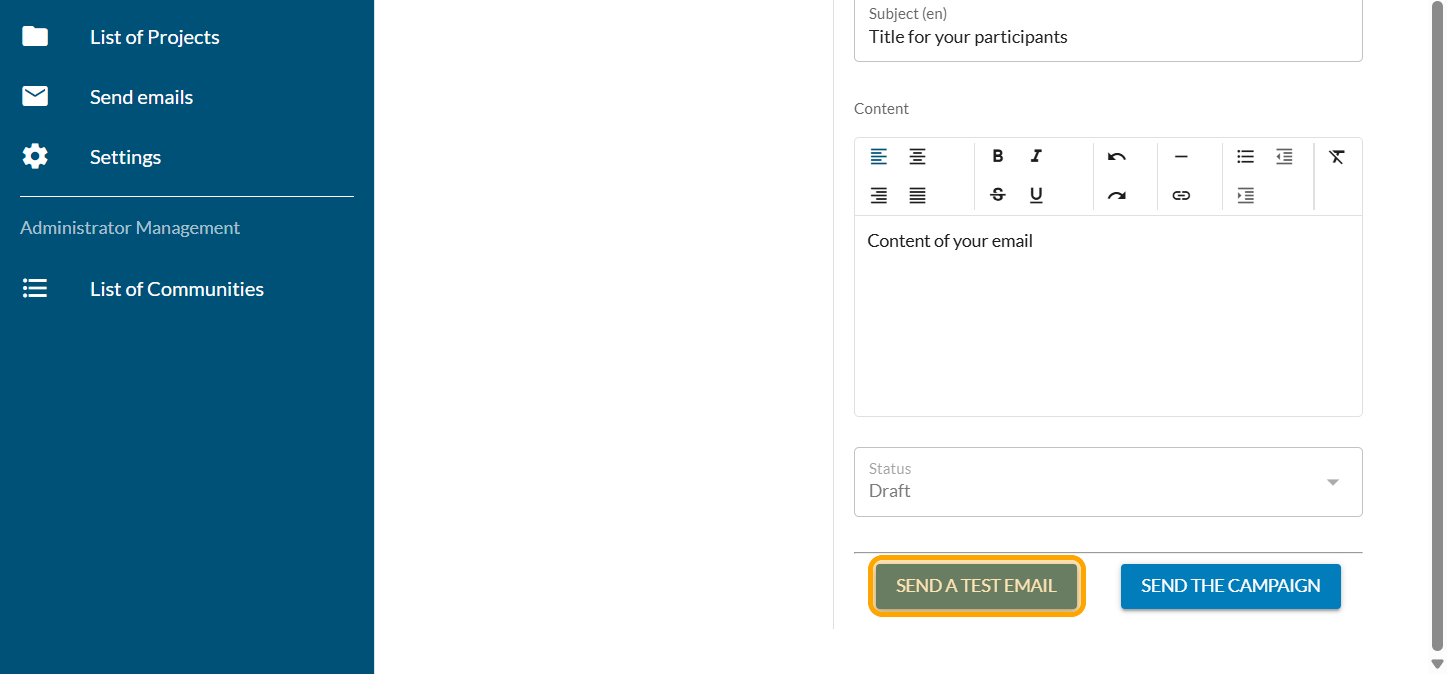
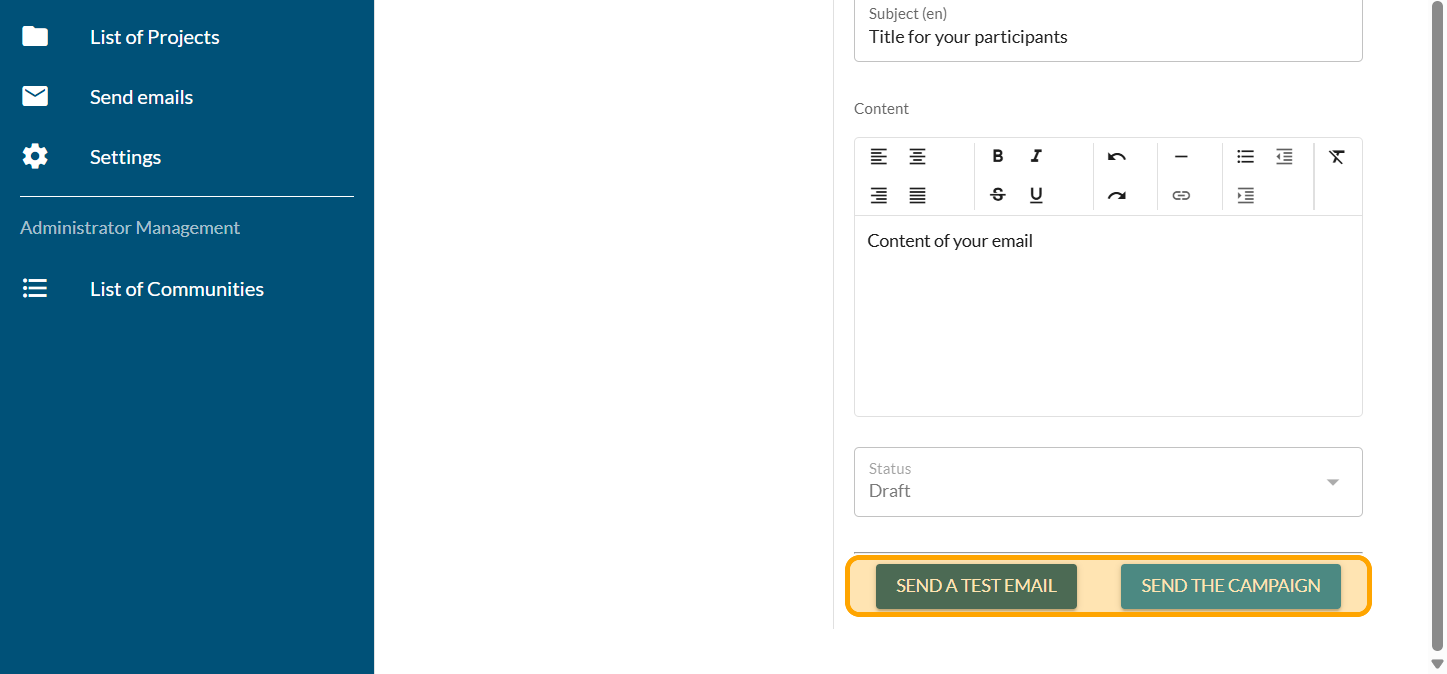
Click on "SEND A TEST EMAIL" to reread your email
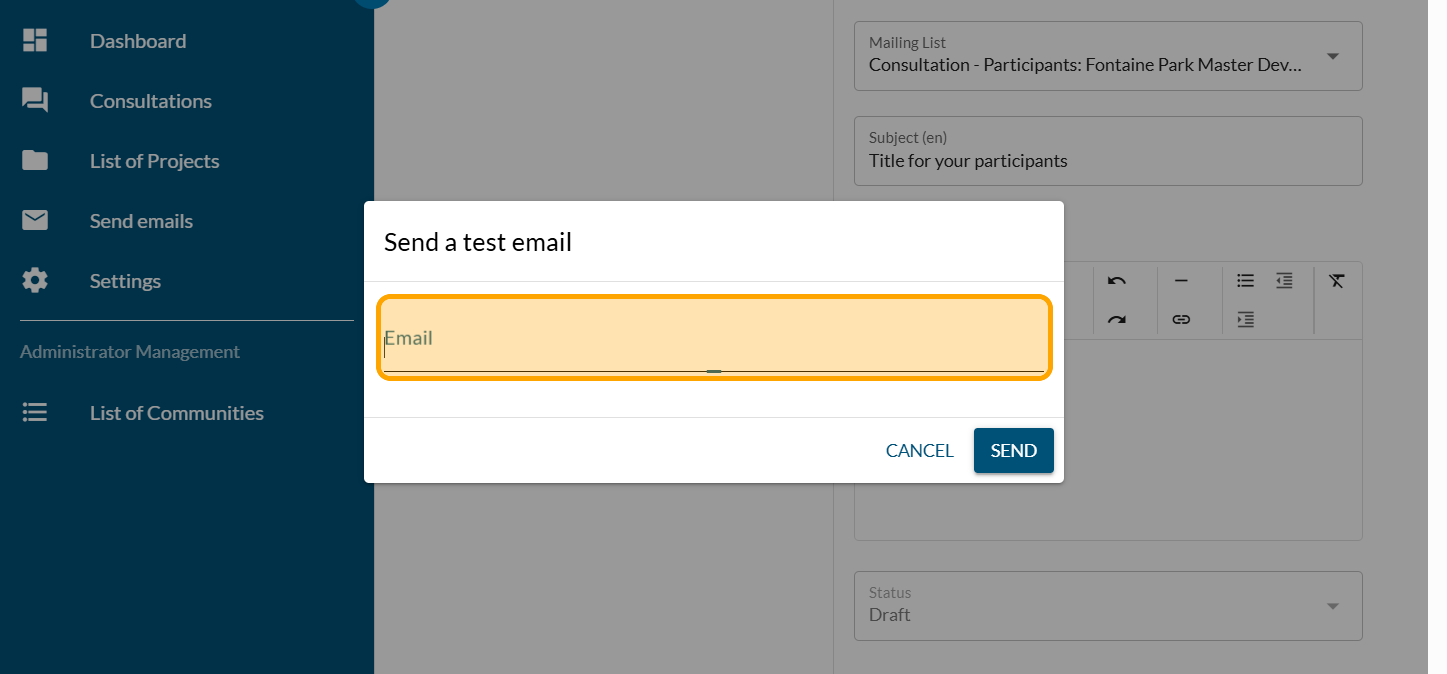
Type in the email address to send the test to and find the email in your inbox so you can read it again before sending.
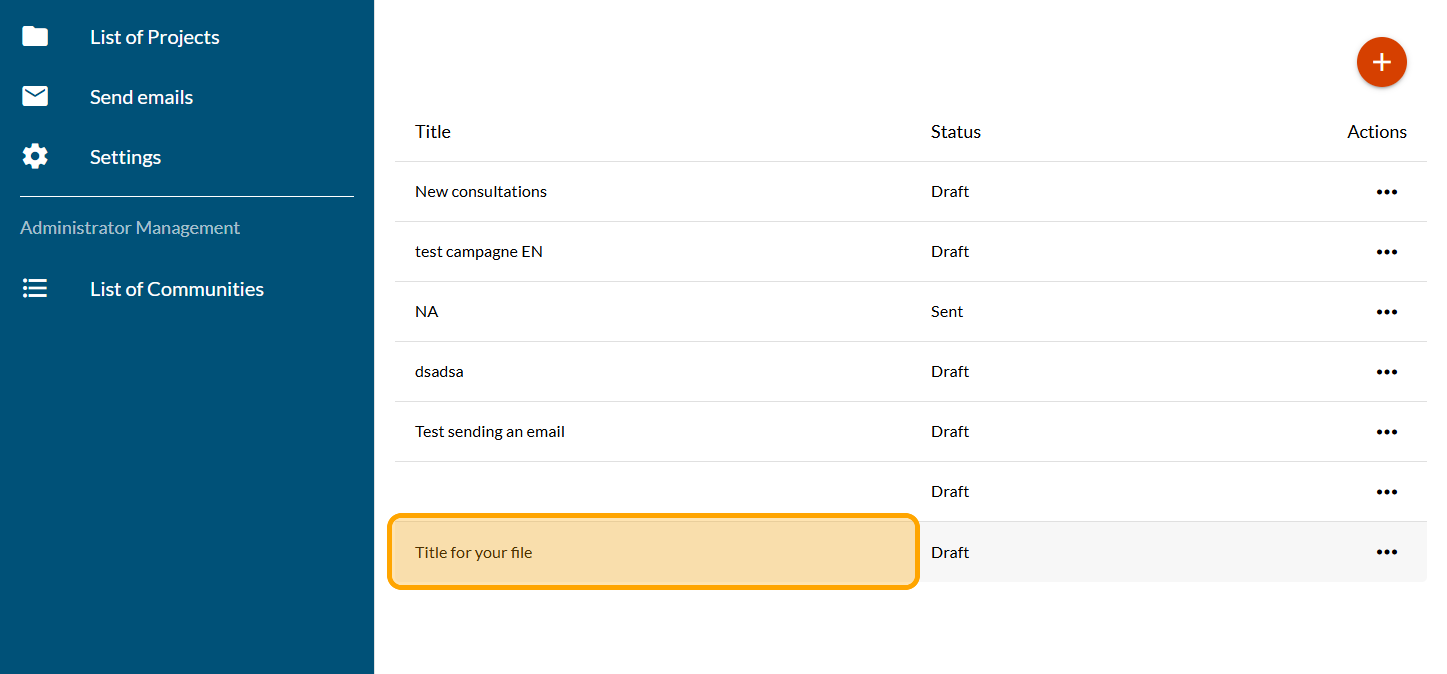
Click on "Send emails"
You will find the list of emails and their status
Click on "SEND THE CAMPAIGN" when your are ready to distribute your email to the list of participants

Add a Dot Voting question - Fixed
The Dot Voting question can be programmed with fixed or vari …

Add a Dot Voting question - Variable
The Dot Voting question can be programmed with fixed or vari …

Create and configure a consultation
Follow this guide to get your consultation off to a good sta …