

By Team Cocoriko on Feb 4, 2026 3:43:50 PM
The Dot Voting question can be programmed with fixed or variable choice values. This guide provides the steps for variable values. For more information click here.
Navigate to admin.v3.cocoriko.org/consultations
Click on "Consultations"
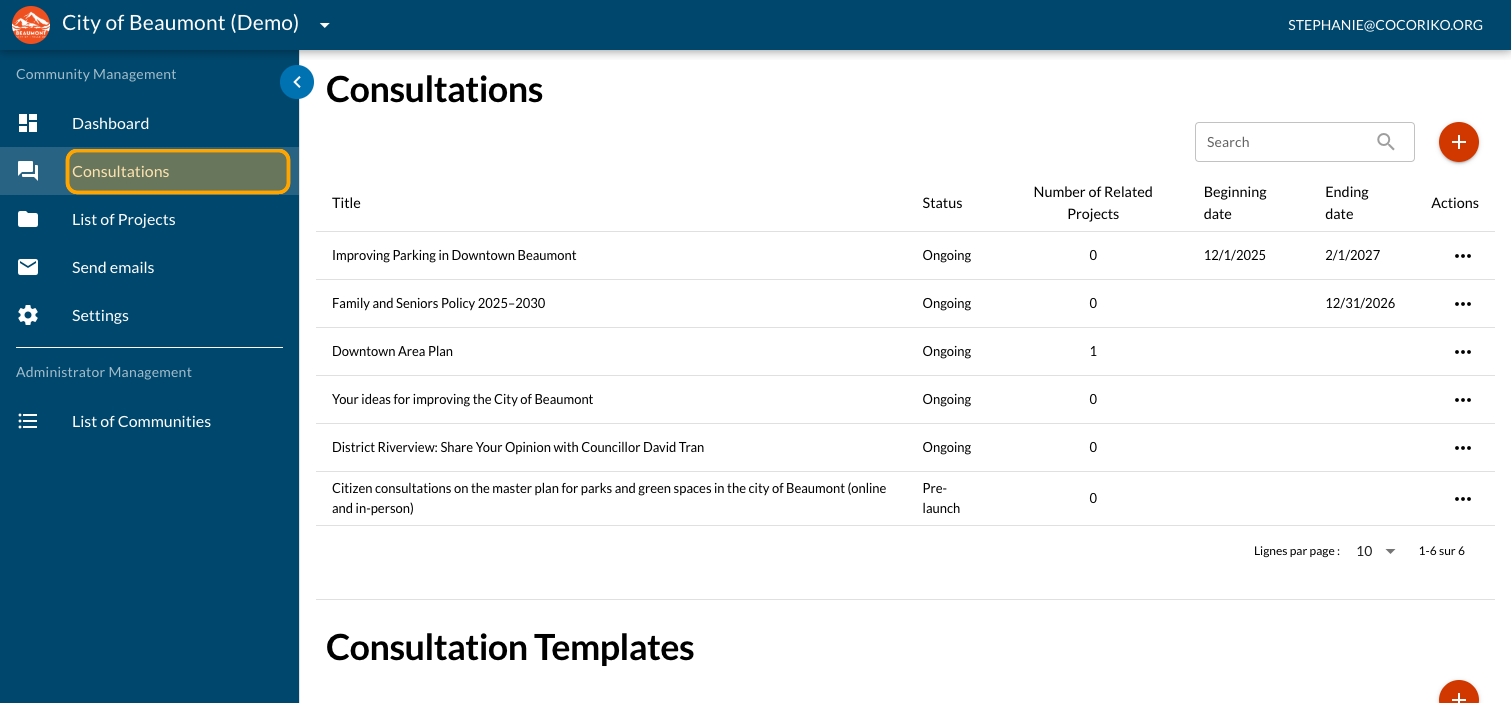
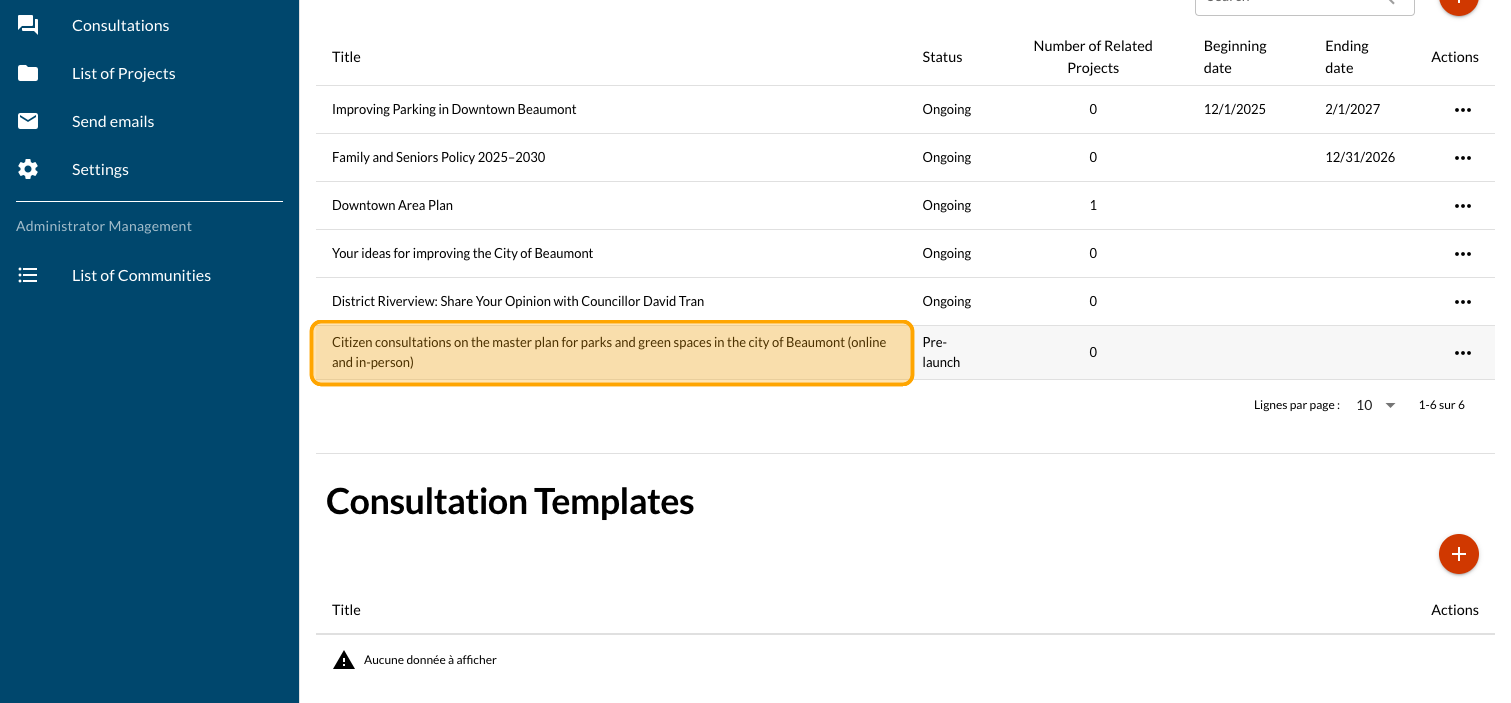
Click on your consultation
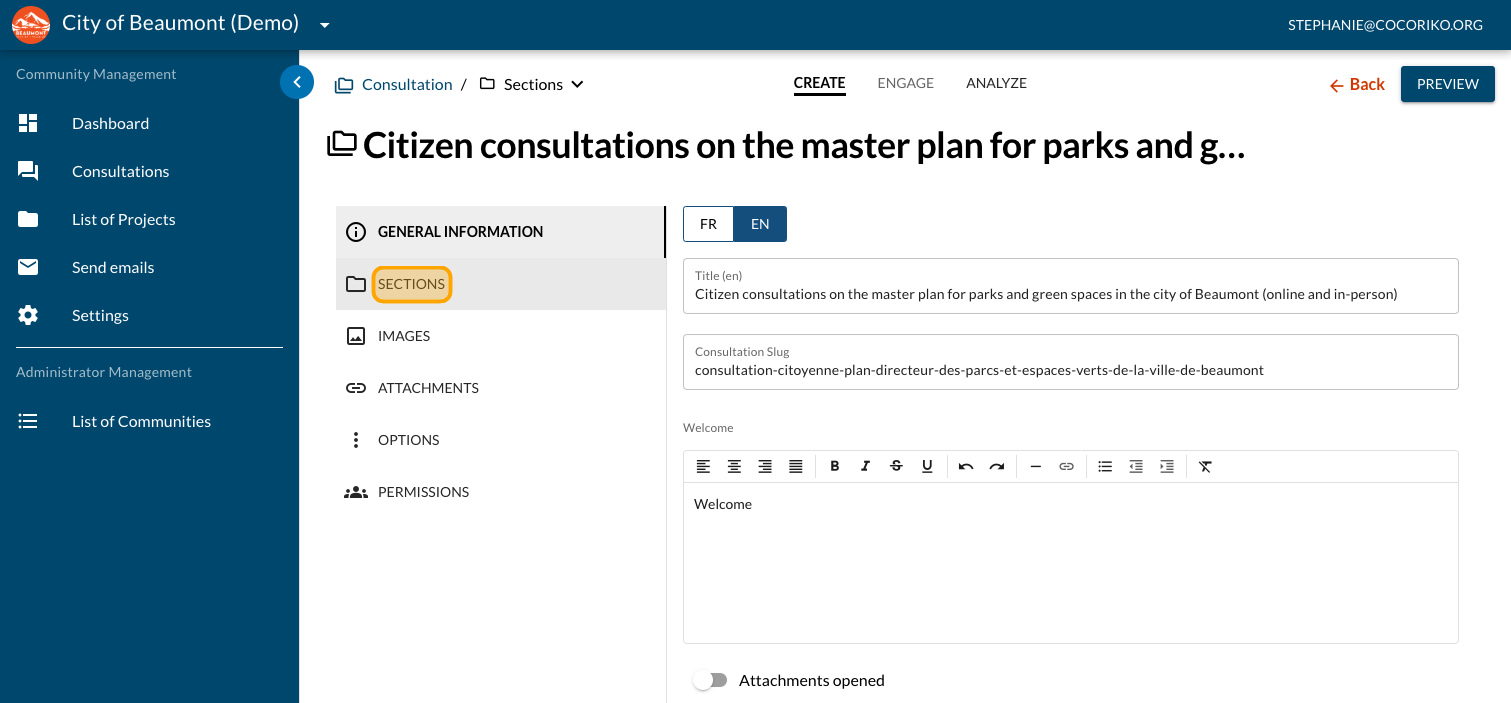
Click on "SECTIONS"
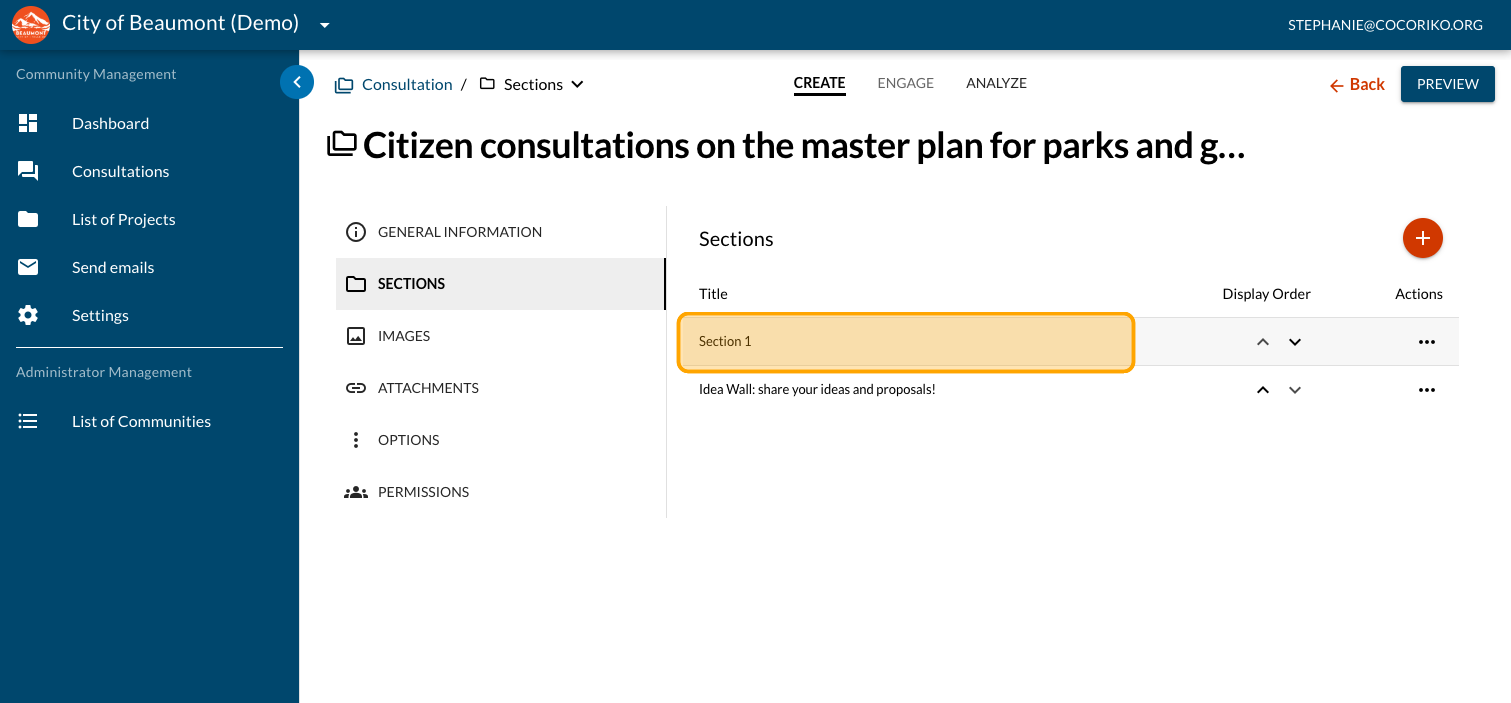
Click the section where you want to add a question
Click on "FORMS"
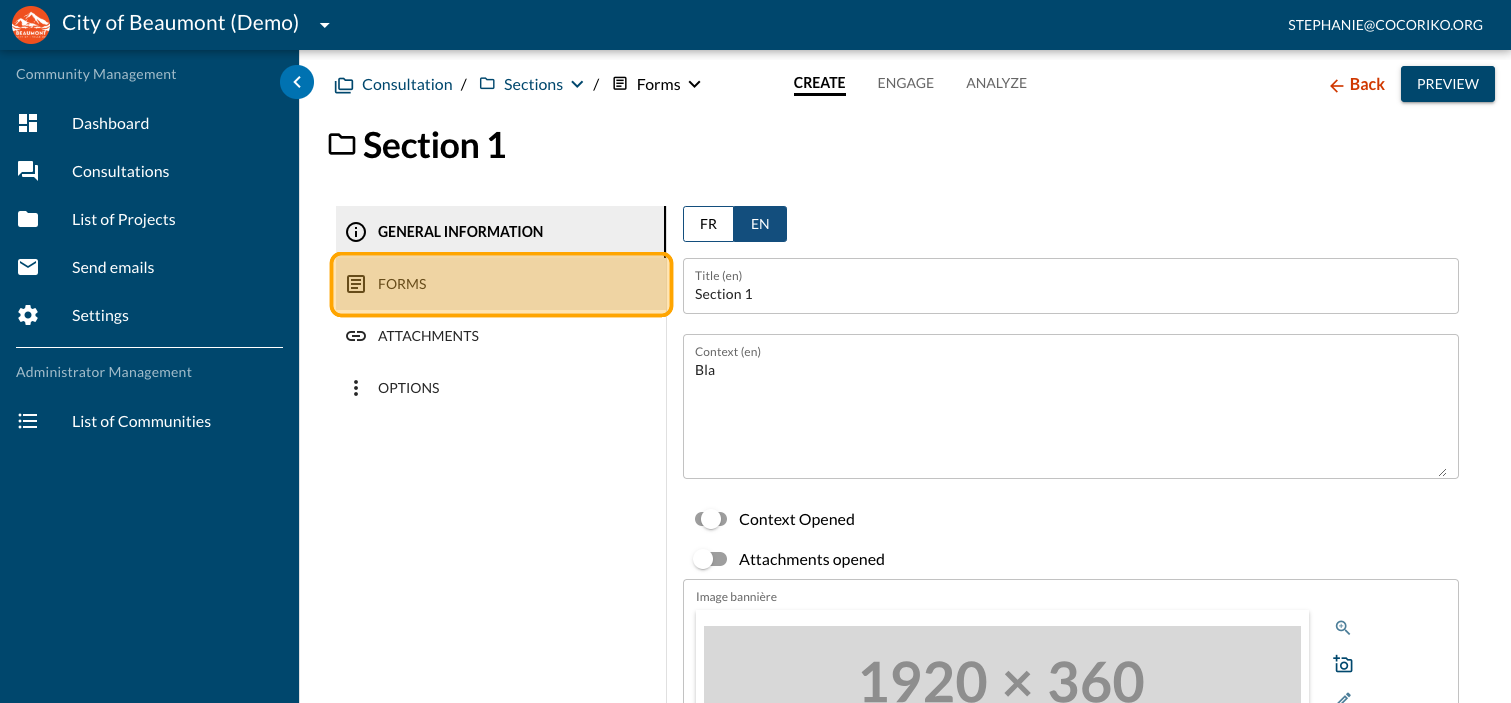
Click on the PLUS sign to add a new question
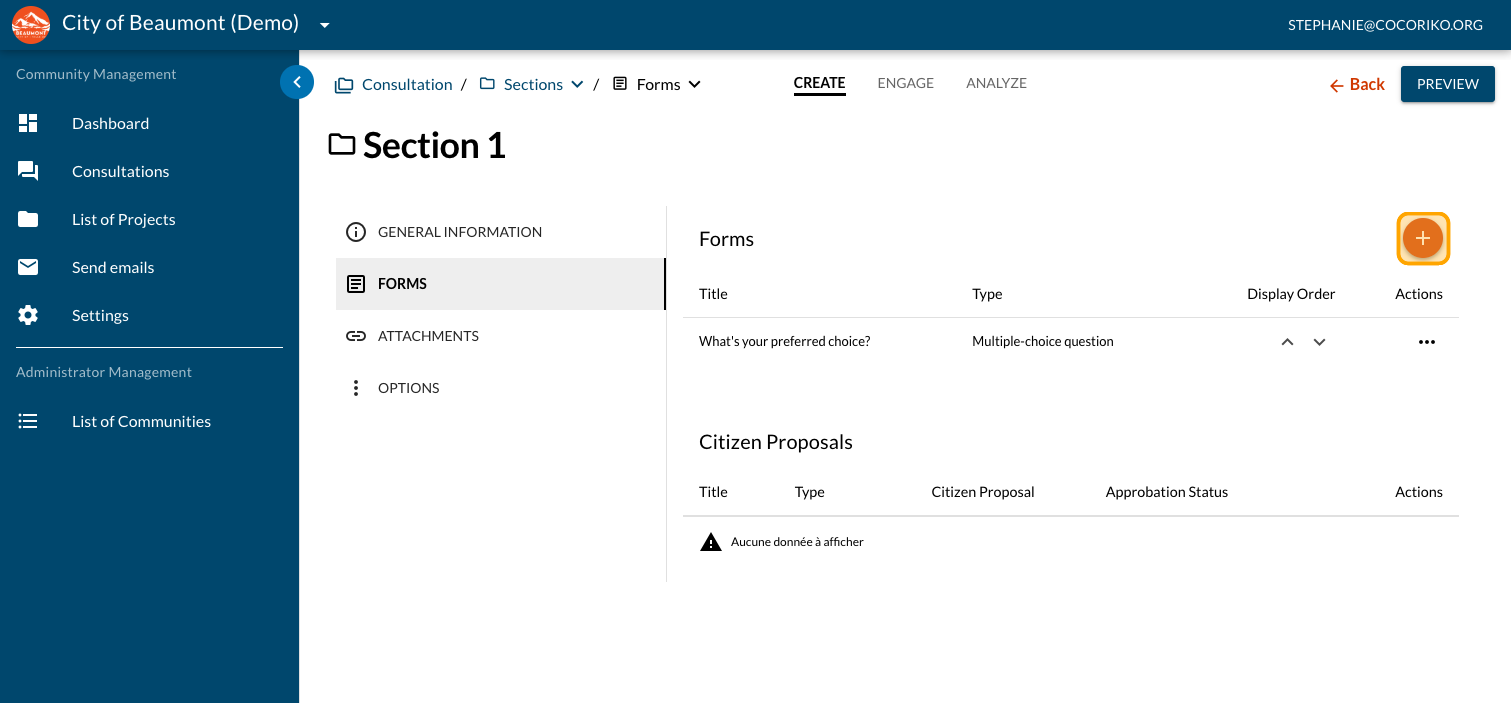
Click on "Dot Voting question"
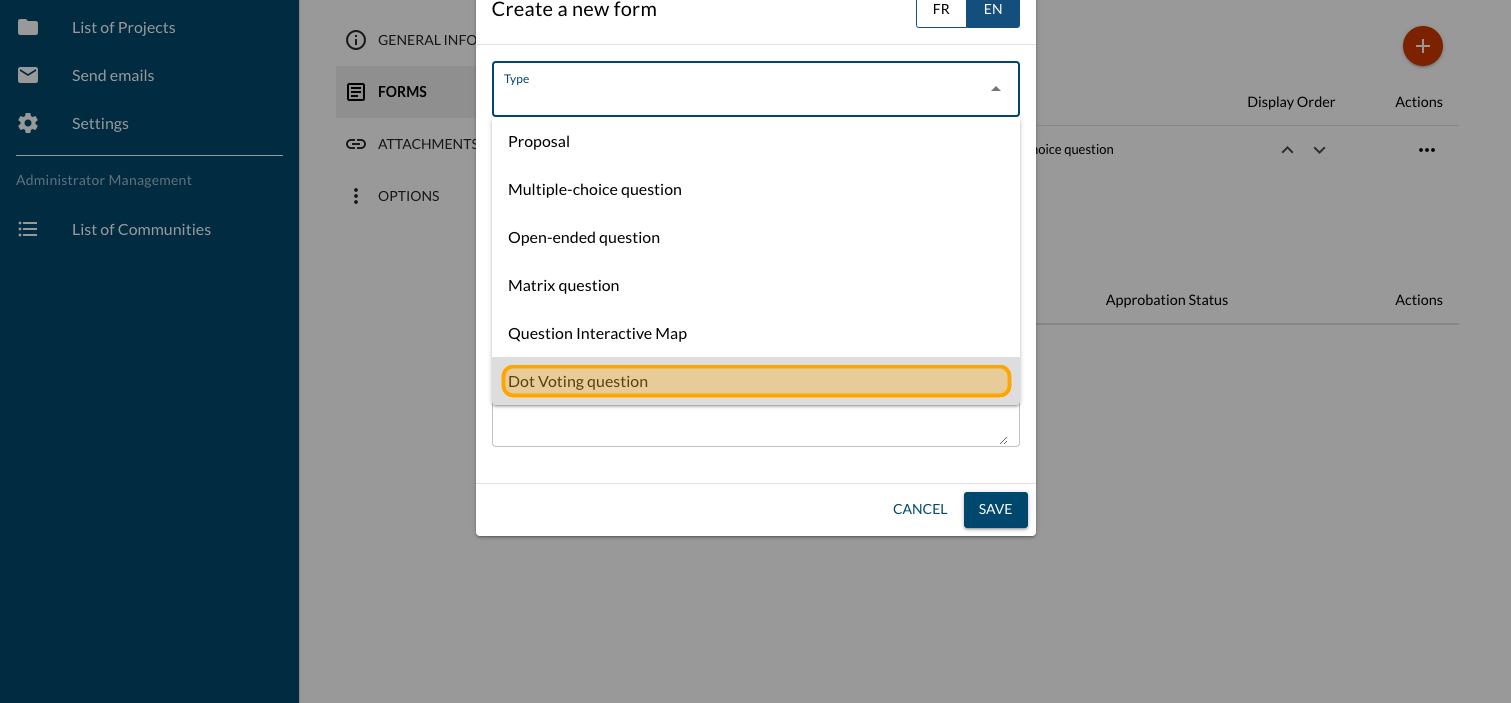
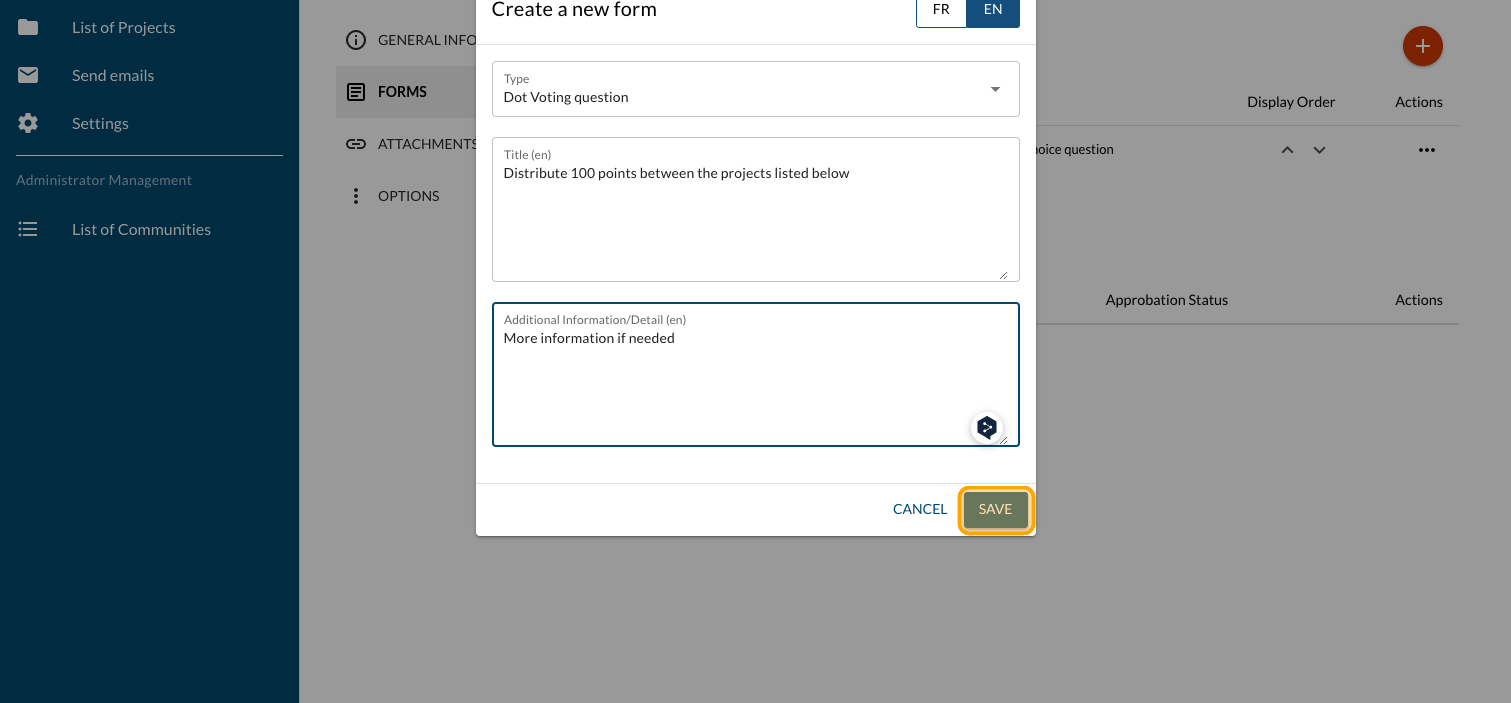
Enter your question
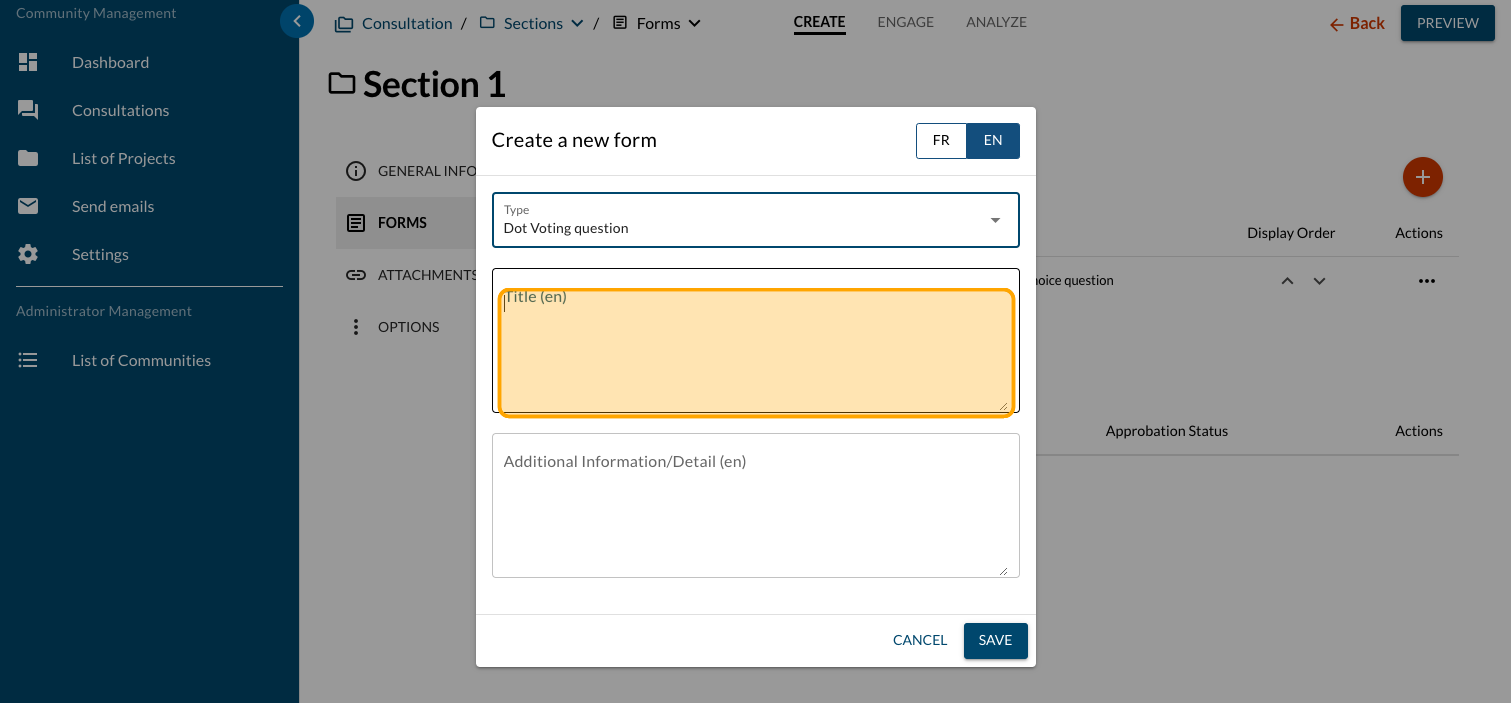
Enter more information if needed
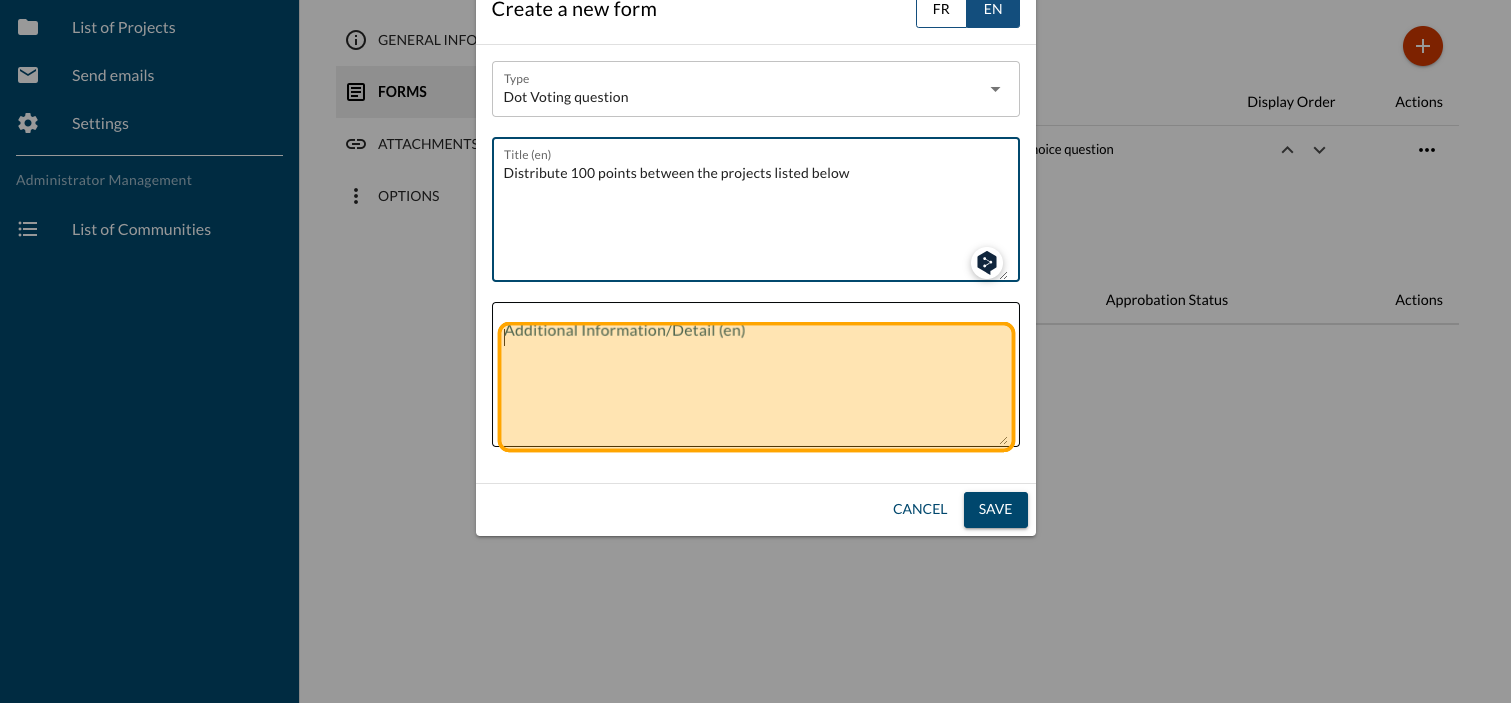
Click on "SAVE"
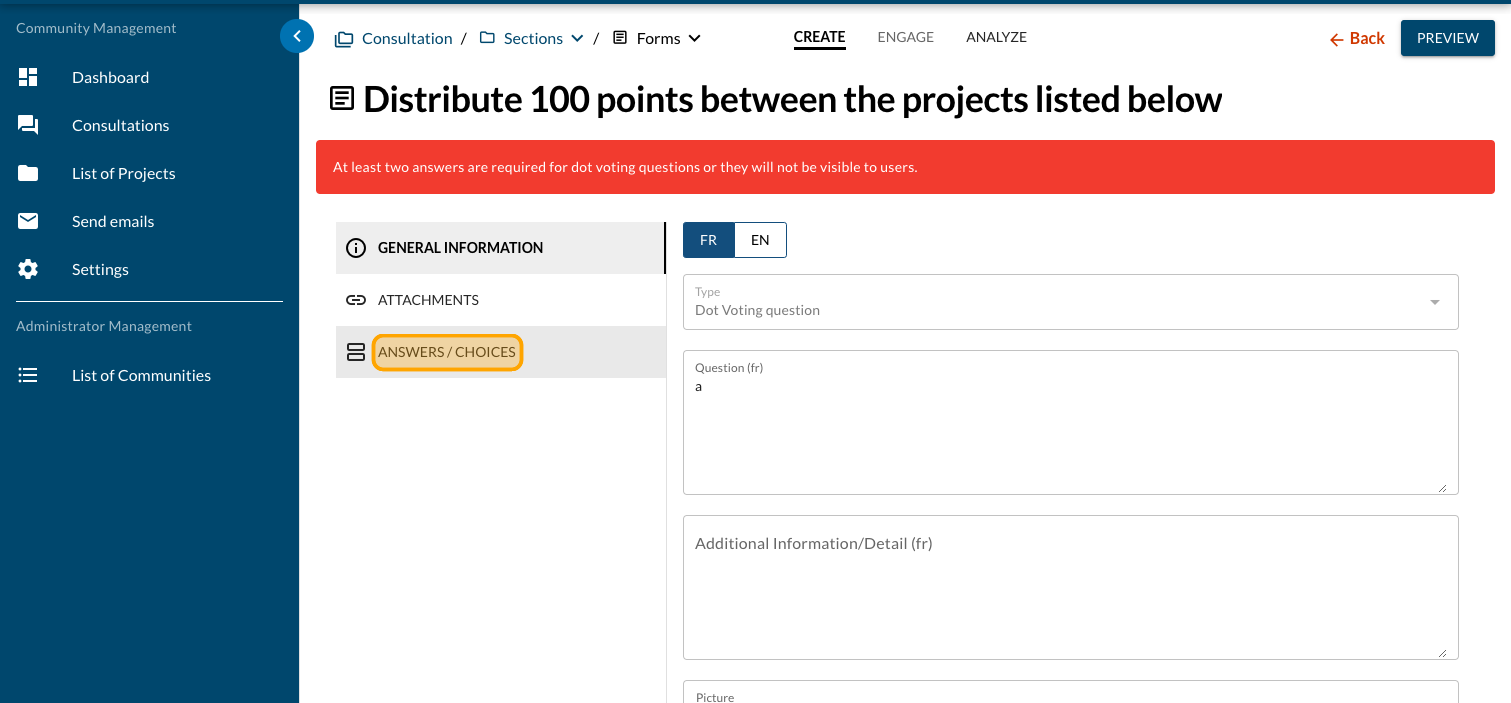
Click on "ANSWERS / CHOICES"
Click on "Points"
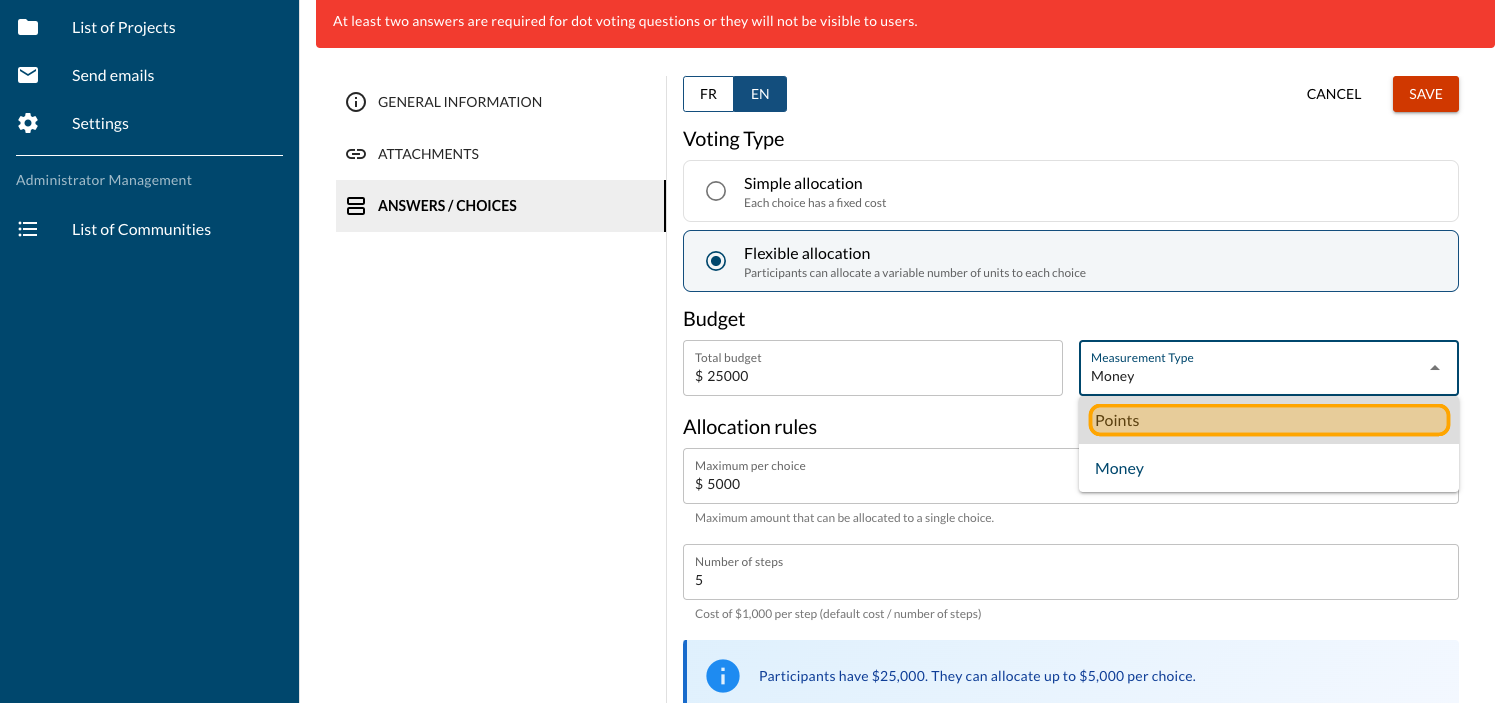
Enter the total of points available
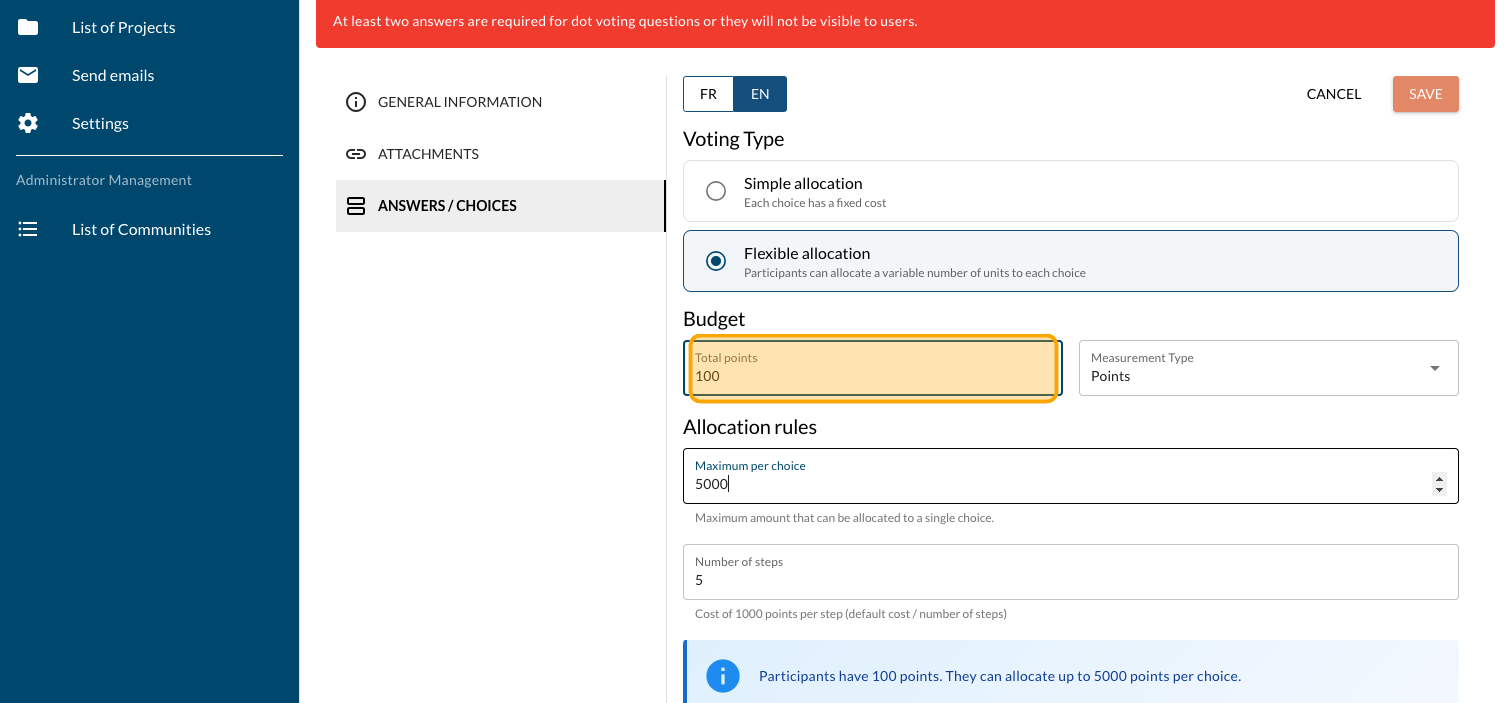
Enter the maximum amount that can be allocated to a single choice
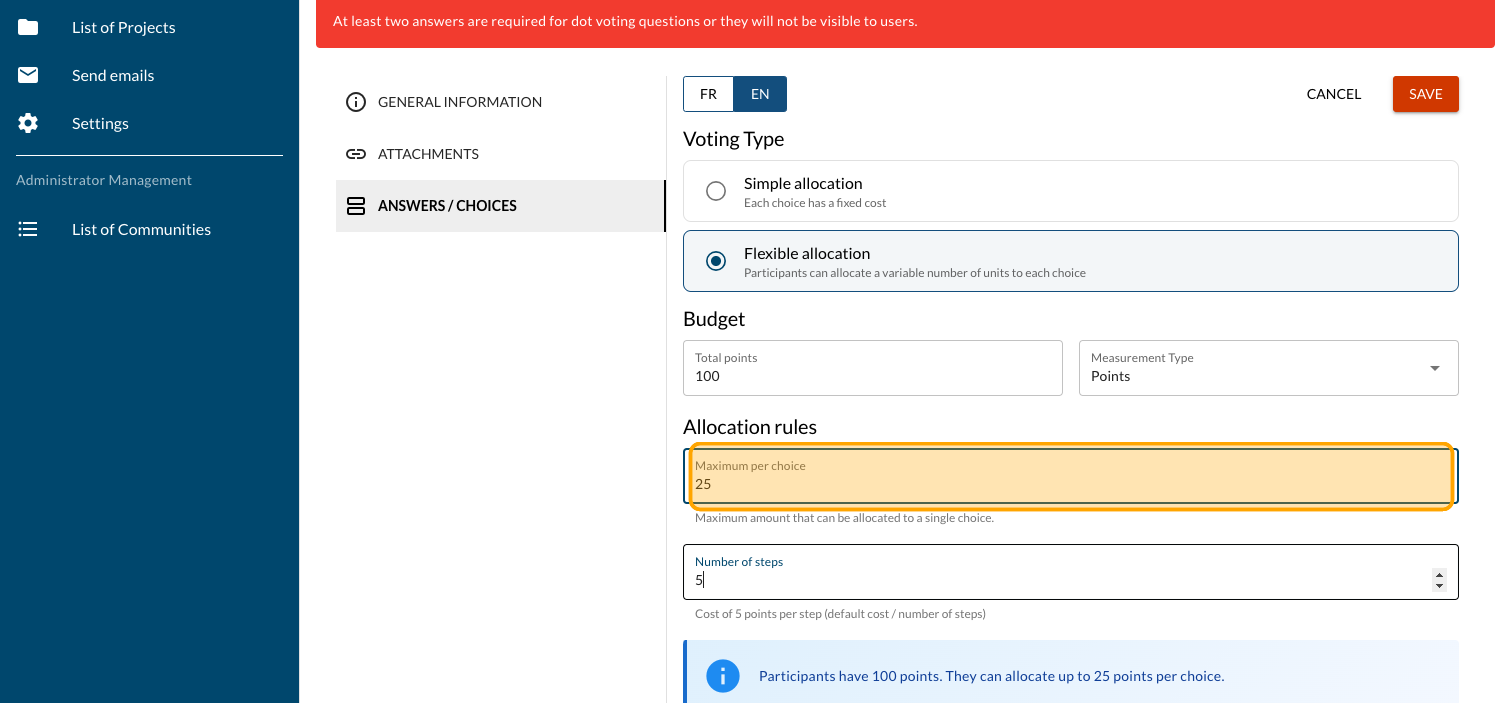
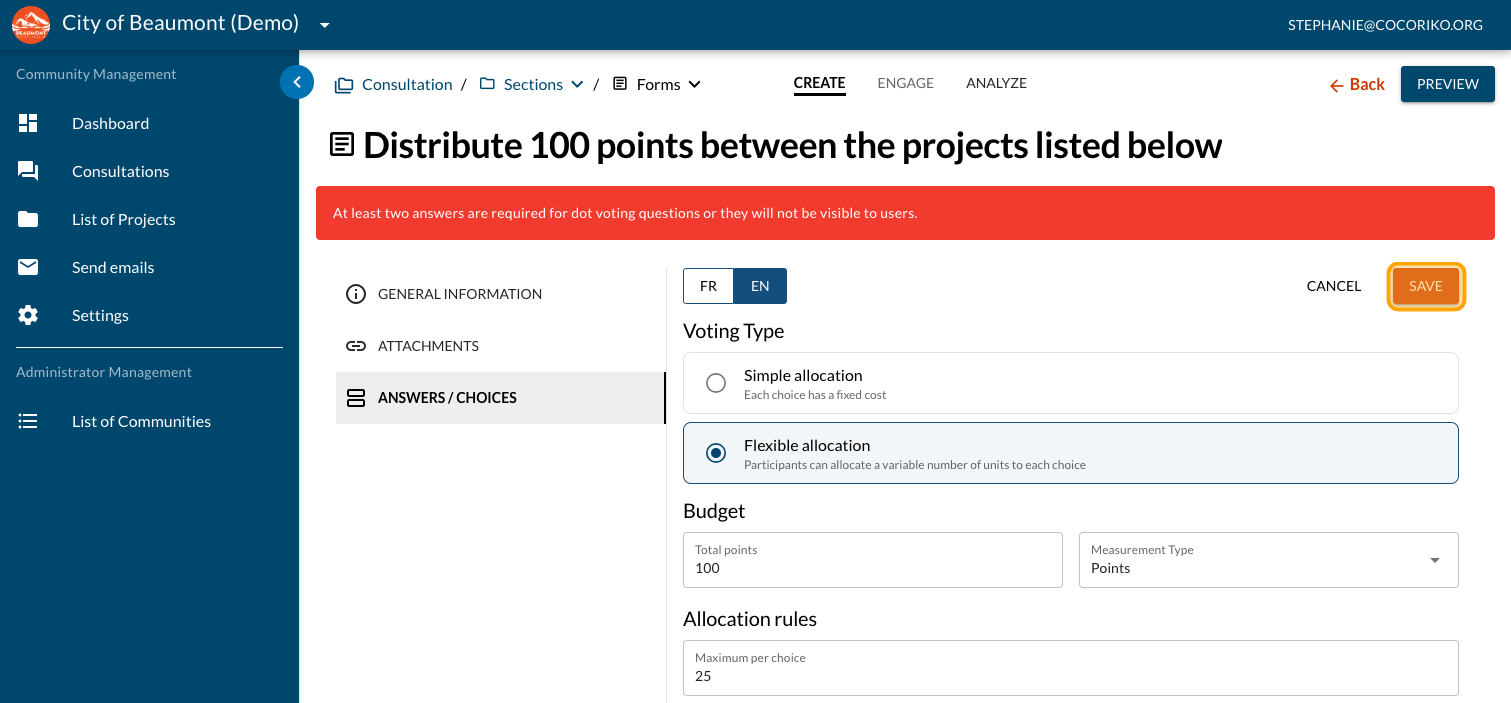
Click on "SAVE"
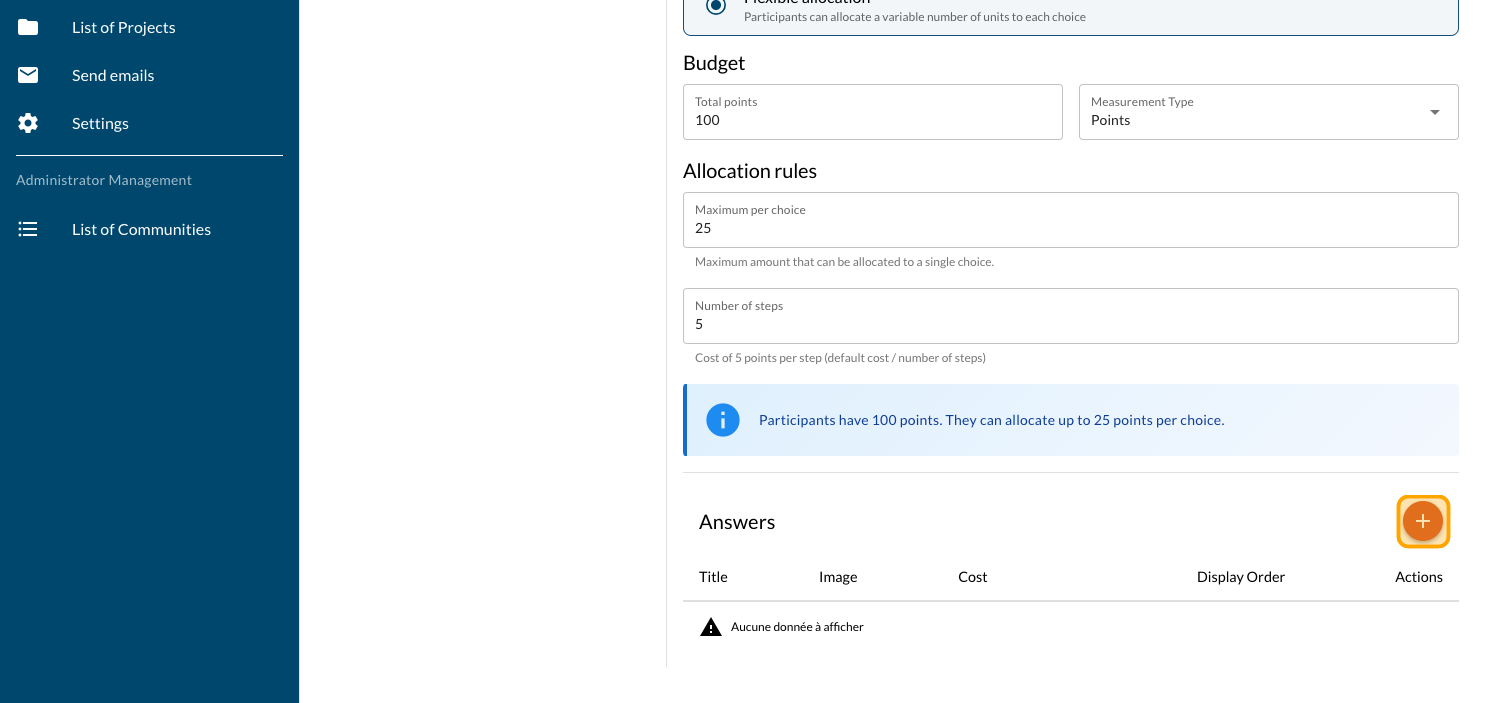
Click on the PLUS sign to add your first project
Enter the title
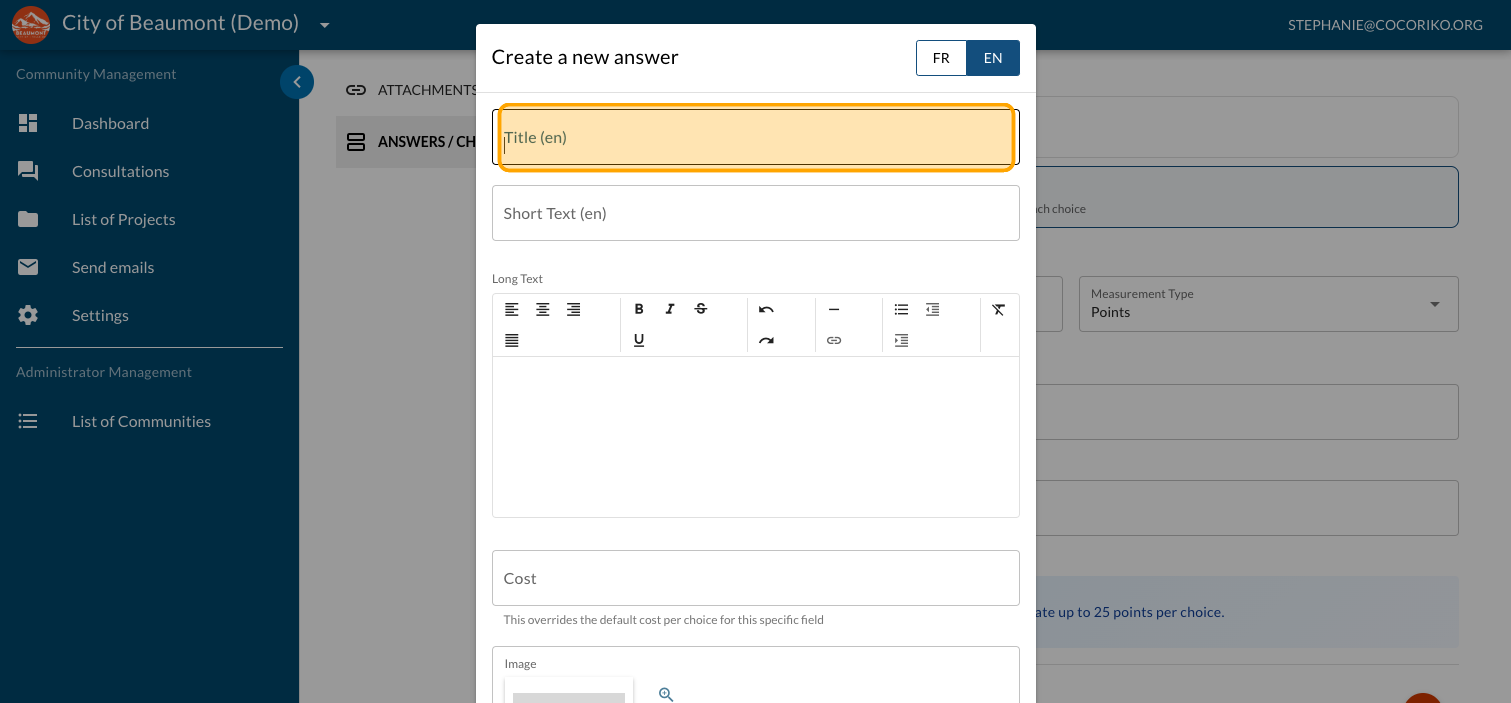
Enter a mandatory short description
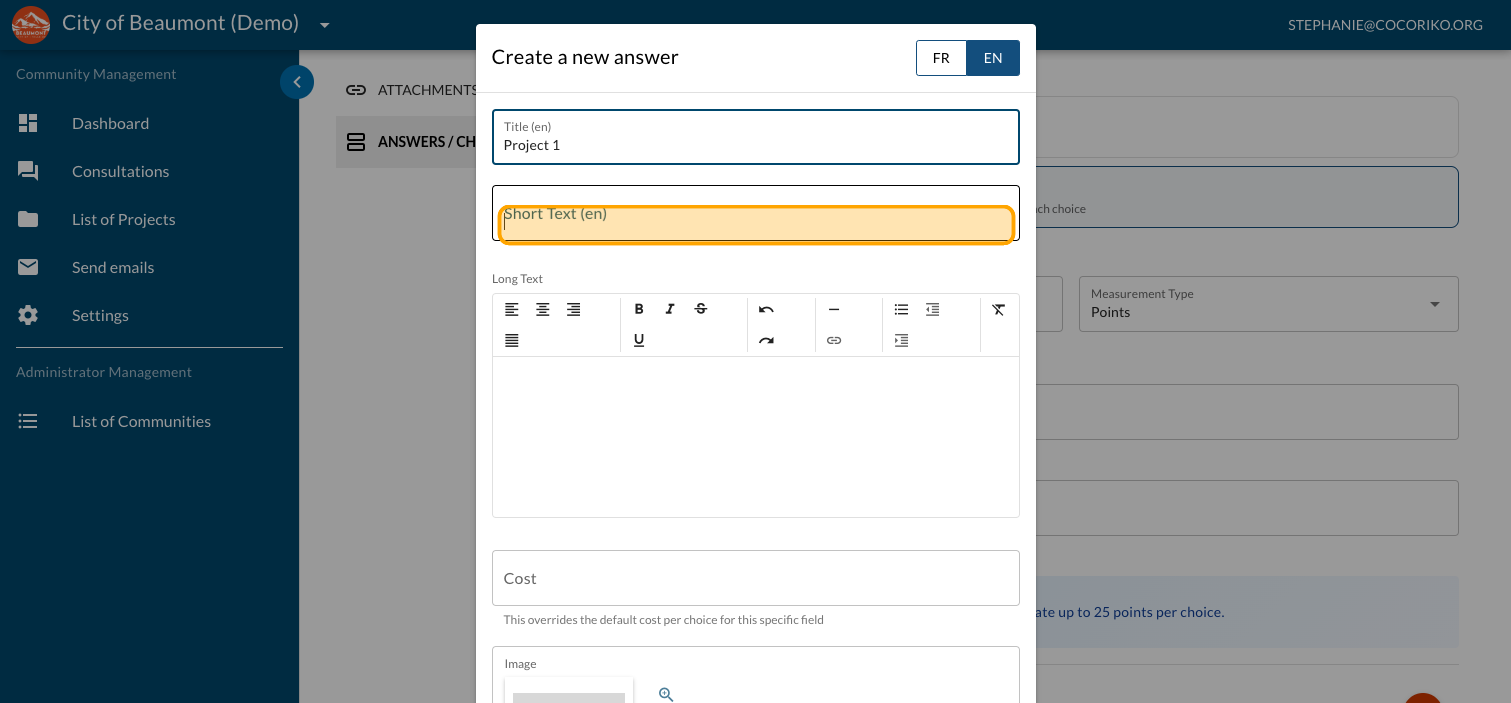
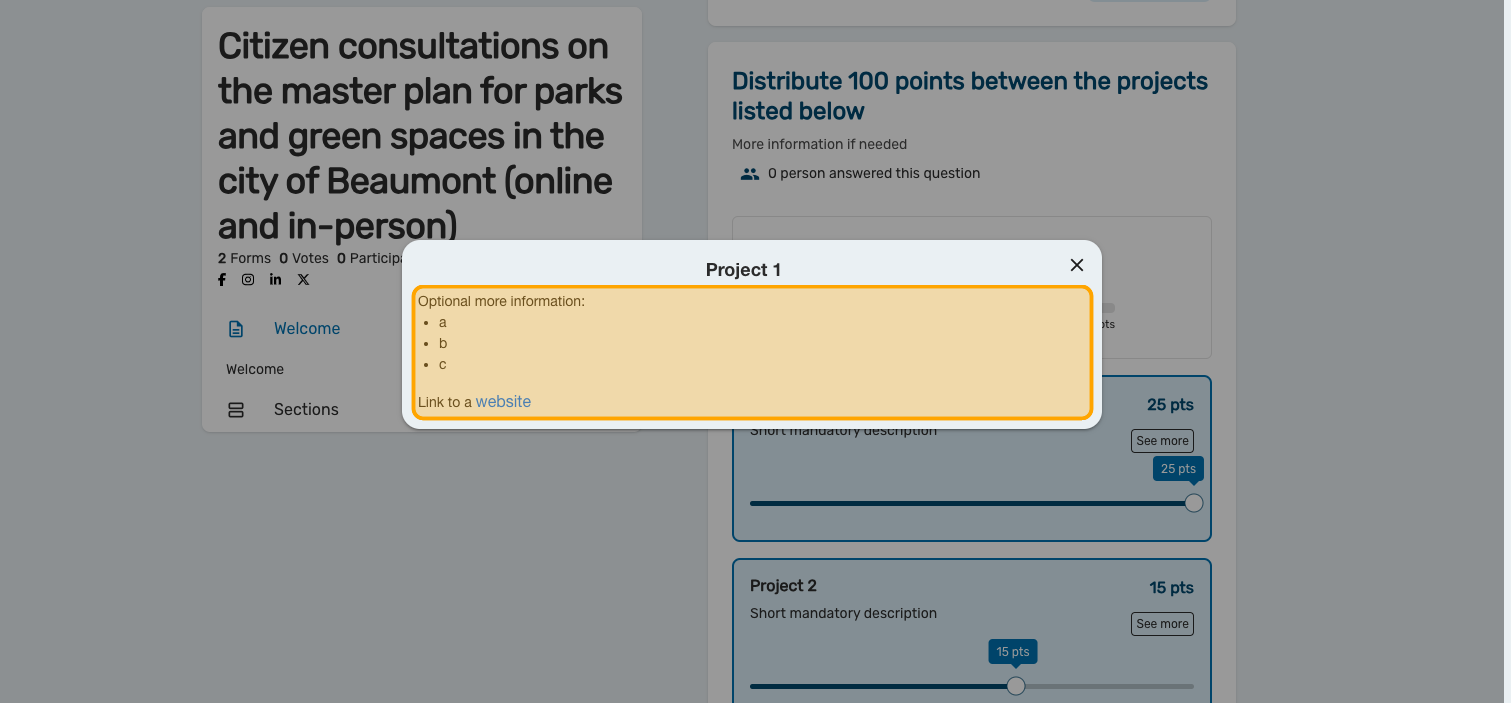
An optional explanation can be added
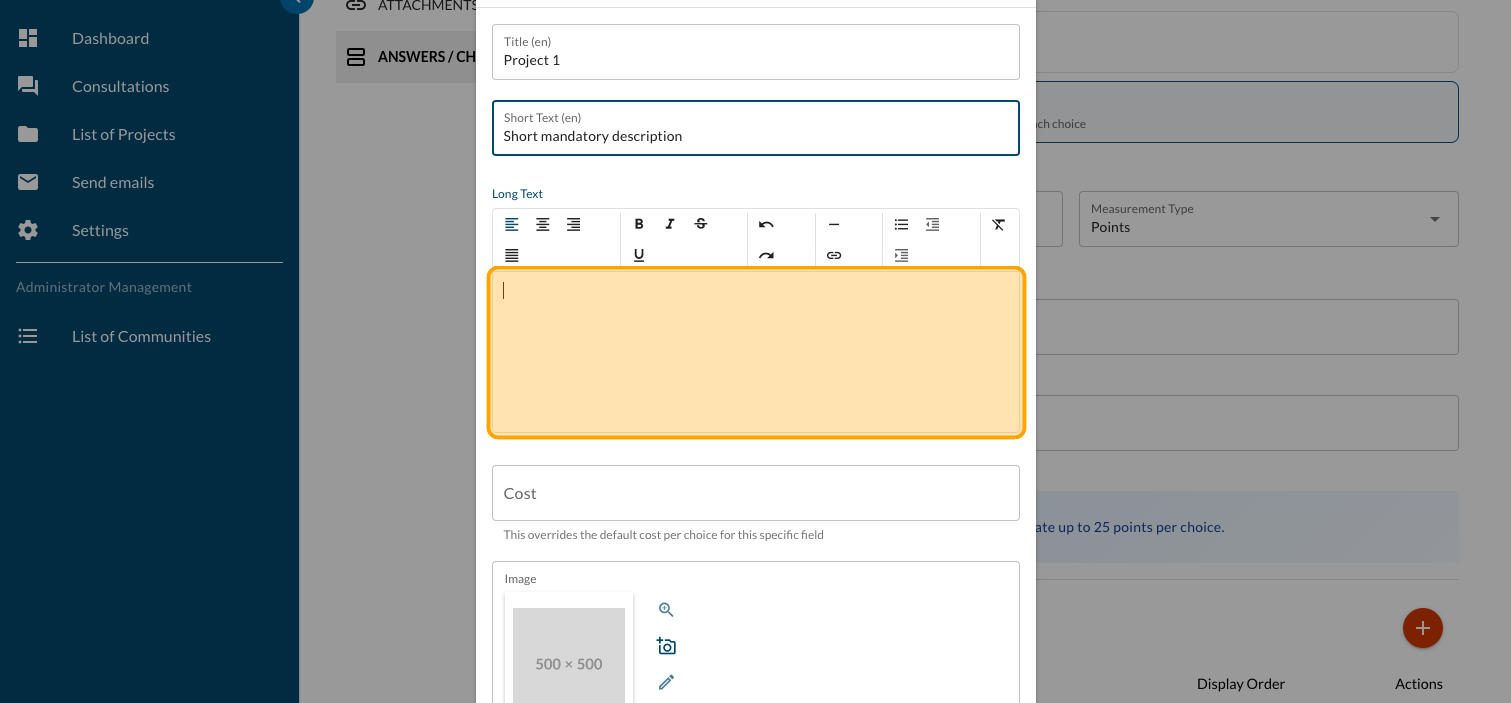
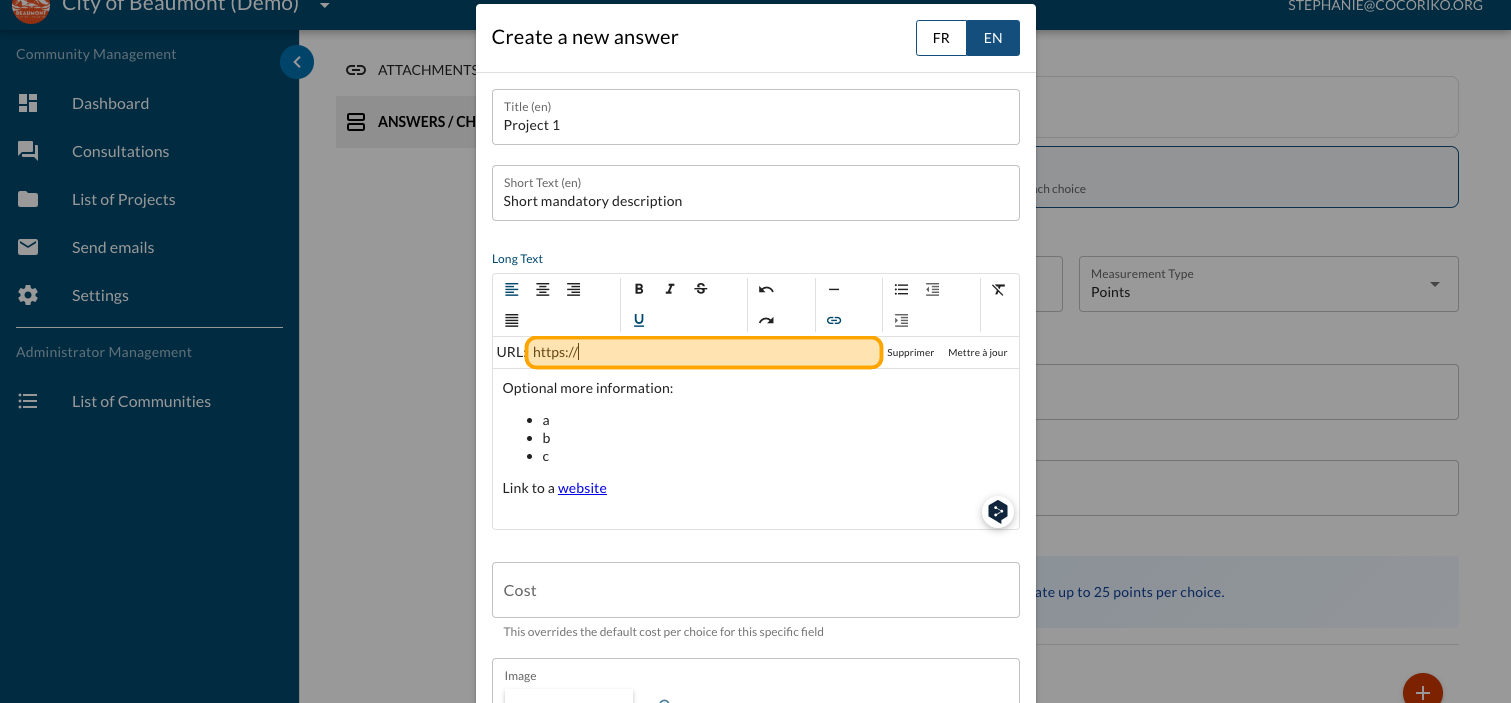
Click on "link" to add a link to a website, for example, a PDF document with more information
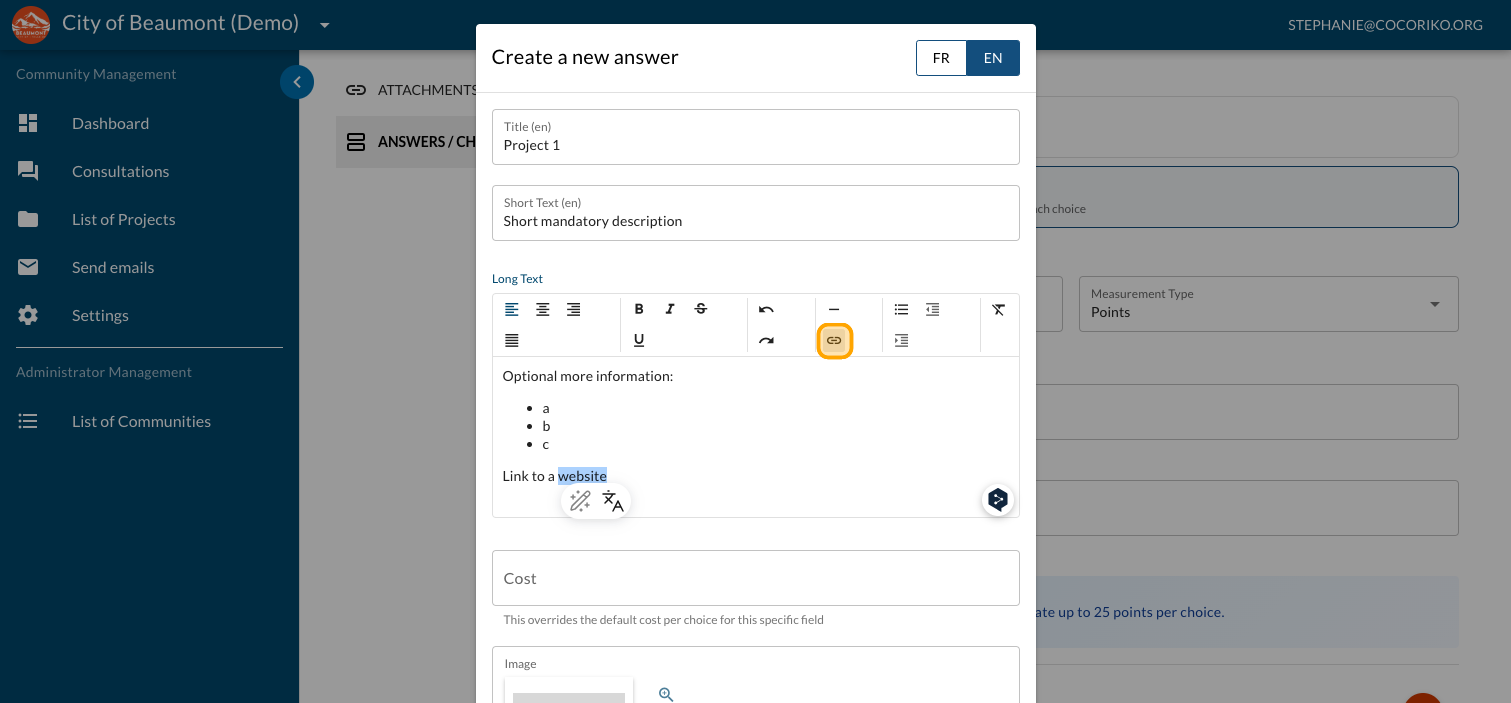
Enter the URL of the website
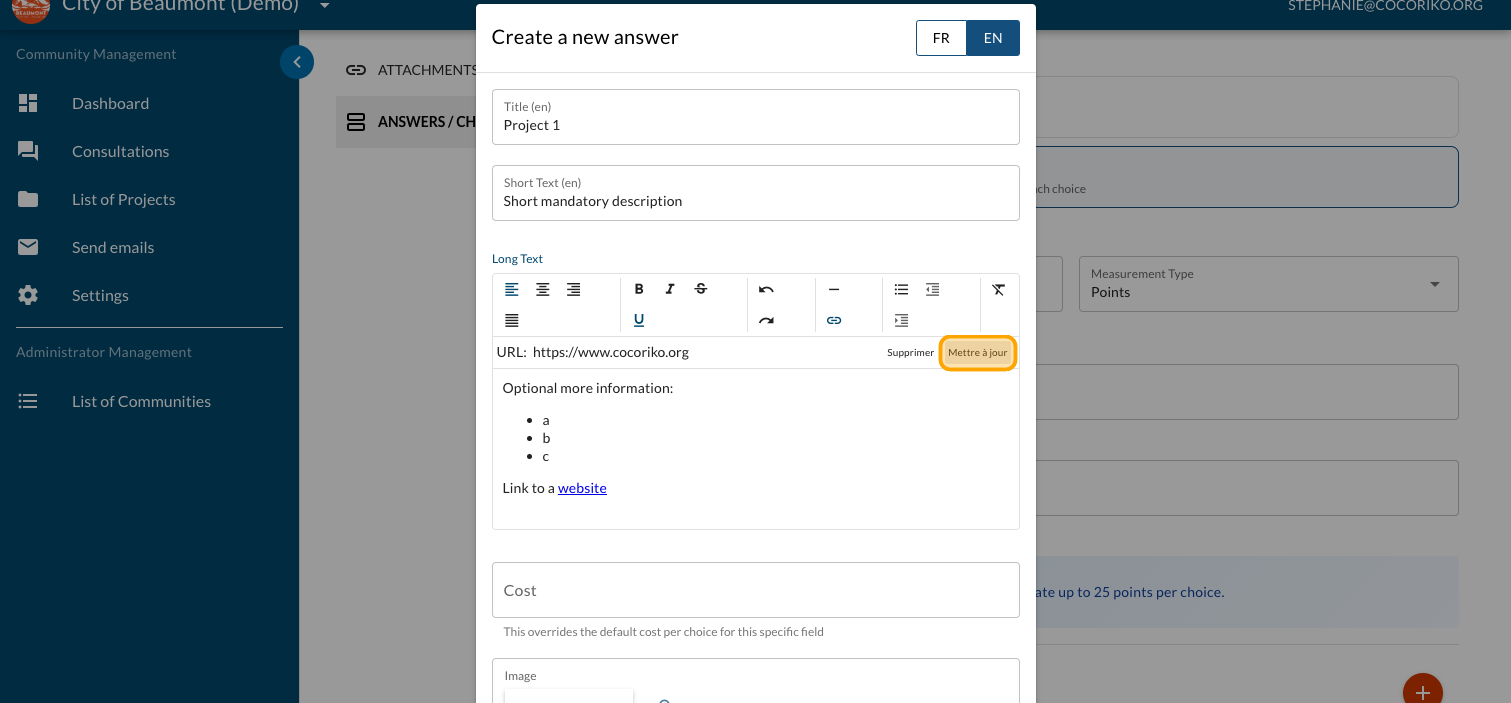
Click on "Update"
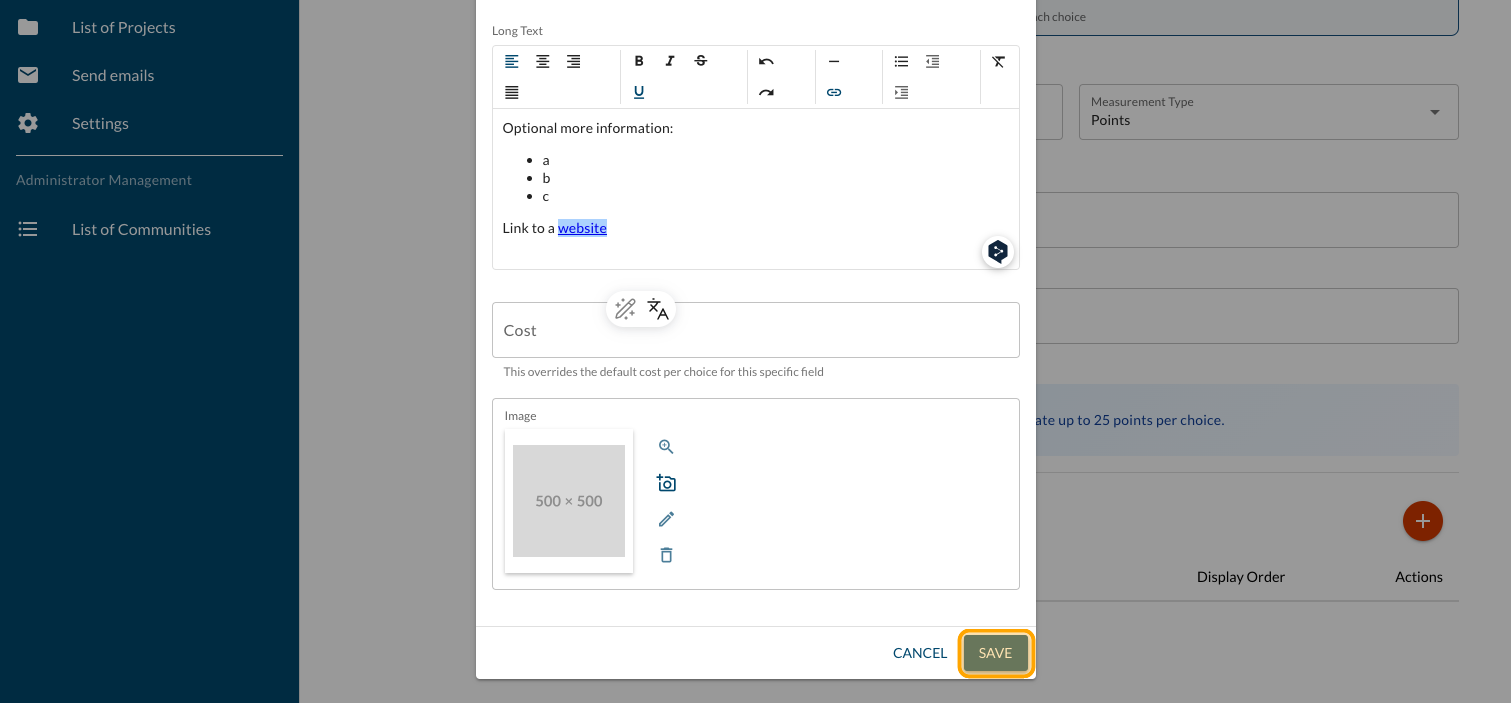
Click on "SAVE"
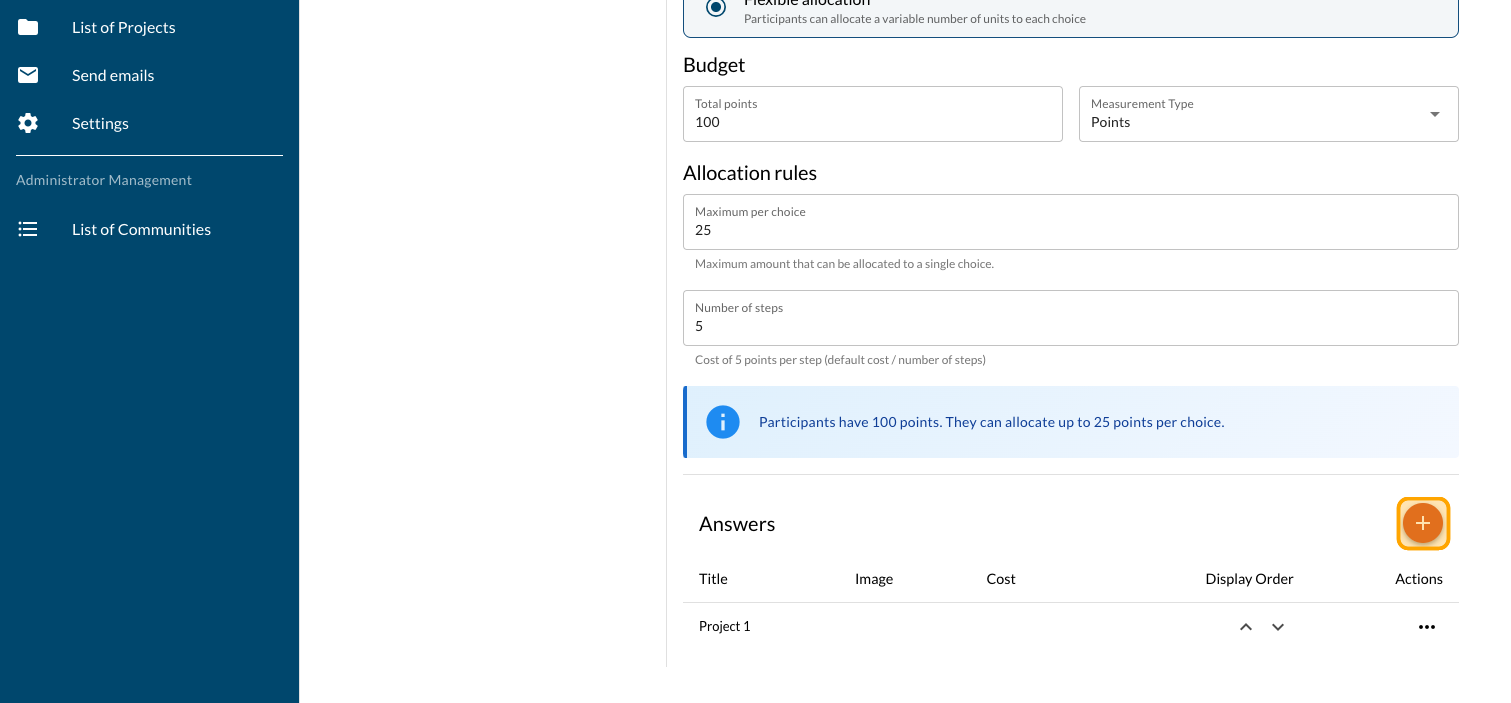
Click on the PLUS sign to add more projects
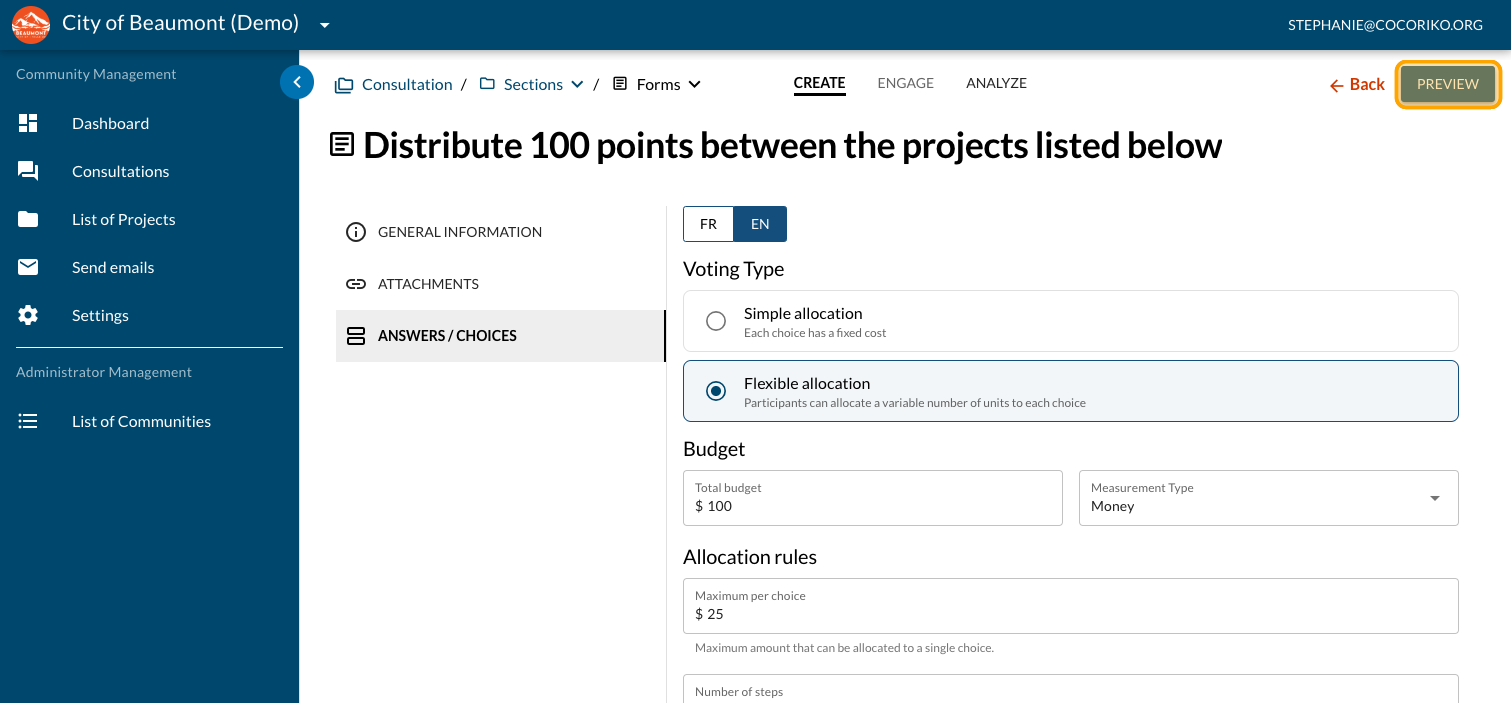
Click on "PREVIEW"
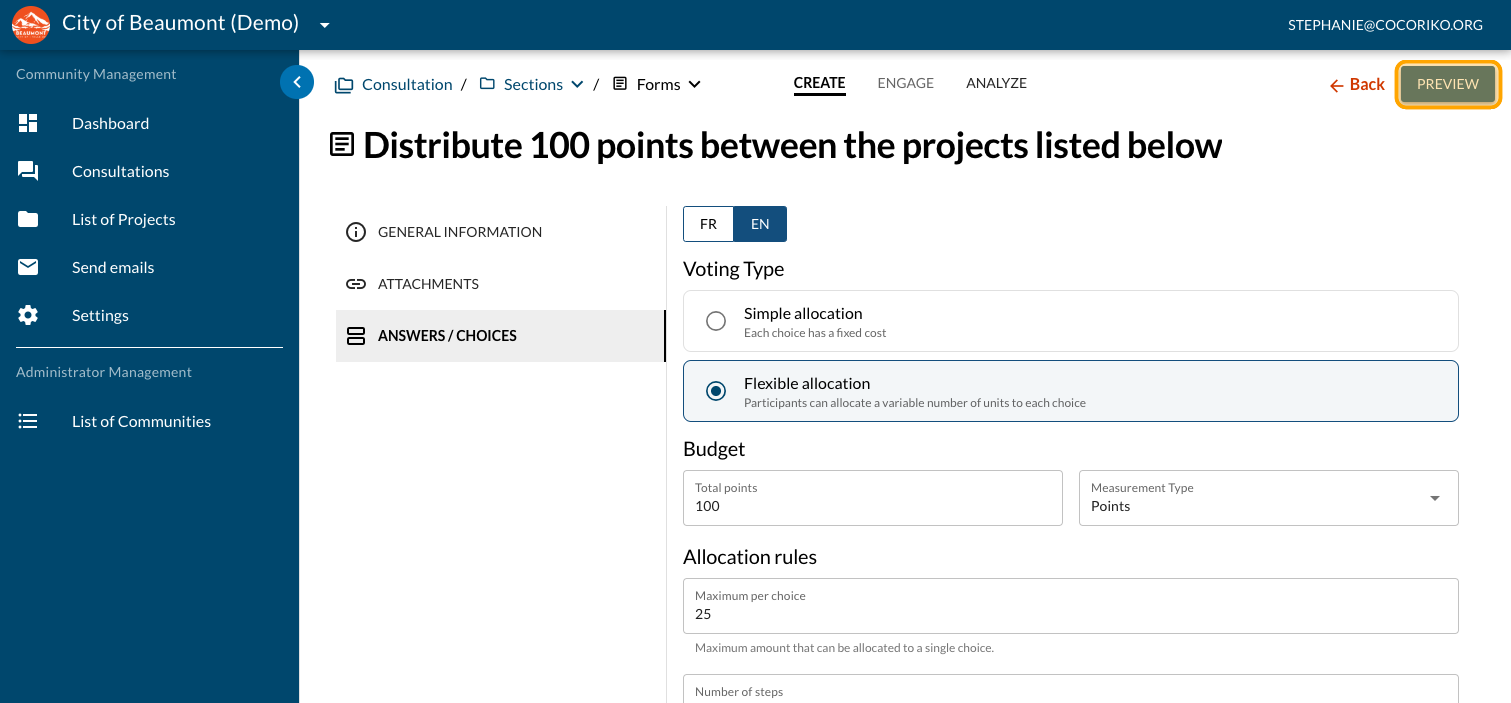
Preview your first draft
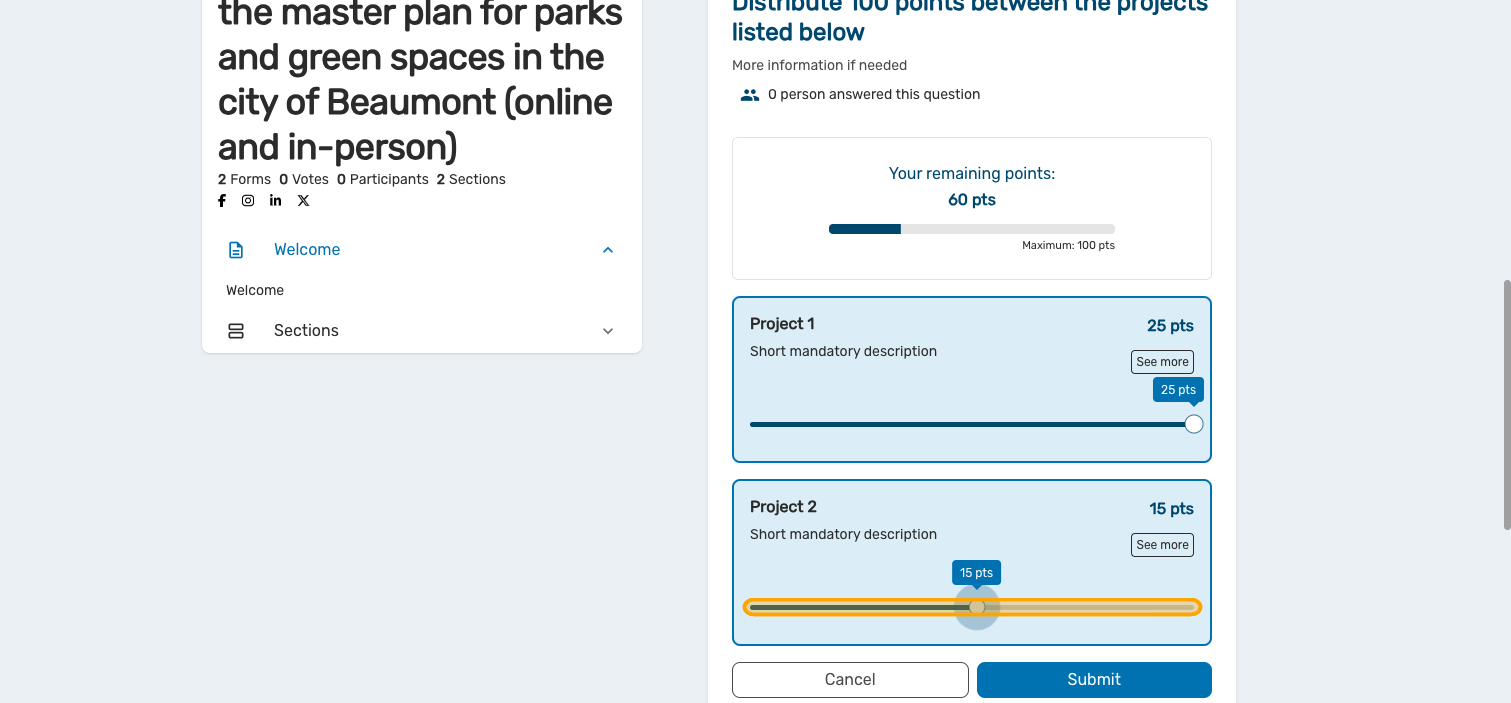
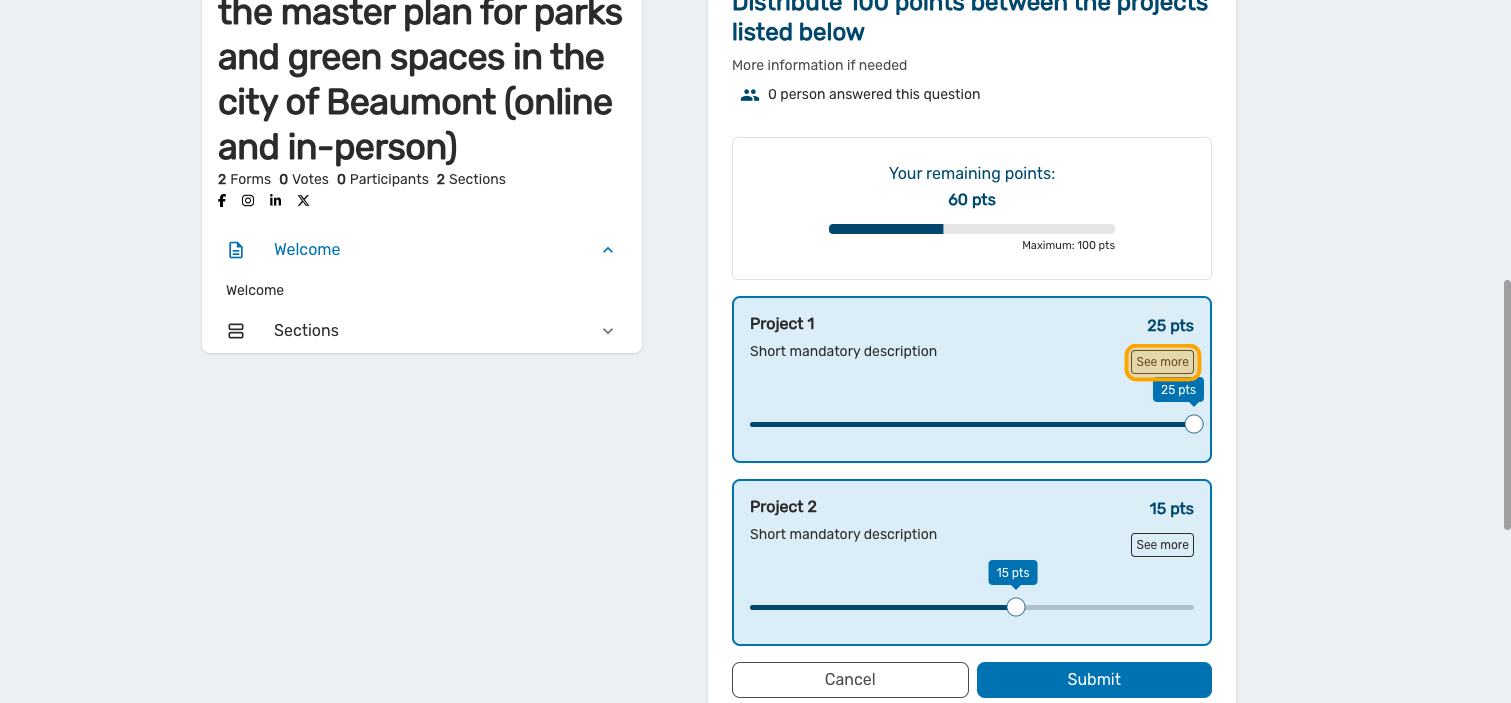
Click on "See more"
Preview your information
Your question can also use money instead of point. Click on "Money"
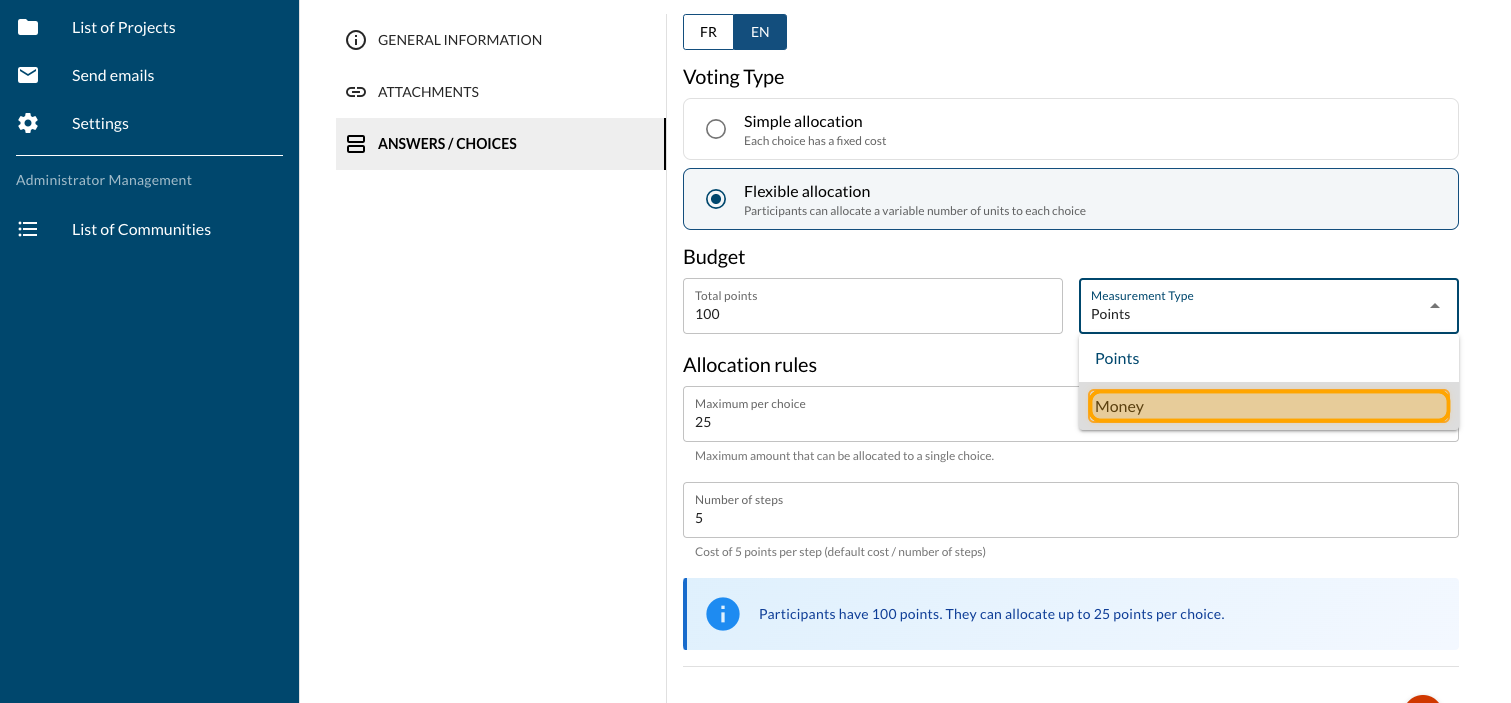
Click on "SAVE"
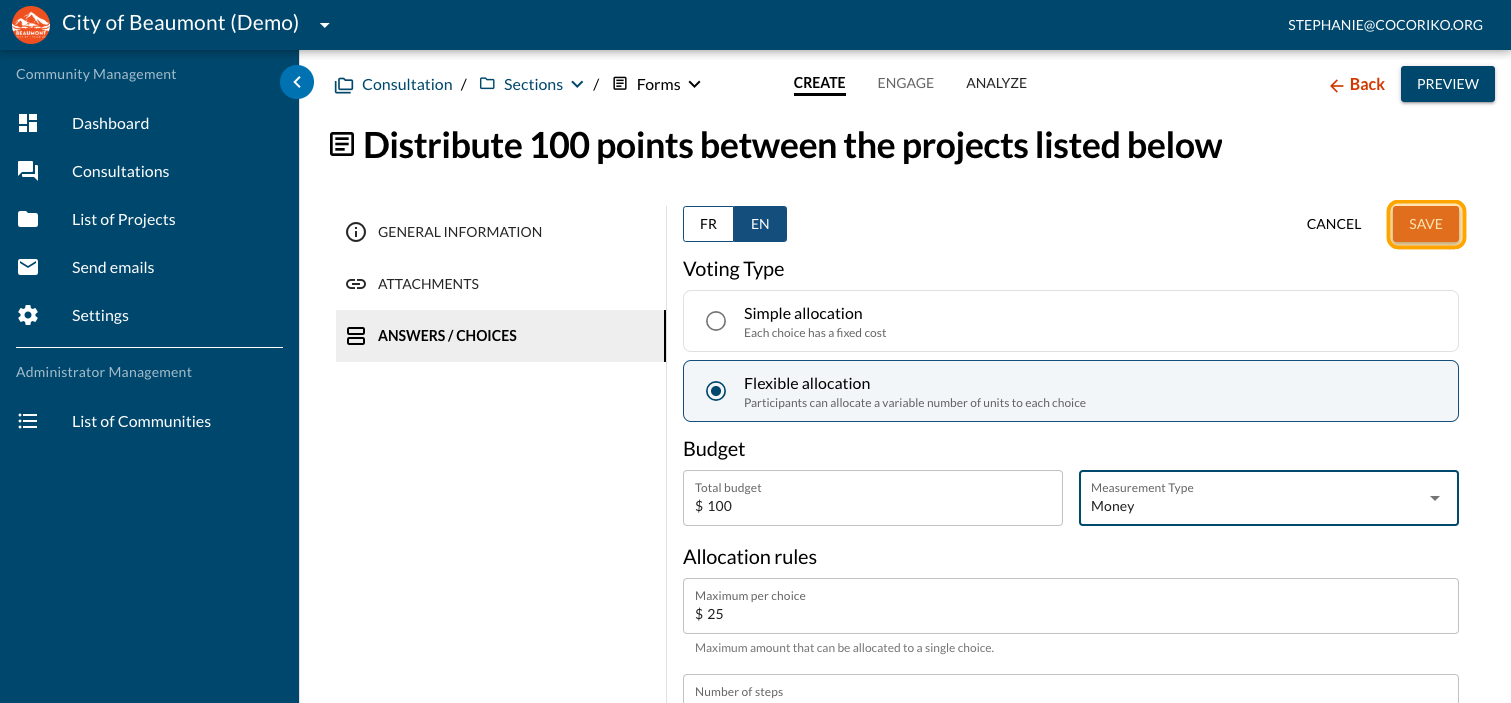
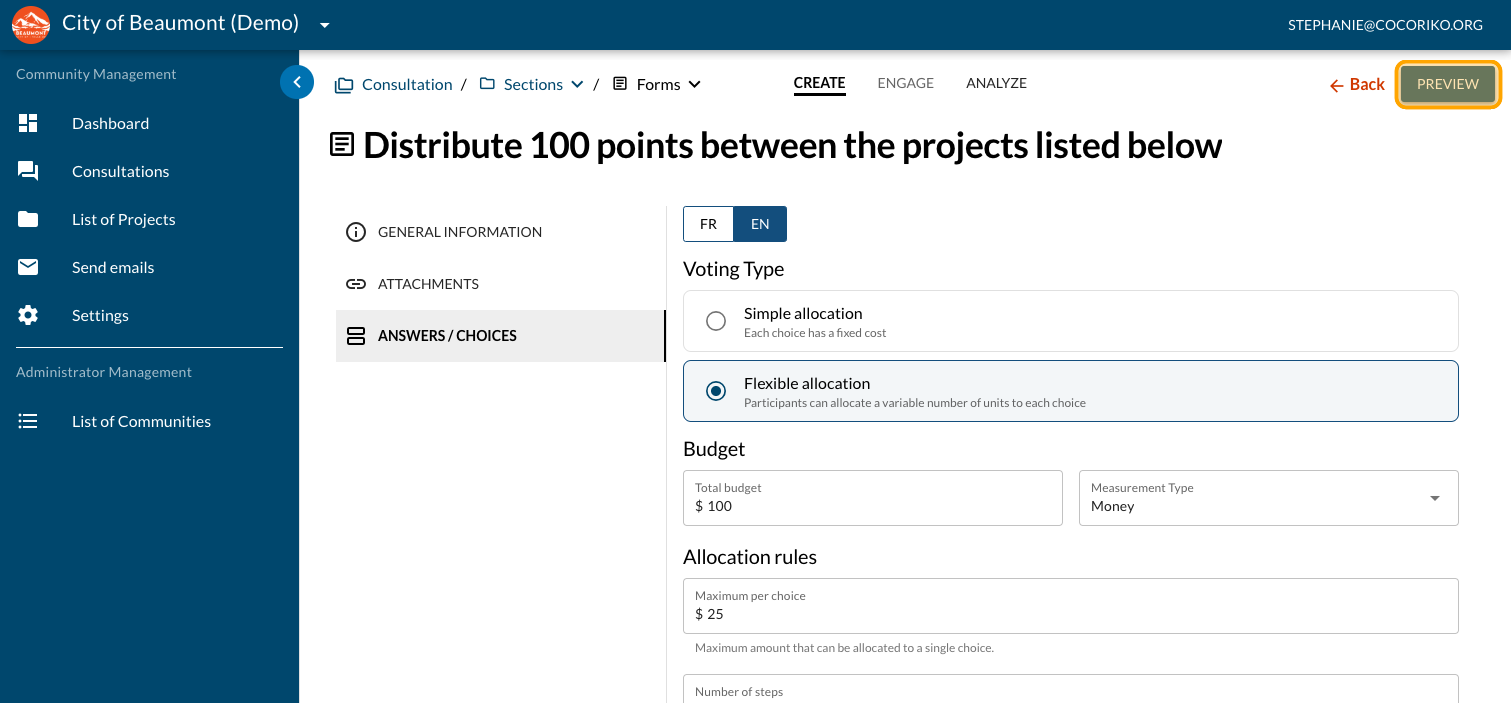
Click on "PREVIEW"
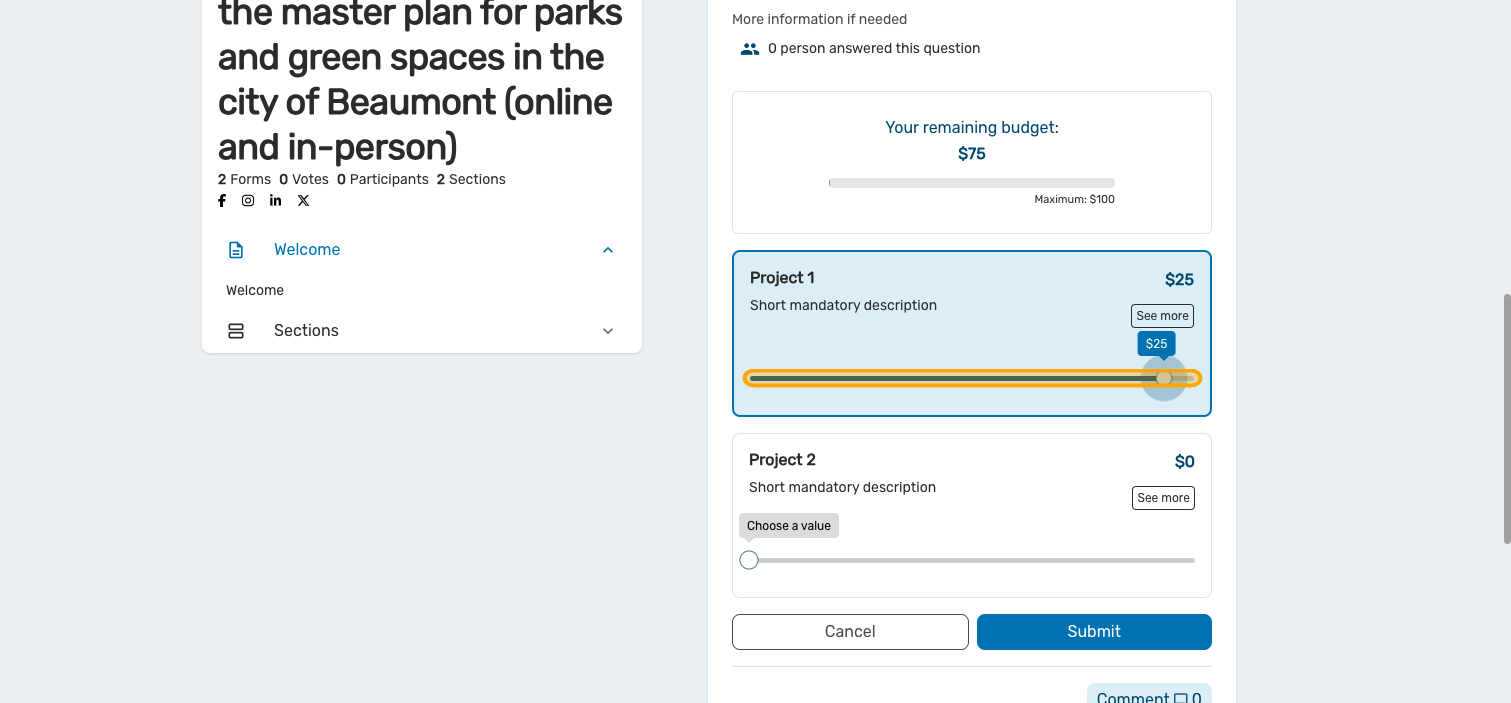
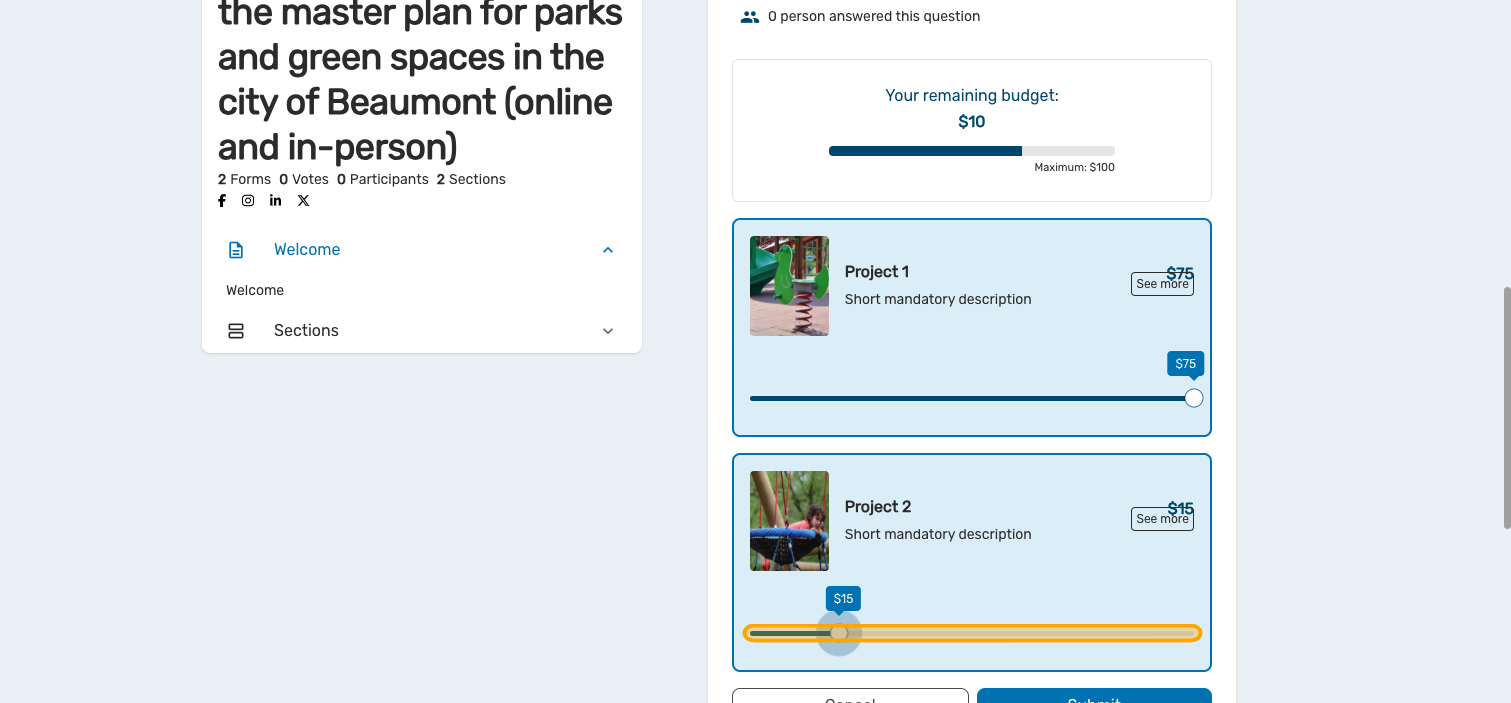
Preview your question with money values
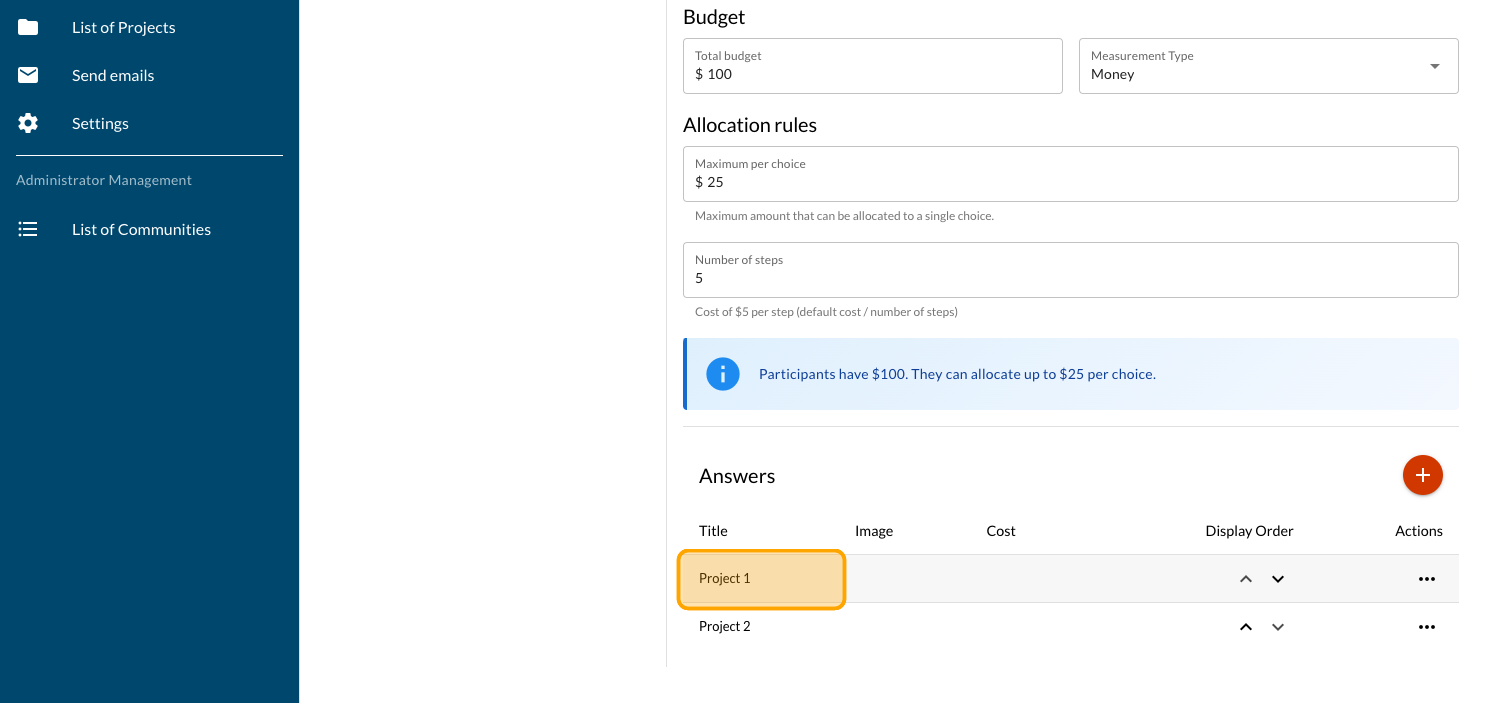
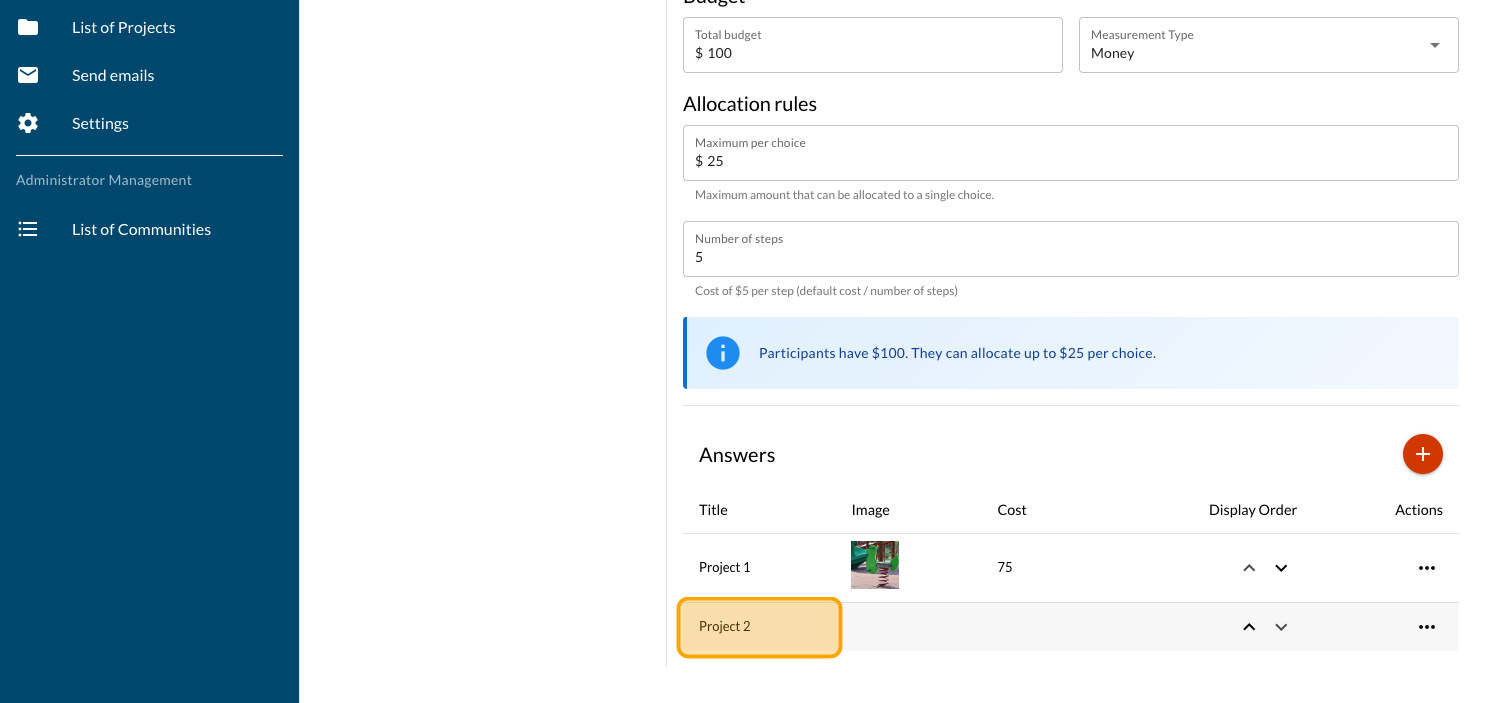
You projects can also have different values. Click on "Project 1"
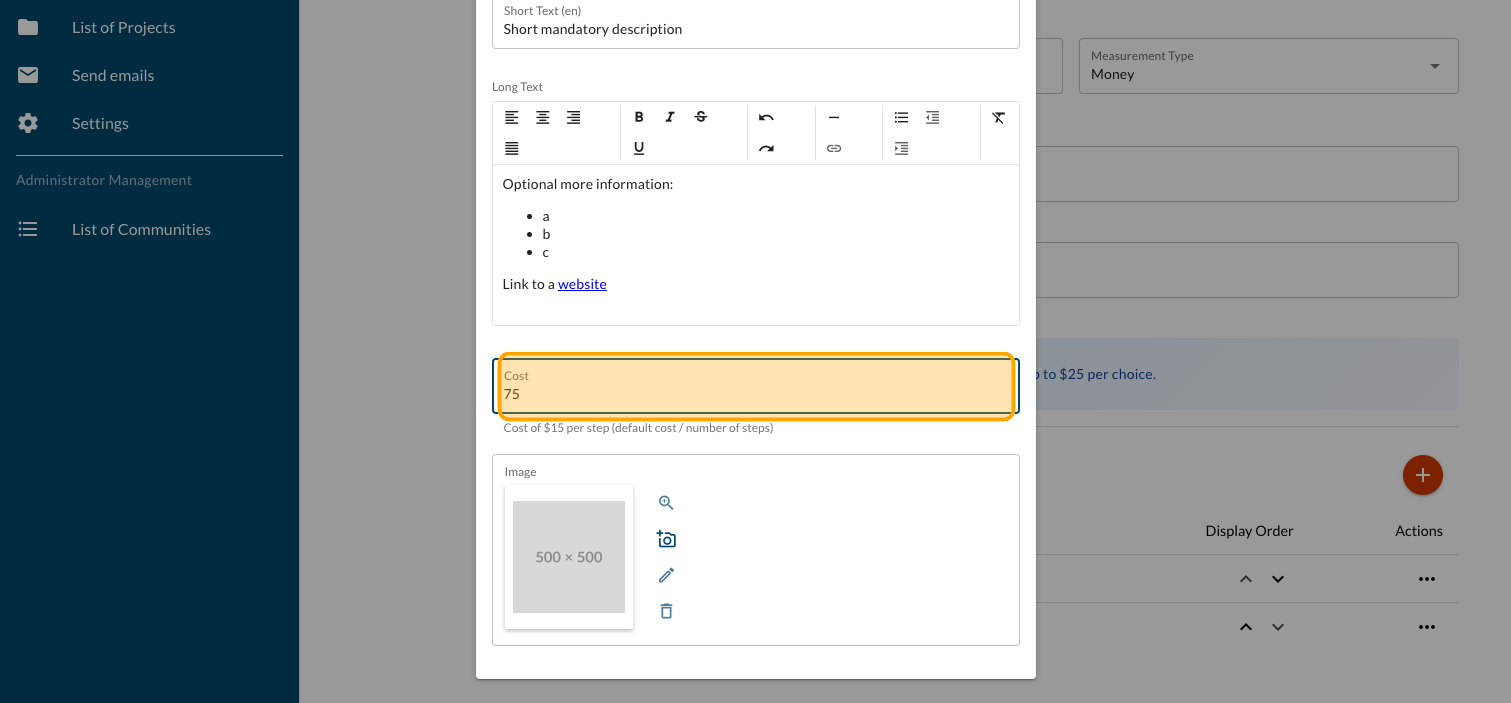
Click on "Cost". Type the value of your project
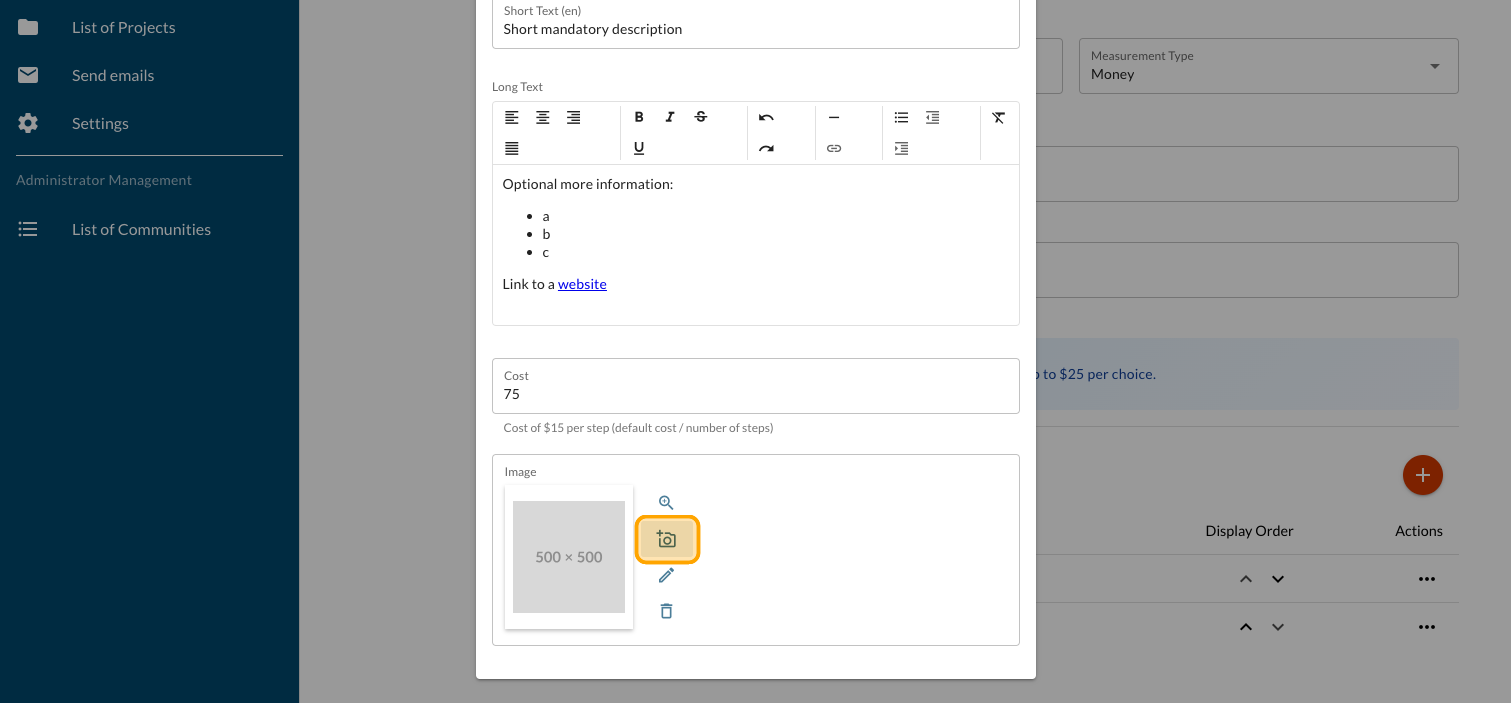
Your project can also host a picture. Click on the photo icon and follow the steps
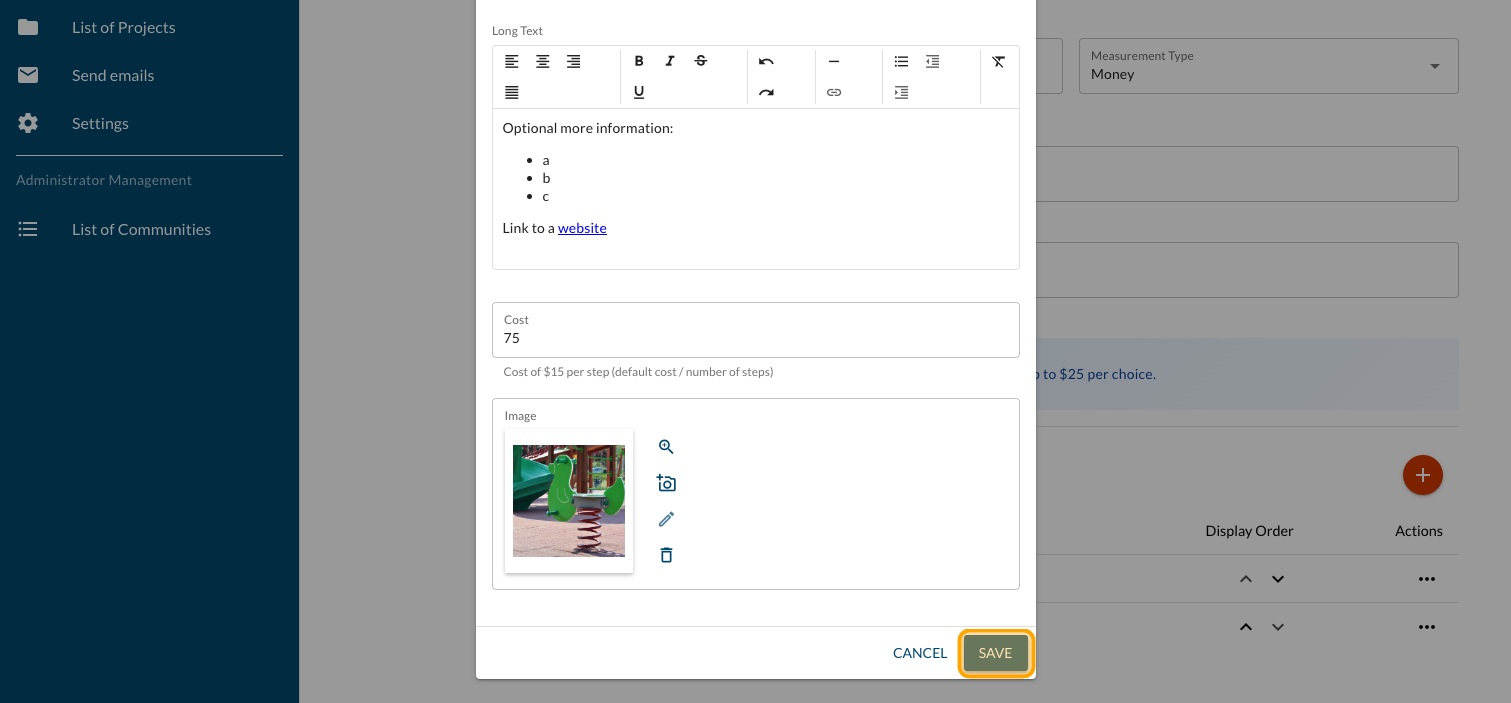
Click on "SAVE"
Follow the same steps for all of your projects
Click on "PREVIEW"
Preview your question and make all the adjustments needed

Add a Dot Voting question - Fixed
The Dot Voting question can be programmed with fixed or vari …

Sending an Email via Cocoriko
This guide helps you create and send a mailing campaign.
Create and configure a consultation
Follow this guide to get your consultation off to a good sta …