

By Team Cocoriko on Feb 26, 2026 9:49:49 AM
You can ask your participants for ideas via an open-ended question, but the ideas board offers even more! Share the ideas submitted by participants with your community. Participants can vote on other people’s ideas and/or submit their own.
To help you make an informed choice, please also read these two articles:
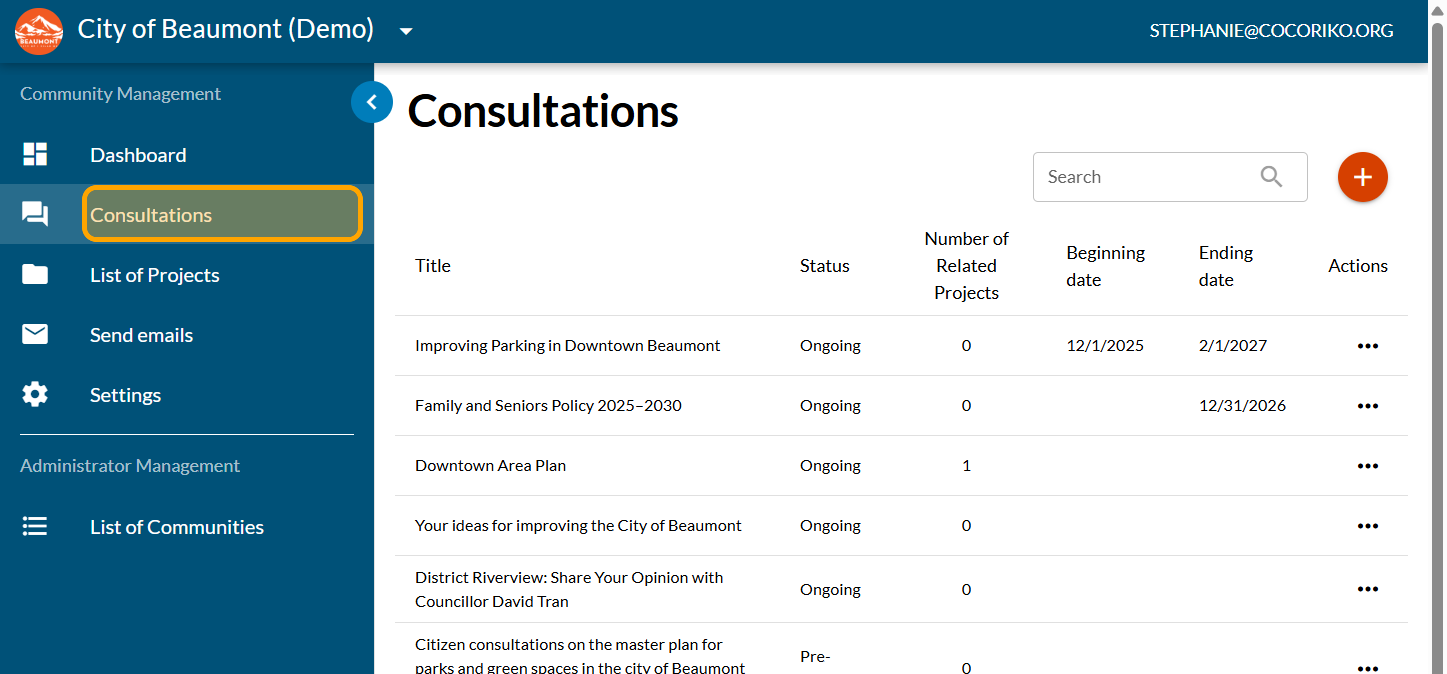
Click on "Consultations"
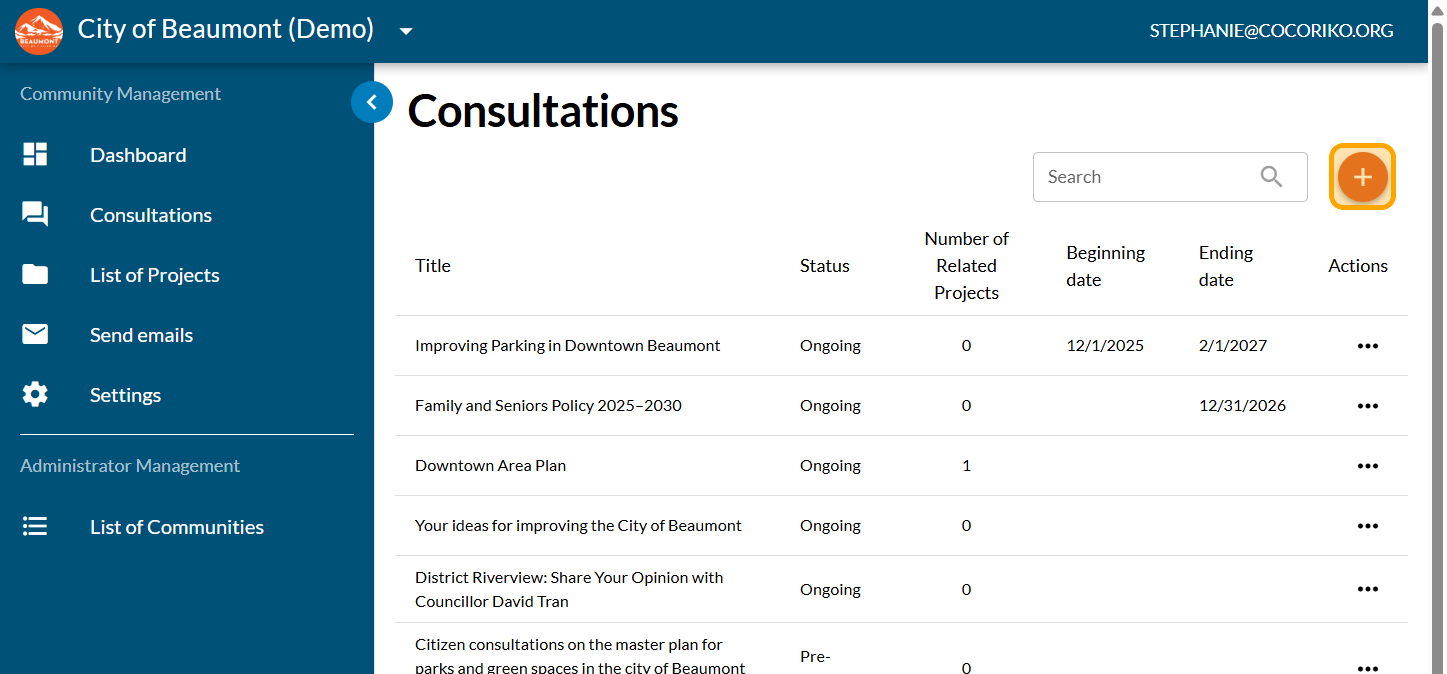
Click on the PLUS sign to add a new consultation
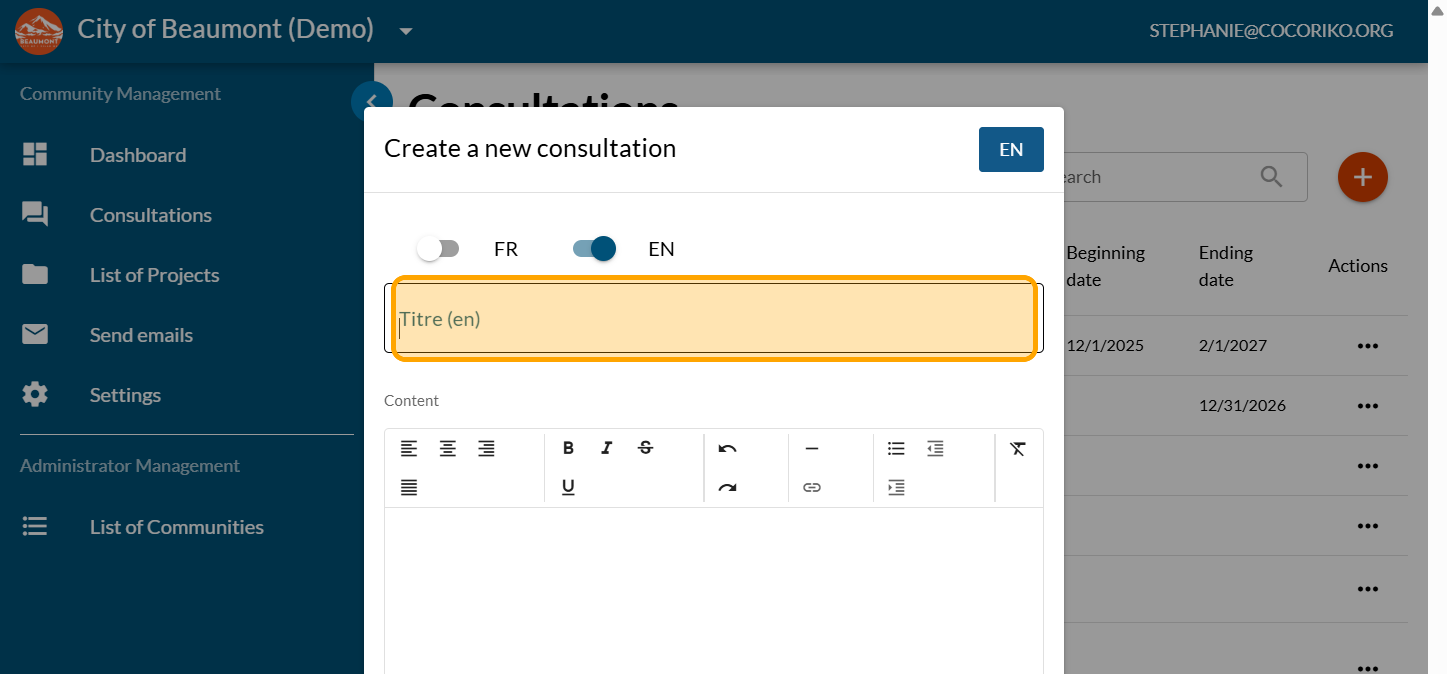
Click to enter your title: be specific, invite people to submit their ideas or proposals.
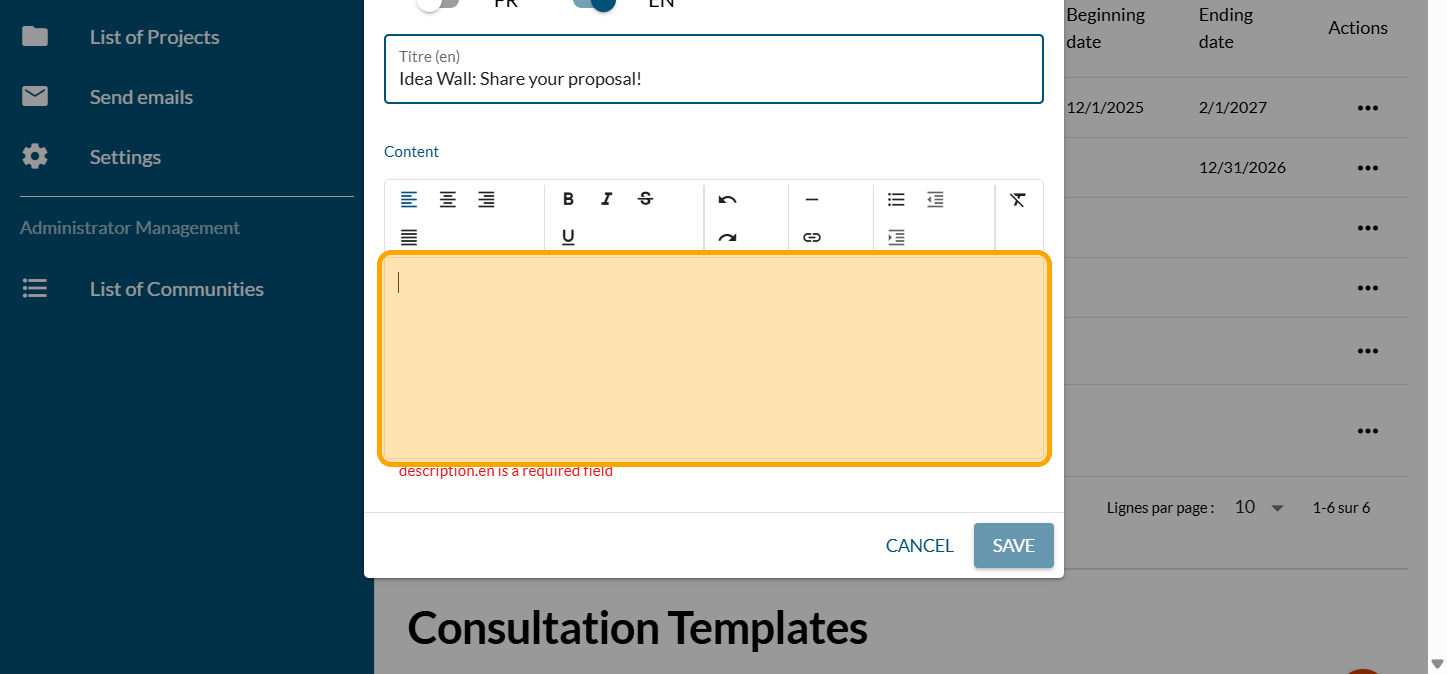
Click to write your welcome message. The text can be temporary and edited later. The text should include clear instructions on how to write an idea and invite people to vote on ideas submitted by other community members.
Click on "SAVE"
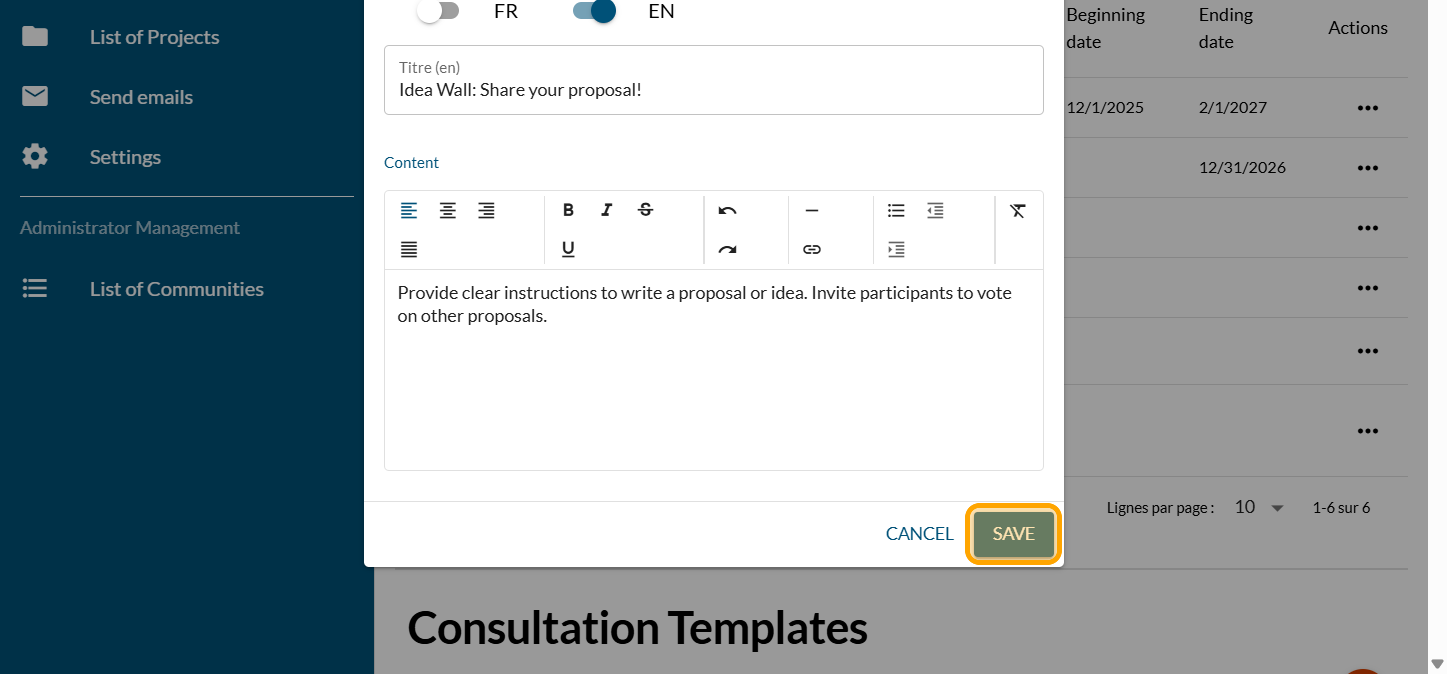
Click on "SECTIONS"
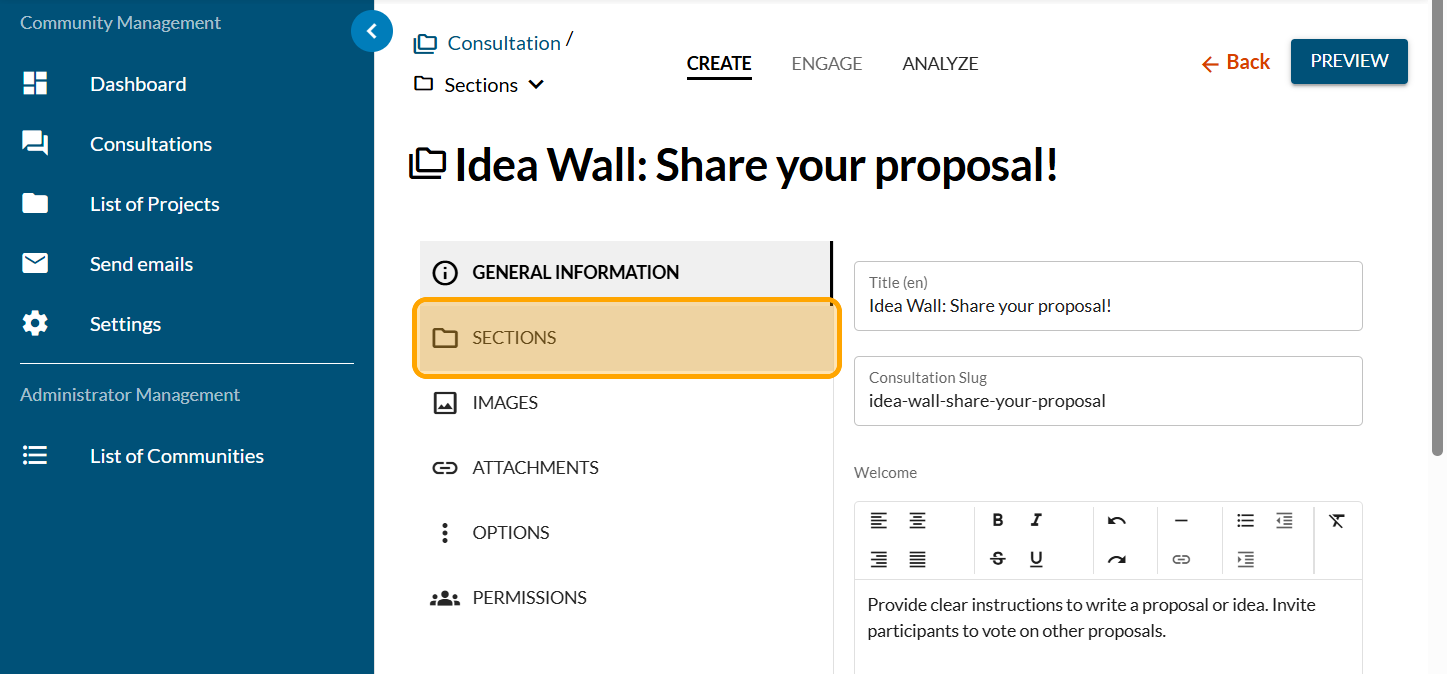
Click on the PLUS sign to add a new section
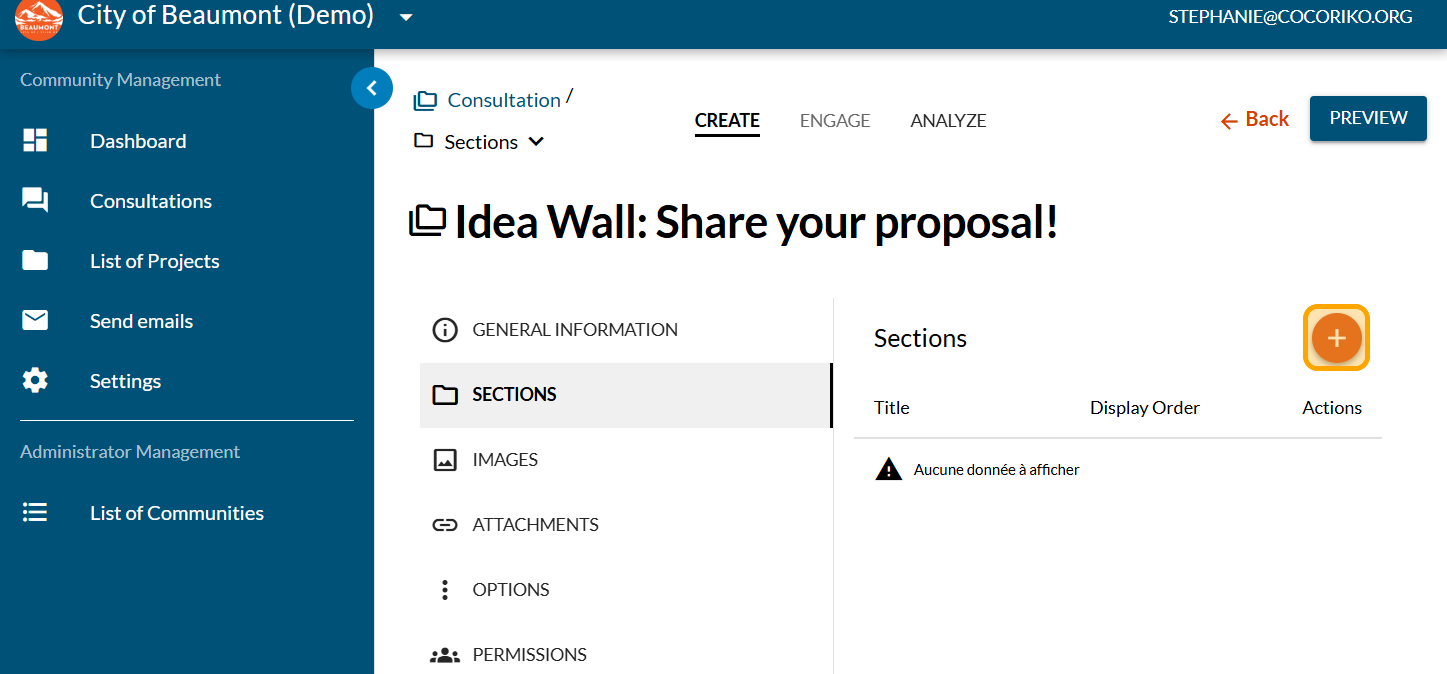
Click to add a title and context that will not be visible. We are only creating the box to hold the content.
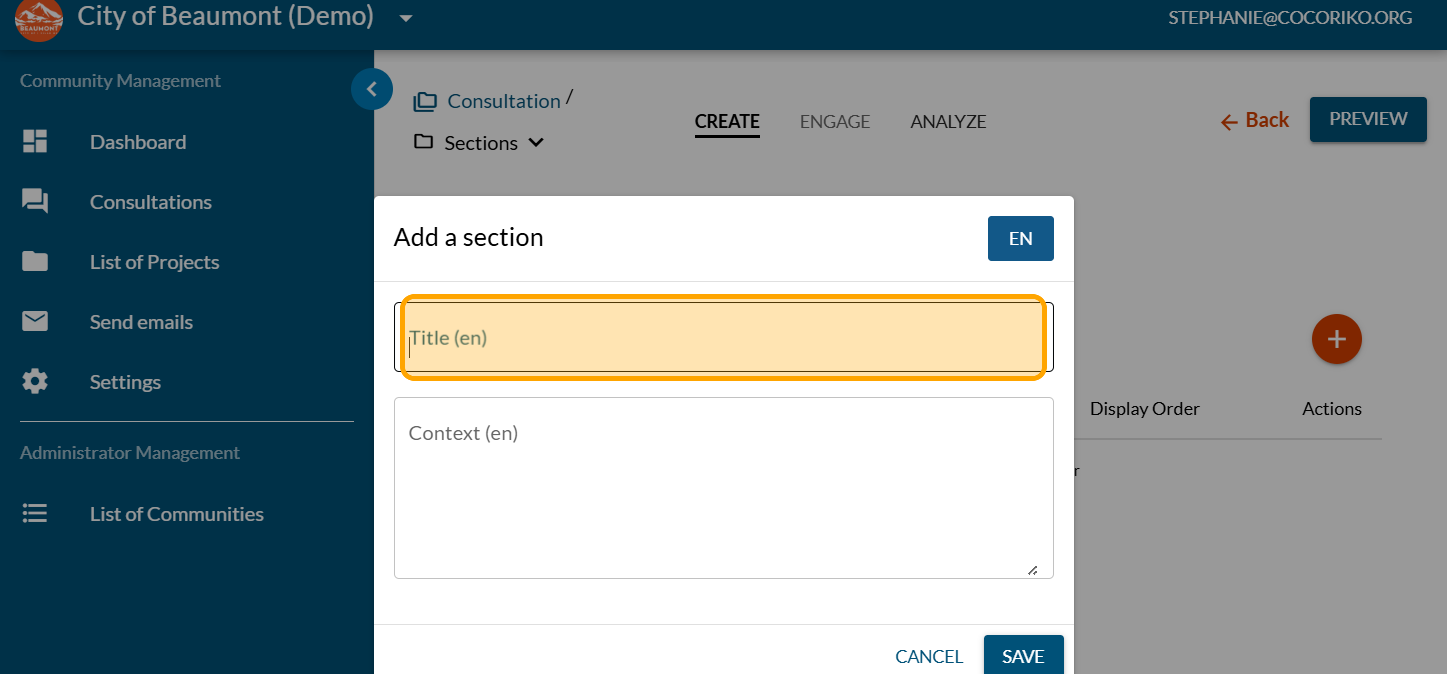
Click on "SAVE"
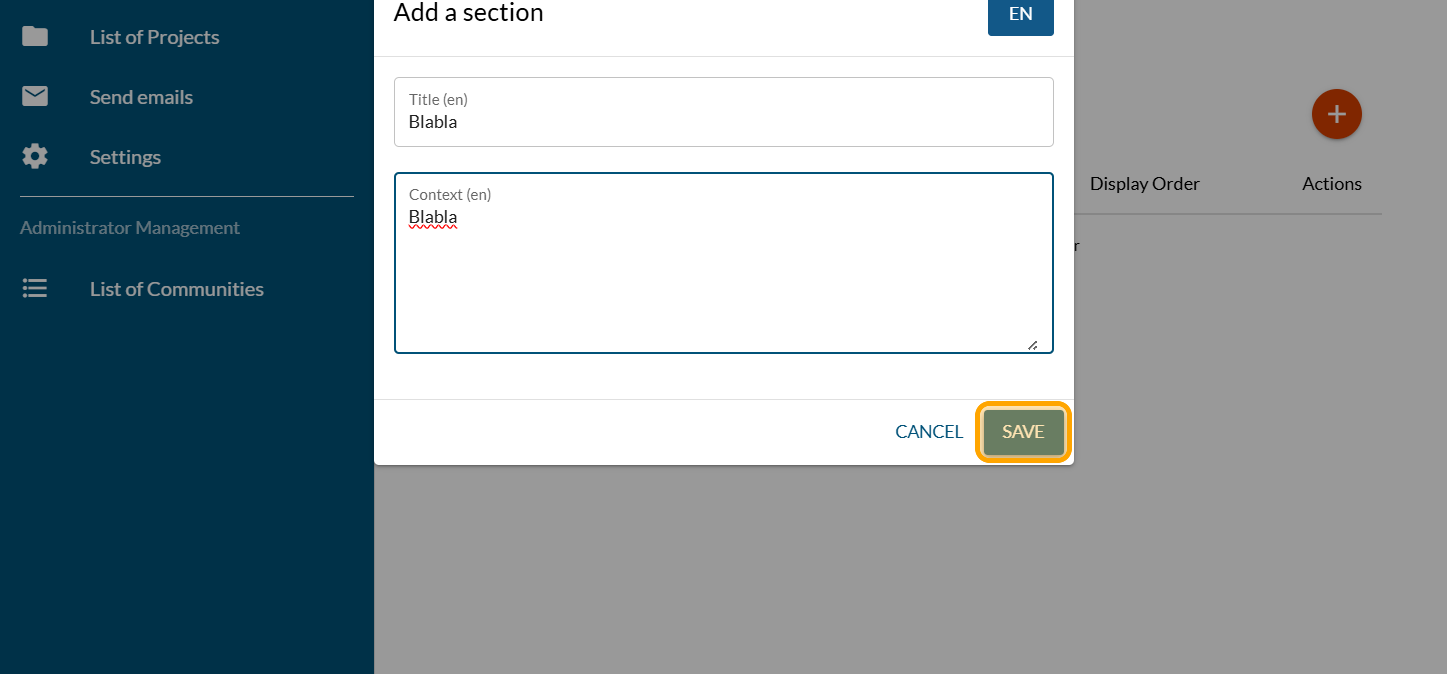
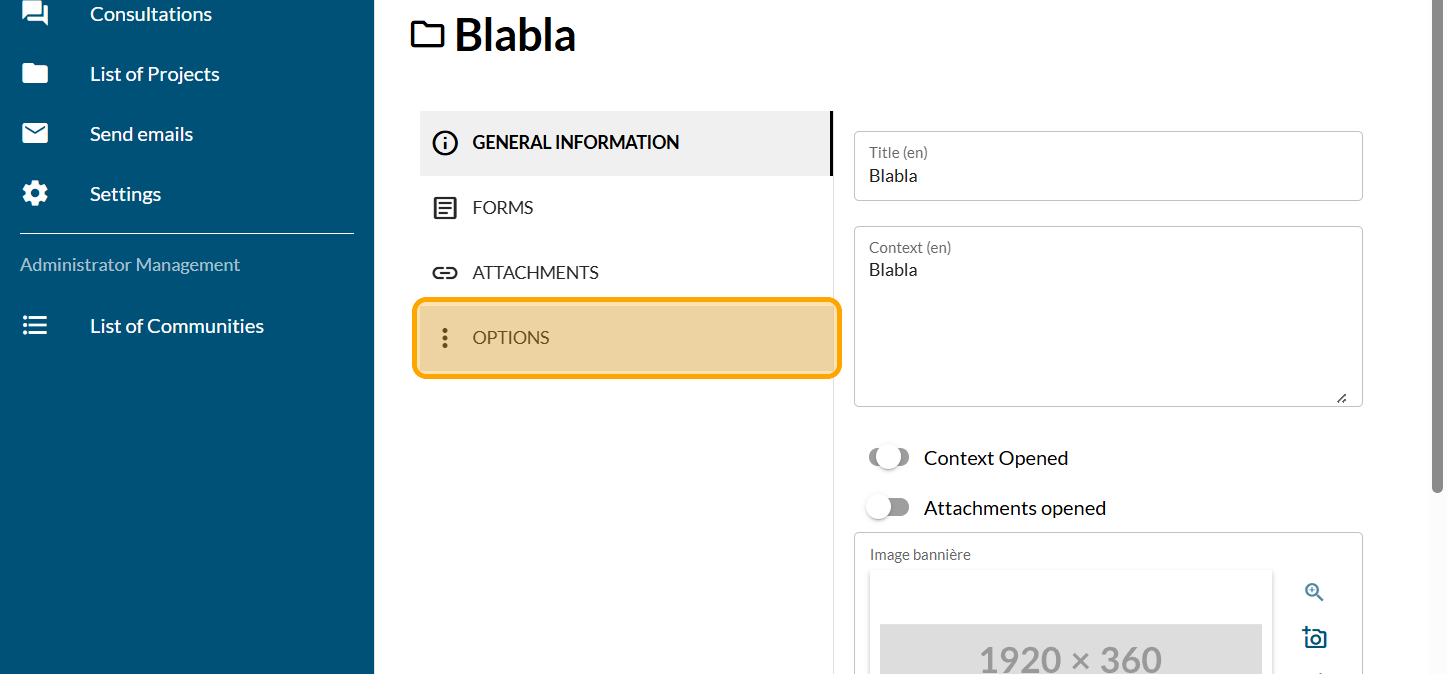
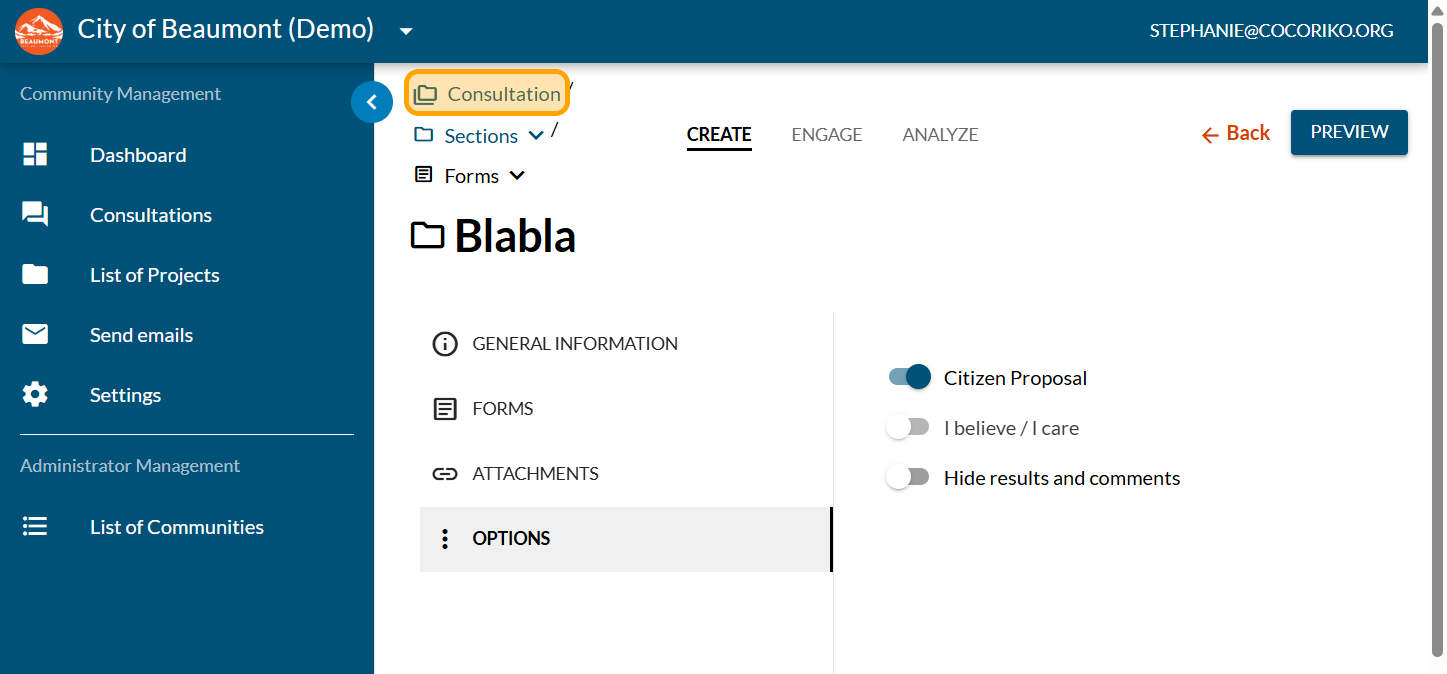
Click on "OPTIONS"
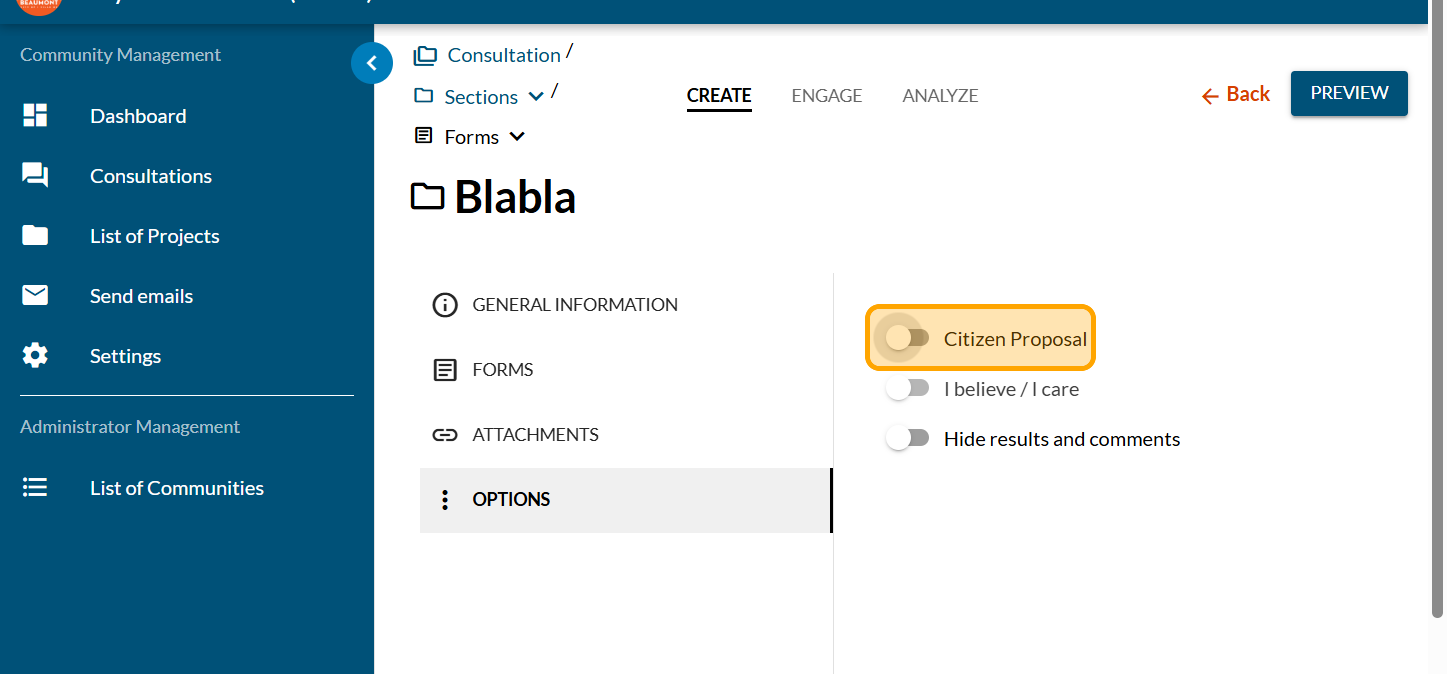
Enable the button "Citizen Proposal"
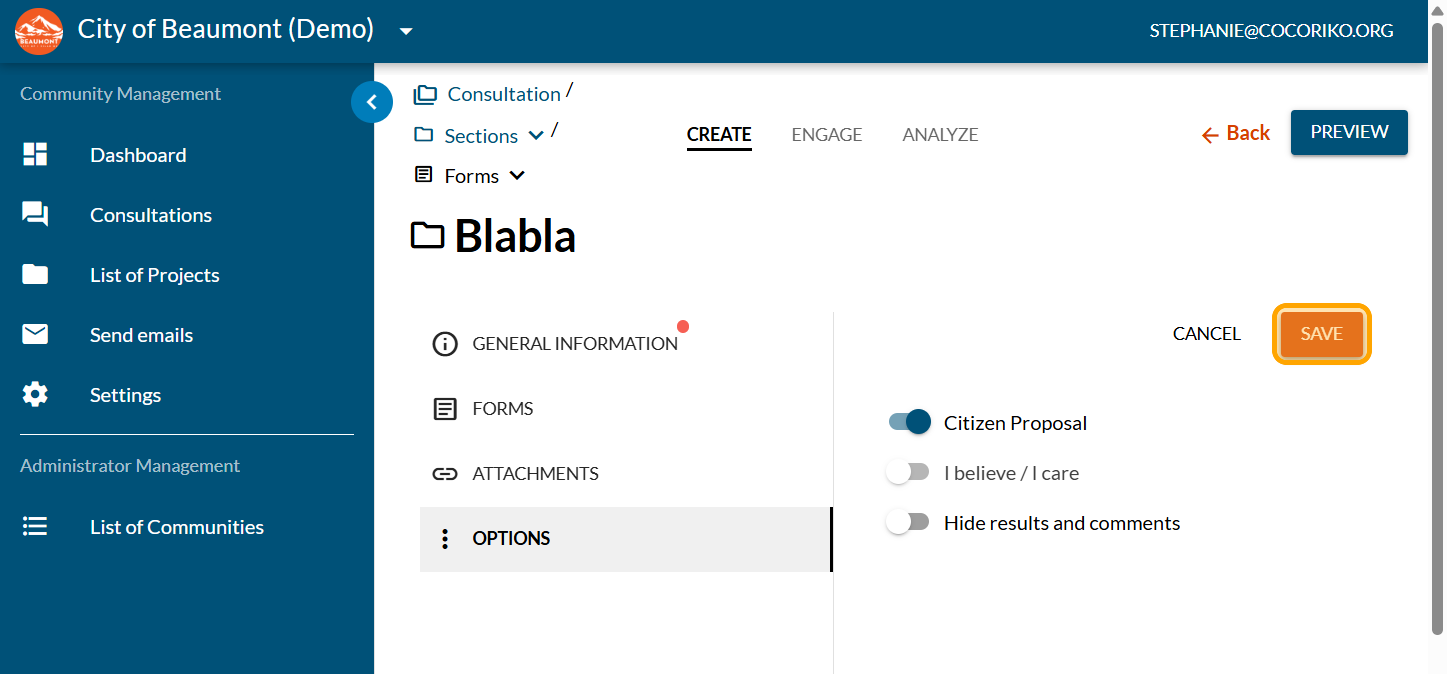
Click on "SAVE"
Click on "Consultation"
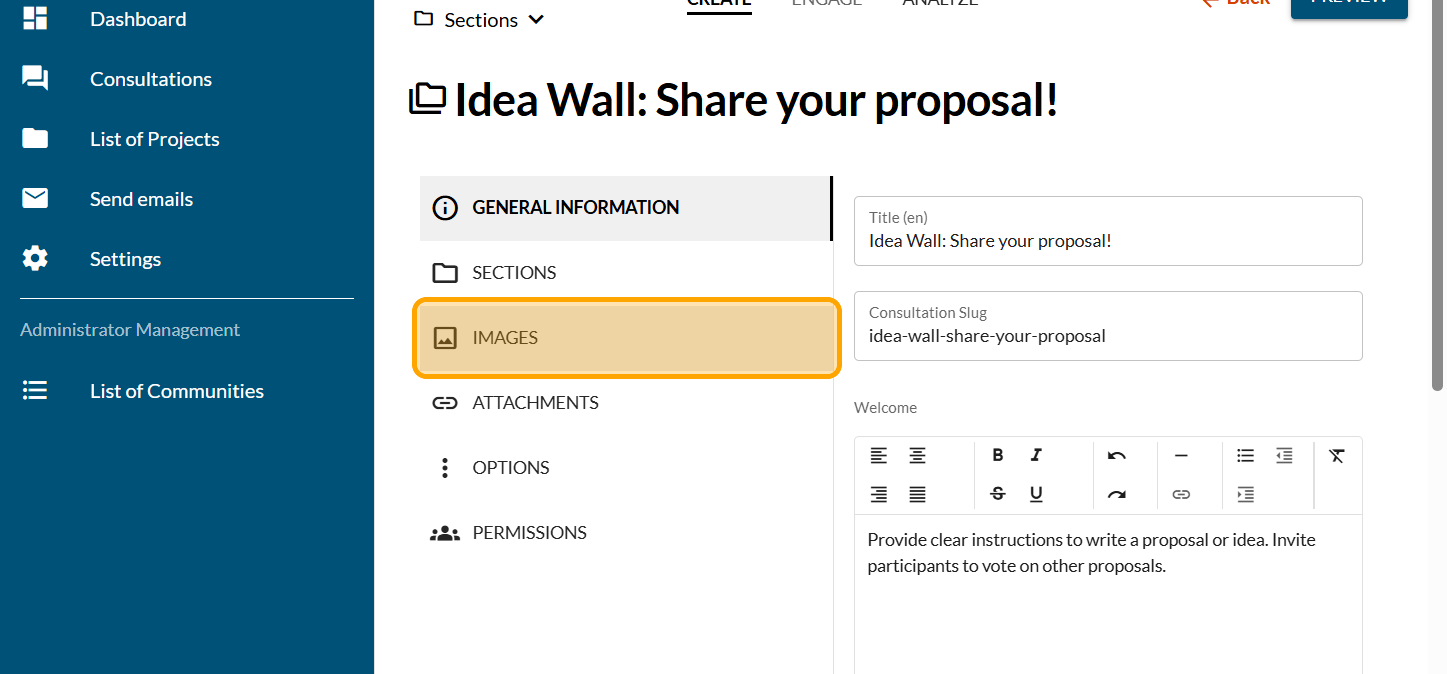
Click on "IMAGES"
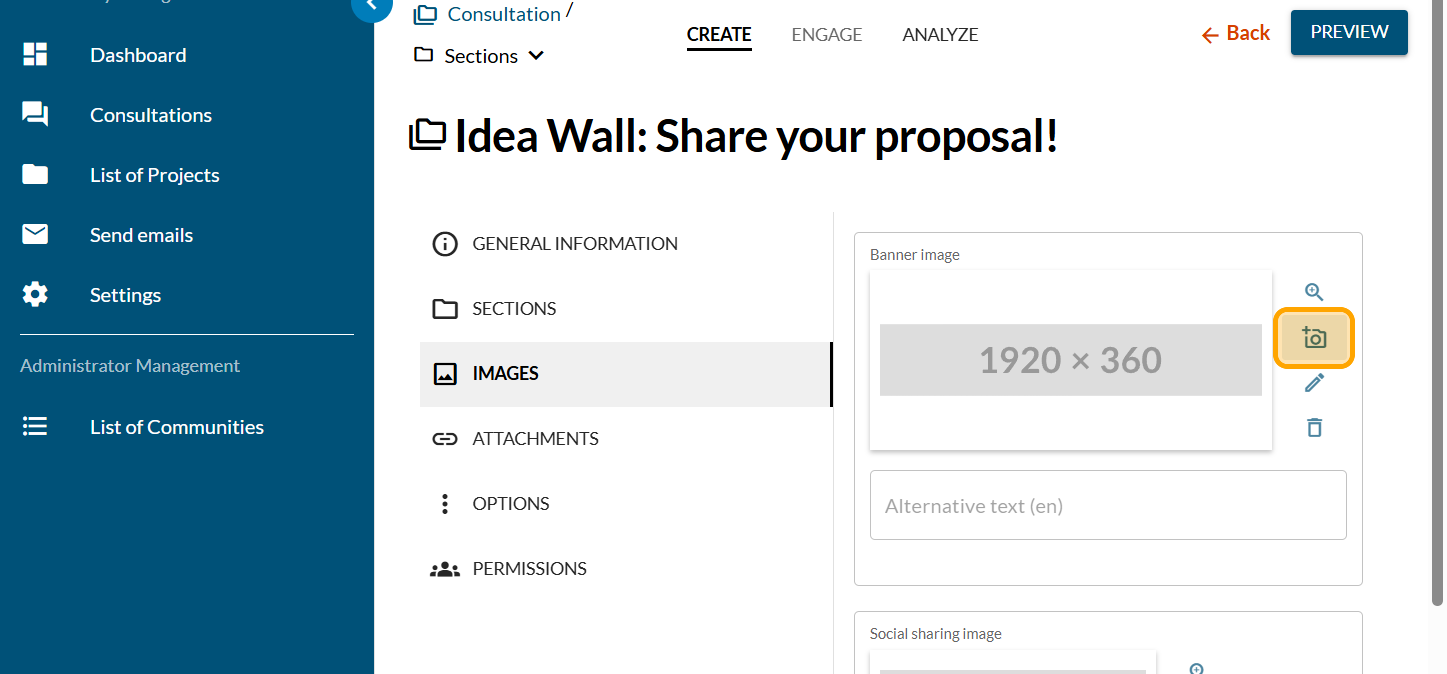
Click on the camera icon
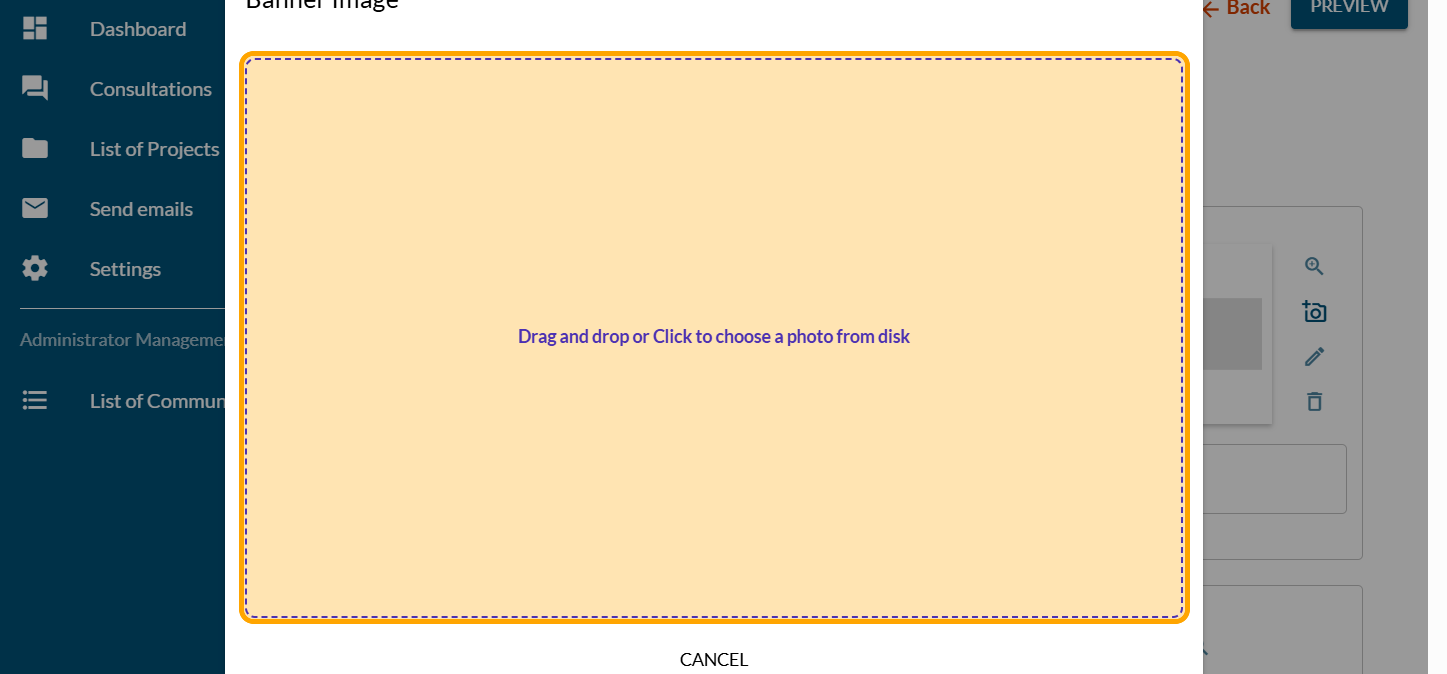
Click on "Drag and drop or Click to choose a photo from disk"
Reframe the picture if needed
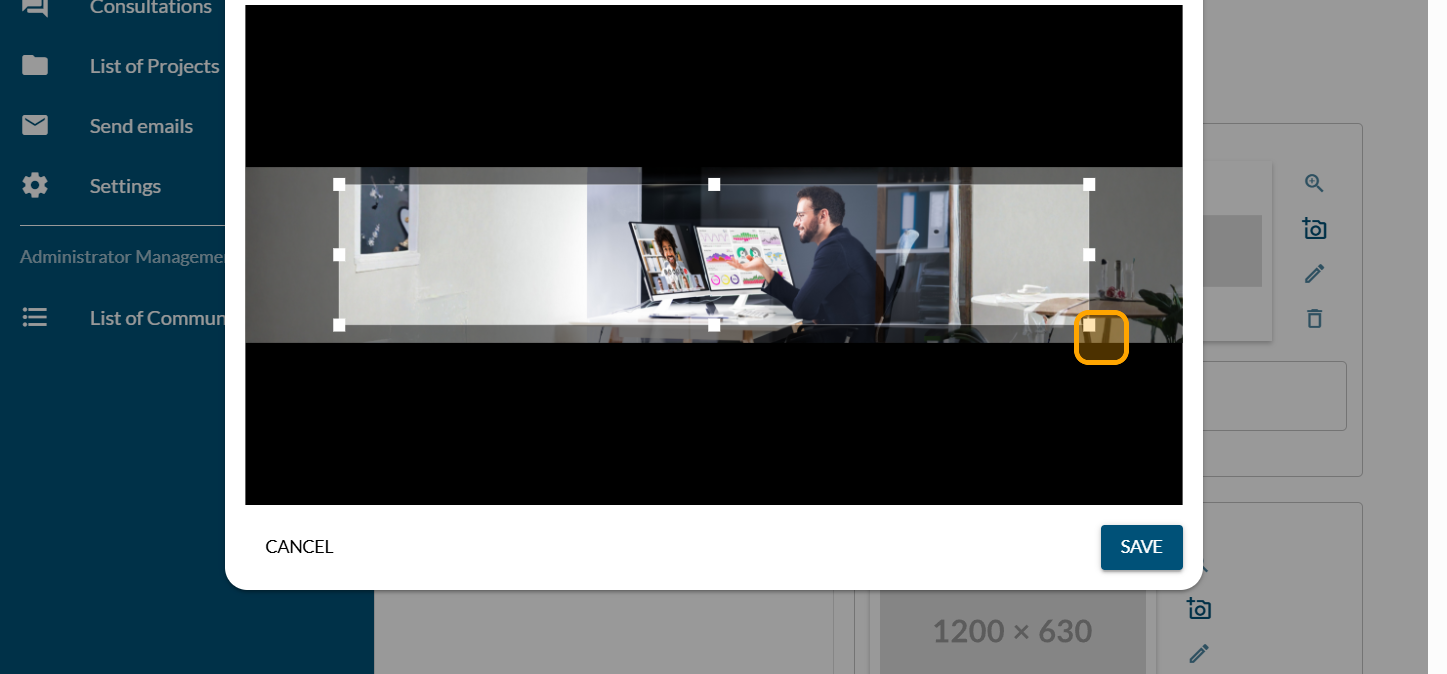
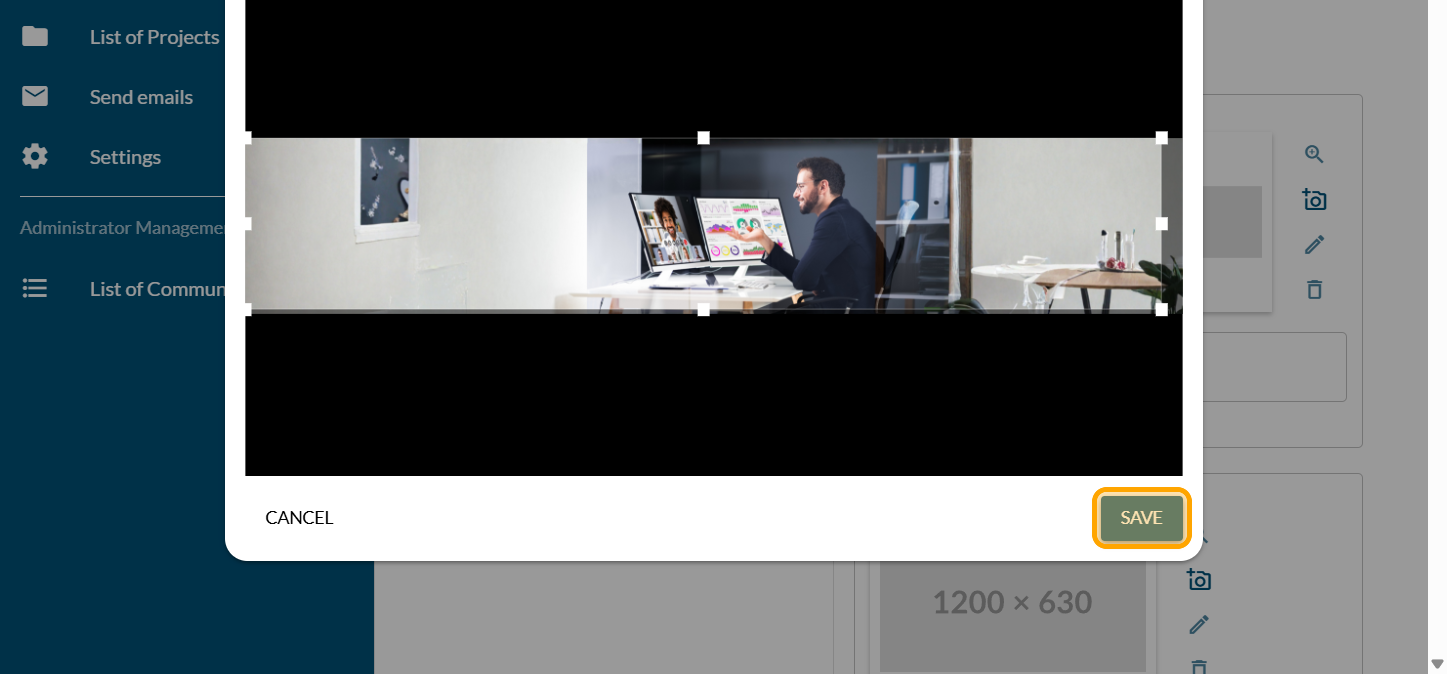
Click on "SAVE"
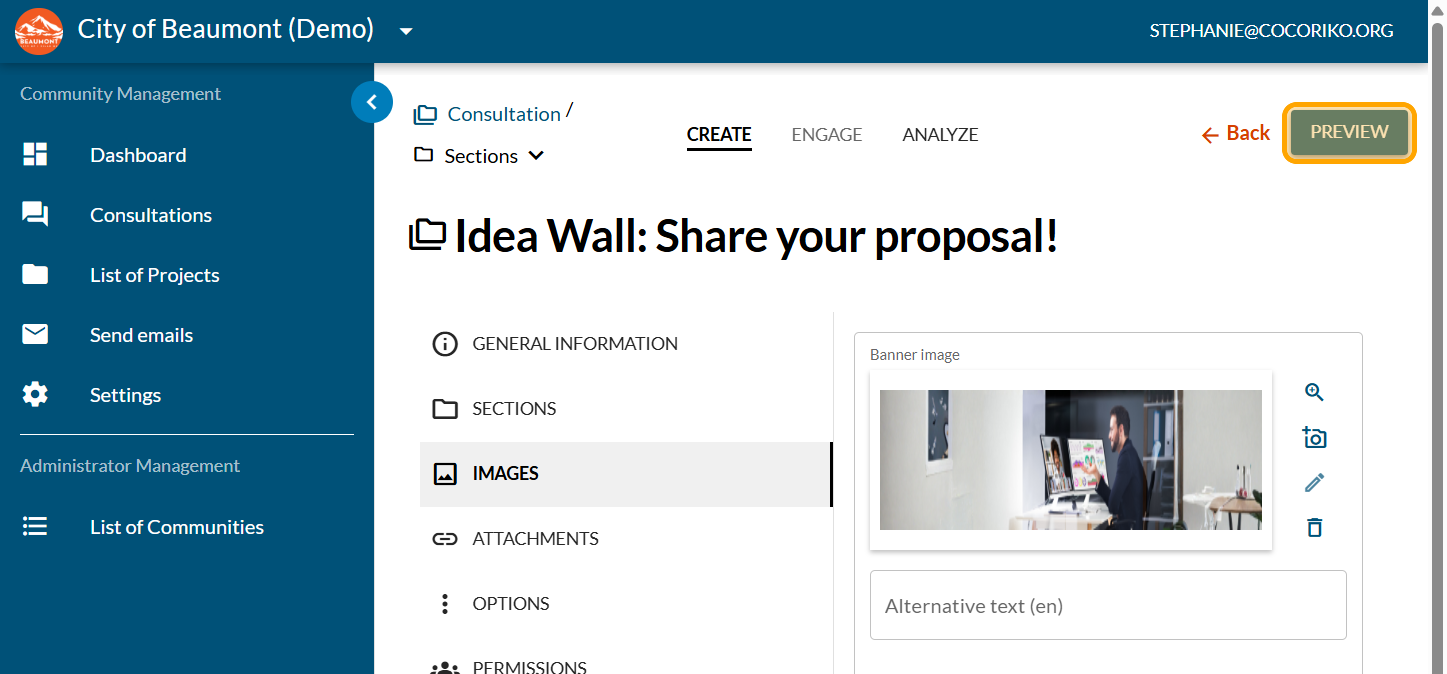
Click on "PREVIEW"
Review your title
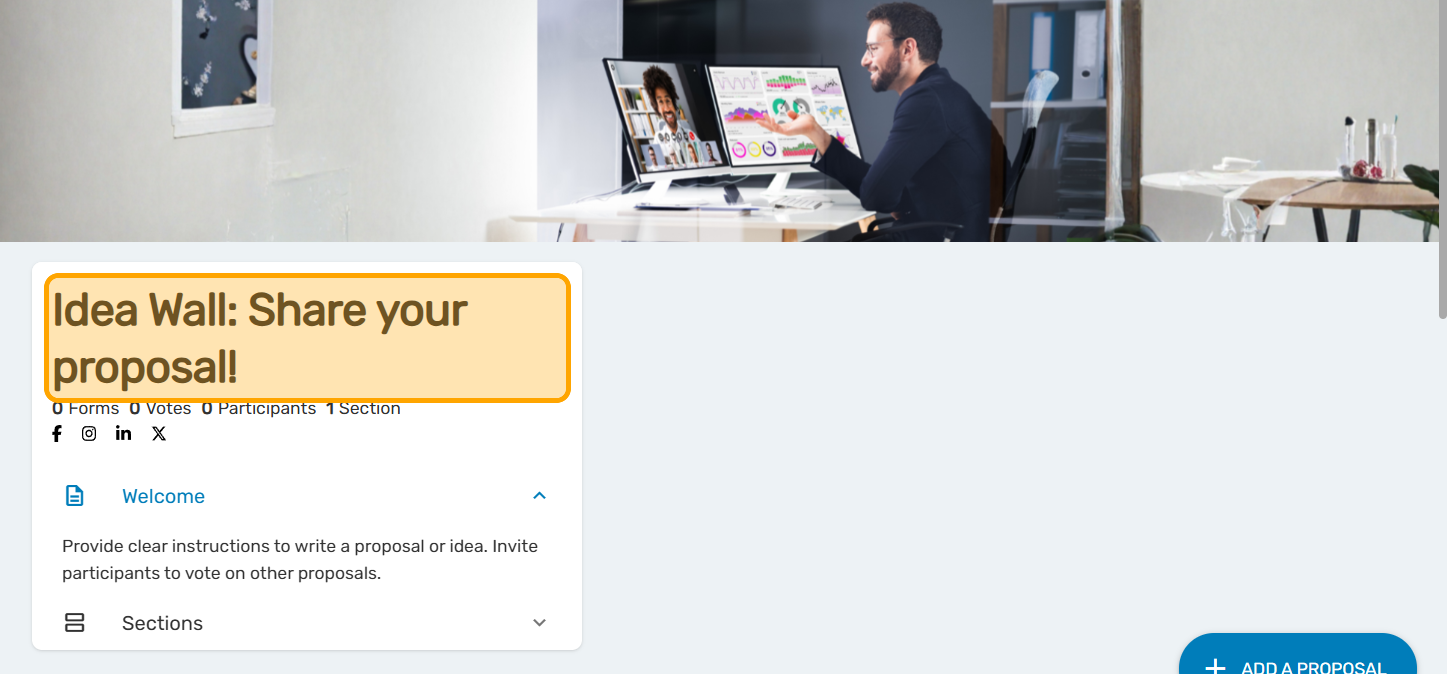
Review your welcome message and your instructions
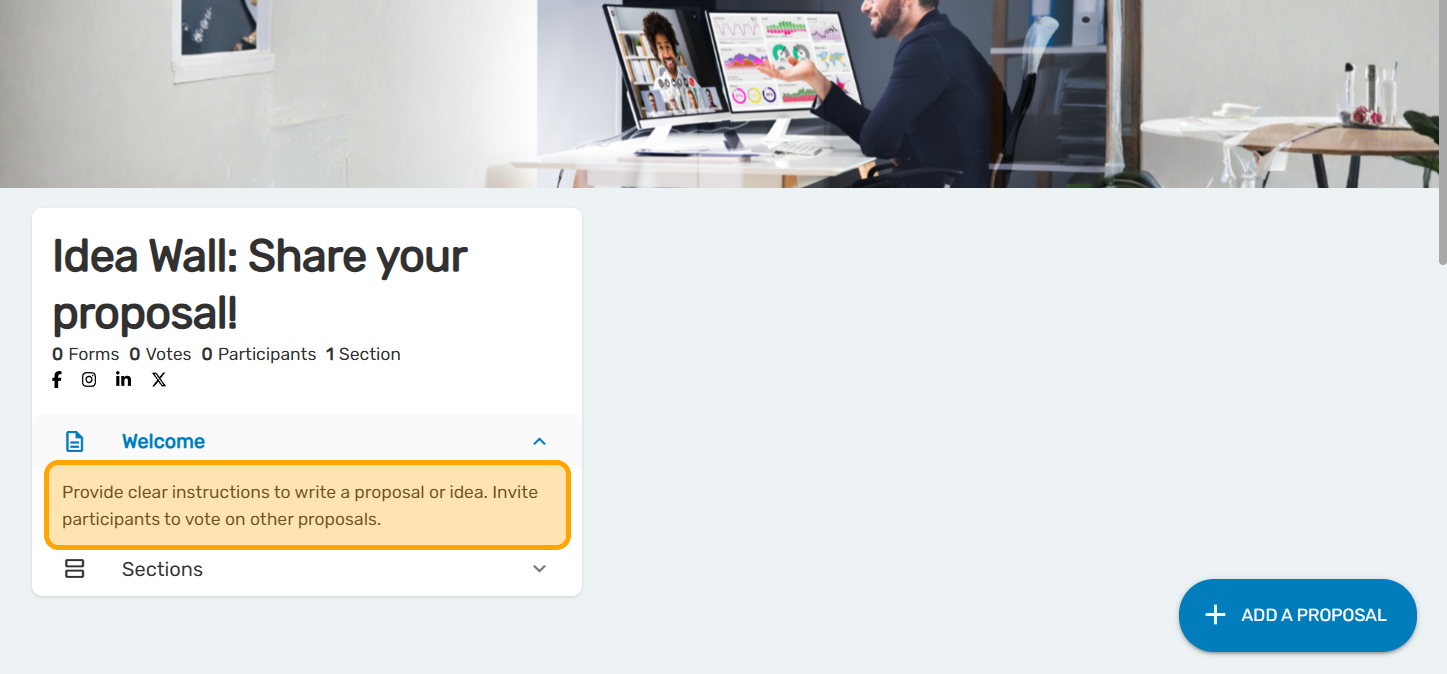
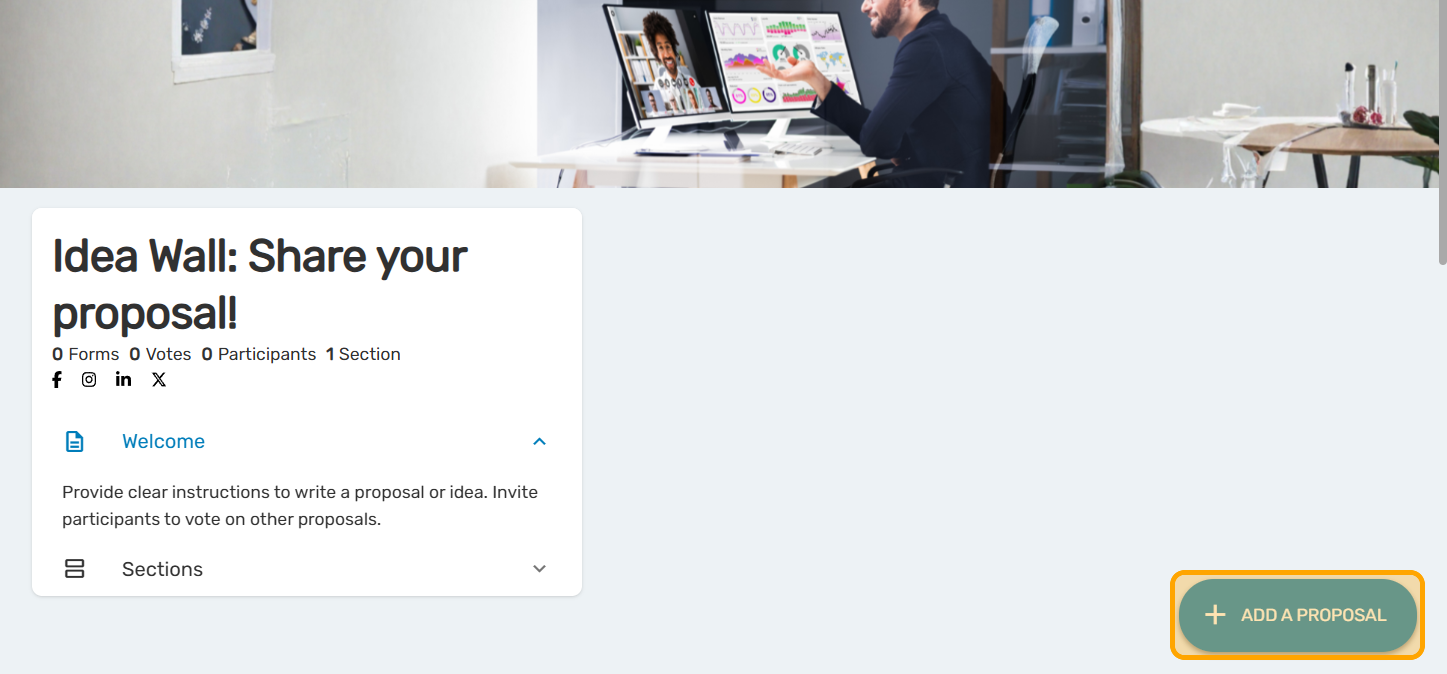
Click on "ADD A PROPOSAL" to test the functionality if you wish. Follow the steps on the screen as your participants will do.

Add a Dot Voting question - Fixed
The Dot Voting question can be programmed with fixed or vari …

Multiple-choice questions and how to add them to your survey
La question à choix multiples est le format de question plus …
Create and configure a consultation
Follow this guide to get your consultation off to a good sta …