

By Team Cocoriko on Apr 13, 2026, 9:39:58 AM
First, you need to create your project (link to follow)
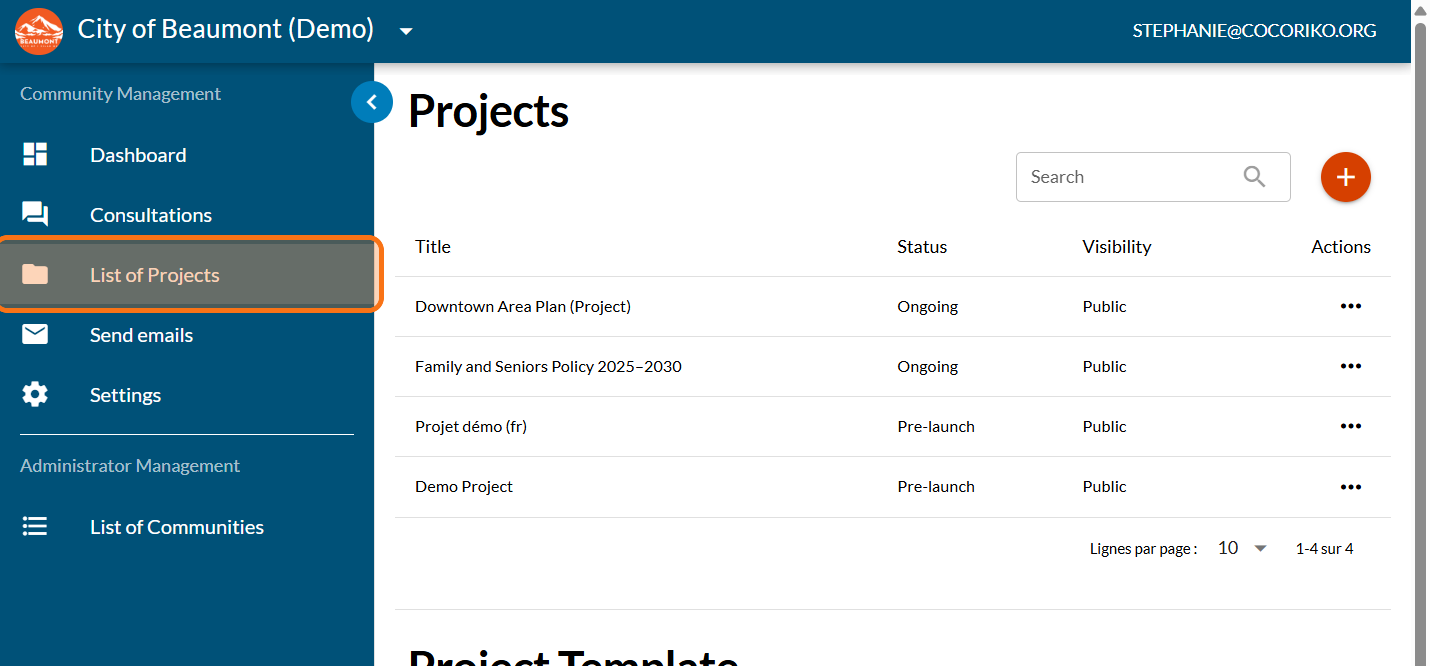
Click on "List of Projects"
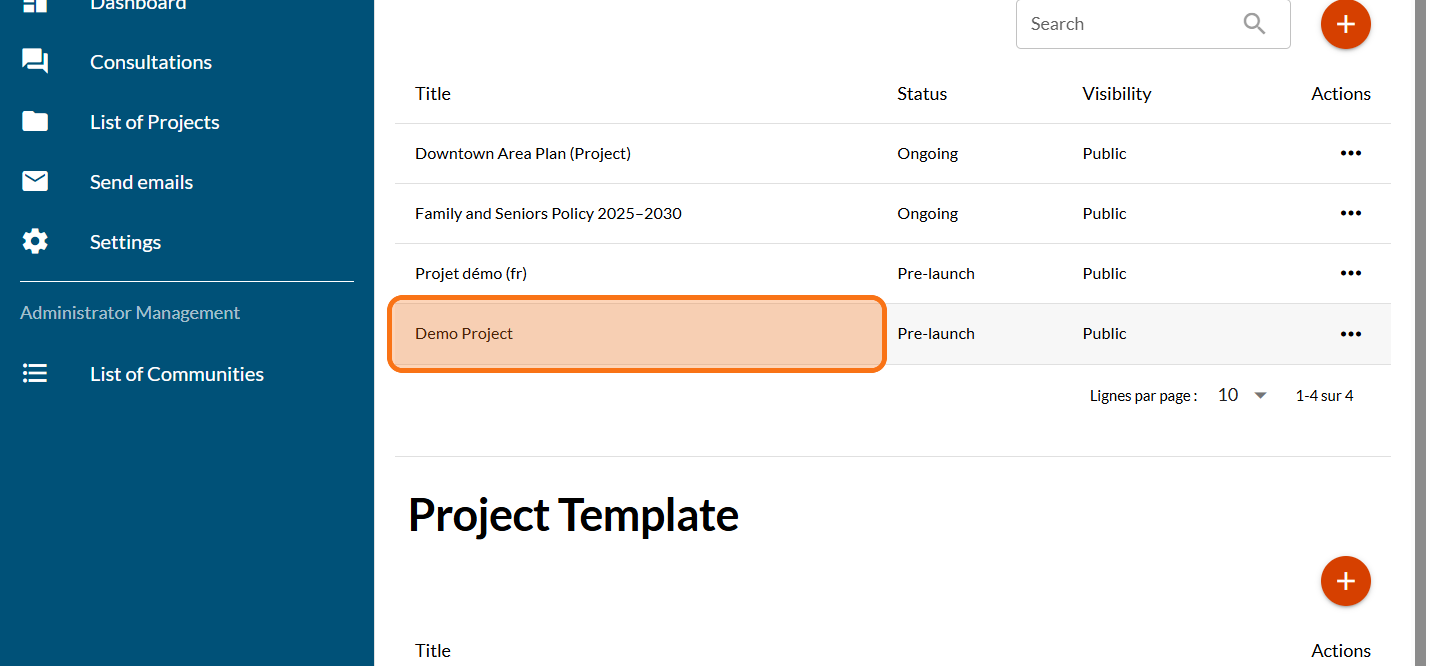
Click on your project
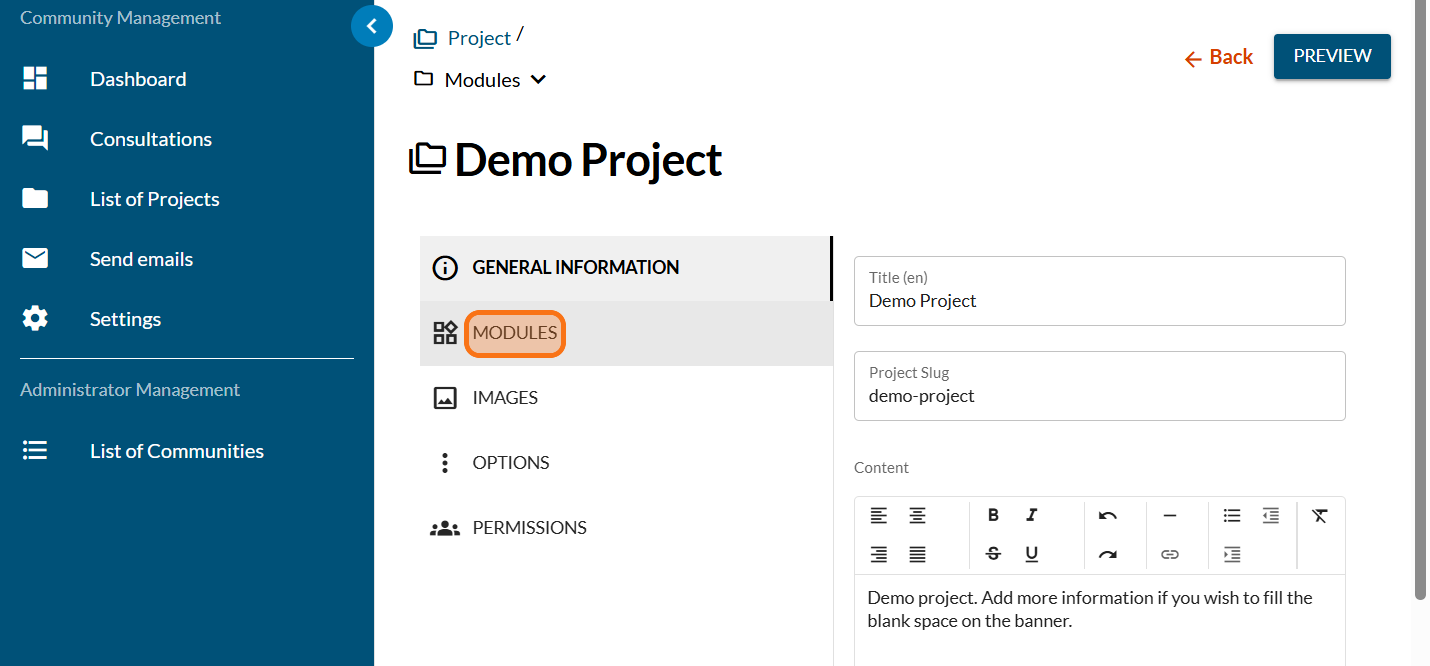
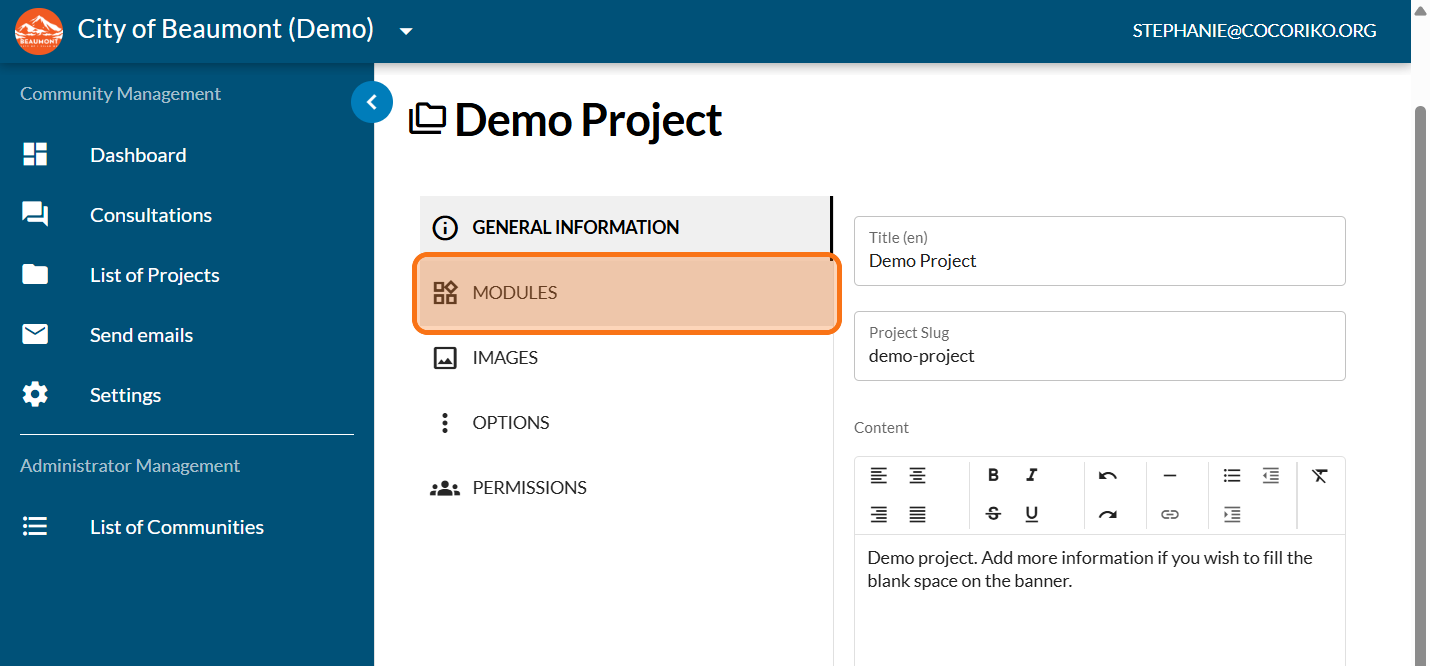
Click on "MODULES"
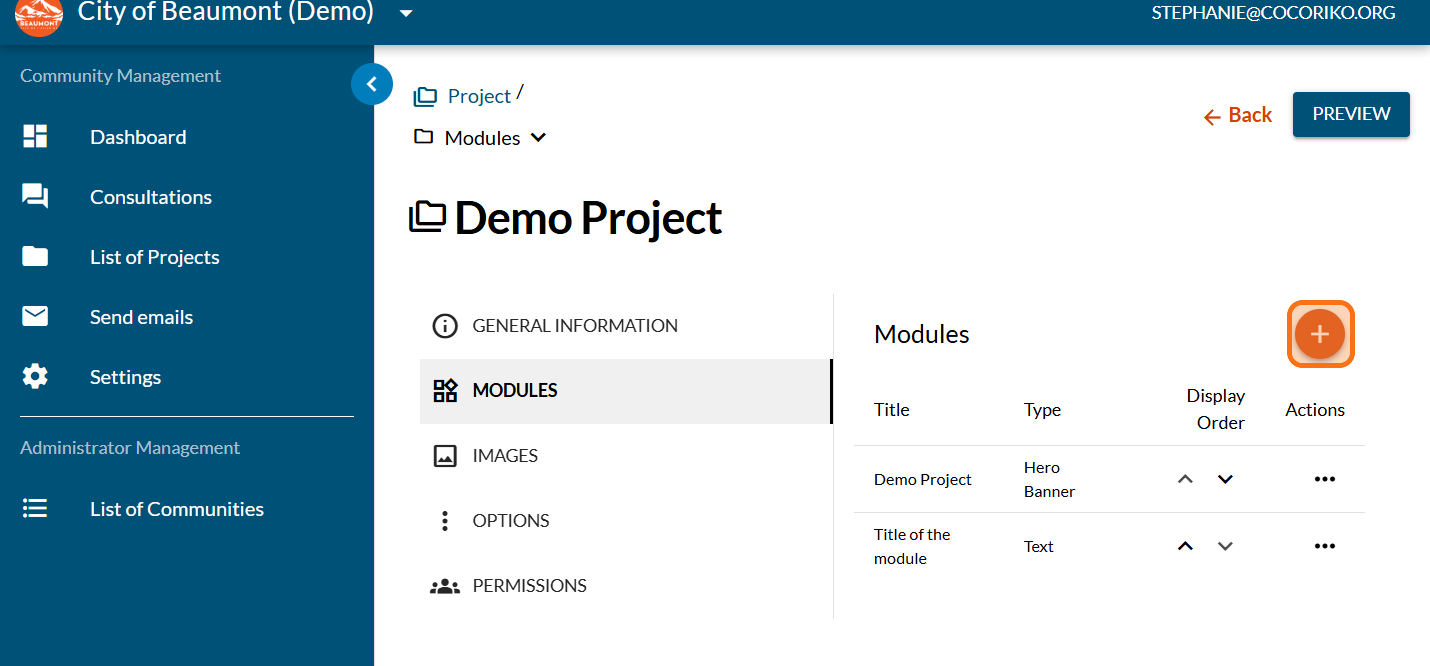
Click on the PLUS sign to add a new module
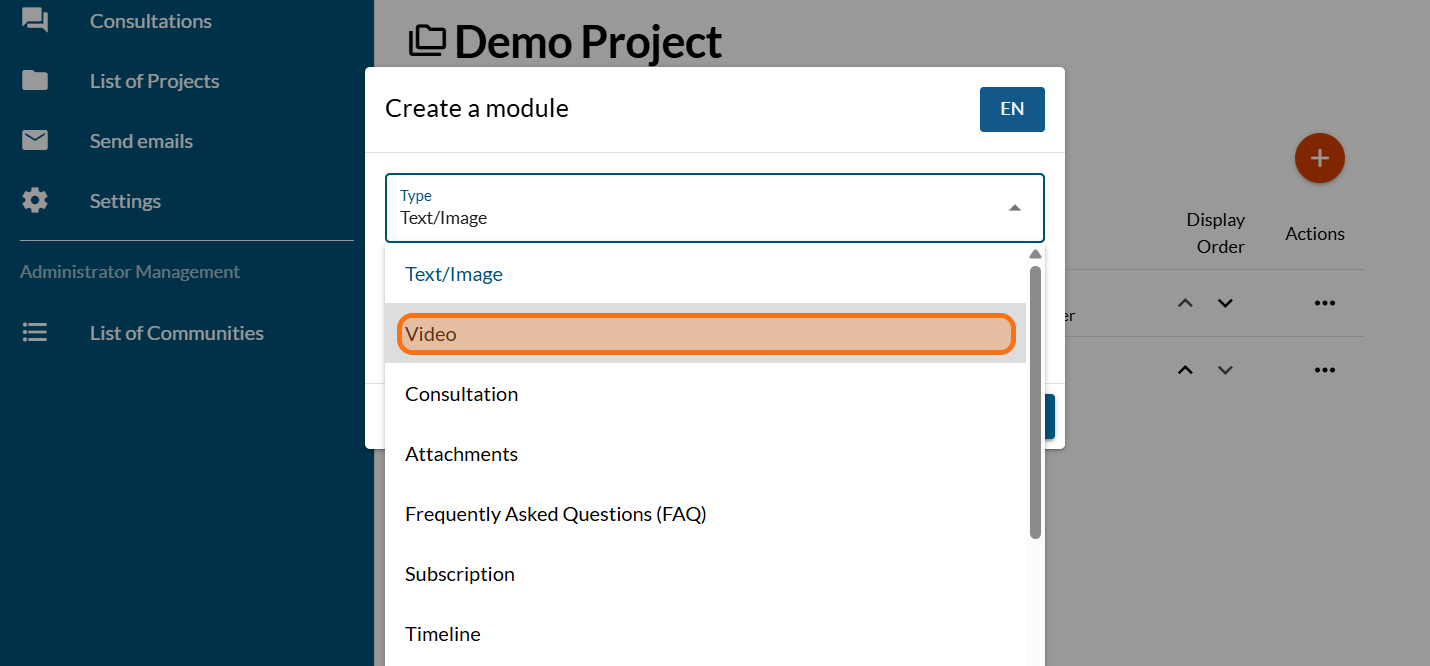
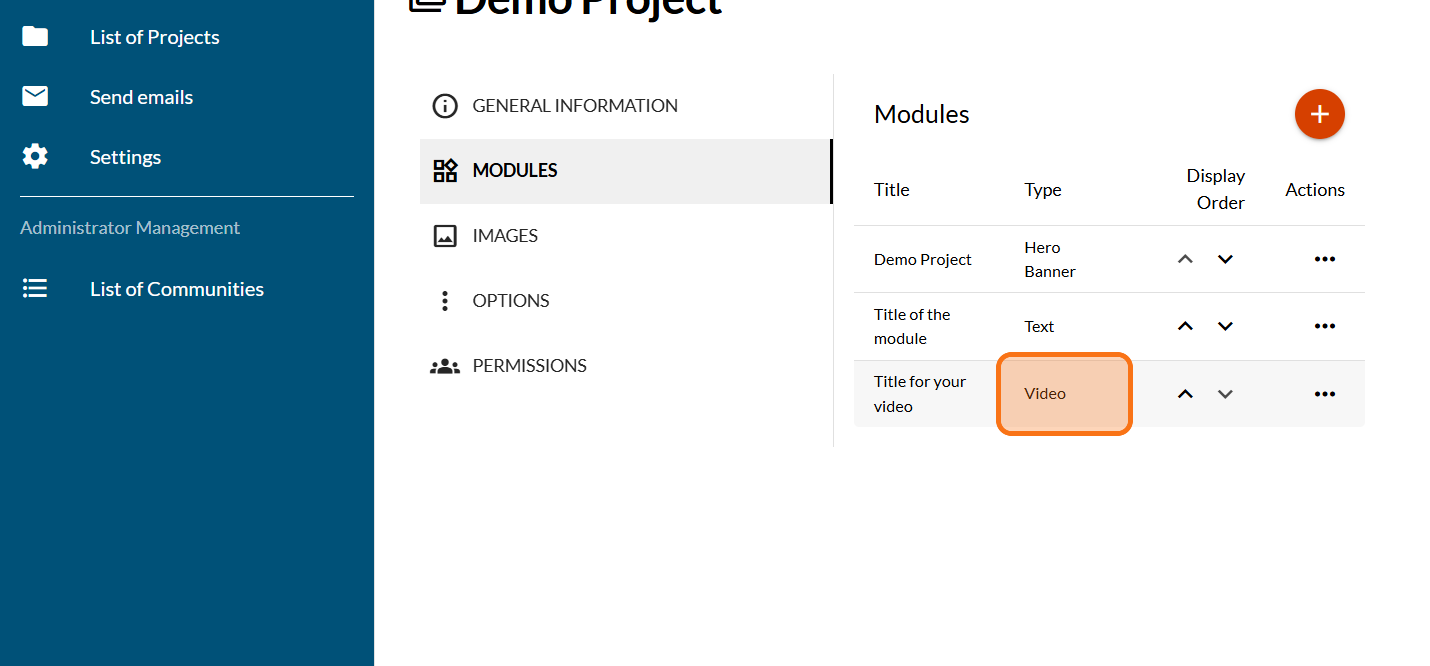
Click on "Video"
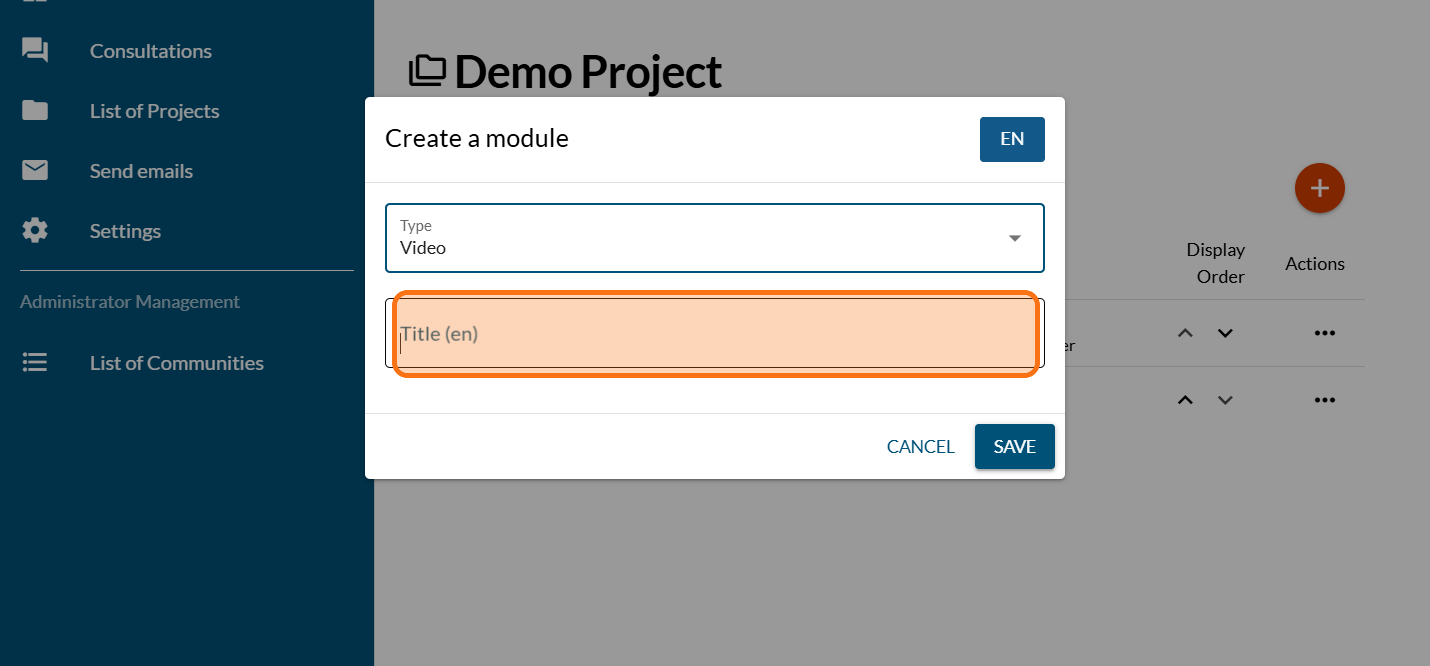
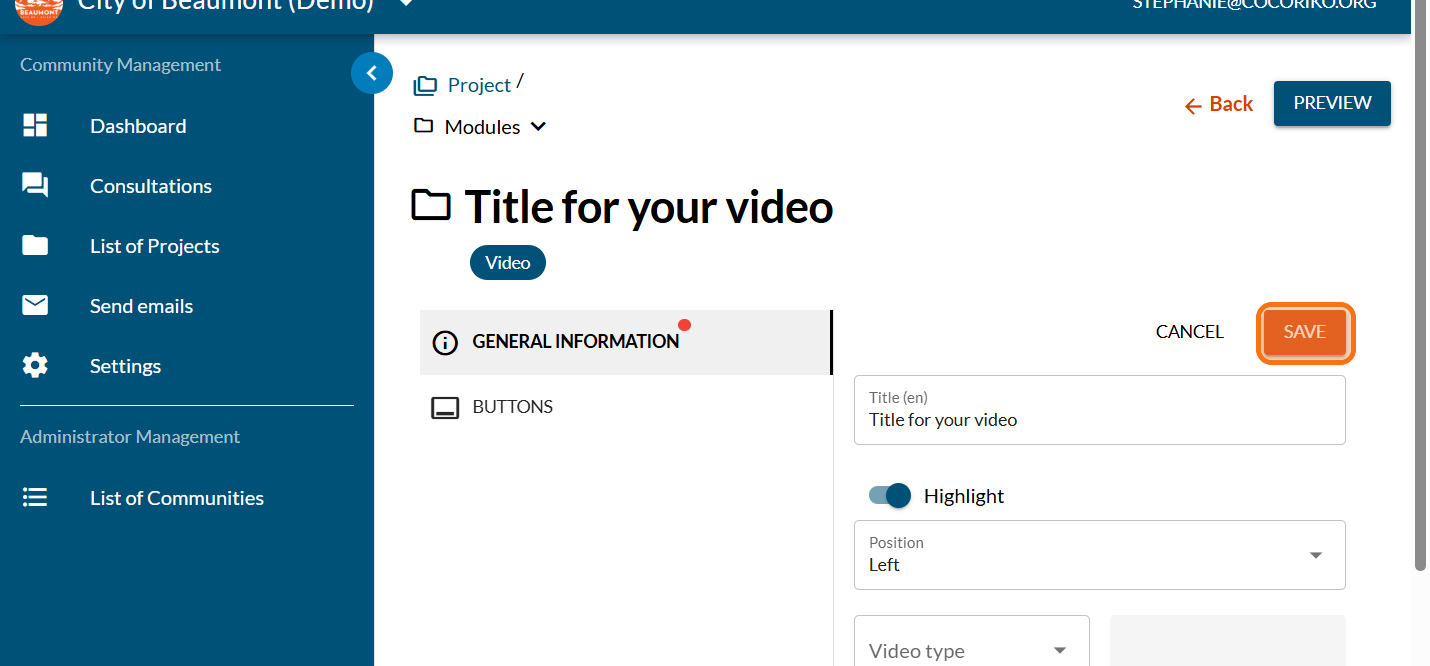
Enter the title of your video
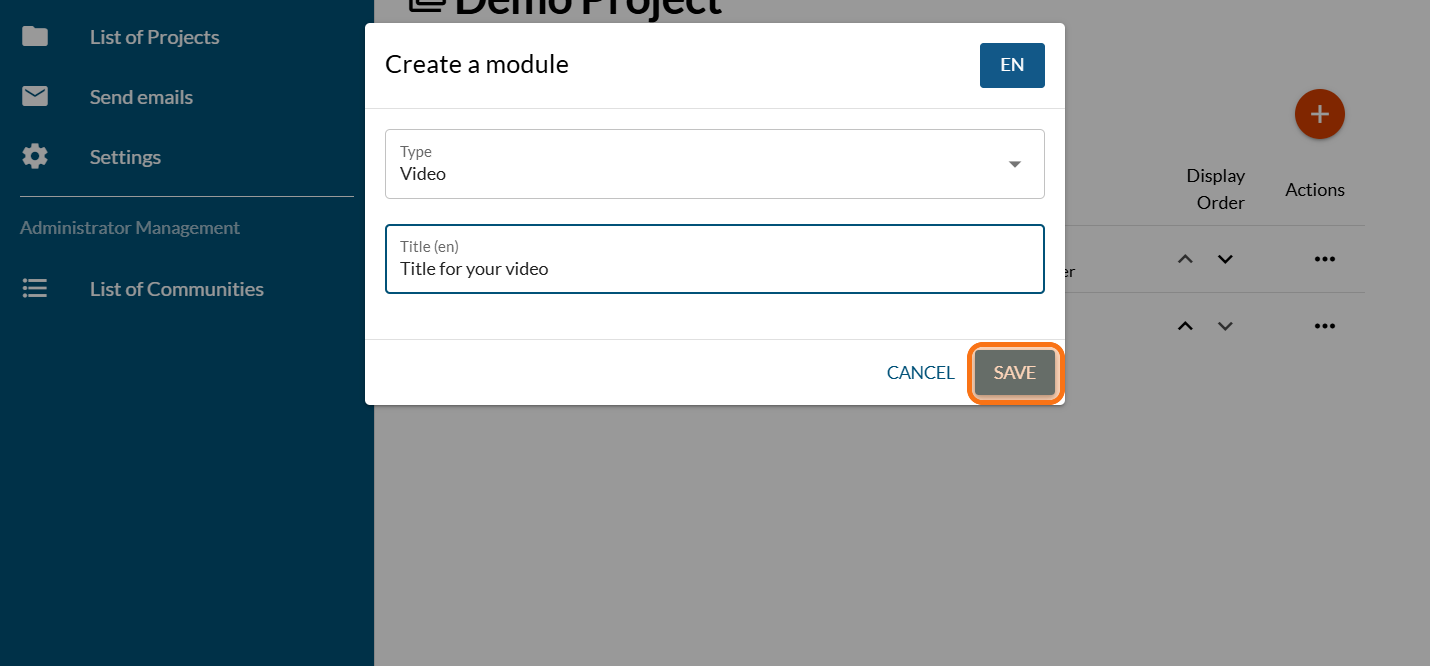
Click on "SAVE"
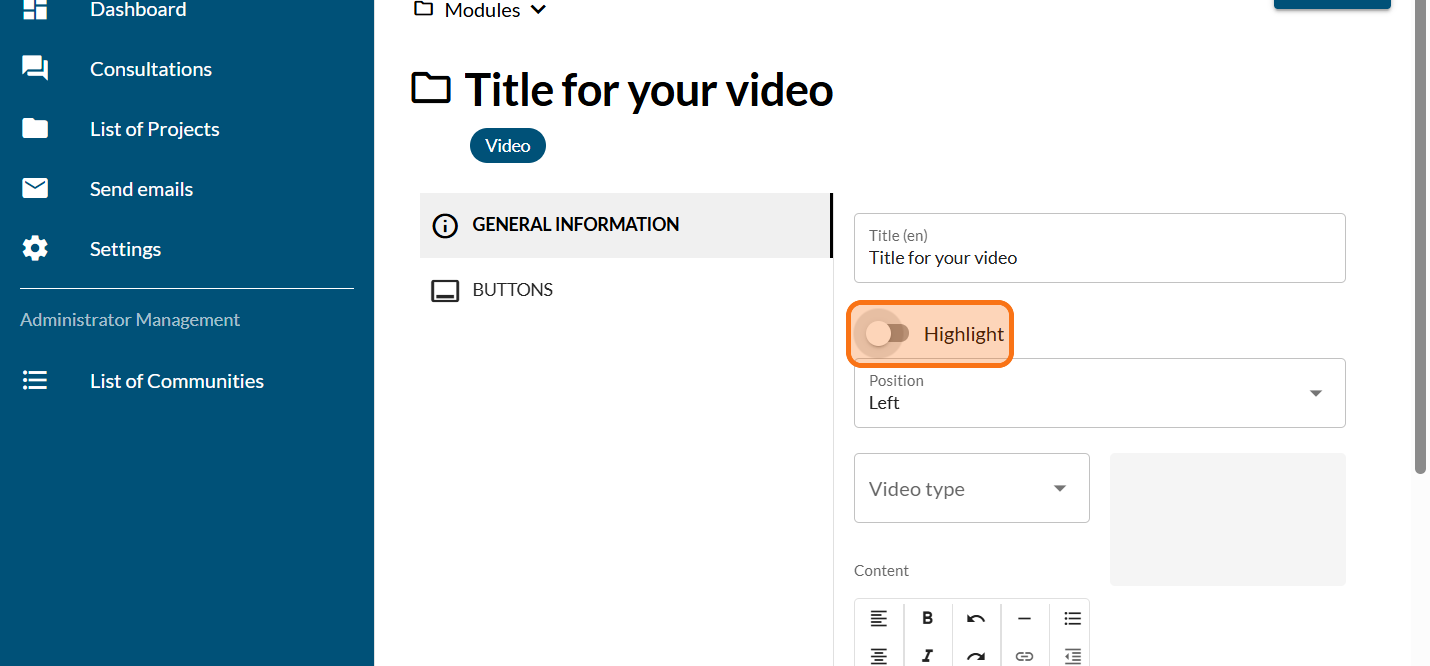
Click on "Highlight" so that the box is coloured in, if you wish
Click on "SAVE"
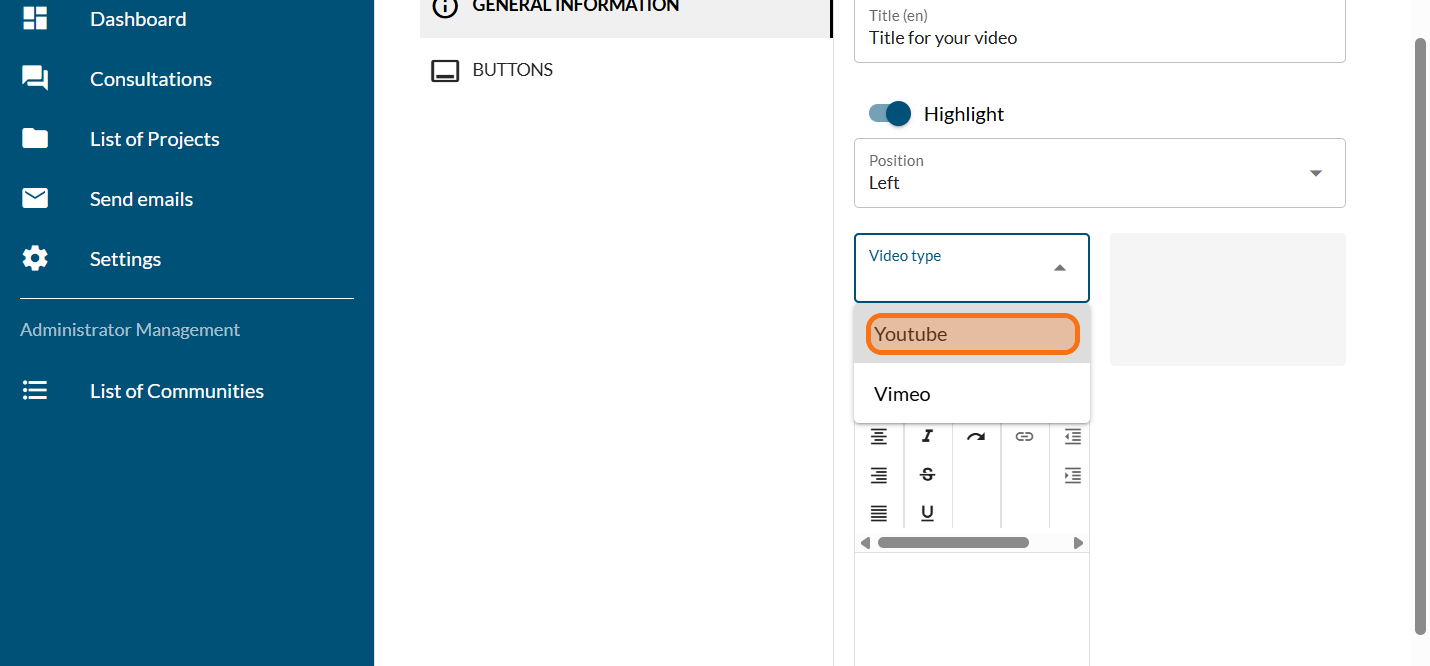
Choose your video type
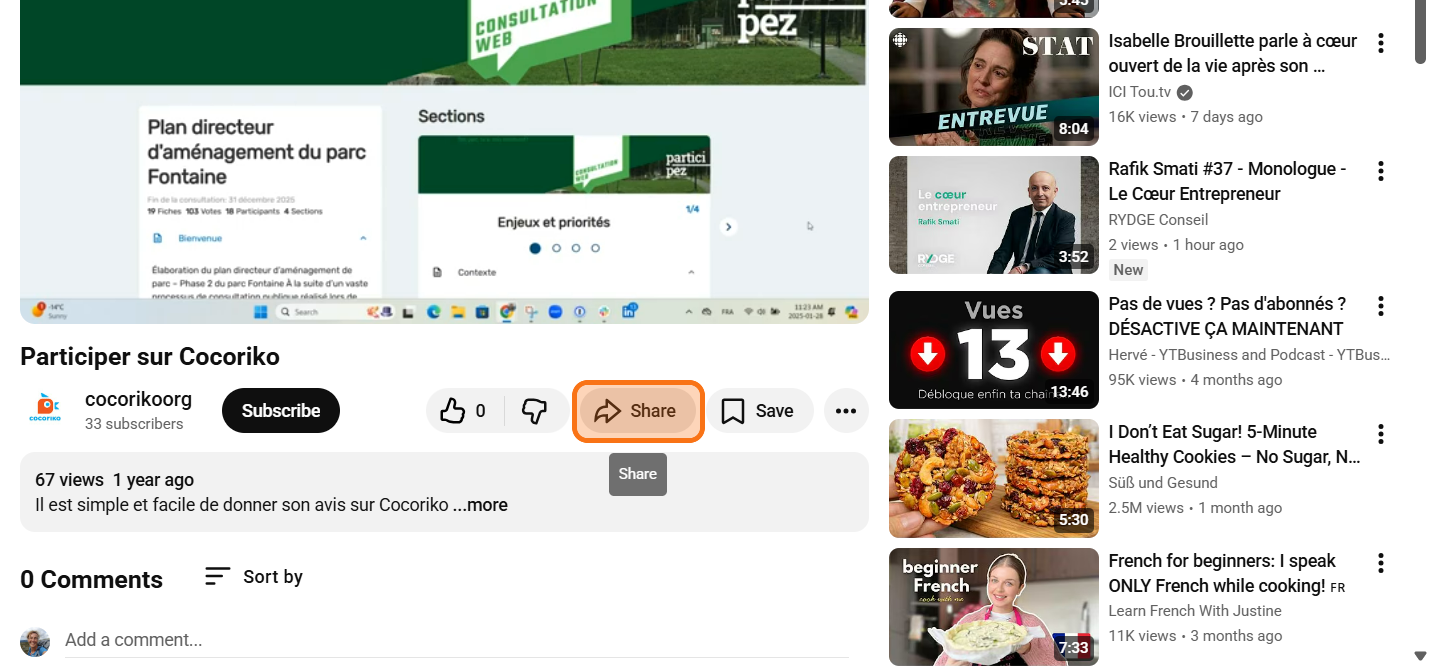
Click on "Share"
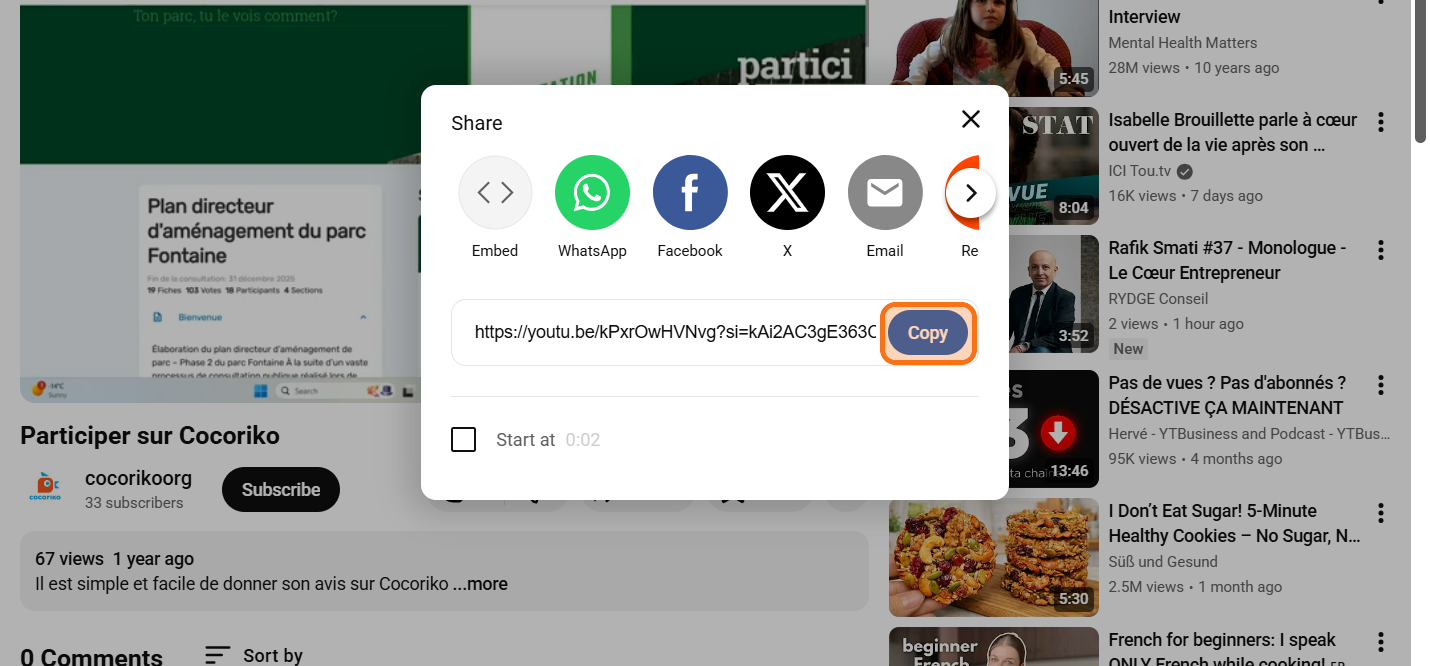
Click on "Copy"
Past the URL you copied before
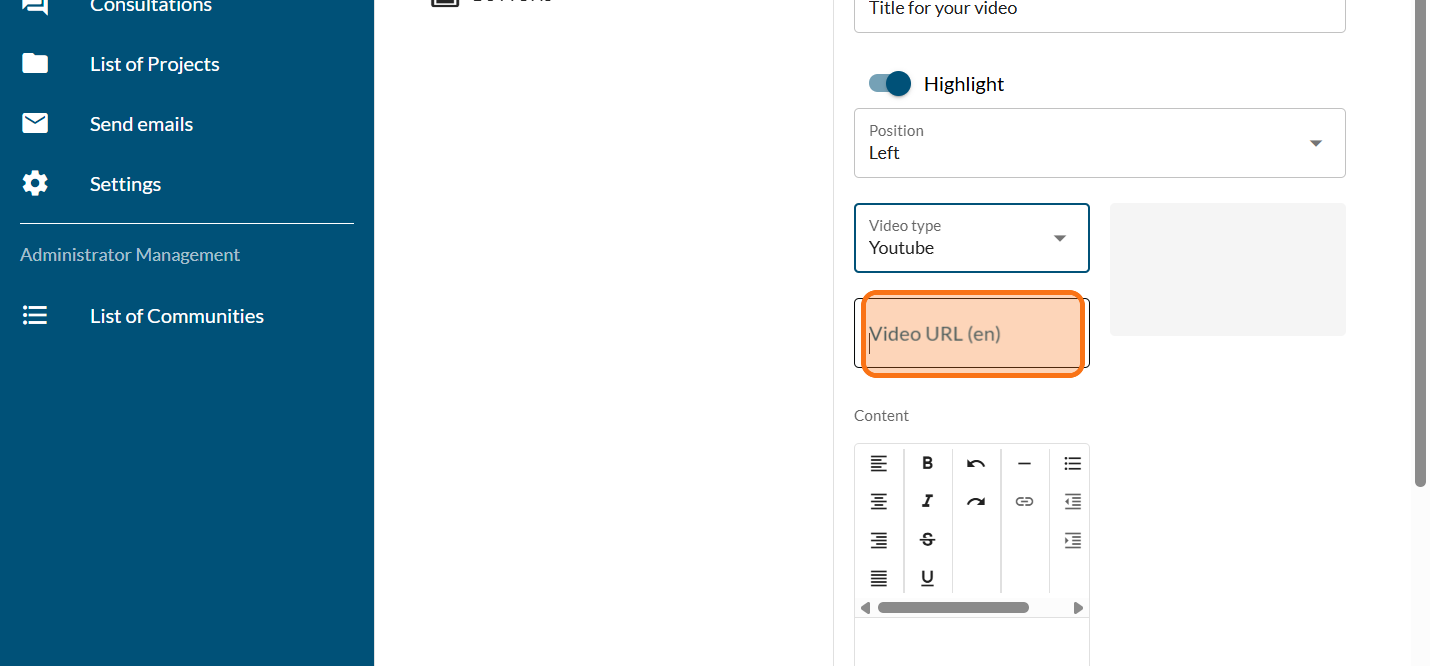
Click on "SAVE"
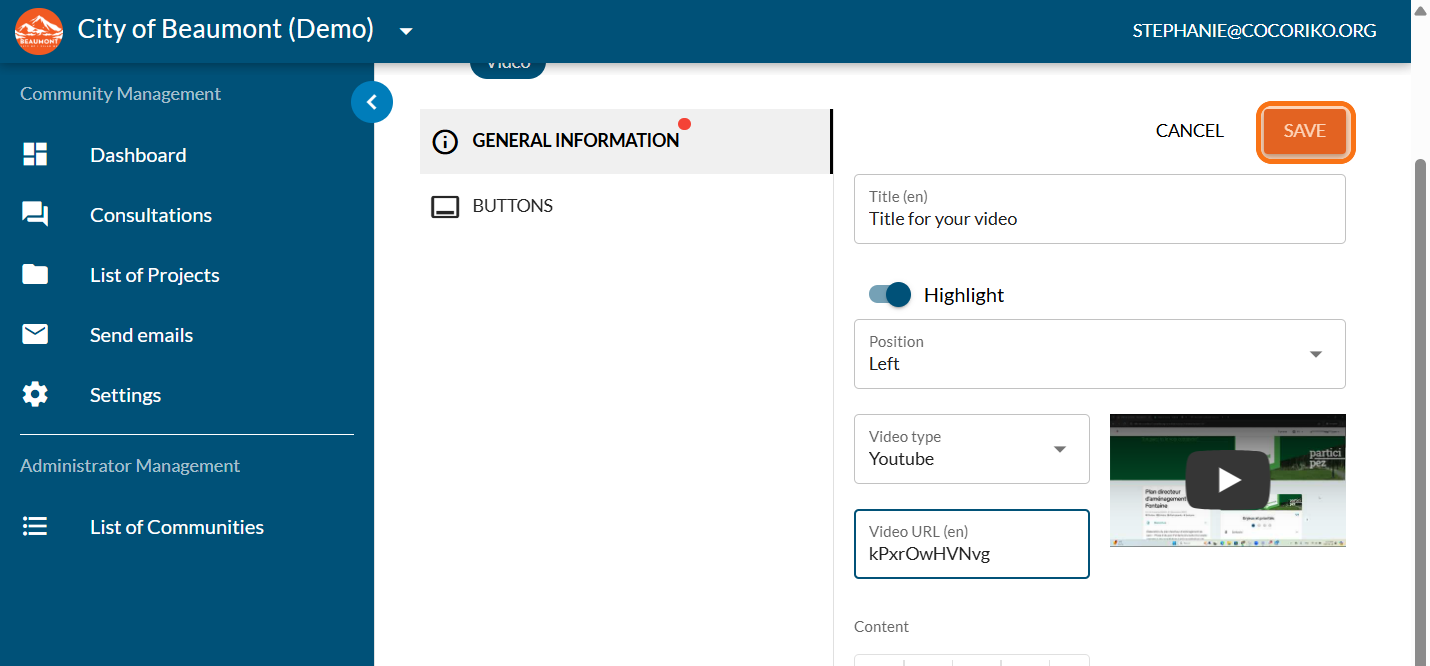
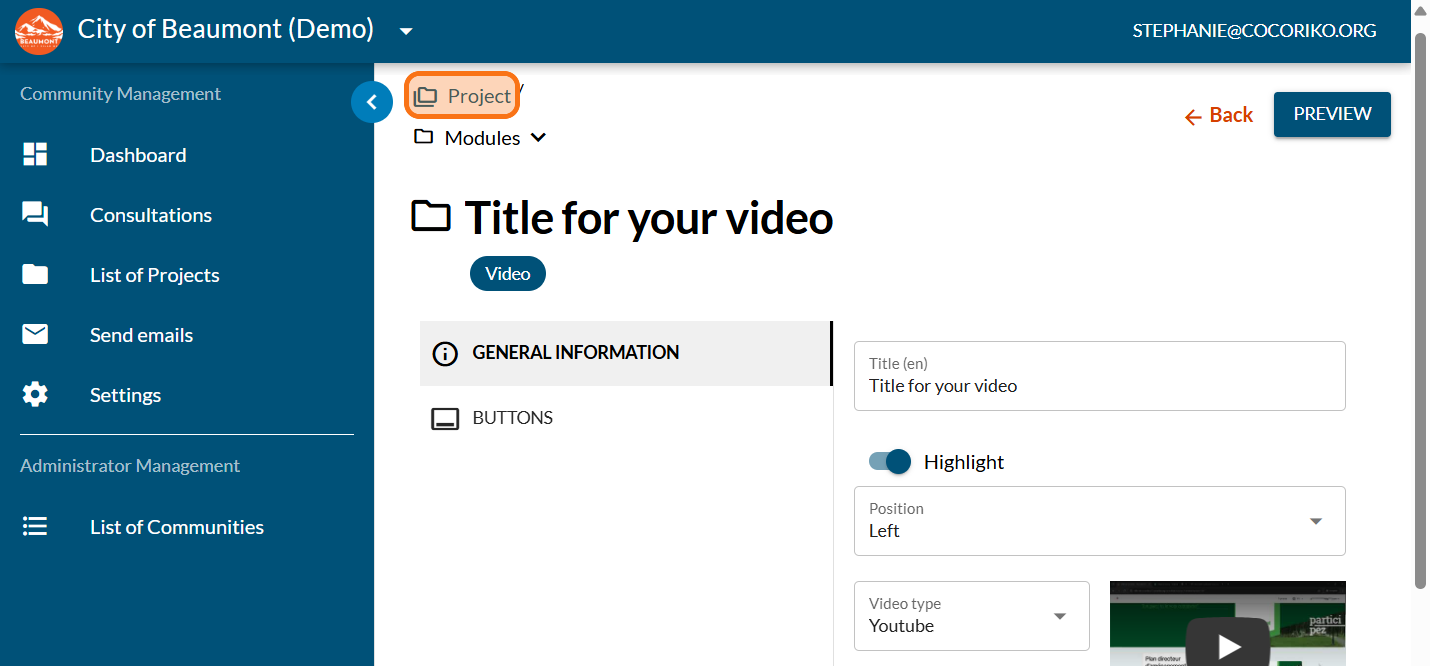
Click on "Project"
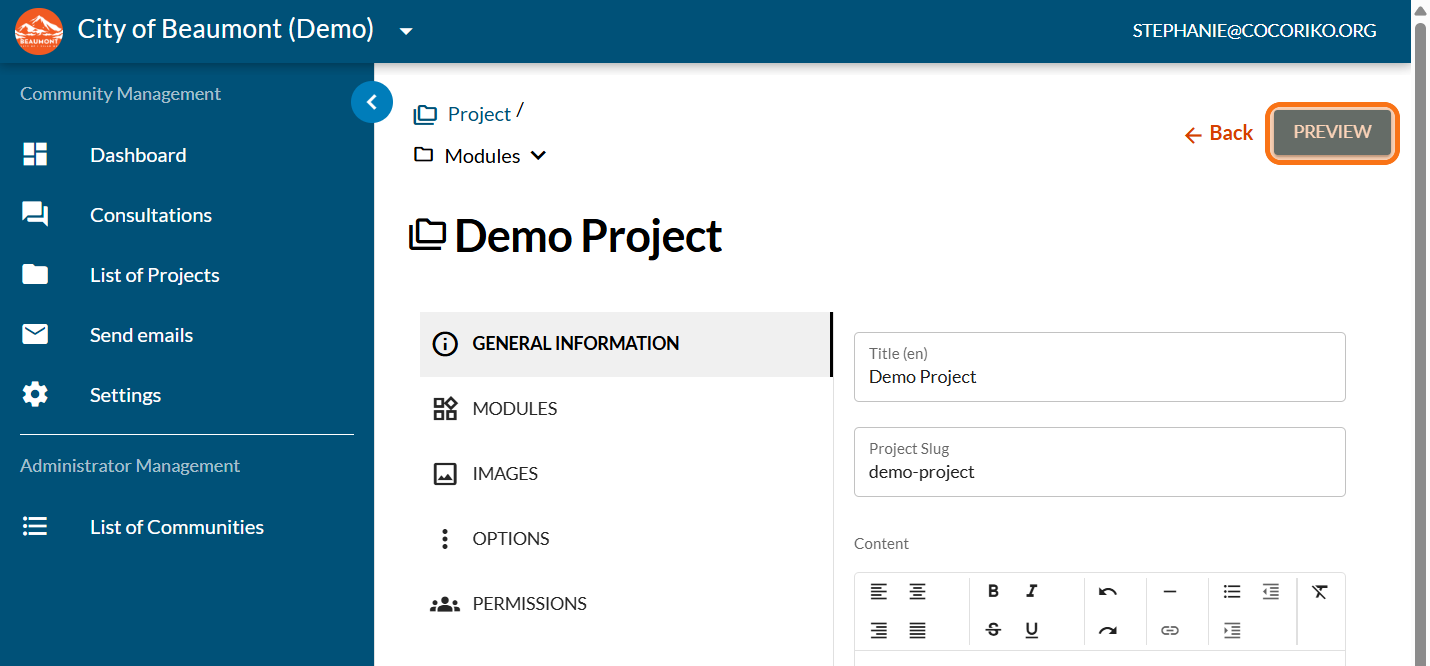
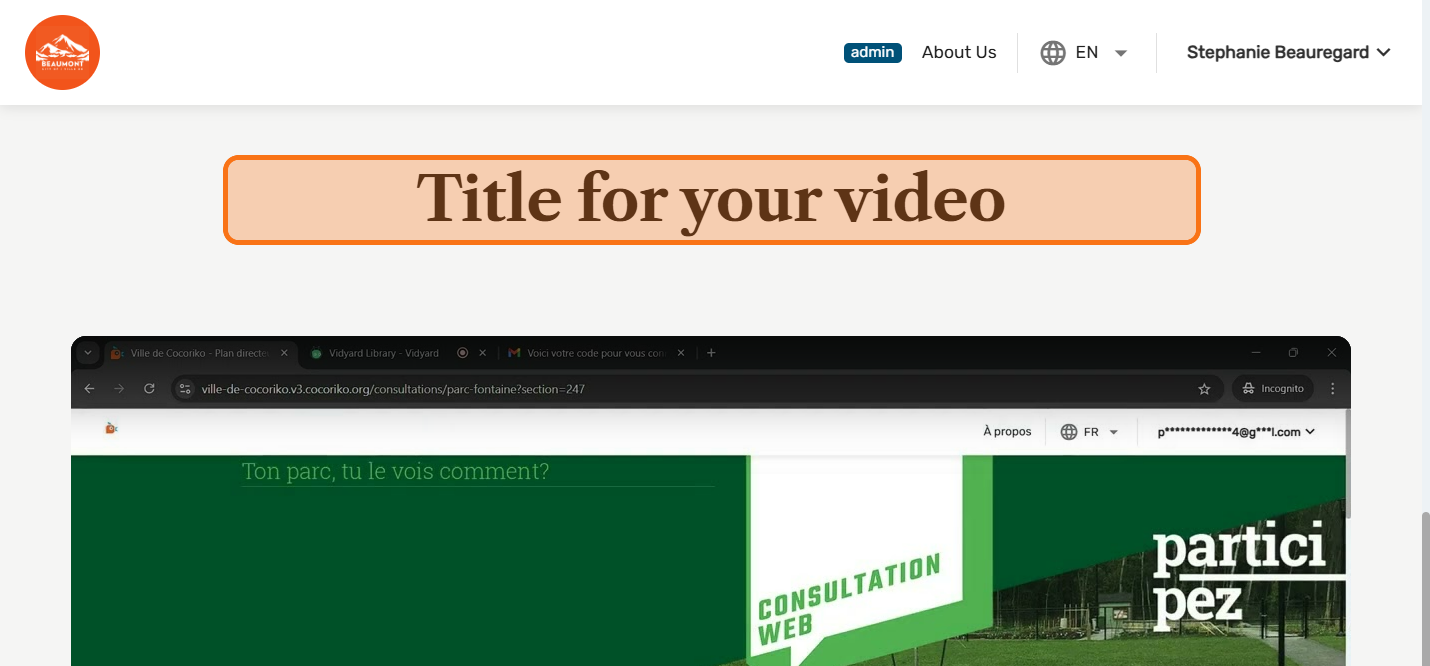
Click on "PREVIEW"
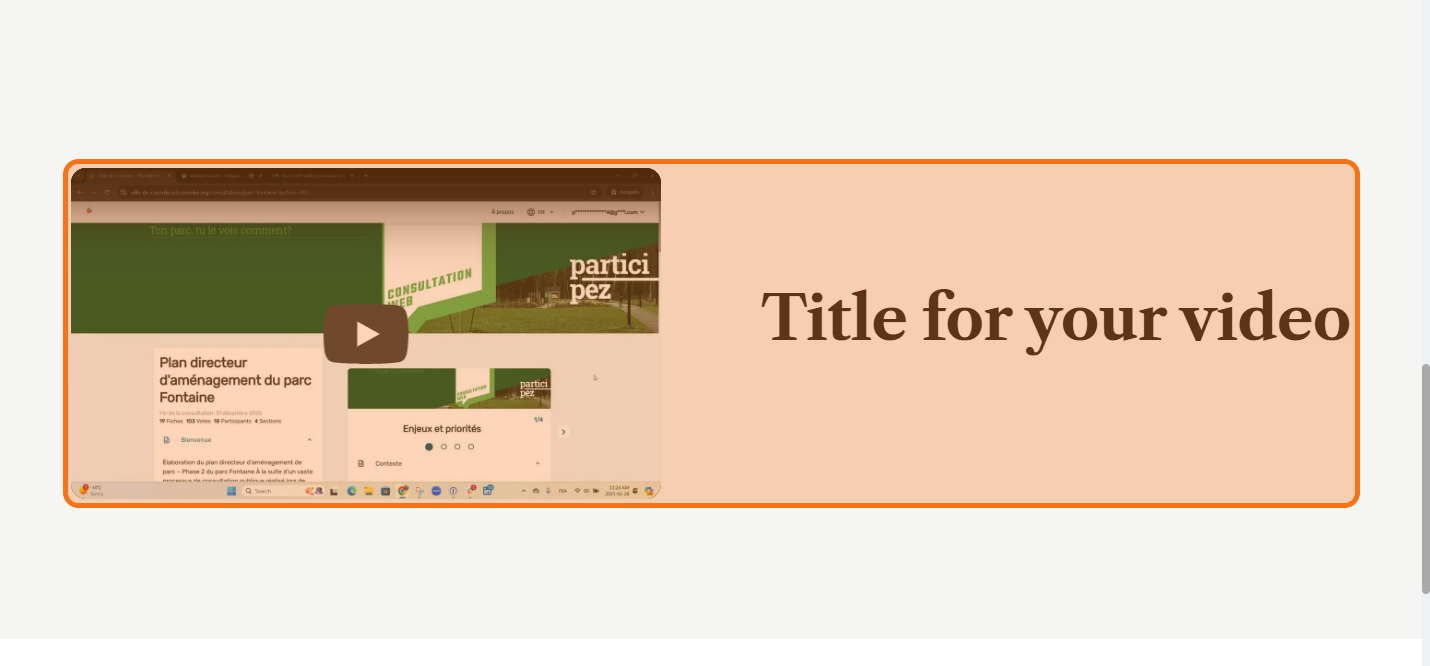
Preview your module with the half-column video
Click on "MODULES"
Click on "Video"
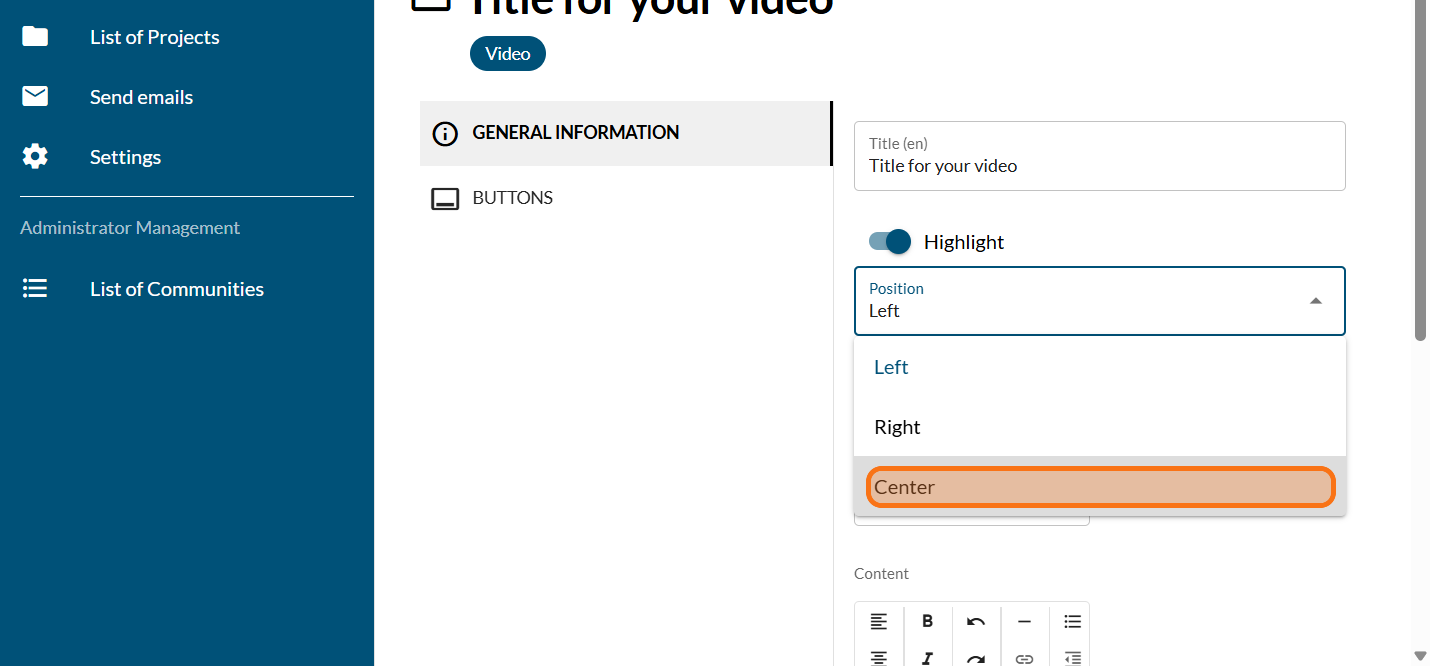
Click on "Center"
Click on "SAVE"
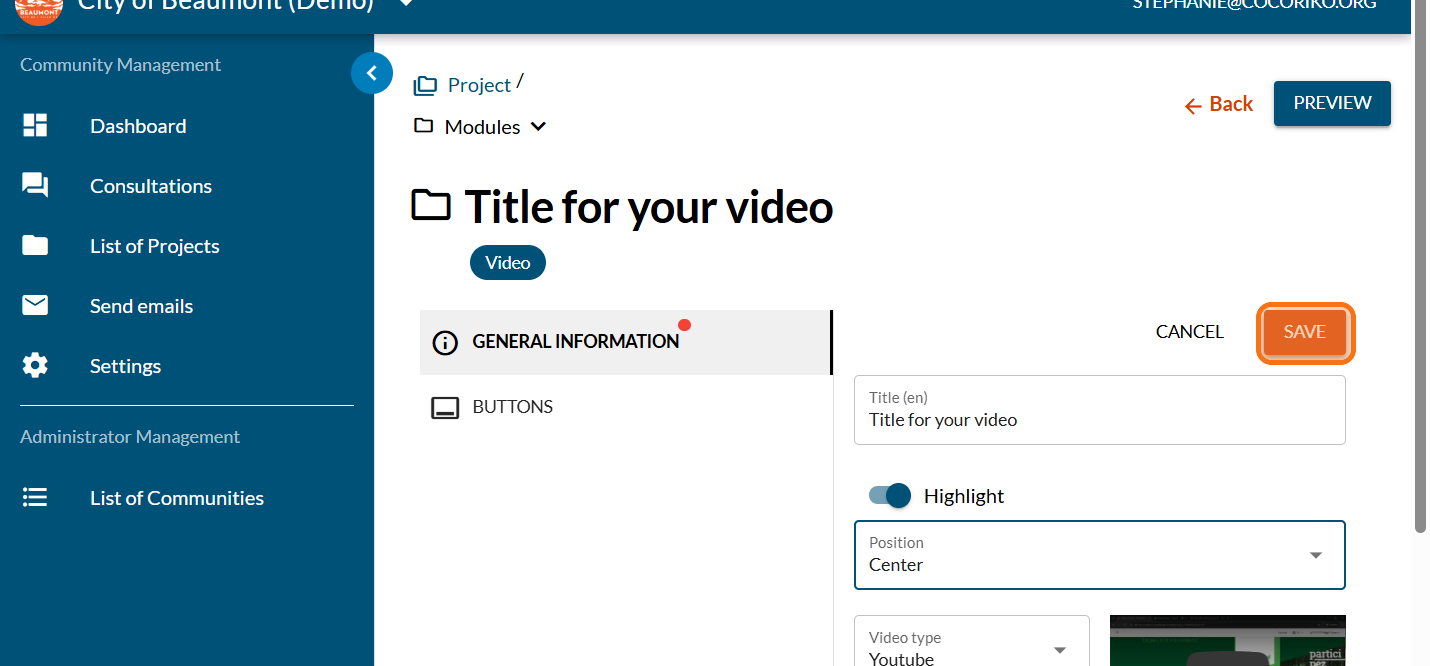
Preview your video module with the video in the centre. Continue making changes as required.

Lists available for email mailings
It is important to keep people in your community informed ab …
.png)
Add the Feedback module on a project
If your project does not have a consultation page, this modu …
Manage editors on your platform
An administrator on a Cocoriko platform can add or remove co …