

By Team Cocoriko on Apr 14, 2026 2:01:07 PM
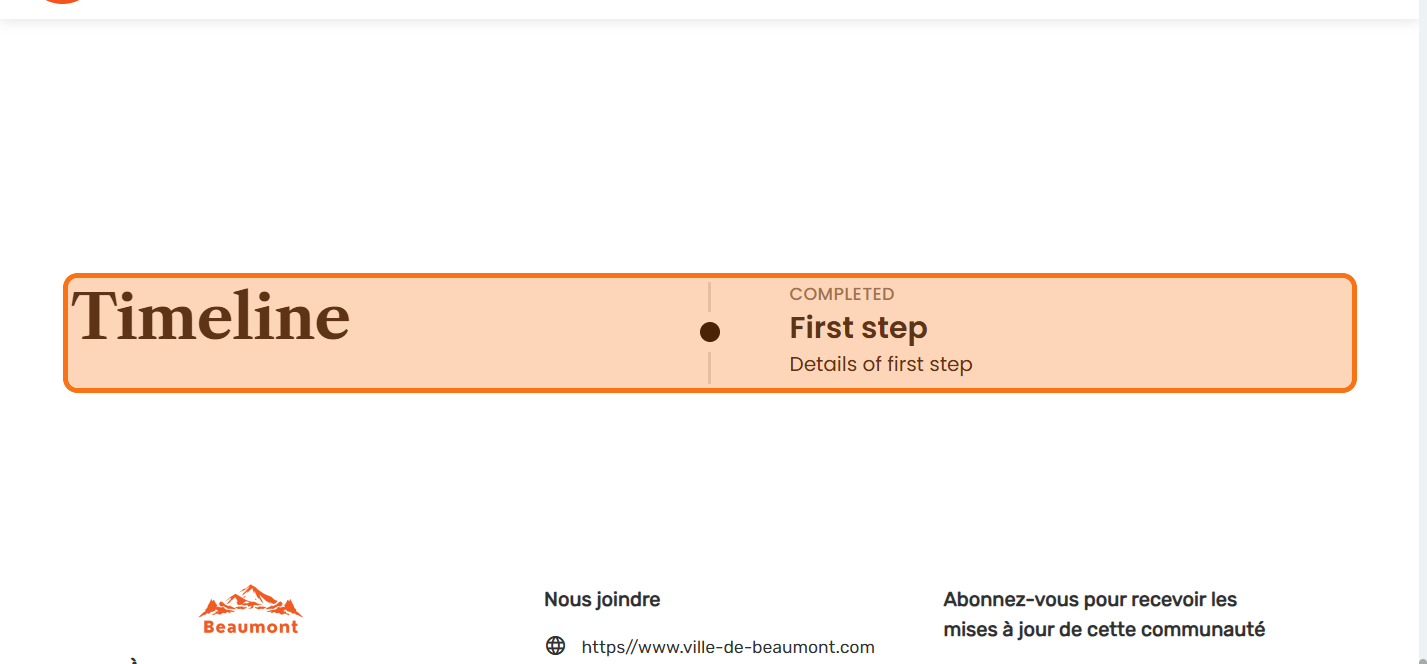
Use this module to present the stages or timelines of your project.
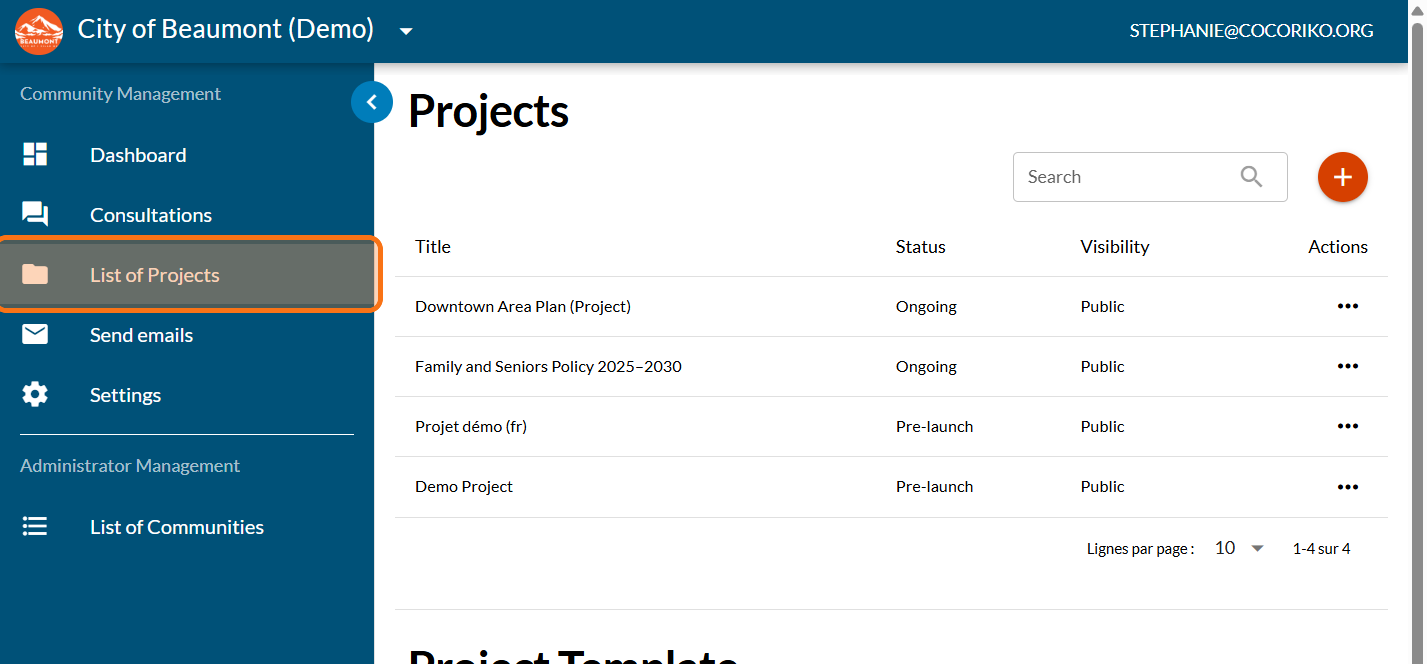
Click on "List of Projects"
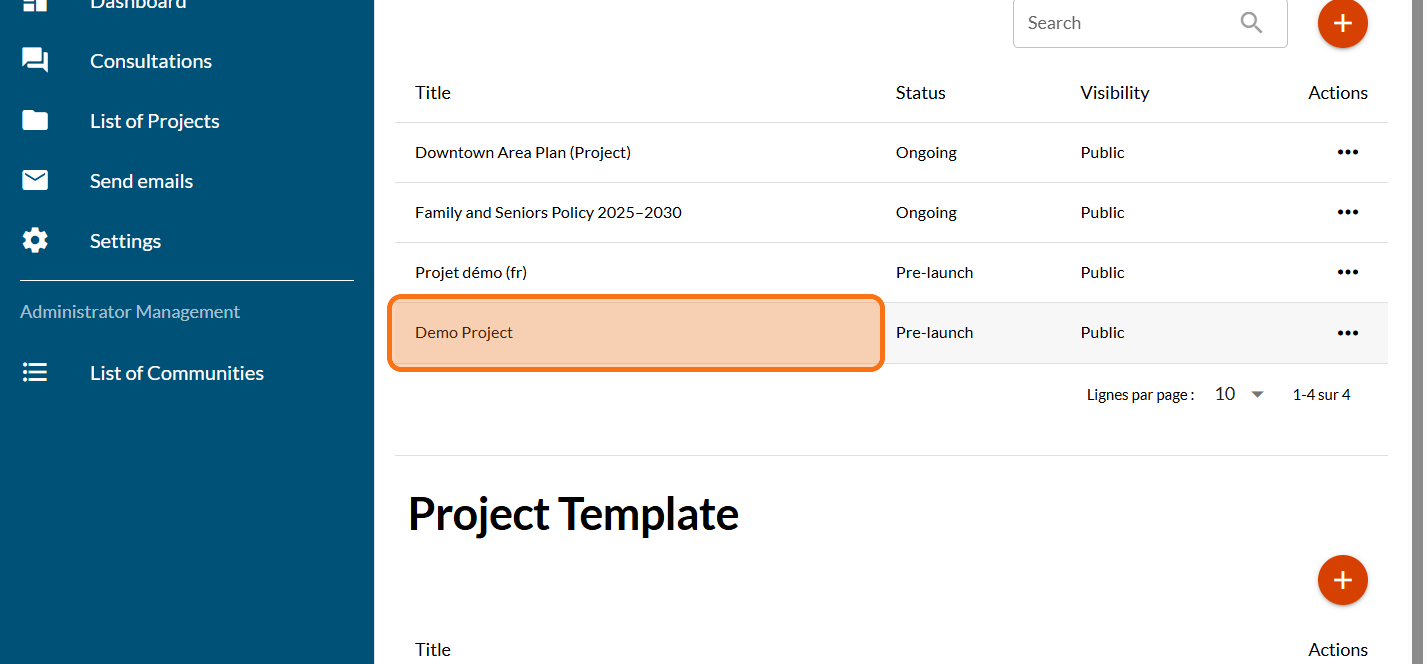
Click on your project
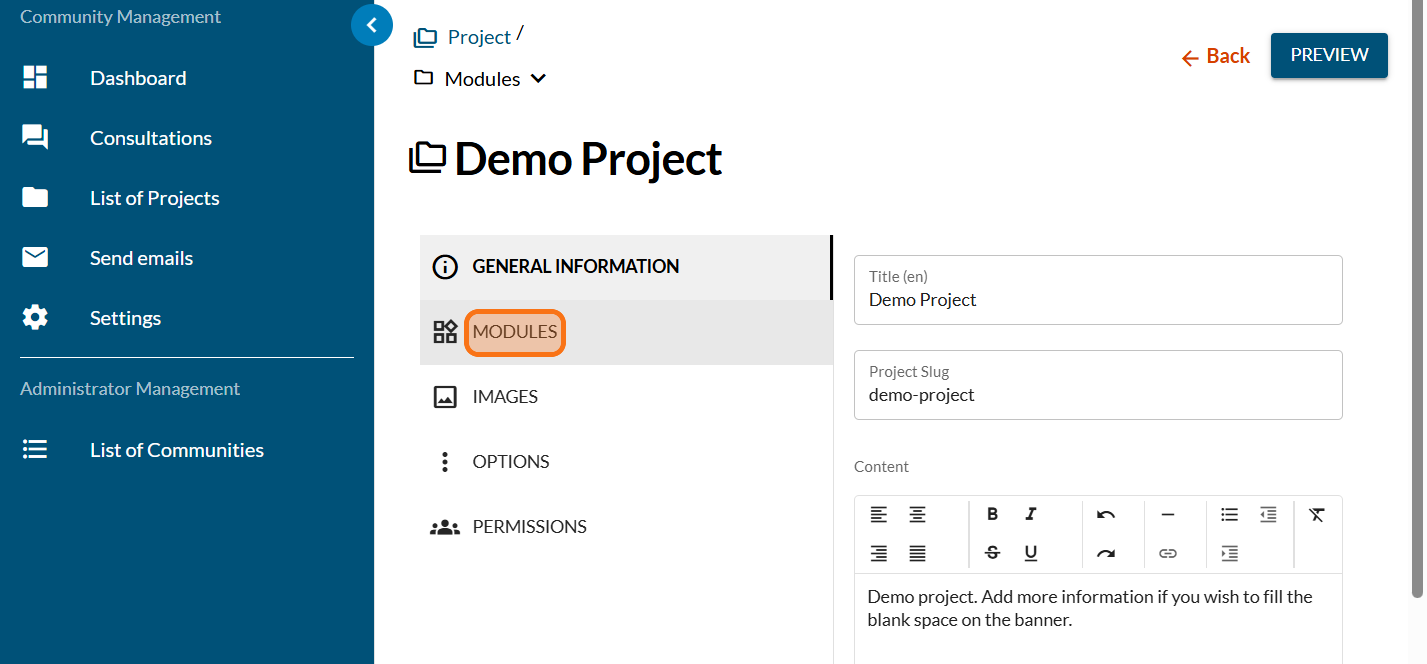
Click on "MODULES"
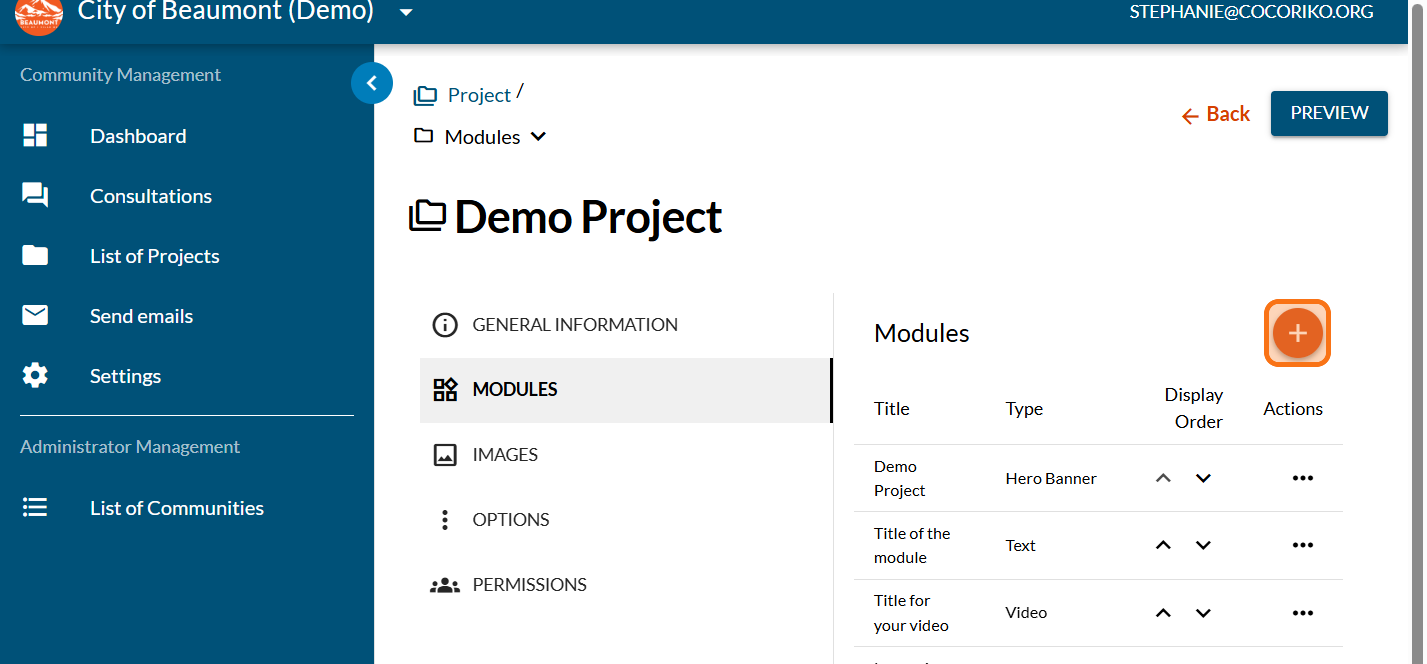
Click on the PLUS sign to add a new module
Click on "Timeline"
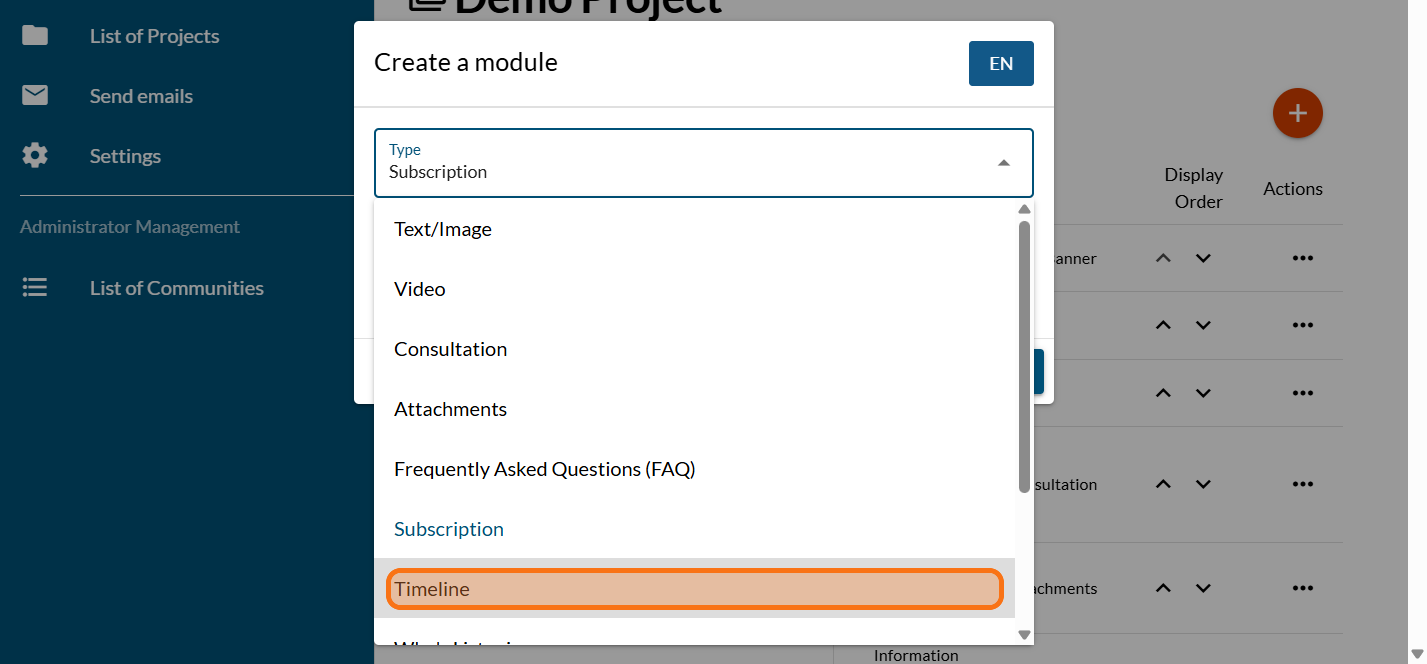
Enter a title for your timeline
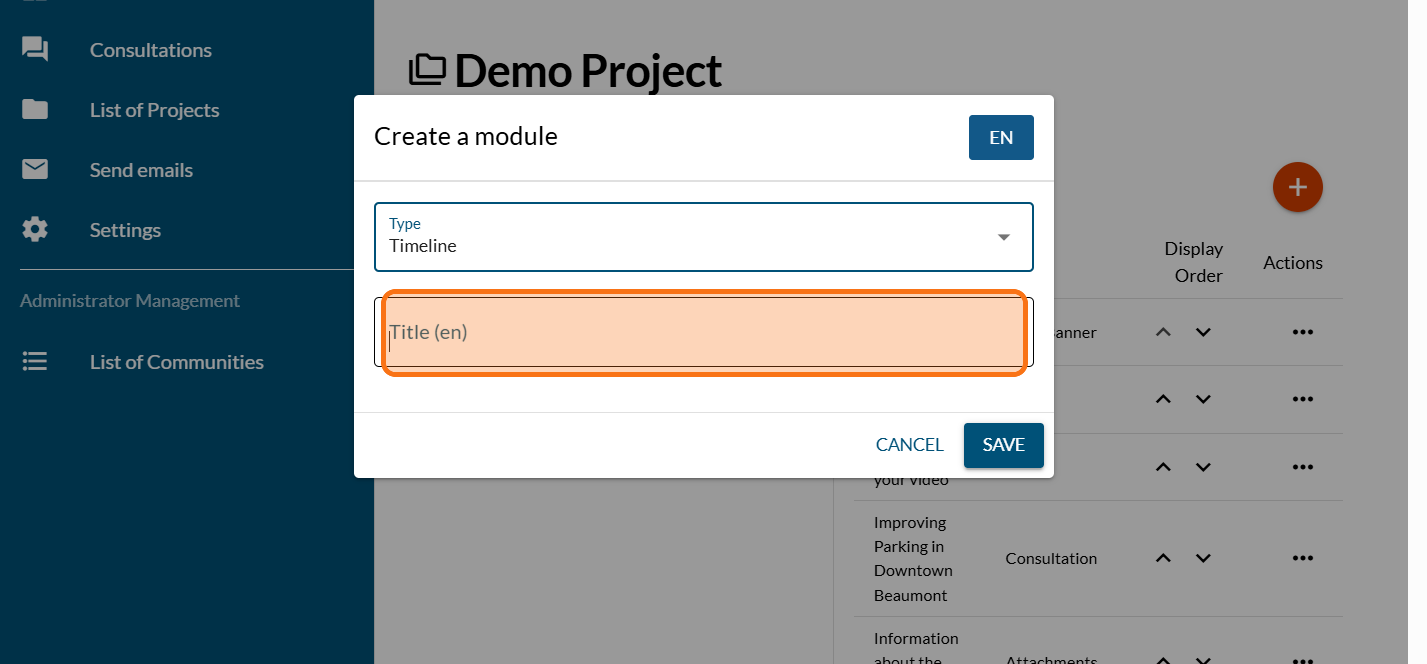
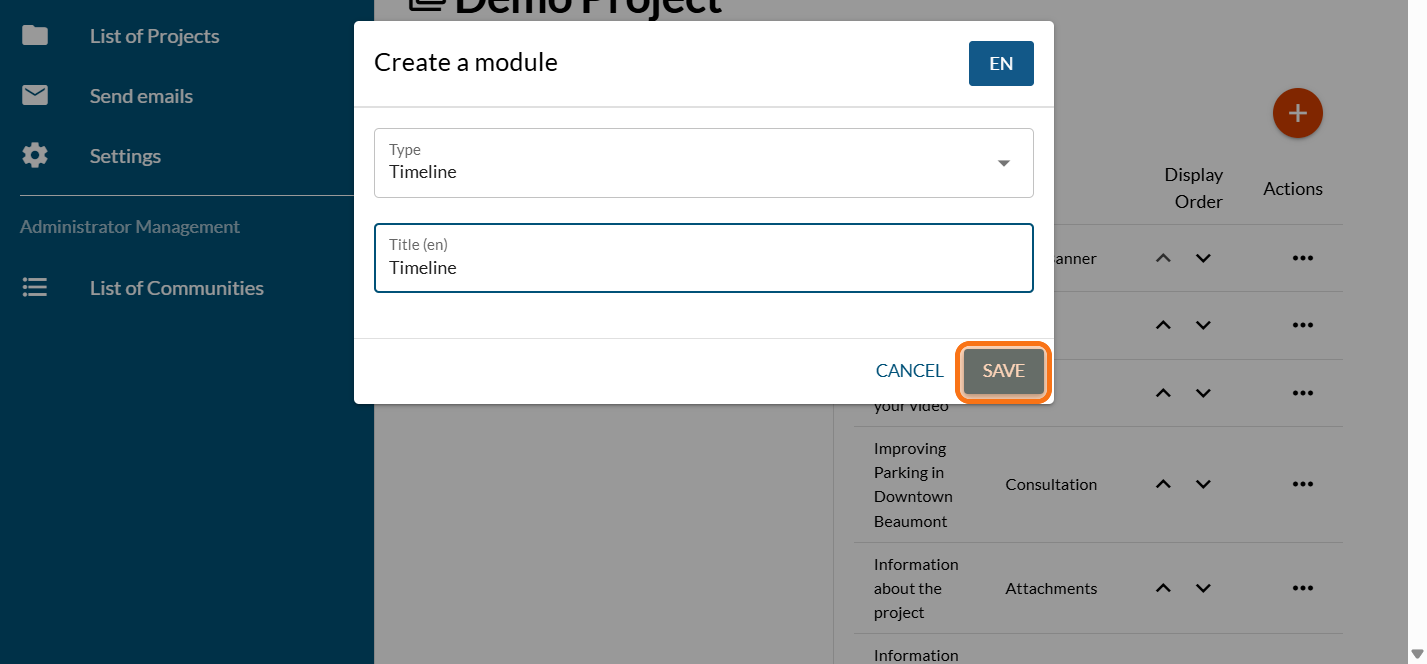
Click on "SAVE"
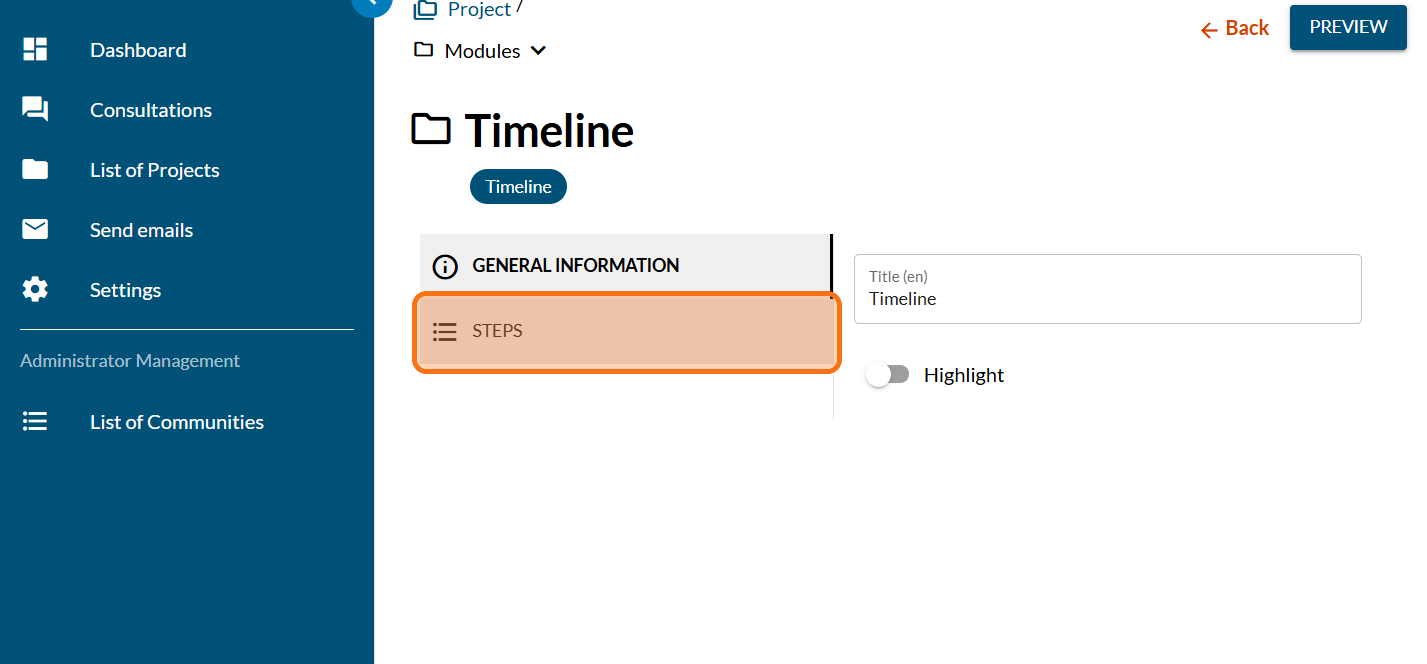
Click on "STEPS"
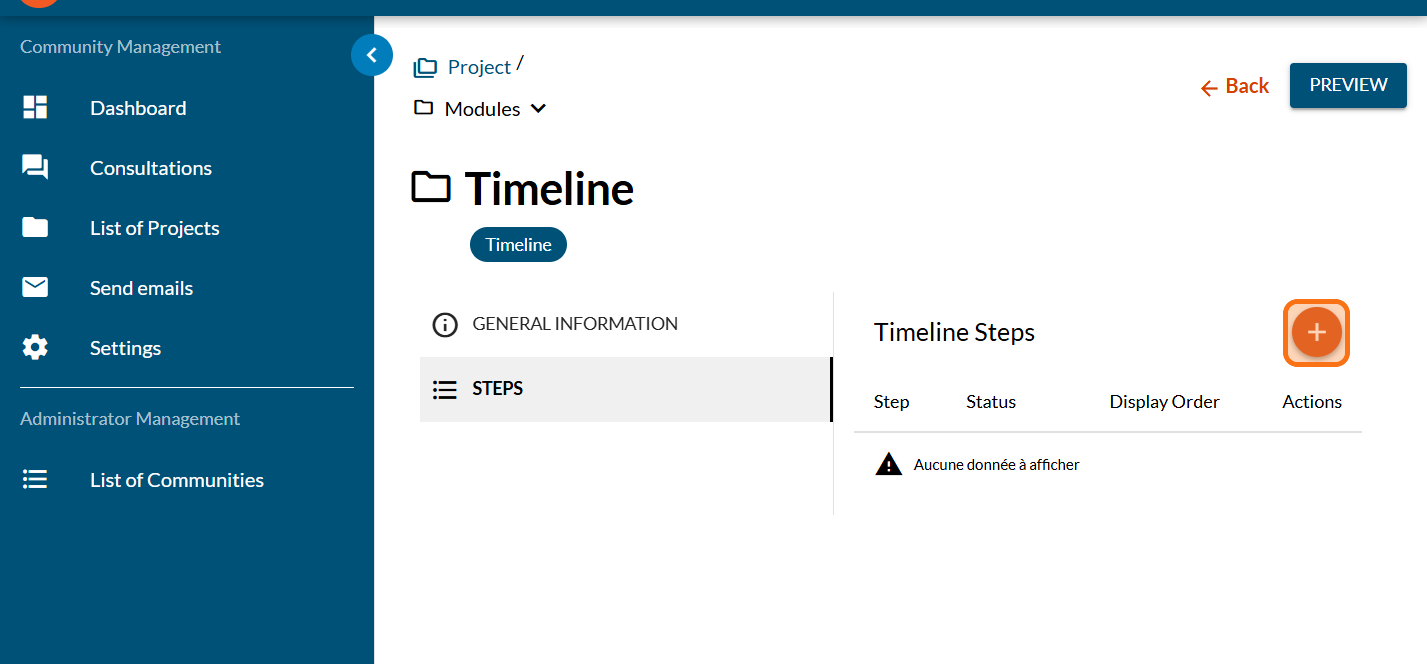
Click on the PLUS sign to add a new step
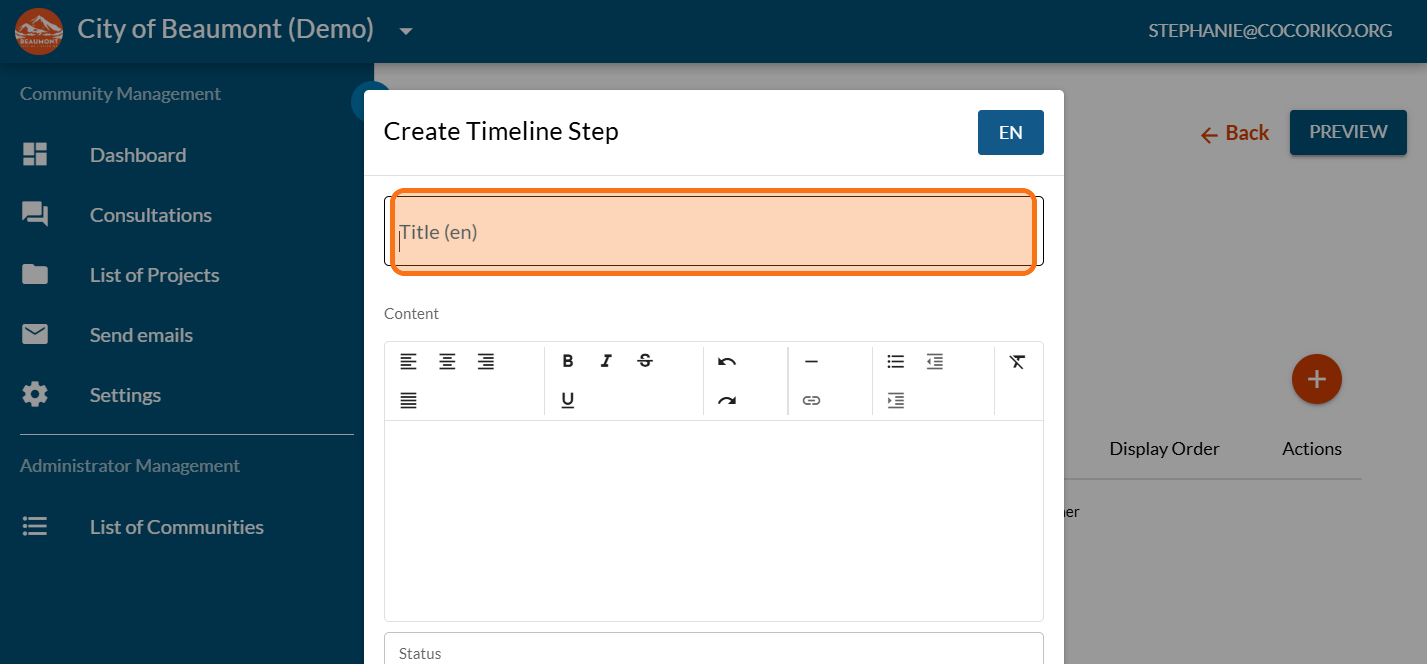
Enter the title of the first step of your timeline
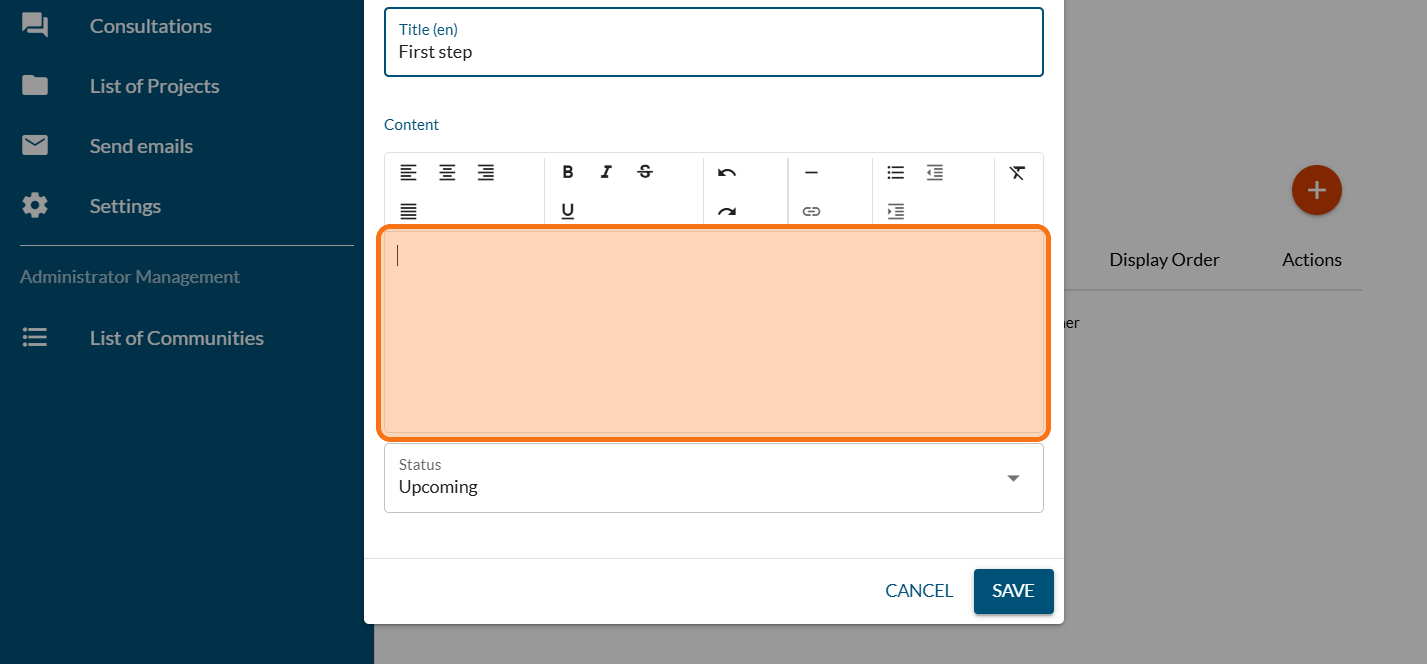
Enter a description
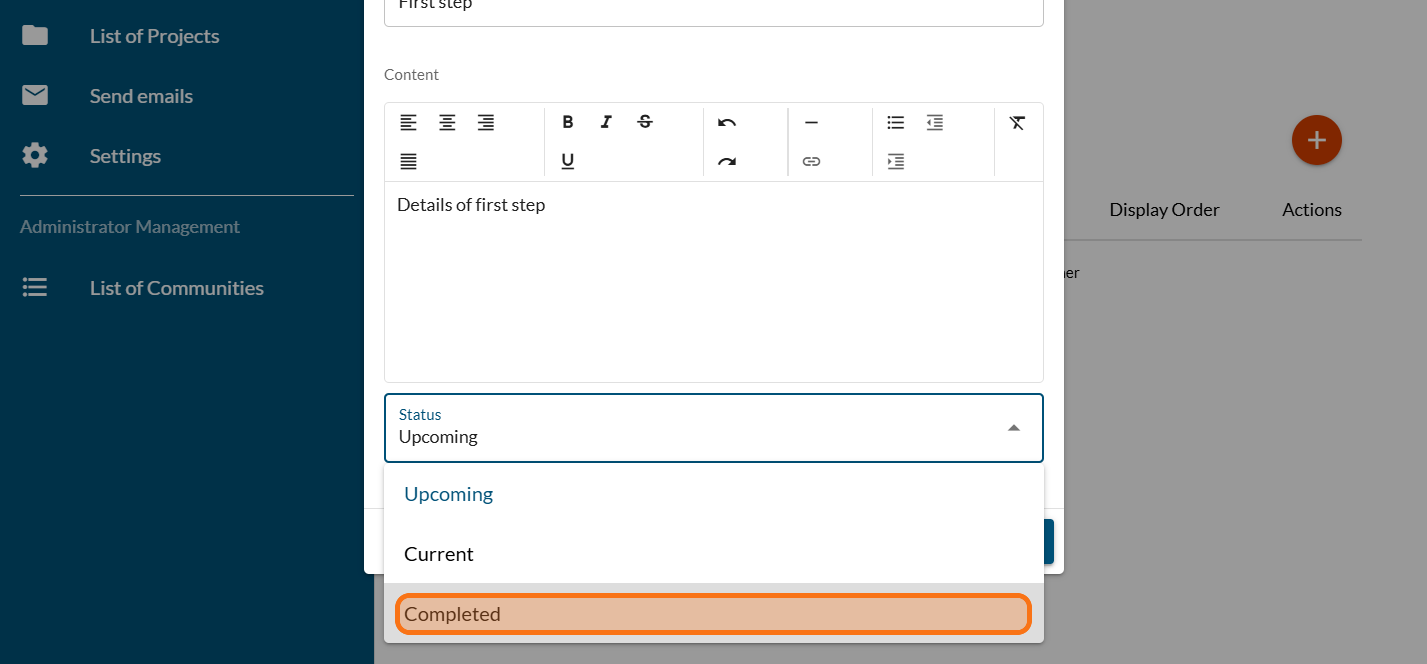
Pick a status for this first step
Click on "SAVE"
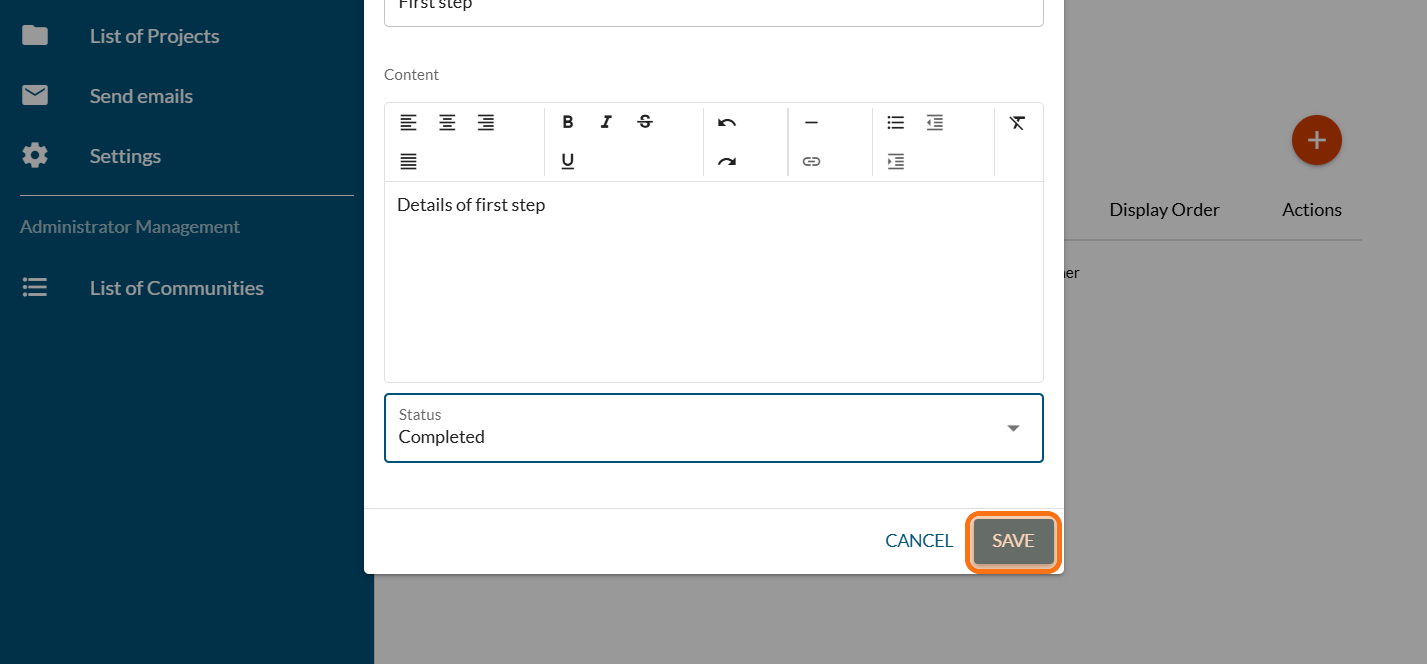
Repeat to add more steps
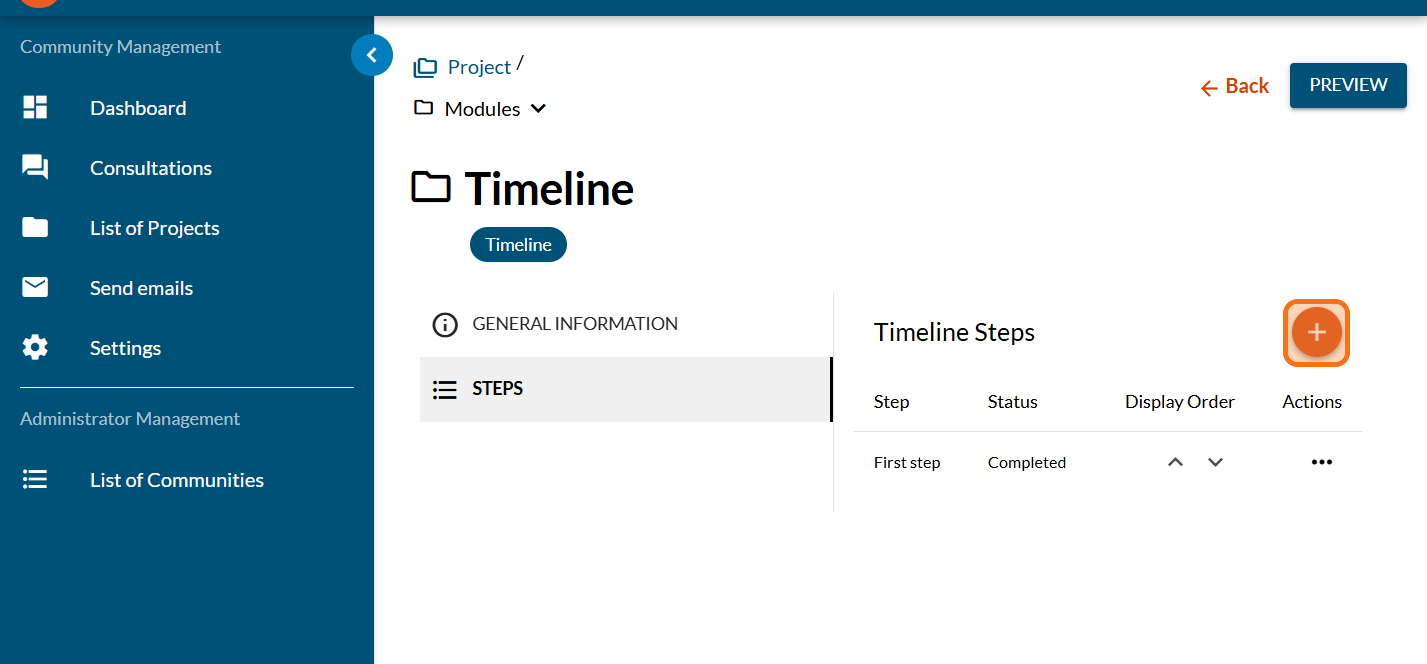
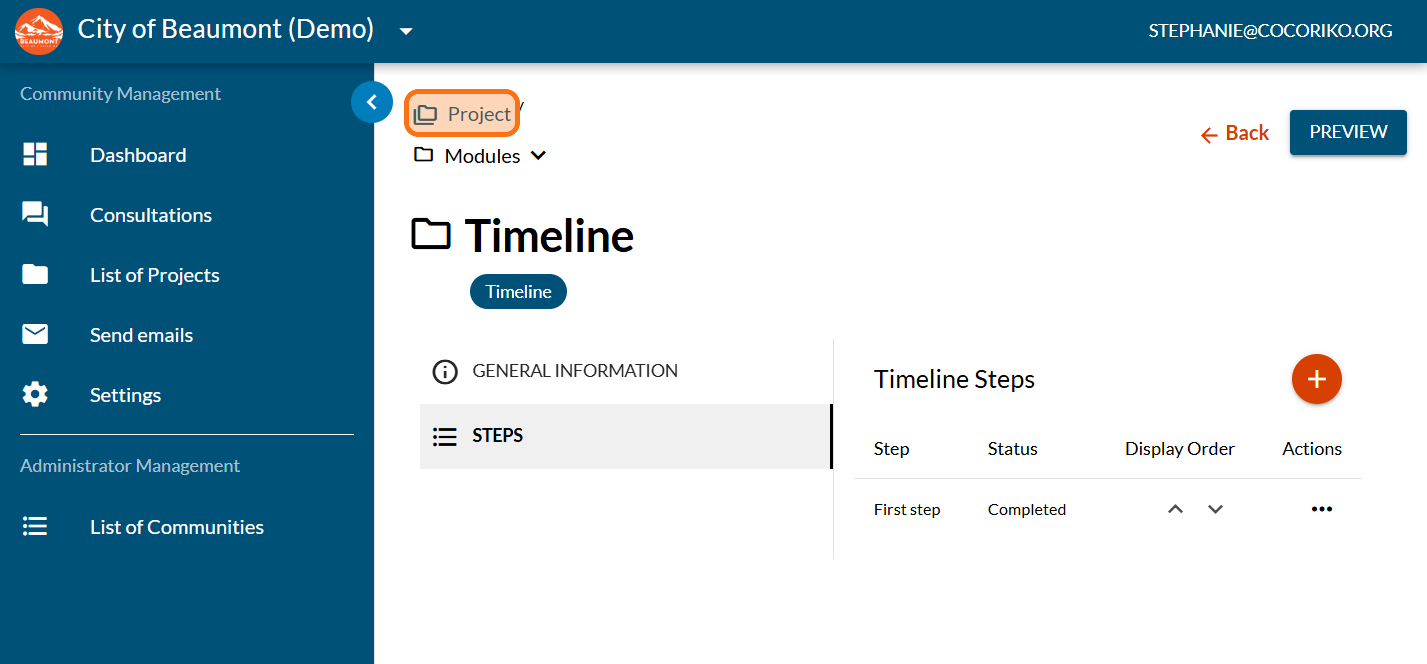
Click on "Project"
Click on "PREVIEW"
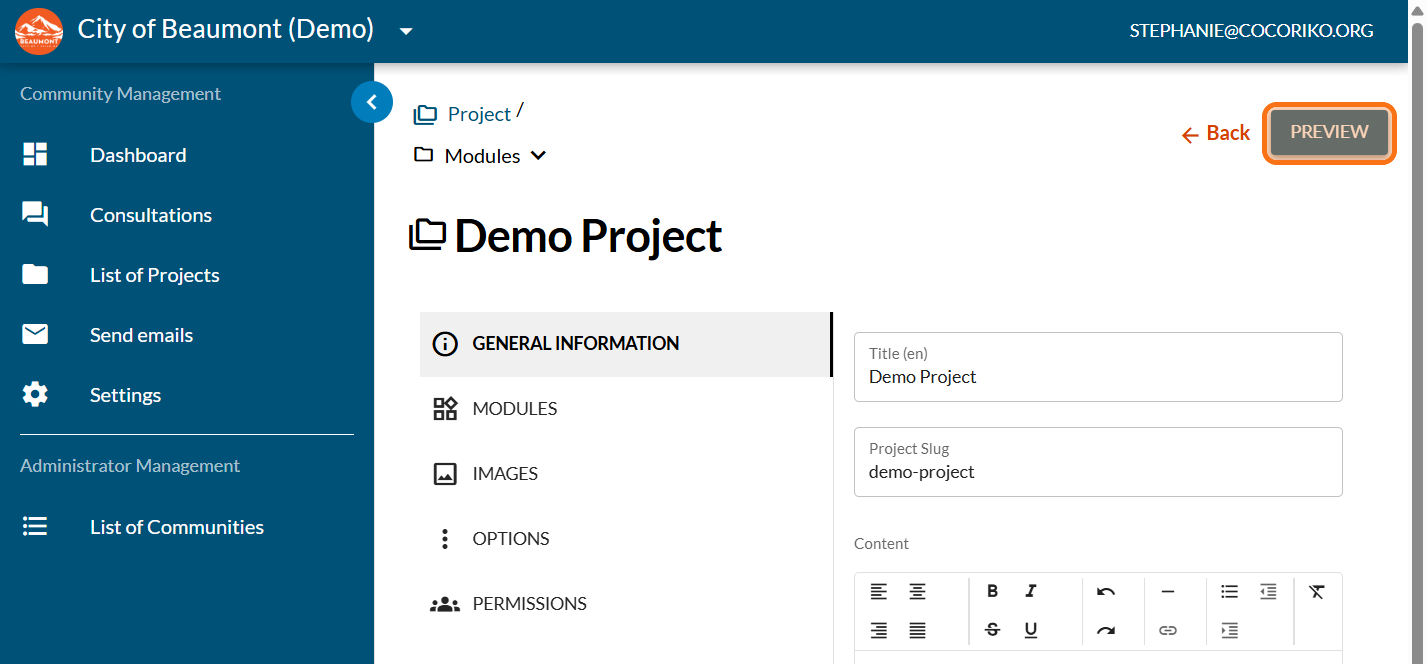
Preview your timeline (modern theme)
Share this
Previous story
← Add the frequently asked questions (FAQ) to a projectNext story
Add subscription module to your project →
Copy (duplicate) a project

Copy (duplicate) a project
Follow these steps to copy a project and save yourself a lot …
Apr 15, 2026 1:07:52 PM
2
min read
Set up the project by invitation or private

Set up the project by invitation or private
An invitation-only project is accessible only to a group of …
Apr 15, 2026 10:49:09 AM
4
min read
Manage the Hero banner
.png)
Manage the Hero banner
In the modern theme, the project banner appears differently …
Apr 13, 2026 9:40:19 AM
7
min read