

By Team Cocoriko on Apr 14, 2026 3:49:52 PM
Invite your community to events related to your project, and you can direct them to another platform for registration.
Click on "List of Projects"
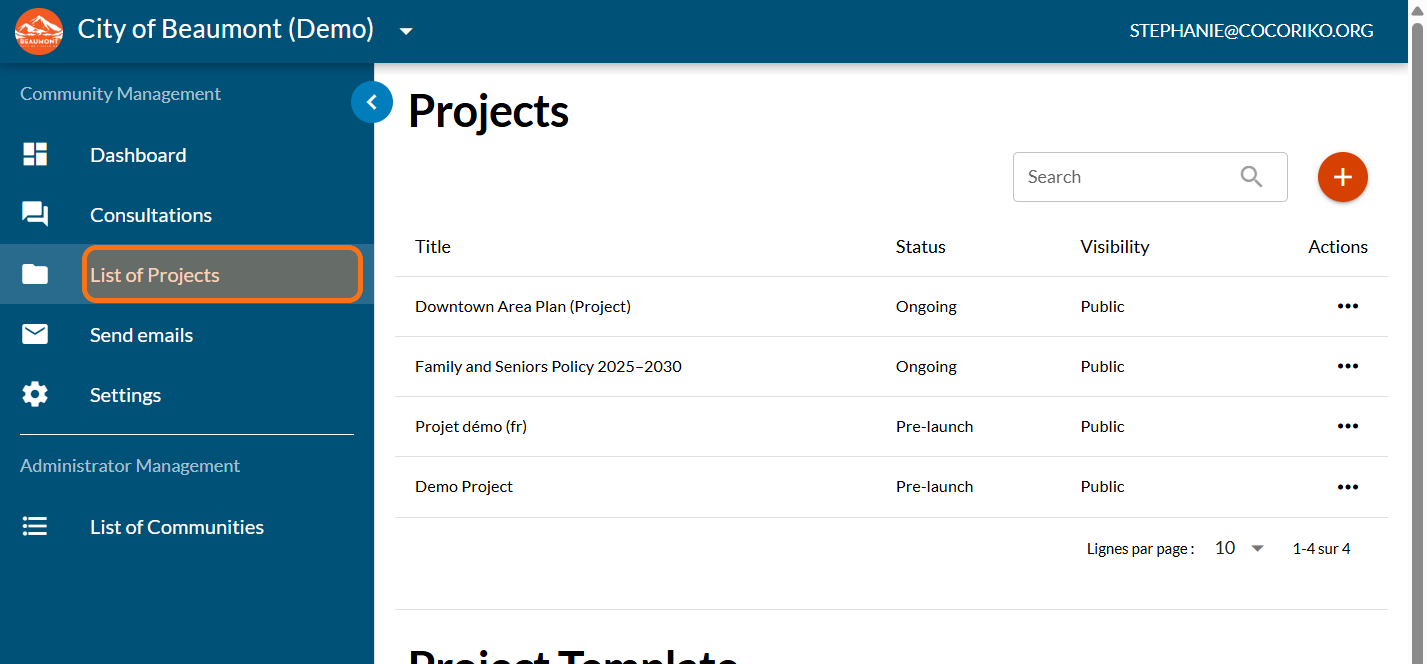
Click on your project
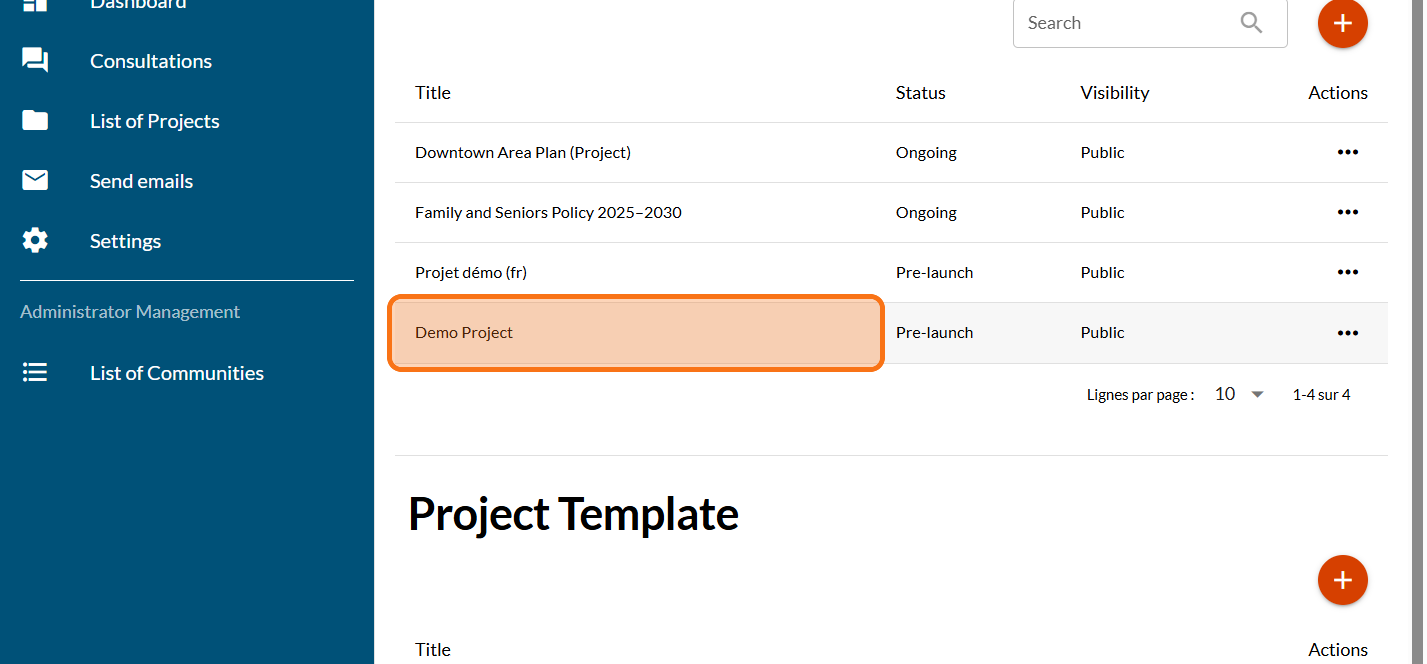
Click on "MODULES"
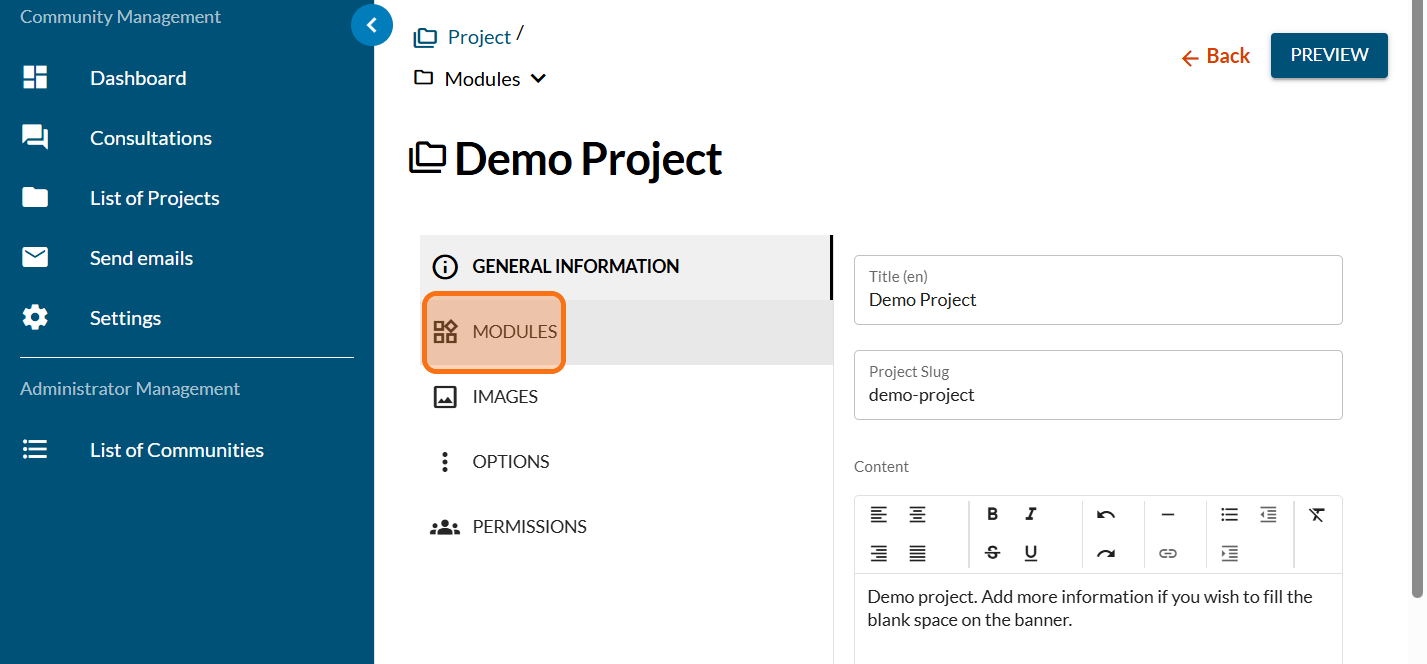
Click on the PLUS sign to add a new module
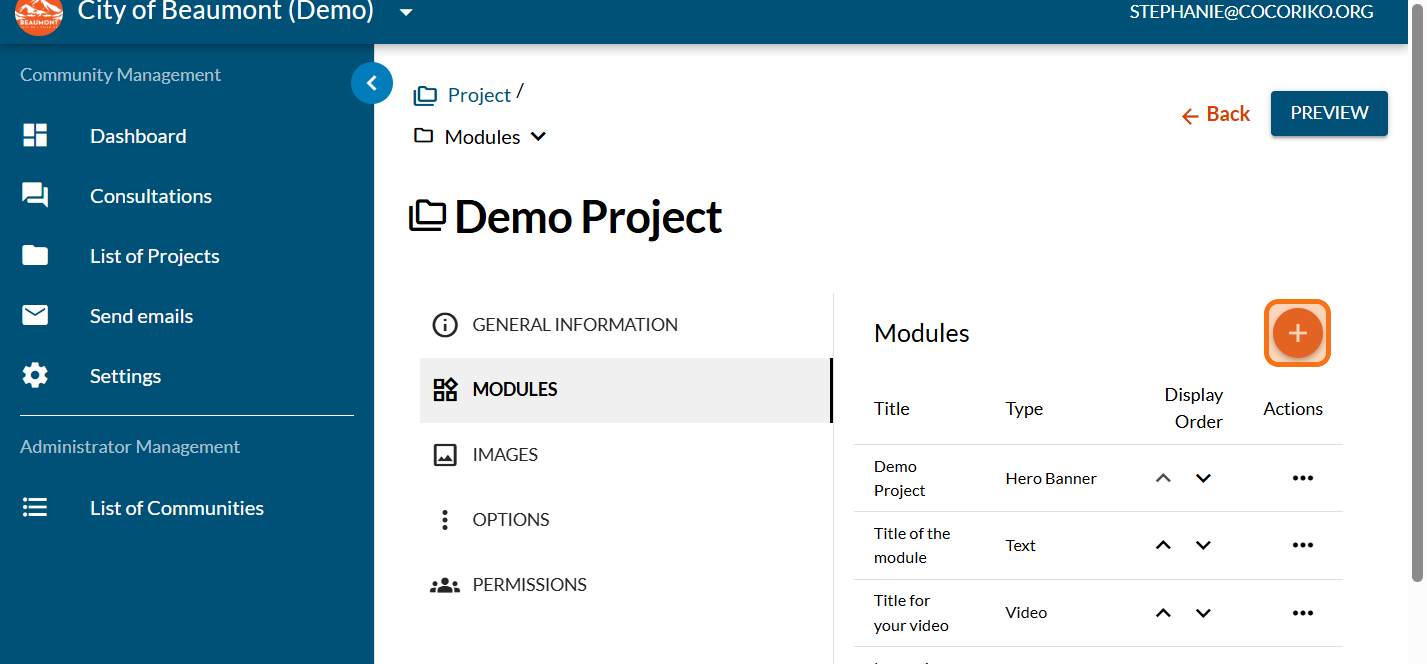
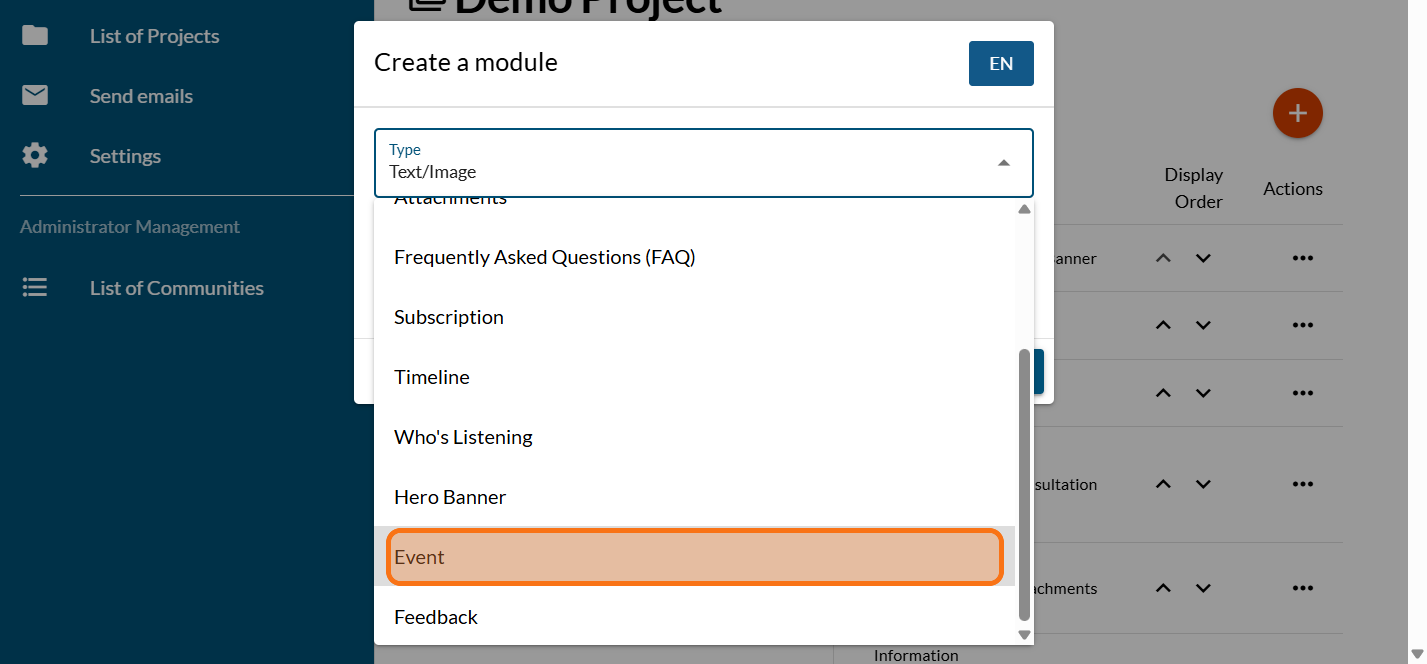
Click on "Event"
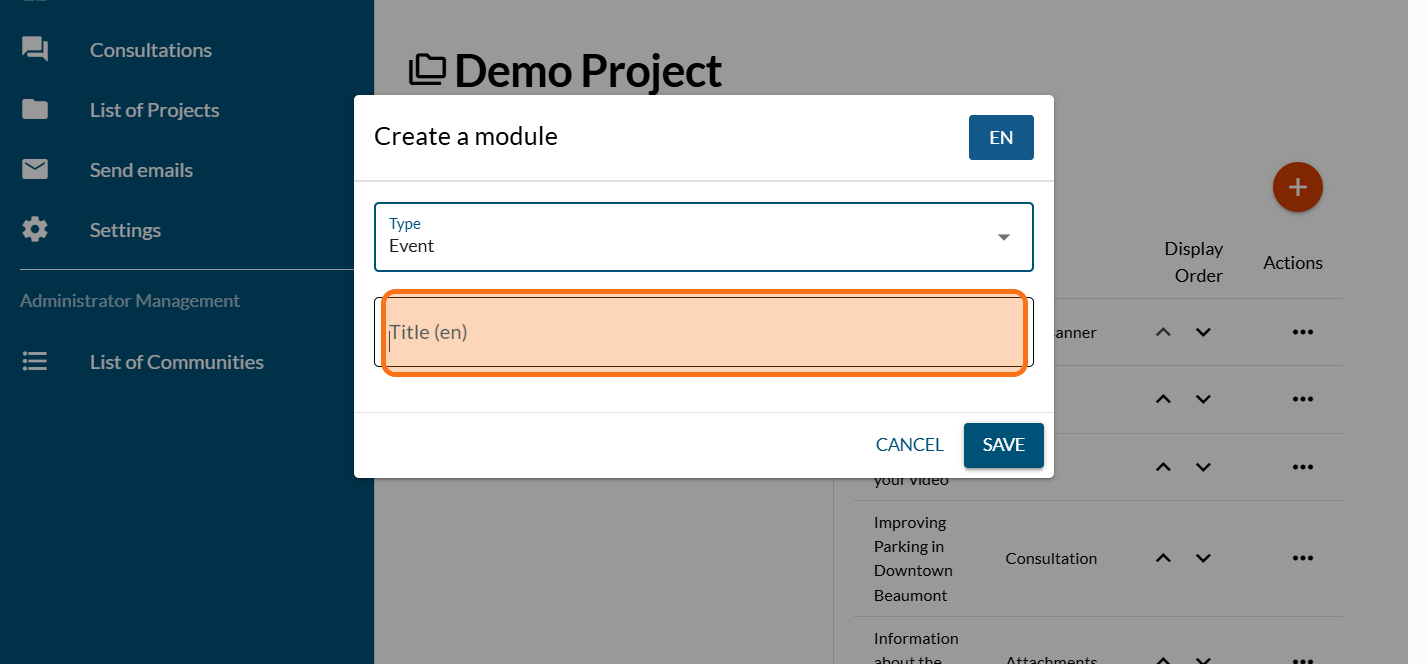
Enter the title of your event
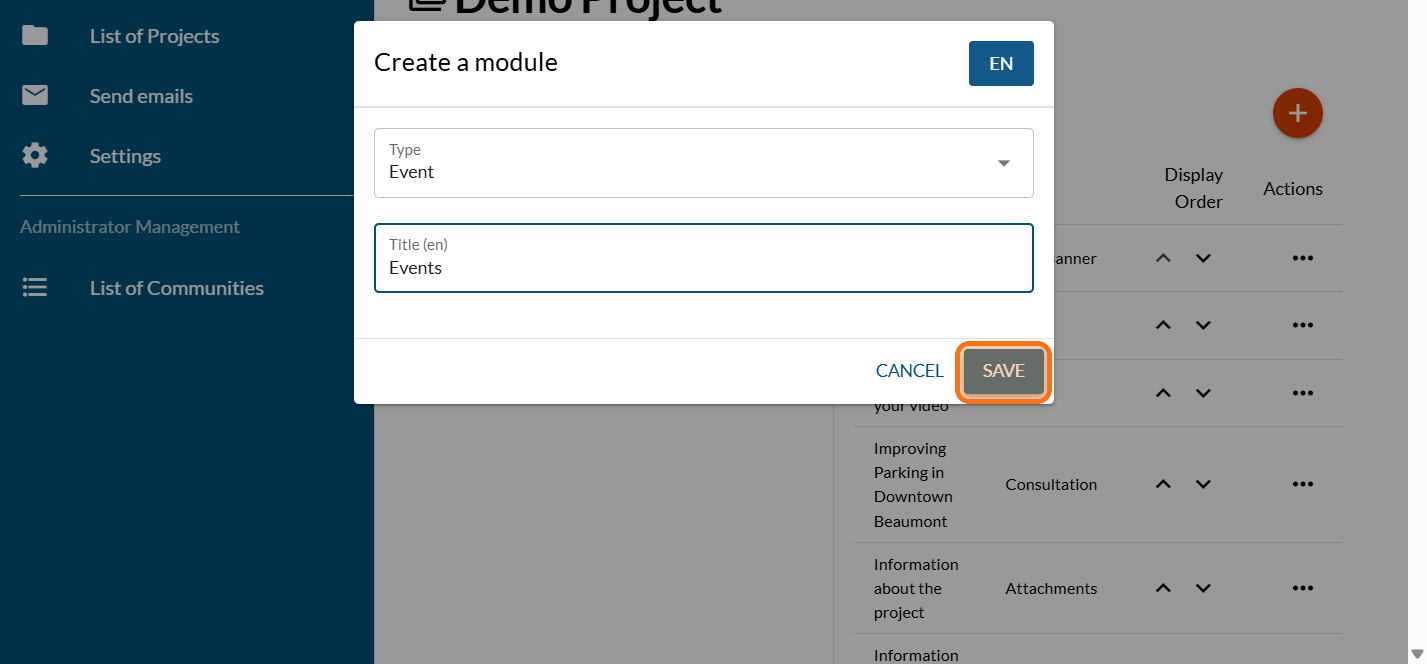
Click on "SAVE"
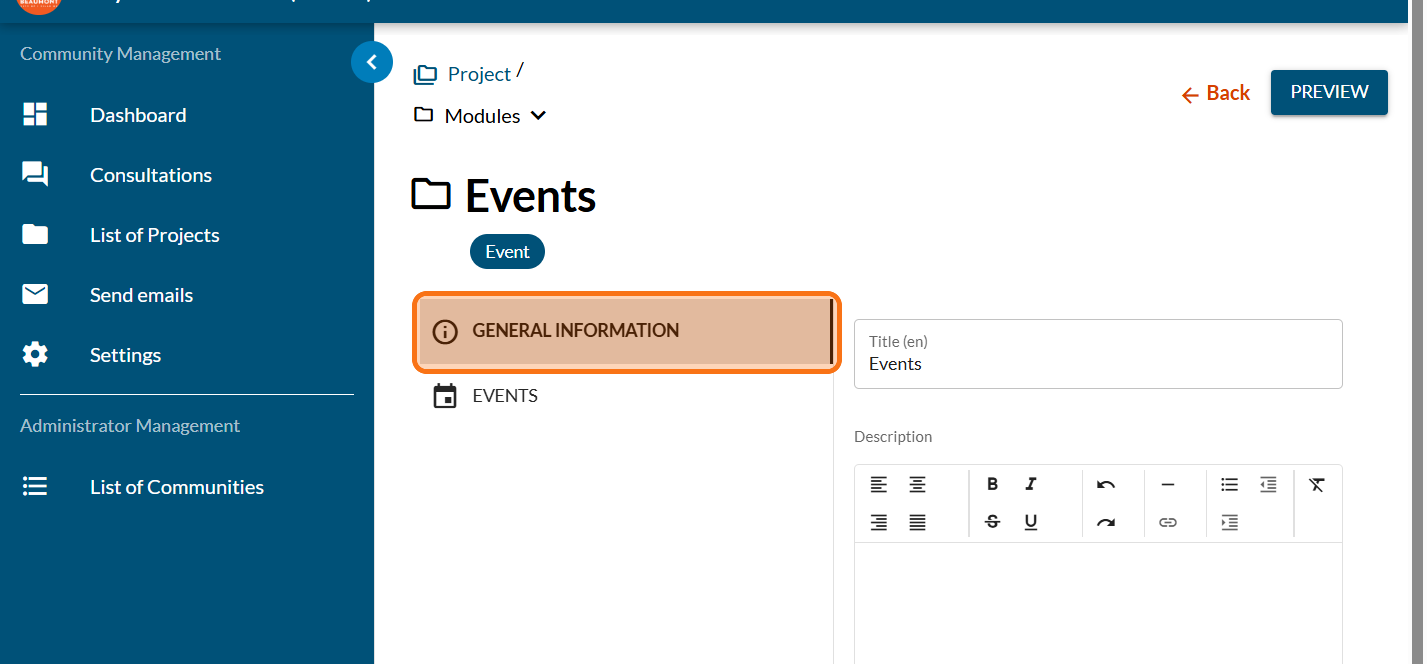
Click on "GENERAL INFORMATION"
Enter an introduction text to invite your community
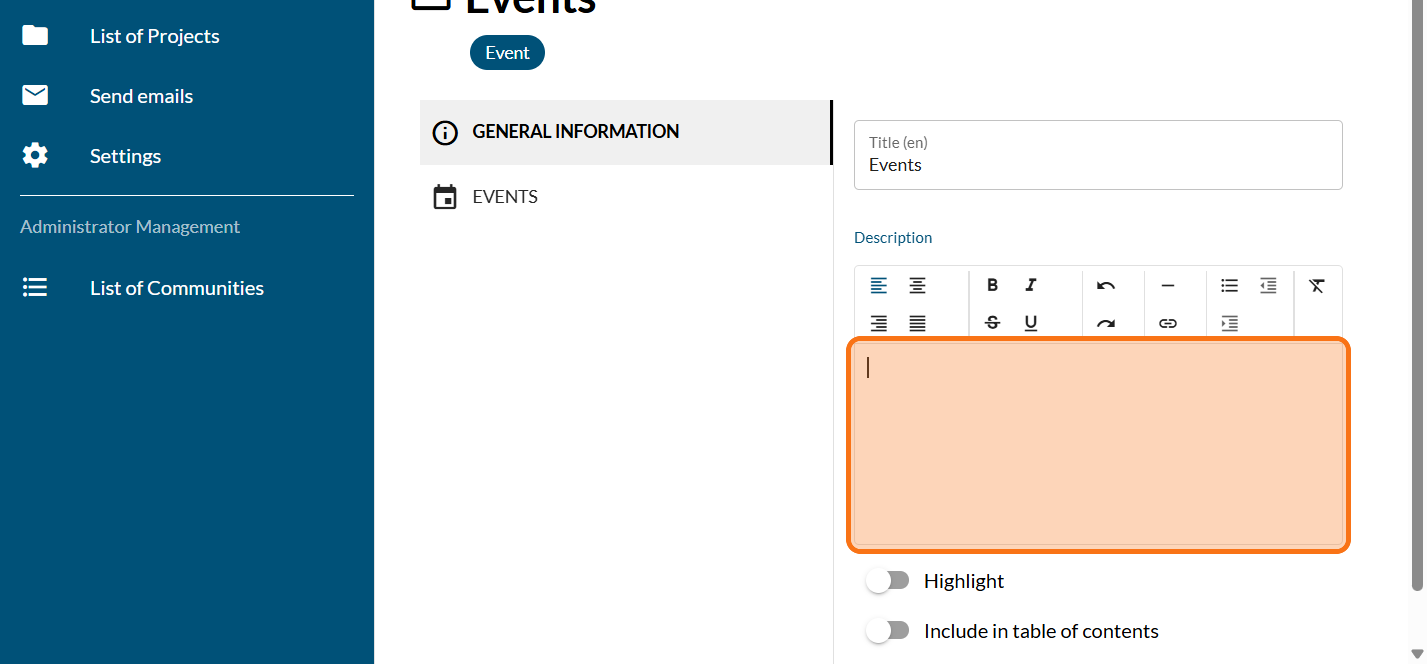
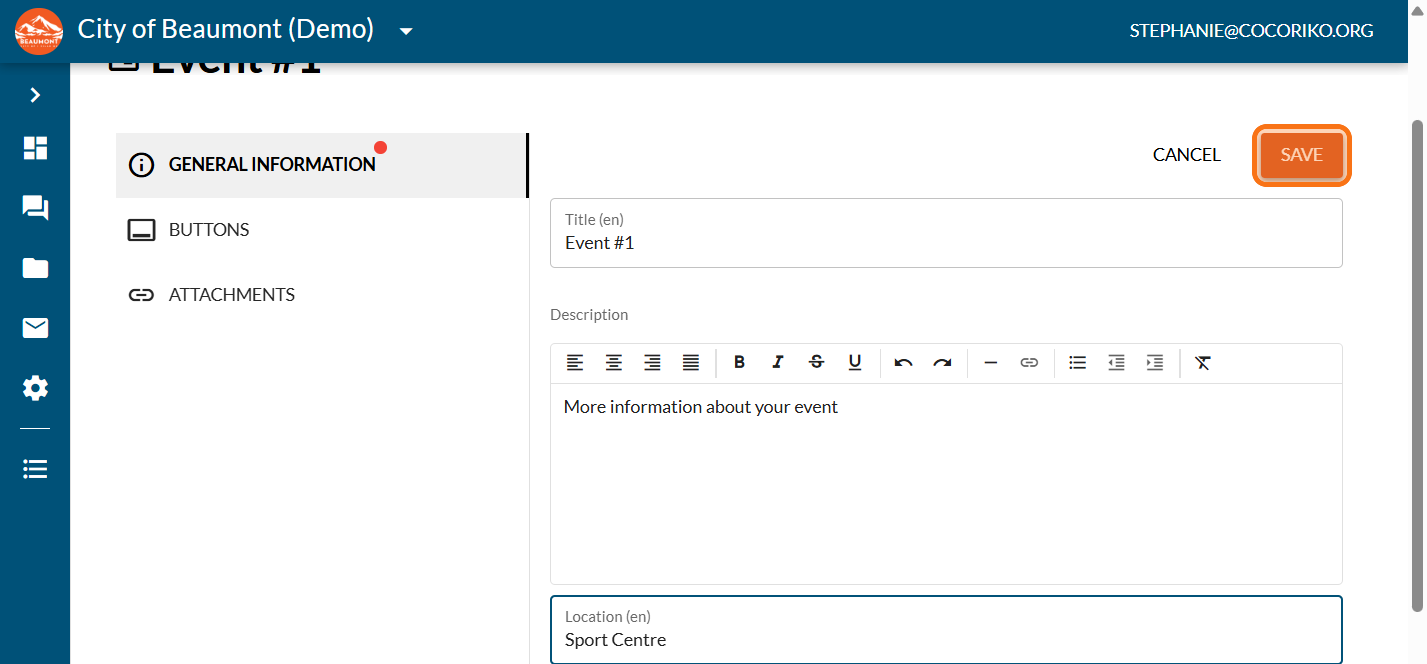
Click on "SAVE"
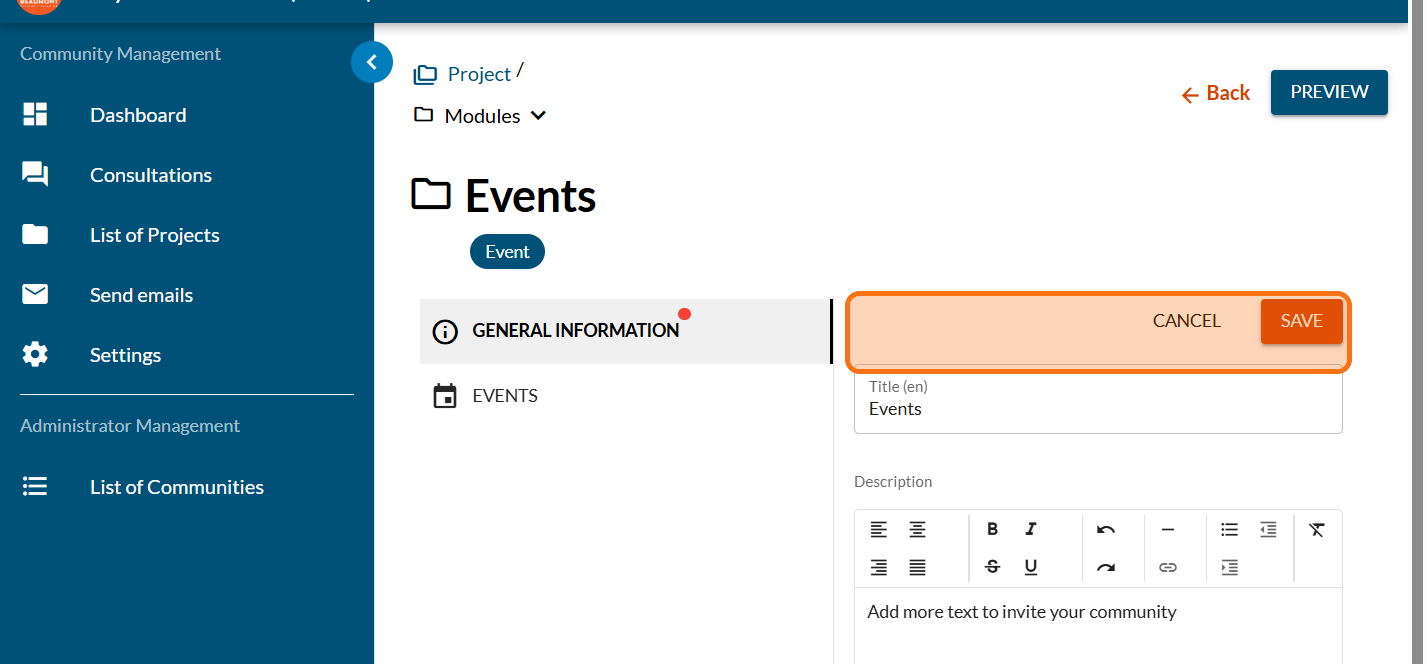
Click on "EVENTS"
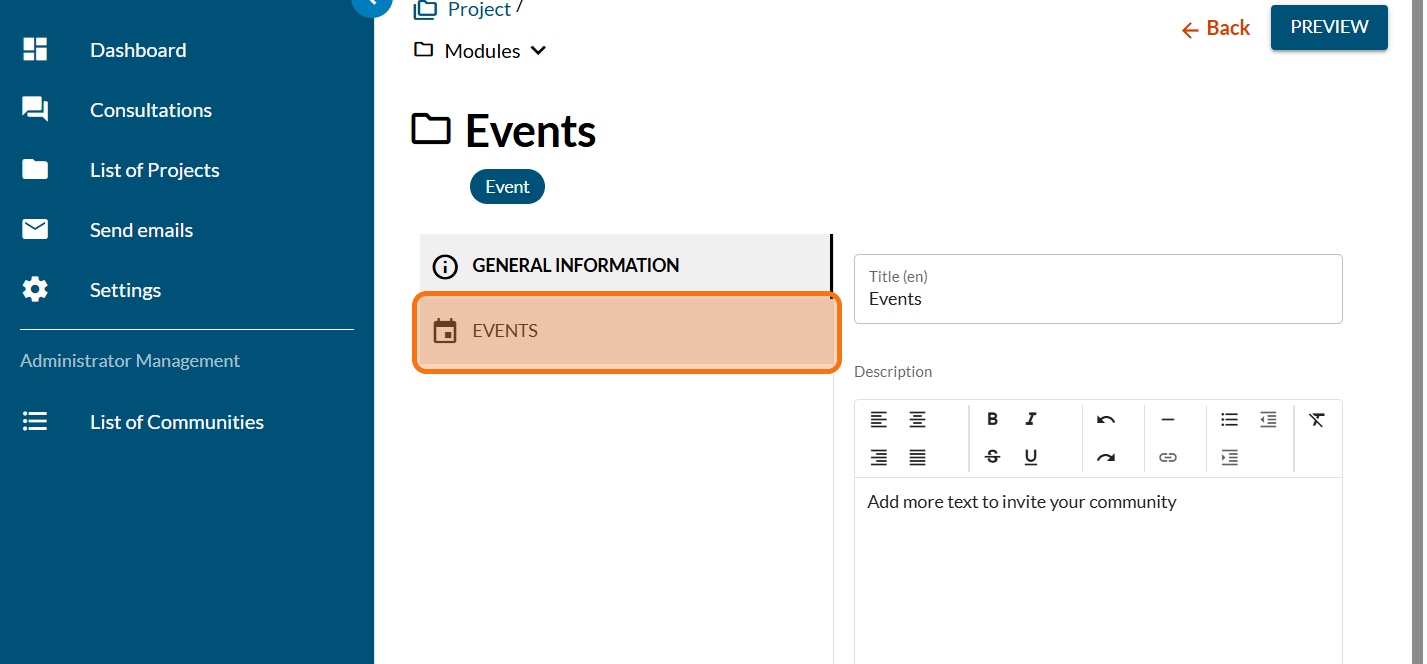
Click on the PLUS sign to add an event
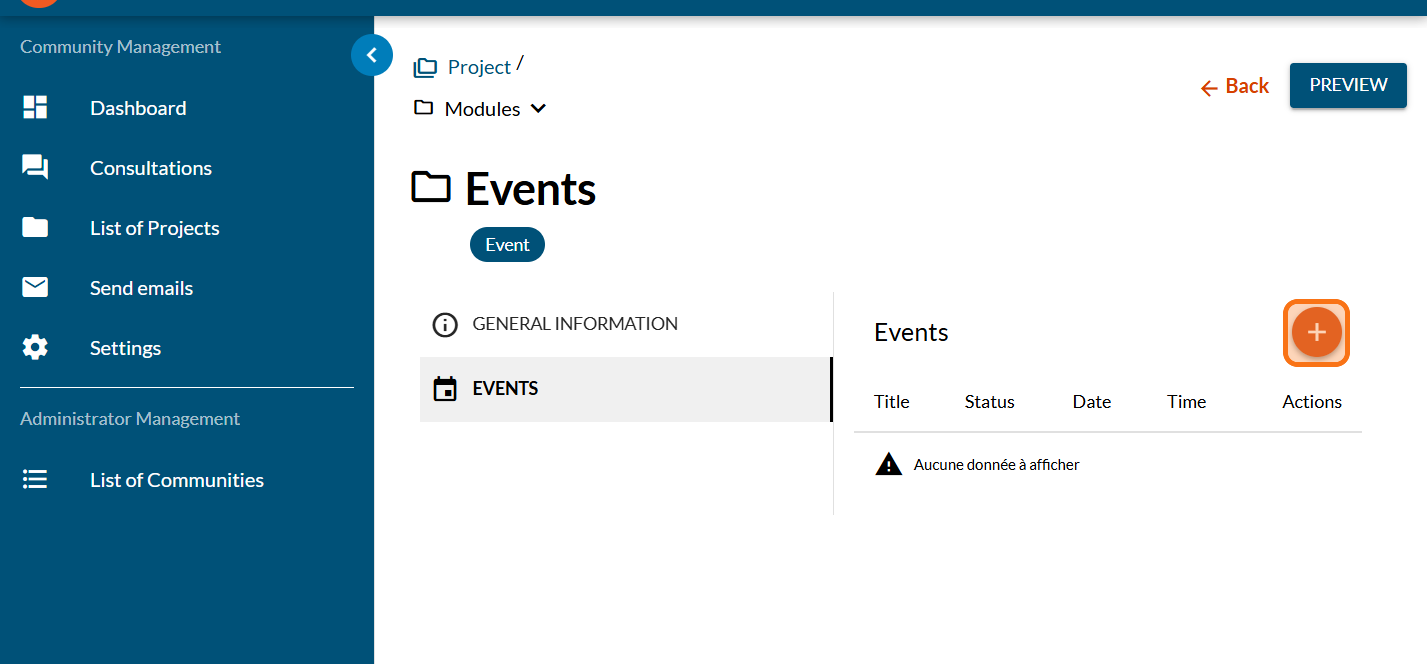
Enter the title of your event
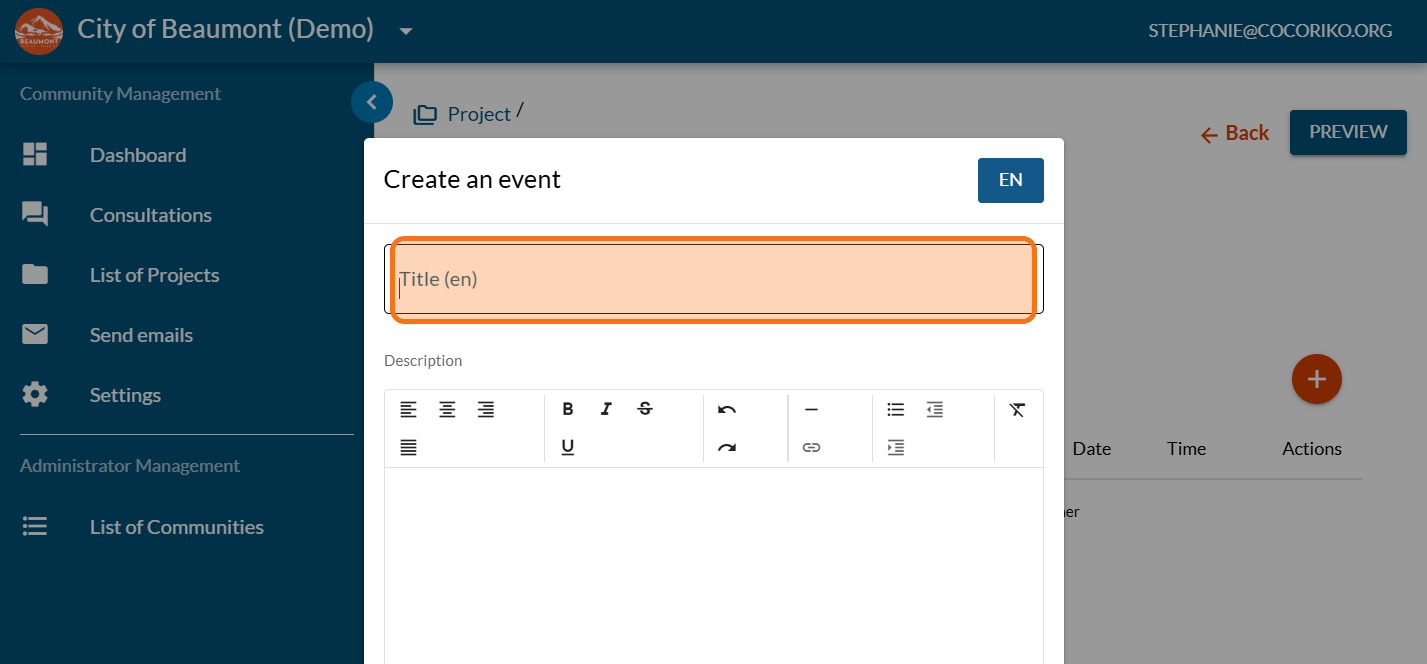
Enter details for your event
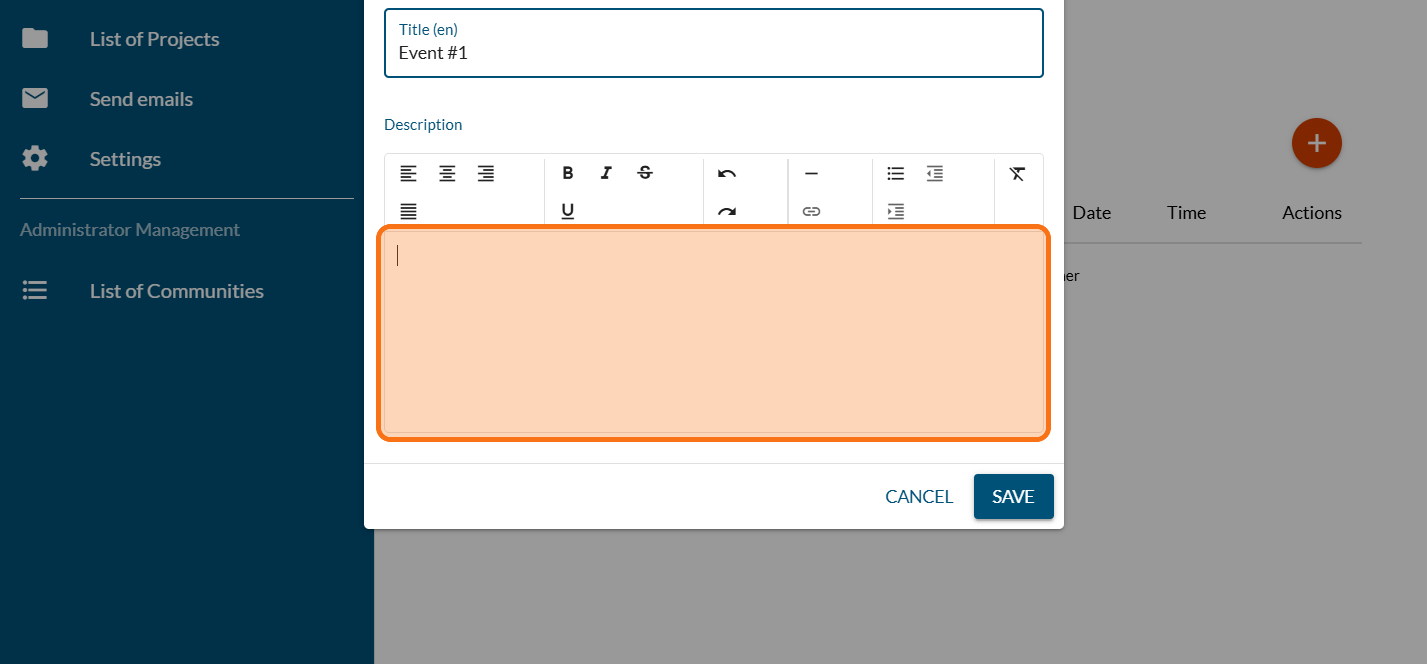
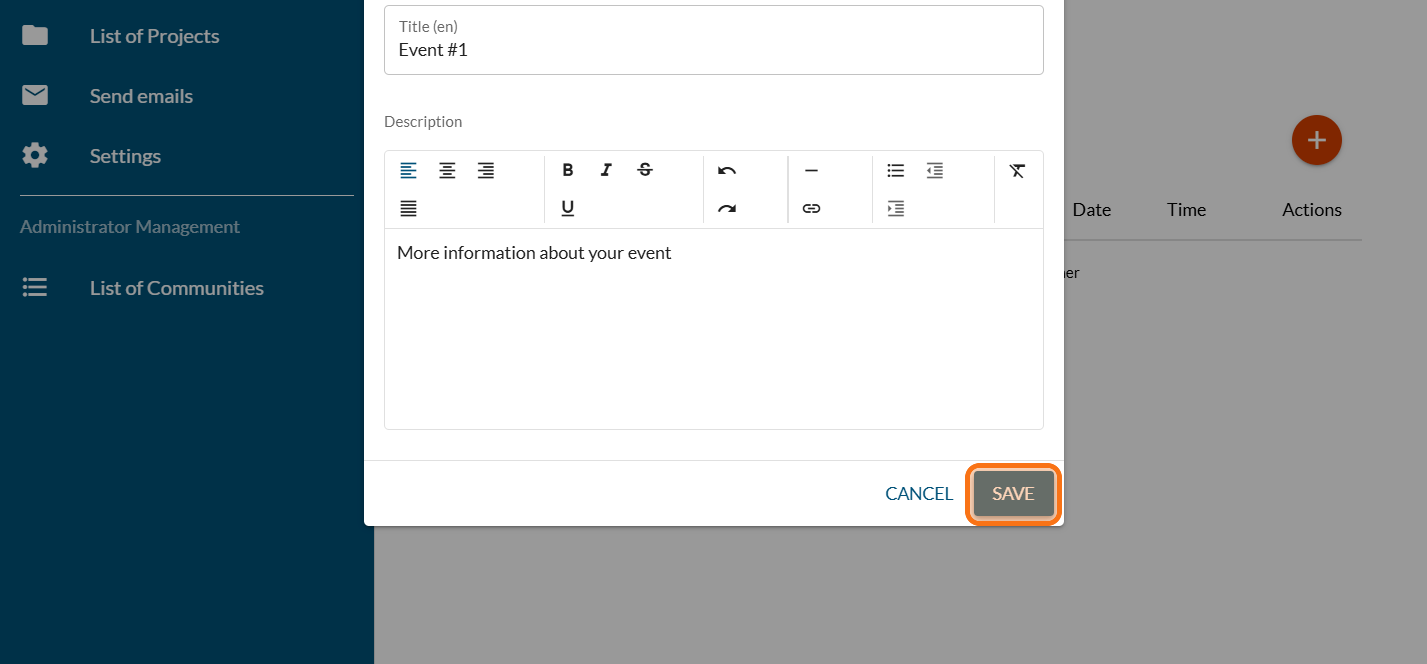
Click on "SAVE"
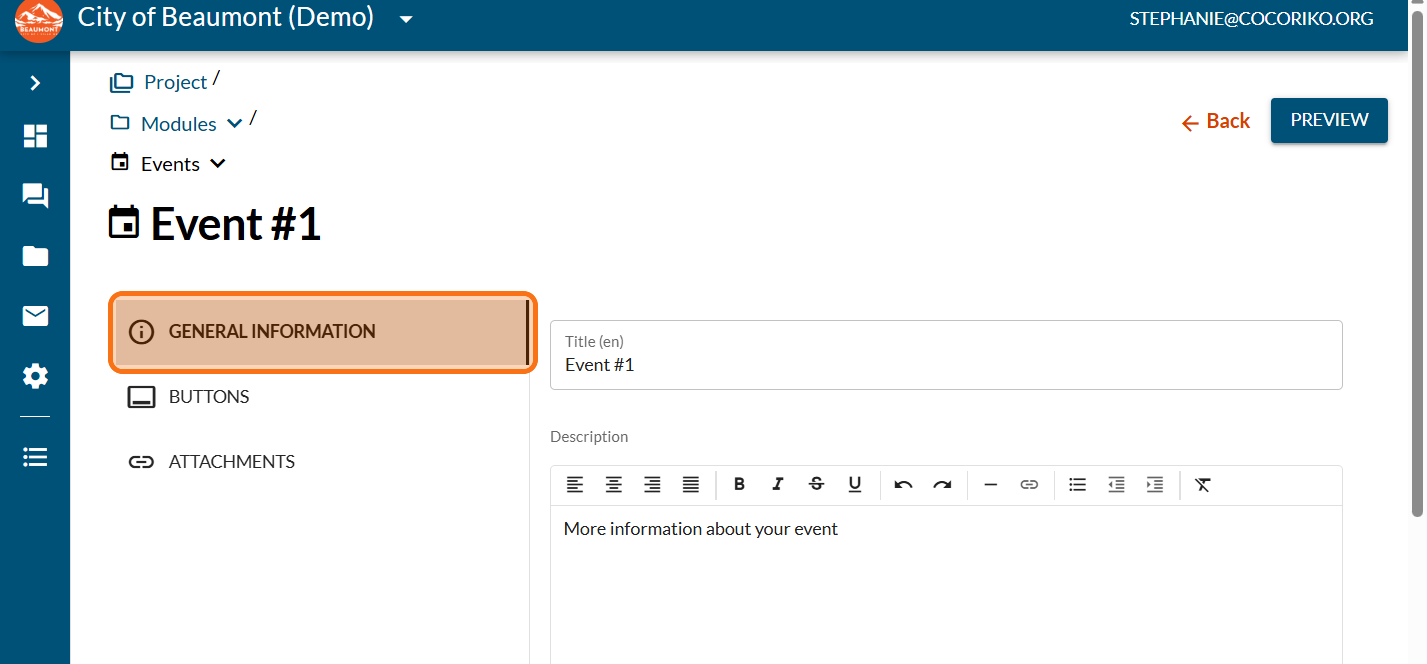
Click on "GENERAL INFORMATION"
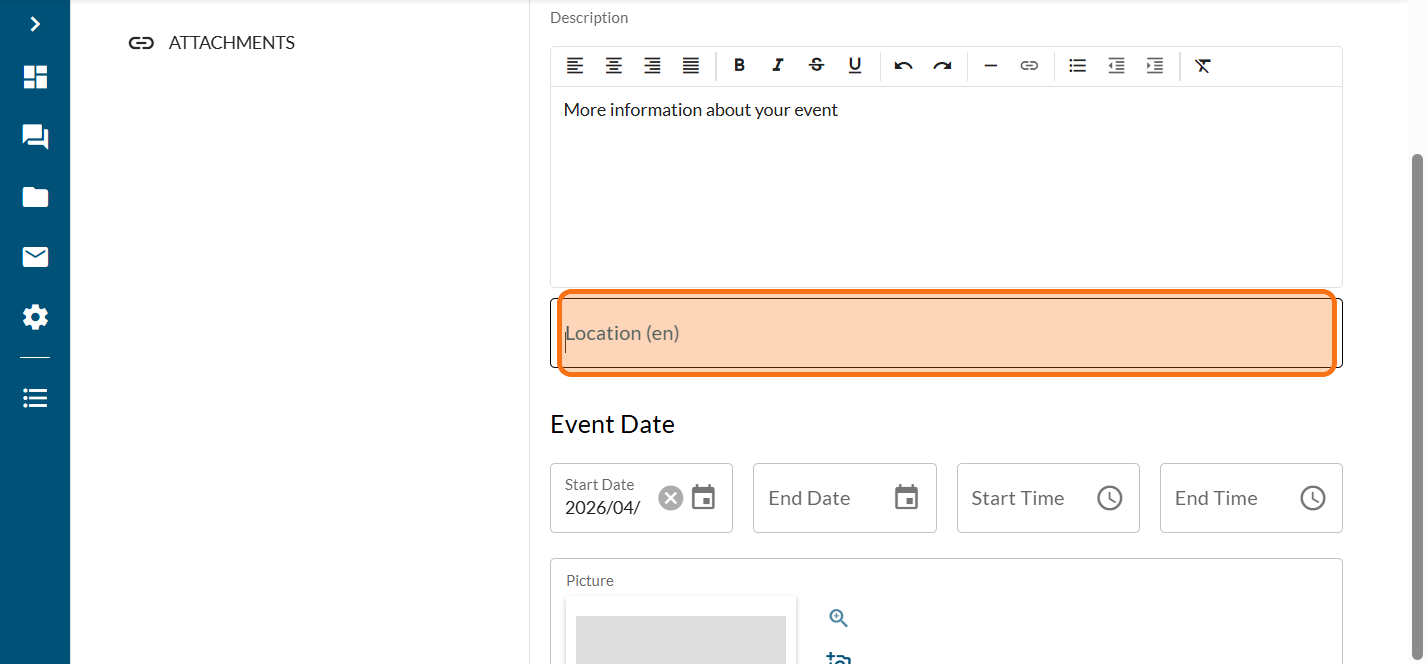
Enter the location of your event (optional)
Click on "SAVE"
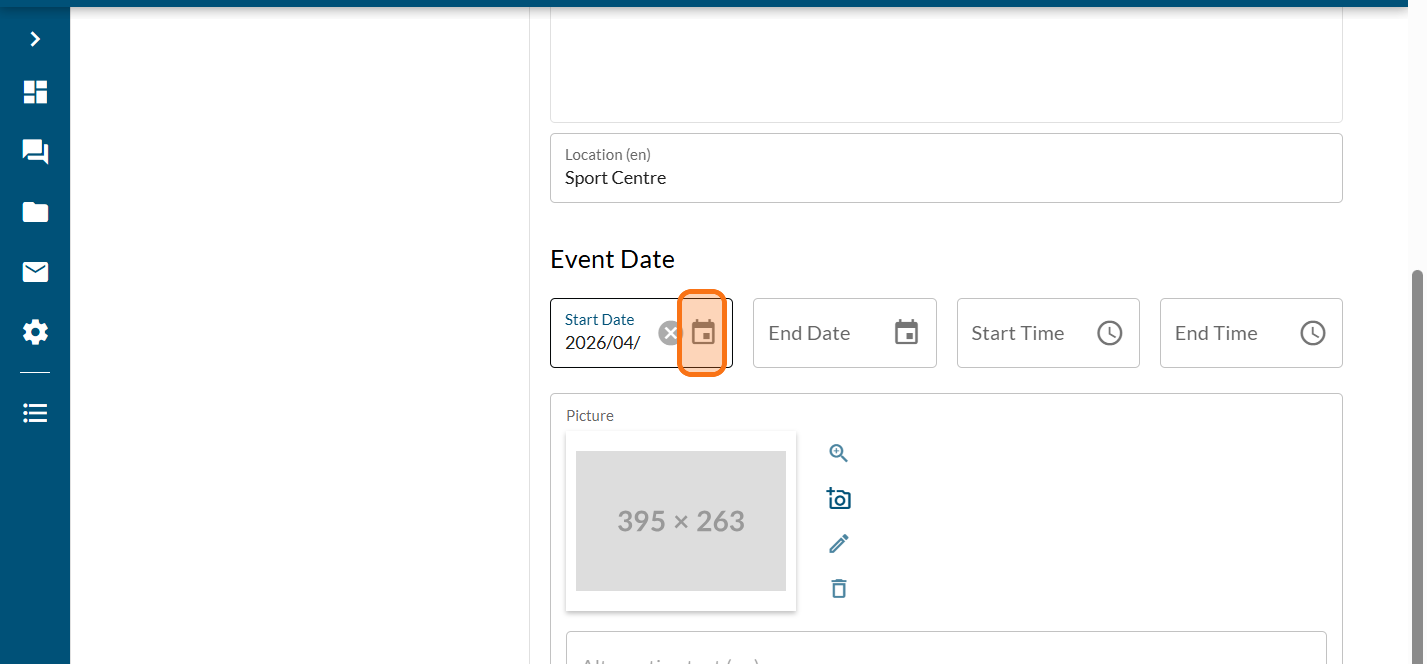
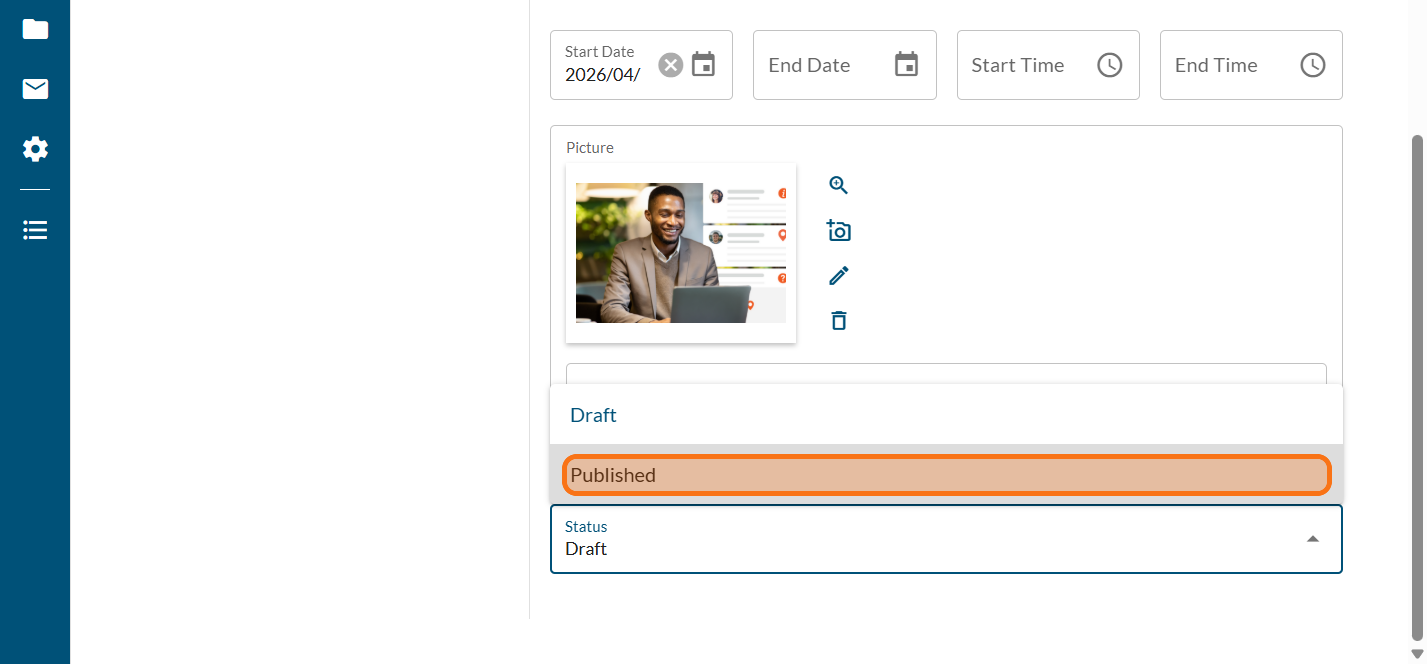
Enter the start and end date also the start and end time (optional)
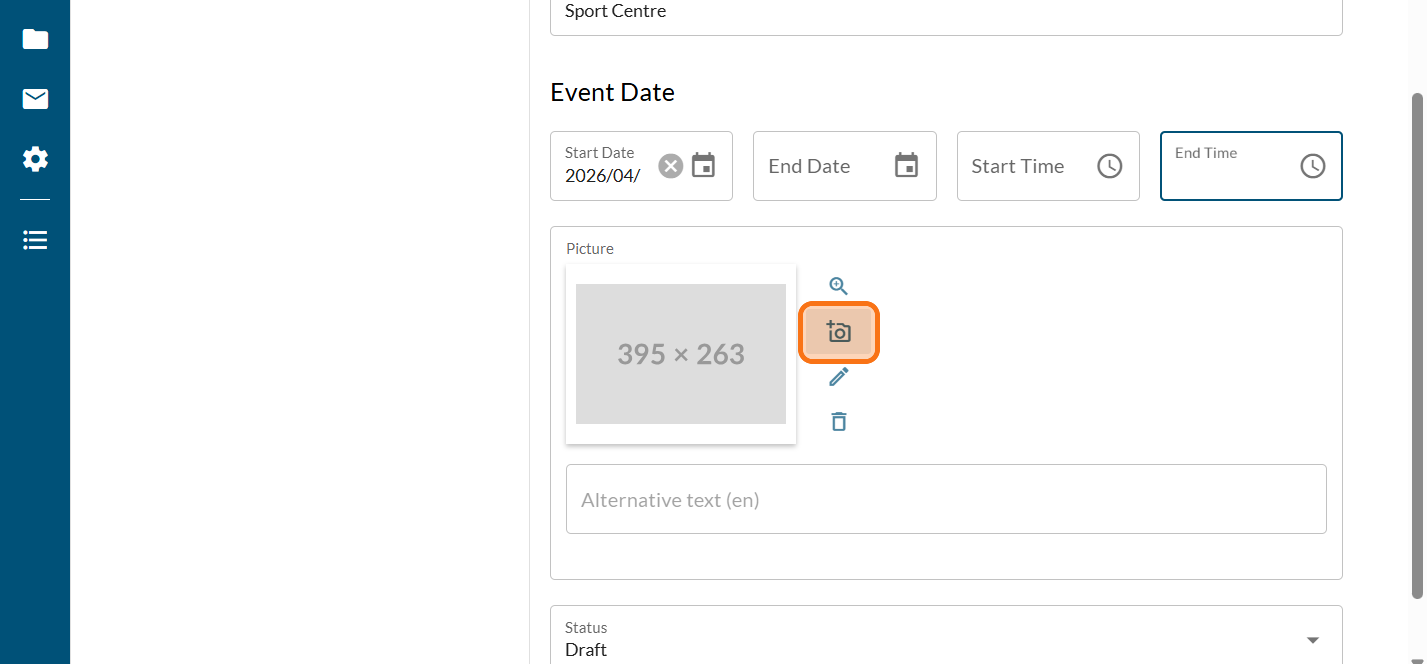
Click to add a picture (optional)
Click on "Published" if you want your event to show on the page
Click on "SAVE"
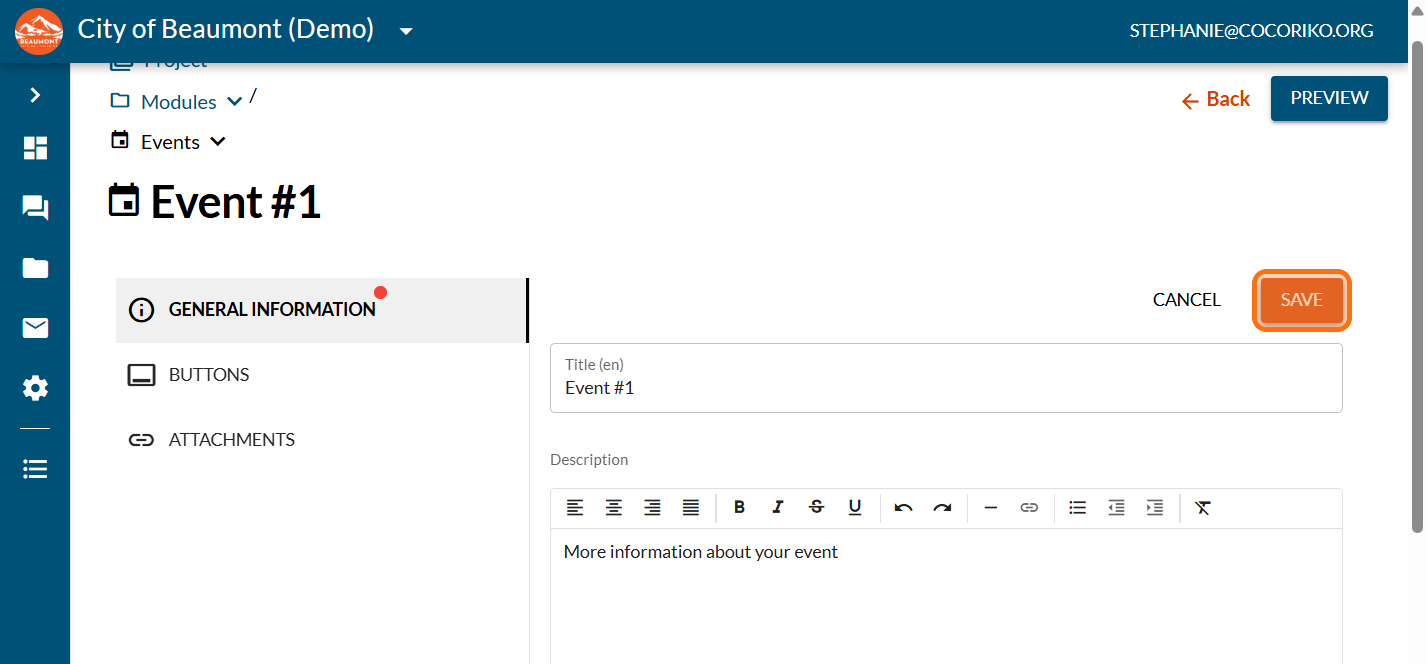
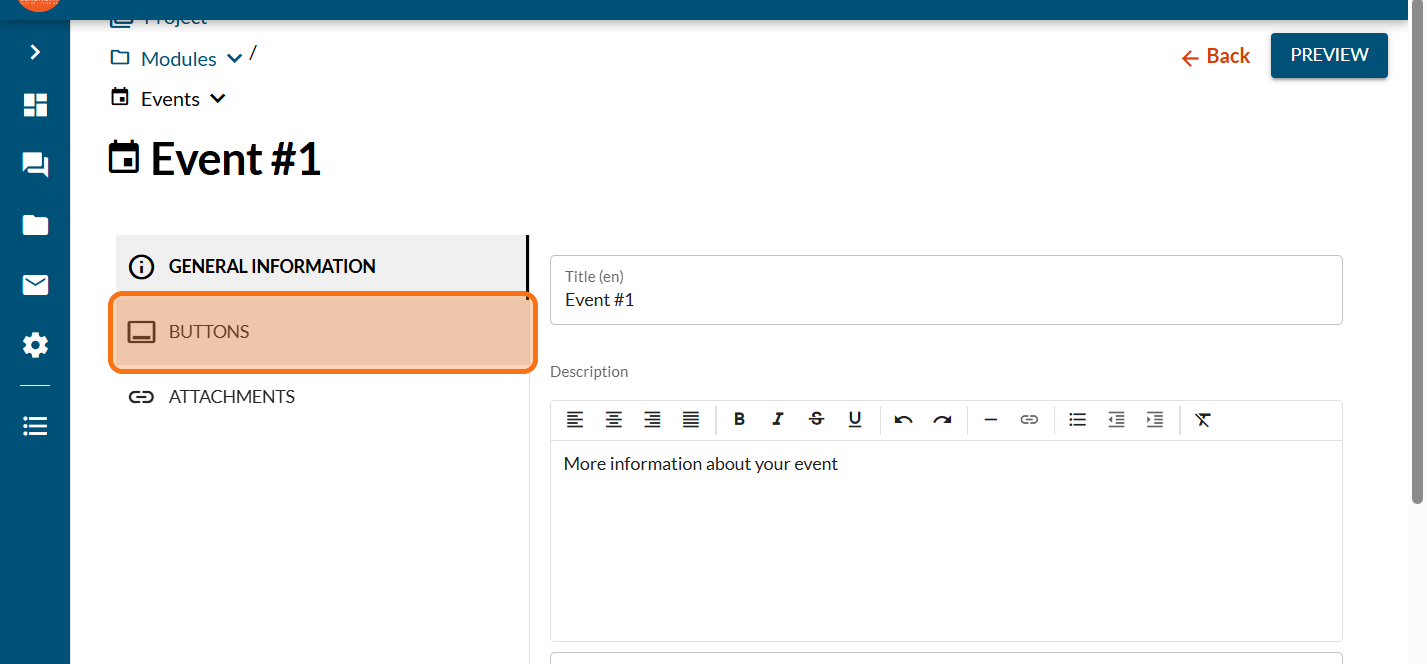
Click on "BUTTONS"
Click on "Primary"
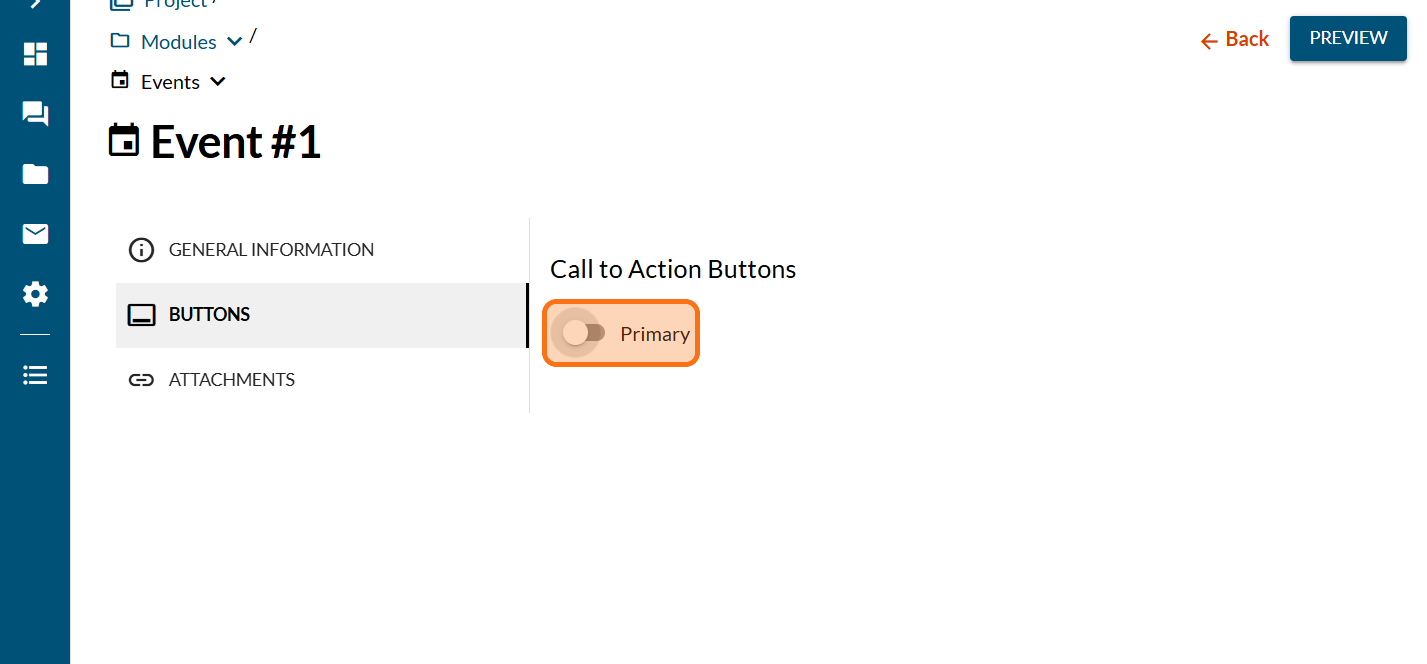
Enter a title for your button
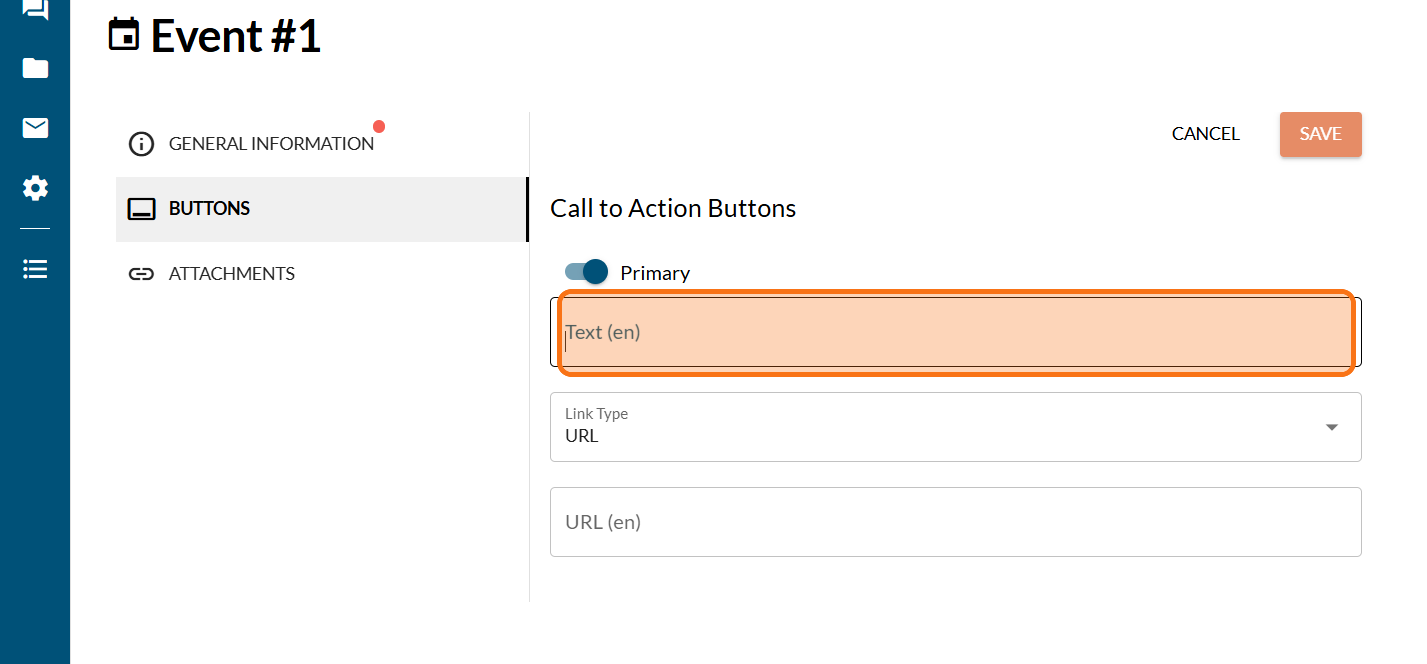
Paste a link for your button (such as a registration form)
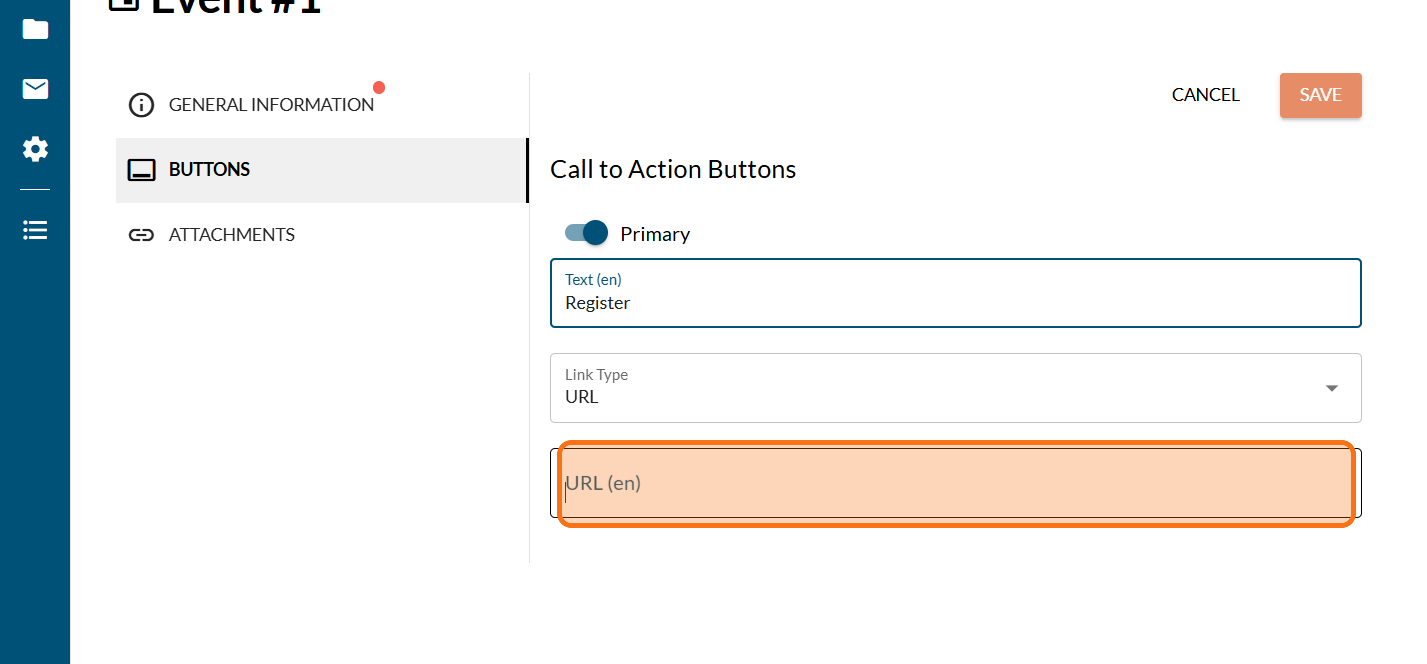
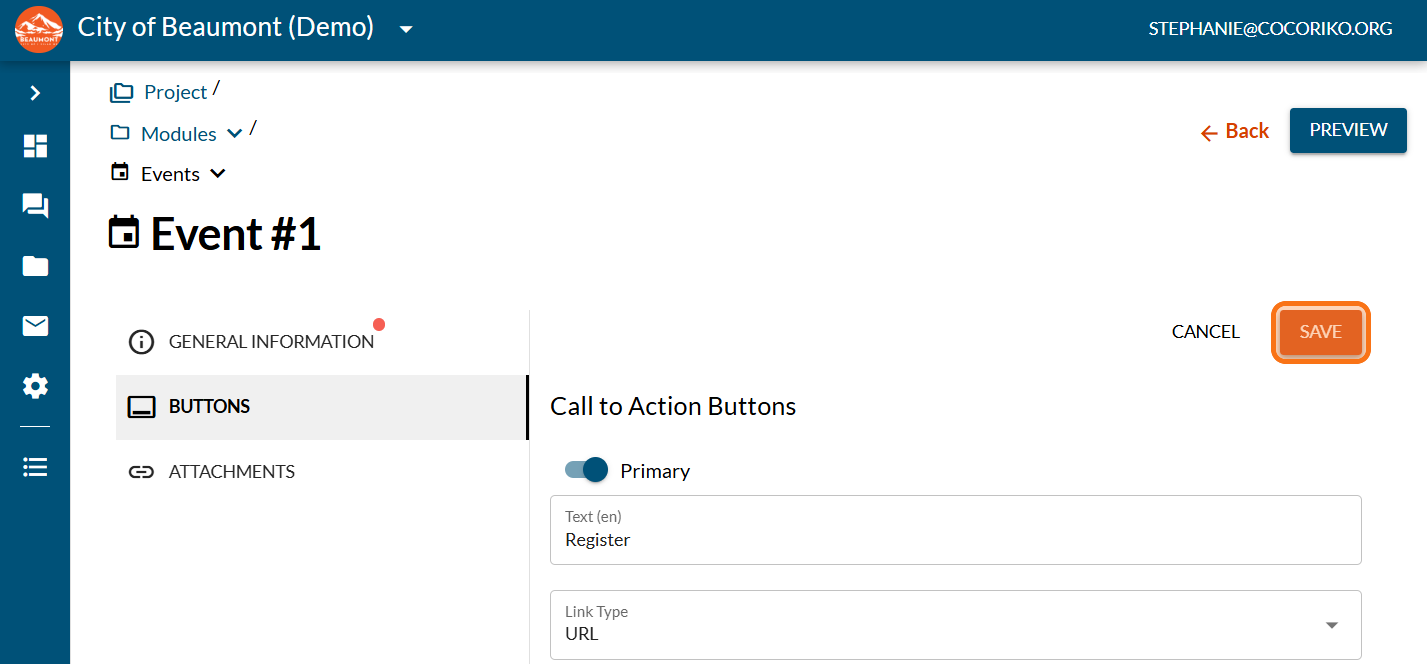
Click on "SAVE"
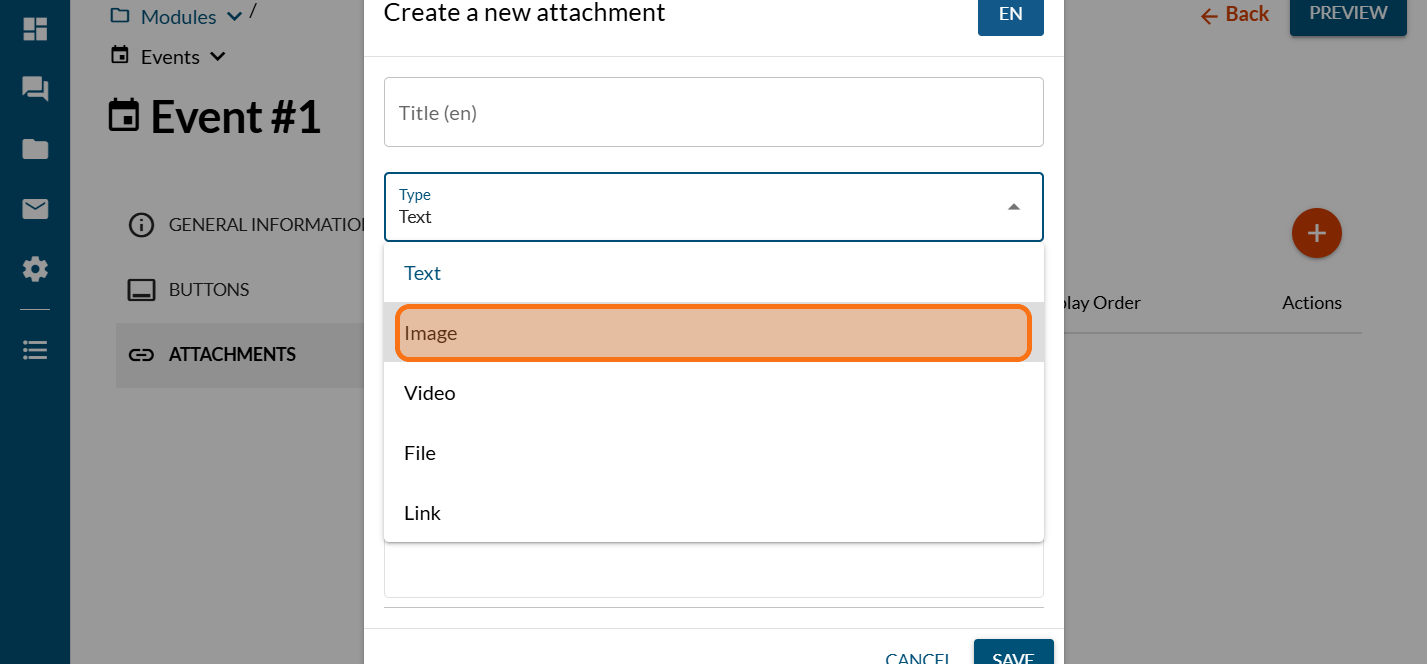
Click on "ATTACHMENTS"
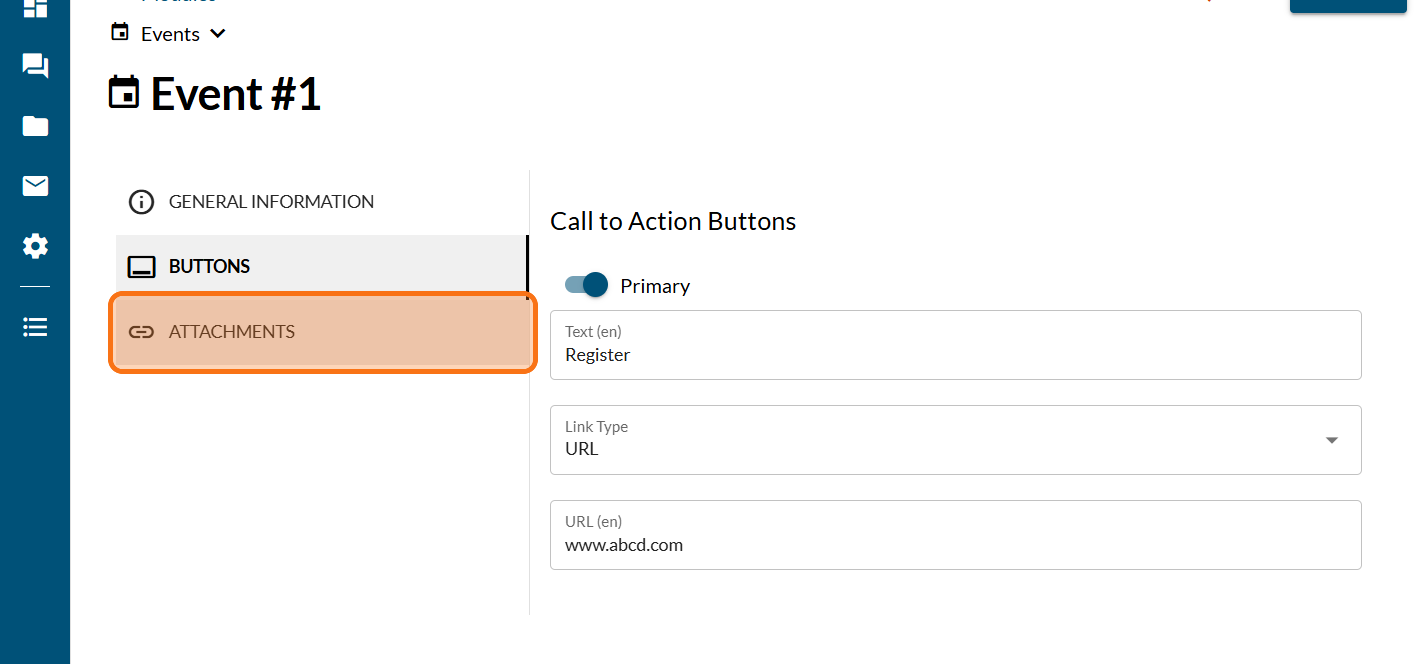
Add any type of attachements with more information
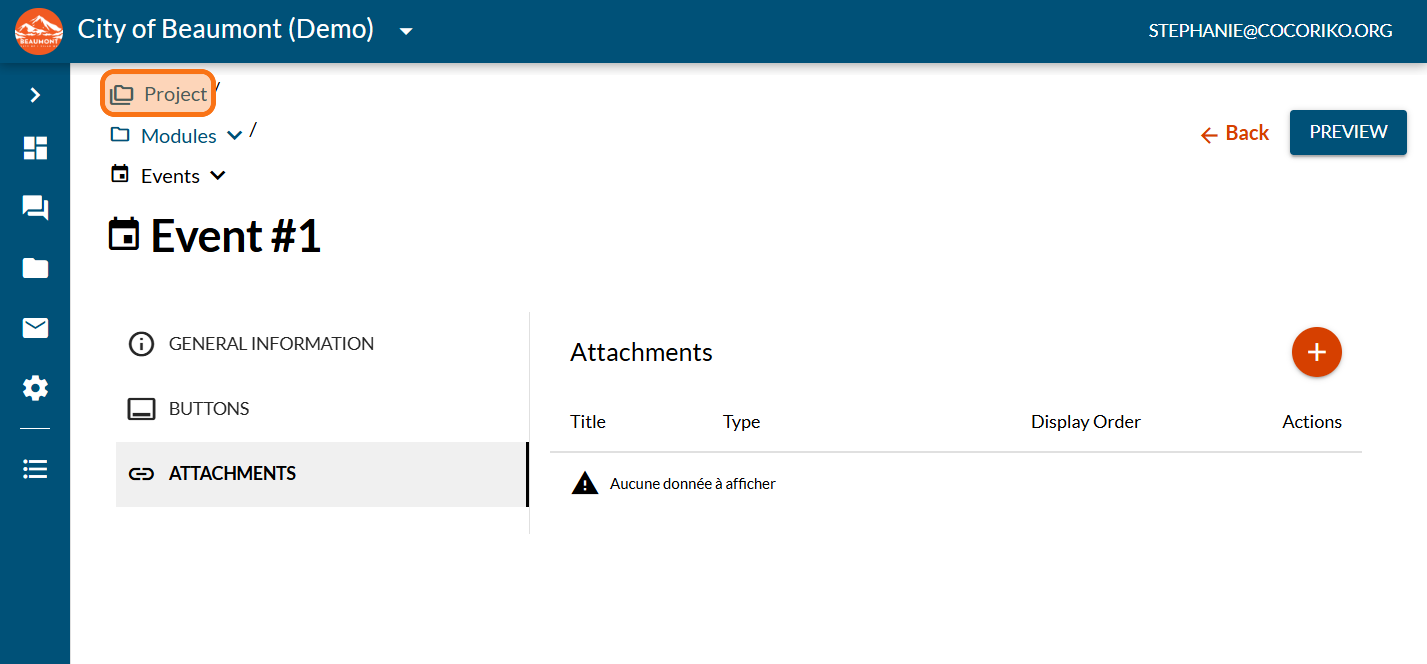
Click on "Project"
Click on "PREVIEW"
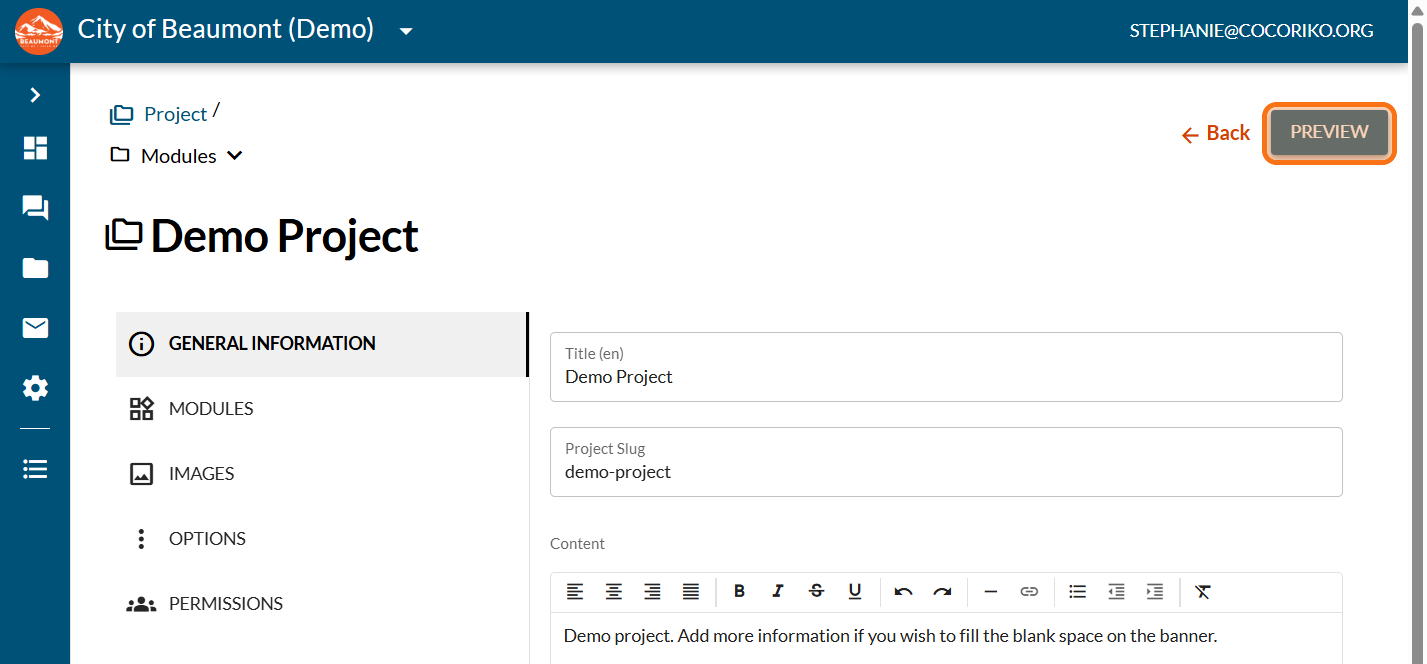
Preview your project with your new module (modern theme)

.png)
Add the Feedback module on a project
If your project does not have a consultation page, this modu …

Add Who's Listening module on your project
Let your community know who is involved in this project and …

Manage editors on your platform
An administrator on a Cocoriko platform can add or remove co …